
Enables the previous "classic" editor and the old-style Edit Post screen with TinyMCE, Meta Boxes, etc. Supports all…

About Highlighting Code Block
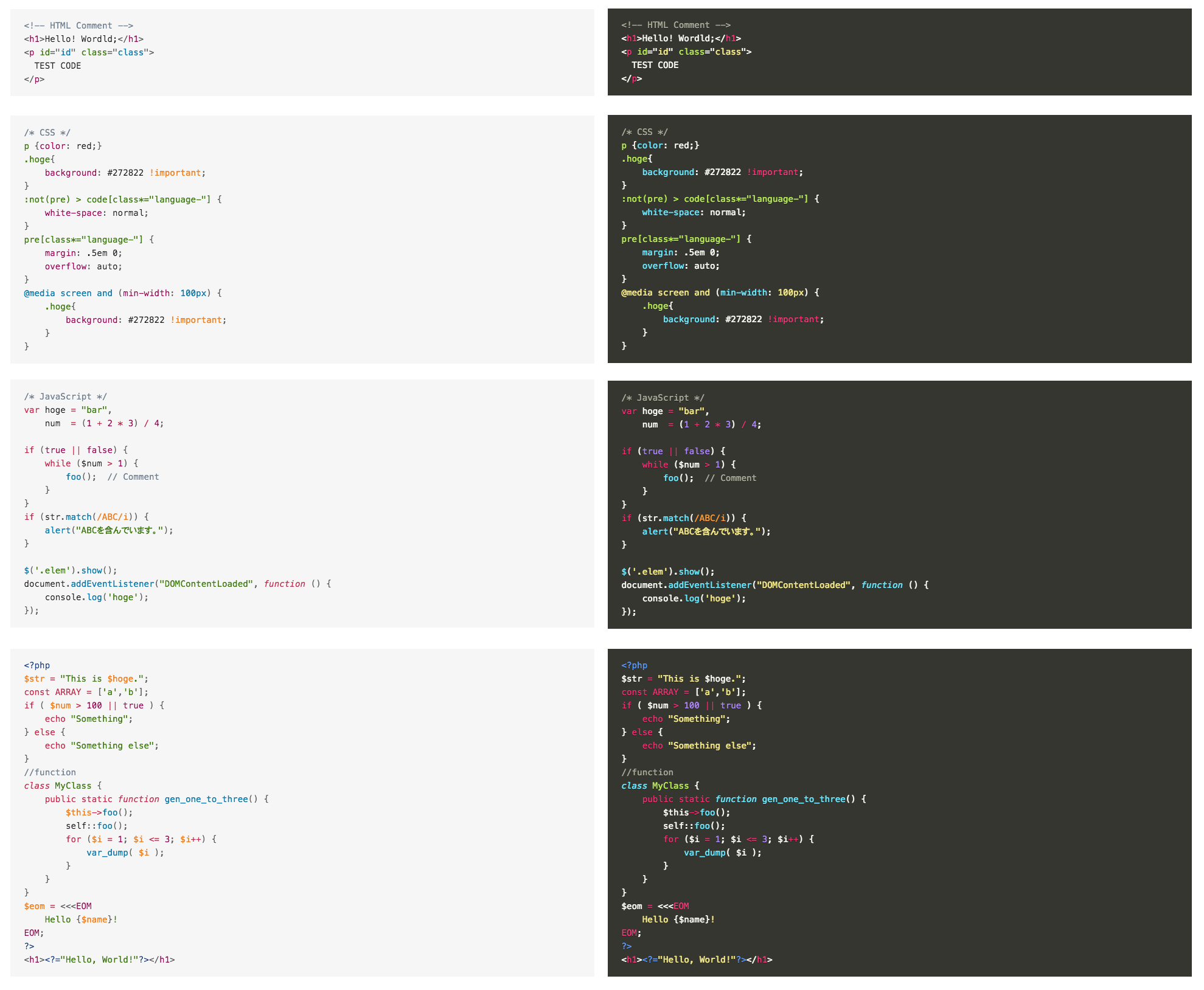
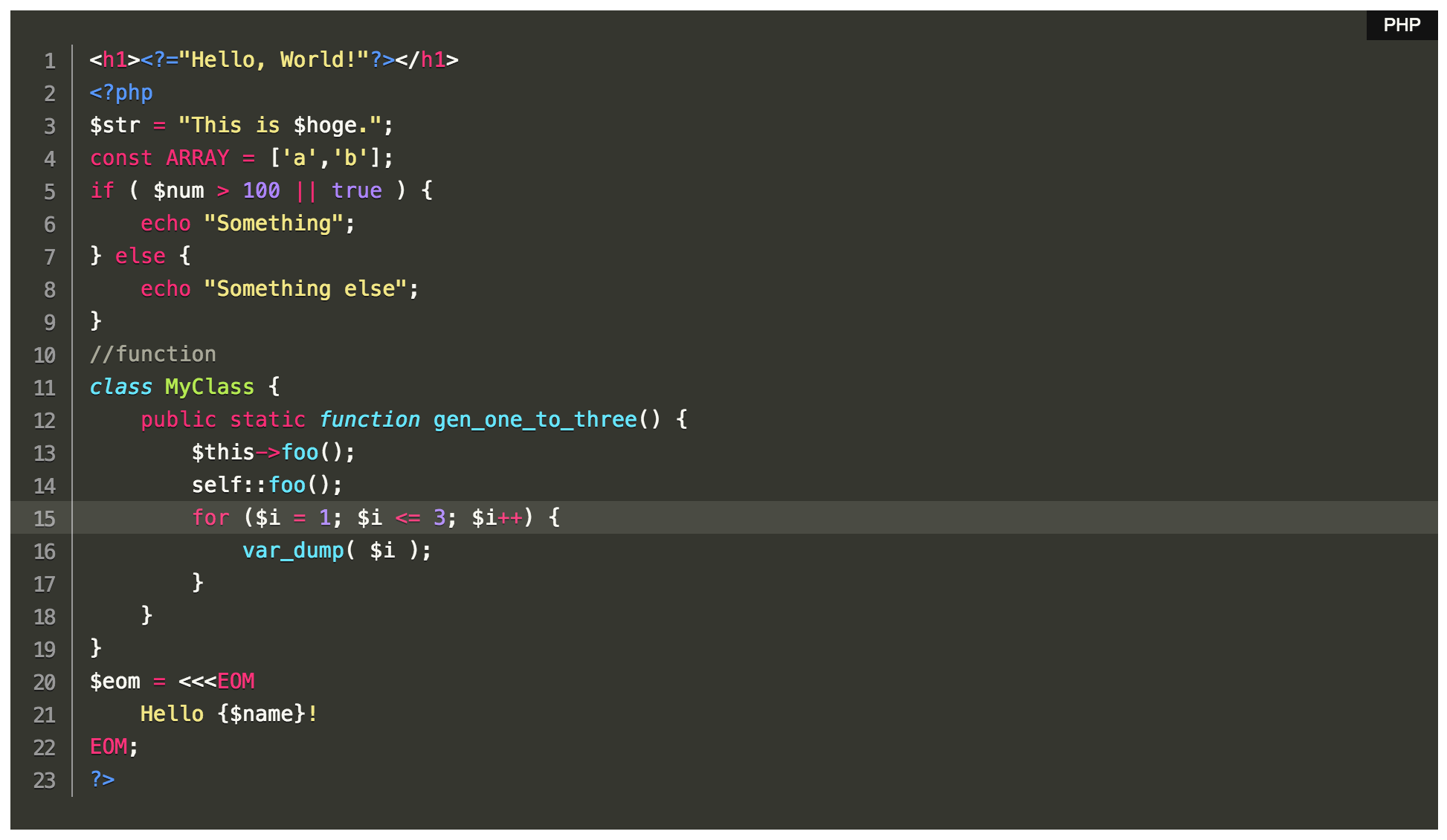
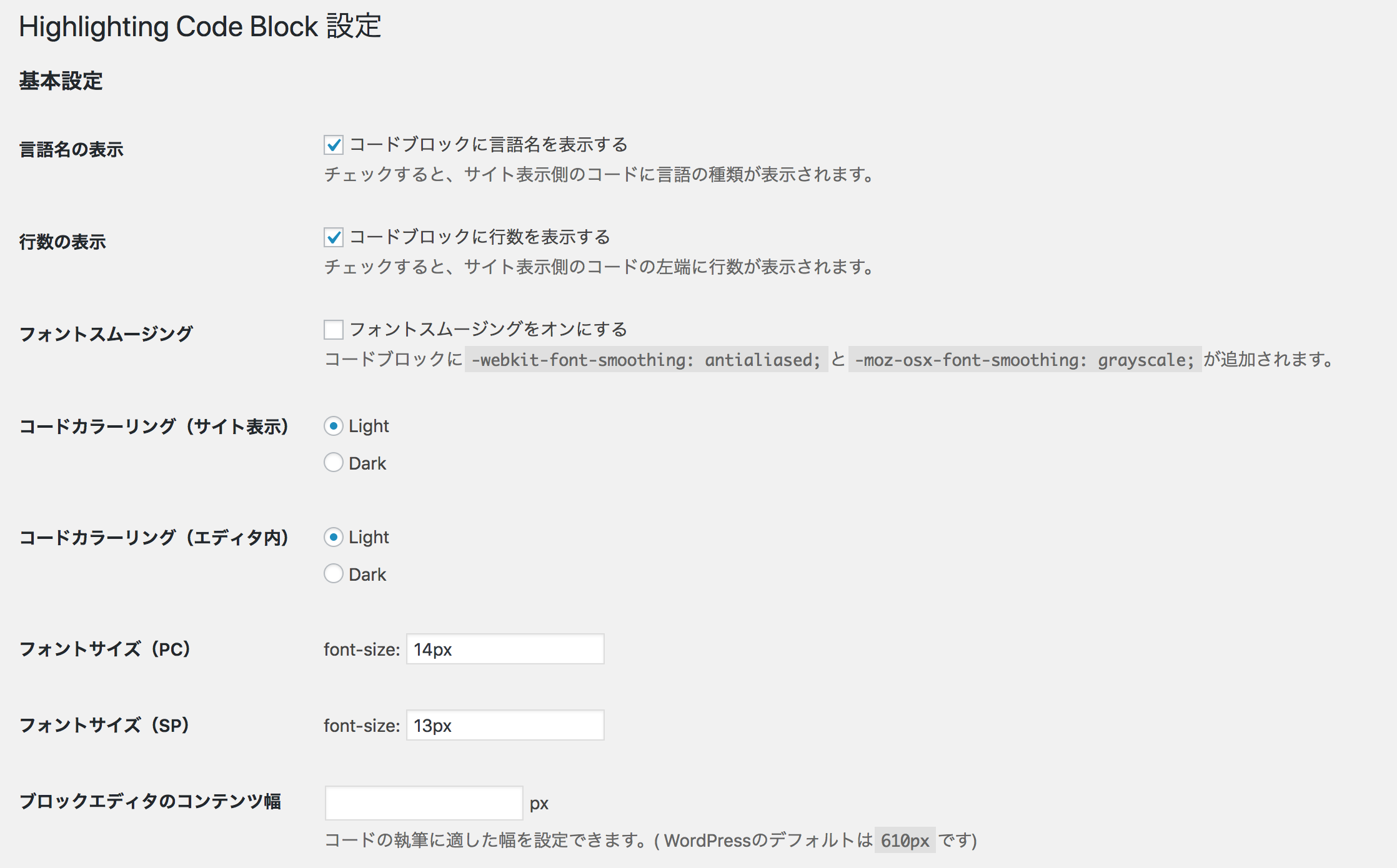
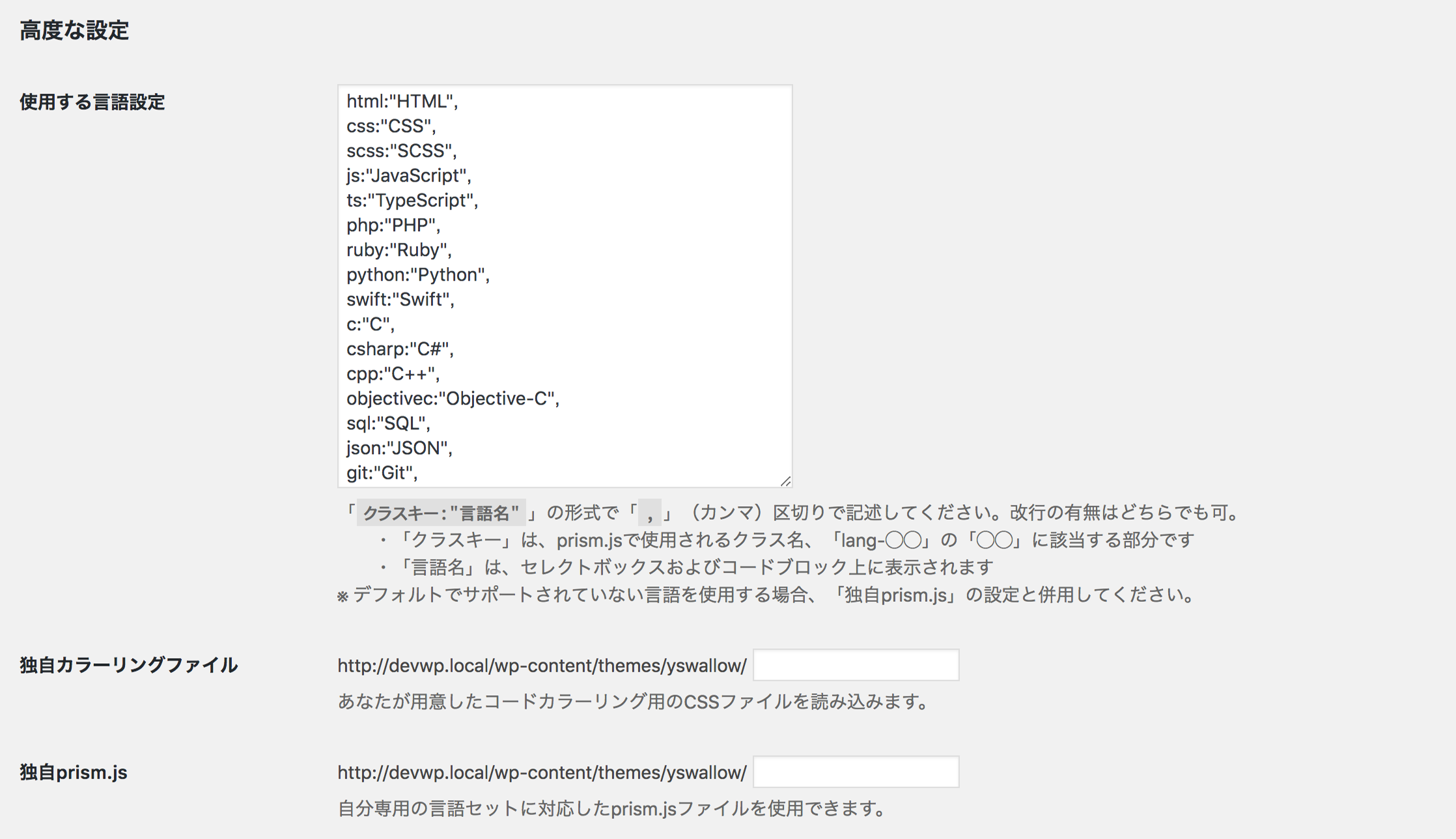
The "Highlighting Code Block" plugin allows you to easily add syntax-highlighted code blocks to your website. It works with both the Block Editor and the Classic Editor, although it is recommended to use it with the Block Editor. You can find more information and instructions on how to use the plugin on the provided URLs.Screenshots

Frequently asked questions
What does the 'Highlighting Code Block' plugin do?
The 'Highlighting Code Block' plugin allows you to add a syntax-highlighted code block with just a click. It supports both the Block Editor and the Classic Editor.
Where can I find a detailed explanation of this plugin?
You can find a detailed explanation of this plugin at the following URL: https://loos.co.jp/en/documents/highlighting-code-block/
Where can I find the source code of this plugin?
The source code of this plugin is available on Github. You can find it at the following URL: https://github.com/ddryo/Highlighting-Code-Block
How do I use the plugin in the Block Editor?
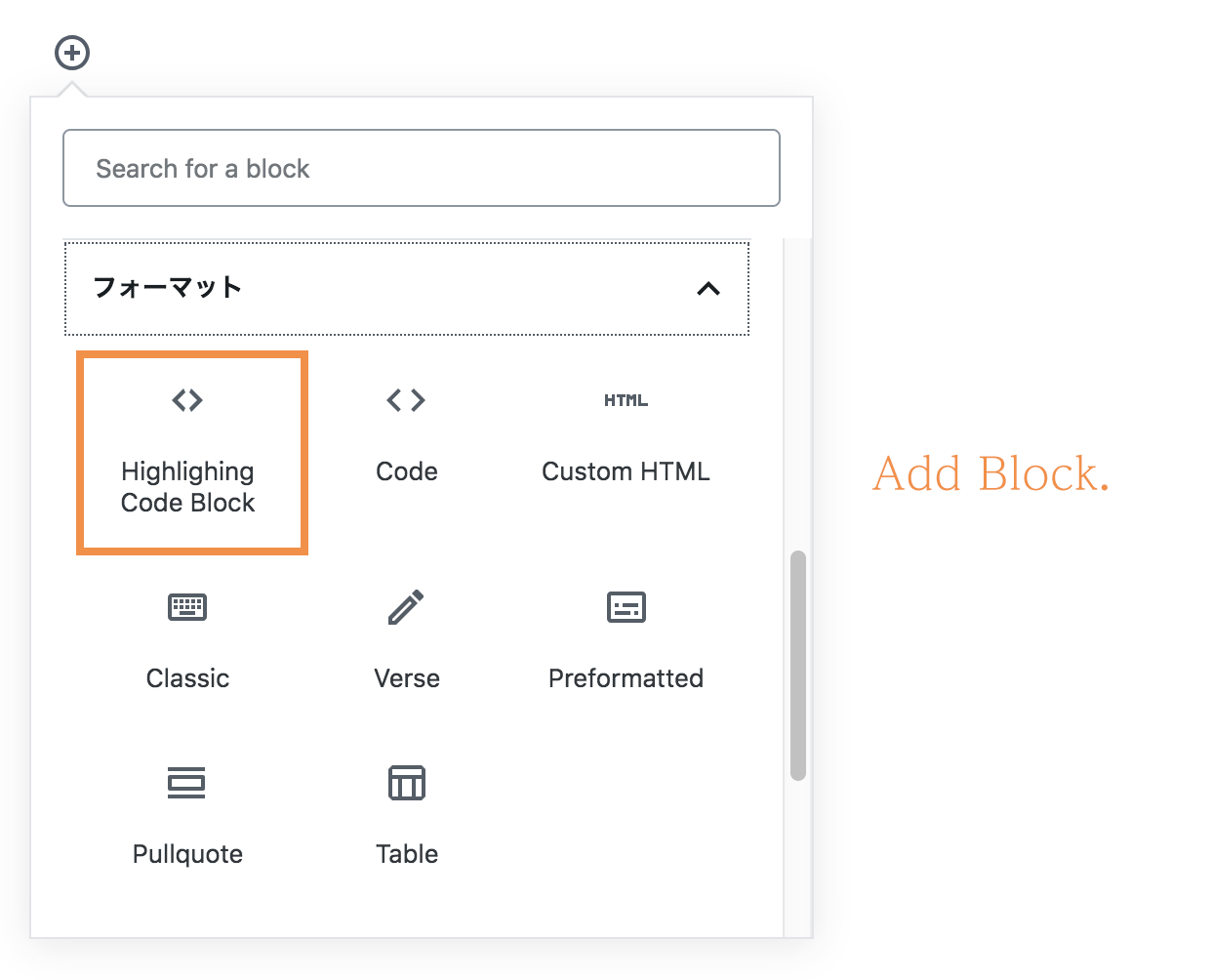
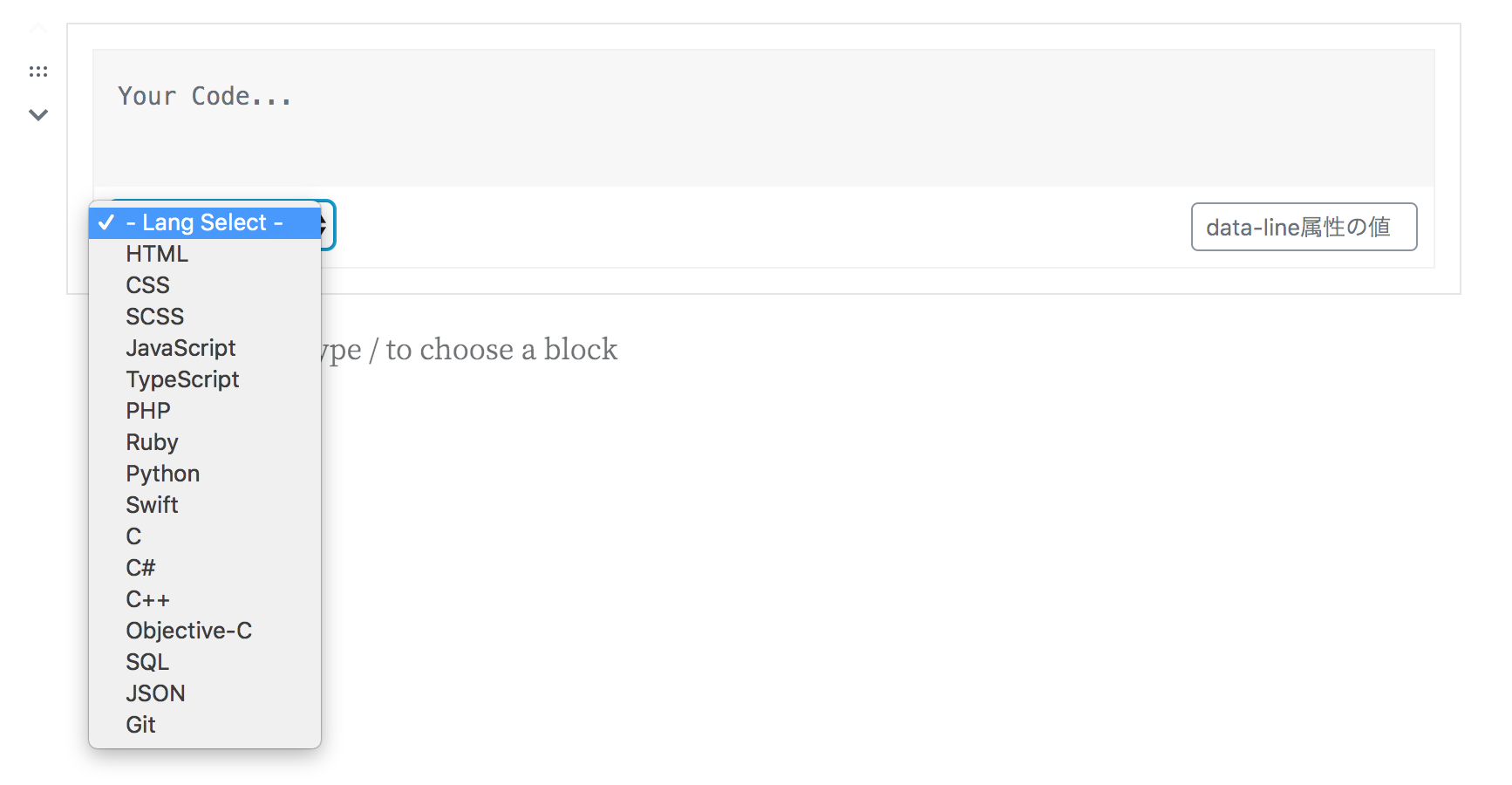
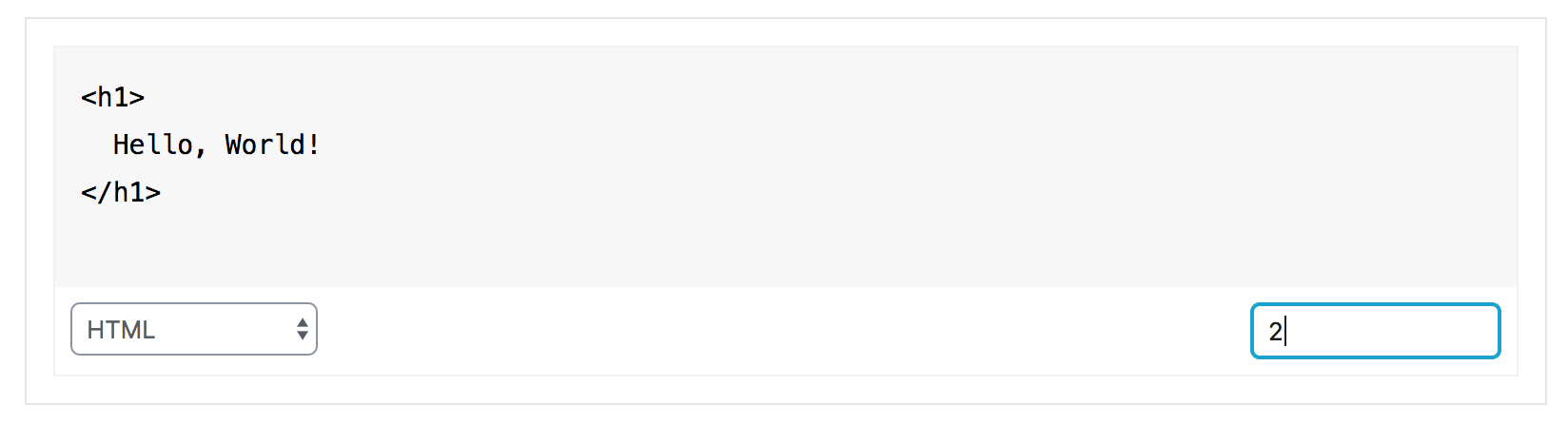
To use the plugin in the Block Editor, open the 'Formatting' category of the Block Inserter. There is a custom block named 'Highlighting Code Block'. Select it, and the block will be inserted. Then, select the language of the code and enter any code.
How do I use the plugin in the Classic Editor?
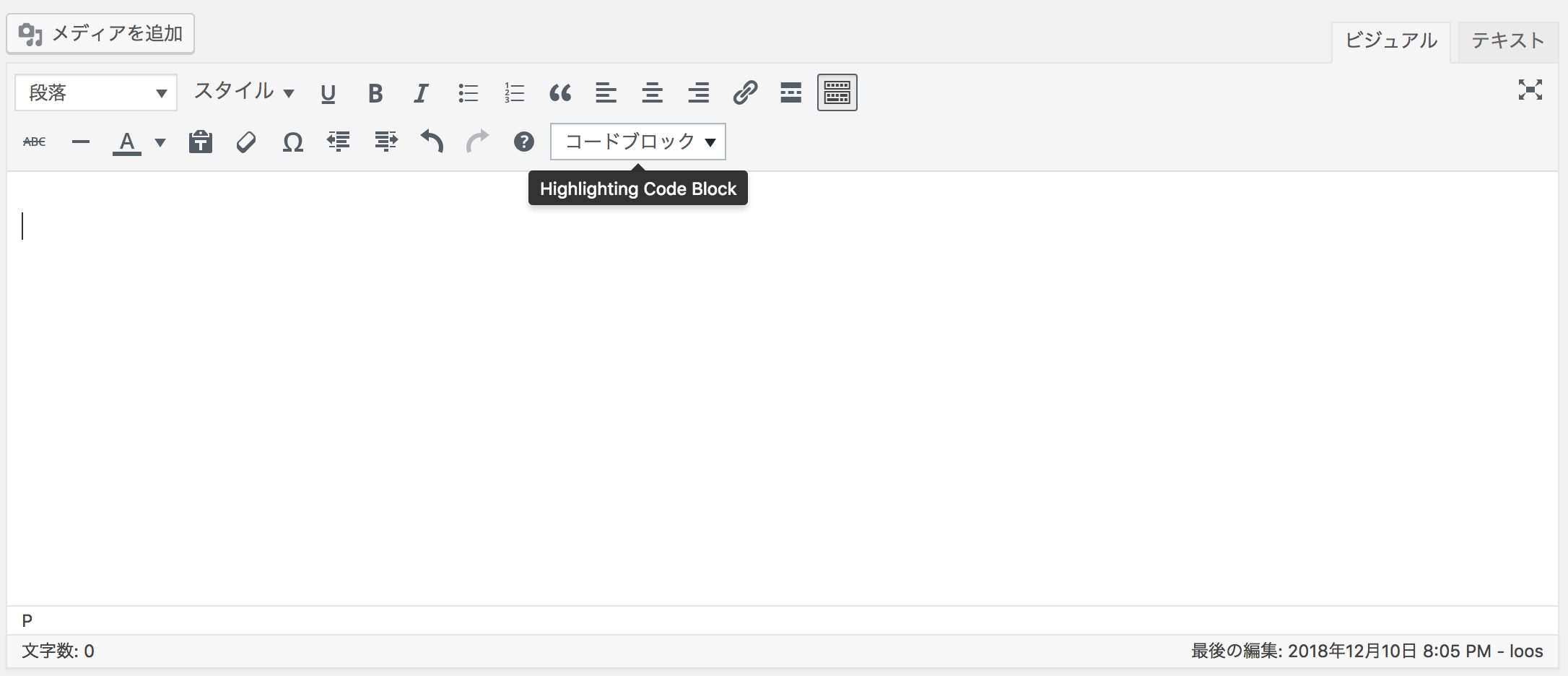
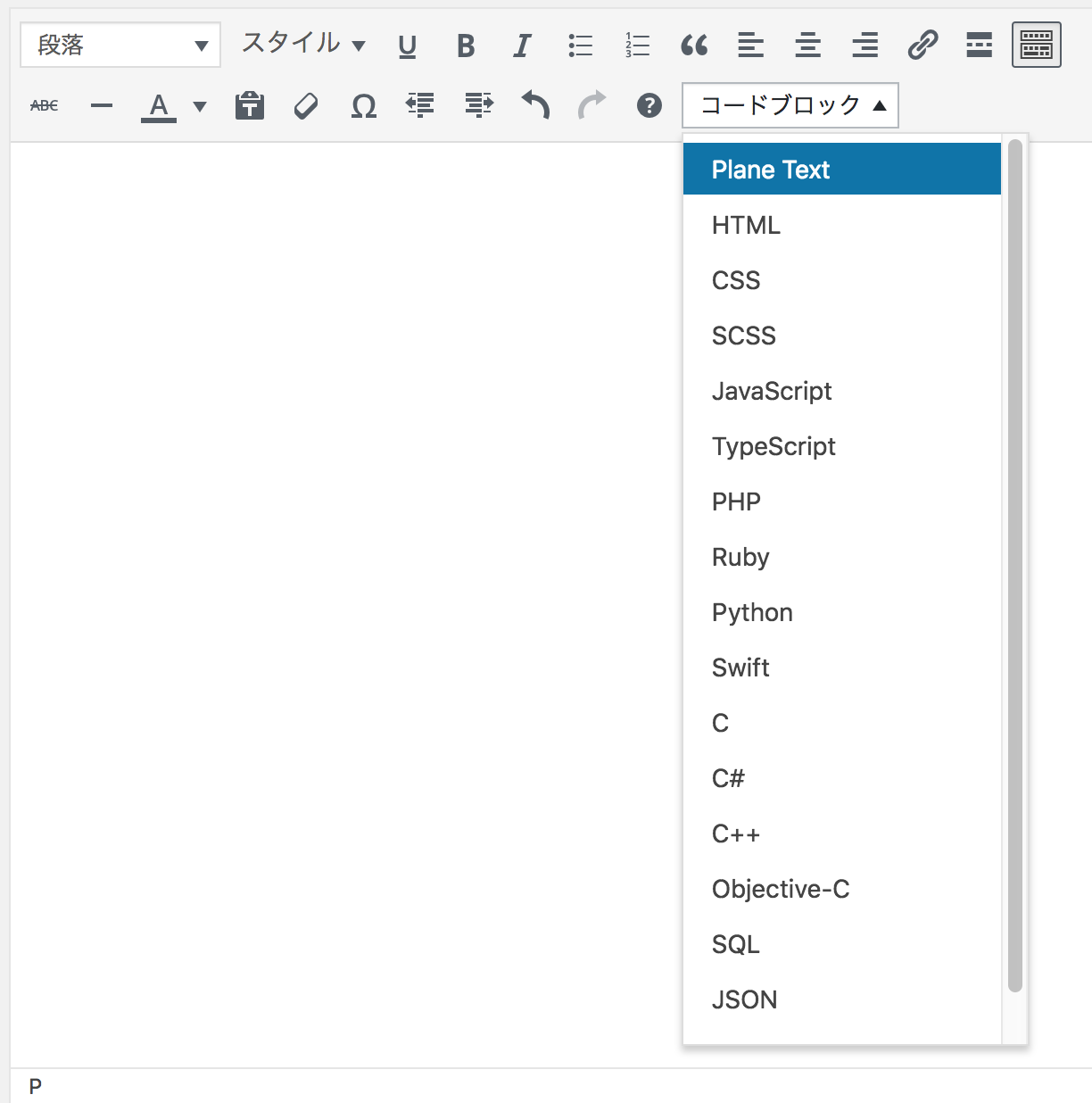
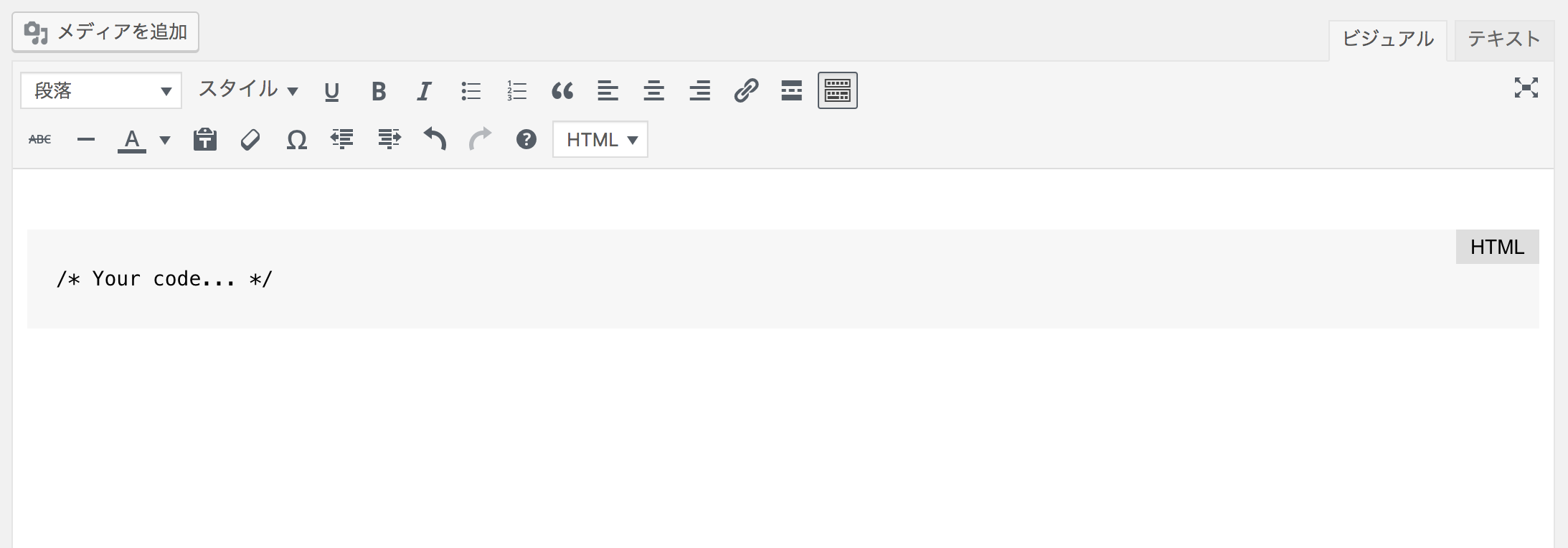
To use the plugin in the Classic Editor, you should see a select box labeled 'Code Block' on the toolbar (2nd row by default). When you select a language from the select box, a code block (pre tag) is inserted.
Changelog
2.0.1
- Some text of setting items has been changed.
2.0.0
- Support for WordPress 6.4.
- Support for PHP 8.2.
- The CSS and Block UI have been significantly adjusted.
- CSS custom properties have also been renamed and cleaned up overall.
- Added
data-startattribute settings to blocks.
1.7.0
- Support for WordPress 6.2.
- The style loading process has been fine-tuned.
- Added aria-label to the Copy Code button.
1.6.1
- Support for WordPress 6.1.
1.6.0
- Support for WordPress 6.0.
1.5.5
- Fixed the version number.
1.5.4
1.5.3
- Fixed a bug.
1.5.2
- Fixed the problem of misaligned lines in some themes.
1.5.1
- Fixed a bug.
1.5.0
- Support for WordPress 5.9.
- Refactored the CSS.
1.4.1
- Fixed a bug where changing the settings in the languages list did not change the choices in the block.
1.4.0
- Fixed a bug that amplified the class of the block.
- Fixed a bug that caused clipboard.js to be loaded even when it was not needed.
1.3.0
- Support for WordPress 5.8.
- Required WordPress version raised to 5.6.
1.2.9
- Fixed a bug that the number of lines is not displayed.
1.2.8
- Support for WordPress 5.7.
- Fixed spelling mistakes. (“plane” to “plain”)
- Code fixes.
1.2.7
- Added copy button function.
- Code refactoring.
- Support for WordPress 5.6.
1.2.6
Fixed file icon 404 error.
1.2.5
- Made the code lighter.
- Changed handle name of CSS and JS.
1.2.4
Fixed register block.
1.2.3
Fixed block.json file.
1.2.2
- Adjustments for registering “block libraries”.
- Abolished the block width adjustment function.
- Abolished the ability to remove “br” tag from the “code” tag.
1.2.1
Change the code to register the script.
1.2.0
- Fixed a bug that CSS cannot be read depending on the server.
- It is now possible to set whether to display the language name for each block.
- Even if the language name is set to hidden, it will be displayed if the file name is entered.
- You can now preview the display of language names and file names in the block editor.
1.1.0
Fixed translation file.
1.0.9
Fixed translation file.
1.0.8
English is supported.
1.0.7
- Compatible with WordPress5.3.
- Deleted the left and right margins of the HCB code block, and left it to the theme.
- Enabled conversion with core “source code block”.
1.0.6
- Compress CSS file to read.
- Changed to load some CSS with style tag in head.
- Fixed a bug that font family settings were not reflected.
- Code cleanup for CSS and JS
1.0.5
- Move reading script to wp_footer.
- Changed HCB block logo.
- You can now set font-family for code blocks.
1.0.4
- Support for WordPress 5.2.1
- Changed font-family of code block.
- The file name can be set to the code block.
1.0.3
Support for WordPress 5.1.1
1.0.2
Change readme.txt
1.0.1
Comment delete.
1.0
Initial release.

