

The Elementor Website Builder has it all: drag and drop page builder, pixel perfect design, mobile responsive editing,…
About Leaflet Maps Marker (Google Maps, OpenStreetMap, Bing Maps)
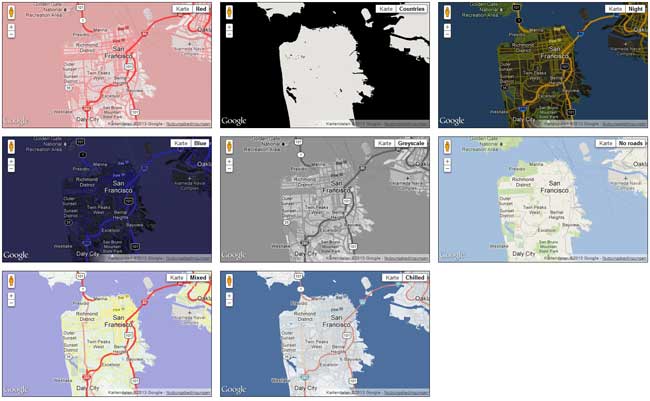
The free version of the Maps Marker plugin will no longer receive new features or bug fixes, but will still be usable with occasional security updates. It is recommended to upgrade to the Maps Marker Pro version for the best mapping solution with additional features and support. The plugin allows you to display locations and directions on your WordPress site, customize icons, organize markers in layers, and choose from various basemaps.Screenshots
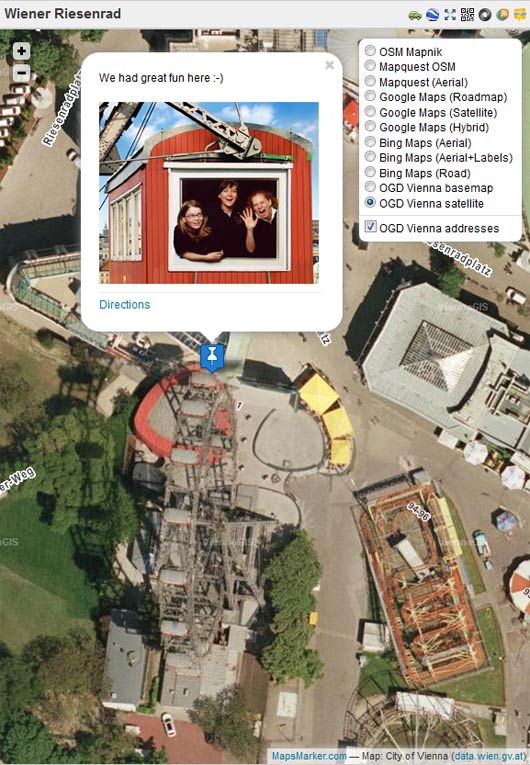
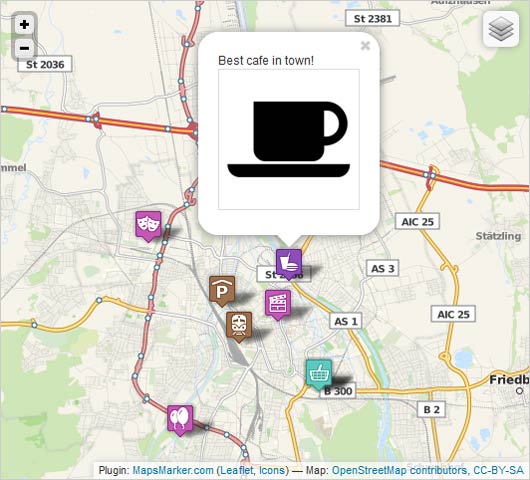
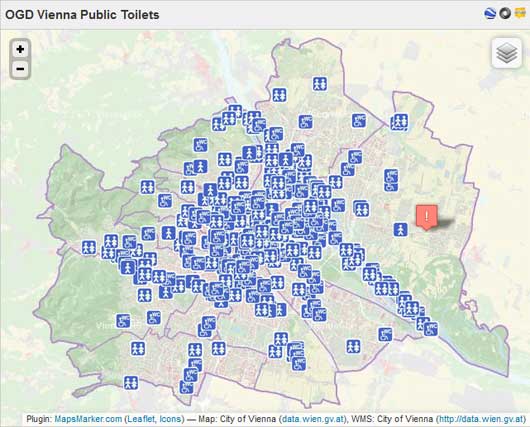
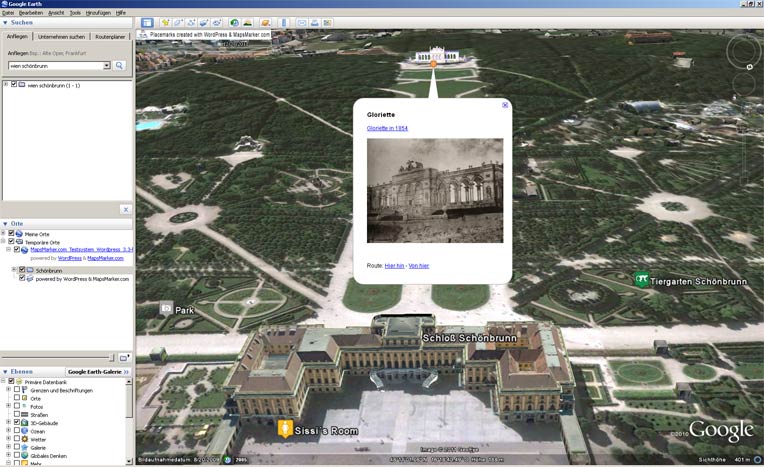
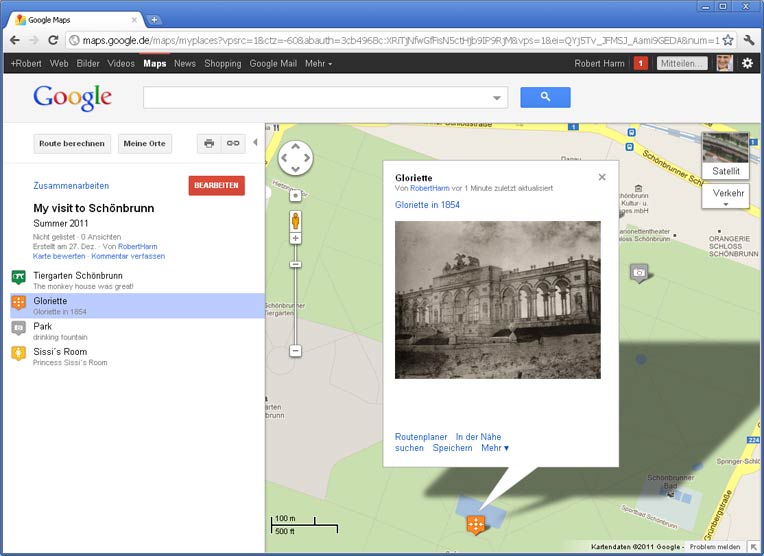

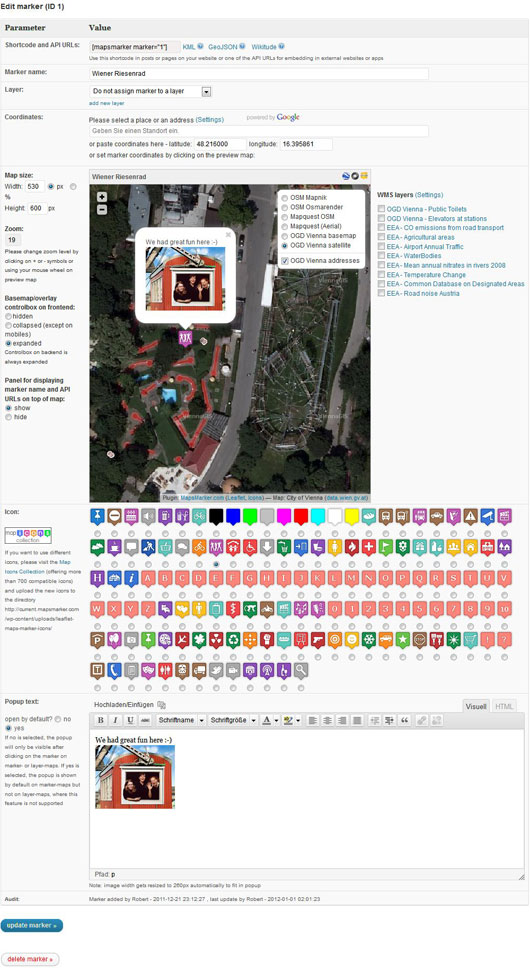
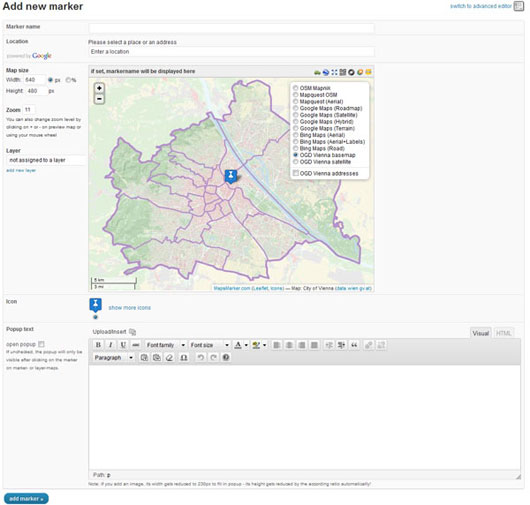
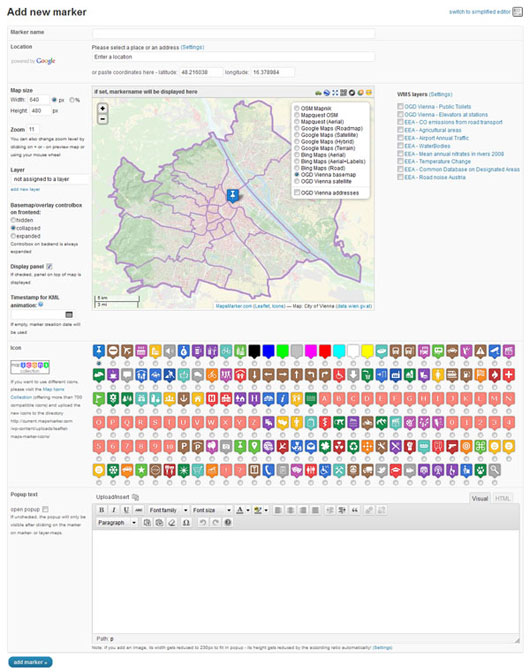
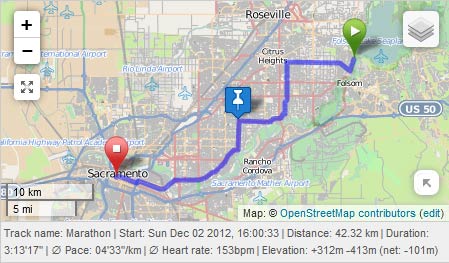
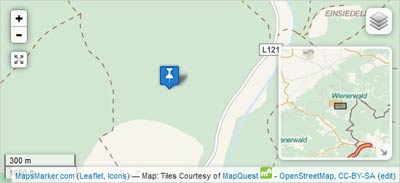
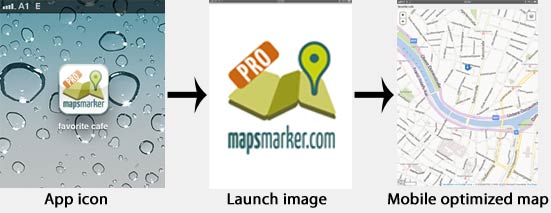

Frequently asked questions
What is the retirement plan for the free version of the Maps Marker plugin?
As of January 2020, the free version of the Maps Marker plugin has earned its retirement: It will still be usable, but it we will only add occasional security updates, no new features and bugfixes.
What are the features of Leaflet Maps Marker?
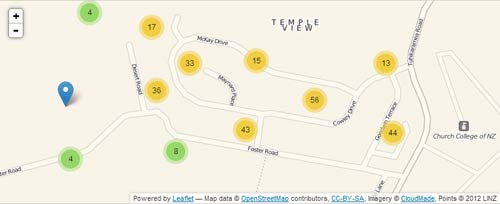
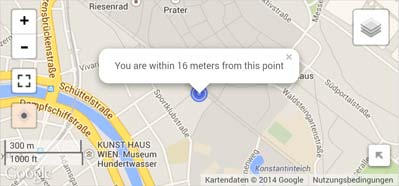
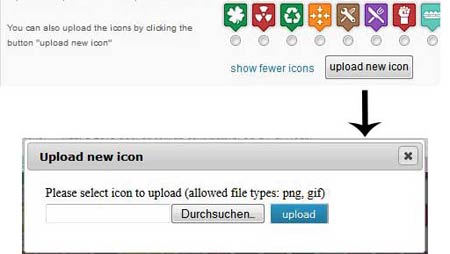
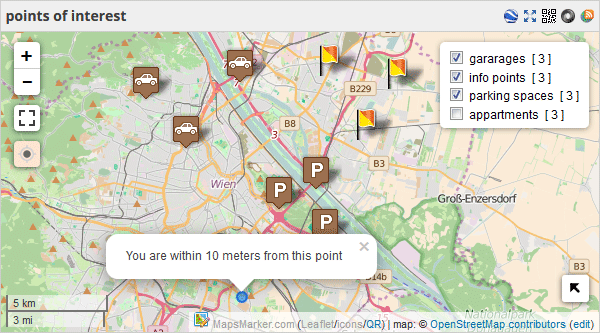
With Leaflet Maps Marker, you can pin your favorites places with markers, search for locations using geocoding providers like MapQuest Geocoding or Google Places, show directions for your locations, choose from over 1000 free, customizable icons from Maps Icons Collection, add popup description text or images for each marker, organize your markers in layers, choose an individual basemap, size and zoom level for each marker and layer map, and display your maps by just adding a shortcode to posts, pages, widgets and templates.
What are the frontend features of Leaflet Maps Marker?
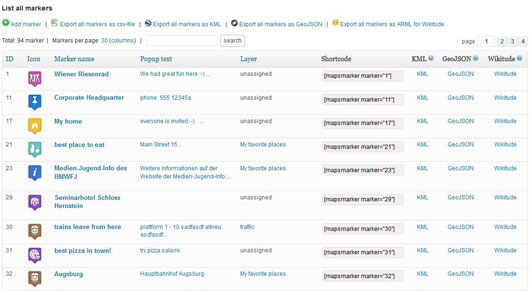
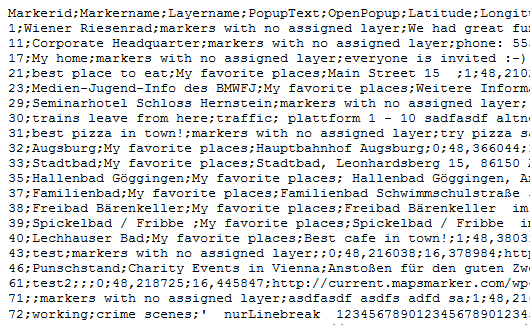
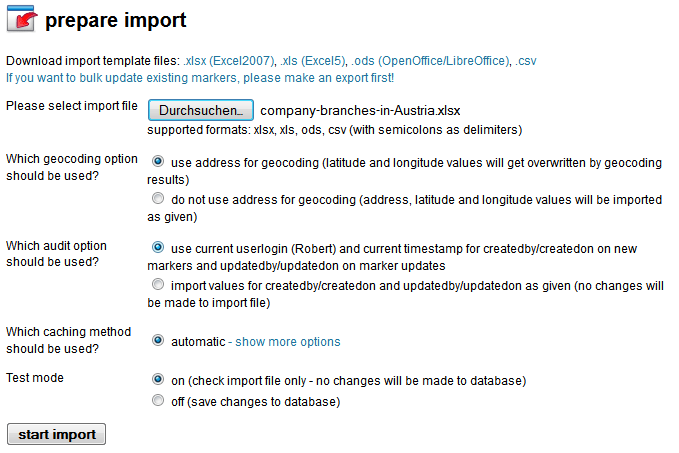
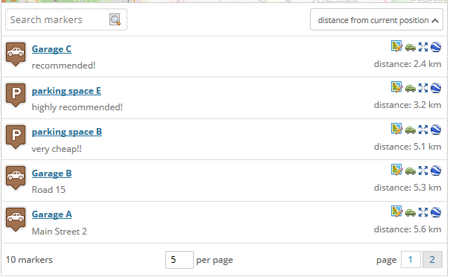
The frontend features of Leaflet Maps Marker include showing directions for your locations using Google Maps, yournavigation.org or openrouteservice.org, configuring up to 10 WMS servers to display additional information from external geo data providers on your maps, exporting your markers as KML file for displaying in Google Earth or Google Maps, exporting your markers as GeoJSON for embedding in external websites or apps, subscribing to your markers via GeoRSS or for embedding in external websites or apps, exporting your markers and layers as XLSX, XLS, CSV or ODS-file, showing recent marker entries in a widget anywhere on your site, unobtrusive scale control, keyboard navigation support for maps, displaying a list of markers below layer maps, showing standalone maps in fullscreen mode, automatically generated geo sitemap for all maps, automatically add microformat geo-markup to maps, creating QR codes for standalone maps, and automatically adding meta-tags with location information to maps.
What are the backend features of Leaflet Maps Marker?
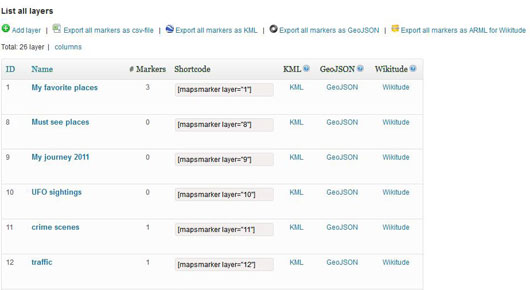
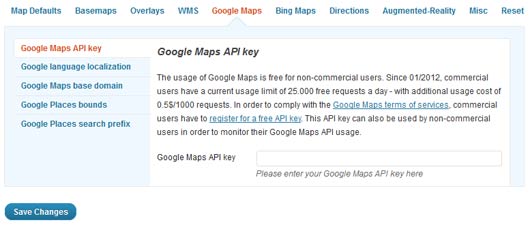
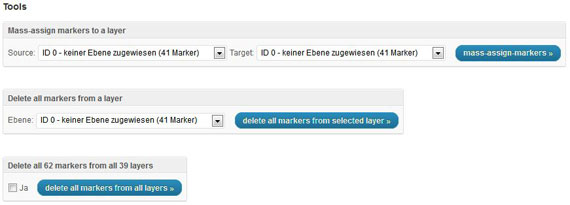
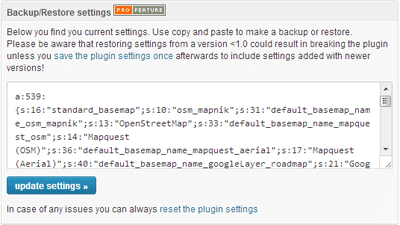
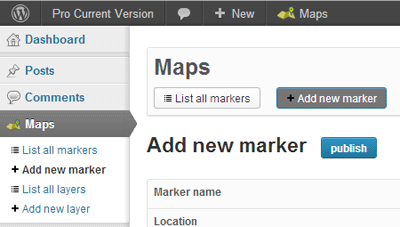
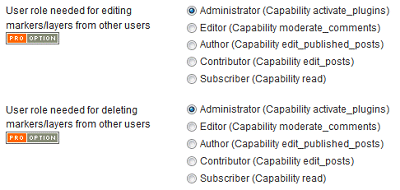
The backend features of Leaflet Maps Marker include support for geocoding providers MapQuest Geocoding and Google Geocoding, organizing your markers in layers or multi-layer-maps, option to switch between simplified and advanced editor, TinyMCE button for easily searching and adding maps on post/pages edit screen, support for custom marker timestamps for more precise KML animations, option to set WordPress roles which are allowed to add/edit/delete markers and layers, option to add marker directly to posts or pages without saving them to your database, audit log for changes on markers & layers, mass actions for markers, option to reset plugin settings to defaults, dynamic preview of maps in backend, option to select plugin default language in settings for backend and frontend, WordPress Admin Bar integration to quickly access plugins features, admin dashboard widget showing latest markers, and support for google maps and bing map localization.
What are the technical details of Leaflet Maps Marker?
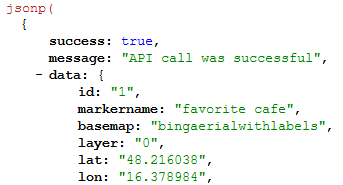
The technical details of Leaflet Maps Marker include full support for responsive designs, full RTL language support, full UTF8-support for cyrillic, chinese or other alphabets on marker/layername and marker popup text, support for 46 languages, support for Retina displays, GeoJSON feeds for every marker and layer with JSONP support, option to select plugin default language in settings for backend and frontend, WordPress MultiSite compatibility, integrated check for known incompatible plugins, use of WordPress settings API for storing options, TinyMCE editor on backend for editing popup texts, dynamic changelog to show all changes since your last plugin update, Security Coding best practice, smooth update functions, and complete uninstall.
Changelog
Security update – Leaflet Maps Marker has earned its retirement – existing users get a parting gift: a coupon code for an unexpiring Maps Marker Pro license – see https://www.mapsmarker.com/v3.12.10 for more details

