

WooCommerce Shipping & Tax offers automated tax calculation, shipping label printing, smoother payment setup, and other hosted services…

About Fuse Social Floating Sidebar
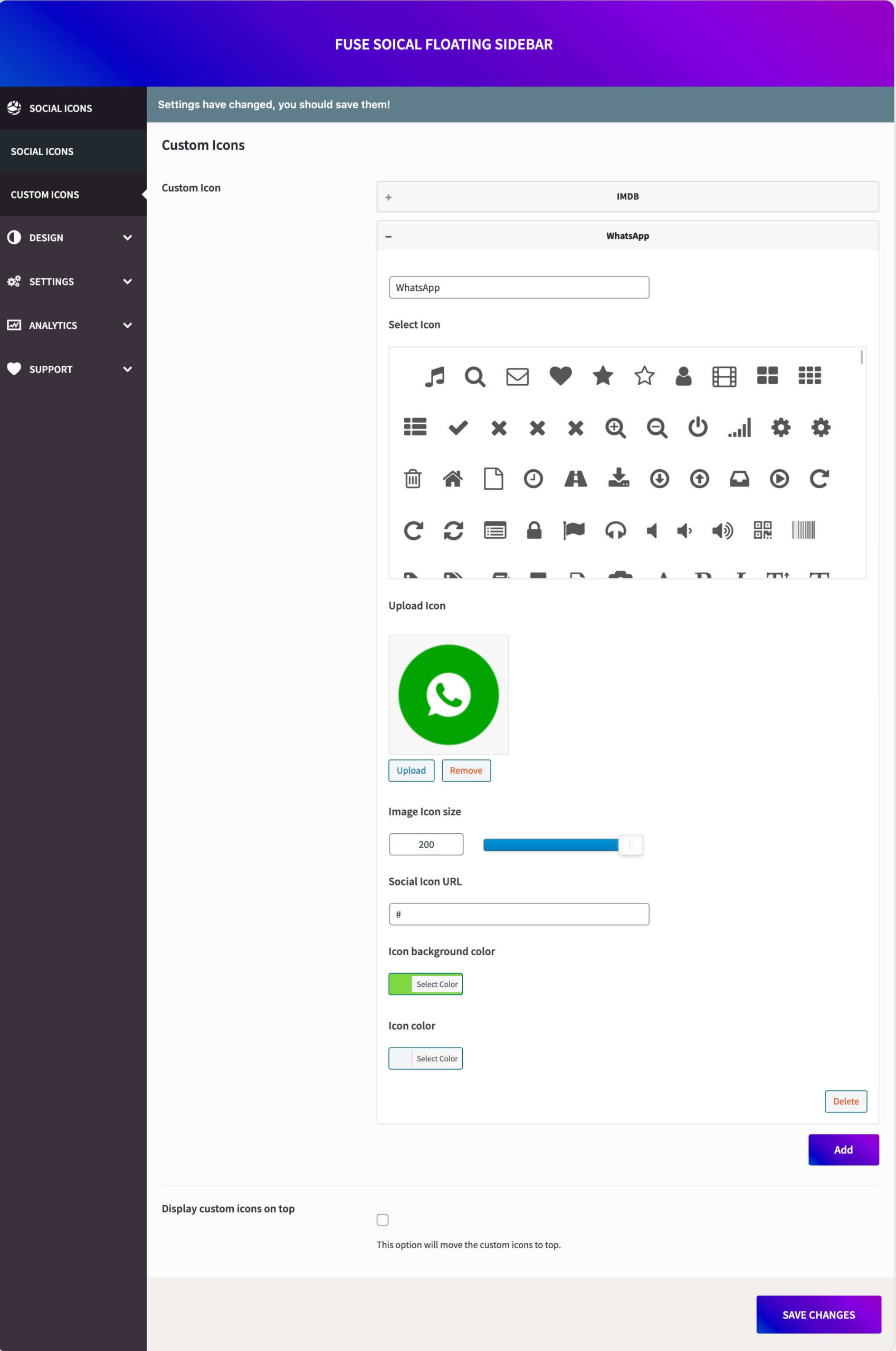
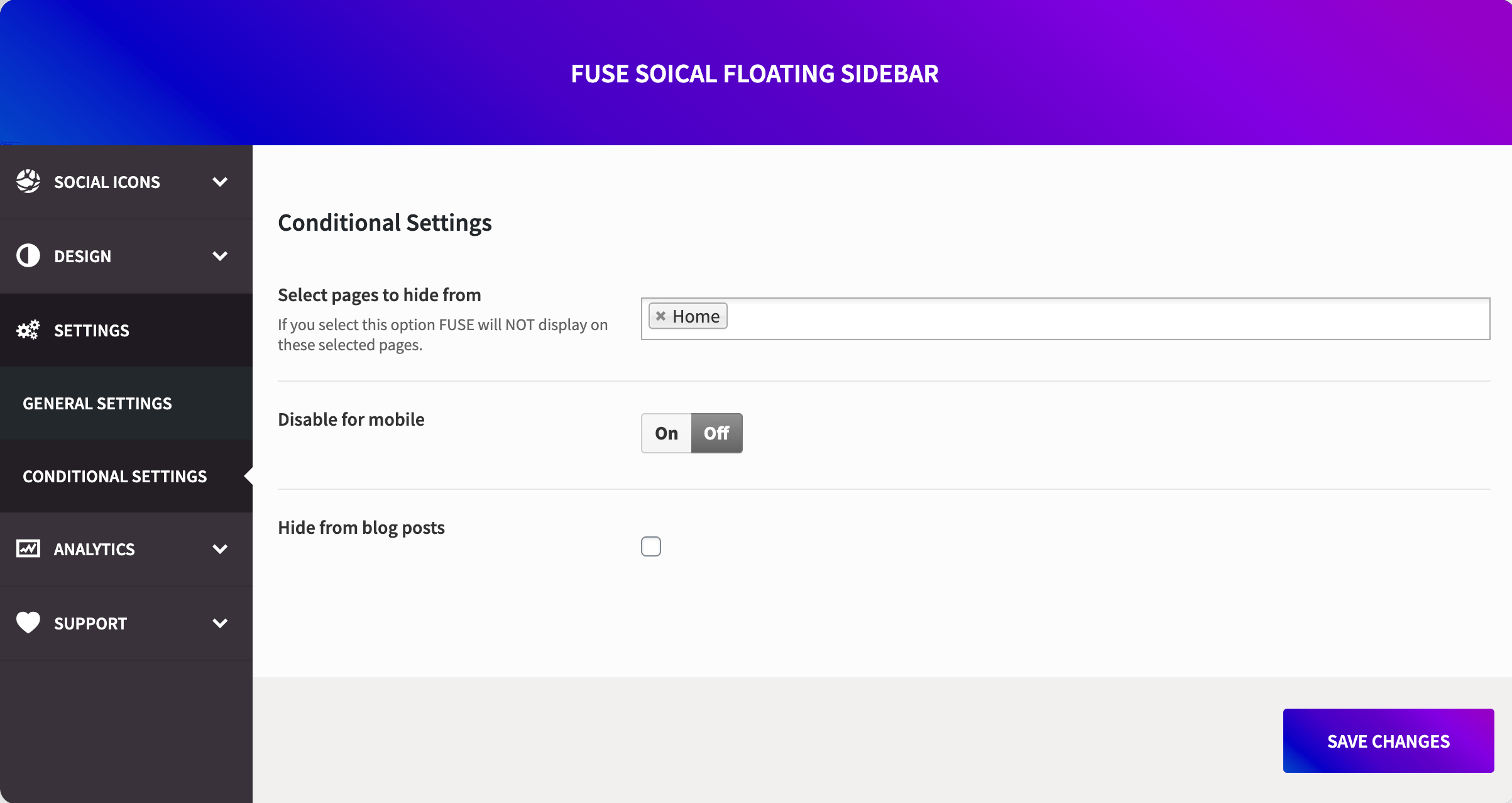
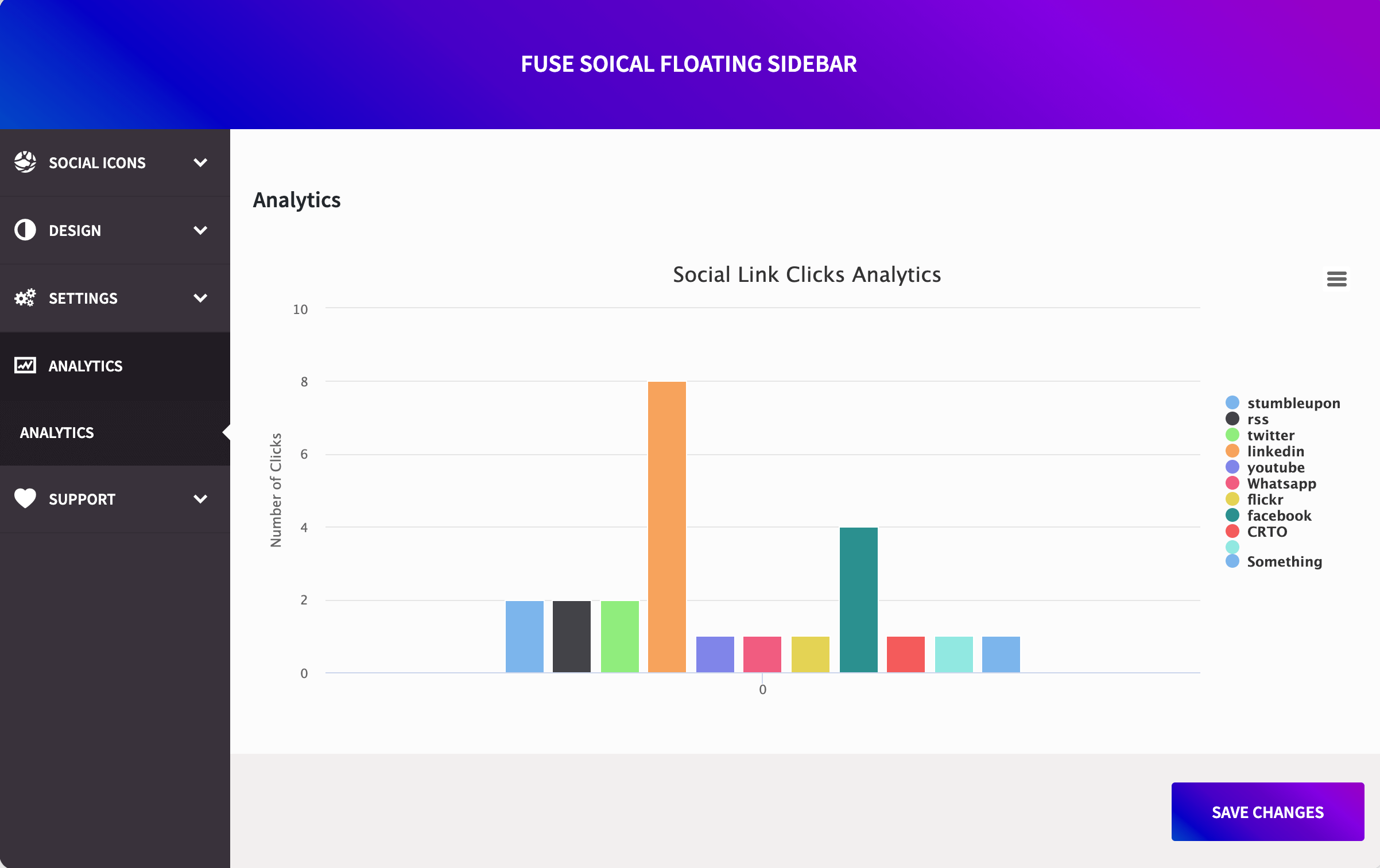
Fuse Social Floating Sidebar is a WordPress plugin that allows you to easily add social media icons to your website. The plugin offers various customization options such as different icon shapes, animated rotation effect, and shadow. There is also a Pro version available with additional features like custom icons, conditional settings, analytics, and more. Use coupon code WPORG20 to get a 20% discount on the Pro version.Screenshots
Frequently asked questions
What does Fuse Social Floating Sidebar allow you to do?
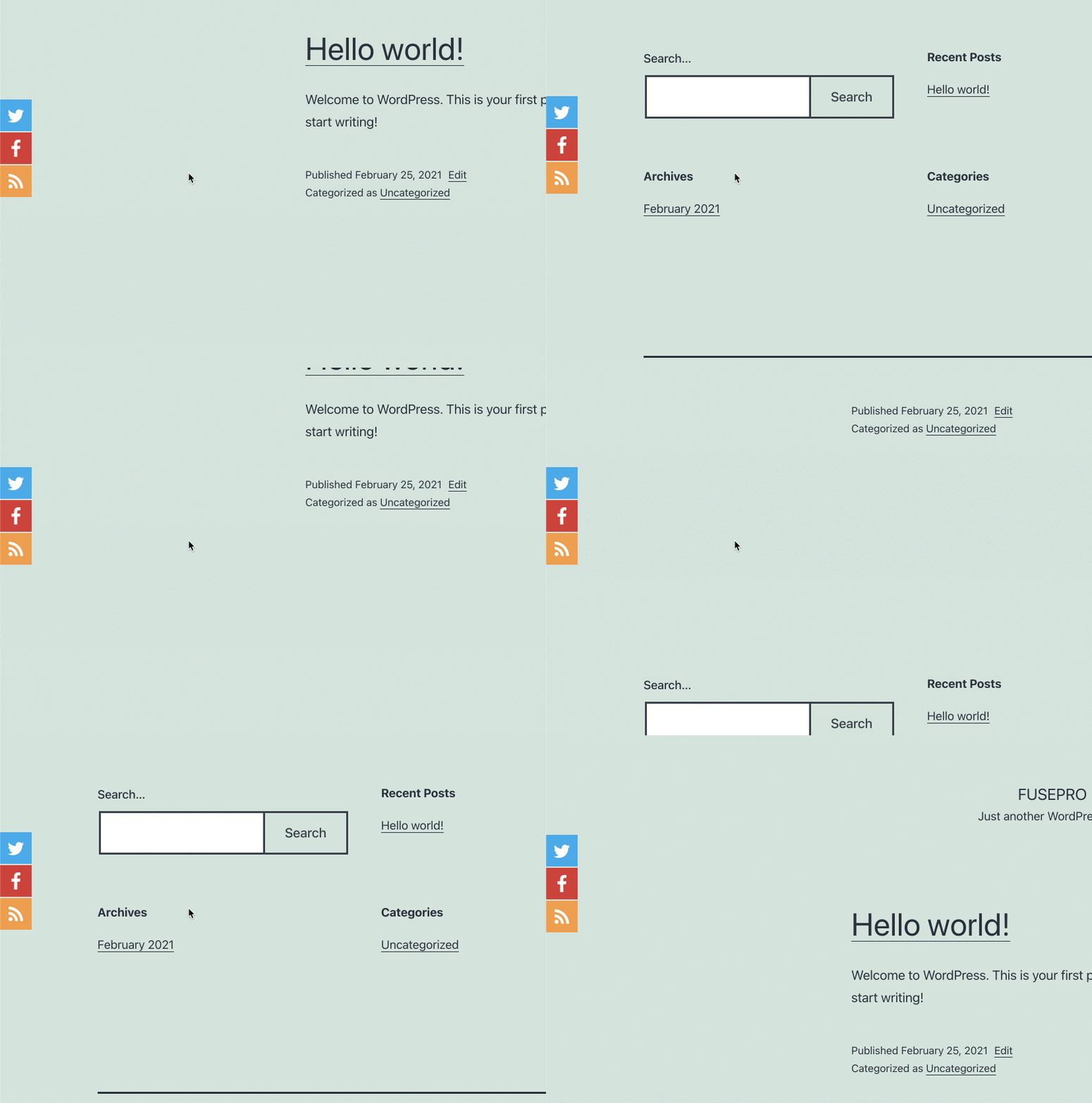
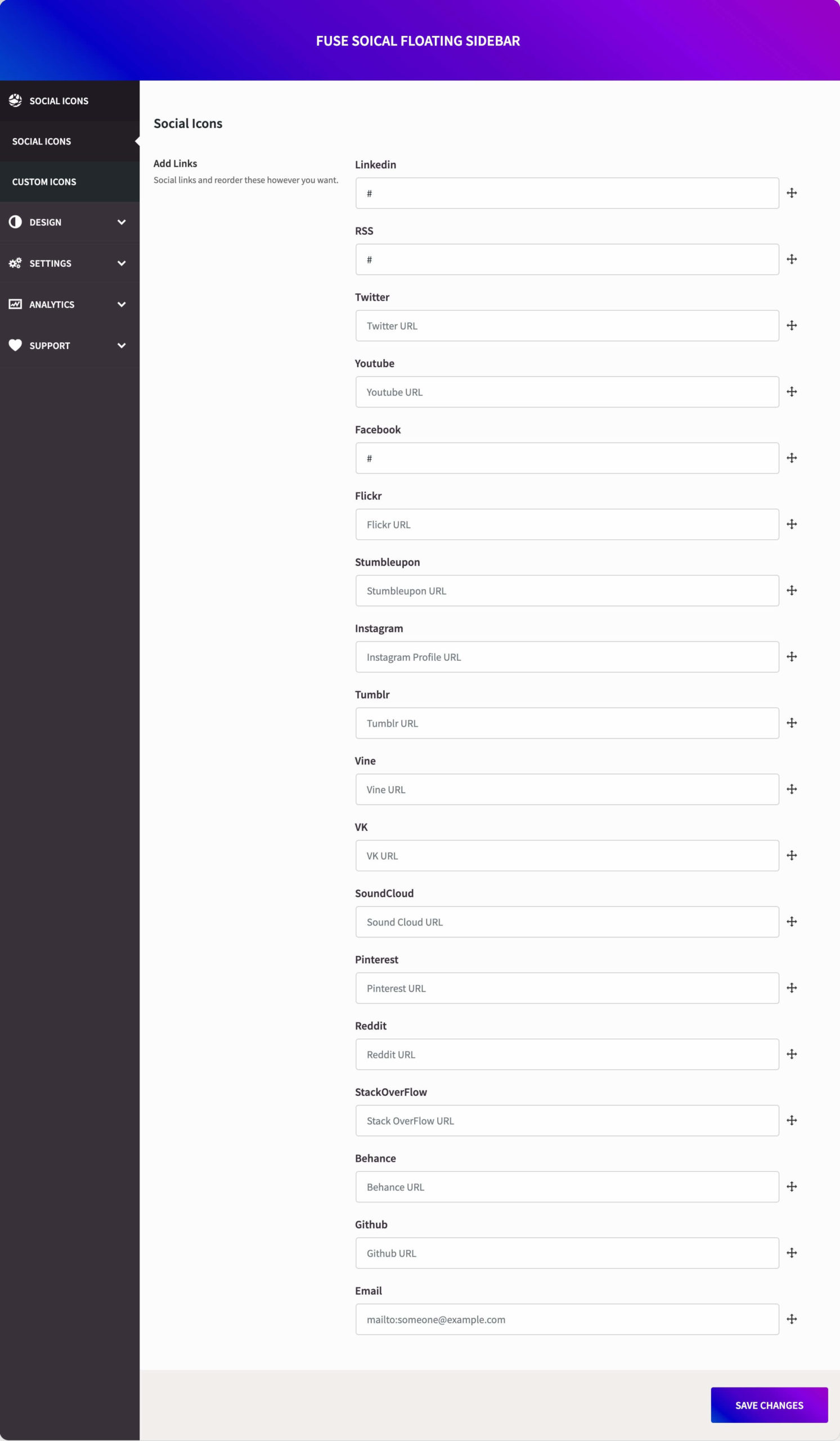
Fuse Social Floating Sidebar allow you to insert social media links very easily, you can show social media icons as floating on the website. This plugin provides very attractive interface which allows you to make settings for those social media icons.
What settings can you make for the social media icons?
You can make settings for the social media icons in the means of: Type of icons round and square, Animated Rotation Effect in Icons, Shadow in icons, Different size of social icons.
What is the Control Visibility on Scroll feature?
The Control Visibility on Scroll feature allows you to show the social icons when a user scrolls on the page. It helps to prevent displaying social icons on the main hero section of the page, and when the user scrolls, these social icons pop up.
What is the Action Button Feature?
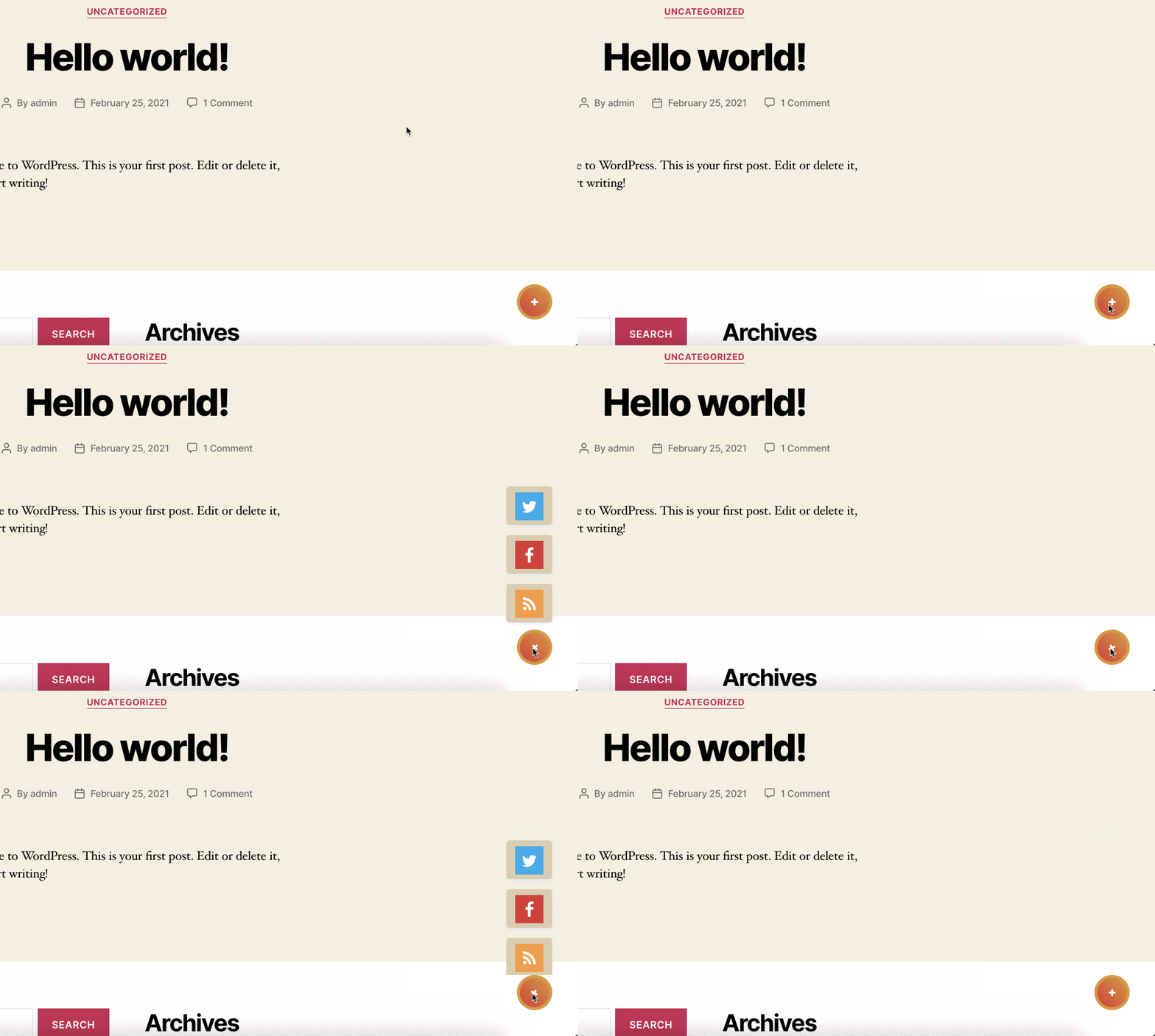
The Action Button Feature allows you to display social icons under the action button, so you need to click on the action button to view the social icon.
What is the Sticky Social Icons feature?
The Sticky Social Icons feature allows you to have floating social icons with custom colors to match the design icons according to your site.
Changelog
1.0 – Official Release.
5.0 – Migrated to Redux Framework
5.4.1 – Fixed issues with PHP 8.0
5.4.2 – Added Scroll Position feature and small fixes.
5.4.3 – Small fixes with rel=”nofollow” attribute
5.4.7 – Security fixes and fixed the issue with Avada Builder
5.4.8 – Custom background color fix with the support of Ocean theme.
5.4.9 – Security patch for freemius
5.4.10 – Included threads icon

