

Enables the previous "classic" editor and the old-style Edit Post screen with TinyMCE, Meta Boxes, etc. Supports all…
About Dashboard Welcome for Elementor
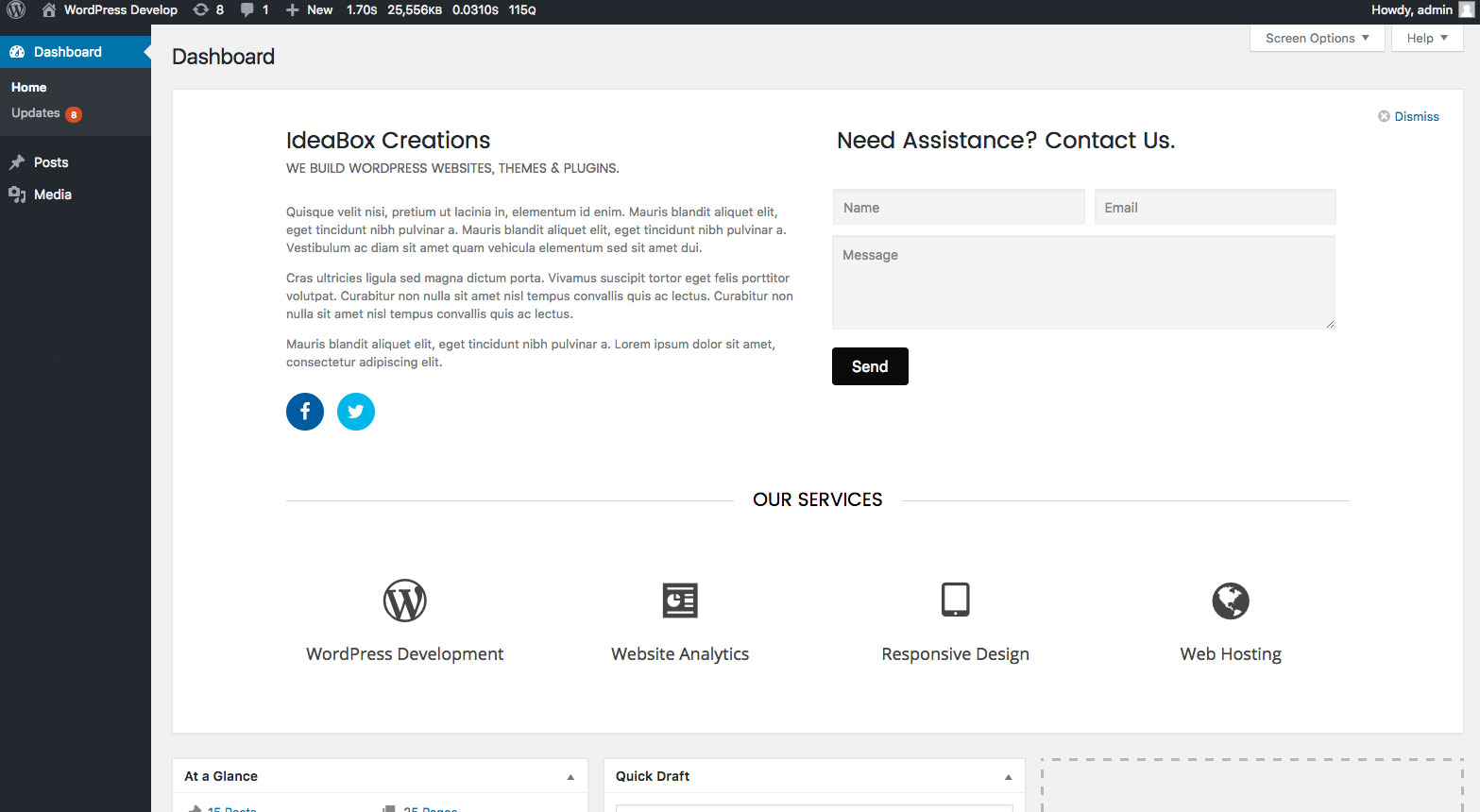
Dashboard Welcome by PowerPack Elements is a WordPress plugin that allows you to customize the welcome panel on your dashboard using Elementor. You can add various elements such as headings, contact information, forms, videos, and images. Additionally, you can display different templates based on the user's role.Screenshots
Frequently asked questions
What is Dashboard Welcome by PowerPack Elements?
Dashboard Welcome by PowerPack Elements gives you full control over the WordPress welcome panel using Elementor. You can personalize the dashboard with content and design built with Elementor. You can add heading, contact information, form, video, images, affiliate links, etc.
How does Dashboard Welcome by PowerPack Elements work?
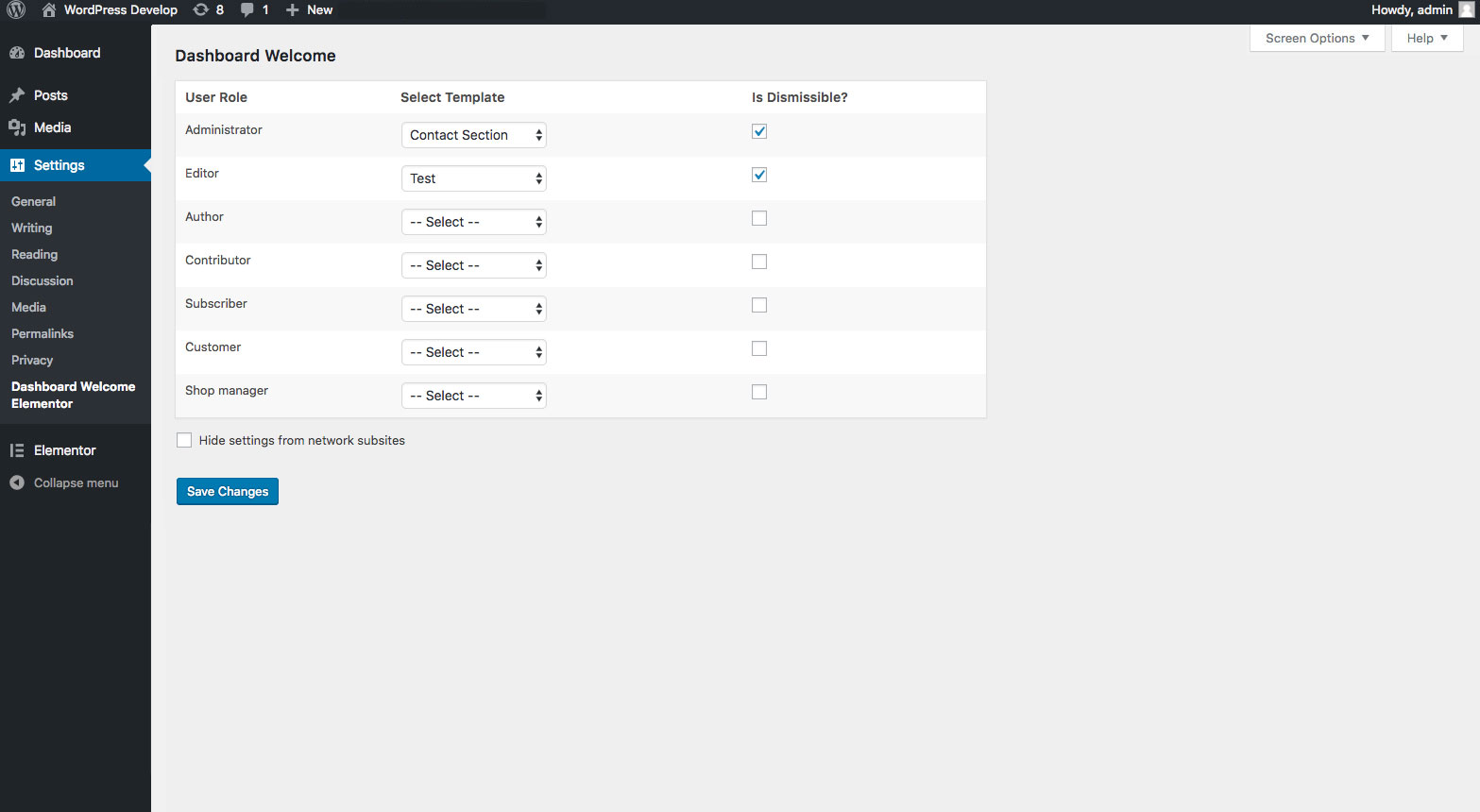
Create a layout with Elementor. Go to plugin settings and select the layout from dropdown for any user role. Save the setting. Done!
What are the other Elementor addons offered by PowerPack?
PowerPack for Elementor - Extend Elementor with 50+ Creative Widgets and build beautiful websites.
Does Dashboard Welcome for Elementor collect any user data?
Dashboard Welcome for Elementor uses Appsero SDK to collect some telemetry data upon user's confirmation. This helps us to troubleshoot problems faster & make product improvements.
How does Appsero SDK collect data?
Appsero SDK does not gather any data by default. The SDK only starts gathering basic telemetry data when a user allows it via the admin notice. Integrating Appsero SDK DOES NOT IMMEDIATELY start gathering data, without confirmation from users in any case.
Changelog
1.0.8 – March 7, 2024
- Security update
1.0.7 – December 14, 2022
- Security update
1.0.6 – February 9, 2022
- Fixed compatibility issues with WordPress 5.9
1.0.5 – April 20, 2020
- Tested compatibility with latest versions of WP and Elementor
- Added logic for usage analytics
1.0.4 – August 28, 2018
- Fix: PHP error on plugin page when Elementor is not active in multisite network
1.0.3 – August 17, 2018
- Enhancement: Added an option in main site to hide DWE settings from subsites in multisite enviornment
- Fix: Templates data was not available on subsites in multisite environment
- Fix: Minor CSS issues
1.0.2 – August 3, 2018
- Fix: PHP fatal error on multisite environment
1.0.1 – July 24, 2018
- Fix: Scroll bar issue
- Fix: Empty widget was showing when template is not selected for different user roles
1.0.0 – July 17, 2018
- Initial Release

