

Enables the previous "classic" editor and the old-style Edit Post screen with TinyMCE, Meta Boxes, etc. Supports all…
About Toolkit for Block Theme (Gutenberg Blocks, Templates, Patterns, Google Fonts) – Twentig
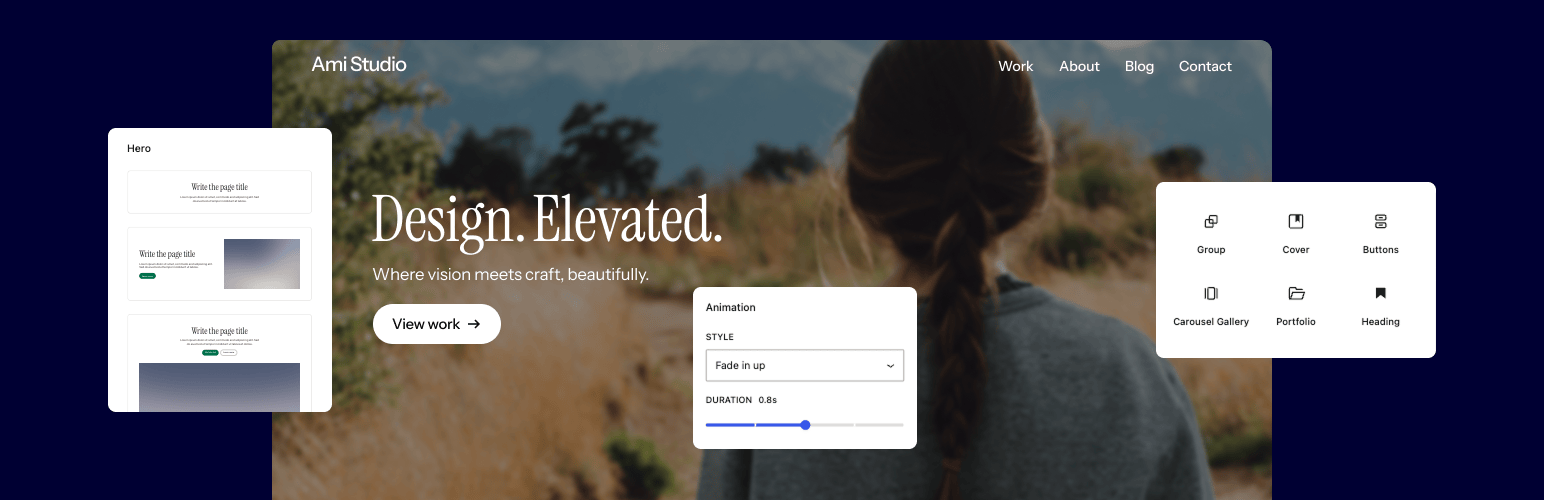
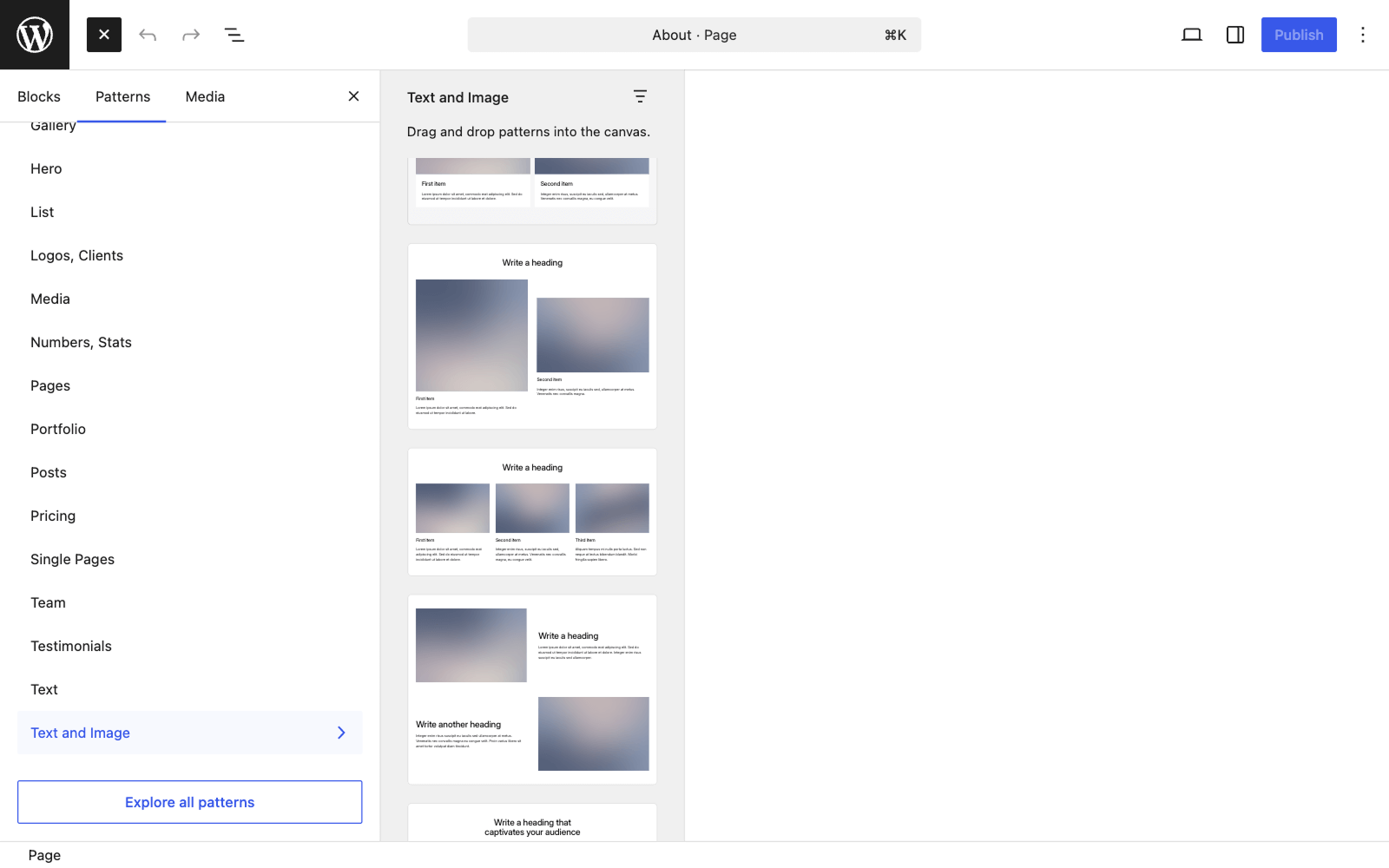
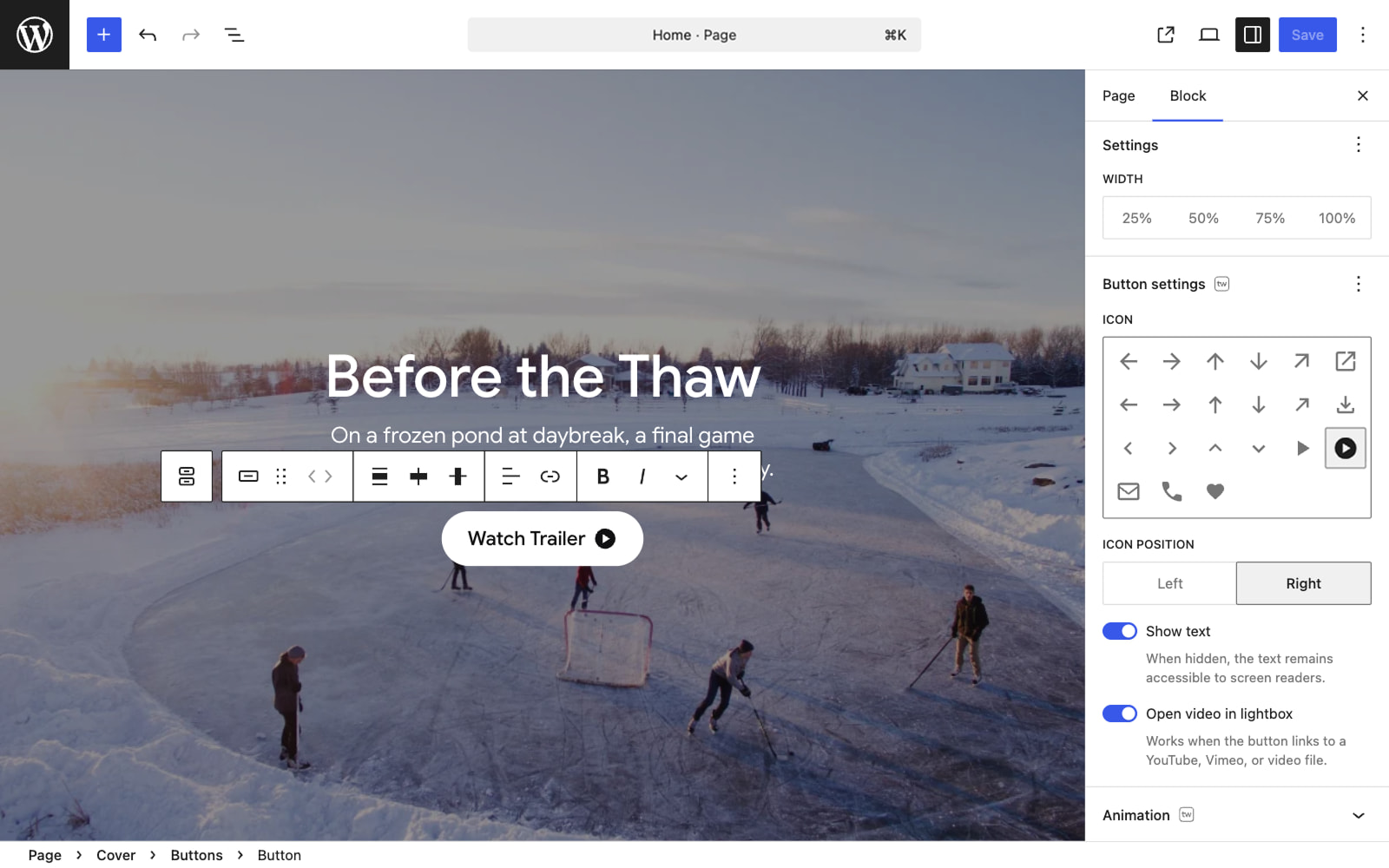
Twentig is a powerful plugin that makes it easy to create a stunning website without any coding or design skills. It offers starter templates, enhanced Gutenberg blocks, and block patterns to help you build a beautiful website that looks great on any device. You can also customize the Twenty Twenty-Five or any block theme with Twentig's essential tools.Screenshots

Frequently asked questions
What does the Twentig plugin do?
The Twentig plugin helps you customize your block theme and build stunning pages — no coding or design skills needed.
What does Twentig offer to enhance Gutenberg blocks?
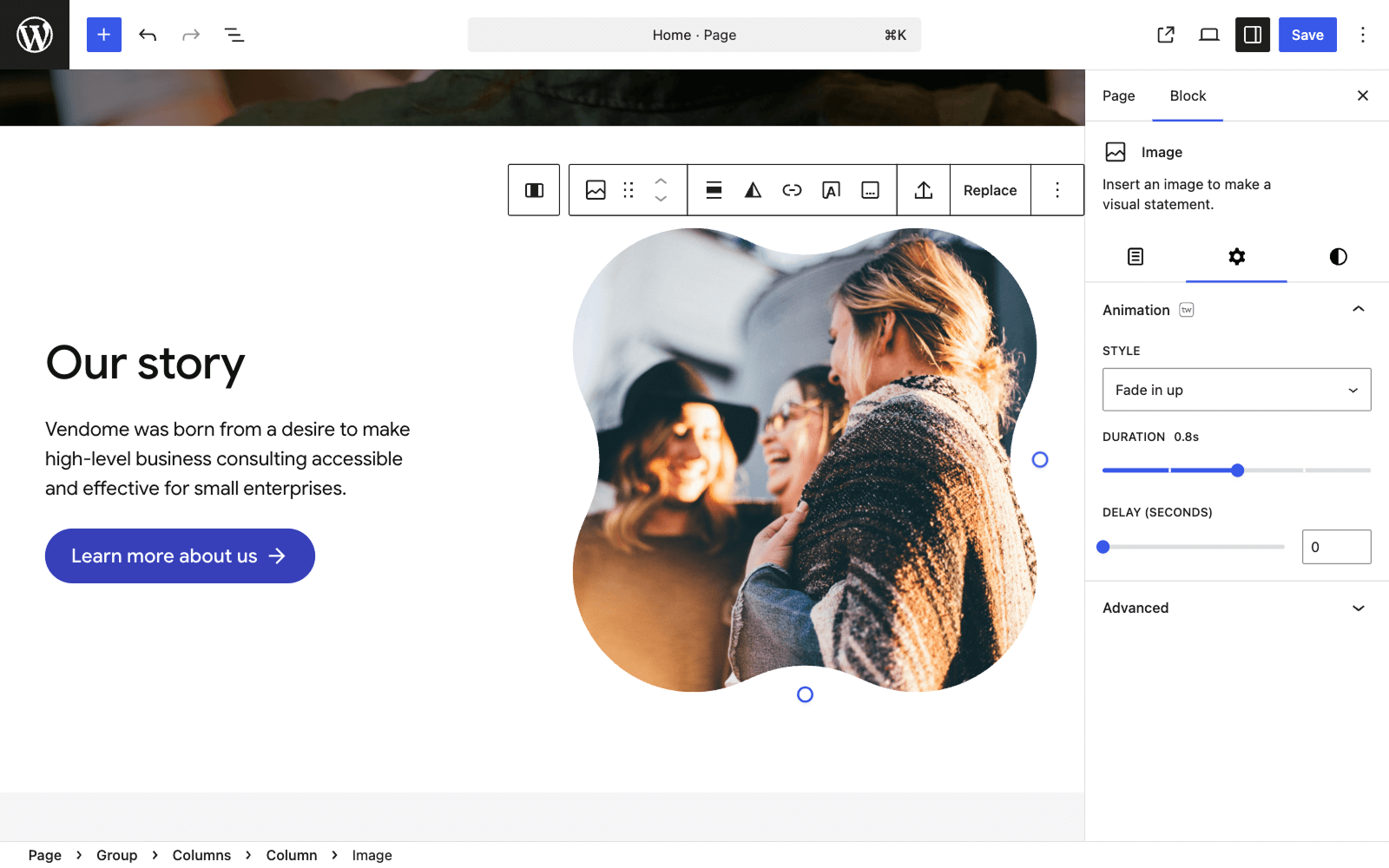
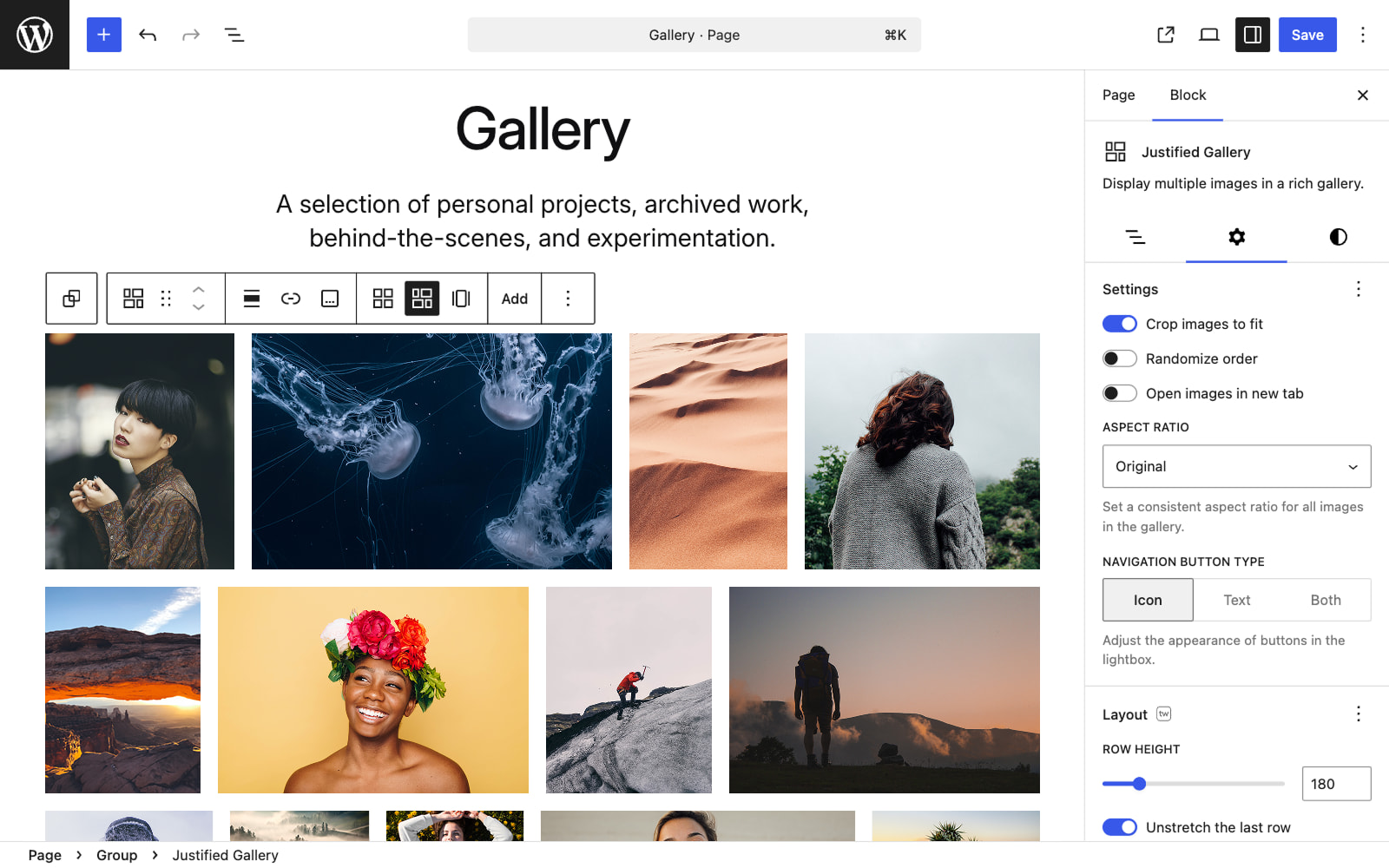
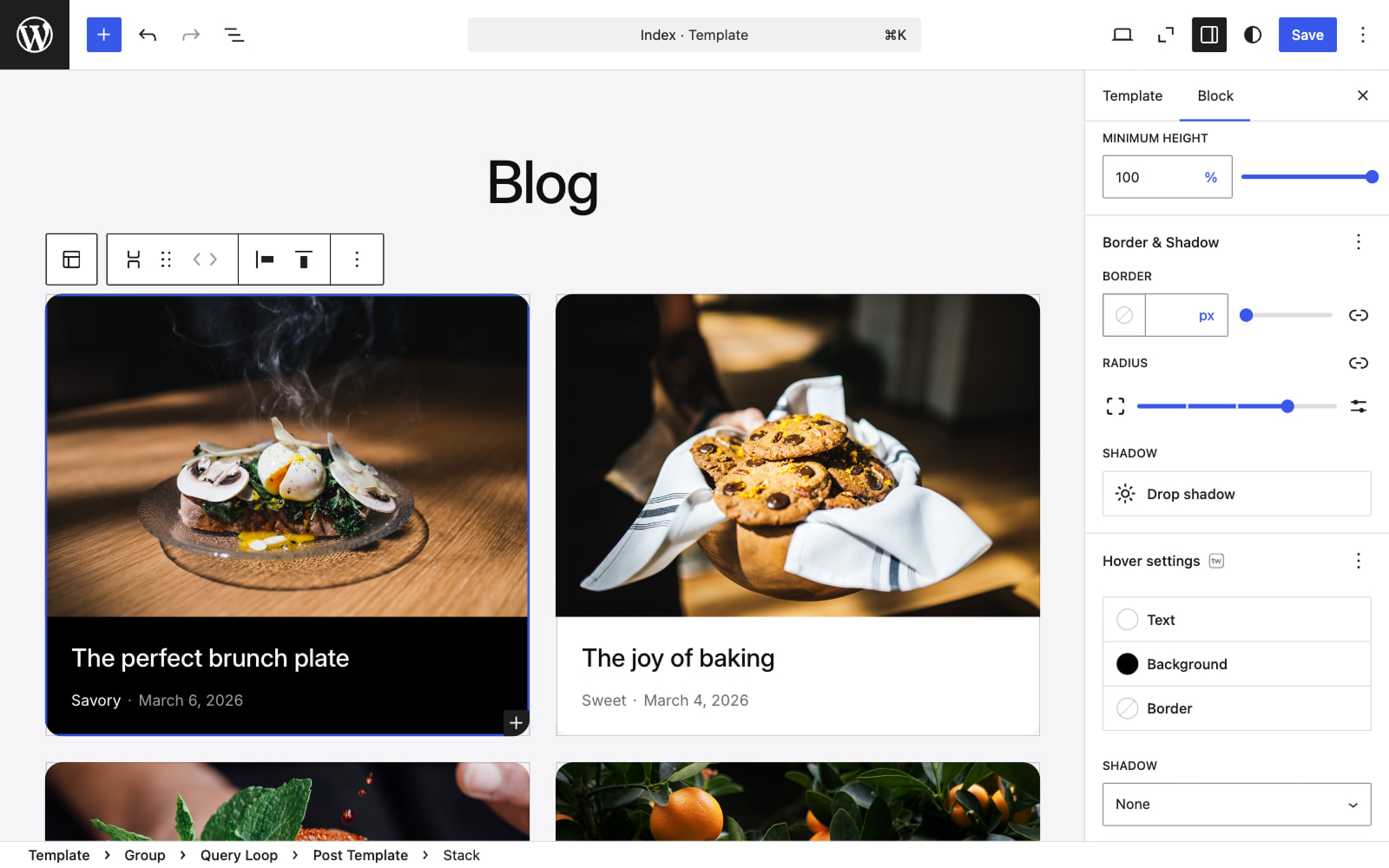
Twentig provides alternative styles, additional block settings, and CSS classes. From column style to group shape divider to typography settings, you have the best tools to customize the Gutenberg blocks.
Can I build my website using pre-designed templates?
Yes, Twentig brings hundreds of pre-designed block patterns and page templates, making it easier and faster than ever to create stunning pages.
Can I customize the Twenty Twenty-Four or any block theme with Twentig?
Yes, with its powerful features, Twentig helps you customize the Twenty Twenty-Four & Twenty Twenty-Three themes or any block theme built for full site editing.
What advanced options does Twentig offer for the Twenty Twenty-One and Twenty Twenty themes?
Twentig offers advanced options to customize the Twenty Twenty-One and Twenty Twenty themes, including post grid, sidebar, sticky menu, header & footer layouts, and more.
Changelog
1.9.2
Release date: February 11, 2025
- Fix: Restores the Posts per Page, Max Pages, and Offset controls for the Portfolio block (props @fgiband).
1.9.1
Release date: January 27, 2025
- Enhancement: Uses media queries range syntax for visibility classes (props @sebastjava).
- Enhancement: Adjusts CSS selector to apply overflow hidden more selectively to groups with border-radius.
- Enhancement: Adds Bluesky and X icons for the Twenty Twenty-One and Twenty Twenty themes.
- Enhancement: Updates content and site icon link in the Twentig dashboard (props @pmmueller).
- Fix: Updates starter site URLs and content.
- Fix: Updates animation range control.
1.9
Release date: November 14, 2024
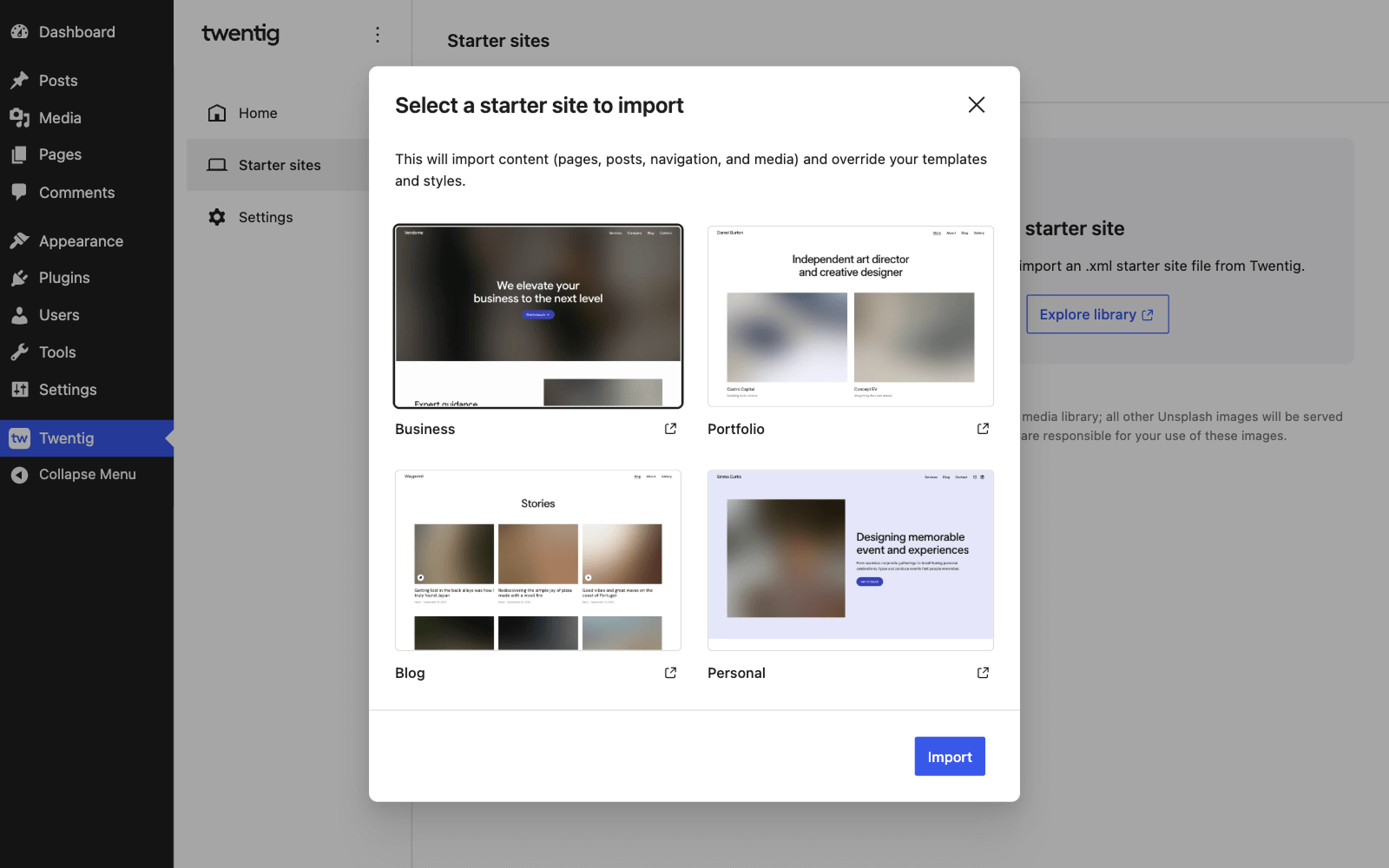
Twentig 1.9 introduces powerful features to supercharge Twenty Twenty-Five, the new default WordPress theme. Now, instead of designing from scratch, you can easily import a customizable website template. Choose from Business, News Blog, Photo Blog, or Personal Blog templates to jumpstart your site.
- New: Adds four starter website templates for Twenty Twenty-Five.
- Enhancement: Makes patterns compatible with Twenty Twenty-Five.
- Enhancement: Adjusts code for compatibility with WordPress 6.7.
- Code Quality: Deprecates Twentig’s Group shadow setting.
1.8.3
Release date: July 17, 2024
- Enhancement: Adjusts code for compatibility with WordPress 6.6.
- Enhancement: Changes the dashboard initial tab for the WordPress playground.
- Code Quality: Replaces classnames with clsx.
1.8.2
Release date: April 2, 2024
- Enhancement: Redesigns Twentig’s CSS classes control.
- Enhancement: Makes Twentig’s font features compatible with the new WordPress Font Library.
- Code Quality: Deprecates Twentig’s Cover aspect ratio setting.
1.8.1
Release date: February 12, 2024
- New: Adds a variation of the Search block for portfolio.
- Enhancement: Makes hover effects for the Cover and Featured Image blocks work with keyboard focus.
- Enhancement: Updates strings to improve translation support.
- Fix: Addresses a CSS compatibility issue with the FileBird plugin.
1.8
Release date: January 23, 2024
Twentig 1.8 introduces portfolio features so you can now easily create a stunning portfolio website. This release also includes 2 new starter templates for the Twenty Twenty-Four theme (Portfolio and Personal). Plus, it brings hover effects and scroll animations to your blocks so you can liven up your website. We’ve also added new patterns for headers, footers, posts, and portfolio. Lastly, you can now customize the look of the Details block.
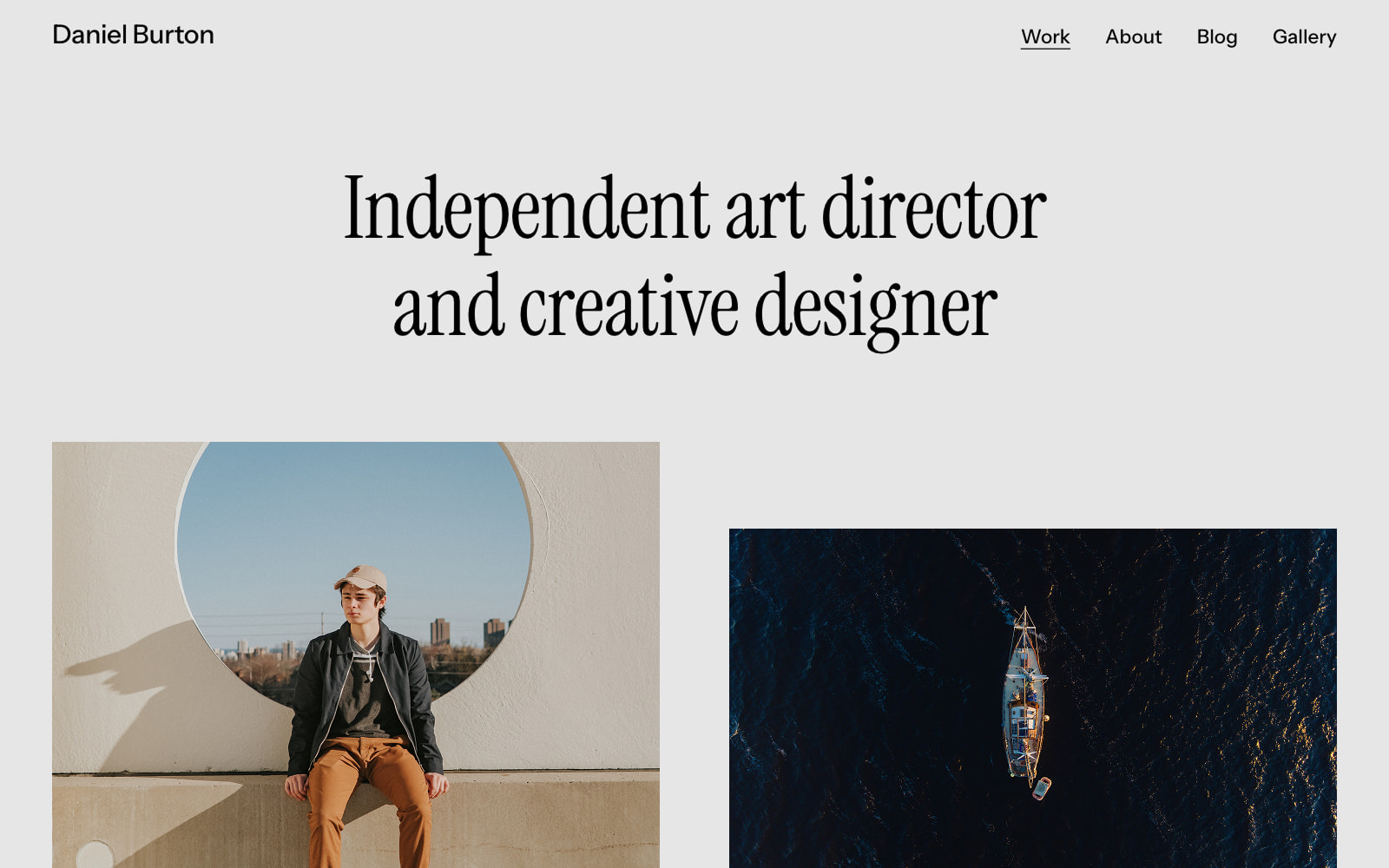
- New: Adds 2 starter templates for the Twenty Twenty-Four theme: Portfolio and Personal.
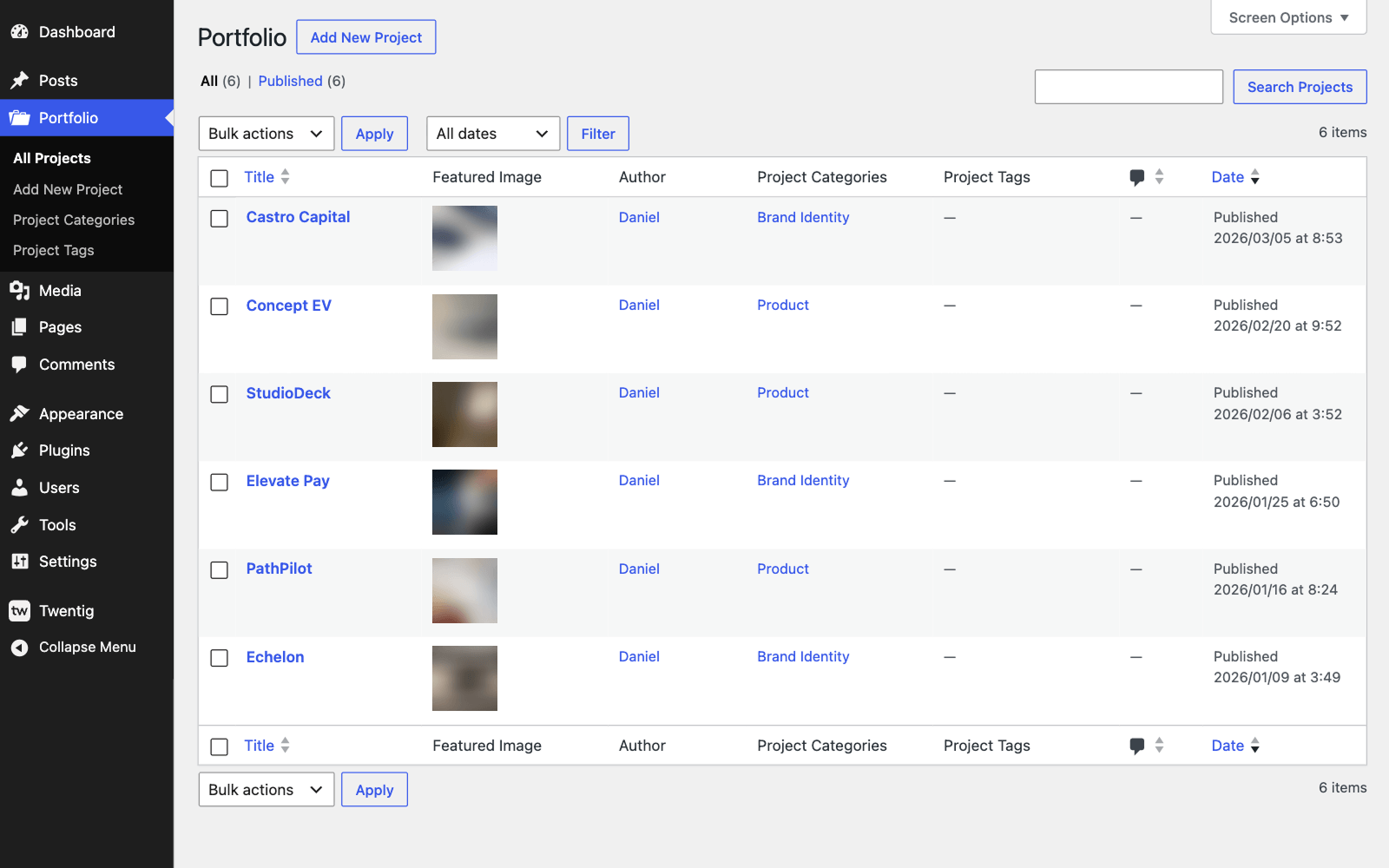
- New: Adds portfolio features including a custom post type, taxonomies, a portfolio block, patterns, and permalink settings.
- New: Adds scroll animations to blocks.
- New: Adds hover effects to Featured Image and Cover blocks.
- New: Adds new patterns for headers, footers, posts, and portfolio.
- New: Adds icon and icon position settings for the Details block.
- New: Adds responsive stack option (50 / 50 on mobile) for the Columns block.
- Enhancement: Updates the Google Fonts .json file.
- Enhancement: Improves the registration process of Twentig patterns.
- Fix: Resolves issues with post terms styles not displaying correctly in the editor.
- Fix: Addresses a PHP 8.3 compatibility issue with the Twenty Twenty theme.
1.7.1
Release date: November 28, 2023
- Enhancement: Adds translation support to the Twentig dashboard.
- Enhancement: Updates strings to improve translation support.
- Fix: Removes a missing pattern from the Business starter template.
1.7
Release date: November 27, 2023
Twentig 1.7 brings powerful features to supercharge the Twenty Twenty-Four theme. Instead of designing from scratch, now you can easily import a stunning and customizable website template. You can either start with the business template (default) or the blog template.
- New: Introduces a website template importer in the Twentig dashboard for Twenty Twenty-Four.
- New: Adds two starter website templates for Twenty Twenty-Four.
- Enhancement: Adjusts Twentig spacing values for Twenty Twenty-Four.
- Enhancement: Updates strings to improve translation support.

