

Just another contact form plugin. Simple but flexible.
About Contact Form builder with drag & drop for WordPress – Kali Forms
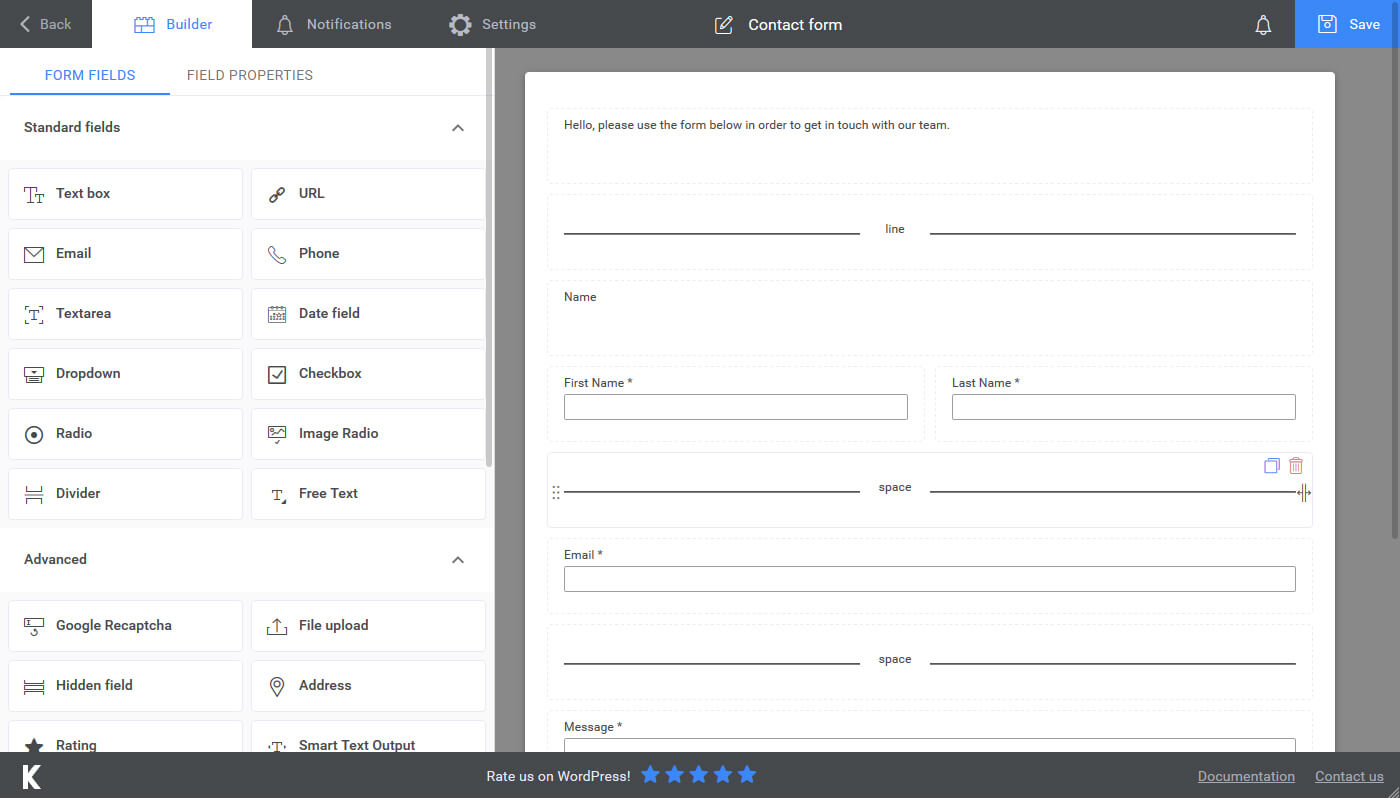
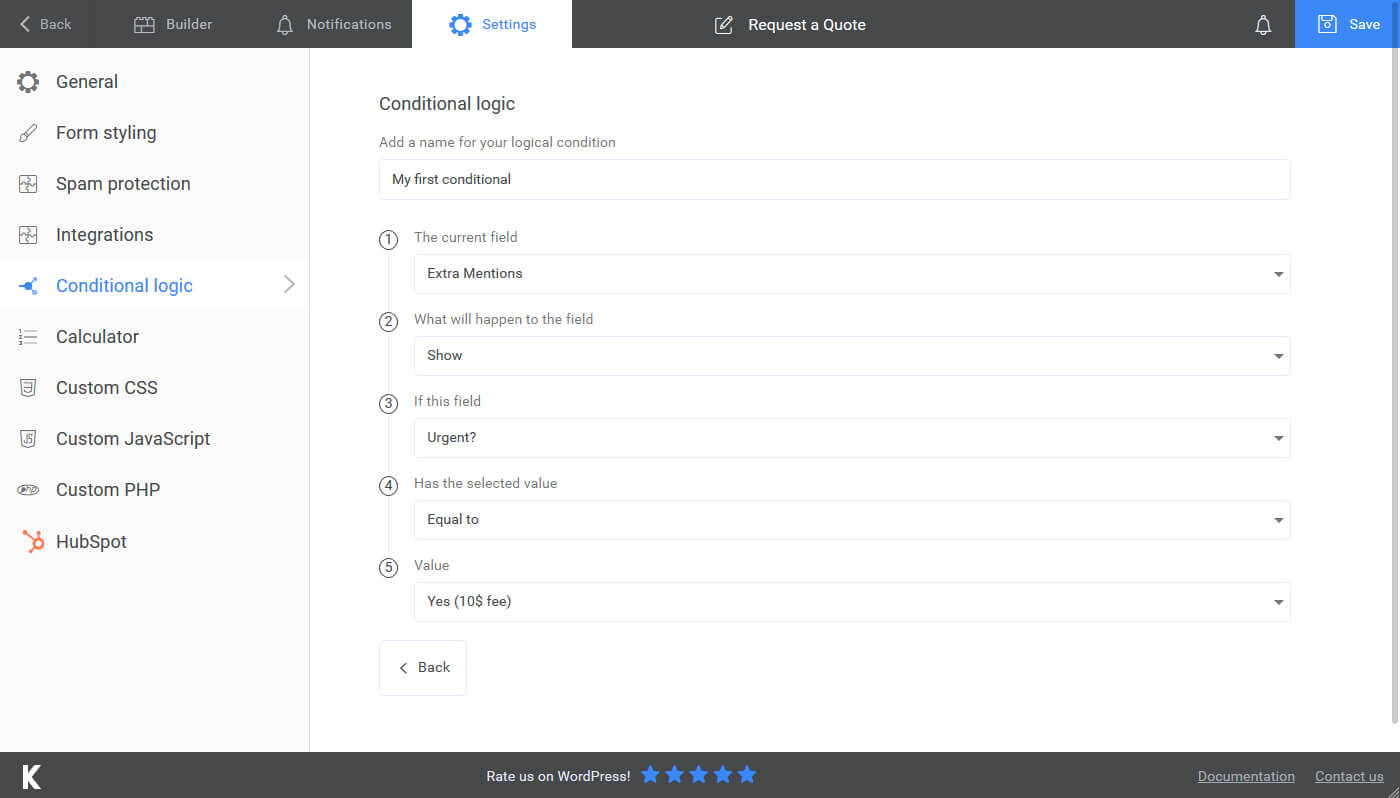
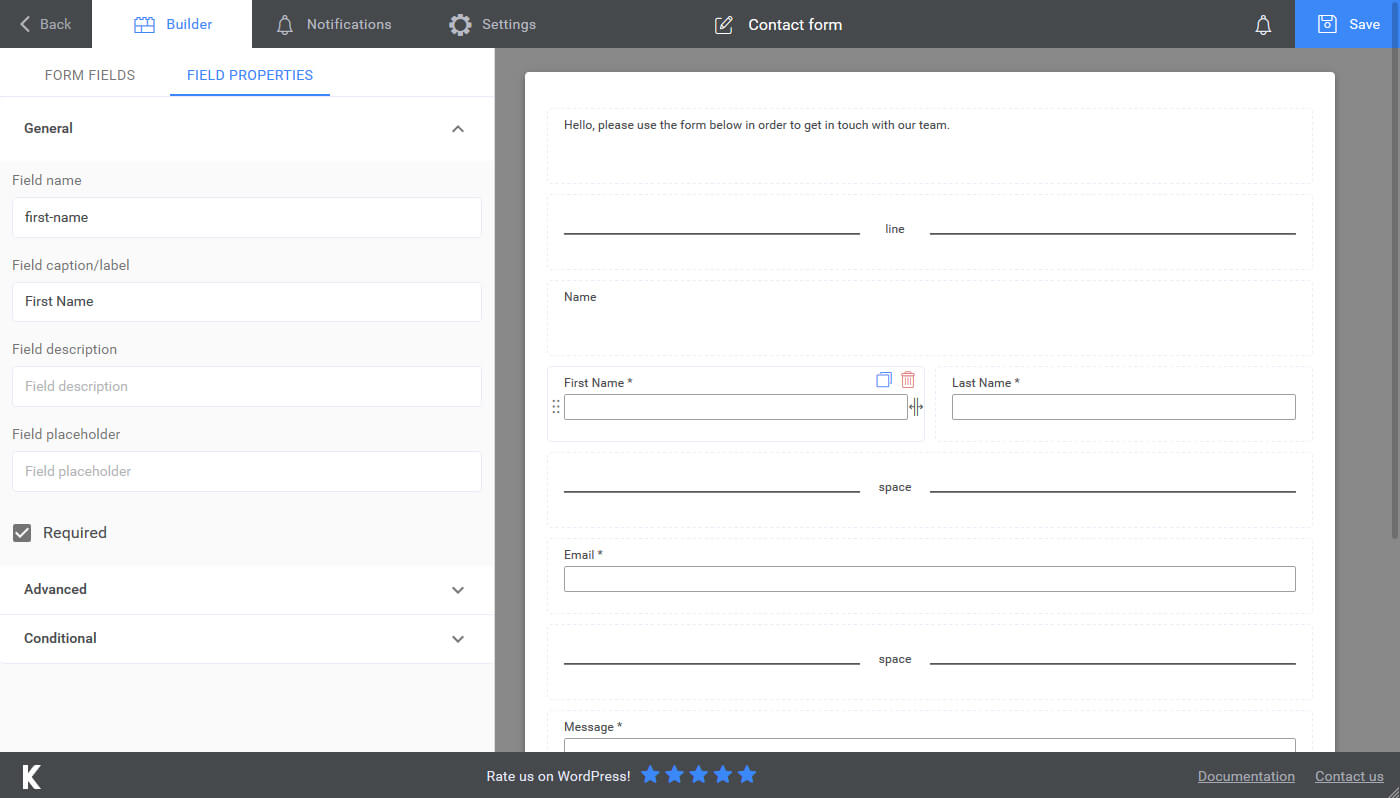
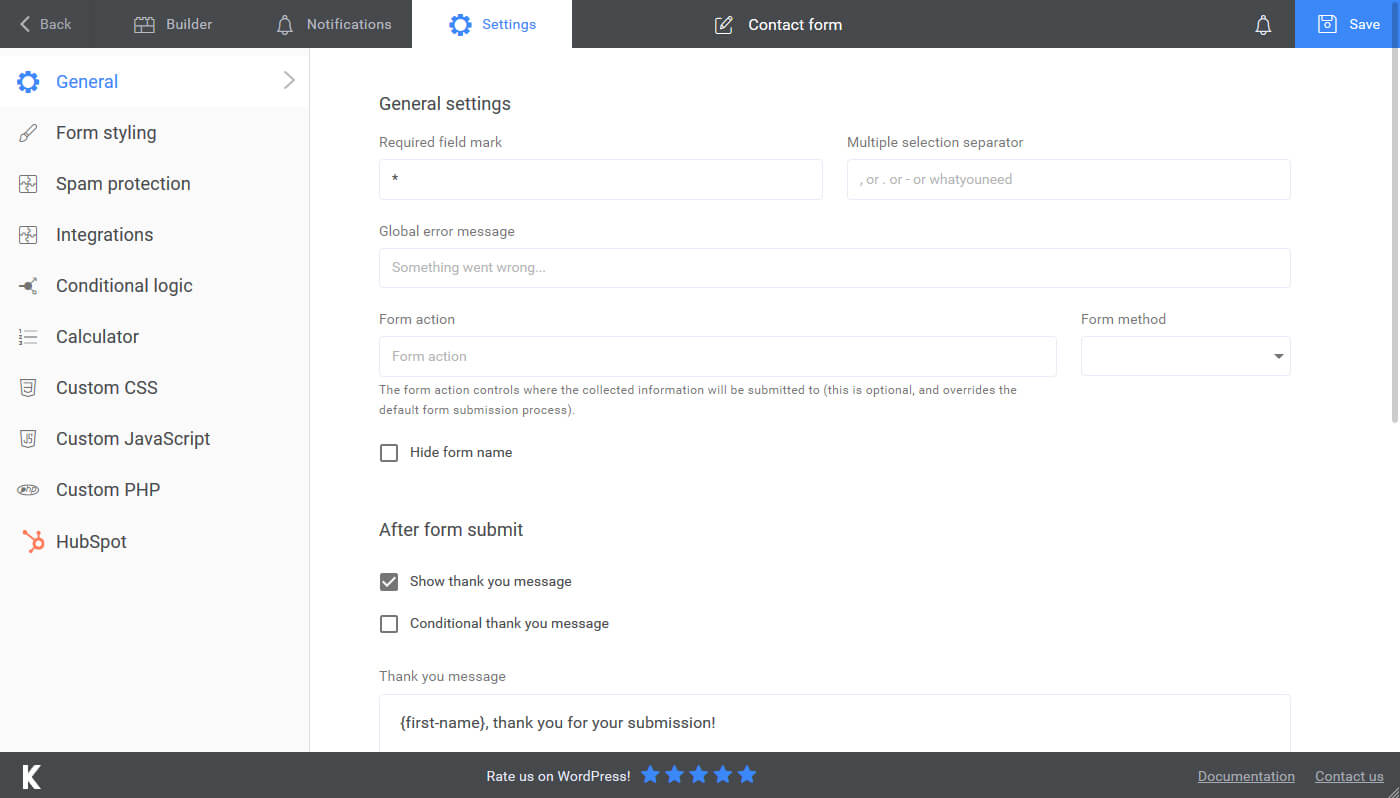
Introducing Kali Forms, a user-friendly WordPress contact form plugin that allows you to easily create powerful contact forms, payment forms, feedback forms, and more for your website. With built-in form templates and mobile responsiveness, Kali Forms makes form creation easy and efficient. Plus, the plugin uses Google's reCAPTCHA and a spam honeypot system to eliminate form spam. Upgrade to Kali Forms Pro for additional features like conditional logic, multi-page forms, and partial entry handling.Screenshots

Frequently asked questions
What is Kali Forms?
Kali Forms is a powerful and user-friendly WordPress contact form plugin that allows you to easily create contact forms, payment forms, feedback forms, and more for your website.
Does Kali Forms provide form templates?
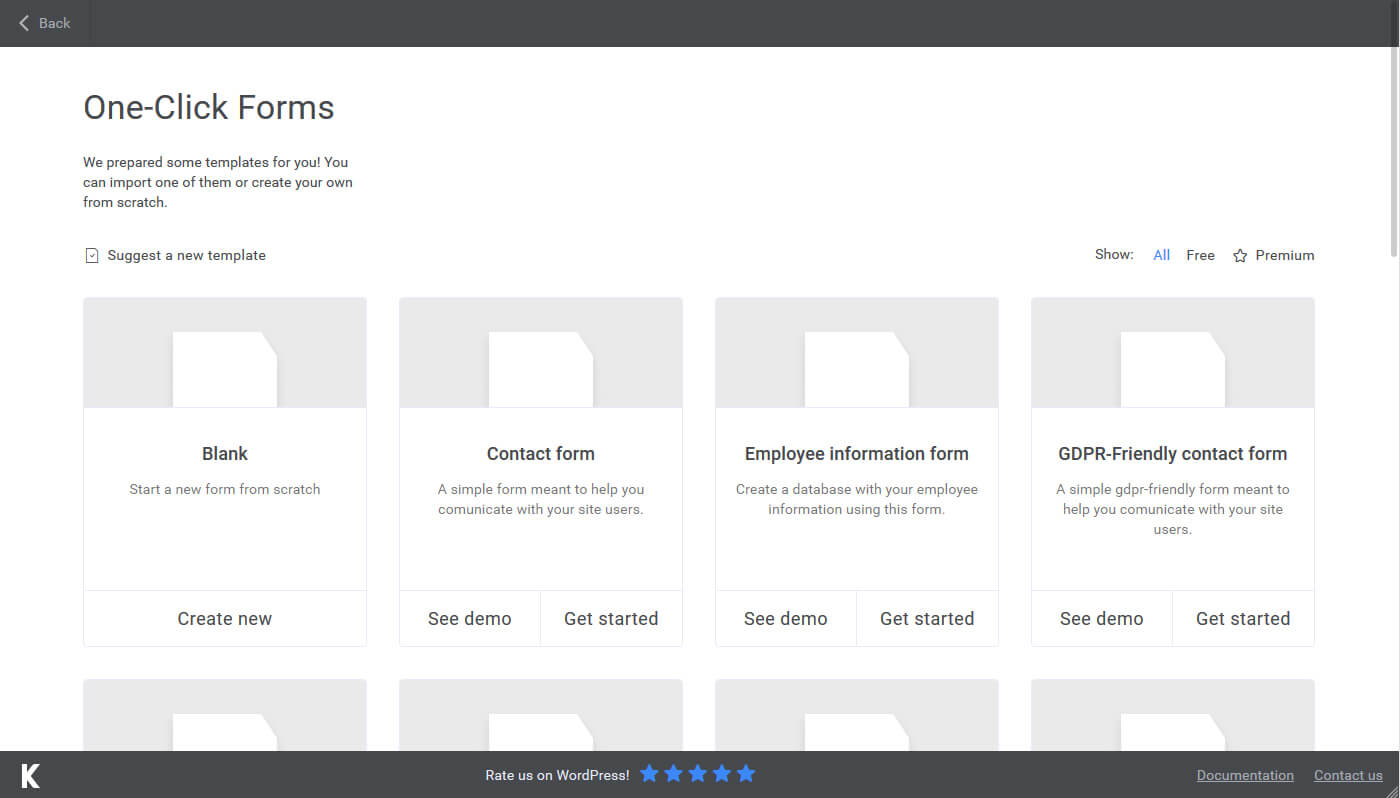
Yes, Kali Forms comes with built-in form templates that you can use to create contact forms and employee information forms.
Are there additional form templates available?
Yes, there are 13 additional form templates available in Kali Forms Pro, including job application form, appointment form, customer feedback form, art contest form, gaming tournament registration form, GDPR-friendly contact form, running calculator form, donation form, request quote form, reservation form, gym membership application form, simple booking form, and simple booking form with payment.
Is Kali Forms mobile-responsive?
Yes, all forms created with Kali Forms are 100% mobile-responsive, ensuring they look great on all devices.
How does Kali Forms prevent form spam?
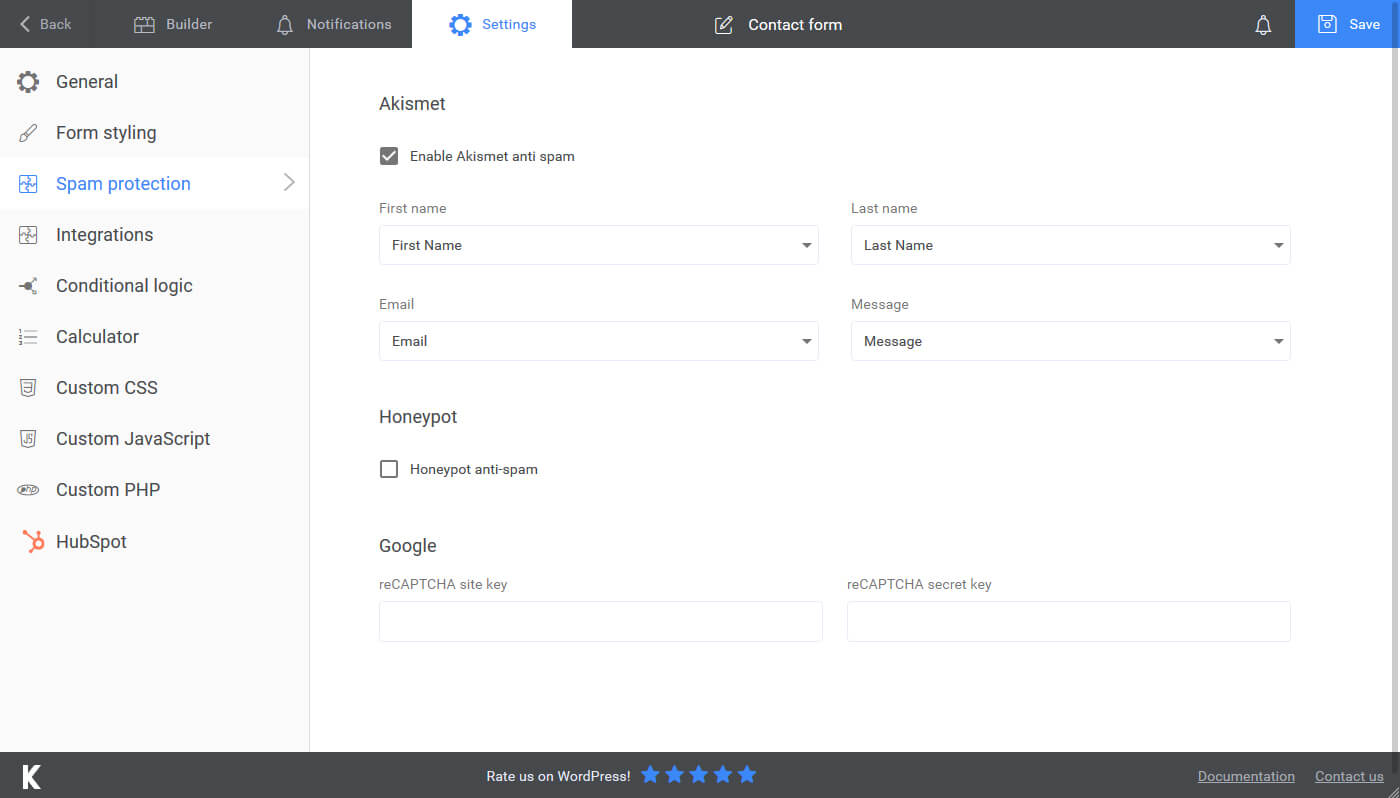
Kali Forms uses Google's reCAPTCHA and a spam honeypot system to prevent unsolicited submissions and minimize form spam.
Changelog
2.4.0
– Added turnstile captcha
2.3.53
– Entries deletion was buggy
2.3.52
– Improved entries deletion
2.3.51
– Bugfix
2.3.50
– License checker improvements
2.3.49
– SMTP settings error code bugfix
2.3.48
– Bugfixing
2.3.47
– Fixed php warnings
2.3.46
– Fixed a php warning
– Added support for HTML edit of emails (for pro users)
2.3.45
– QOL improvements
2.3.44
– Added Conversion Bridge integration
2.3.43
– Fixed a bug with the file upload field
2.3.42
– Fixed vulnerability in the form entries functionality & plugin collision
2.3.41
– Various bugs, fixes and QOL improvements
2.3.40
– PayPal button wasn’t initiated correctly
2.3.39
– Added an integration with Modula gallery ( pro only )
2.3.38
– Fixed a bug with the file upload field validation
2.3.37
– Fixed a bug with the file upload field
2.3.35
– Fixed a bug with upload conditionals
2.3.34
– Fixed a bug with upload fields validation
2.3.33
– Fixed a bug where attachment wasn’t sent in emails
2.3.32
– Fixed a bug with conditional fields
2.3.31
– Fixed an issue with frontend rendering
2.3.30
– Fixed an issue with the file upload field
– Fixed an issue related to cache busting
2.3.28
– Email log verifies user role before anything else
2.3.27
– Fixed a vulnerability that allowed data submission to forms that where not published
2.3.27
– Fixed a typo
2.3.26
– Added mailgun reply to header
2.3.23
– Fix trailing comma throwing error
2.3.22
– Added a new option to delete entries after a certain amount of days
2.3.20
– Fatal error fix when sanitizing a certain input
2.3.19
– Bugfix related to checkbox validation and pages
2.3.18
– Emails now accept PDF’s as well for media attachments
2.3.17
– There was a bug with datetimepicker from PRO version
2.3.16
– Added the ip_address smart tag in the shorcode definition
2.3.15
– Small bugfix for certain PHP Versions
2.3.14
– Added an option to disable the bootstrap grid
2.3.13
– Fixed a problem with the {allFields} placeholder
2.3.12
– Bug fix
2.3.11
– Bug fix
2.3.10
– Added min – max options to the number input ( Textbox -> Type = Number )
2.3.9
– Fixed a bug where it tried to instantiate an array from object
– Fixed a bug regarding email logging
2.3.8
– Fixed an issue with not loading the right dependencies when having multiple forms
– Added HEIC extension to file upload
2.3.7
– Fixed a bug when sending an email that had textarea filled with multiple lines ( it collapsed them )
2.3.6
– Removed extra slash from asset load URL
2.3.5
– Added a configurable timeout for redirect
– Removed file upload directly from server in an email attachment
2.3.4
– Hide Extension submenu item on network
2.3.2 & 2.3.3
– Recaptcha triggered an error if you had 2 of them on the same page
– Compact overlap style would not be applied on date time picker
– Added a checkbox to trigger “scroll” to thank you page, instead of being a default
– Various bug fixes and QOL improvements
2.3.1
– Added ip address in form entry list
– Small fixes and qol improvements
2.3.0
– Added a new way to view and handle submissions
– Various bug fixes
2.2.30
– Fixed issue with reply to field with sendinblue provider
– Fixed issue with notice dismissal
2.2.29
– Forms now scroll to the thank you message after submission
– Fixed a typo
– Added a new method to init our forms inside elementor
2.2.28
– Fixed a bug in the akismet check
– Fixed a bug with entrycounter
2.2.27
– Updated language files
2.2.25
– Elementor patching
2.2.24
– Forms loaded in Elementor did not start the file upload process
2.2.22
– Kaliform shortcode inside Elementor shortcode widget would not “start”
2.2.21
– PHP 7.4 removed function each() – caused a fatal error
– Added support for pagebreak complete label
– There was an issue with conditional logic image radio items
– QOL improvements
– Added a Elementor widget (BETA) – still work in progress
2.2.20
– Various bug fixes and QOL improvements
2.2.19
– Elementor causing issues with javascript, removed JS files but forced the opacity to 1
2.2.18
– Small bug fixing
2.2.17
– Added support for getresponse (needs plugin)
– Fixed an issue with the date picker component (from the pro version)
– Image radio improvements (now accepts label and captions)
2.2.16
– Added support for moosend & campaign monitor (needs plugin)
– Added support for webhooks placeholders (needs plugin)
– Submission views will show the date and time of submission
2.2.0 -> 2.2.15
– Generated a pot file in the /languages directory
– Fixed an issue with file upload fields
– Required field mark is wrapped in a span now
– Added more options to the file upload field ( you can now add a minimum file size and a total maximum files size when using multiple uploads)
– Submission view (for the user) now renders digital signatures and fileUpload fields as images ( paving the way for the new and improved version )
– Added support for mailpoet & sendfox (needs the newsletter plugin)
– Fixed a bug when handling emails
– Fixed an issue with having multiple file upload fields at the same time with different settings
– Trigger frontend scripts in Elementor builder
– Added support for webhooks
– Fixed an issue with special characters in sent emails
– Default wp mailer did not set headers correctly
– Re-done email settings page ( along with email sending logic – hoping to increase deliverability)
– Added an option to “reset” the form after you finish it
– QOL improvements
– Bug fixes
2.1.7
– Fixed an issue with paypal and recaptcha
2.1.6
– Bugfix
2.1.5
– Small fix
2.1.3
– QOL improvements
– Bug fixes
– Added a new global placeholder {thisPermalink} that returns the page where the form was submitted
2.1.2
– Security issue fixed
2.1.1
– Security issues fixed and resolved
– Visual bug fixed ( for WP 5.5 )
2.1.0
– Added support for newsletter
– Added support for slack
– Added support for digital signature
– Added support for user registration
– Various bug fixes and qol issues
2.0.4 / 2.0.5 / 2.0.6
– Bugfix
2.0.3
– Bugfix on calculator page
2.0.2
– Added a little bit of backward compat with older PHP versions for akismet checks
2.0.1
– Bug fixes
2.0.0
– Revamped User Interface
– Added Image Radio field
– Added Donation field
– Added Button field
– Added Akismet integration
– Added honeypot spam protection
– Added more placeholders that you can you use in the Thank You Message and in the Emails
– Added support for more premium features
– Various QOL improvements
1.6.5
– Reply To header was not being set property (form notifications)
1.6.4
– Fixed a bug when clicking the update button would show the deactivation feedback form
1.6.3
– Checkbox values were not replaced in the placeholder
1.6.2
– Fixed an issue that didnt trigger the email wizzard
1.6.1
– {formName} placeholder wasn’t returning a value
1.6.0
– Improved form builder ( design & functionality )
– Added form themes
– Form submissions renamed to Form Entries
– Form entries can be saved without additional plugins ( note that you will need Form Submission plugin to access them through WP)
– Textareas can be converted to editors ( standard wp editor )
– Added several form fields ( URL, Phone, Email )
– Added email duplicate functionality
– Added field duplicate functionality
– Added functionality to add placeholders in inputs to prefill user data on page view (e.g. to prefill a field with the user email, you need to use the {user_email} placeholder : [kaliform id=”5″ email=”{user_email}”])
– Added 2 new placeholders that can be used in fields, thank you message or email notifications: {entryCounter} and {formName}
– Using PHP Before Form Process scripting areas, you can edit/add/delete values from the submitted data before they are saved
– QOL adjustments
1.5.0
– Added a new filter that happens before file uploads
– Added a review notice for wordpress.org
– Added Email Settings page to improve and debug mail deliverability
– Added a duplicate form button in the Forms listing
– Added a dashboard widget
– Added an email quick link in the form builder top navigation bar ( email icon )
– Added possibility to send data through the shorcode e.g. [kaliform id=”1″ first-name=”John” last-name=”Doe”]
– Added uninstall feedback
– Added system checks
– Several QOL adjustments
1.4.0
– Various bugs, fixes and QOL adjustments
1.3.0
– Added functionality to attach files uploaded through file upload fields to emails
– Added functionality to attach files from uploaded media to emails (will be improved in the next update)
– Added functionality to attach files from your server using a relative path (e.g. /app/public/wp-content/uploads/file.zip)
– Added a simple way to view/copy placeholders that can be used in emails/thank you message/etc
– Added conditional logic functionality to free text. Useful in scenarios where you want to display a certain message based on user input
– Various bugs, fixes and QOL adjustments
1.2.0
– Option to hide form name
– Layout builder improvements ( offsets are now taken into consideration )
– Various bugs, fixes and QOL adjustments
1.1.0
– Added an instalation hook to add a default contact form
– Added a loading state for the app
– Various bugs, fixes and QOL adjustments
1.0.0
– Release

