
The Elementor Website Builder has it all: drag and drop page builder, pixel perfect design, mobile responsive editing,…
About Post Grid Combo – 36+ Gutenberg Blocks
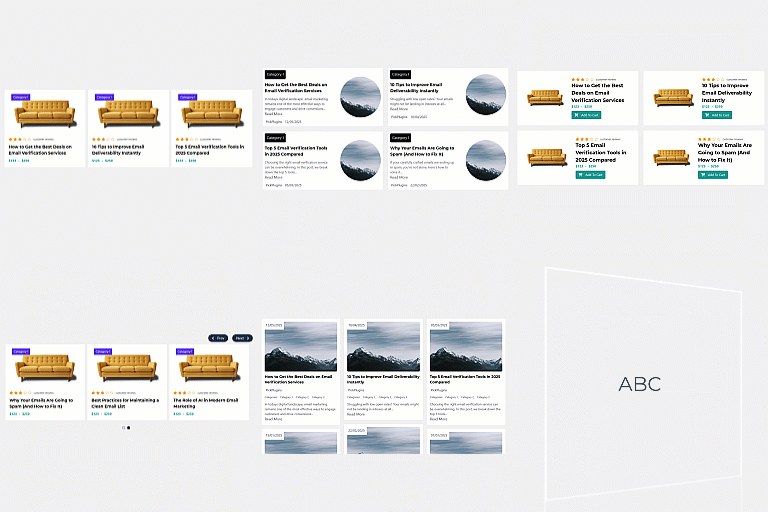
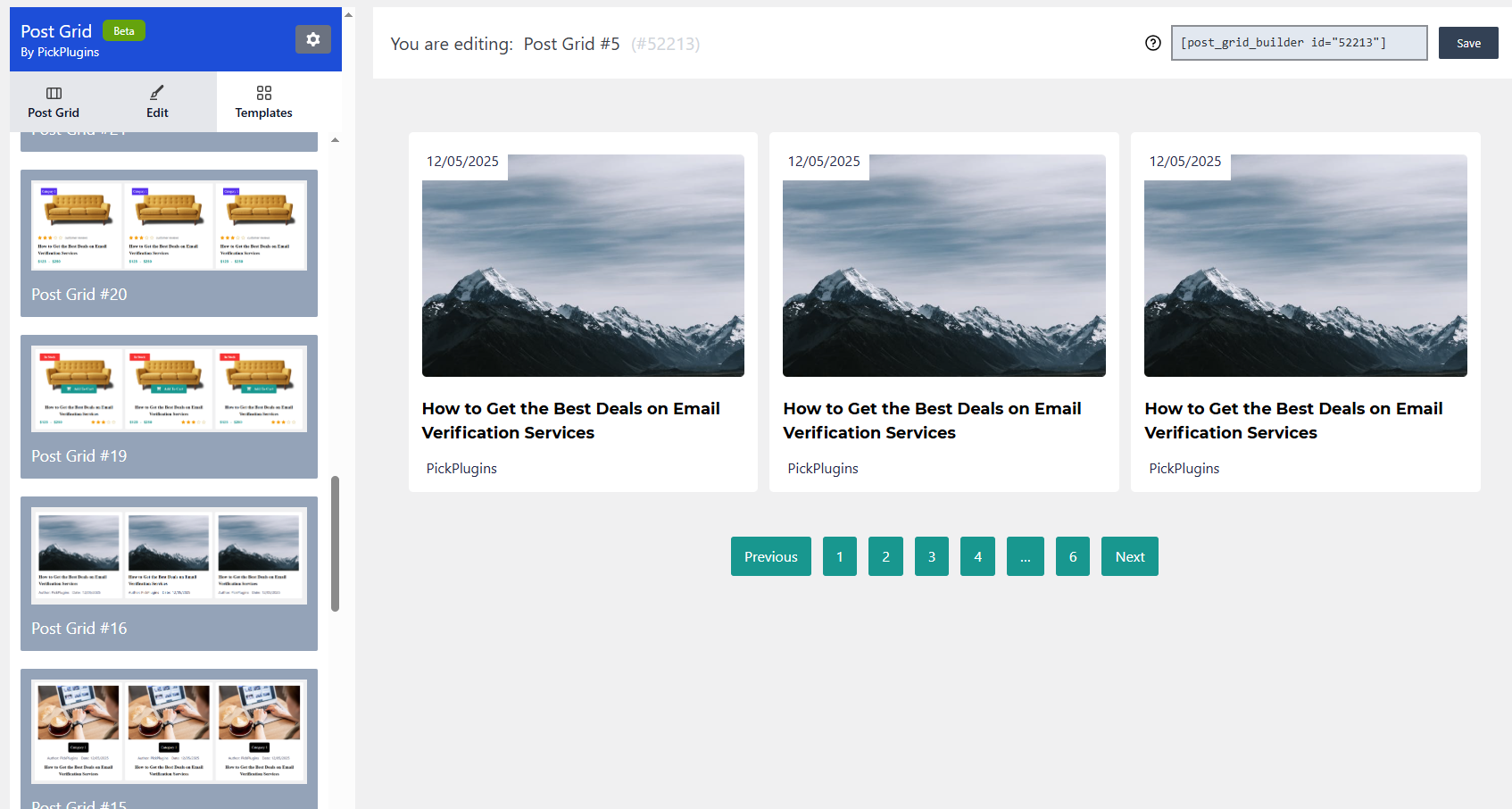
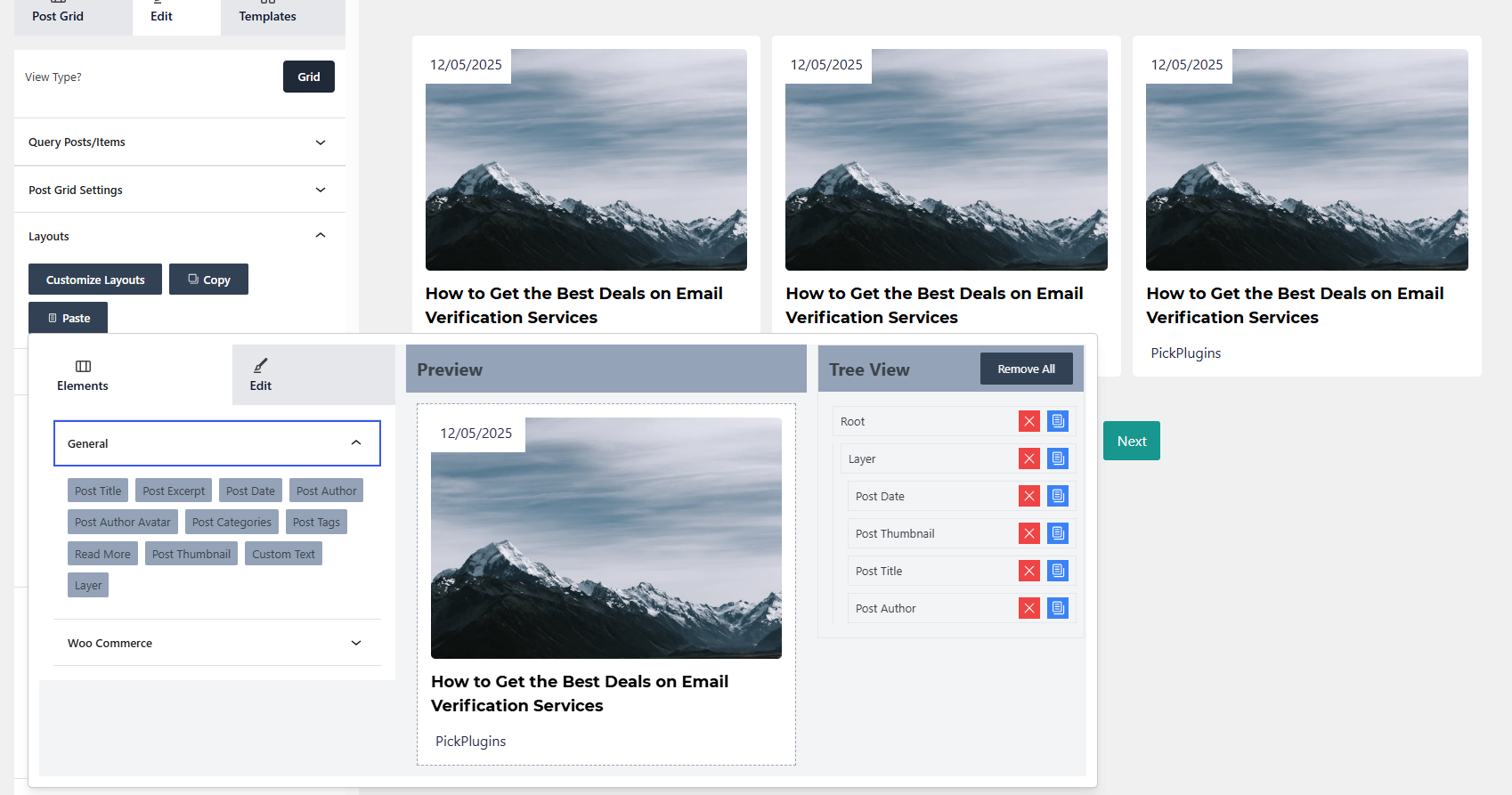
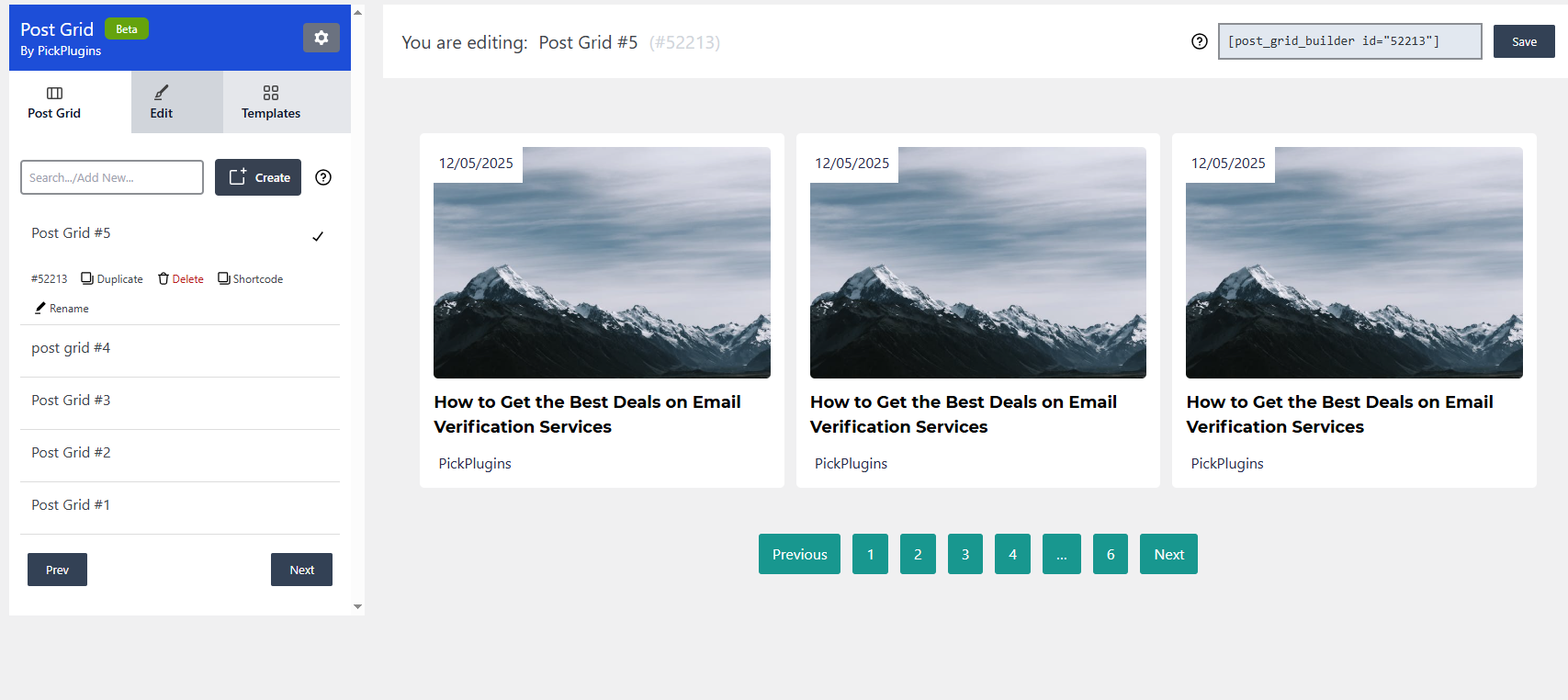
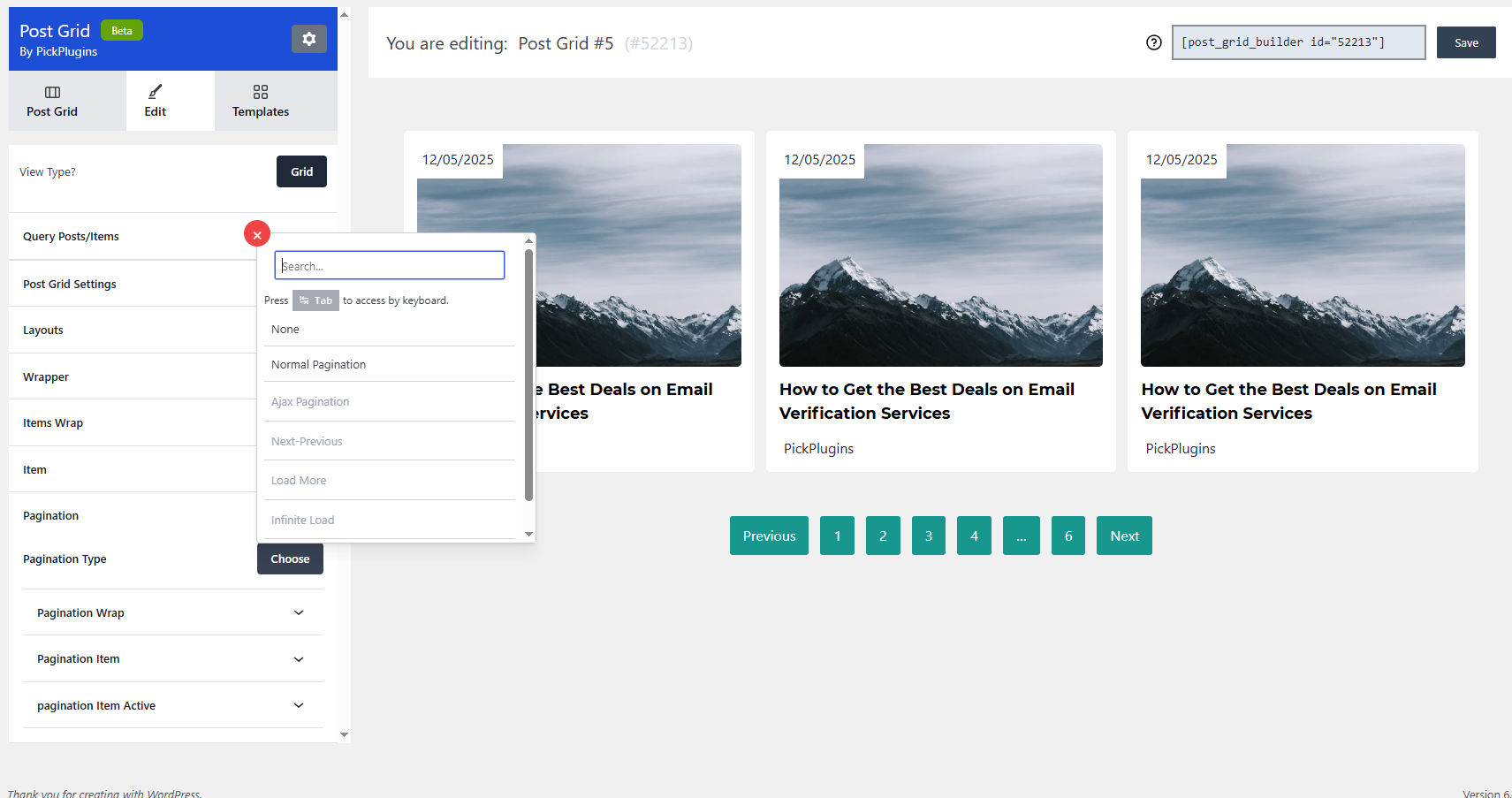
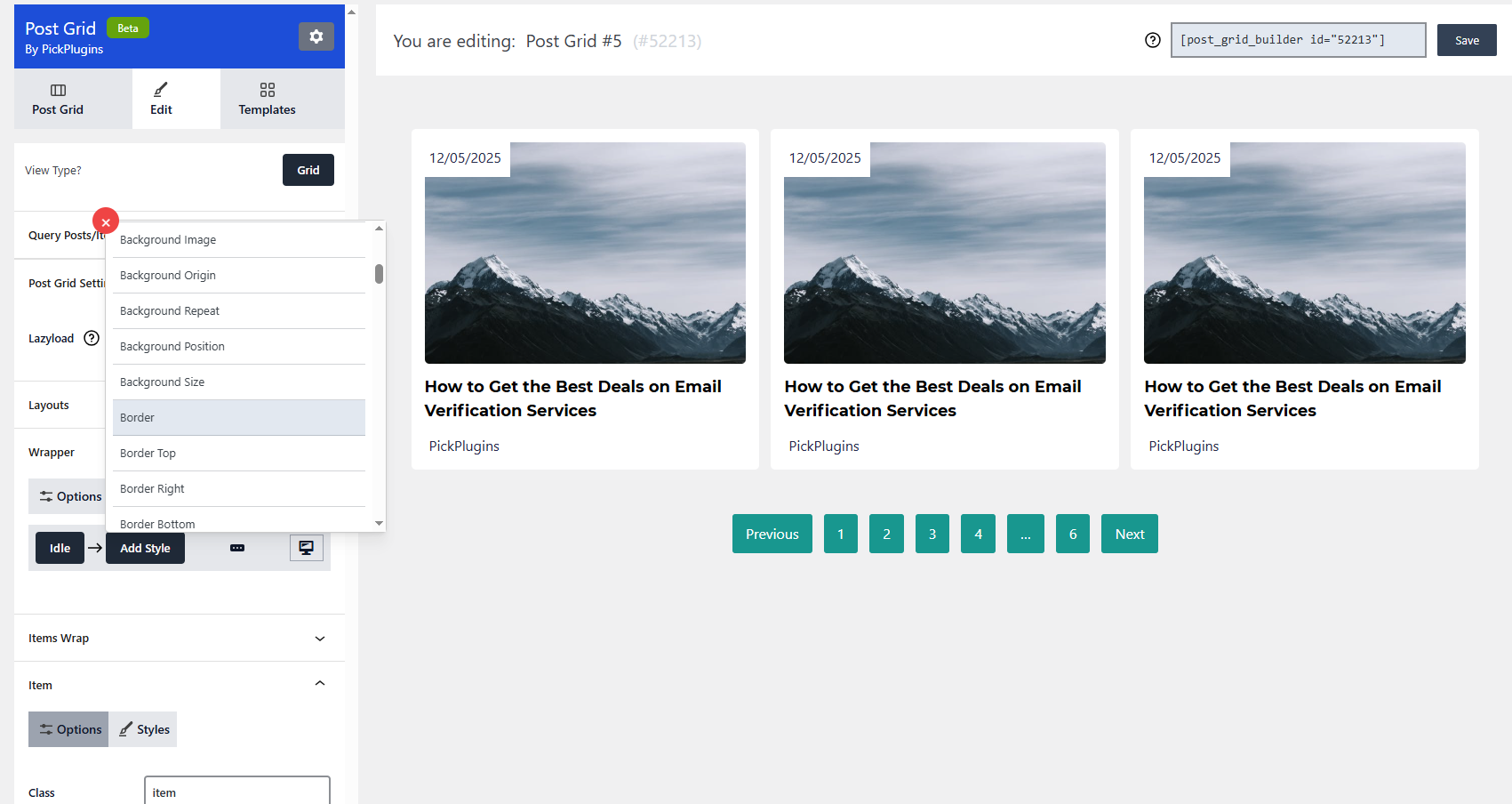
ComboBlocks is a page builder and block plugin that offers more styling, features, and ease of use compared to other popular options. With just 7 blocks, you can achieve the same functionality as 22 blocks from other plugins, eliminating unnecessary blocks and elements. It also offers advanced features such as form making, popup creation, content sliders, advanced query options, and more.Screenshots

Frequently asked questions
What is Post Grid Combo?
Post Grid Combo is the enhanced version of the Post Grid plugin. It now includes 40+ blocks to enhance the page editing experience with Block Editor. The plugin can be used to create page content and post grid layouts.
Where can I see a live demo of Post Grid Combo?
You can see the live demo of Post Grid Combo by visiting the following link: [See the Live demo](https://getpostgrid.com/)
Where can I buy the premium version of Post Grid Combo?
You can buy the premium version of Post Grid Combo by visiting the following link: [Buy Premium](https://www.pickplugins.com/post-grid/)
Is there any documentation available for Post Grid Combo?
Yes, there is documentation available for Post Grid Combo. You can access the documentation by visiting the following link: [Documentation](https://getpostgrid.com/documentations/)
Where can I get support for Post Grid Combo?
You can get support for Post Grid Combo by visiting the following link: [Support](https://www.pickplugins.com/support/)
Changelog
2.3.7
- 2024-02-23 – fix – User Query Block – REST API allow access to admin only.
2.3.6
- 2024-02-18 – fix – Form Maker Block – creating WC order marked as pending instaed on completed.
2.3.5
- 2024-02-18 – fix – User query block – Remove roles, capabilities from REST response.
- 2024-02-18 – fix – Update style component to adding predefined properties.
2.3.4
- 2024-01-12 – fix – Form Maker block – registration form remove tutor LMS registration feature
2.3.3
- 2024-12-27 – fix – Form Maker block – registration form security issue fixed.
- 2024-12-27 – fix – Block settings tab added under dashboard
- 2024-12-27 – fix – php 7.4 compatibility issue fixed.
2.3.2
- 2024-12-10 – fix – Form Maker block – registration form security issue fixed.
- 2024-12-05 – add – Style component – some properties added
2.3.1
- 2024-11-17 – update – Templates picker updated
- 2024-11-17 – add – Taxonomy Builder added
- 2024-11-15 – added – AI Features add on Accordion Block
- 2024-11-13 – added – AI Features add on List Block
- 2024-11-11 – added – AI Features add on Team Members Block
- 2024-11-08 – added – AI Features add on Testimonials Block
- 2024-11-08 – added – AI Features add on Text Block
- 2024-11-08 – added – AI Features add on Image Block
- 2024-11-08 – update – Style component updated.
2.3.0
- 2024-11-05 – fix – unnecessary CSS output issue fixed.
2.2.99
- 2024-11-05 – fix – Form Maker block – Frontend js error issue fixed.
2.2.98
- 2024-11-03 – fix – Form Maker block – Register user security issue improved.
- 2024-10-03 – update – Post Query block update
- 2024-10-18 – update – Dashboard page update.
- 2024-10-18 – update – Terms Query block update
- 2024-10-17 – update – Terms Showcase block update
- 2024-10-16 – update – Image block update
- 2024-10-15 – update – Post Author block update
- 2024-10-15 – update – User Fields block update
- 2024-10-15 – update – Post Query Pagination block update
2.2.97
- 2024-10-14 – fix – Form Maker block – Register user security issue fixed.
2.2.96
- 2024-10-06 – fix – missing blocks-styles.css file issue fixed
- 2024-10-06 – fix – Image block – broken image url issue fixed.
- 2024-10-06 – fix – Added block variations picker for few blocks.
2.2.95
- 2024-10-04 – fix – Block Theme style broken issue fixed.
- 2024-10-04 – fix – WooCommerce broken style issue fixed.
- 2024-10-04 – fix – Image block broken issue fixed.
2.2.94
- 2024-09-12 – fix – escaping issue fixed for blocks.
- 2024-10-01 – update – Dashboard page update.
- 2024-10-01 – update – Number Counter block update
- 2024-09-30 – update – Image Gallery block update
- 2024-09-29 – update – Filterable Grid – Nav block update
- 2024-09-29 – update – Form Maker block update
- 2024-09-28 – update – Post Date block update
- 2024-09-28 – update – Image Accordion block update
- 2024-09-28 – update – Read More block update
- 2024-09-26 – update – More translation support added.
- 2024-09-21 – added – New component AnimatiOn added
- 2024-09-21 – added – New component Typing Text added
- 2024-09-21 – added – New component Tilt added
- 2024-09-21 – added – New component Tooltip added
- 2024-09-21 – update – Team Members block update
- 2024-09-21 – update – Text block update
- 2024-09-21 – update – Layers block update
- 2024-09-21 – update – Testimonial block update
- 2024-09-18 – update – Image block update
- 2024-09-18 – update – Featured Image block update
2.2.93
- 2024-09-09 – fix – escaping issue fixed for blocks.
- 2024-09-09 – fix – outputing custom attributs commented out for blocks.
- 2024-09-09 – fix – Tabs blocks js error issue fixed.

