

The Elementor Website Builder has it all: drag and drop page builder, pixel perfect design, mobile responsive editing,…
About Drag and Drop Multiple File Upload – Contact Form 7
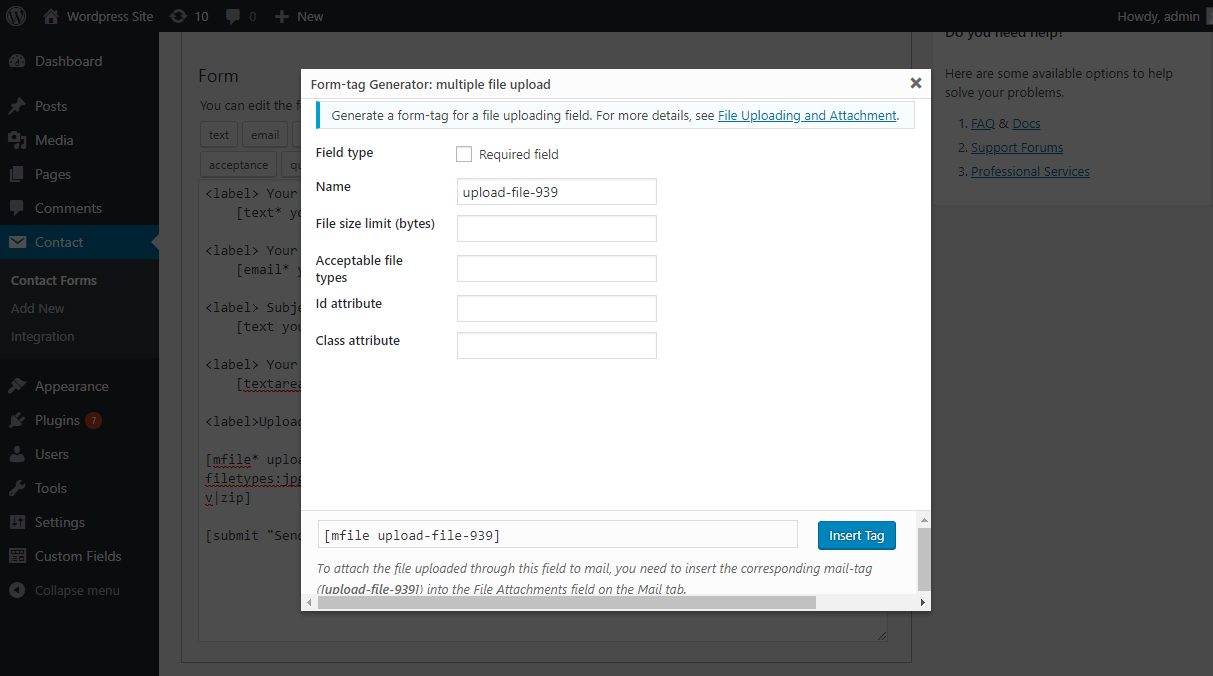
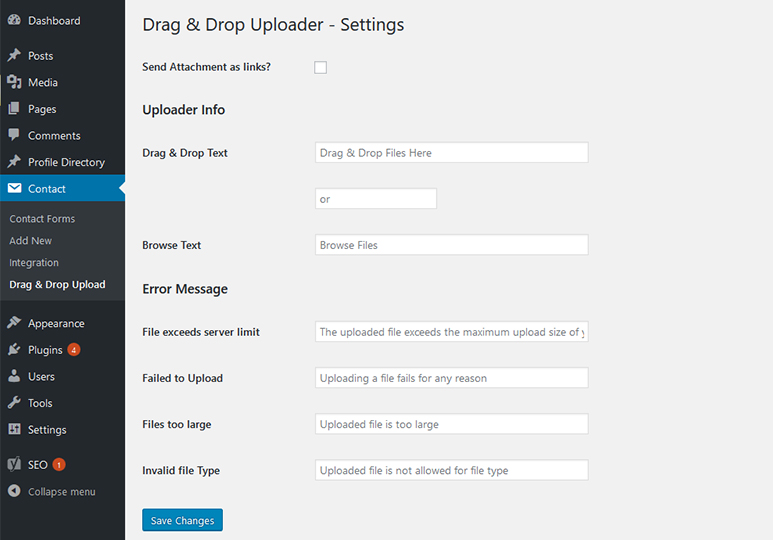
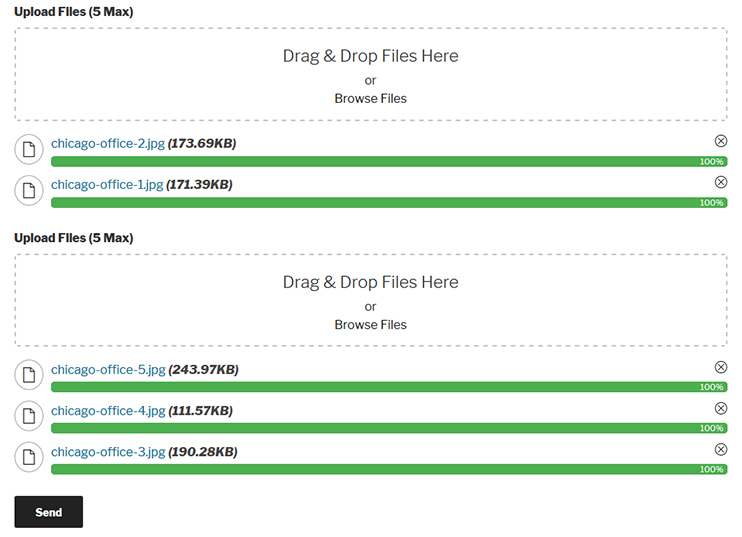
Drag and Drop Multiple File Upload is a WordPress plugin extension for Contact Form 7 that allows users to easily upload multiple files using drag-and-drop or the browse-file feature. It offers features such as file type and size validation, Ajax uploader, file deletion before sending, and support for multiple languages. There is also a PRO version available with additional features like image preview, auto deletion adjustment, zip files, and more.Screenshots


Frequently asked questions
What is Drag and Drop Multiple File Uploader?
Drag and Drop Multiple File Uploader is a simple, straightforward WordPress plugin extension for Contact Form7, which allows the user to upload multiple files using the drag-and-drop feature or the common browse-file of your webform.
What are the features of Drag and Drop Multiple File Uploader?
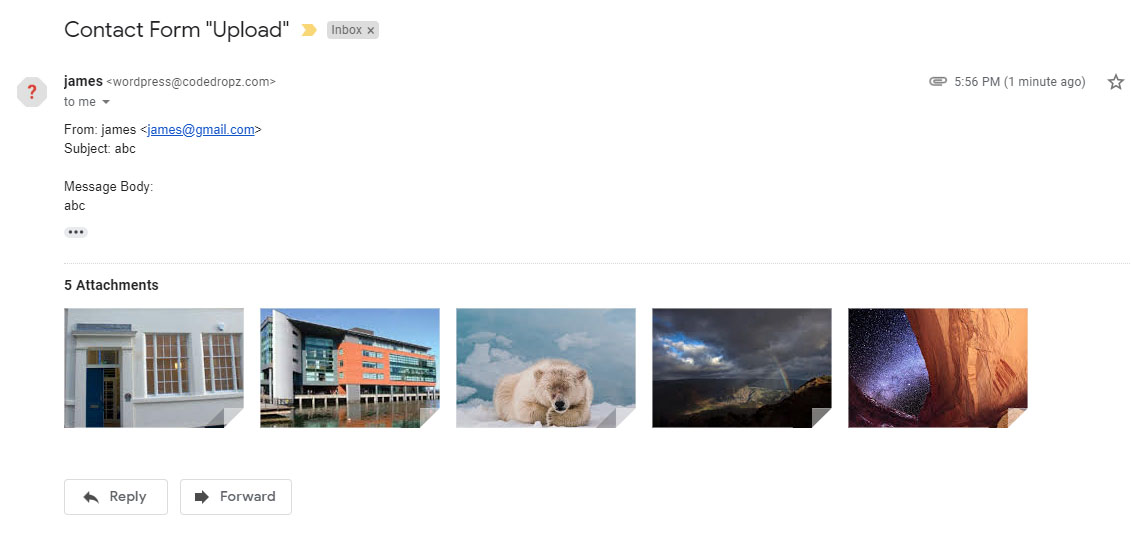
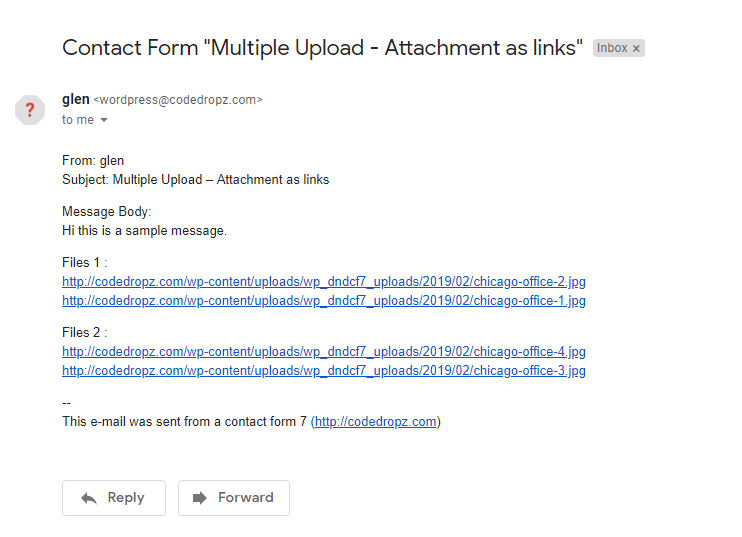
The features of Drag and Drop Multiple File Uploader include file type validation, file size validation, ajax uploader, limit number of files upload, limit file size for each field, custom file types or extension, manage text and error messages in admin settings, drag & drop or browse file multiple upload, support multiple drag and drop in one form, able to delete uploaded file before being sent, send files as email attachment or as links, support multiple languages, mobile responsive, cool progress bar, and compatibility with any browser.
What is the temporary folder for uploaded files in the free version of Drag and Drop Multiple File Uploader?
On the free version, all uploaded files move to a temporary folder (/wp-content/uploads/wp_dndcf7_uploads) then attach the file to the mail and send it. After that, Drag & Drop File Upload removes the file from the temporary folder 1 hour after the submission.
What are the premium features of Drag and Drop Multiple File Uploader?
The premium features of Drag and Drop Multiple File Uploader include image preview, adjust auto deletion of files after form submission, zip files (compressed file), save files to WordPress Media Library, change WordPress upload directory, change upload folder to Contact Form 7 fields, generated date & time - timestamp, random folder, by user - required login, custom folder, dynamic folder (user (name, id), post (id, slug), cf7 fields), send as individual email attachments, zip archive, or links, chunks upload (break large files into smaller chunks), set max total size (of all uploaded files), sequential upload (no. of files that can be uploaded simultaneously), change filename pattern, automatically optimizing images (standard version only), color options (file size, progress bar, filename, etc.), disabled the button to prevent duplicate submissions, image preview on email, file remote storage (Google Drive, Amazon S3, FTP, Dropbox), save form entries in the admin, and select 'Dark' or 'Light' theme. It also includes enhanced security, code optimization, improved performance, and 1 month premium support.
What other plugins are compatible with the Pro version of Drag and Drop Multiple File Uploader?
The Pro version is also compatible with Contact Form 7 Add-on - Arshid, Database for Contact Form 7 - Ninja, and Advanced Contact form 7 DB - Vsourz Digital.
Changelog
1.3.8.7
- Fixes – Header already sent issuesupport
- Fixes – Unable to delete file when “send file(s) as link” enabled. support
1.3.8.6
- Fixes – Security Updates (fixed Vulnerability issue reported by Wordfence – CVE ID:CVE-2024-12267)
- Bug Fix – Fixed bug Support Link
- Improvement – Added a random directory for each user/guest uploads to prevent file deletion across folders (related to item # 1)
1.3.8.5
- Hot fix ( Showing critical error on Php 7.3 and Up )
- Improvement – Improved I18N (Thanks to @alexclassroom)Support Link
1.3.8.4
- Added Compatibility on Contact Form 7 6.0.
- WordPress 6.7 Compatibility check.
1.3.8.3
- Bug – Fixed “send file(s) as links” option not creating year/month folder structure.
1.3.8.2
- Fixes – Show query error using Query Monitor plugin Here
- Added – JS/PHP hooks after successful upload Here
- Tweak – Move error message above files upload Here
- Fixes – Minor fixes and improvements
1.3.8.1
- Quick Fix – Unable to uncheck “Send file(s) as links” option.
1.3.8.0
- Quick fix to prevent auto-deletion if the “Don’t delete files” setting was overridden by recent updates.
1.3.7.9
- Bug – Added back the “Don’t delete files” option.
- Optimized – Optimized plugin settings by saving them as an array instead of retrieving individual settings from the wp_options table.
- Compatibility check on latest version of Contact Form 7 5.9.5.

