

The Elementor Website Builder has it all: drag and drop page builder, pixel perfect design, mobile responsive editing,…
About underConstruction
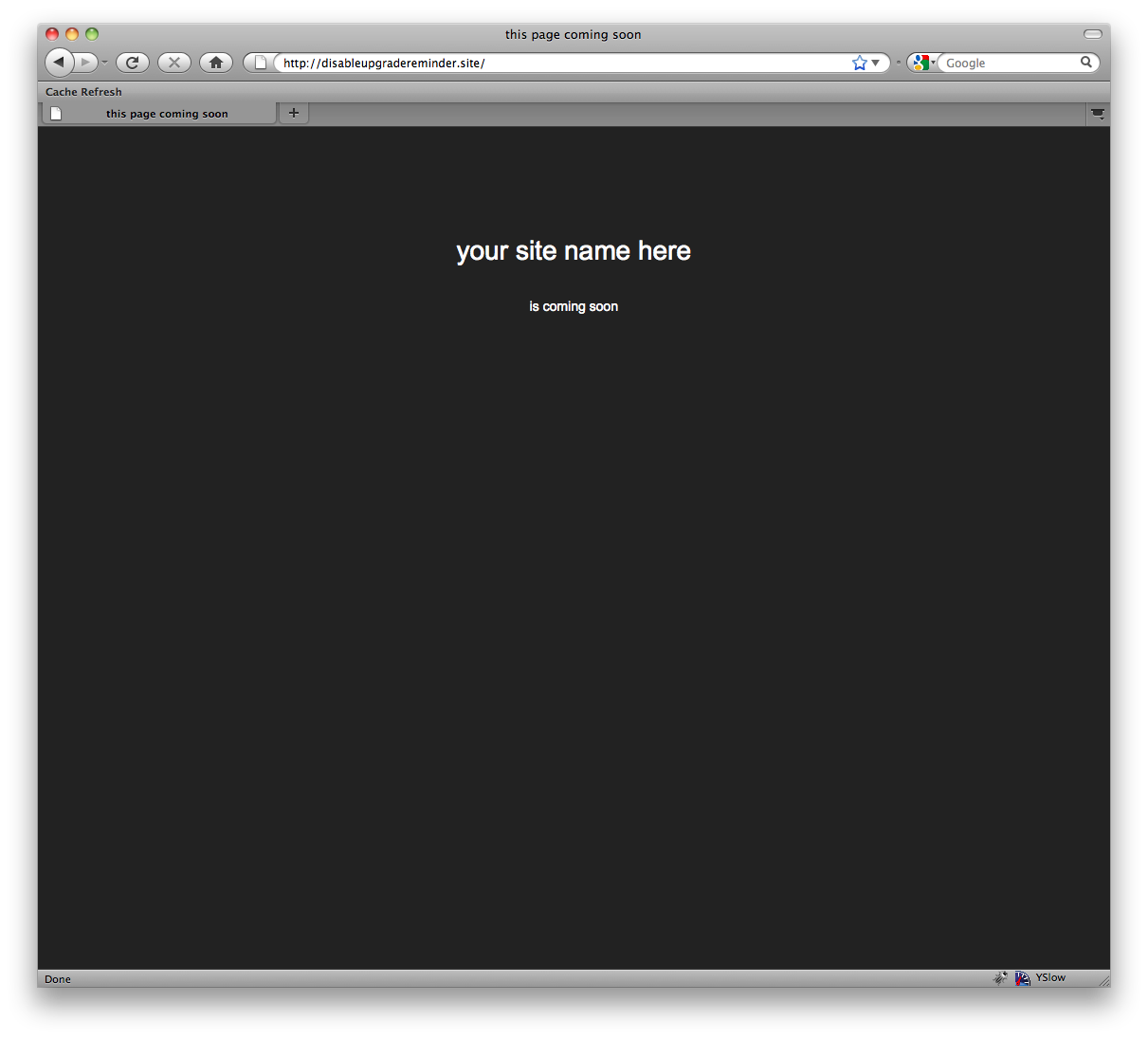
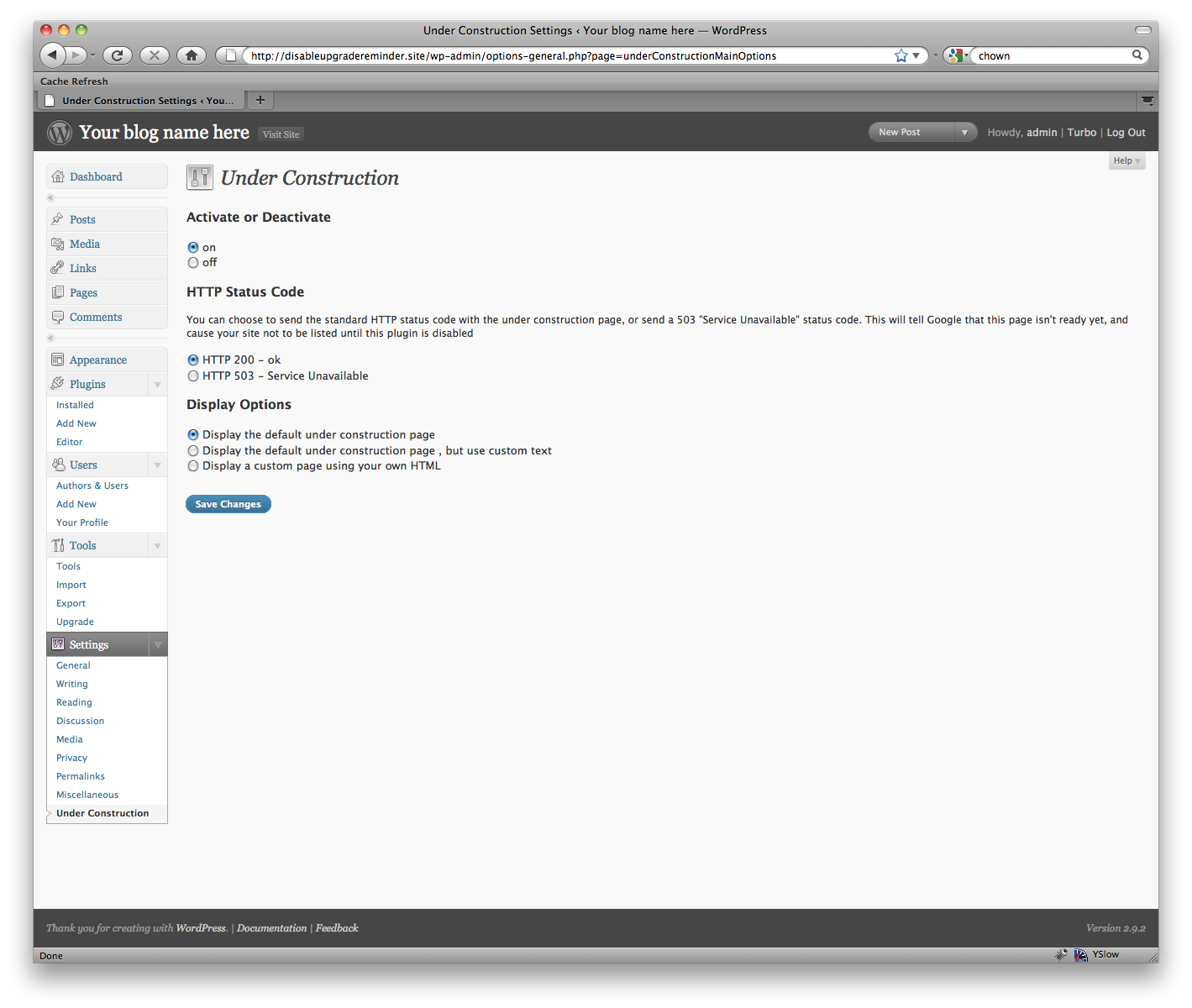
This WordPress plugin allows you to create a "Coming Soon" page that will be visible to users who are not logged in. It is a useful tool for developing a site on a live server while keeping it hidden from the public. Check out the latest WordPress deals for your site.Screenshots
Frequently asked questions
What is the purpose of a 'Coming Soon' page?
A 'Coming Soon' page is useful for developing a site on a live server without the world being able to see it.
Who can see a 'Coming Soon' page?
A 'Coming Soon' page will show for all users who are not logged in.
Where can I find the latest WordPress deals?
You can check out the latest WordPress deals for your site on the AppSumo website.
Changelog
1.22
- Address XSS vulnerability on admin inputs.
1.21
- Improve input sanitation.
1.20
- Add support for 404 status code.
- Address security vulnerabilies.
1.19
- Address security vulnerability.
1.18
- Fix PHP warnings and update WordPress version compatibility.
1.17
- Add ipv6 support https://wordpress.org/support/topic/underconstruction-ipv6-support
1.15
- Add capability check for options page. Requires publish_pages
1.14
- Remove banner from dashboard
1.13
- Minor options page update
1.12
- Minor UI update to work nicely with WP 2.8
- Added the ability to bundle an under-construction.php file with your theme and have the plugin use that
1.11
- Fixes a bug where users couldn’t log in
1.10
- Fixes a bug where users who aren’t admins wouldn’t be able to use the admin area of the site if the under construction plugin was enabled
- Adds French translation (my thanks to David Thomas at studio de création sympathique)
- Removed the screenshots from the downloadable bundle in order make the plugin install faster
- Fixed a minor security issue where users with valid credentials could view a single page when logging in
- Sorry for all the updates lately
1.09
- Fixed an issue identified Charlie Eriksen. Listed as Secunia Advisory SA52881. Fixes a security issue that could possibly result in the plugin being inadvertently deactivated.
- Fixes a typo on the options screen
1.08
- Fixed an embarrassingly old bug caused by using the old plugin registration API. It would result in a “has_cap is deprecated…” warning. Sorry ’bout that folks.
1.07
- Fixed a bug where a warning could get emitted causing errors to be printed to the screen
1.06
- Added the ability to allow certain IP addresses to see the site
- Added the ability to have a 301 redirect instead of having the “Coming Soon” page
- Added the ability to restrict what level of user can log into the site (Thanks Gerry for the feature request!)
1.05
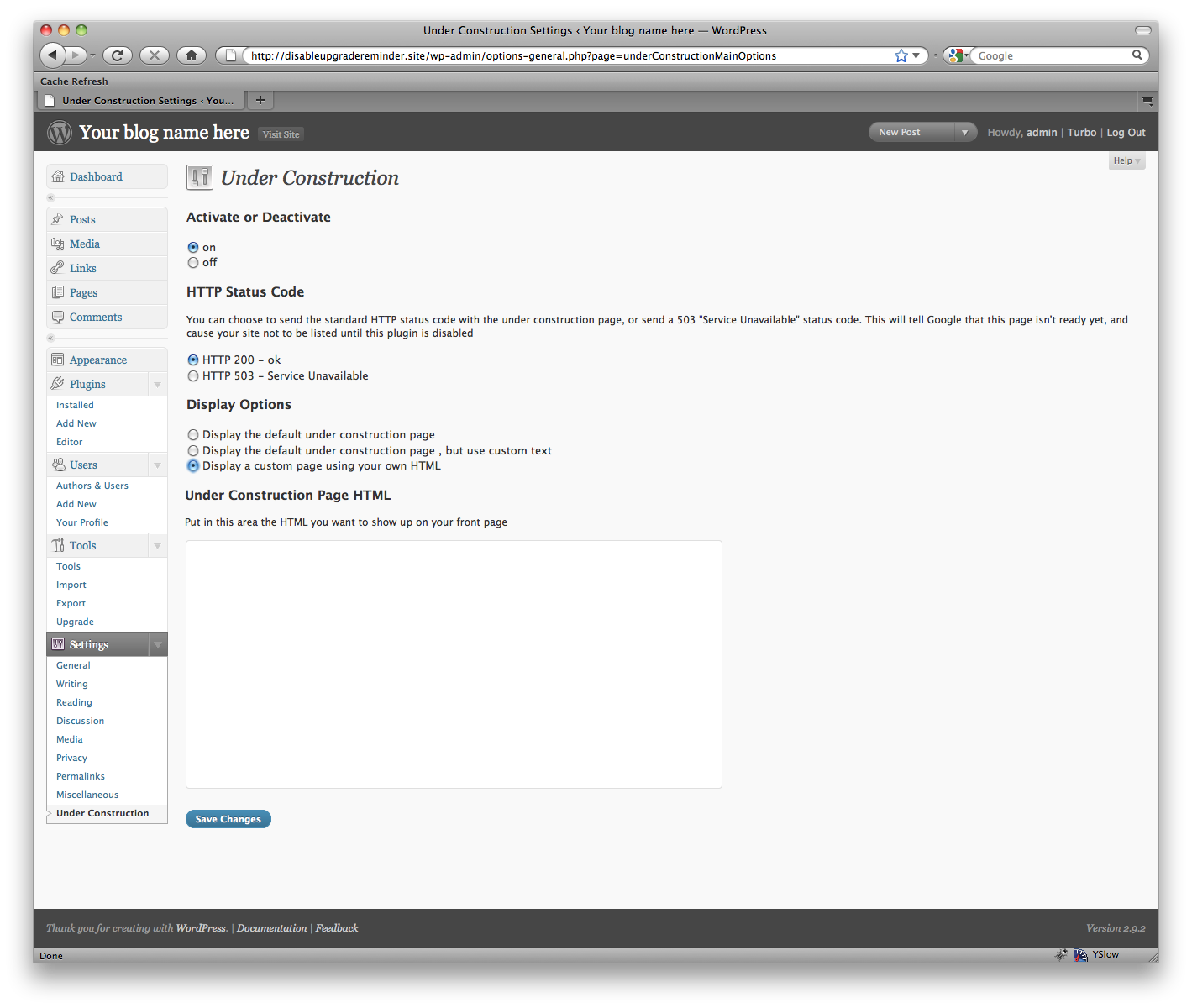
- Fixed an issue where single quotes were being escaped on custom HTML pages. They will now be unquoted when printed to the screen
1.04
- Made UC a bit more of a ‘good citizen’ in terms of storing its options. No options will be left behind when deleting the plugin now, and when deactivating, all options are compressed to one archive record. If reactivating the plugin, the options will be returned to how they were before deactivation.
- Fixed a bug where the custom text fields might say “empty” by default
- Ensured compatibility with 3.0-alpha
- Added a warning message if javascript is disabled in the management screen.
1.03
- Added the ability to switch on and off while keeping the plugin active
- Added the ability to send different HTTP headers (503 or 200)
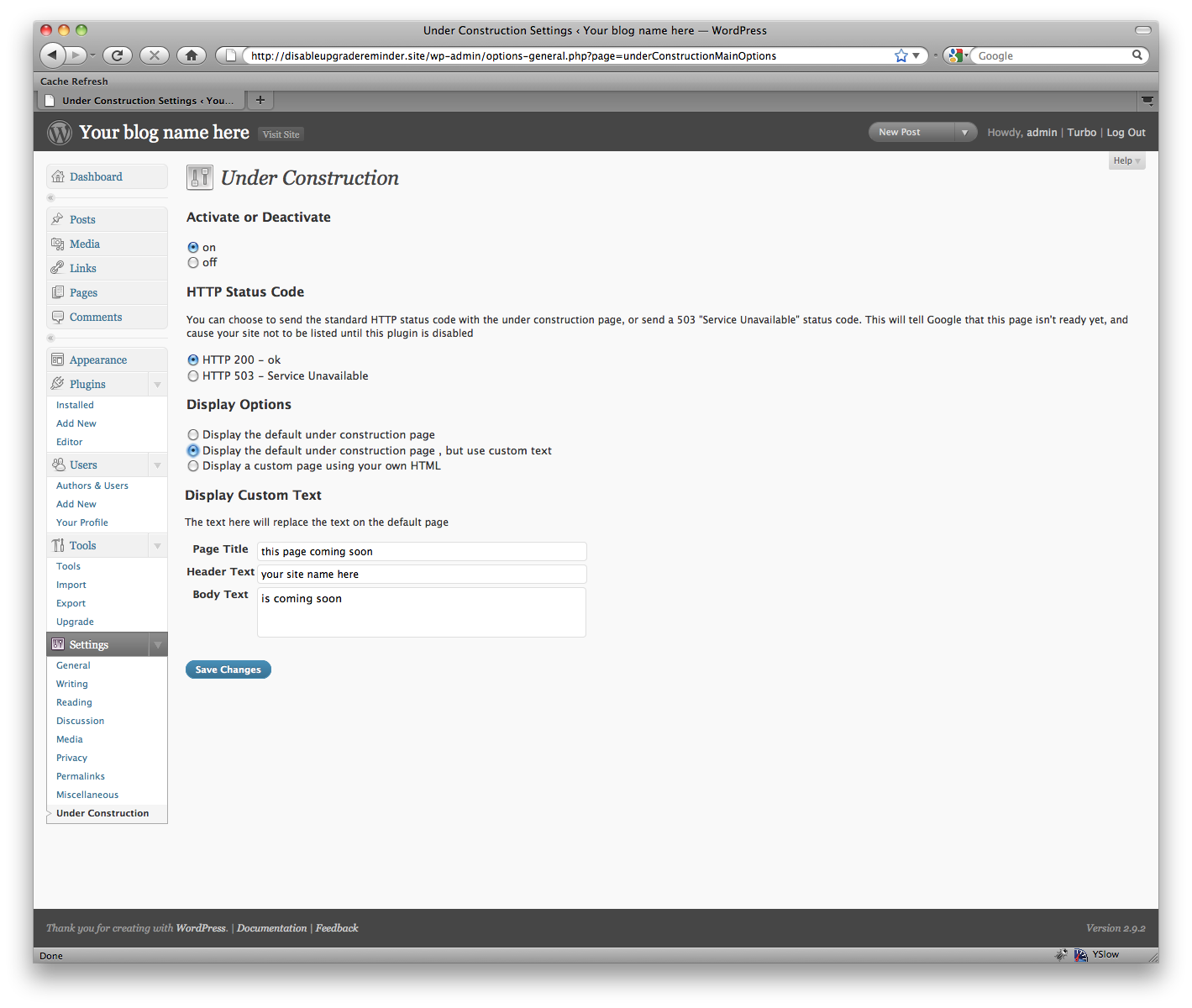
- Added the ability to simply customize the default text, or display the default page
- Tweaked the page slightly to be a little prettier
1.02
- Fixed a bug where clearing the text wouldn’t cause it to revert to the default.
1.01
- Fixed a bug where deactivation would trigger an error
1.0
- First version

