

Enables the previous "classic" editor and the old-style Edit Post screen with TinyMCE, Meta Boxes, etc. Supports all…
About Database for Contact Form 7, WPforms, Elementor forms
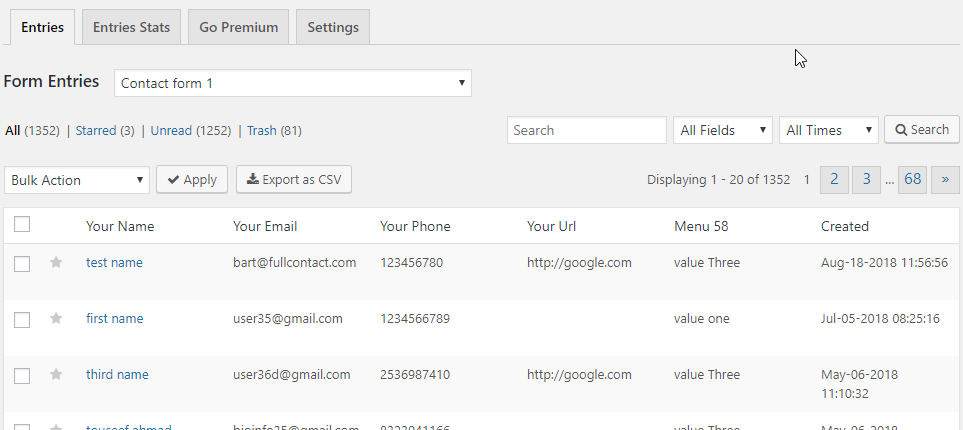
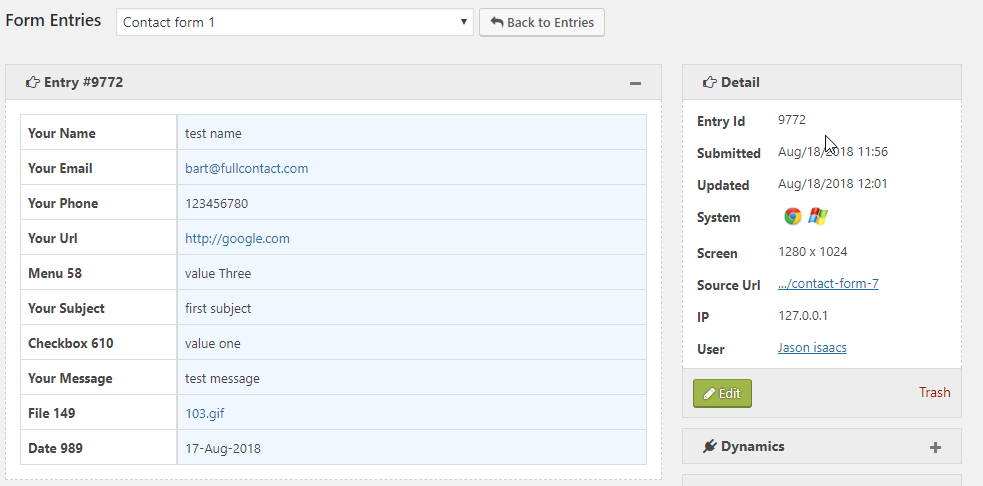
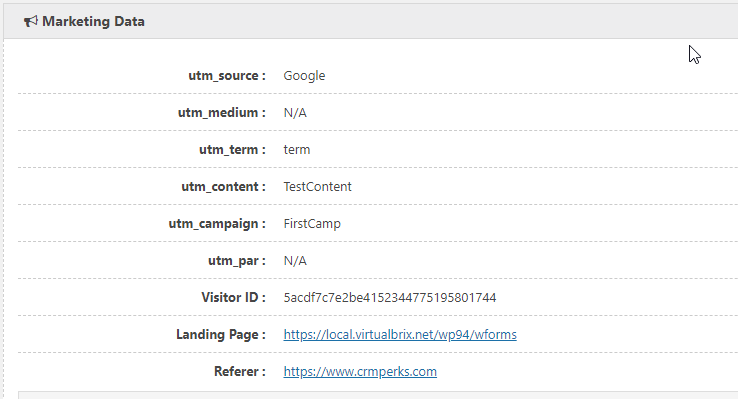
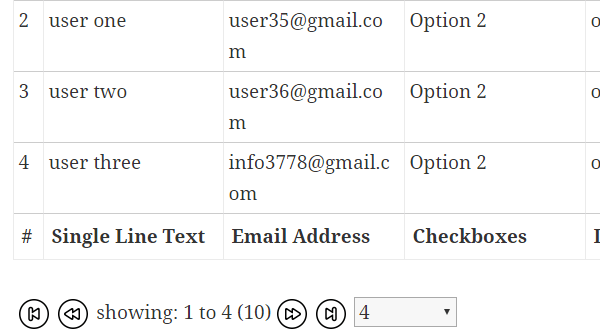
The Contact Form 7 Entries Plugin automatically saves form submissions from popular contact form plugins to your WordPress database. It provides features such as viewing and searching form entries, filtering by date, marking entries as read or unread, and exporting entries in CSV format. There is also a premium version available with additional features and integrations with CRMs.Screenshots
Frequently asked questions
What forms does this plugin support?
This plugin supports Contact Form 7, WPForms, Elementor Forms, and CRM Perks Forms. It also supports many other popular contact form plugins.
What features are available for Contact Form 7 entries?
You can view, search, and filter Contact Form 7 entries. You can also mark entries as read/unread, star/unstar them, print them, and export them to CSV.
Can I add notes to form entries?
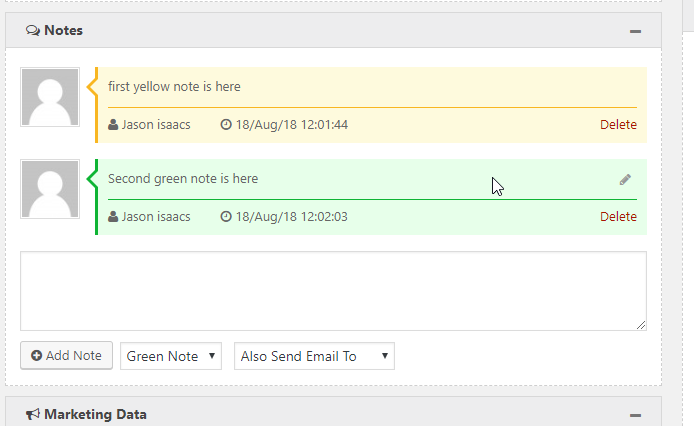
Yes, you can add and edit notes for any contact form entry. You can also select a color for your notes.
Does this plugin save WPForms entries?
Yes, this plugin saves WPForms entries into the WordPress database. You can view, edit, and export these entries as a CSV file.
What kind of statistics does this plugin provide?
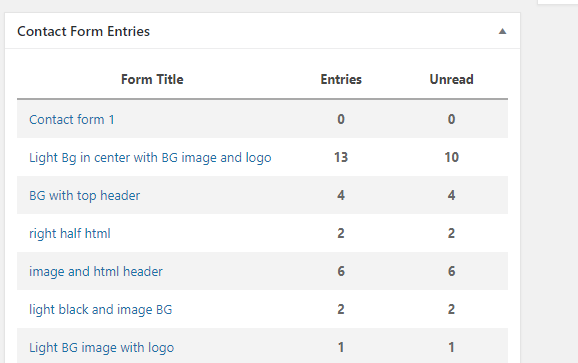
The plugin displays a summary of Contact Form 7 submissions by contact form on the dashboard. You can see all read/unread entries for all contact forms in one place.
Changelog
1.4.0
- fixed “invalid file url in entries table” issue.
1.3.9
- fixed “mfile field xss” issue.
1.3.8
- fixed “mfile field xss” issue.
1.3.7
- fixed “mfile field” issue.
1.3.6
- fixed “mfile field” issue.
1.3.5
- fixed “one link for multiple files in leads table” issue.
1.3.4
- fixed “xss issue with font-size attribute of table”.
1.3.3
- fixed “ninja forms hidden fields” issue.
- fixed “php file type not allowed”.
1.3.2
- fixed “null to wp_post_kses” issue.
1.3.1
- fixed “csv file file url incomplete” issue.
- fixed “sql injection” issue.
1.3.0
- fixed “csv file escaping” issue.
1.2.9
- added “convert file urls to clickable links” feature.
1.2.8
- fixed “start” parameter issue in shortcode.
1.2.7
- fixed “perpage” issue.
1.2.6
- fixed “select form dropdown” issue.
1.2.5
- fixed “print entry” issue.
1.2.4
- fixed “esc variables” issue.
1.2.3
- fixed “empty search and filters” issue.
1.2.2
- fixed “empty search and filters” issue.
1.2.1
- fixed “debug xss” issue.
1.2.0
- fixed search date issue.
1.1.9
- fixed php8 issues.
1.1.8
- fixed empty name issue with wpforms.
1.1.7
- fixed xss issue reported by Gaetano Perrone.
1.1.6
- fixed xss issue.
1.1.5
- fixed “float as string” mysql error.
1.1.4
- fixed contact form 7 dropdown field.
1.1.3
- added elementor forms support.
1.1.2
- fixed “timestamp” on front end entries.
1.1.1
- fixed “per-page” option in front end entries table.
1.1.0
- fixed “source and screen fields in csv file”.
- fixed “multiple empty tables issue on same page”.
1.0.9
- fixed “show starred entries only”.
1.0.8
- fixed “disable tracking IP”.
- all new forms will be auto tracked.
1.0.7
- fixed user_id issue with contact form 7.
1.0.6
- added user_id filter in entries shortcode.
1.0.5
- fixed hide deleted forms from list.
1.0.4
- fixed empty entries(entry_details table creation failed on some mysql servers).
1.0.3
- fixed Export Entries feature.
1.0.2
- Added GDPR features.
- Fixed “Undefined” function in “Stats” tab.
1.0.1
- Fixed entries table shortcode.
1.0.0
- Initial release.

