

Just another contact form plugin. Simple but flexible.
About Defender Security – Malware Scanner, Login Security & Firewall
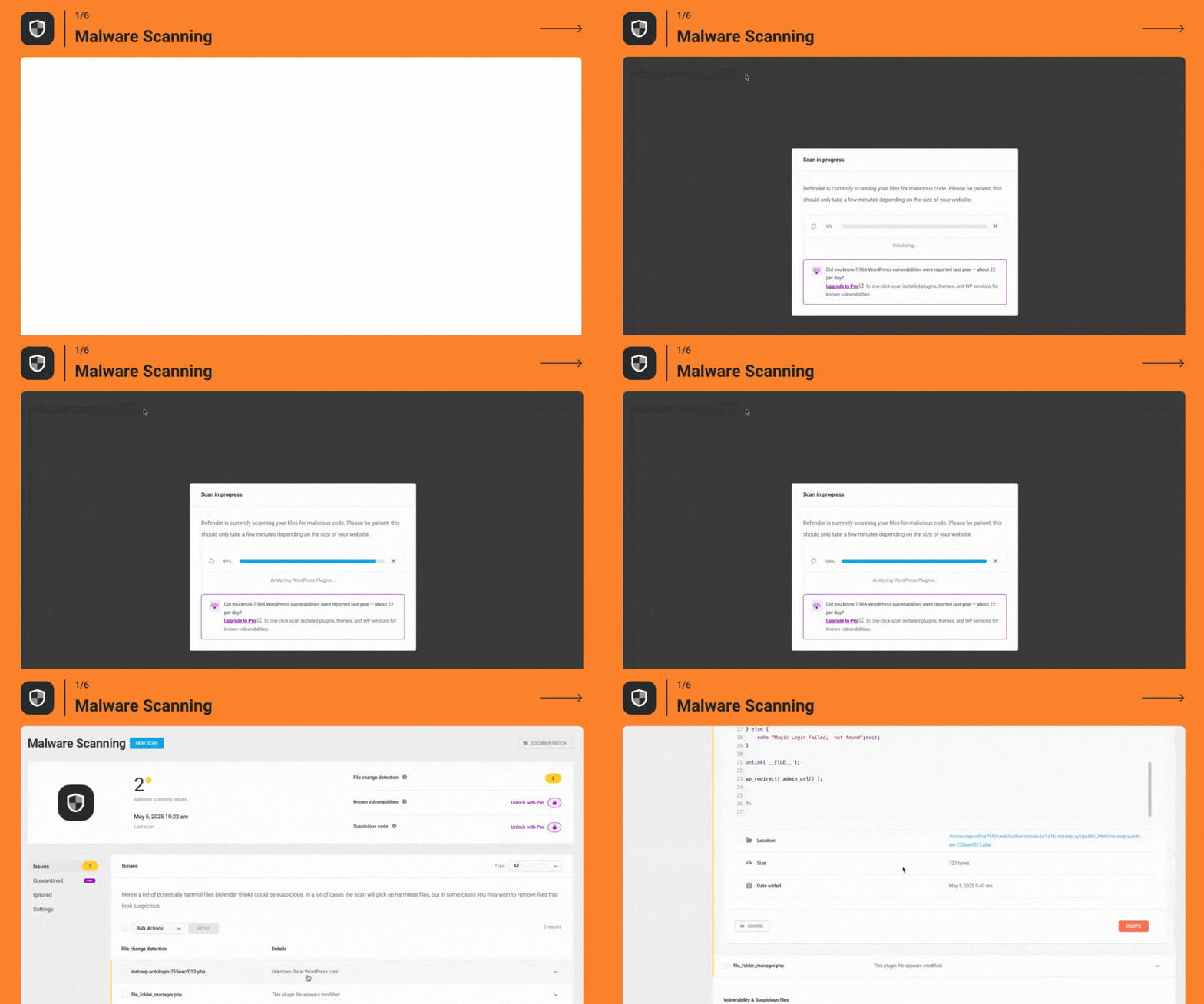
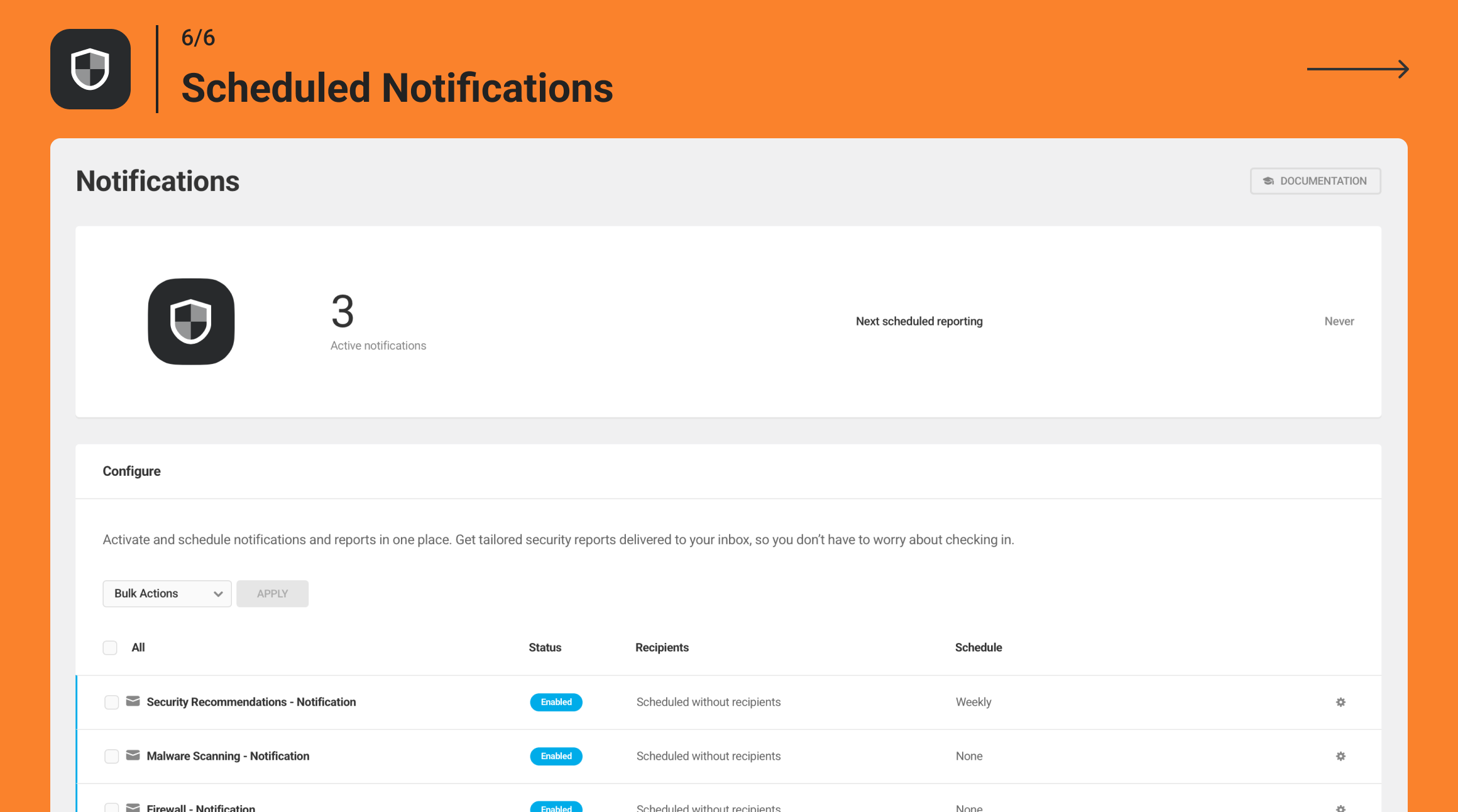
Defender is a WordPress plugin that adds security features to your website, including a malware scanner, firewall, and login security. It protects your site from brute force attacks, malware, and other security vulnerabilities. Additionally, with the Pro version, you get extra features like scheduled malware scanning and known vulnerability detection.Screenshots
Frequently asked questions
What does Defender do?
Defender adds the best in WordPress plugin security to your website with just a few clicks. Stop brute force login attacks, SQL injections, cross-site scripting XSS, and other WordPress vulnerabilities and hacks with Defender’s malware scanner, antivirus scans, IP blocking, firewall, activity log, security log, and two-factor authentication (2FA) login security.
What are some of the security recommendations provided by Defender?
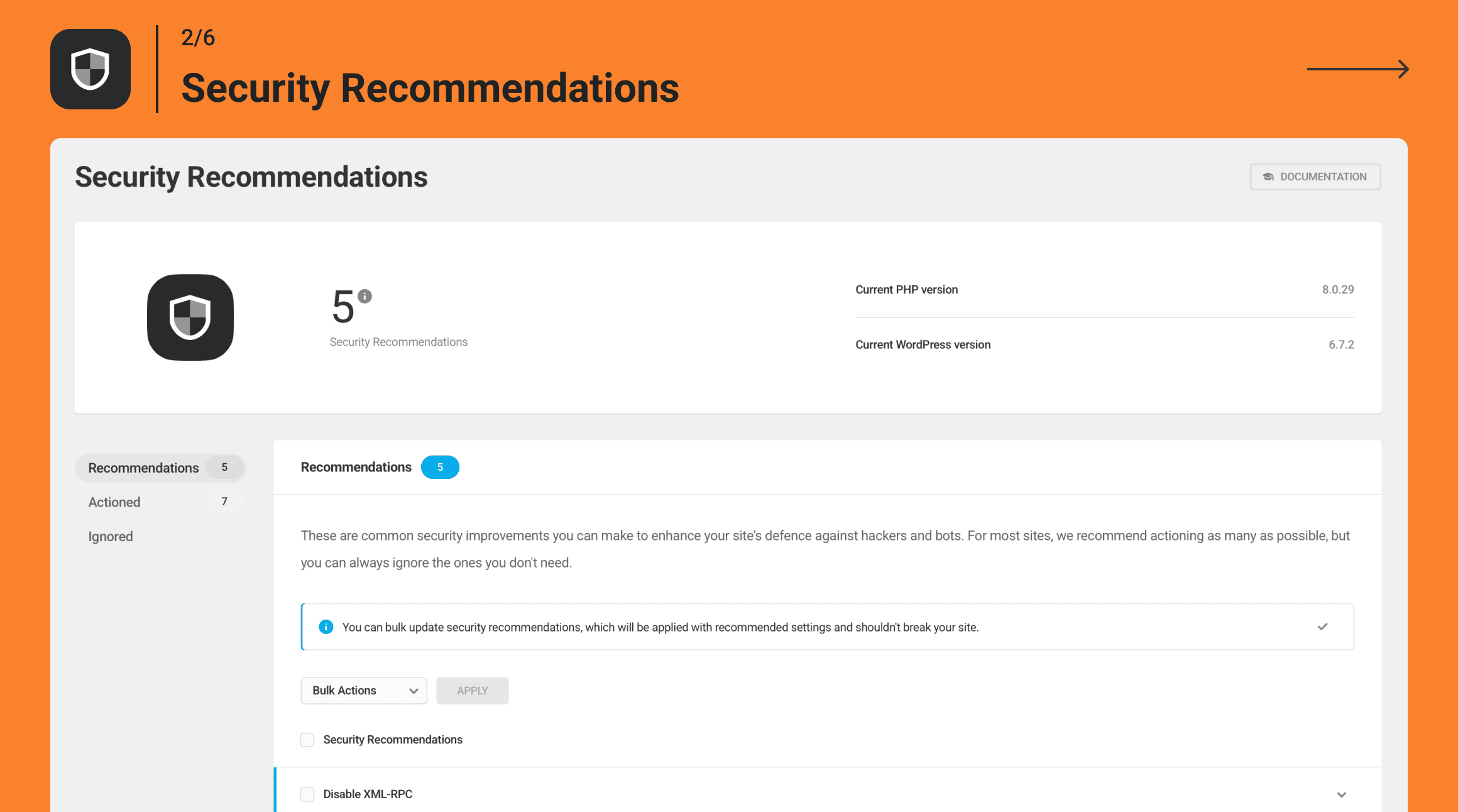
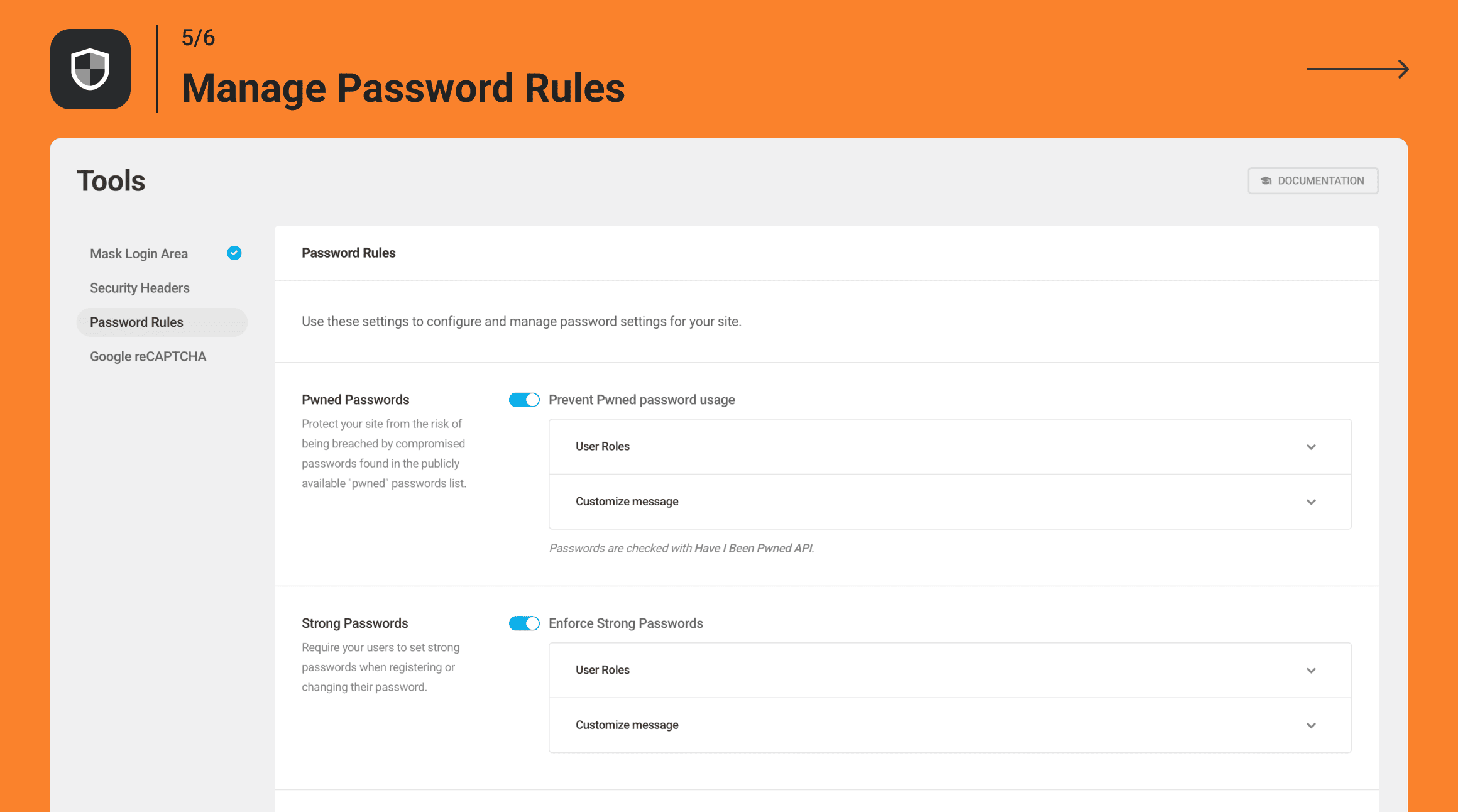
Defender provides a list of one-click hardening techniques that add layers of protection and security to your site. Some of these recommendations include two-factor authentication, login masking, login lockout, malware scanner, security headers, 404 detection, geolocation IP lockout, and more.
What are the features of Defender's Two-Factor Authentication (2FA)?
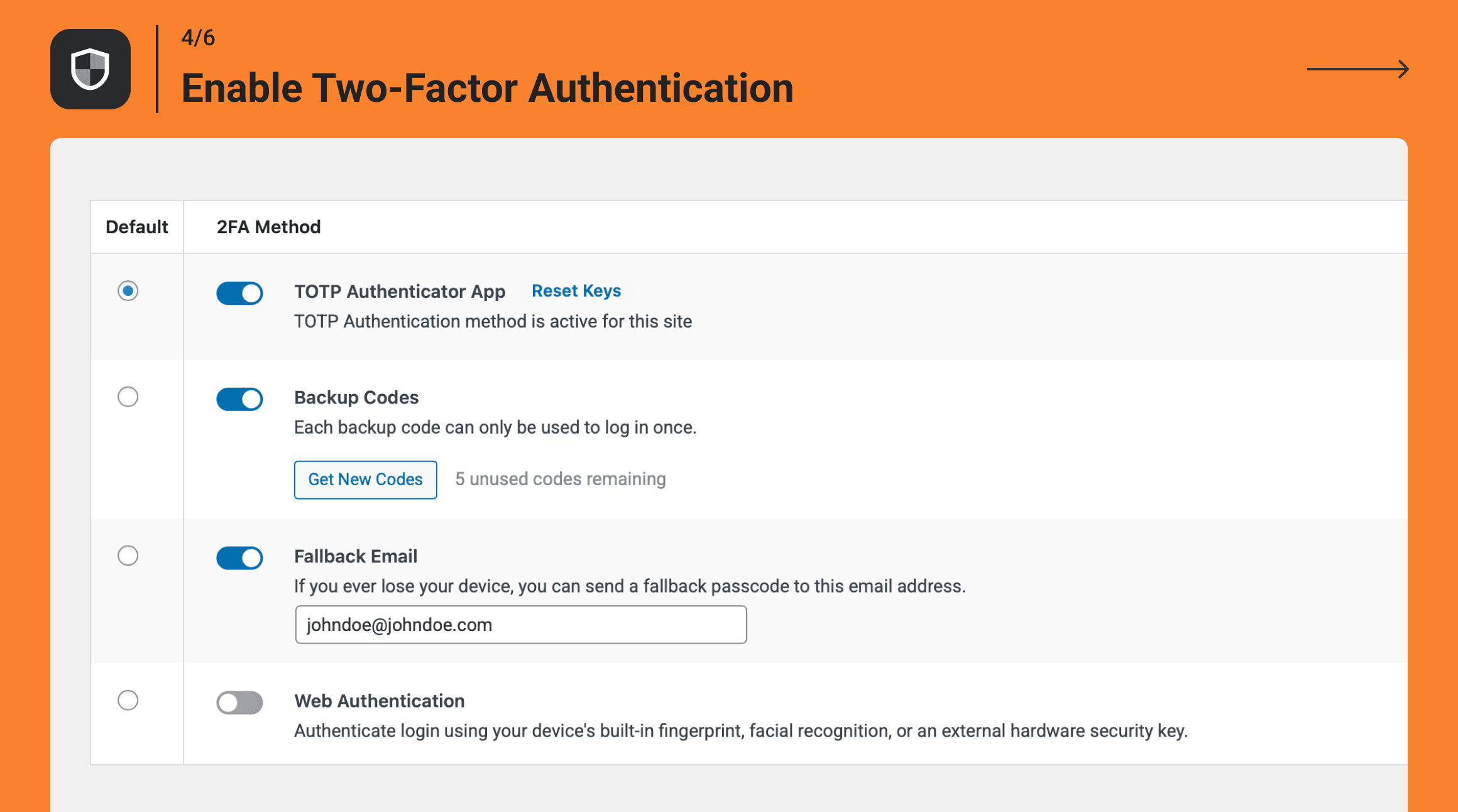
Defender's Two-Factor Authentication (2FA) features include mobile app verification, backup code generation, lost device emails, WooCommerce 2FA, Biometric Authentication (fingerprint/facial recognition), and Hardware Key Authentication (USB security keys).
How does Defender integrate with Google reCAPTCHA?
Defender allows you to add reCAPTCHA to your login / registration pages, lost password forms, and post comments. You can select the reCAPTCHA type, language, location, and style to suit your needs.
What is the purpose of Defender's Firewall and IP Manager?
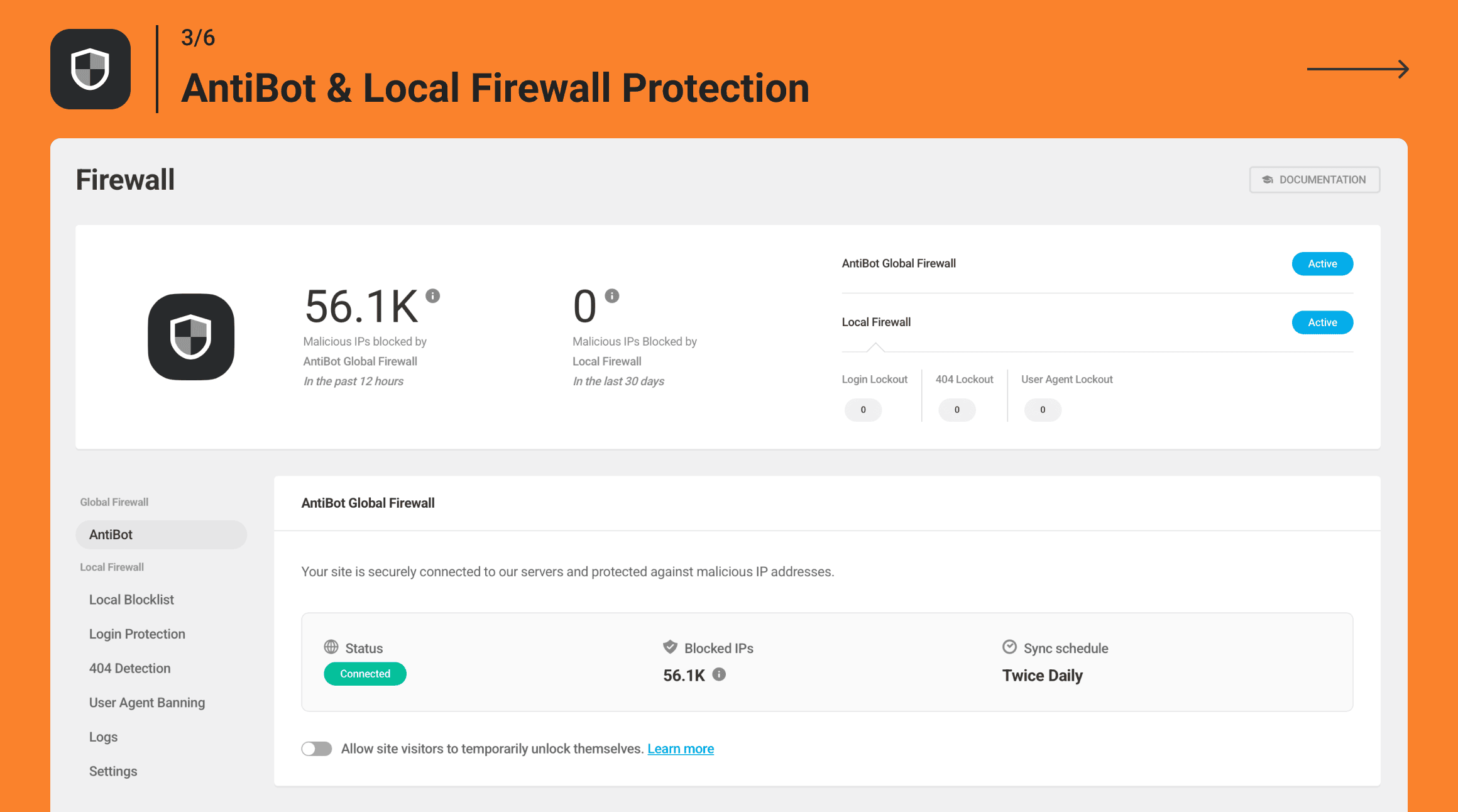
Defender's Firewall and IP Manager help keep your site safe by allowing you to manually block specific IPs, import a list of banned IPs, and set automated timed and permanent lockouts. The advanced firewall (WAF) makes it easy to block and unblock specific locations quickly.
Changelog
5.0.2 ( 2025-02-14 )
- Improvement: Update 404 logic with AntiBot service to better detect and mitigate potential threats
- Improvement: Enhancing IP Detection in Defender to prevent blocking of server IPs
5.0.1 ( 2025-01-31 )
- Fix: AntiBot service sync issue
- Fix: AntiBot toggle behavior is inconsistent when managed on the Hub
- Fix: Usage Tracking improvements
5.0.0 ( 2025-01-27 )
- New: AntiBot Global Firewall
- Enhance: Global IP Blocker renamed to Central IP List and located under Local Firewall
- Enhance: Prevent execution of CREATE TABLE query on every page load
- Enhance: Scan lines about suspicious code are displayed even after deleting files
- Enhance: Update WPMU DEV IP management
- Enhance: Show Vulnerability details for Pro plugin version
- Enhance: Usage Tracking improvements
- Fix: Error while uninstalling Defender
- Fix: Wrong usage of WPMU DEV Dashboard settings function
- Fix: SUI Alert appears when trying to make any action to files detected by Malware Scanning
- Fix: PHP notices appear in logs when running a malware scan
4.12.0 ( 2024-12-09 )
- Enhance: Ability to scan malicious code in files in the site’s root
- Enhance: Optimize WAF traffic management
- Enhance: Optimize XML-RPC traffic management
- Enhance: Remove strict declarations for default WP filters
- Fix: Notice for _load_textdomain_just_in_time called incorrectly
- Fix: Update malware signature to avoid false positives
- Fix: Undefined array key warning when creating a new subsite on multisite if Audit logging is enabled
4.11.0 ( 2024-11-04 )
- Enhance: Compatibility with WordPress 6.7
- Enhance: Malware signatures update
- Enhance: Update SUI to the latest version
- Fix: Optimize security recommendations flow
- Fix: Malware Scanning can’t detect the suspicious code
- Fix: Max included file size in Malware Scanning isn’t working
- Fix: Detecting changes in files whose names match default folders
- Fix: SEOPress plugin files are being falsely flagged as suspicious
4.10.1 ( 2024-10-03 )
- Fix: Optimize XML-RPC traffic management
4.10.0 ( 2024-10-01 )
- Enhance: Update malware signatures to detect different infected files
- Enhance: Display notice on the Malware Scanning page if a file is missing or unreadable
- Enhance: Defender > Recommendations > Disable XML-RPC syncs with Hosting XML-RPC Protection
- Enhance: Improvements in deleting and exporting IPs
- Enhance: Translation improvements
- Fix: False positive in Malware Scanning for Toolset plugin
- Fix: Defender does not recognize phishing code
- Fix: Malware Scanning gets stuck on fresh multisite
- Fix: Text content not displayed in the Services upsell on the Malware Scanning page
- Fix: Security keys not getting updated
- Fix: Malware Scanning detects the old plugin file as modified
- Fix: 404 Detection > Duration Unit disappears when changing the Firewall logs count to 100
4.9.0 ( 2024-09-02 )
- New: Smart IP Detection method
- Enhance: Improved error handling of Malware Scan during checksum
- Enhance: Improved scan logic to detect plugins from wp.org
- Enhance: Mention Defender in Cloudflare and X-Forwarded-For IP detection notices
- Enhance: Usage Tracking improvements
- Fix: Google reCAPTCHA verification failure on WooCommerce my-account and checkout pages
- Fix: Google reCAPTCHA V3 error in the console log
- Fix: 2FA settings issue in WooCommerce
- Fix: Issues when uploading Config
- Fix: Getting ‘ERROR: Something went wrong’ when registering a new authenticator
- Fix: Copy error in translations
- Fix: Undefined array key in Audit logs
- Fix: Foreign key getting duplicated
- Fix: Broken error notice design in 2FA methods

