

Just another contact form plugin. Simple but flexible.
About PowerPack Addons for Elementor (Free Widgets, Extensions and Templates)
PowerPack Elementor Addons provides a wide range of creative widgets, powerful extensions, and professionally crafted templates to enhance your website design experience. With customizable widgets, compatibility with Elementor 3.0, and lightweight performance, PowerPack makes it easy to create stunning, professional websites. Check out their website for more information and to explore the addons.Screenshots

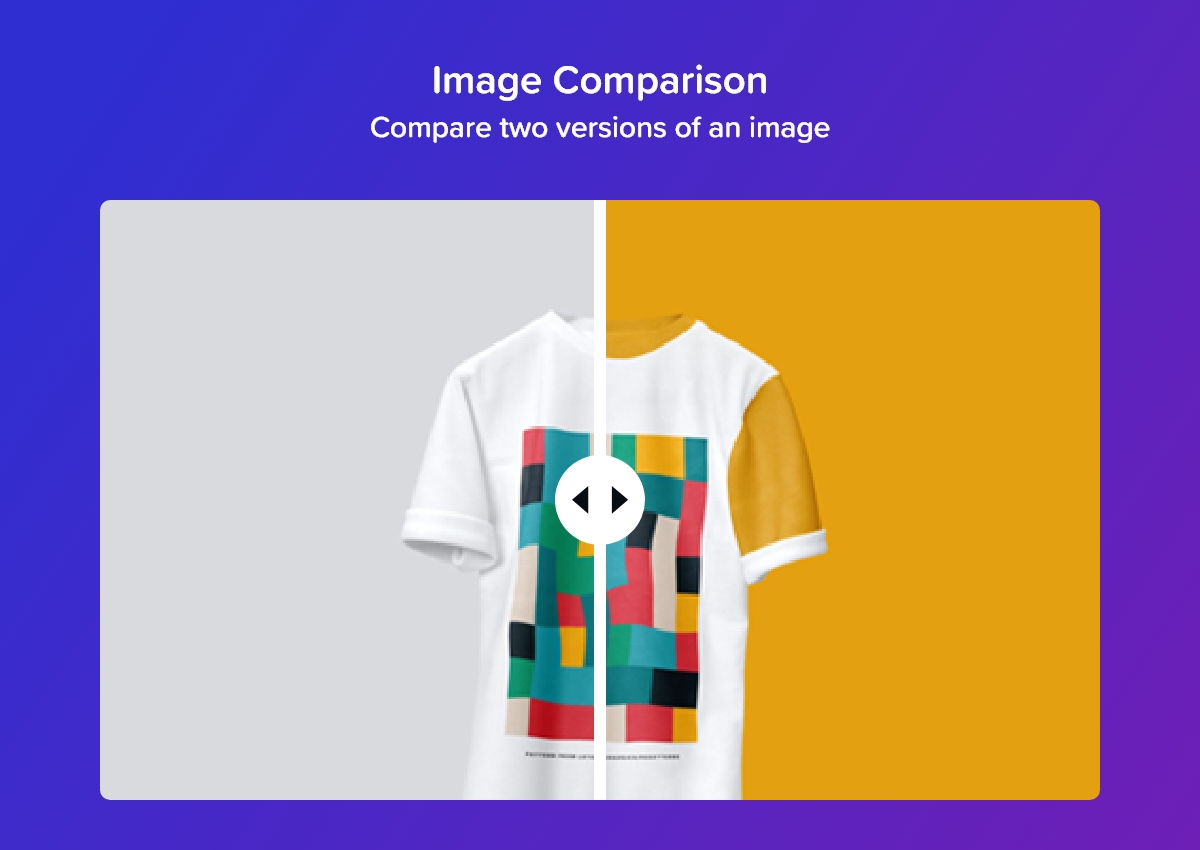
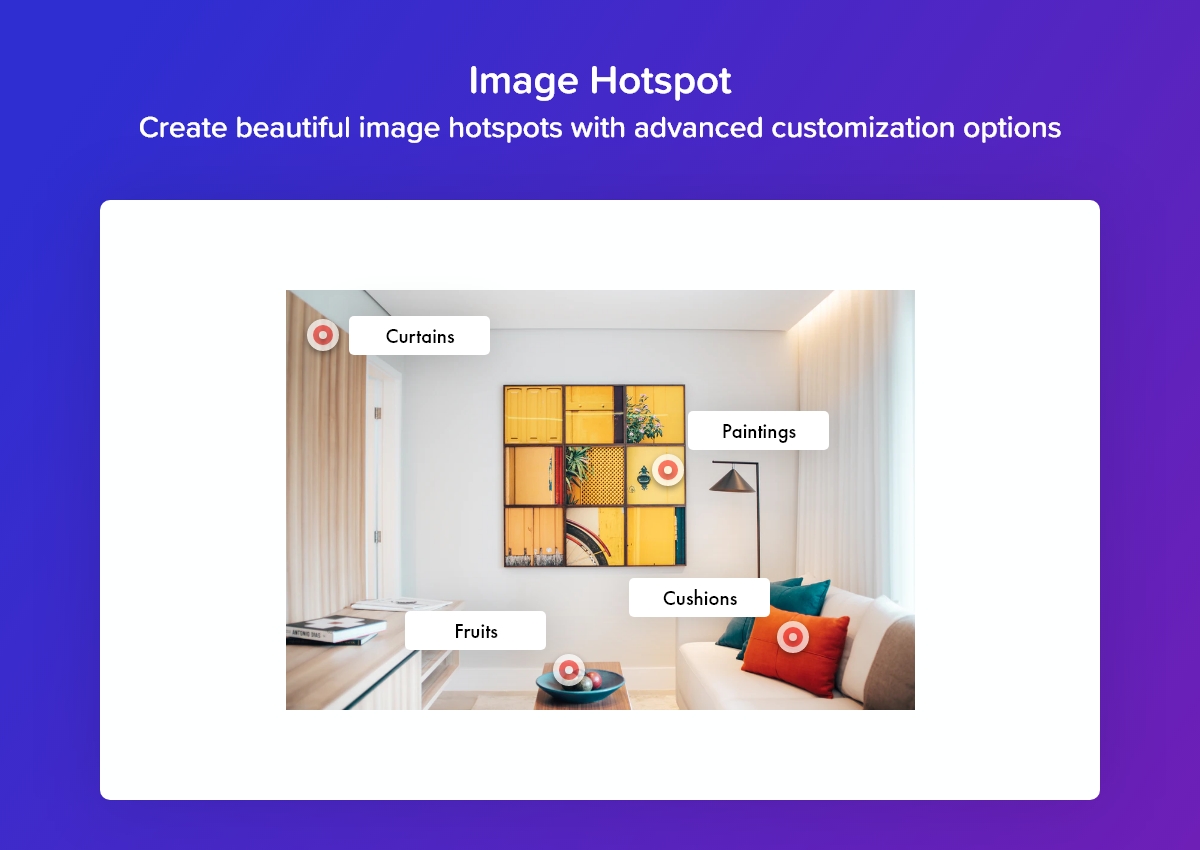


Frequently asked questions
What is PowerPack Addons for Elementor?
PowerPack Addons for Elementor is a WordPress plugin that offers a collection of creative widgets, powerful extensions, and professionally crafted Elementor templates. It aims to elevate website design, streamline workflow, and help create stunning, professional websites effortlessly.
What are some key features of PowerPack Addons?
Key features include unique and fully customizable widgets, compatibility with Elementor 3.0 Dynamic Fields, and white label branding. It is also designed to be lightweight, fast, and user-friendly, with extensive styling options.
Is PowerPack Addons compatible with Elementor 3.0?
Yes, PowerPack is 100% compatible with Elementor 3.0 Dynamic Fields, allowing users to display dynamic content.
Does PowerPack Addons offer white label branding?
Yes, PowerPack Addons includes a white label branding feature. This allows users to change the branding of the plugin to maintain their personal brand when working for clients.
What kind of support is offered for PowerPack Addons?
PowerPack Addon for Elementor comes with professional support from a team of experts who aim to deliver the best and fix queries promptly.
Changelog
2.8.3 – December 24, 2024
- Enhancement: Added has_widget_inner_wrapper to support “Optimized Markup” experiment
- Enhancement: Advanced Posts – Added conditional check to scripts and styles
- Enhancement: Instagram Feed – Updated Choose Arrow option
- Fixed: Pricing Table – Default background color
- Fixed: Issue with carousel widgets
- Fixed: Animation Gradient Background
2.8.2 – December 5, 2024
- Enhancement: Advanced Accordion – Added Vertical Alignment option for Toggle Icon
- Enhancement: Removed .elementor-widget-container class as part of the “Optimized Markup” experiment
- Enhancement: Enhanced security of widgets with saved templates feature
- Fixed: Image Comparison – jQuery Event Move lib was missing
- Fixed: PHP errors when Optimized Markup experiment is activated
2.8.1 – November 27, 2024
- Enhancement: Dual Heading – Moved Spacing option to content tab and reorganised the style options
- Enhancement: Pricing Table – Added responsive support for Tooltip position option
- Fixed: Image Comparison – Handle was not working
- Fixed: WP Forms – Confirmation text color option was not working
- Fixed: Unnecessary call to frontend.min.css file
- Fixed: Security issue
2.8.0 – October 30, 2024
- New: Interactive Circle widget
- New: Progress Bar widget
- Enhancement: Display Conditions – Added new Device Type display condition
- Enhancement: Added additional size units and custom units to all the widgets and extensions
- Enhancement: Conditionally loading widget styles only when the respective widgets are used
- Enhancement: Gravity Forms – Added options to style sub-labels
- Enhancement: Gravity Forms – Added options to style required text
- Enhancement: Info Box – Added option to change button width
- Enhancement: Info Box – Added option to change button icon spacing
- Enhancement: Info Box – Added option to change button icon size
- Enhancement: Image Comparison – Removed dependency on twentytwenty library
- Fixed: Divider – Icon Rotation option
- Fixed: Removed unnecessary calls to odometer lib files
2.7.28 – September 13, 2024
- Fixed: Info Box – Selector for icon hover style options
- Fixed: Info List – Some of the style controls were not responsive
- Fixed: Image Comparison – Divider width was not working for vertical layout
- Fixed: Dual Heading – Default spacing between headings
- Fixed: Counter – Position of prefix and suffix was not inline
2.7.27 – August 20, 2024
- Fixed: Gravity Forms – Submit Button styling options were not working when button is set to inline position
- Fixed: Gravity Forms – Submit Button full width option
- Fixed: Posts – Row Spacing option
2.7.26 – July 17, 2024
- Fixed: Instagram Feed – PHP error
2.7.25 – July 16, 2024
- Fixed: Posts – JS error with load more pagination
- Fixed: Gravity Forms – Submit Margin Top option
- Fixed: Info Grid & Carousel – Center Slides option was not working on frontend
2.7.24 – July 10, 2024
- Enhancement: Logo Carousel – Added option to set width, height and object fit properties for logos
- Fixed: Business Hours – Closed Text field was not WPML translatable
- Fixed: Image Comparison – Labels were not showing
- Fixed: Info Grid & Carousel – Coverflow effect was not showing correct number of slides
2.7.23 – July 5, 2024
- Enhancement: Added support for Elementor’s Element Caching feature
- Enhancement: Added support for Elementor custom breakpoints in all carousel/slider widgets
- Enhancement: Counter – Replaced Odometer JS lib with jQuery Numerator JS lib as used by Elementor
- Enhancement: Counter – Added Underline and Apostrophe separator options
- Enhancement: Performance improvements
2.7.22 – June 19, 2024
- Enhancement: Posts – Added support for WPML
- Enhancement: Random Image – Added support for WPML
2.7.21 – June 12, 2024
- Enhancement: Team Member – Added X icons to recommended list
- Enhancement: Team Member Carousel – Replaced Twitter icon with X icon
- Security Fix: Link Effects – Improved code security
2.7.20 – May 29, 2024
- Fixed: Info Grid & Carousel – Pause on Hover option was not working
- Fixed: Info Grid & Carousel – Equal Height option for Coverflow effect
- Security Fix: Animated Gradient Background – Improved code security
2.7.19 – March 27, 2024
- Fixed: Info Box – Icon hover Border Color option was not working
- Fixed: Fluent Forms – Submit button alignment was not working
- Fixed: Fluent Forms – Option to hide the labels was not working
2.7.18 – March 18, 2024
- Fixed: Counter – Subtitle was not showing in editor
- Fixed: Info Box – Image shrink issue with left and right alignment
- Security Fix: Improved code security in PowerPack widgets
2.7.17 – March 1, 2024
- Fixed: Team Member Carousel – JS error in editor when link is added
- Fixed: Display Conditions – JS error in editor when display condition used on a container
2.7.16 – February 14, 2024
- Enhancement: Dual Heading – Added Text Stroke option
- Enhancement: Fancy Heading – Added Text Stroke option
- Enhancement: Info Box – Added Text Stroke option for Title and Subtitle
- Enhancement: Info Grid & Carousel – Added Text Stroke option for Title and Subtitle
- Enhancement: Info Grid & Carousel – Added Text Shadow option for Title and Subtitle
- Enhancement: Icon List – Added Adjust Vertical Position option
2.7.15 – February 2, 2024
- Fixed: Compatibility issues with WPML and PHP 8
- Security Fix: Improved code security in PowerPack widgets
2.7.14 – December 29, 2023
- Fixed: Advanced Posts – Carousel layout was not working in the Elementor editor
- Security Fix: Improved code security on PowerPack settings page
2.7.13 – December 12, 2023
- Enhancement: Pricing Table – Added more units for Tooltip Icon Spacing option
- Enhancement: Logo Grid – Added more units support for logo title spacing option
- Enhancement: Hotspots – Added hotspot size option for single hotspots
- Enhancement: Hotspots – Added CSS ID and CSS Classes options for hotspots
- Fixed: Pricing Table – Tooltip Icon Spacing option
- Fixed: Logo Grid – Logos styles were applying to logo container instead of logo images
- Fixed: PowerPack settings were not showing on WordPress multisite
2.7.12 – November 28, 2023
- Enhancement: Info List – Link type Box option now also links the Info List icon
- Enhancement: Buttons – Updated Buttons Spacing option to add row spacing when button stack
- Enhancement: Logo Carousel – Added option to show or hide logo title
- Enhancement: Logo Grid – Added option to show or hide logo title
- Enhancement: Logo Grid – Repeater items now show logo title instead of Logo Image text
- Fixed: Instagram Feed – Carousel was not working when Upgrade Swiper Library experiment is set to active
- Fixed: Gravity Forms – Submit Button alignment option was not working
2.7.11 – October 17, 2023
- Fixed: Advanced Posts – Excerpt length option was not working in the Elementor editor
- Fixed: Animated Gradient Background – Animation was not working with flex containers
2.7.10 – September 20, 2023
- Enhancement: Instagram Feed – Added conditional loading of scripts
- Fixed: Info Grid & Carousel – Visible Items option was not working in Elementor editor
- Fixed: Info Grid & Carousel – JS error was showing when grid layout is selected
- Fixed: Advanced Accordion – Issue with toggle icon when item is set as active by default
2.7.9 – August 1, 2023
- Fixed: Compatibility issues with Elementor 3.15.0
2.7.8 – July 11, 2023
- Enhancement: WP Forms – Updated labels text color selector
- Enhancement: Removed CSS & JS related to slick slider
- Fixed: Team Member Carousel – Images were not appearing in the editor
- Fixed: Team Member Carousel – Arrow style options were not working
- Fixed: Info Box Carousel – Images were not appearing in the editor
- Fixed: Logo Carousel – Pagination dots styling options were not working
2.7.7 – June 21, 2023
- Enhancement: WP Forms – Added page break style options
- Enhancement: Disabled AI support for irrelevant controls
- Fixed: Compatibility issues with Elementor 3.14.0
- Fixed: Content Ticker – Position of arrows
2.7.6 – May 29, 2023
- Enhancement: Content Reveal – Added Default State option to show revealed content on page load
- Enhancement: Content Reveal – Reveal button hides when number of lines of content is less than the visible lines set in the settings
- Enhancement: Image Accordion – Added option to disable body click action
- Fixed: Logo Carousel – Arrows style options were not working
2.7.5 – May 2, 2023
- Enhancement: Added compatibility for Swiper v8.45
- Fixed: Info Grid & Carousel – Equal height option
- Fixed: Content Reveal – Compatibility with WPML
- Fixed: Editor – PowerPack add template button icon issue
2.7.4 – March 29, 2023
- Enhancement: Advanced Posts – Added option to automatically align buttons
- Enhancement: Added compatibility for Swiper v8.45
- Enhancement: Updated Elementor compatibility tags
- Fixed: Info Grid & Carousel – Columns issue in Grid layout
2.7.3 – February 8, 2023
- Enhancement: Logo Carousel – Added direction option
- Enhancement: Logo Carousel – Repeater items now show logo title instead of Logo Image text
- Enhancement: Team Member Carousel – Added support for Xing icon
- Fixed: Twitter Tweet – Widget stopped working after Twitter API update
- Fixed: Twitter Timeline – Widget stopped working after Twitter API update
2.7.2 – January 18, 2023
- Fixed: Compatibility issues with Elementor 3.10.0
- Enhancement: Team Member Carousel – Added Links Target option
2.7.1 – December 9, 2022
- Enhancement: Updated Elementor compatibility tags
- Enhancement: Price Menu – Updated sanitization functions
- Enhancement: Info Box Carousel – Box link structure
- Fixed: Gravity Forms – Use Ajax was not working
- Fixed: Random Image – Image alt was not printing on the page
2.7.0 – October 27, 2022
- New: Custom Cursor extension
- Fixed: Info Box Carousel – Fade effect slides overlapping issue
- Fixed: Instagram Feed – Widget was fetching maximum 25 images
2.6.20 – September 9, 2022
- Enhancement: Gravity Forms – Added option to add spacing between labels and custom radio & checkboxes
- Enhancement: Gravity Forms – Added pp_gf_shortcode_atts filter hook
- Fixed: Info Box Carousel – JS error with Equal Height option
- Fixed: Advanced Accordion – Box shadow was not working for item set as active by default
2.6.19 – August 19, 2022
- Fixed: Copy and paste styling of element prevents the page from saving after Elementor 3.7.0
2.6.18 – August 17, 2022
- Fixed: Posts – PHP error when Avoid Duplicates option is enabled
- Fixed: Icon List – Icon Vertical Alignment was not working when link is added
- Enhancement: Set the minimum Elementor version required to 3.5.0
2.6.17 – August 10, 2022
- New: Display Conditions – Condition to check new or returning visitor
- Enhancement: Added option to filter used and unused widgets in PowerPack settings
- Enhancement: Advanced Posts – Added Image Box Shadow option
- Enhancement: Content Reveal – Added option to enable or disable the scroll top effect
- Enhancement: Added EM unit to Border radius controls in all widgets
- Enhancement: Logo Carousel – Added Pause on Hover option
- Fixed: Info Grid & Carousel – JS error when grid layout is selected
- Fixed: Instagram Feed – Removed the option “Likes” as Instagram Basic Display API does not support it
- Fixed: Instagram Feed – Removed the option “Comments” as Instagram Basic Display API does not support it
- Fixed: Instagram Feed – Removed the option “Feed by Hashtag” as Instagram Basic Display API does not support it
- Fixed: Icon List – Spacing issue with RTL layout
- Fixed: Advanced Posts – Exclude posts option
- Enhancement: Pricing Table – Added ppe_pricing_table_currency filter hook
- Fixed: PowerPack template library was not working with Elementor 3.7.0
2.6.16 – July 6, 2022
- Enhancement: Pricing Table – Added Icon Spacing option for tooltip icons
- Enhancement: Posts – Added Avoid Duplicates option
- Enhancement: Advanced Accordion – Added ability to open accordions using keypress
- Enhancement: WP Forms – Added styling options for Section Divider
2.6.15 – June 9, 2022
- Enhancement: Team Member Carousel – Added support for Tiktok social icon
- Enhancement: WPForms – Added compatibility for Modern style dropdown fields
- Enhancement: Info Box Carousel – Added compatibility for Elementor containers
2.6.14 – May 11, 2022
- Enhancement: Advanced Accordion – Added Custom CSS ID option
- Enhancement: Advanced Accordion – Rearranged the repeater content inside tabs
- Enhancement: Flip Box – Added content background and padding options
- Fixed: Animated Gradient Background – Background overlay was overriding the gradient effect in editor
- Fixed: Hotspots – Tooltip position issue
- Enhancement: Core – Added support for Elementor Containers in Saved Section option
- Enhancement: Core – Added support for Elementor Containers to PowerPack extensions
2.6.13 – April 15, 2022
- Fixed: Image Comparison – JS error preventing the widget from working
2.6.12 – April 13, 2022
- Enhancement: Team Member – Added: Margin option for image
- Enhancement: Advanced Accordion – Added border radius option for title
- Enhancement: Twitter Tweet – Added support for URL dynamic tags
- Fixed: Posts – Align Arrows option was not working
- Fixed: Info Box – Minor CSS glitch
- Fixed: Display Conditions – Current Date option was not working for single day
- Enhancement: Image Comparison – Added classes to before and after images
- Enhancement: Image Comparison – Added Image Size option
2.6.11 – March 23, 2022
- Hotfix: Compatibility issues with Elementor 3.6.0
- Set the minimum required Elementor version to 3.2.0
- Enhancement: Twitter Tweet – Added dynamic tags support to Tweet URL field
- Enhancement: Info Box Carousel – Added grid layout option
- Enhancement: Info Box Carousel – Renamed widget to Info Grid & Carousel
- Fixed: Dual Heading – Issue with long text
- Fixed: Instagram Feed – Cache Timeout option
- Fixed: Icon List – Icon Type text field is not showing
- Fixed: Advanced Posts – Global typography settings for links was overriding post meta typography when post meta link is enabled
2.6.10 – March 3, 2022
- Enhancement: Team Member, Team Member Carousel – Added button style option for social links
- Enhancement: Team Member Carousel – Add links for Flickr, Tumblr, Github and Vimeo
- Enhancement: Flip Box – Added dynamic tags support for title, description and icon image options
- Enhancement: Instagram Feed – Added option again to the widget for adding custom access token
- Enhancement: Instagram Feed – Added pause on hover option in swiper slider widgets
- Enhancement: Info List – Added content padding option
- Enhancement: Info List – Added content separator option
- Enhancement: Info List – Added Text Shadow and Spacing options for title
- Enhancement: Info List – Added spacing option for button
- Enhancement: Icon List – Added icon size option for individual icons
- Enhancement: Link Effects – Added HTML tag option
- Enhancement: Display Conditions – Added support for adding multiple parameters
- Enhancement: Moved PowerPack extensions settings tab below Advanced section for easy accessibility
- Fixed: Dual Heading – Fixed minor CSS glitch
2.6.9 – February 7, 2022
- Fixed: Posts – Arrows were appearing in Grid layout
- Fixed: Posts – JS error in pp-posts.js file
2.6.8 – February 3, 2022
- Added: Posts – Option to hide empty comments
- Fixed: Image Hotspots – JS error
- Fixed: Info List – Button was not showing on published page
- Fixed: Link Effects – Spelling mistake in effect setting
- Enhancement: Posts – Replaced slick slider with swiper slider
- Enhancement: Removed deprecated _register_controls function from all the widgets
- Set the minimum Elementor version required to 3.1.0
2.6.7 – January 27, 2022
- Added: Display Conditions – Request Parameter option
- Added: Team Member Carousel – Pause on hover option
- Fixed: Instagram Feed – Issue with token expiry
- Fixed: Core – PowerPack widgets category conflict with other plugins
- Fixed: Gravity Forms – Updated labels and field description selectors
- Enhancement: Content Reveal, Team Member Carousel – Added support for Inline font icons
- Enhancement: Content Reveal – Added logic to scroll page to top when Read Less button is clicked
- Enhancement: Twitter Grid, Twitter Timeline – Converted Tweet Limit text fields to number fields
2.6.6 – January 3, 2022
- Fixed: Scroll Image widget was not showing in the editor
- Fixed: Gravity Forms – Styles for multi step forms were not loading in the editor
- Fixed: PP prefix text overlapping with the search bar in the editor
- Enhancement: Instagram Feed – Removed custom access token option from widget settings
2.6.5 – December 21, 2021
- Fixed: PHP error on PowerPack settings page
2.6.4 – December 20, 2021
- Fixed: Advanced Posts – Issue with equal height option of carousel layout
- Added: Icon List – Apply Link On option
- Enhancement: Advanced Accordion – Added ability to open tabs by URL
2.6.3 – December 15, 2021
- Fixed: Slick slider issue with Elementor 3.5
- Fixed: Hotspots – Hotspots were not appearing in Safari
2.6.2 – December 1, 2021
- Fixed: Settings panel navigation issue in PowerPack admin
2.6.1 – November 24, 2021
- Added: Display Conditions – Option to show Display conditions on columns
- Added: Display Conditions – Output HTML option for sections
- Added: Logo Grid – Option to apply custom styles to logo image or logo container
- Added: Logo Carousel – Background and padding options for logo title
- Fixed: Logo Carousel – Choose Arrow option was not working in the editor
- Fixed: Logo Carousel – Issue with Additional Custom Breakpoints
- Fixed: Gravity Forms – Empty validation error field was showing below file upload field
- Fixed: Info Box Carousel – Issue with Additional Custom Breakpoints
- Added: Info Box – Text shadow option for title, subtitle and description
- Added: Info Box – Content padding option
- Enhancement: Info Box – Rearranged options
- Enhancement: Logo Grid – Updated grid CSS code
- Enhancement: Posts – Updated carousel arrow control
2.6.0 – October 7, 2021
- New: Animated Gradient Background extension
- Enhancement: Updated icons for Icon Type option in all the widgets
2.5.4 – August 23, 2021
- Fixed: PHP error in dashboard
- Fixed: Instagram Access Token option was not saving anything
- Enhancement: Added separate tab to manage extensions in PowerPack settings
2.5.3 – August 4, 2021
- Added: Posts – Link target option for title and thumbnail
- Added: Posts – Center Mode option for Carousel layout
- Added: Posts – Integration for The Events Calendar plugin
- Fixed: Posts – Non-Ajax Pagination was not working
- Fixed: JS file was not loading through wrapper link extension
2.5.2 – July 22, 2021
- Fixed: Price Menu – PHP error
2.5.1 – July 21, 2021
- Fixed: PHP error in Buttons widget
2.5.0 – July 21, 2021
- New: Content Reveal Widget
- Added: Pricing Table – Options to change HTML tag for title and subtitle
- Added: Price Menu – Option to change HTML tag for title
- Added: Buttons – Text shadow option
- Enhancement: Pricing Table – Updated Feature Text field with Textarea field
- Gravity Forms, Caldera Forms, WP Forms – Removed duplicate upgrade pro notice
2.4.2 – July 15, 2021
- Fixed: Team Member – HTML error when link is applied to title
- Fixed: Advanced Accordion – Border radius was not working when background is applied to title and content
- Fixed: Compatibility issues with PHP 8
2.4.1 – July 8, 2021
- Added: Logo Carousel – Vertical and horizontal alignment options
- Added: Info Box Carousel – Pause on Hover option
- Enhancement: Info Box Carousel – Updated description control to WYSIWYG
- Fixed: Flip Box – Issue with Icon Size option
- Added: Team Member Carousel – Option to change direction of carousel
2.4.0 – June 23, 2021
- New: Wrapper Link extension
- Fixed: Info Box Carousel – Icon type text was not showing on frontend
- Enhancement: Info Box Carousel – Added Percentage unit support to icon image width
- Enhancement: Info Box Carousel – Added default size of 100px to icon image
- Fixed: Core – PHP error in validate_html_tag() function
2.3.6 – June 1, 2021
- Added: Info Box Carousel – Centered Slides option
- Fixed: Pricing Table – Table alignment issue
- Fixed: Pricing Table – Features icon position issue
2.3.5 – May 18, 2021
- Fixed: Team Member Carousel – Position style options were not working
- Added: Pricing Table – Z-Index option for tooltip
- Enhancement: Hotspots – Replaced Animation In and Animation Out options with Animation option
- Enhancement: Updated tooltip JS code
2.3.4 – May 3, 2021
- Fixed: Twitter Timeline – Tweet limit option was not working
- Fixed: Infobox Carousel – Equal height console error
- Enhancement: Link Effects – Added support for HTML tags in text field
2.3.3 – April 26, 2021
- Fixed: Team Member – Dynamic image tag was not working
- Fixed: Logo Carousel – PHP error when logo title is used
- Fixed: Updated soon to be deprecated code
- Enhancement: Buttons, Icon List – Added support for HTML tags for text field
- Enhancement: Updated compatibility tag
2.3.2 – April 7, 2021
- Added: Content Ticker – Pause on Interaction option
- Added: Content Ticker – Heading alignment and padding options
- Enhancement: Content Ticker, Logo Carousel – Updated arrows control
- Enhancement: Instagram Feed – Updated autoplay speed control type to number control
- Enhancement: Instagram Feed – Removed Use API option as it was not working any more
- Added: Gravity Forms – Label spacing option
- Fixed: Sanitized and escaped data to enforce better security
2.3.1 – March 26, 2021
- Fixed: Flip Box – Link option was not working in zoom out effect
- Fixed: Info Box Carousel, Logo Carousel: Fade, Cube and Flip effects
- Fixed: Posts – Dynamic tag was not working for Read More Button text
- Added: Posts – Option to open read more button in new tab
- Added: Posts – Read More Button Icon Spacing option
- Enhancement: Posts – Updated Read More Button Icon control
- Enhancement: Added support for Elementor Improved Assets Loading feature
2.3.0 – March 22, 2021
- New: Random Image widget
- Fixed: Info Box – Responsive Icon Position control was not working
- Fixed: Display Conditions – Day of the Week option was not working for Sunday
- Fixed: Gravity forms was enqueuing all scripts and styles on frontend
2.2.5 – February 23, 2021
- Added: Image Hotspots – Z-index option for tooltips
- Enhancement: Pricing Table – Added pointer cursor if click trigger is used for tooltip
- Fixed: Pricing Table – If tooltip content is left blank it was showing content from previous item’s tooltip content
- Added: Pricing Table – Settings to change color and size for tooltip icon
- Fixed: Pricing Table – Tooltip icon was showing even if there was no tooltip content
2.2.4 – February 10, 2020
- Fixed: Instagram Feed – Added compatibility with new Instagram API changes
2.2.3 – February 3, 2020
- Fixed: Compatibility with Elementor 3.0
- Fixed: Team Member, Team Member Carousel – Added option to show content over image
- Fixed: Display Conditions – Timezone issue
- Added: Display Conditions – Post term, Terms archive, Current User, Day of Week, Current Date and Time conditions
- Enhancement: Advanced Accordion – Updated default styling
- Added: Advanced Accordion – Hover and active colors for Items
- Added: Advanced Accordion – Title bottom spacing option
2.2.2 – December 10, 2020
- Fixed: Instagram Feed – Masonry layout
2.2.1 – November 2, 2020
- Fixed: Instagram Feed – Feed was not working
2.2.0 – October 27, 2020
- New: Added page templates in PowerPack Template Library
- Fixed: Flip Box – Link was not working if fade effect is selected
- Added: Counter – Thousand separator option
- Added: Logo Grid – Randomize logos option
- Added: Content Ticker – Options to show post date and time
- Enhancement: Content Ticker – Added recommended icons for post author and category
- Fixed: Buttons – Tooltip position option was not working
- Fixed: Image Hotspots – Minor CSS glitch in hotspot glow effect
2.1.5 – October 8, 2020
- Added: Info Box Carousel – Border radius option for slides
- Added: Buttons – Image Size option
- Enhancement: Buttons – Added alt tag to image mark-up
2.1.4 – September 14, 2020
- Added: Info Box, Info Box Carousel – Option to show button in case of link type box option
- Enhancement: Info Box Carousel – Updated Choose Arrow control
- Fixed: Logo Grid – Greyscale option was not working in editor
- Added: Image Hotspots – Typography option for hotspot type text
- Added: Image Hotspots – Option to keep tooltips always open
2.1.3 – August 31, 2020
- Fixed: Buttons – Tooltip styling options were not working in buttons widget
- Fixed: Info Box Carousel – Icon type image was not showing on frontend
- Fixed: PHP error in template library
2.1.2 – August 25, 2020
- Enhancement: Compatibility to Elementor 3.0
2.1.1 – August 25, 2020
- Fixed: Posts – Ajax error after updating to WP 5.5
2.1.0 – August 11, 2020
- New: Posts widget
- Fixed: Image Accordion – Stack On option was not working
2.0.0 – July 29, 2020
- New: Template Library
- Added: Team Member Carousel – border, radius and padding options for team member box
- Added: Flipbox – Icon text option
- Added: Flipbox – Title HTML tag option
1.3.0 – July 20, 2020
- Enhancement: Updated admin panel UI
- Added: Advanced Accordion – Toggle icon alignment and few other styling options
- Fixed: Hotspots – Hotspot text was not visible on hover
- Added: Gravity Forms – Thank You Message Styling Options
1.2.9.5 – June 11, 2020
- Added: Image Hotspots – Border, border radius and box shadow options for image
- Fixed: Team Member Carousel – Email and phone icons were not working
- Added: Info Box – Minimum height option
- Added: Image Comparison – Added dynamic controls to image and labels
1.2.9.4 – May 7, 2020
- Added: Advanced Accordion – Title HTML tag option
- Fixed: Instagram Feed – Square images option was not working
- Fixed: Image Hotspots, Flipbox – Dynamic tags were not working
- Added: Icon List – Background color and hover colors for text
1.2.9.3 – April 20, 2020
- Added: Button width option
- Fixed: WPML compatibility was missing for some widgets
- Fixed: Gravity Forms CSS & JS files were loading on all pages
- Fixed: Link effects CSS issue
- Fixed: Title container HTML markup in Info Box and Info Box carousel widgets
- Fixed: Lightbox and Image Link options in Instagram Feed widget
1.2.9.2 – April 8, 2020
- Fixed: Hotspot icon was not showing in editor in Image Hotspots widget
- Added: Option to randomize logos in Logo Carousel widget
- Fixed: Input fields padding option was not working in Gravity Forms widget
- Fixed: Input focus background option was not working in Gravity Forms widget
- Enhancement: Added styling for dropdown option in Gravity Forms widget
- Updated “Input & Textarea” section label to “Input, Textarea & Dropdown” in Gravity Forms widget
- Added input focus color option in Gravity Forms widget
1.2.9.1 – March 29, 2020
- Fixed: PHP error in query control
1.2.9 – March 29, 2020
- Enhancement: Updated query controls in Content Ticker and Advanced Accordion widgets
1.2.8.7 – March 11, 2020
- Fixed: Swiper slider after updating to Elementor 2.9.5
1.2.8.6 – March 10, 2020
- Added: Equal height boxes option in Info Box carousel widget
- Removed Google+ icon option from Team Member carousel widget
- Added: Image size option in Logo Grid widget
- Added: Image width option in Logo Grid widget
- Added: HTML tag option for heading and sub heading in Promo Box widget
- Added: Icon number typography option in Info List widget
- Added: Hotspot link option in Image Hotspots widget
- Updated link options to support custom attribute option of Elementor 2.9.0
- Fixed: Swiper slider for Elementor 2.9.0
1.2.8.5 – February 18, 2020
- Fixed: Content ticker was not working
1.2.8.4 – February 6, 2020
- Fixed: Lightbox option was not working in Instagram Feed widget
- Added: Image Link option in Instagram Feed widget
- Enhancement: Alignment, Vertical Position and Icon Size controls are now responsive in Flip Box widget
1.2.8.3 – January 8, 2020
- Added Currency Format option
- Fixed: Custom currency symbol option was not working
- …

