

Just another contact form plugin. Simple but flexible.
About WP Meta and Date Remover
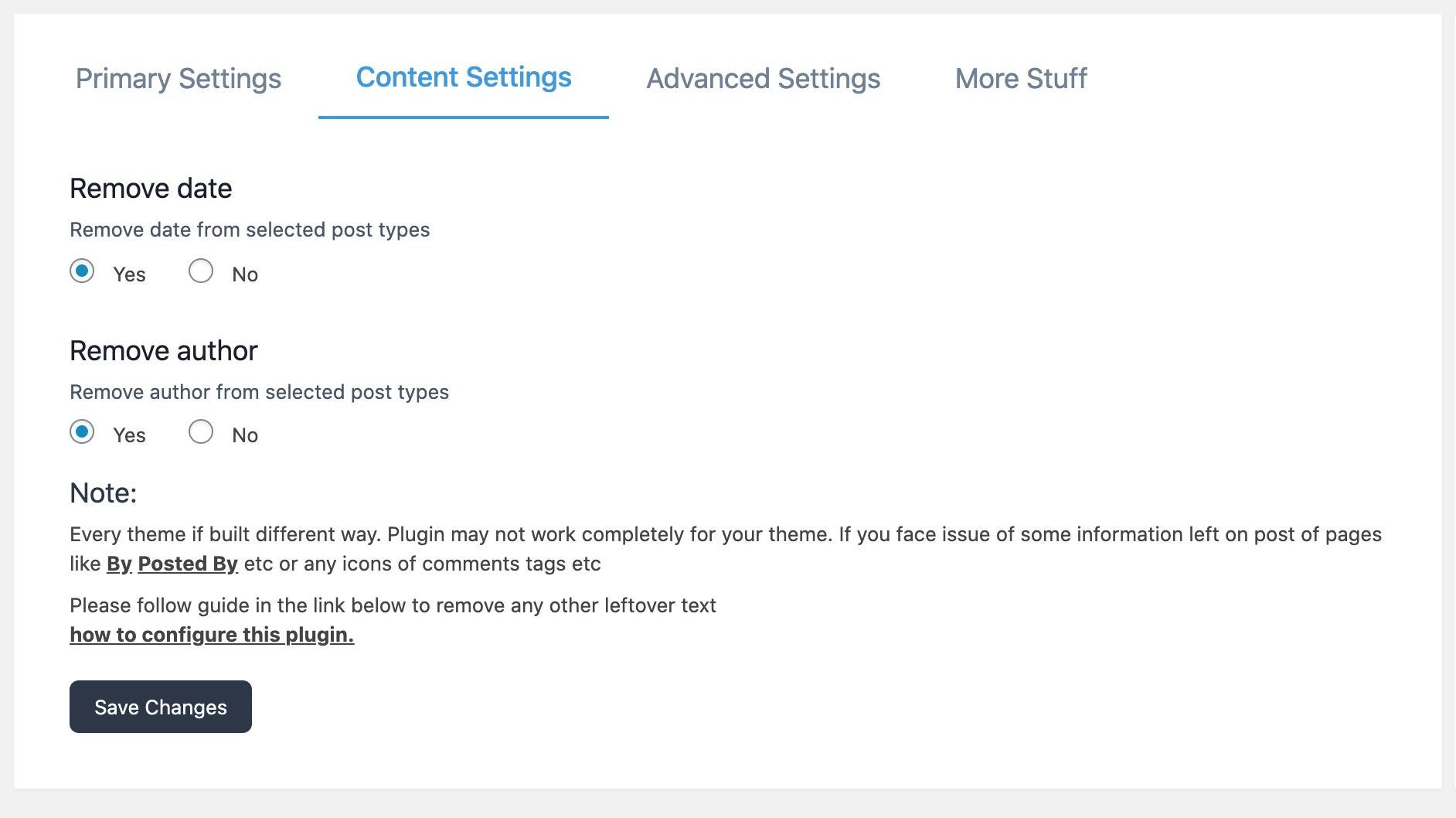
This plugin allows you to easily remove the author meta and date from your WordPress posts and pages. It offers two methods of removal, using a CSS file or PHP code, and also provides a visual editor for hassle-free removal. The pro version of the plugin includes additional features such as custom post types and the ability to remove dates from older posts for better SEO.Screenshots

Frequently asked questions
How to remove Author Meta and Date from posts and pages?
Install WP Meta and Date remover. Activate Plugin. Choose whether to hide from Backend(Page Source) or Frontend or Both. Save settings. And you done!
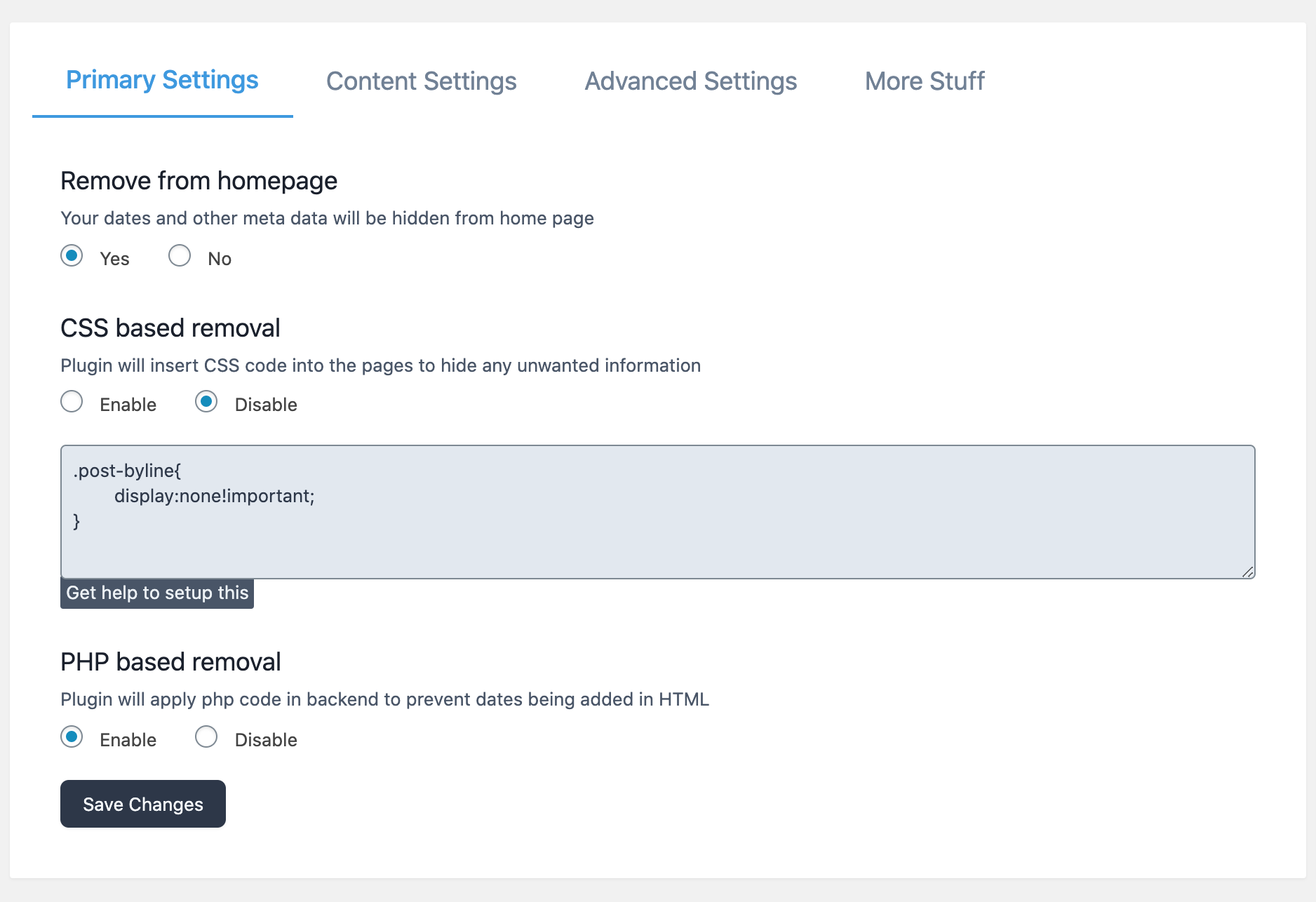
Two way removal
This plugin uses two methods to erase your meta. nnRemoval using CSS filenPlugin register custom CSS which hides any information contained by meda data class.nCSS file provided with this plugin works great. You also can edit that n file in plugin editor.nFor more support Buy premium supportnnRemoval using phpnPlugin filters results of functions like get_date(),get_time() etc.nIn some cases CSS file doesn’t work, thats why there is removal using php code.nPlugin removes Meta data from source code. Which means even search engines can’t see it.nnVisual RemovernThis is part of Pro plugin. This lets you remove/hide content from your WordPress pages withnsimple visual editor Hassle free Meta and Date removal in minutesnnCustom removal using little coding [Deprecated]nPlugin provide custom snippet of code that can be managed from settings.nYou can wrap any code in theme html arround custom function provided by plugin.nYou can control behavior of that function from plugin settings
Pro plugin features
Custom Post TypesnExclude categoriesnIndividual post controlnRemove date from only older posts best for SEOnYoastSEO schema remove datePublished dateModified
Upcoming features
We are planning to add way to create meta data for any type of post.nMail us for any special feature request
Contact me
Reach me here
Changelog
2.3.5
Warning fix
2.3.4
Security updates
2.3.3
Mutlipage support fix for visual remover
2.3.2
Bug fix in visual remover
2.3.1
Improved security
2.0.0
Visual Remover added
Plugin redesign
1.9.9
CSS changes
1.9.8
Library update
1.9.7
Library fix
1.9.6
Added dashboard css to hide date in yoast snippet
1.9.3
Added custom function for removing any kind of data from theme.
1.9.1
You can now choose to hide date or author or both
Remove date from YoastSEO schema – Premium version
1.8.6
Affiliate program
1.8.5
Target post according to their publish date
1.8.2
Premium features
1.7.9
CSS issue fixed
1.7.8
Bug Fixes
1.7.5
Bug Fixes
1.6
You can choose to not use individual post option.
1.5
* Improved User Interface
1.4.0
* You can now choose to show Date and Meta on indivisual posts.
1.3.0
* Added option to choose whether to hide from home page or not.
1.2.2
* Minor Improvments
1.2.1
* Minor Improvments.
1.2.0
- Improved both CSS and PHP removal
- Added admin menu page for manual configuration.
1.1.0
- Improved previous css code.
- Added new php based method to filter meta information.
1.0.0
- Initial release with css based meta removal.

