

Just another contact form plugin. Simple but flexible.

About External Links – nofollow, noopener & new window
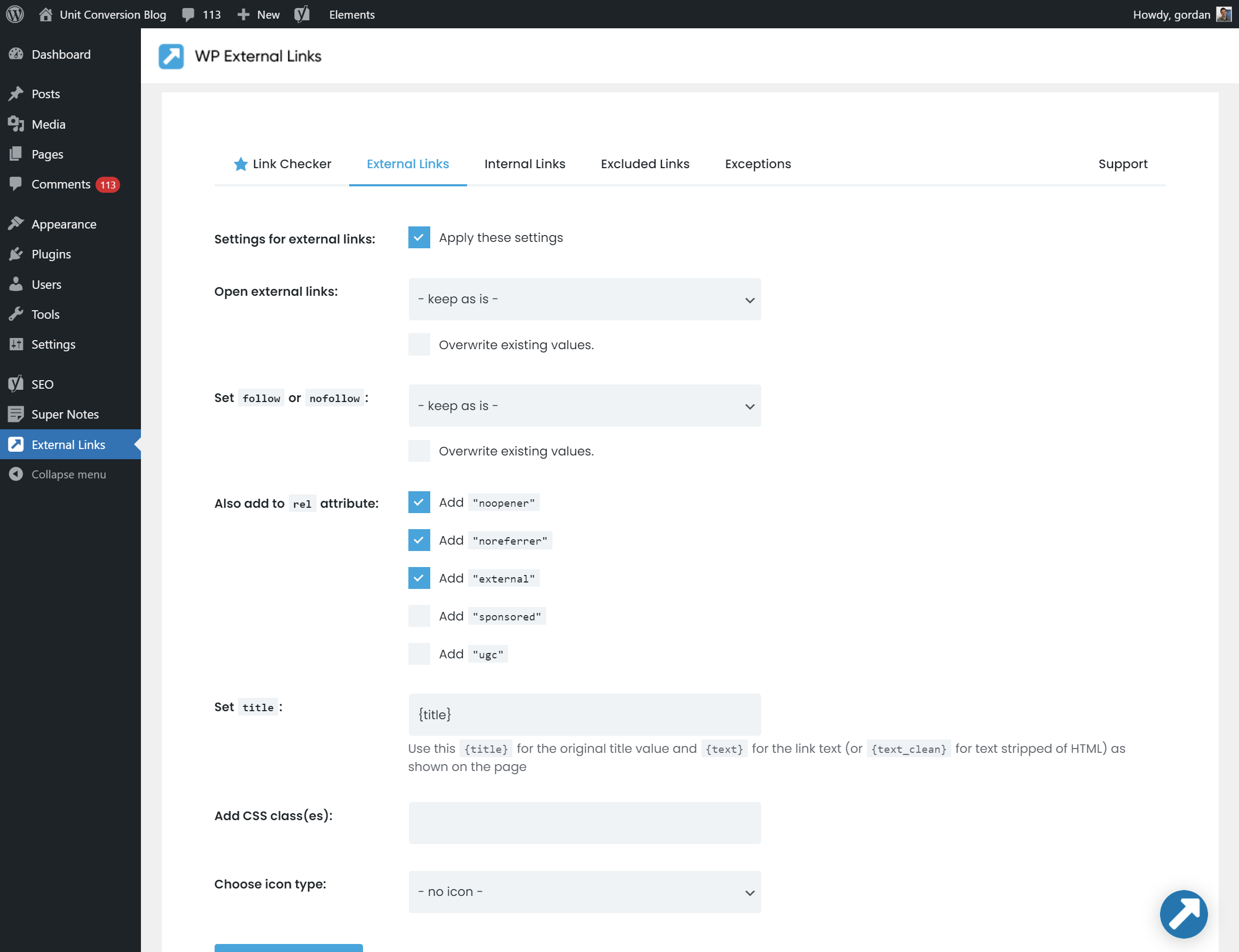
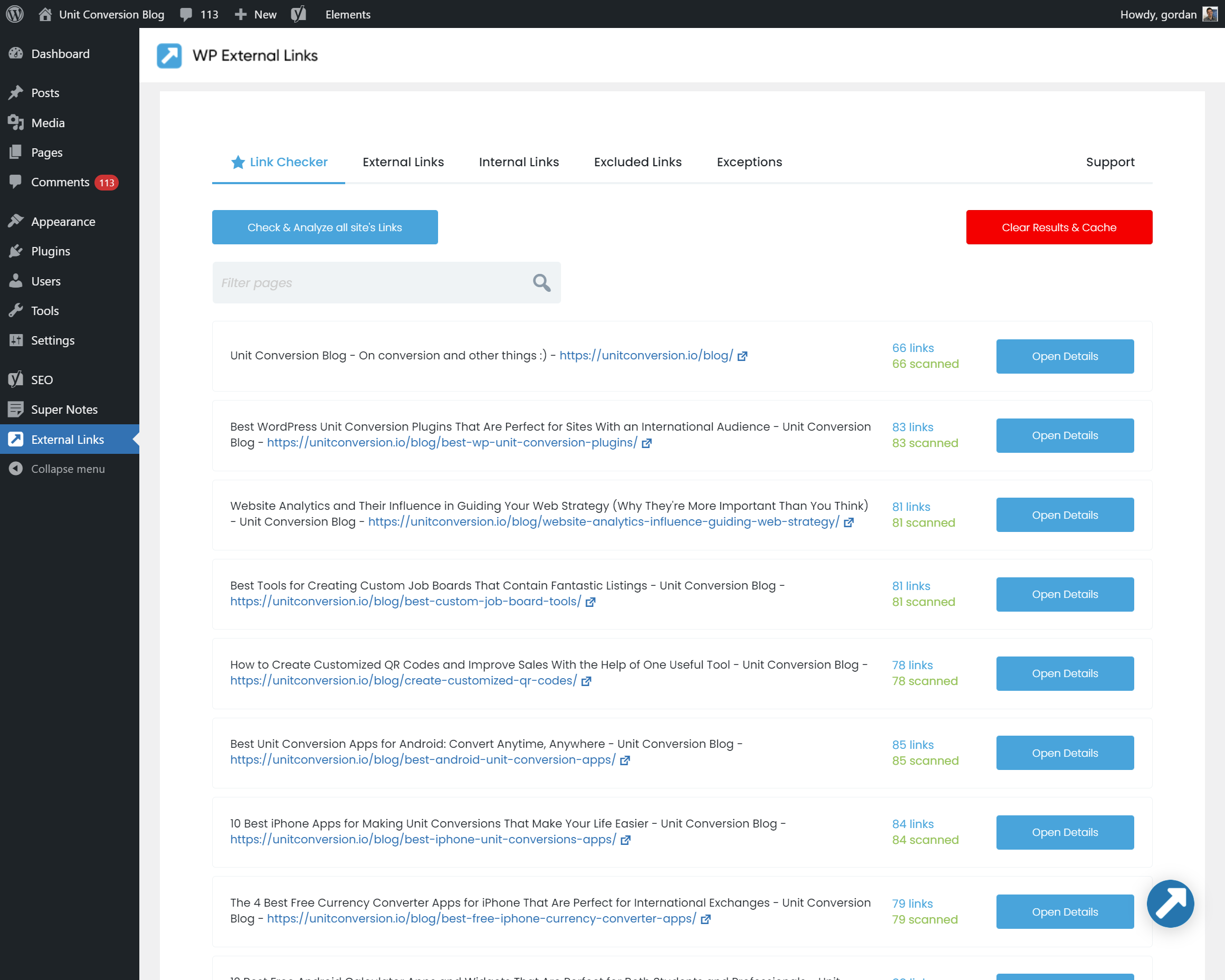
The WP Links plugin allows you to easily manage all the links on your website, both external and internal. You can control various attributes such as whether the links open in a new window or tab, add nofollow or sponsored values for SEO, and even scan all the links on your site to check for broken or redirected links. The plugin is easy to use and GDPR compatible.Screenshots
Frequently asked questions
What is the purpose of the WP Links plugin?
The WP Links plugin allows you to manage all external and internal links on your site, including controlling icons, nofollow, noopener, ugc (User Generated Content), sponsored values, and whether links open in a new window or tab.
What are some of the new features in WP Links version 2?
WP Links version 2 includes new features such as noopener, ugc, and sponsored values for rel, font icons, internal links options, and full WPMU support.
What is the Link Scanner feature in WP Links PRO?
The Link Scanner feature in WP Links PRO allows you to check every single link on your site, including checking if it's broken or not, if it's redirected, the target and rel attribute, and the exact page it's linking to.
What are some of the features of WP Links?
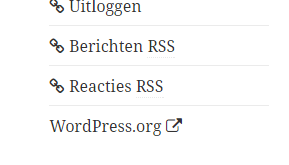
Some of the features of WP Links include managing external and internal links, opening links in a new window or tab, adding follow or nofollow for SEO, adding noopener and noreferrer for security, adding ugc and sponsored values to rel, adding link icons (FontAwesome and Dashicons), setting other attributes like title and CSS classes, and scanning complete pages or specific content types.
Is WP External Links GDPR compatible?
WP External Links is not track or collect any user data and does not use any 3rd party services or CDNs, making it potentially GDPR compatible. However, it is recommended to consult with a legal professional for specific advice.
Changelog
2.62
- 2024-10-13
- minor security fixes and code tweaks
2.61
- 2024-07-08
- minor security fixes
2.60
- 2024-02-20
- fixed WordPress Network activation bug
2.59
- 2023-10-25
- fixed “icon_type” cannot be found bug
2.58
- 2023-03-08
- security fix
2.57
- 2022-12-27
- added double-check on all template include paths
2.56
- 2022-11-20
- security fixes
- removed all external CDNs
- fixed translation issues
2.55
- 2022-07-09
- fixed current_screen() bug
- fixed “icon_type” cannot be found bug
- introduction of the PRO version
- removed link scanner beta
2.51
- 2022-01-28
- fixed icons for excluded external links
- fixed FontAwesome conflict
2.50
- 2021-07-09
- completely new GUI
- link scanner / link analyzer SaaS beta
2.48
- 2021-01-30
- added flyout menu
- removed promo for WP 301 Redirects PRO
2.47
- 2020-10-05
- added settings link to plugins table
- added promo for WP 301 Redirects PRO
2.46
- 2020-05-09
- fixed “unable to save post” when using Gutenberg
- sorry for two updated in two days ?
2.45
- 2020-05-08
- fixed compatibility issue with Site Kit by Google
2.43
- 2019-12-27
- improved link detection regex
2.42
- 2019-12-18
- fixed various undefined variable notices
- fixed an issue when there’s no href attribute set in an A element
2.40
- 2019-11-20
- no longer loads CSS and FontAwesome globally on admin pages
- added support for “ugc” (User Generated Content) and “sponsored” values in rel
2.35
- 2019-09-12
- FontAwesome updated to 4.7 with 41 new icons
- bug fix: ship anchor URLs (#anchor)
- bug fix: don’t match domain if the name is contained in the URL
2.32
- 2019-07-09
- security fixes
2.3
- 2019-06-14
- bug fixes
- 40,000 installations hit on 2018-03-13
- for older changelog entries please visit https://getwplinks.com/old-changelog.txt

