

Just another contact form plugin. Simple but flexible.
About Disable Admin Notices individually
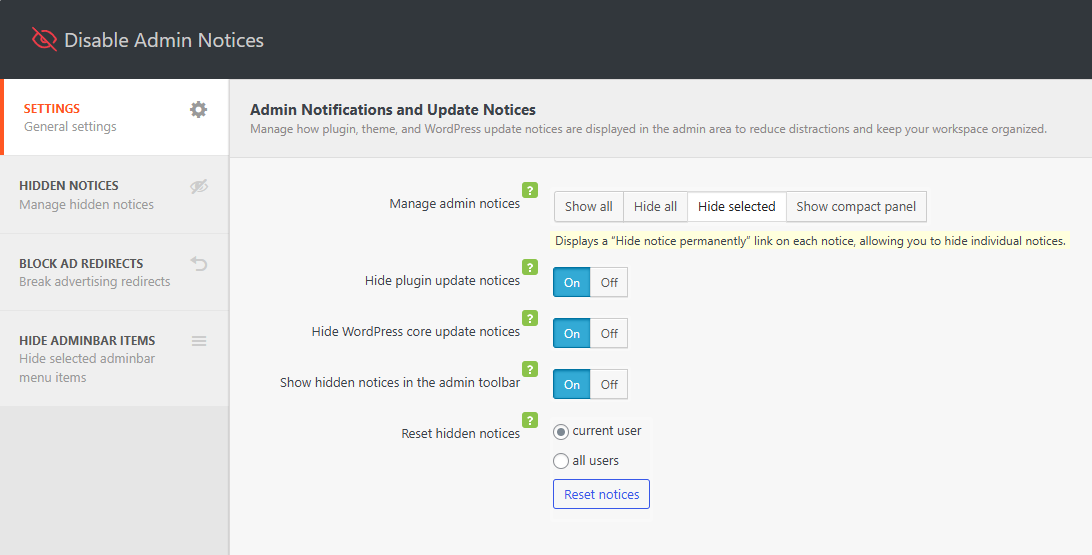
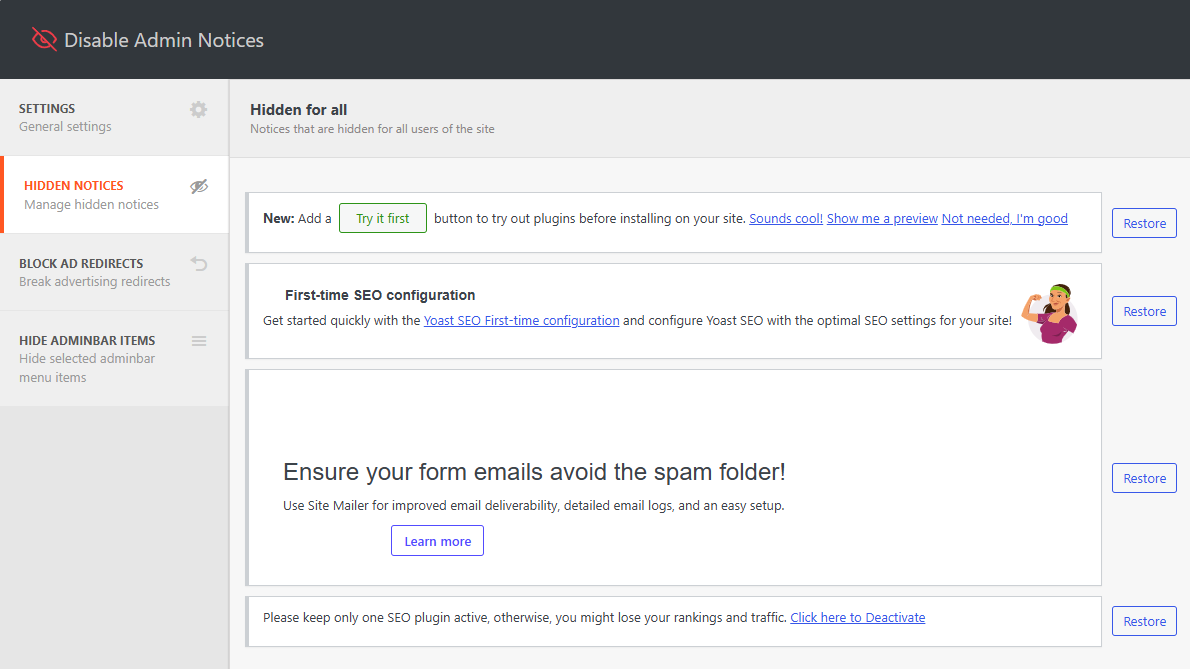
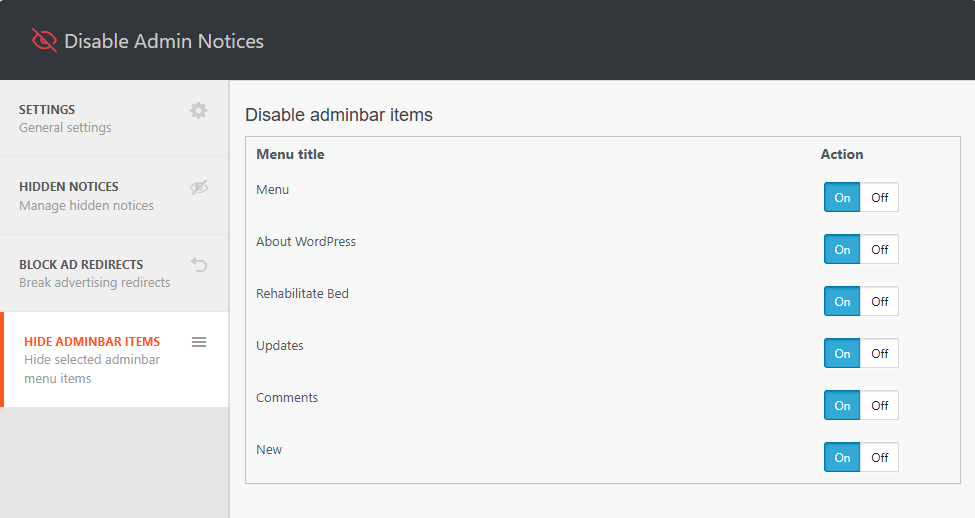
The Hide admin notices plugin is a solution to annoying notices in WordPress. It allows you to turn off notices individually for themes, plugins, and WordPress itself, and also provides the option to disable all notices globally. The premium version of the plugin offers additional features such as hiding notices for other users, a compact panel for managing all notices, and the ability to block ad redirects.Screenshots
Frequently asked questions
What does the Disable Admin Notices individually plugin do?
This plugin allows you to hide updates, warnings, and inline notices in the WordPress admin panel. It provides a way to disable individual notices from themes, plugins, and WordPress itself. You can also disable all notices globally, with the exception of update notices in the plugin list.
How does the plugin help with annoying notices?
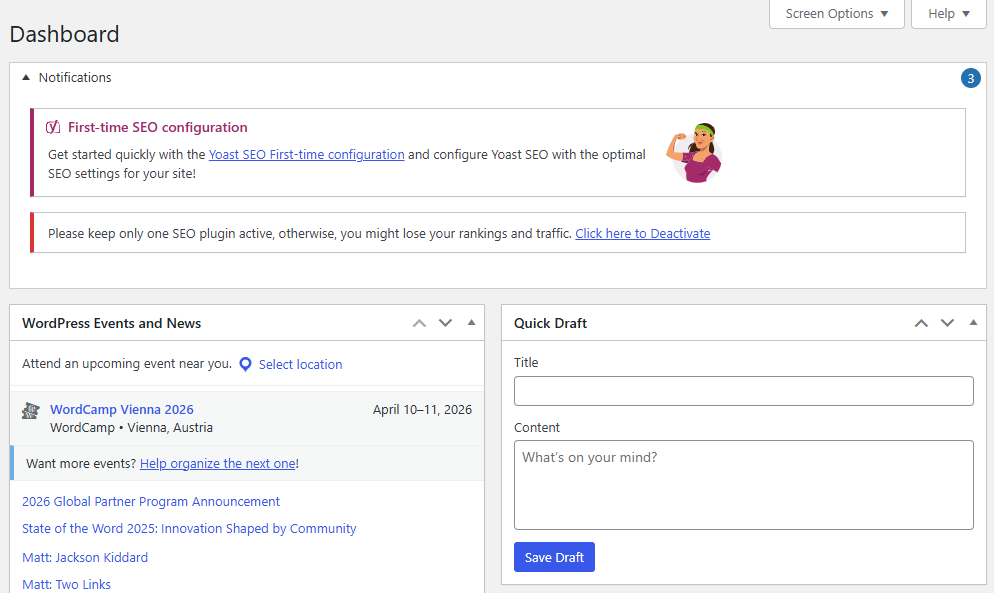
The plugin adds a "Hide notification forever" link to each admin notice. Clicking this link will filter out that specific notice so you won't see it again. This ensures that only annoying notices are hidden, while important error notifications remain visible.
Can I see notices that have been hidden?
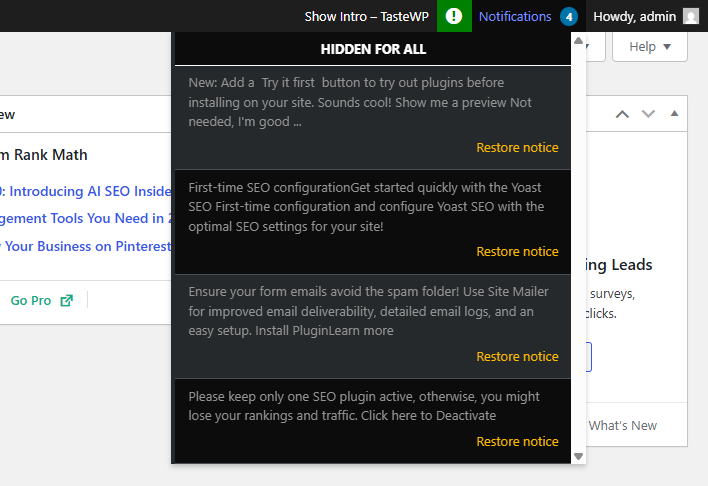
Yes, the plugin includes a special item in the top admin bar that collects all notices in one place. This feature is disabled by default but can be enabled in the plugin options.
Changelog
1.3.6 (05.12.2024)
- Added: Compatibility with WordPress 6.7
- Fixed: Security issue
1.3.5 (22.03.2024)
- Added: Compatibility with WordPress 6.5
- Added: Compatibility with php 8.3
1.3.4 (22.03.2023)
- Added: Compatibility with WordPress 6.4
- Added: Compatibility with php 8.2
1.3.3 (22.03.2023)
- Fixed: Freemius framework conflict
- Added: Compatibility with WordPress 6.2
1.3.0 (27.05.2022)
- Added: Compatibility with WordPress 6.0
1.2.9 (23.03.2022)
- Added: Compatibility with WordPress 5.9
- Fixed: Minor bugs
1.2.8 (13.01.2022)
- Fixed: compatibility error with plugin WP Fastest Cache
1.2.7 (20.10.2021)
- Added: Compatibility with WordPress 5.8
- Fixed: Minor bugs
= 1.2.6 (04.02.2021)=
* ATTENTION! Now the required PHP version is 7.0 or higher.
= 1.2.5 (03.02.2021)=
* Added: Compatibility with Google SiteKit plugin
= 1.2.4 (16.12.2020)=
* Added: Subscribe widget
* Fixed: Minor bugs
1.2.3
- Fixed: Compatibility with other plugins
- Fixed: Appearance of the list of hidden notifications in the adminbar
- [PRO] Added: Added a page with a list of all hidden notifications with the ability to restore.
- [PRO] Added: Ability to hide notifications for ALL users
- [PRO] Added: Multisite support
1.2.2 (09.08.2020)
- Fixed: It was impossible to hide the notice with an offer to buy a pro version.
- Updated: Improved the accuracy of filters when hiding notifications.
1.2.0 (16.07.2020)
- Fixed: Minor bugs
1.2.0 (10.07.2020)
- Fixed: Fixed some compatibility issues with third-party plugins.
- Added: Premium features
1.1.3 (01.07.2020)
- Removed: Ads notices and dashboard widget
- Fixed: Minor bugs
1.1.2 (23.06.2020)
- Added: Compatibility with WordPress 5.4
- Fixed: Minor bugs
1.1.1
- Added: Compatibility with Learndash
- Added: Compatibility with WordPress 4.2 – 5.x
- Added: Multisite support
- Added: Minor link style (hide notification forever) changes.
1.0.6
- Fixed: compatibility with some plugins and themes
1.0.5
- Fixed: Prefix bug
1.0.4
- Fixed: Compatibility with Clearfy plugin
- ADDED: Plugin options caching to reduce database queries for 90%. Clearfy became lighter and faster.
- ADDED: Compress and cache the plugin core files, to reduce the load on the admin panel
1.0.3
- Added a new feature: To restore hidden admin notices individually
- Fixed: Core bugs
1.0.2
- Updated styles for the “Hide notification forever” link
- Compatibility with plugins from webcraftic is updated
1.0.0
- Plugin release

