

Enables the previous "classic" editor and the old-style Edit Post screen with TinyMCE, Meta Boxes, etc. Supports all…
About GDPR/CCPA Cookie Consent Banner
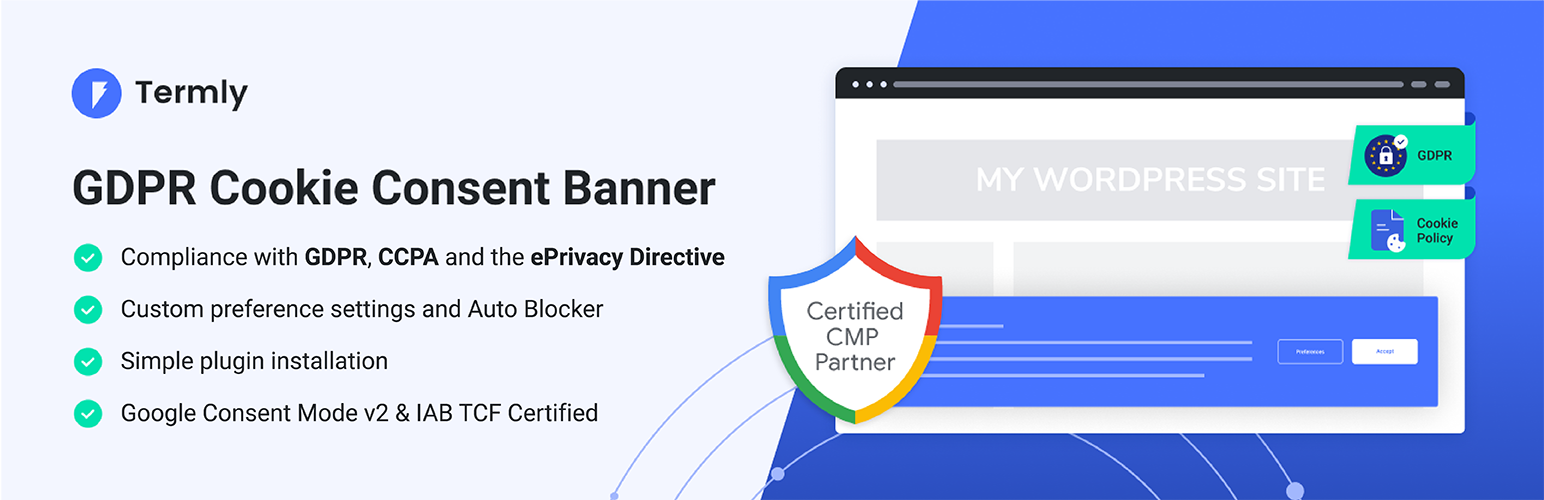
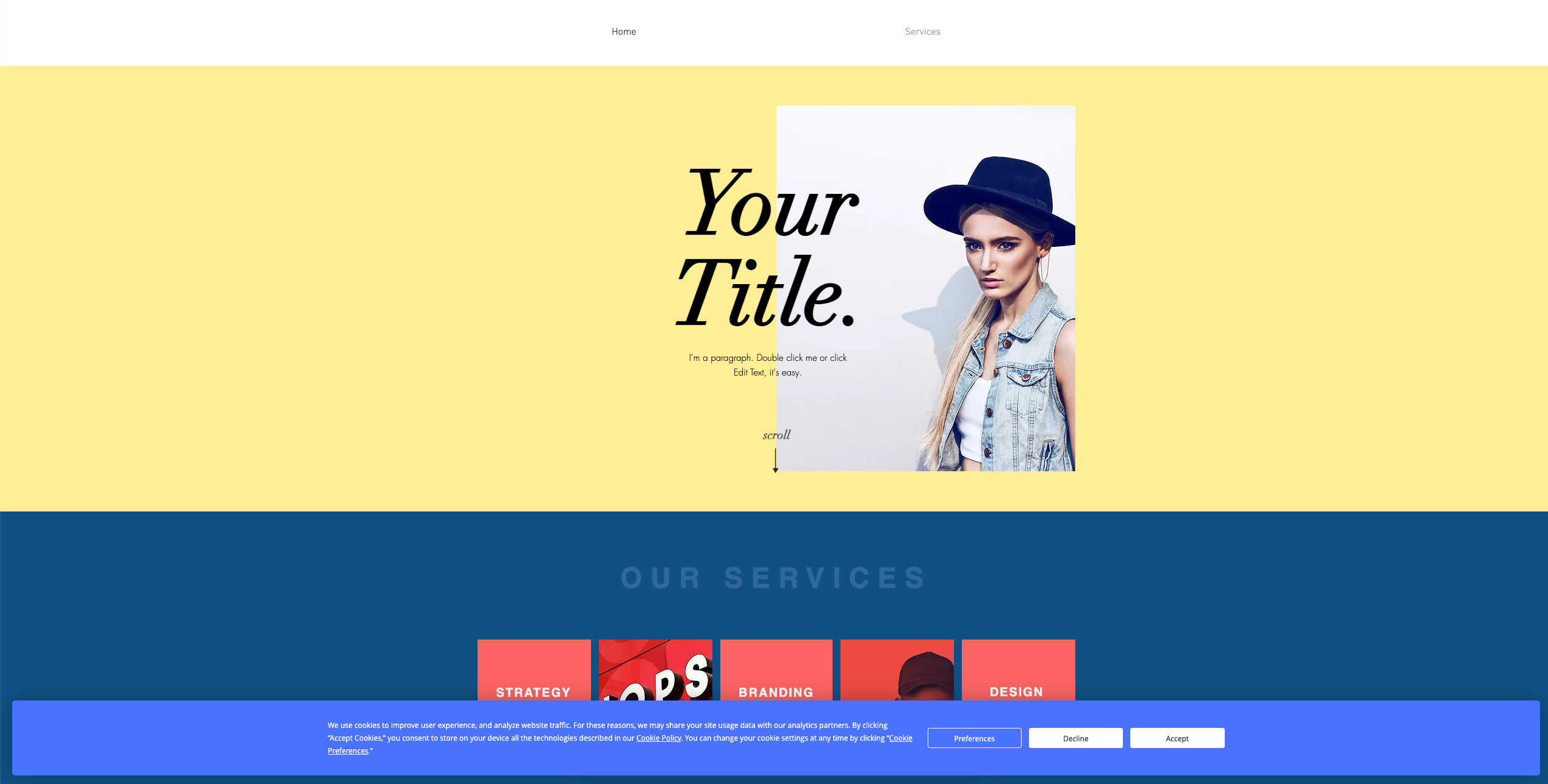
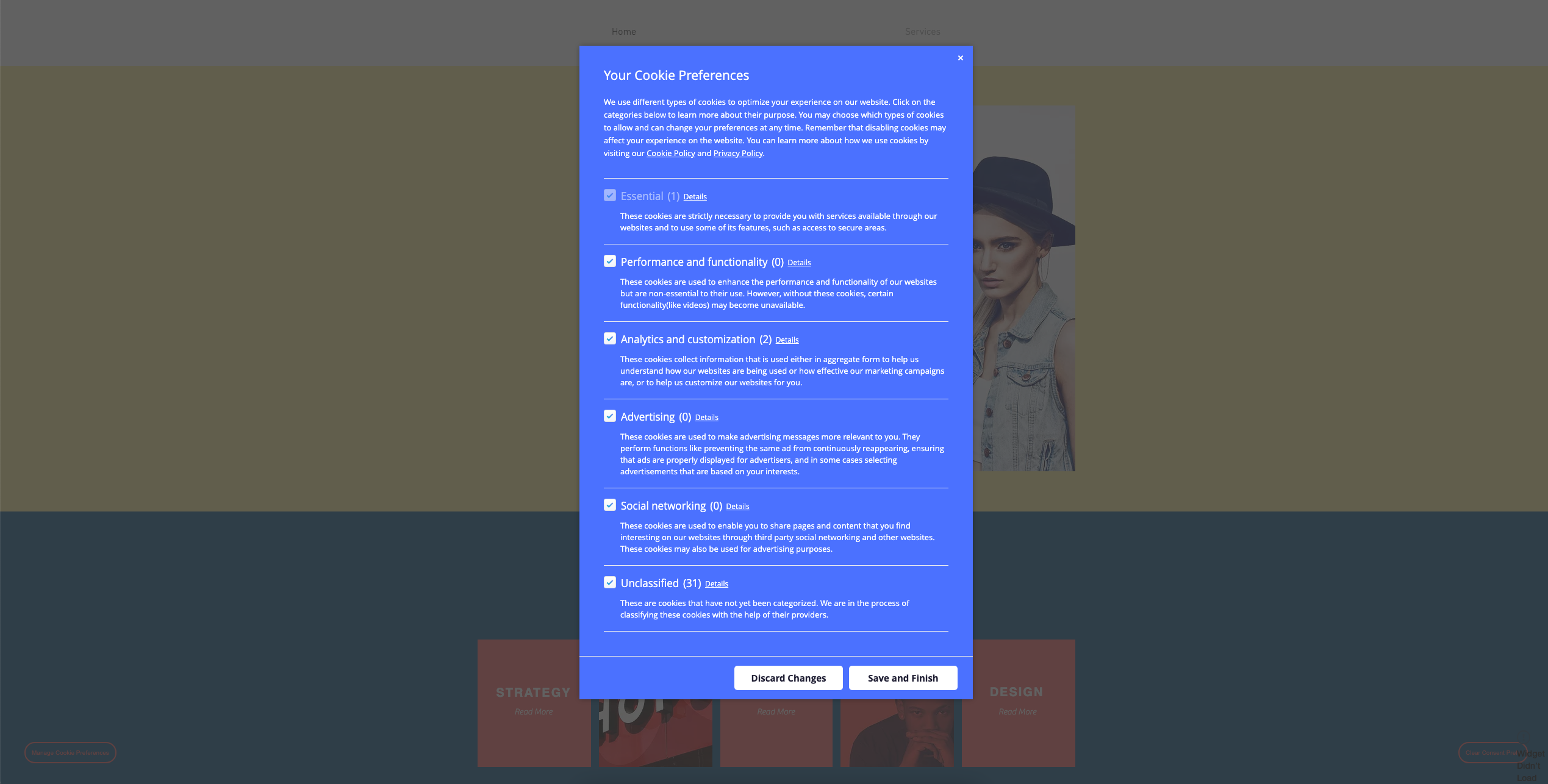
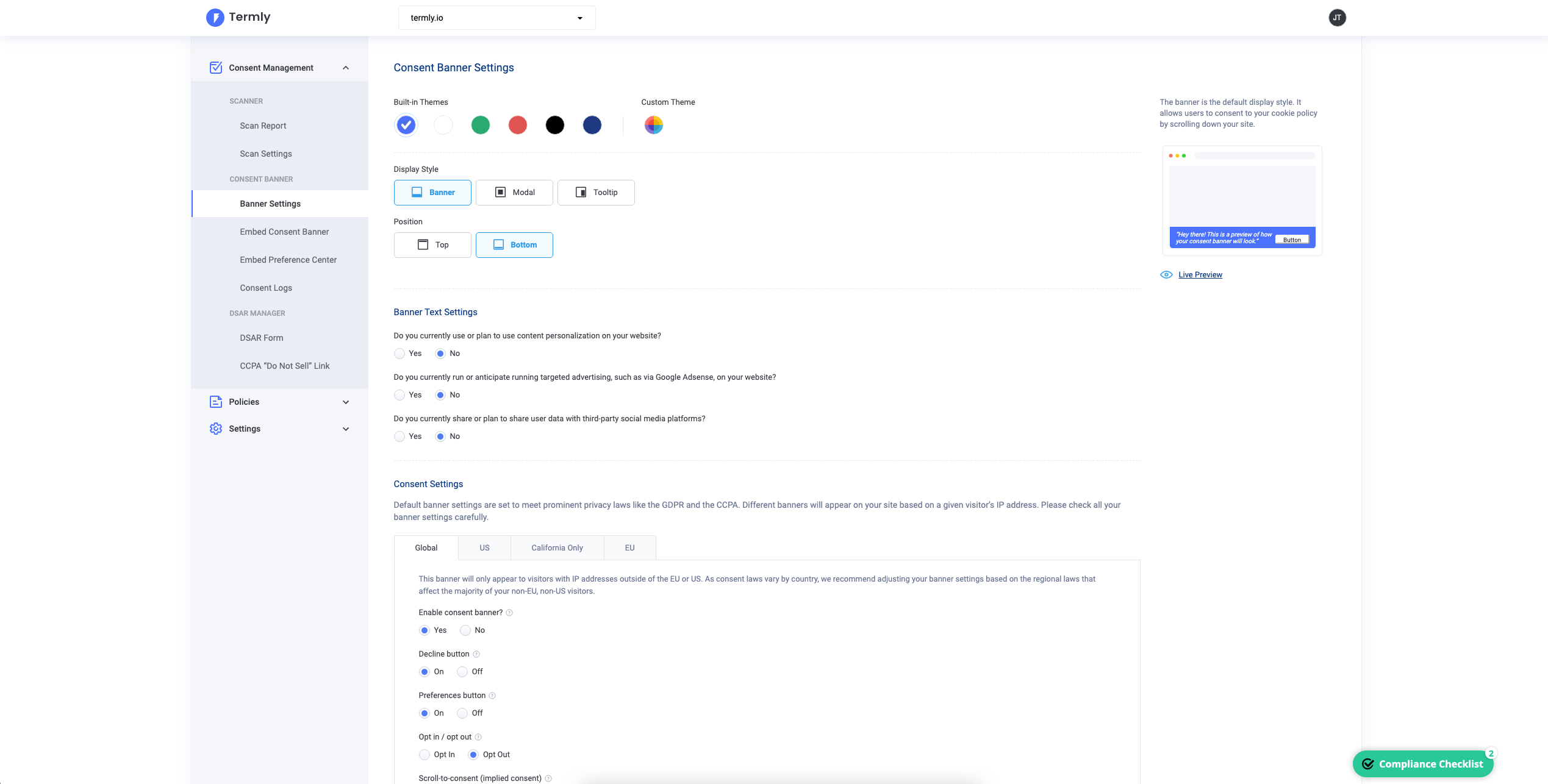
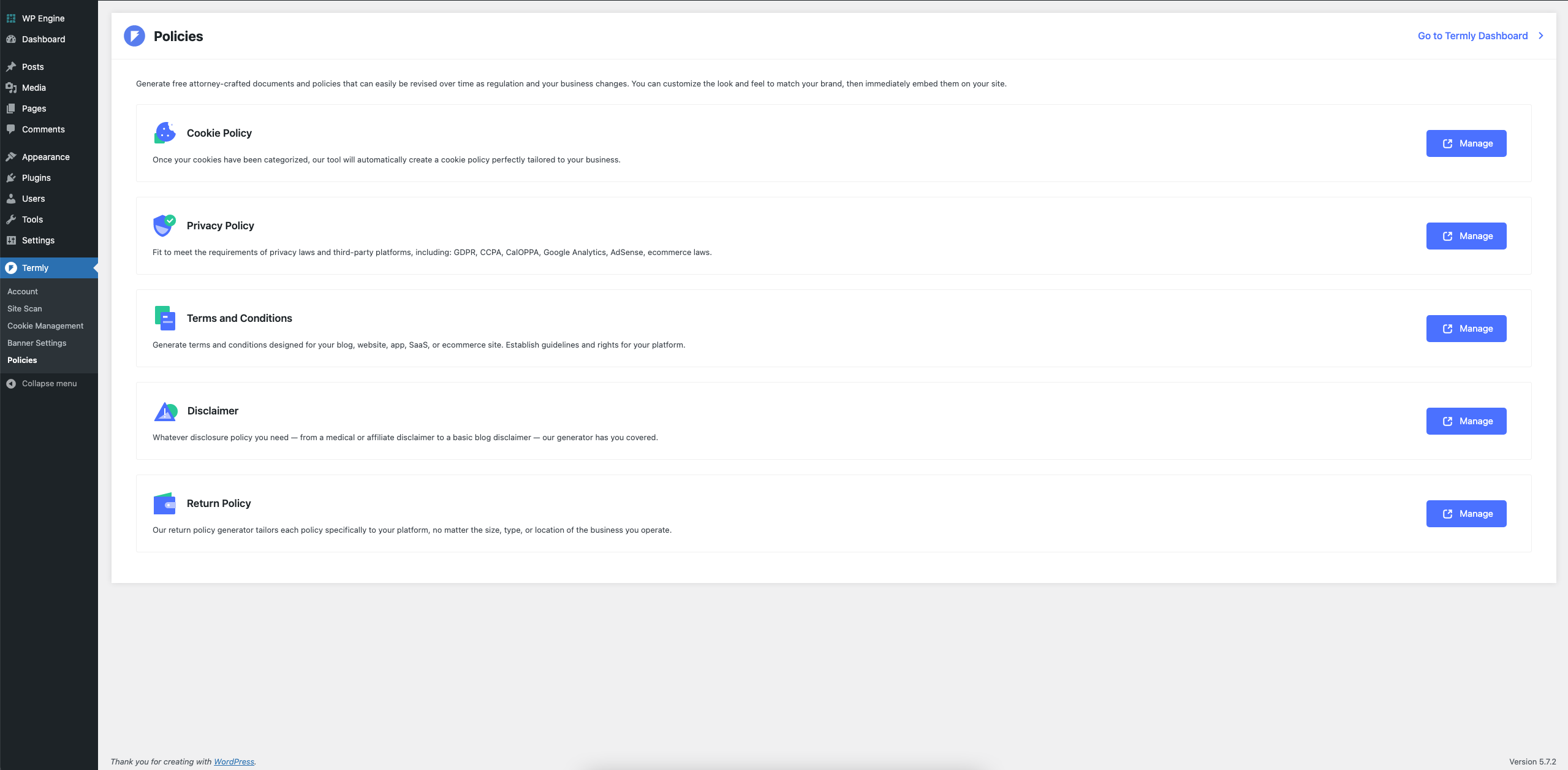
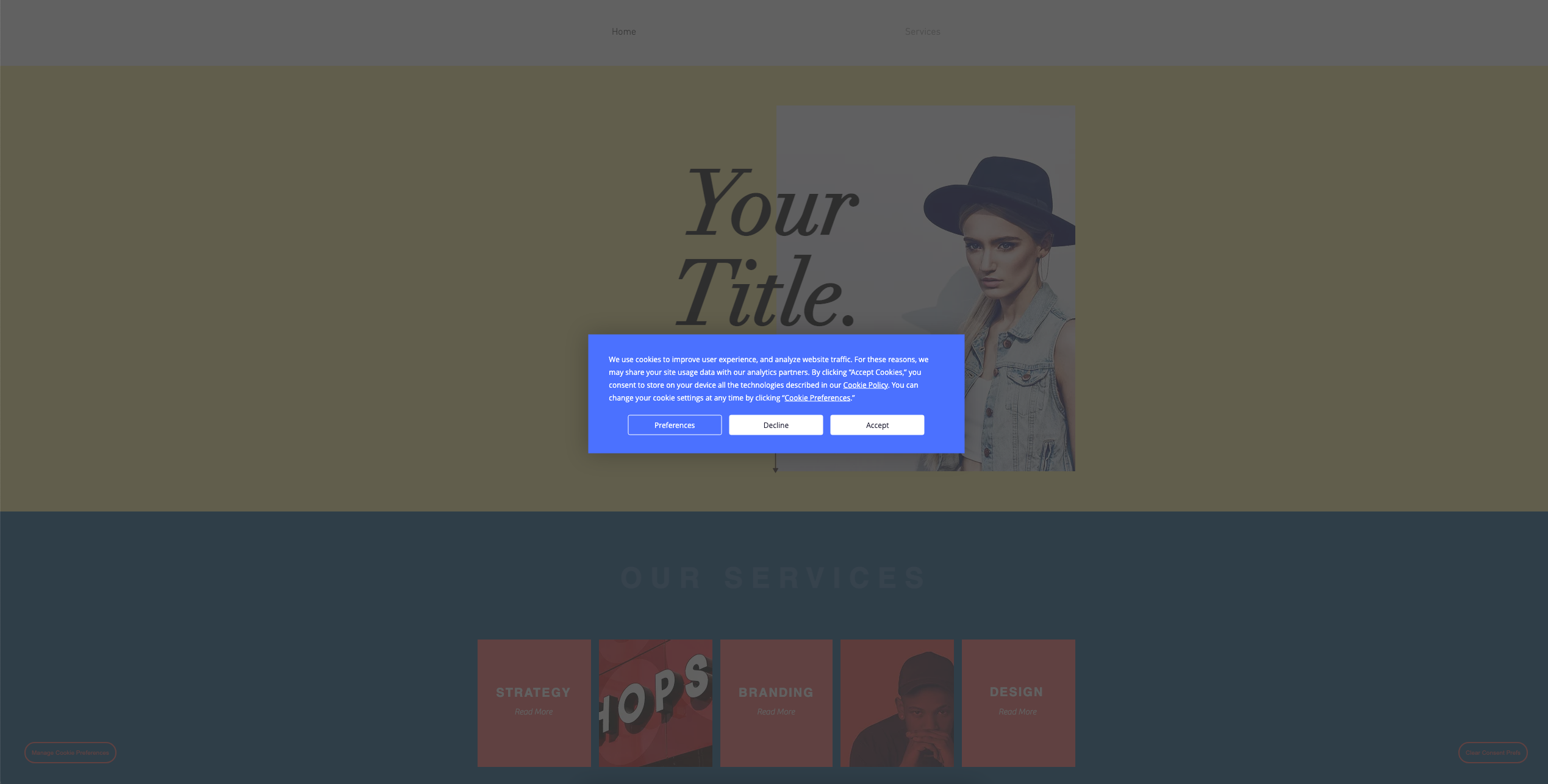
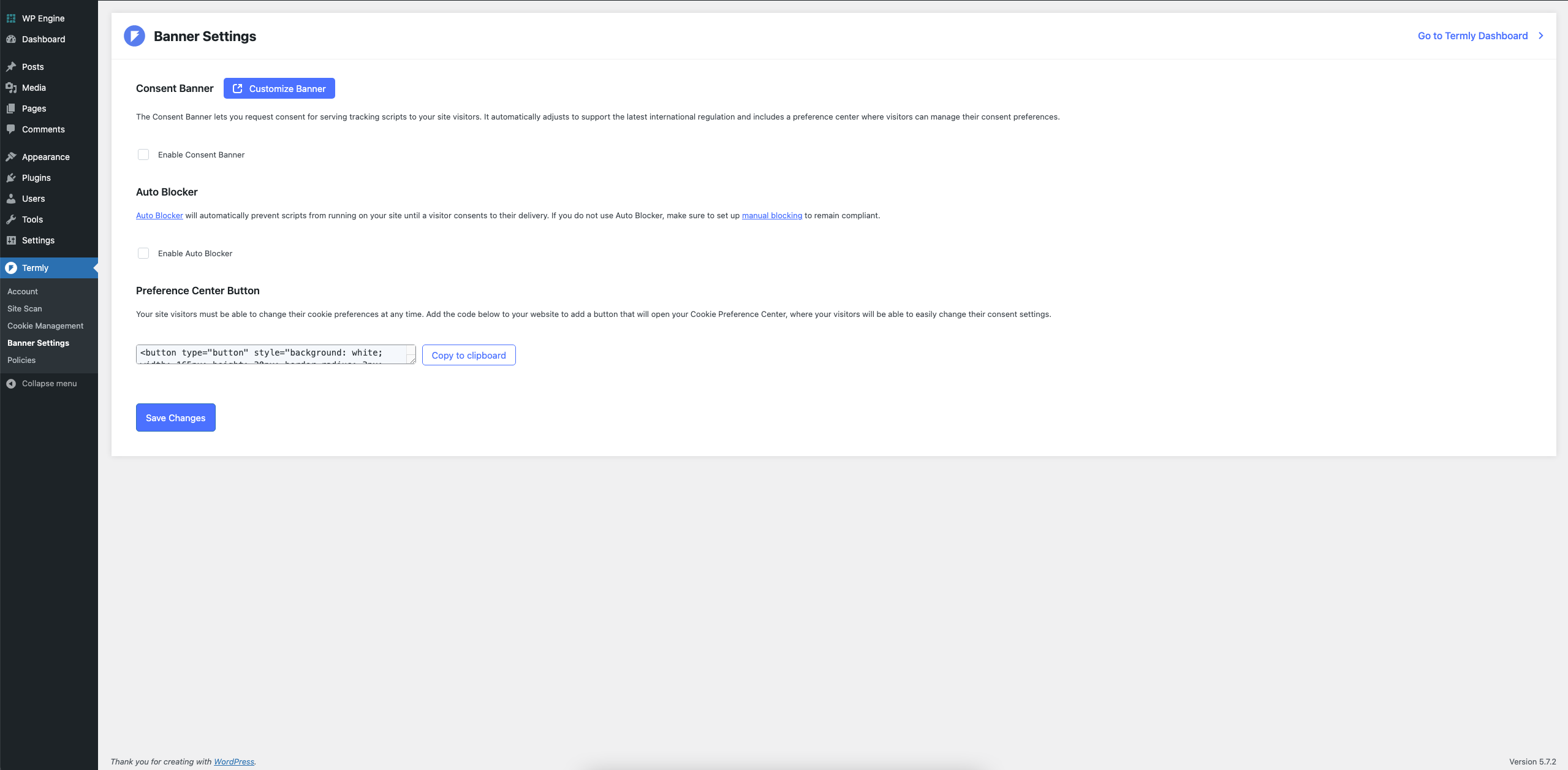
Termly's GDPR-CCPA Cookie Consent Banner is a plugin that helps businesses comply with data privacy laws such as GDPR, CCPA, and the ePrivacy Directive. It offers features like customer preference settings, auto-blocking of scripts, and customization options. The plugin is easy to install and integrates with Google Consent Mode and IAB TCF.Screenshots


Frequently asked questions
What is Termly's GDPR Cookie Consent Banner?
Termly's GDPR Cookie Consent Banner is one of the easiest, most effective, and popular cookie consent plugins available for WordPress. It helps comply with data privacy laws and regulations like the GDPR, UK GDPR, CCPA, the ePrivacy Directive (EU Cookie Law), and the UK's Privacy and Electronic Communications Regulations (PECR) with a custom cookie consent banner and cookie policy.
Who develops and maintains Termly's GDPR Cookie Consent Banner?
Termly's GDPR Cookie Consent Banner is actively developed, tested, and maintained by a team of engineers, designers, and data privacy attorneys. It receives consistently positive reviews in the industry and is used by small companies, startups, web development agencies, legal offices, and larger enterprises.
What are the key features of Termly's GDPR Cookie Consent Banner?
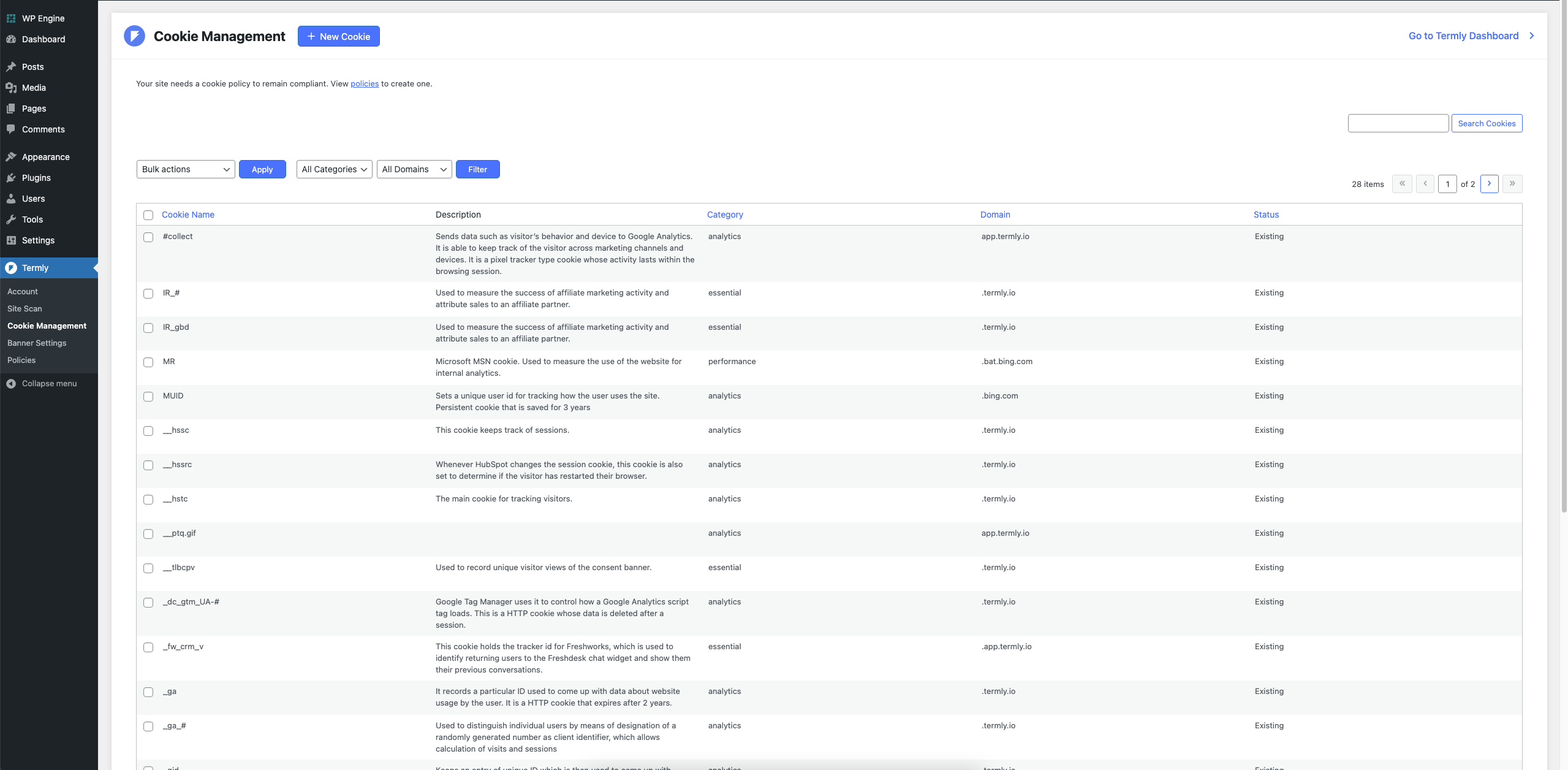
The key features of Termly's GDPR Cookie Consent Banner include simple setup, automatic cookie scans, a unique cookie consent banner with customizable features, up to 10,000 monthly unique visitors for free, choice of banner position, regional banner display options, translations/multi-language support, automatic cookie configuration, auto-generated cookie descriptions and categories, custom cookie policy, choice of scroll to consent or click to consent, auto-blocking of scripts and other tracking mechanisms, highly responsive design, automatic updates to cookie policy and consent banner, and access to additional policy, disclaimer, and terms and conditions generators.
How do I set up Termly's GDPR Cookie Consent Banner?
Setting up Termly's GDPR Cookie Consent Banner is simple. Install and activate the plugin, fill in your business info, scan your site for cookies, and customize your settings. This will give you a live cookie consent banner and compliant cookie policy on your site.
How does Termly's GDPR Cookie Consent Banner help with compliance?
Termly's GDPR Cookie Consent Banner automatically generates cookie descriptions and categories, and keeps the notification bar and policy up to date to help ensure compliance. It also includes an Auto Blocker feature that detects, categorizes, and blocks tracking scripts on your site until visitors have consented to them in accordance with local laws and regulations.
Changelog
3.3.1
- Minor UI changes.
- New Termly x WP Rocket partnership to improve site performance.
3.3.0
- Added WP-CLI Commands to administer the plugin programmatically.
- Added informational panel for users with paid accounts.
- Updated plugin name, tagging, author, and description.
3.2.3
- Updated the Custom Blocking Map functionality to better handle domains.
3.2.2
- Updated the Custom Blocking Map functionality to correctly output the entered domains in their correct categories.
3.2.1
- Fixed Broken Access Control security vulnerability.
3.2
- New: There is a new setting on the site scan page to add a specific allow line to an existing or virtual (provided by WordPress core) robots.txt file.
- Update: Changed the text of the “allow” line in the robots.txt to accurately reflect the new scraper’s name.
- Removed: The plugin will no longer automatically save the “allow” line to the robots.txt file when regenerating rewrite rules.
3.1.1
- Update: Updates the embed script on the consent banner to include some additional information needed for European privacy framework.
3.1
- New: consent toggle is available on all termly admin pages for quicker access
- New: Custom Blocking Maps UI when using the Auto Block feature
- New: Preference Center button code snippet
- New: Adds three new policy generators (EULA, Shipping Policy, and Acceptable Use Policy)
- Update: Termly branding and iconography updates for a consistent feel throughout the plugin
- Update: General UI improvements and updated fonts in the admin dashboard
- Update: Styling of alerts for consistency across the plugin
- Update: Form styling throughout the plugin for clarity and ease of use
- Update: Links to the latest documentation
- Update: Updated plugin name for clarity of purpose
3.0.3
- Fixes broken external links in settings.
3.0.2
- Updates language throughout the plugin to reflect the change to monthly visitor limitations.
- Service: Updated consent banner limitations to 10,000 monthly unique visitors (up from 100)
3.0.1
- Fixes PHP when a static robots.txt file exists.
3.0
Brand new codebase for managing Cookie Consent through the Termly.io platform. New features include:
* Cookie scanning, categorizing and management
* Auto Blocking of scripts
* Cookie preference center
* New customization options
* Read more about the changes and this major version release here.

