

Just another contact form plugin. Simple but flexible.
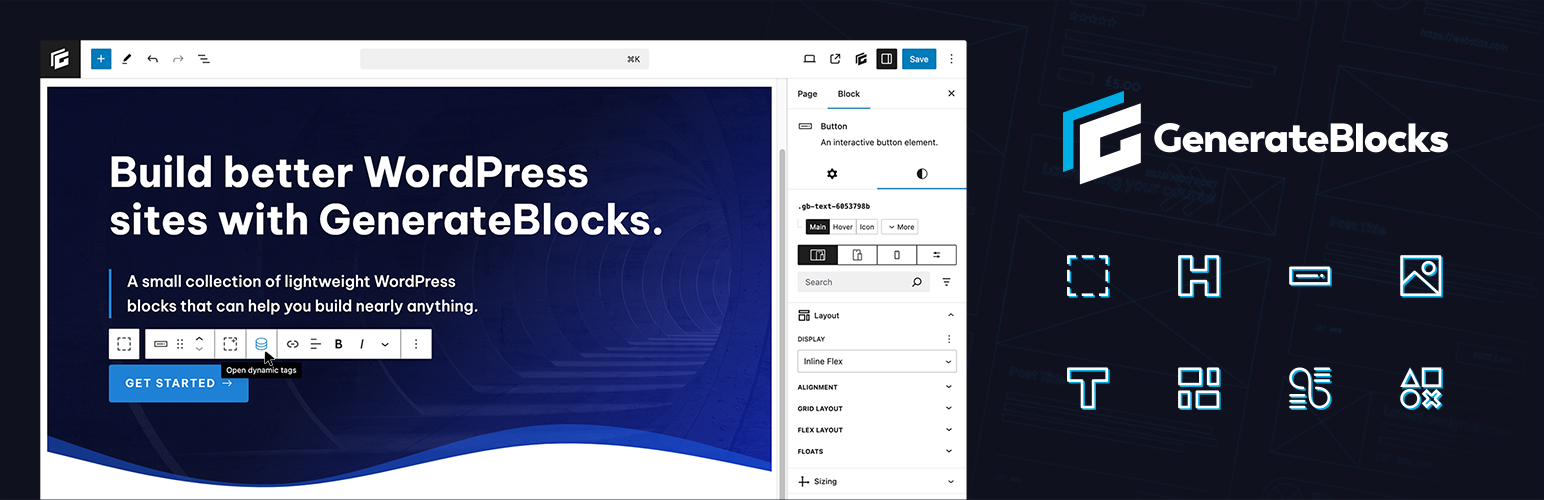
About GenerateBlocks
GenerateBlocks is a plugin that adds versatile blocks to your editor without making it slow. It works with any theme and includes blocks for organizing content, creating layouts, adding text, buttons, images, shapes, and dynamic content. The plugin is built with high coding standards, ensures performance, and is fully responsive.Frequently asked questions
What is GenerateBlocks?
GenerateBlocks is a WordPress plugin that offers a small collection of lightweight blocks designed to add versatility to the editor without bloat. It allows users to build various content layouts and designs using a few core blocks.
What blocks are included in GenerateBlocks?
GenerateBlocks includes blocks such as Container, Grid, Text, Button, Query, Image, and Shape. These blocks provide functionalities for organizing content, creating layouts, crafting text, adding buttons, displaying posts, and incorporating images and SVG shapes.
Does GenerateBlocks work with all WordPress themes?
Yes, GenerateBlocks is built to work with any WordPress theme, though it works hand-in-hand with GeneratePress.
What are Dynamic Tags in GenerateBlocks?
Dynamic Tags allow users to display dynamic content inside their blocks, such as Post title, Post excerpt, Post permalink, Post date, and Featured image. GenerateBlocks Pro offers additional dynamic tags like Archive title, Site option, and User meta.
How does GenerateBlocks handle performance?
GenerateBlocks prioritizes performance by generating minimal CSS only for the blocks in use and maintaining a simple HTML structure for maximum flexibility.
Changelog
2.1.2
- Security: Restricted options REST API endpoint access for contributors/editors
2.1.1
- Security: Remove sensitive values from REST API response for logged in users
- Fix: Disable image links in the editor
- Fix: Parse shortcodes in URL HTML attribute fields
- Fix: Keep existing image size when changing image in block
- Tweak: Improve image size field loading UI
2.1.0
- Feature: Enable full iframe editor
- Feature: Improve styles builder indicator dot system
- Feature: Add
staticvalue to the “Position” control - Feature: Add
aria-labelfield to all blocks - Feature: Add
inline-gridoption - Feature: Add inherited values as placeholders
- Fix: Missing “current parent” query parameter
- Fix: Fallback preview support in color picker
- Fix: Inability to type some units in the
UnitControl - Fix: Block/pattern preview styles
- Fix: IME issues with multi-select component
- Fix: Border sync button alignment in v1 blocks
- Fix: Single comment count option key in dynamic tags
- Fix: Custom at-rule switching in the editor
- Fix: Font family filter in the styles builder
- Fix:
UnitControlvalues starting with a dash - Fix: Image block selection in WP 6.8
- Fix: Dynamic tag parsing all blocks in Container at once
- Fix: Allow 0 as nested post meta key
- Fix: Ensure block style assets load in wp_head
- Fix: Dimension control tab order
- Fix: Conditional loading of instant pagination script
- Tweak: Improve editor performance
- Tweak: Always show popular user meta fields in dropdown
- Tweak: Add support for device visibility feature in Pro
- Tweak: Add
generateblocks_use_v1_blocksfilter - Tweak: Improve default styles builder selectors/shortcuts
- Tweak: Load permissions earlier in the editor
- Tweak: Improve block keywords
- Tweak: Sanitize block ID attribute value
- Tweak: Allow the
downloadattribute to have a value - Tweak: Add searching notice to styles builder
- Tweak: Add
generateblocks_block_cssfilter - Tweak: Add
generateblocks_process_block_cssaction - Tweak: Add default
alttag to images
2.0.2
- Fix: Image block selection in WP 6.8
2.0.1
- Fix: WordPress.org zip package issue
2.0.0
- Security: Prevent logged-in contributors from querying private post content
- New: All blocks re-written from scratch for better performance and control
- New: Version 1 blocks still exist where used and function normally
- New: Version 1 blocks can be enabled by default with simple filter
- New: Element block – replaces the Container and Grid blocks
- New: Element blocks comes with Container and Grid variations in the block inserter
- New: Text block – replaces the Headline and Button blocks
- New: Text blocks comes with Headline, Text, and Button variations in the block inserter
- New: Query block – replaces the Query Loop block
- New: Looper block – replaces the Grid block inside of the Query block
- New: Loop Item block – replaces the Post Template (Container) in the Query block
- New: No Results block – add content that displays if no Query results are found
- New: Page Numbers block – add page numbers for pagination in your Query block
- New: Shape block – add any SVG shape to your pages
- New: Media block – replaces the Image block
- New: Local blocks now have the full styles builder found in GB Pro Global Styles
- New: Local blocks can now be designed at any breakpoint or nested rule
- New: Filter block design options in the editor based on whether they have a value
- New: Filter block design options in the editor based on whether they’re inheriting a value
- New: Dynamic tags system. Insert dynamic data anywhere in your blocks
- New: Multiple dynamic tags can be inserted into a single block
- New: –gb-container-width CSS variable for getting the global max-width
- Performance: Local blocks now generate their CSS and HTML as you build in the editor
- Performance: Blocks are output as static HTML/CSS on the frontend for better performance
1.9.1
- Fix: Patterns not loading properly in Chrome
- Fix: Pattern search mixing up active libraries
- Fix: Broken pattern preview in bulk select mode
- Fix: Headline editor margin when set to div
- Tweak: Improve pattern preview loading performance
1.9.0
- Security: Disallow scripts in custom field values
- Feature: New Pattern Library
- Feature: Add support for new Global Styles in Pro
- Feature: Added opt-in defaults cache filter:
generateblocks_use_block_defaults_cache - Feature: Added new
generateblocks_do_inline_stylesfilter to force inline styles if needed - Feature: Add styles indicators to local block controls if Global Styles exist
- Feature: Keep
ptag when converting core paragraph block to Headline block - Feature: Use arrow keys to increase or decrease values in unit control
- Fix: Button URL dropdown closing on input
- Fix: Undefined $fontFamily in old Headline version
- Fix: Missing block width alignment in block themes
- Tweak: Remove “one-time” block CSS and include it for specific blocks when needed
- Tweak: Added new
(min-width: 768px)media query to filterable queries - Tweak: Replace Twitter icon with X icon
- Tweak: Use core Block Name for block labelling
1.8.3
- Security: Add user capability check to Query Loop post status
1.8.2
- Fix: Border colors not showing when old attributes are set.
- Tweak: Add support for the newly created core function “wp_img_tag_add_loading_optimization_attrs”
1.8.1
- Fix: Icon padding controls order
- Fix: Global styles overwriting local attributes
- Fix: Editor controls spacing using RTL languages
1.8.0
- Feature: Add flexbox alignment matrix component to Container toolbar
- Feature: Add new Borders panel with width/style/color options for all four sides
- Feature: Add new dimensions components in Spacing panel
- Feature: Mix and match padding/margin units across sides and devices
- Feature: Add more available units to all options that accept them
- Feature: Allow text values (calc(), var(), etc…) in options that accept them
- Feature: New “Add to Container” icon added to the toolbar of all blocks
- Feature: Allow removal of Container block around innerBlocks
- Feature: Display text field to allow user to replace image URL
- Feature: Headline block show text in List View
- Feature: Button block show text in List View
- Feature: Image block show alt/title in List View
- Feature: Add Block Label option to label Container, Query Loop, and Grid blocks in List View
- Feature: Only show one dimension field if synced
- Feature: Add option to disable Google fonts
- Feature: Allow all unit types in UnitControl
- Feature: Add help icon to unit list
- Fix: Attributes merging incorrect values when multiple blocks are selected
- Fix: Color and Background panels are visible/accessible on responsive views
- Fix: Template lock system not applying to inner blocks
- Fix: Button with dynamic content not displaying the aria-label
- Fix: unique id not regenareted correctly on widgets editor
- Fix: React createRoot warning
- Fix: Double-click when selecting Grid template
- Fix: Query loop parameter delete button size
- Fix: Advanced select jumping when near the bottom of the page
- Fix: Triple captions using static image with dynamic link
- Fix: Flex icons based on direction in device previews
- Fix: Container appender icon spacing
- Fix: useDeviceType state was one state behind when triggered from core buttons
- Fix: Use unit in UnitControl if value starts with decimal
- Fix: Remove trailing spaces from UnitControl numeric value
- Tweak: Require at least PHP 7.2
- Tweak: Move block alignment to Layout panel
- Tweak: Remove help text from Grid vertical alignment
- Tweak: Remove the Button Container variation
- Tweak: Clean up UnitControl display across all browsers
- Tweak: Show all Google fonts in font family dropdown
- Tweak: Remove top/bottom margin from Query Loop in the editor
- Tweak: Force lowercase units in UnitControl
- Tweak: Improve UnitControl unit visibility
- Tweak: Show units in 2 rows
- Tweak: Use same unit list for all UnitControl controls
- Dev: Rebuild how block migrations run
- Dev: Migrate spacing attributes to new spacing object attribute
- Dev: Migrate typography attributes to new typography object attribute
- Dev: Migrate icon padding and size attributes to new iconStyles object attribute
Full changelog can be found here.

