

Just another contact form plugin. Simple but flexible.

About AMP
The official AMP Plugin for WordPress helps you improve the user experience of your website by implementing AMP (Accelerated Mobile Pages) technology. It automates the process of generating AMP-valid markup, provides validation tools to fix any compatibility issues, and offers development support for building AMP-compatible components. Whether you're a developer or a non-developer user, the AMP Plugin can help you create fast, beautiful, secure, and engaging websites.Screenshots

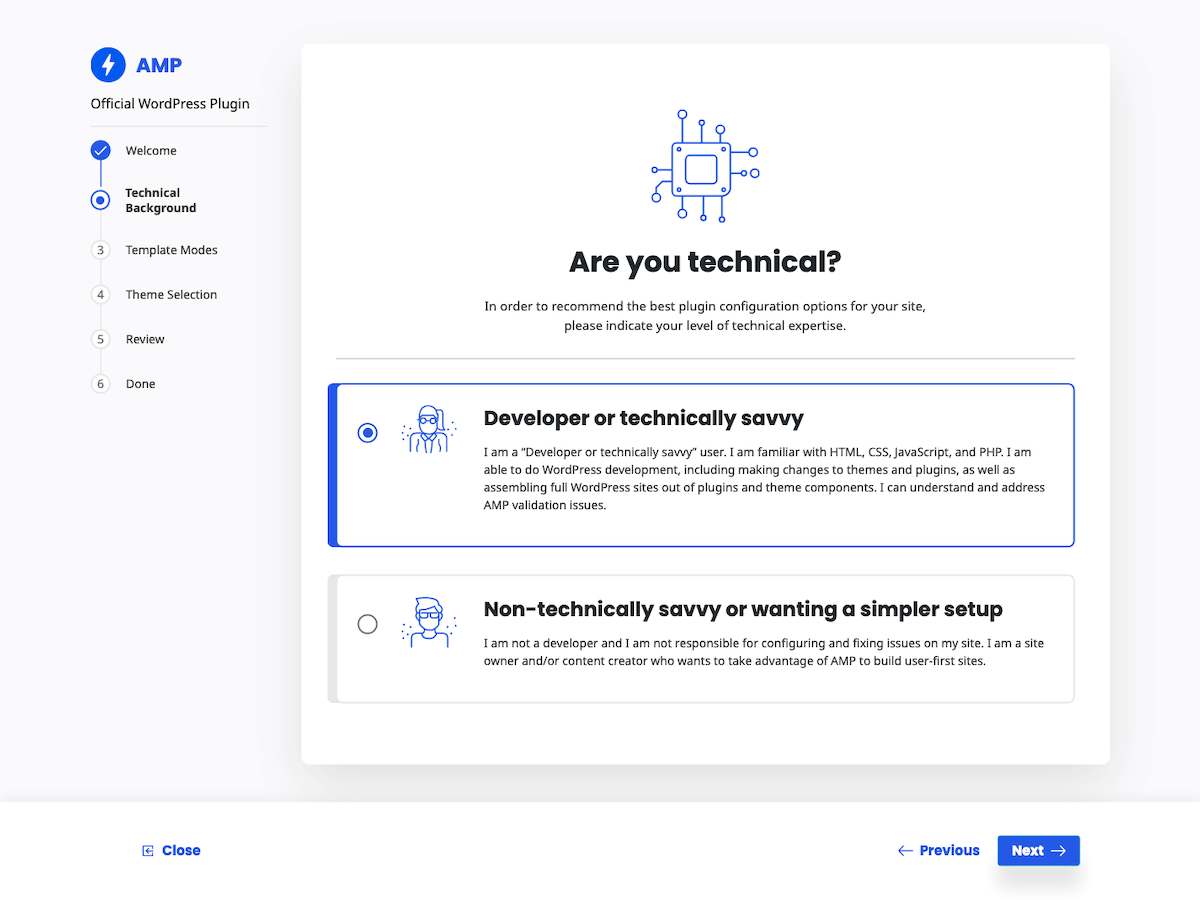
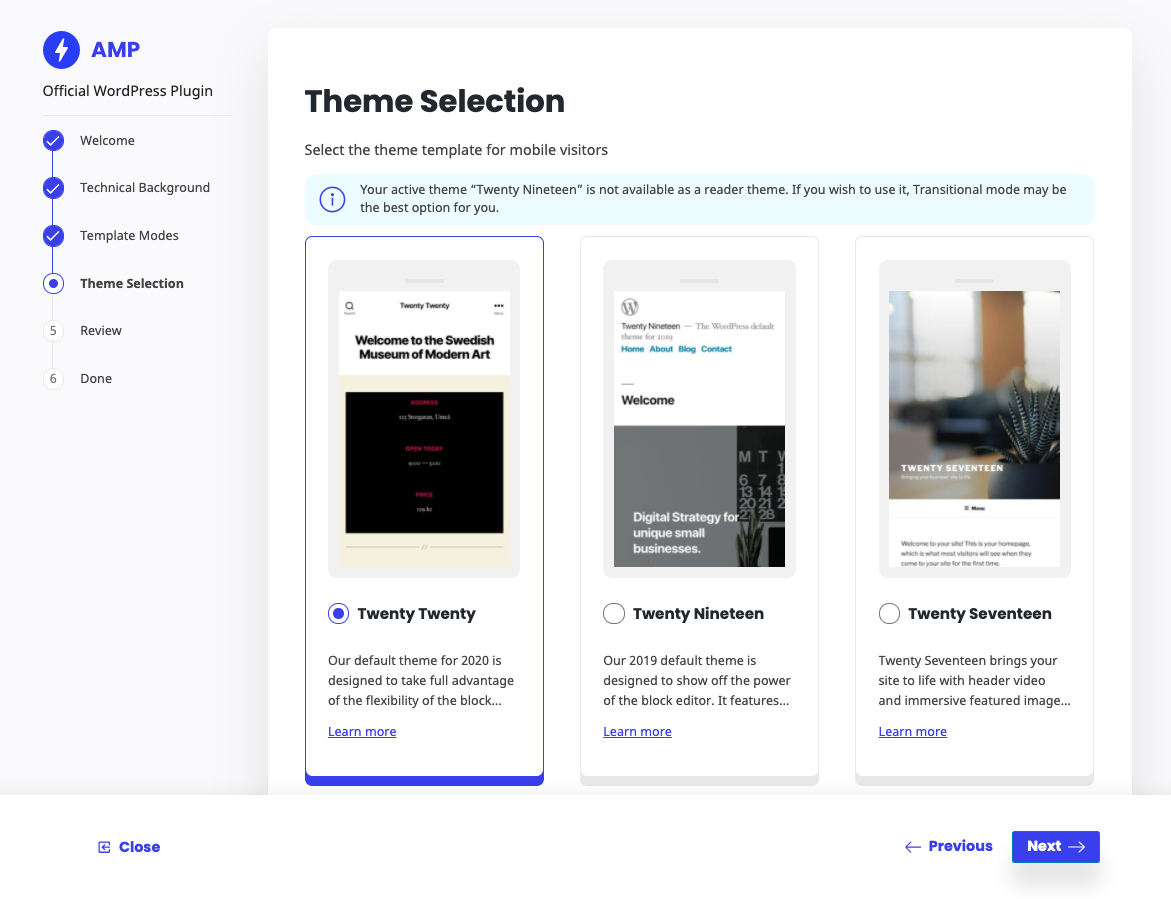
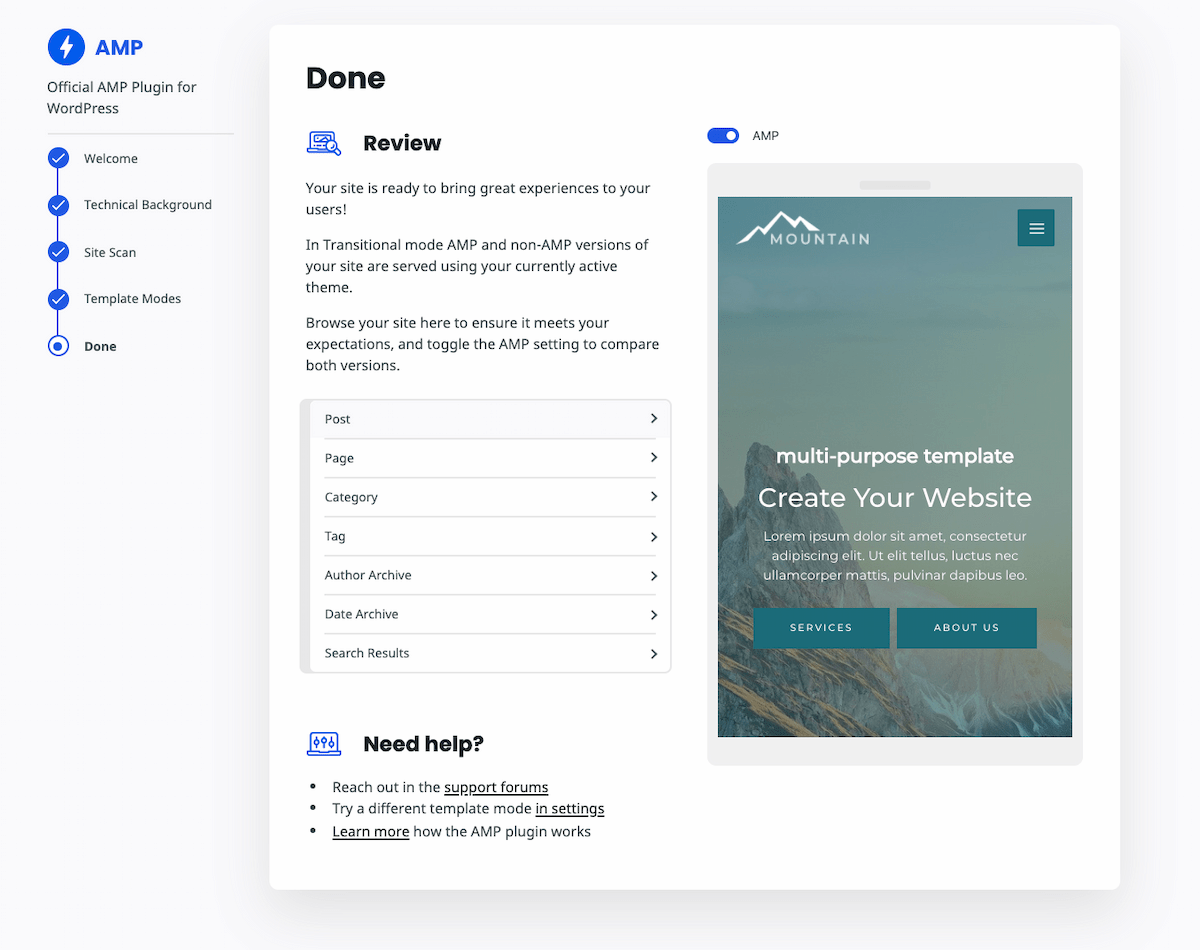

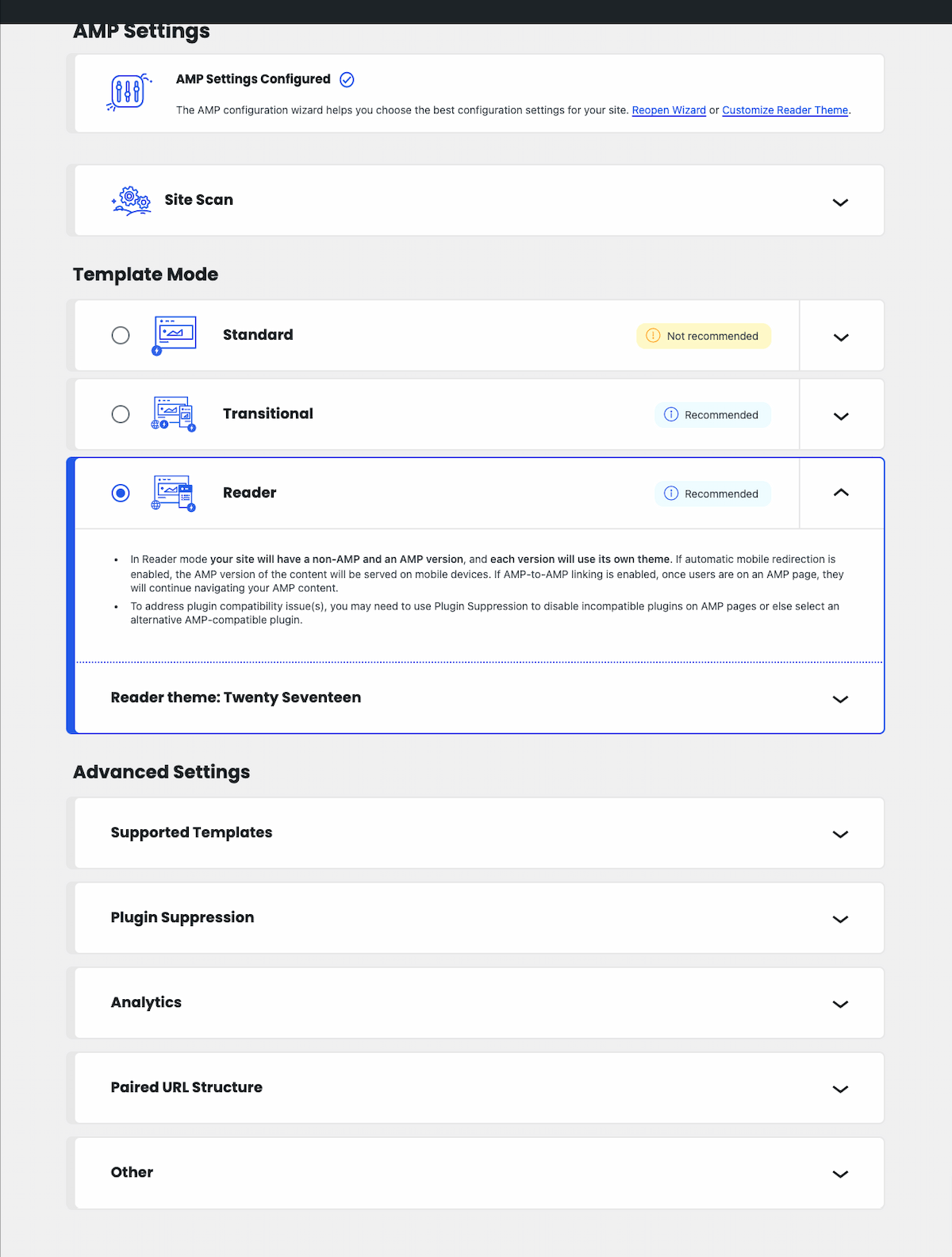
Frequently asked questions
What is Page Experience?
Page Experience (PX) is a set of ranking signals—including Core Web Vitals (CWV)—measuring the user experience of interacting with a web page.
What is the official AMP Plugin for WordPress?
The official AMP Plugin for WordPress is a powerful tool that helps you build user-first WordPress sites, that is, sites that are fast, beautiful, secure, engaging, and accessible.
Who can use the AMP Plugin?
This plugin can be used by both developers and non-developer users. Developers can take advantage of advanced developer tools provided by the AMP plugin, while non-developers can assemble fully AMP-compatible sites with different configurations using the plugin's features.
What are the template modes in the AMP Plugin?
The AMP Plugin has three template modes: Standard, Transitional, and Reader. These modes serve different needs and scenarios in the WordPress ecosystem, allowing site owners to serve AMP to their users in different ways.
How can I get started with the AMP Plugin?
To learn more about the plugin and start leveraging its capabilities, you can check the official AMP plugin product site. There is also a comprehensive FAQ page and extensive documentation available to help you get started smoothly.
Changelog
Version 2.5.1 is a maintenance and security release which fixes a reflected XSS vulnerability when mobile redirection is enabled. For prior affected versions, the fix is backported to new patch releases: v2.0.12, v2.1.5, v2.2.5, v2.3.1, and v2.4.3. These are available in the WordPress.org Plugin Directory but not on GitHub.
For the plugin’s changelog, please see the Releases page on GitHub.

