

Just another contact form plugin. Simple but flexible.
About Click to Chat – HoliThemes
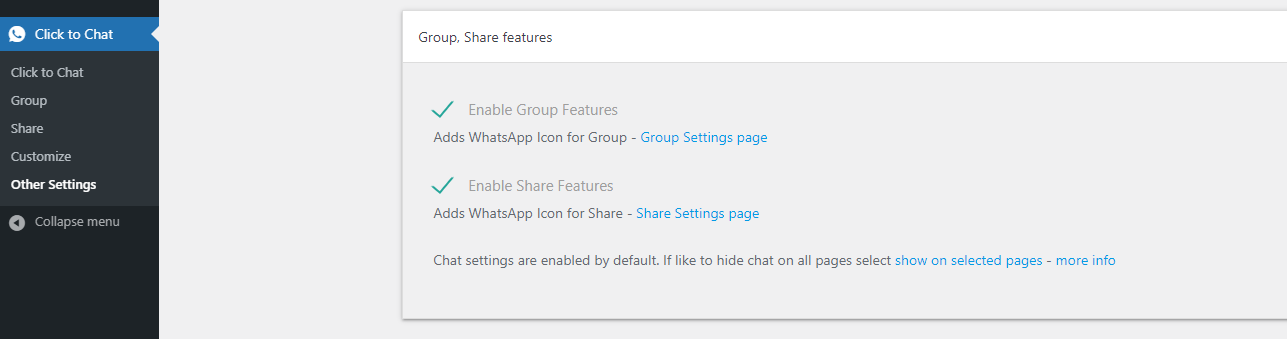
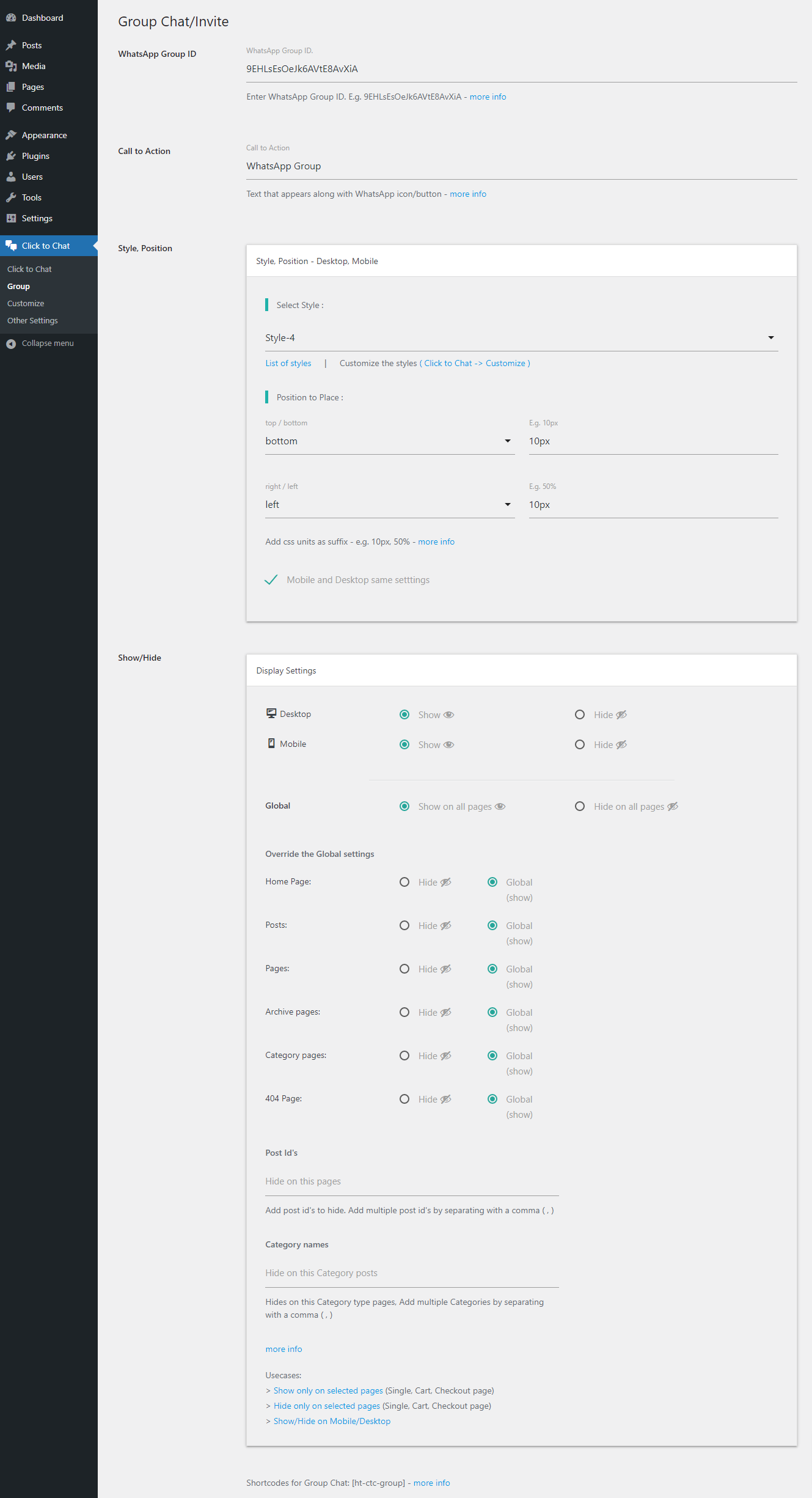
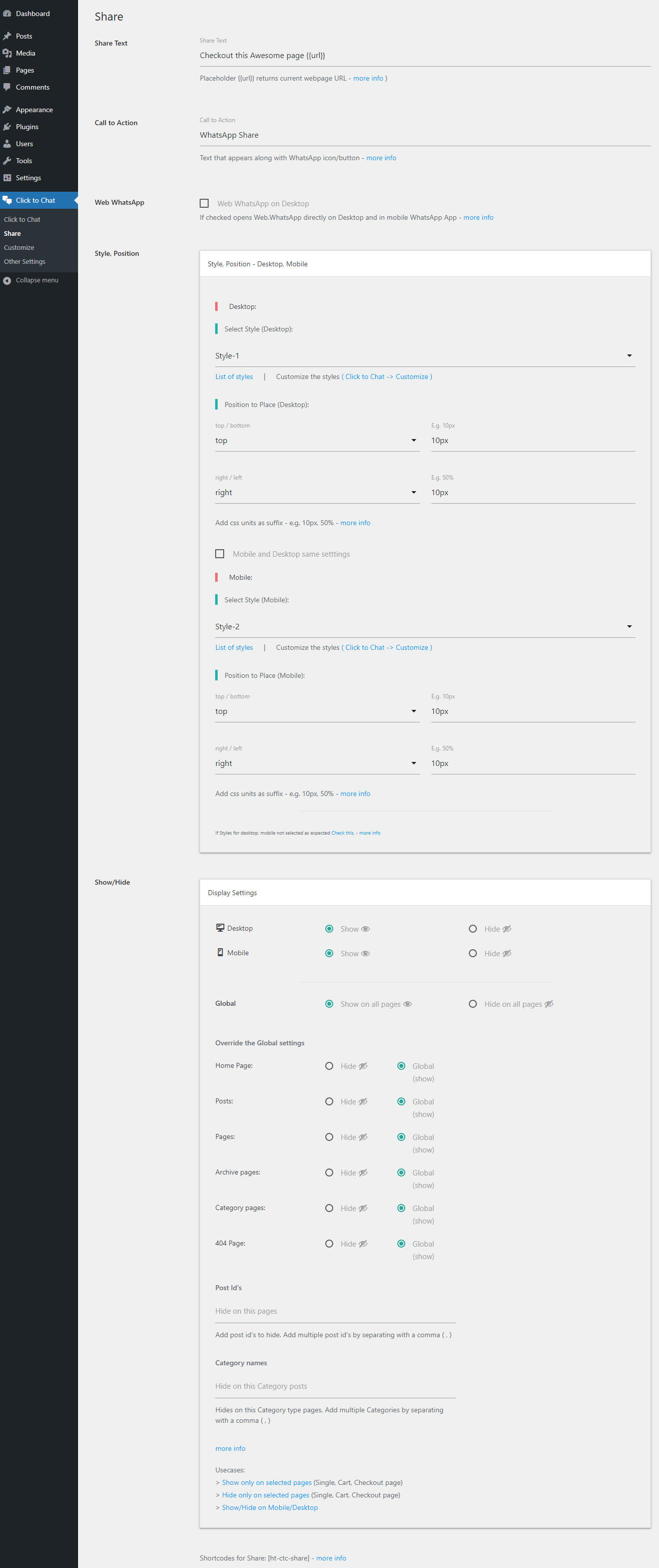
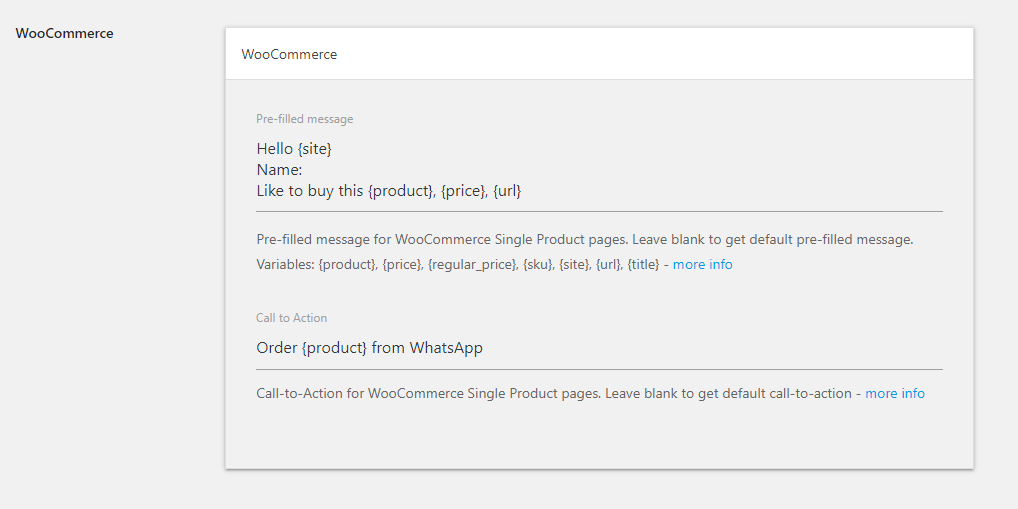
This plugin allows you to add a WhatsApp chat option on your website for visitors to contact you easily. It offers customizable styles, greetings, form filling options, and WooCommerce integration. You can also use shortcodes to customize the WhatsApp button and enable features like group chat and sharing on WhatsApp.Screenshots


Frequently asked questions
What is WhatsApp Chat?
WhatsApp Chat allows website visitors to contact you with a single click.
How can I add WhatsApp to my website?
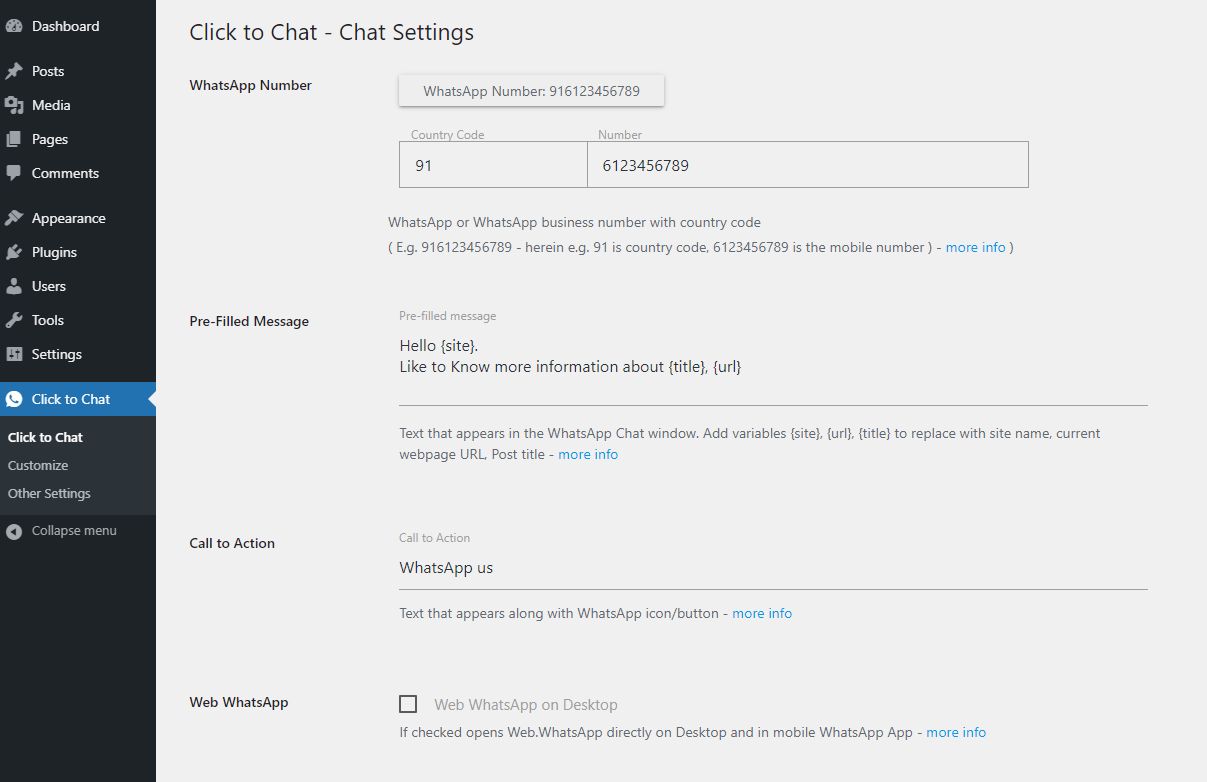
To add WhatsApp to your website, you can navigate to the WhatsApp Mobile App on mobile devices or the WhatsApp Desktop App or Web WhatsApp page on desktop devices.
What styles are available for WhatsApp Chat?
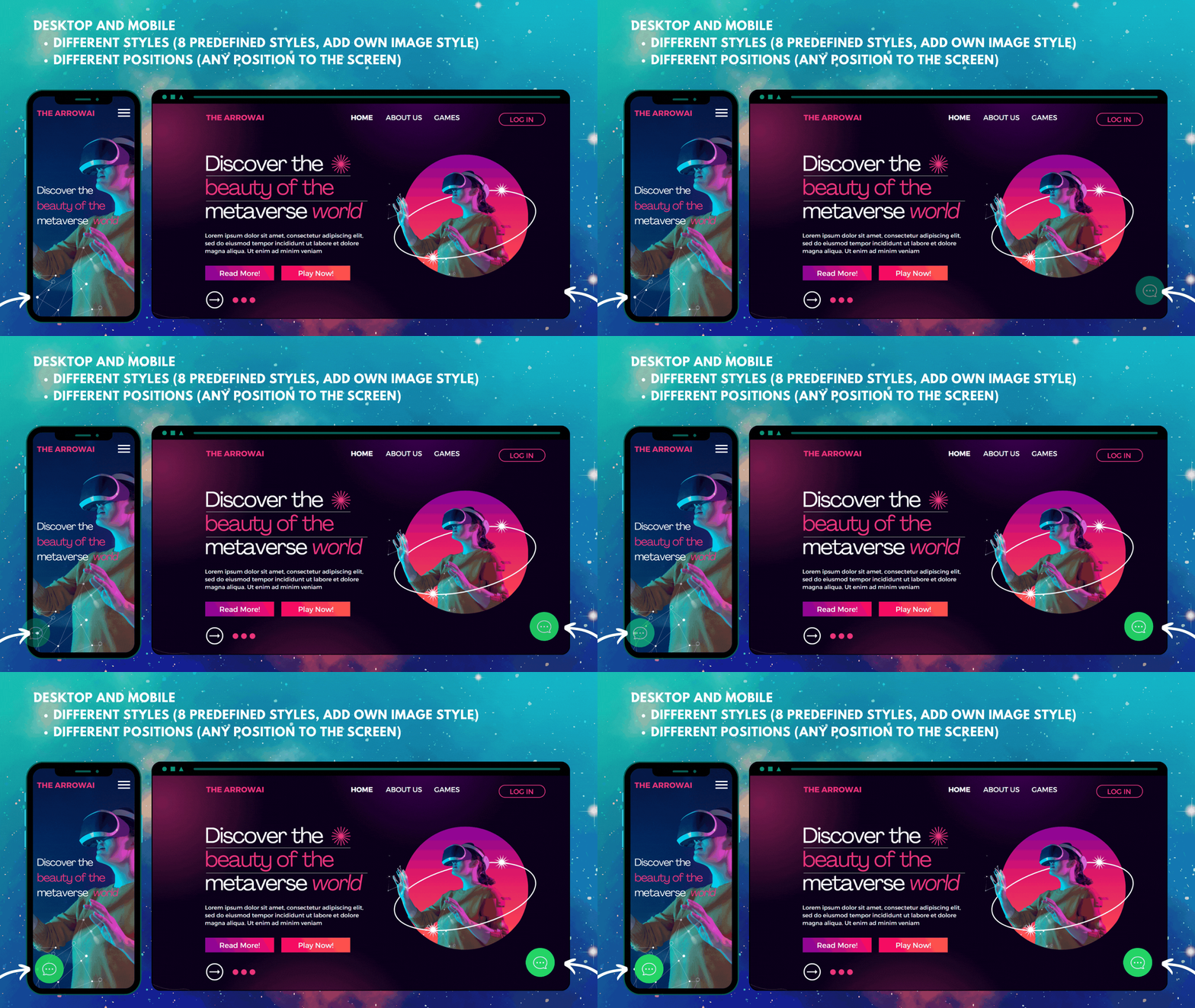
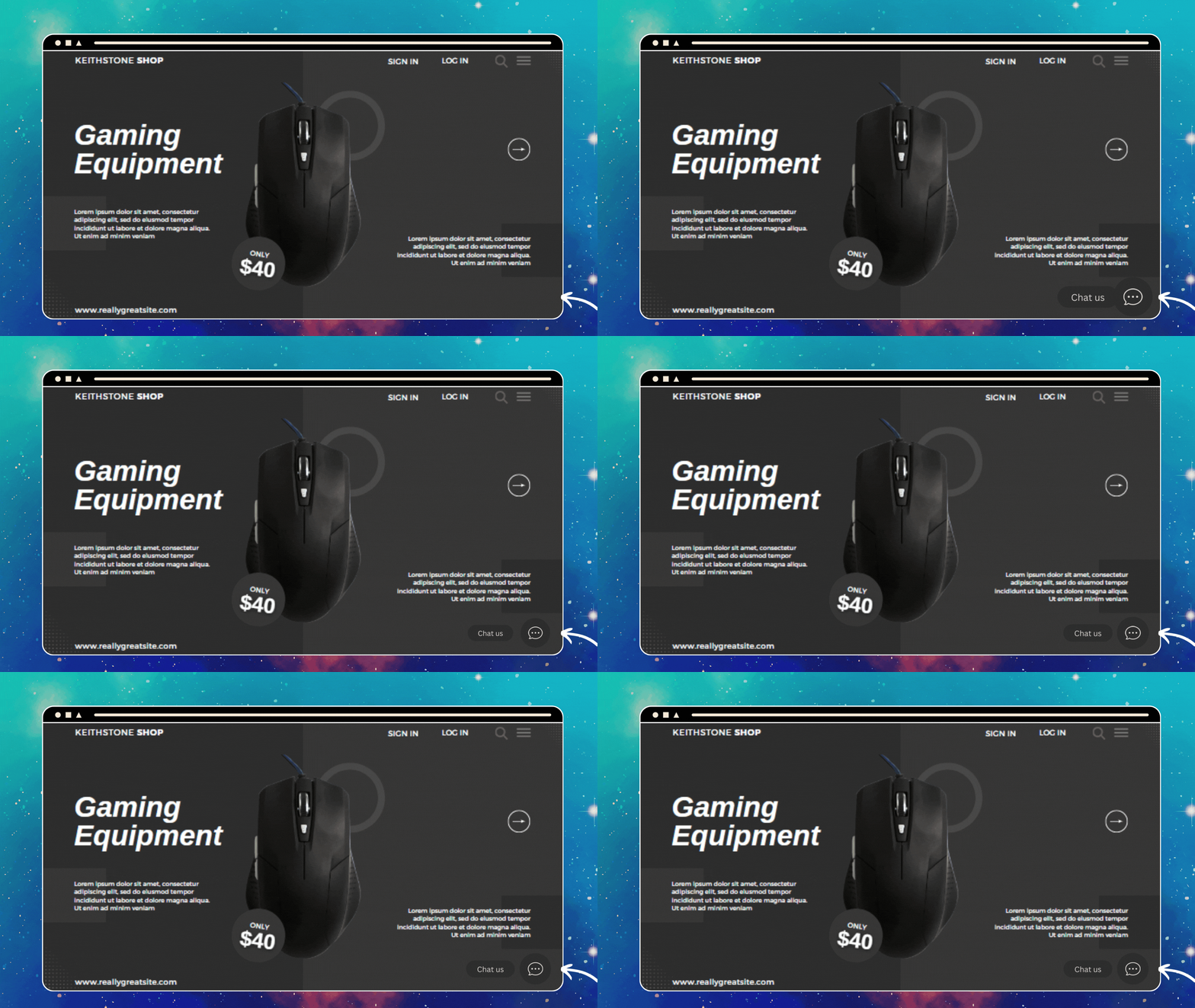
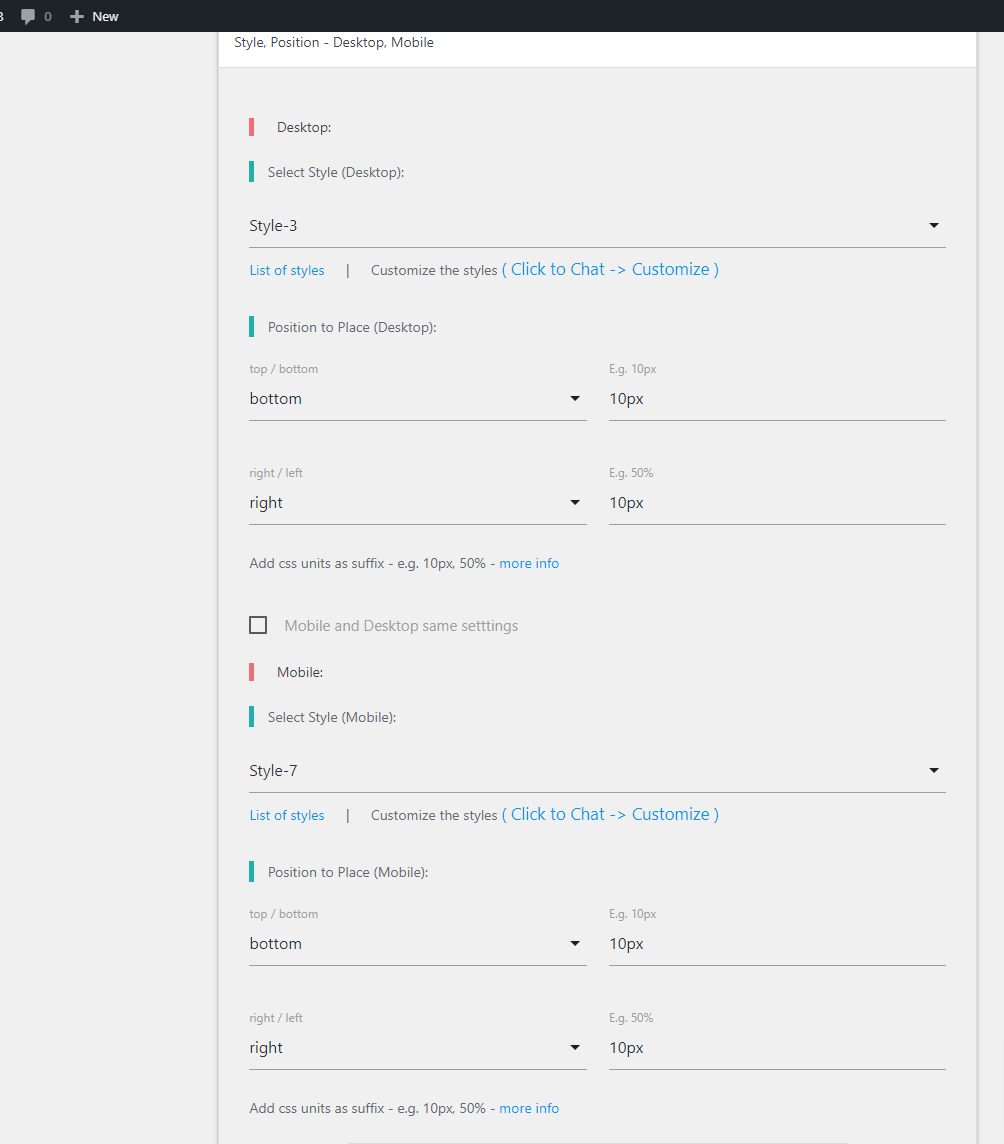
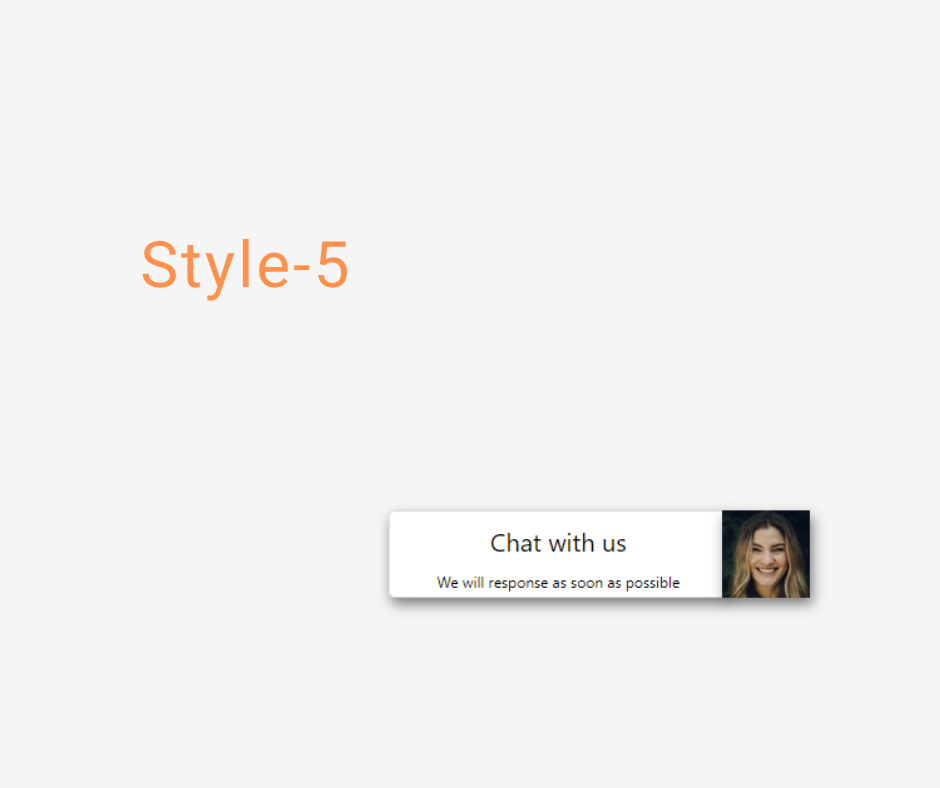
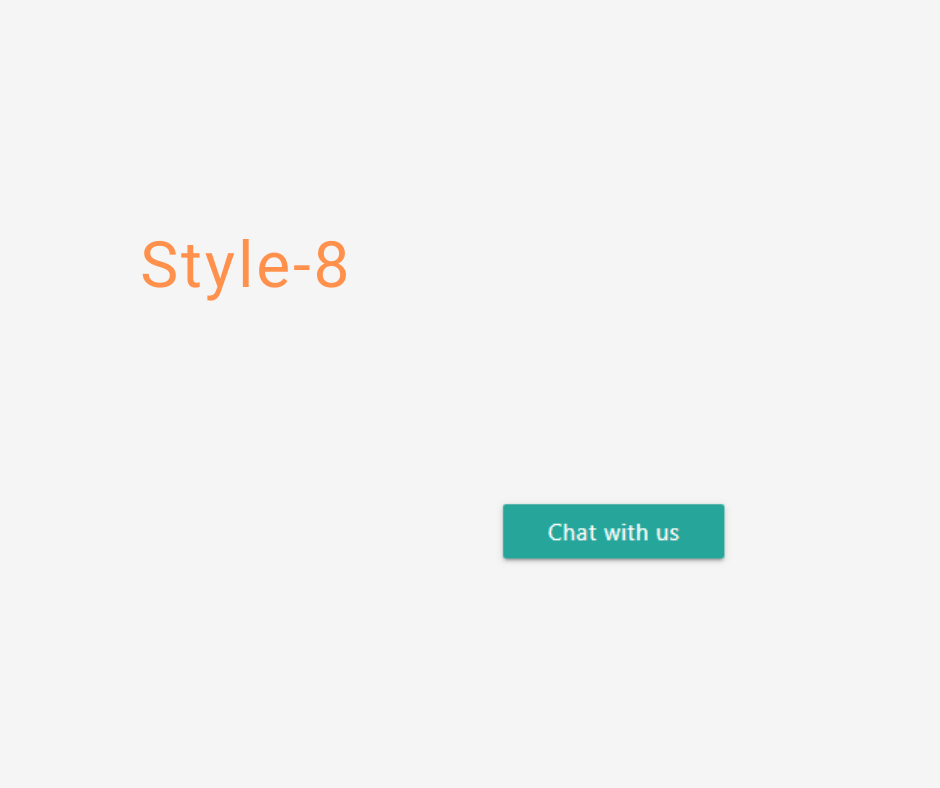
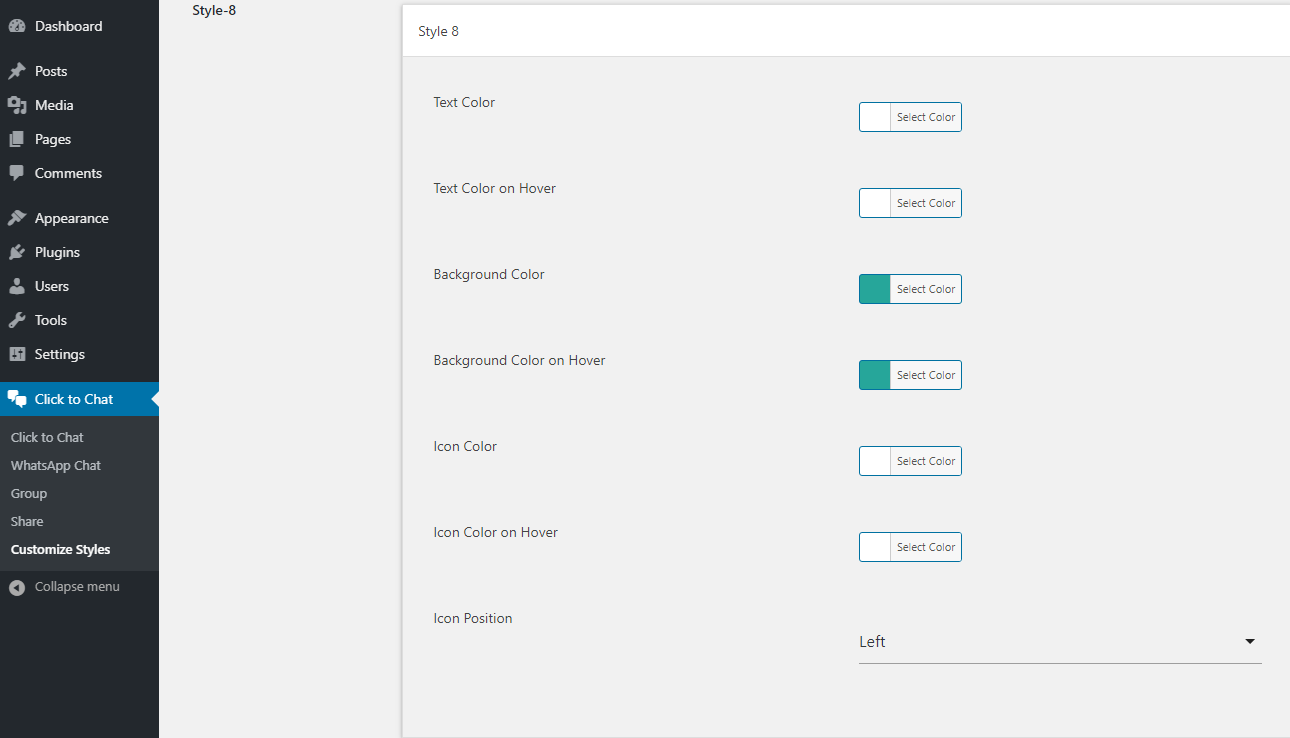
There are 8 pre-defined customizable styles/designs available for WhatsApp Chat. You can also add your own image/GIF or convert any element to a WhatsApp Chat element.
What is the Greetings Dialog feature?
The Greetings Dialog feature allows you to display the right message at the right time to encourage user participation. You can customize the dialog text, add images/GIFs, emojis, and more.
How can I connect other applications with WhatsApp Chat?
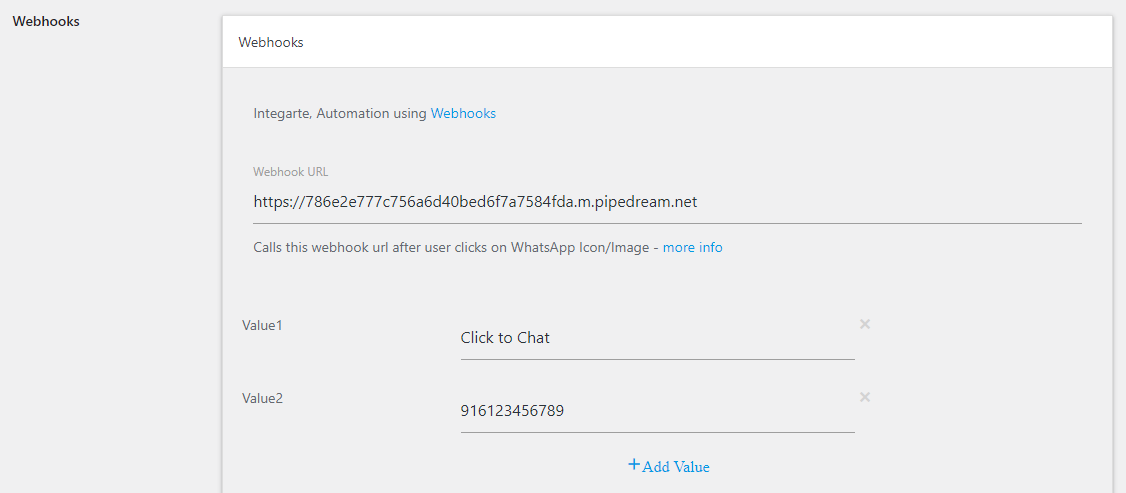
You can connect other applications using Webhooks and integrate with automation tools like Zapier, IFTTT, Pipedream, etc.
Changelog
4.24
- Fixed: Page-level settings now work correctly on the WooCommerce Shop page.
- Improved: Better visual styling for the base widget.
4.23
? Important Update
* ✨ New Feature: Greetings Dialog can now appear as a modal for better visibility and UX.
* ?️ Fix: Resolved an issue where the Greetings Dialog was not displaying correctly when the base widget was positioned at the top.
* ?️ Fix: On iPhone Chrome, the Share feature now opens WhatsApp correctly without opening a new tab.
* ? Improvement: When a WhatsApp number is not set, the admin notice is now displayed using a more reliable and secure method — instead of using JS .html().
4.22
- The Custom Image widget now automatically uses the image file name as the alt attribute
- Settings to disable page-level settings.
4.21
- Fix: Resolved issue where phone numbers with +1888 prefix were not being saved in settings.
4.20
- New: Added {{price}} variable for WooCommerce product pages to display price with currency symbol, thousand separator, and decimal separator.
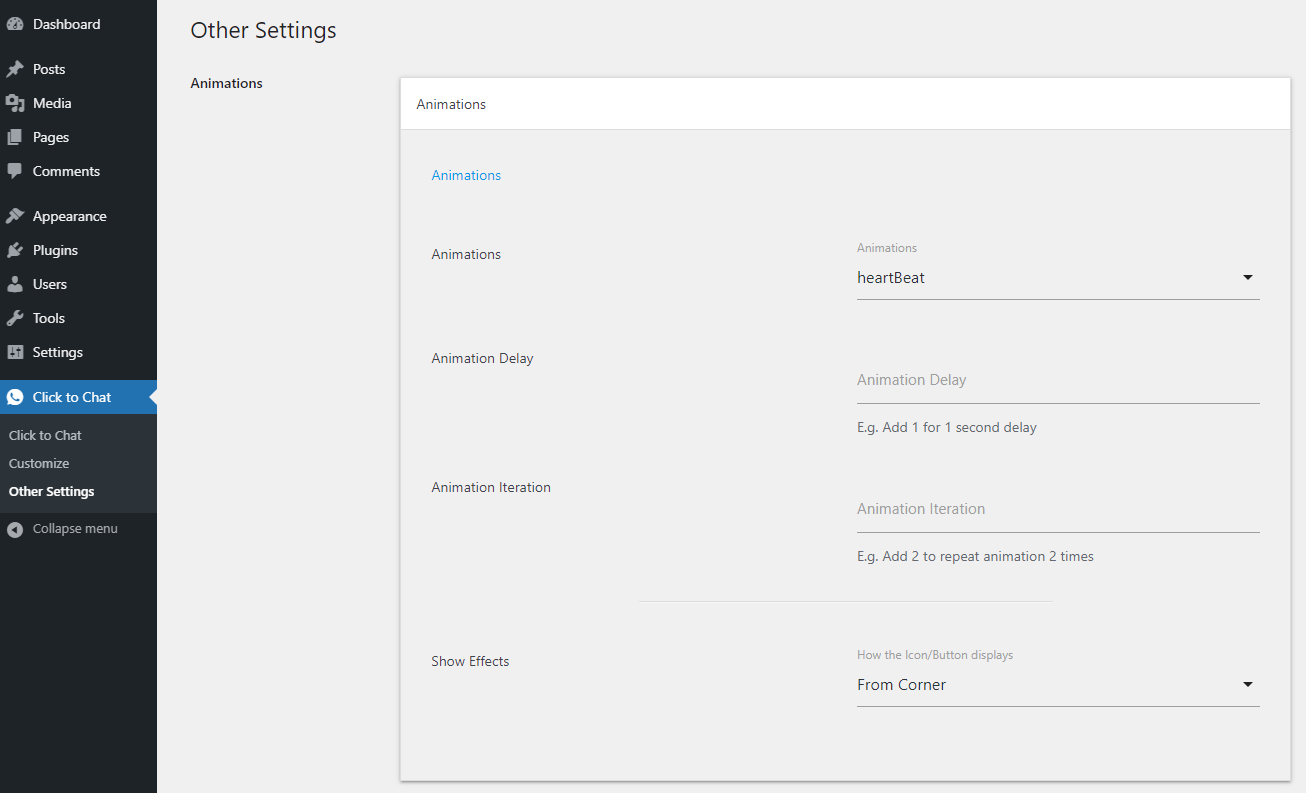
- Fix: Resolved conflict with some themes caused by animation class name.
4.19
- Fix: PHP Error. Thanks, Malae, for reporting it!
4.18
- Fix: Resolved an issue where the Style-5 profile image was displaying above the greetings dialog on mobile devices.
- Fix: Corrected the border alignment in Style-5.
- Enhancement: Admin Demo for better usability
4.17
- Fix: Display Widget as an Add to Cart like button is not working on the WooCommerce single product page, Archive list.
4.16
- Added ‘Alt’ attribute value for greetings header image
- Fix: Style-7, Style-7 Extend hover effects not working.
4.15
- Fix: Page-level settings not working properly.
- Fix: Alignment issues at admin setting pages
4.14
- Enhancement: Show or hide the admin demo.
4.13
- Fix: Alignment issues at admin setting pages
4.12.1
- Fix: Hover effects for Style-7 Extend
- Fix: Dual lines issue for Style-8 with large call to action text
4.12
- Fix: Custom CSS Code block not allowing quotes at front end
4.11
- New: Custom CSS Code block.
4.10
- Fix: Page level display settings for WooCommerce single product page
4.9
- Fix: Display based on device not working as expected on iPad Pro

