

Just another contact form plugin. Simple but flexible.
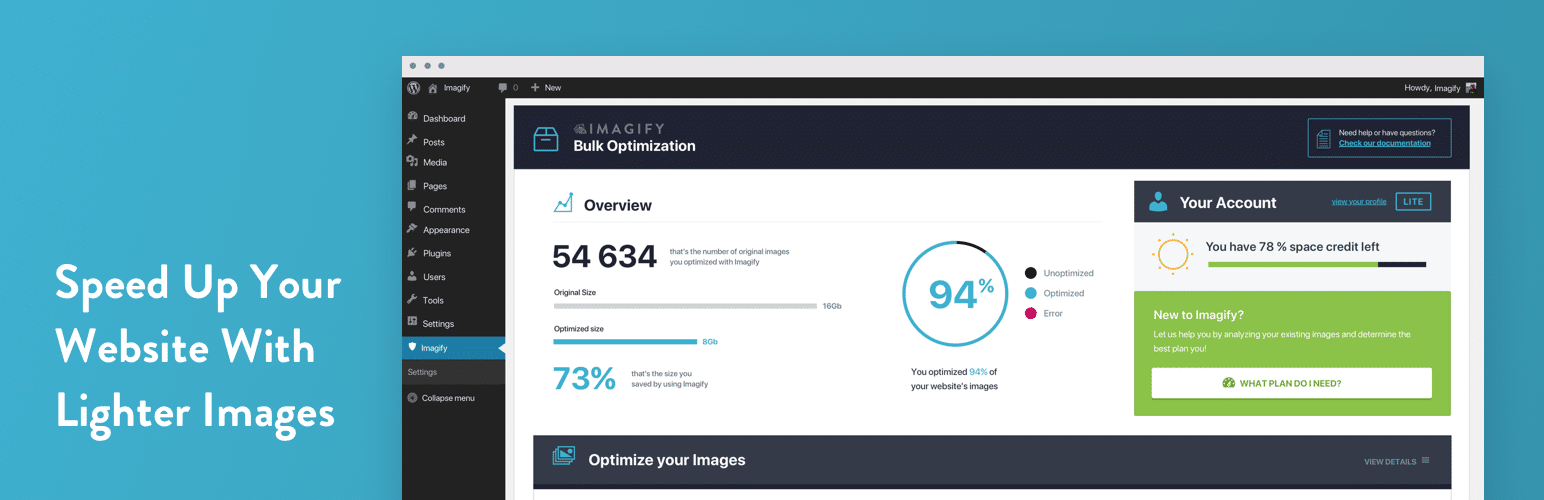
About Imagify – Optimize Images & Convert WebP | Compress Images Easily
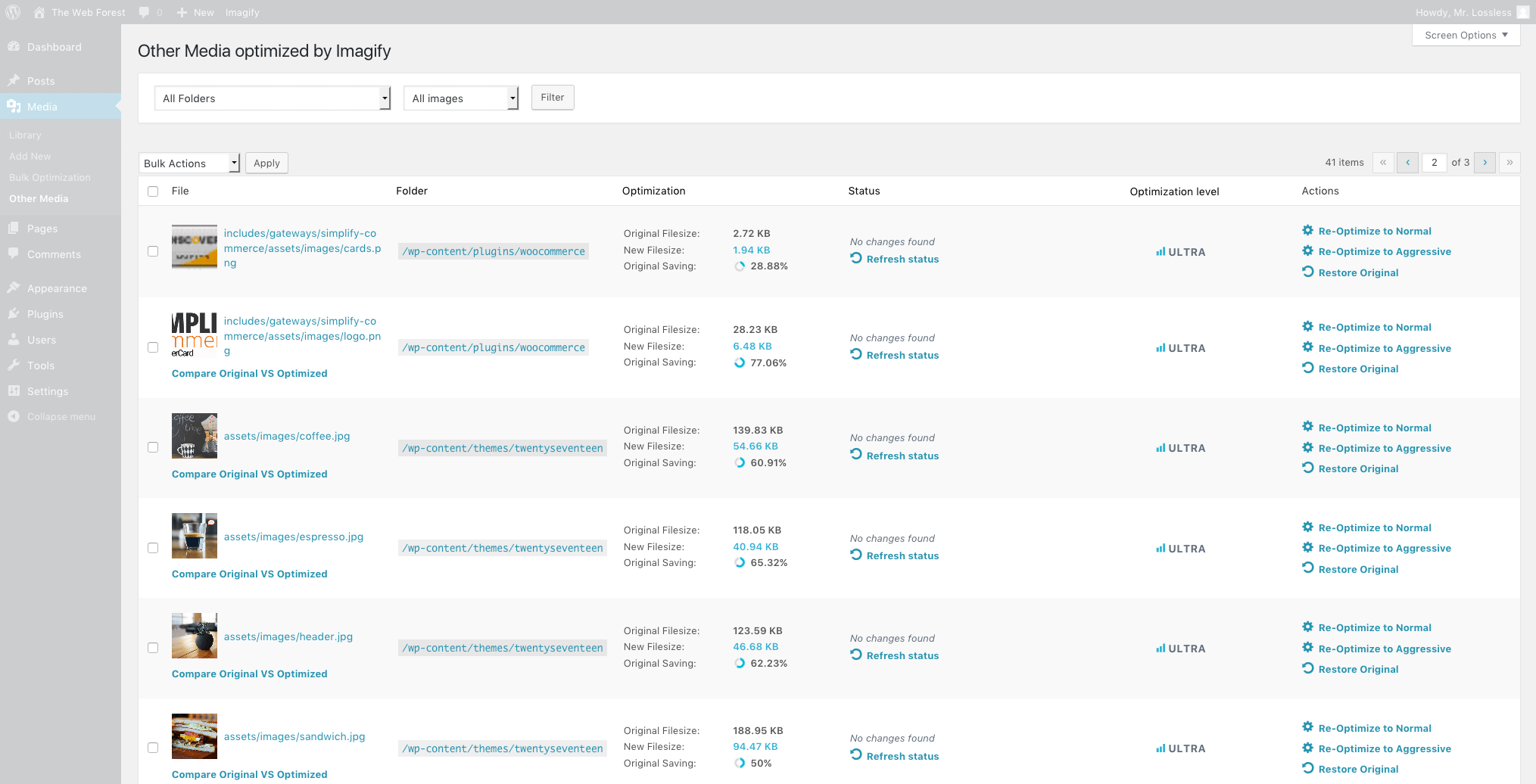
Imagify is the best image optimization plugin for WordPress, allowing you to resize, compress, and optimize images with just one click while maintaining quality. It also converts images to WebP and AVIF formats for faster loading times and improved site performance. You can try out Imagify for free with a monthly limit, and for more features, check out their pricing plans on their website.Screenshots


Frequently asked questions
What is Imagify?
Imagify is the most advanced image optimization plugin for WordPress. It allows you to resize and compress images with just one click, without sacrificing quality.
How does Imagify resize and compress images?
Imagify offers asynchronous bulk optimization, allowing you to optimize multiple images at once. It also has a setting to resize large images proportionally without cropping them. The Smart Compression Mode ensures optimized images at the best compression level and quality.
Can Imagify convert images to WebP format?
Yes, Imagify can convert images to next-gen formats like WebP. It automatically creates WebP versions of optimized images. It also serves the WebP versions if the visitor's browser supports them, and the optimized format if not.
How does image optimization with Imagify improve website performance?
Image optimization plays a crucial role in improving website performance. With Imagify, you can compress images to reduce their size and improve loading times. This directly improves website speed and user experience.
Is Imagify free?
Imagify offers a free plan that allows you to optimize 20MB of images every month. It also provides free conversion to the WebP format. Additional optimization options are available with paid plans.
Changelog
2.2.6
- Bugfix: Fix warning related to translations loaded too early
- 3rd party library: Update bundled Action Scheduler to v3.9.2
2.2.5
- Enhancement: Optimize SQL queries inside the plugin to calculate necessary data faster
- Enhancement: Improve the design of the banners inside the plugin
- Enhancement: Correct the upgrade link
2.2.4
- Enhancement: Deactivate by default calculation of the media elements used for the filters in the Media Library view.
- Enhancement: Remove unnecessary calls to the API on each page load.
- Enhancement: Update the UI of the banners, remove the unnecessary step before the checkout.
- 3rd-party compatibility: Fix a problem when an unstyled banner was displayed on Gravity Forms plugin view.
2.2.3.2
- Enhancement: Optimize and cache the modal attachment counter database query.
2.2.3.1
- Enhancement: Decrease the amount of requests to imagify servers.
2.2.3
- Enhancement: Cache the calls to the license API to avoid sending unnecessary requests
- 3rd-party compatibility: Update priority on
template_redirectto improve compatibility with WP Rocket’s LazyLoad - Bugfix: Fix
Uncaught TypeError: strpos() expects parameter 1 to be stringfatal error - Enhancement: UI improvements
- Enhancement: Improve the code architecture
2.2.2
- Enhancement: Allow to choose which Next-Gen images should be generated in UI
- Enhancement: Guard against image size that’s not a string
- Enhancement: Guard against file type that doesn’t match existing mime type
- Bugfix: Fix a fatal error related to “WP_List_Table”
2.2.1
- Enhancement: Prevent updating .htaccess when switching between AVIF and WEBP generation features
- Enhancement: Display the smallest size of the image in the Media Library image details section
- Enhancement: Correctly delete all Next-Gen versions when restoring the Original Image
- Enhancement: Bump minimum version to PHP7.3
- Bugfix: Fix the problem with progress bar when disabling AVIF generation
- Bugfix: Fix a bug when number of images in the Bulk Optimization section was not correct
- Bugfix: Fix the original/optimized image comparision bug
- 3rd-party compatibility: Update compatibility with Next-Gen Gallery to match AVIF images
- 3rd-party compatibility: Update compatibility with AMP, Regenerate Thumbnails and WooCommerce to work correctly with AVIF images
2.2.0.1
- Bugfix: Preserve “Display images in webp format” configuration when updating.
2.2
- New Feature: Introduce AVIF generation feature

