

Enables the previous "classic" editor and the old-style Edit Post screen with TinyMCE, Meta Boxes, etc. Supports all…

About TablePress – Tables in WordPress made easy
TablePress is a highly-rated WordPress plugin that allows you to create and manage beautiful and modern data tables with features like sorting, pagination, searching, and more without any coding knowledge. You can easily import and export tables, embed them on your site, and access additional features and priority email support with a Premium license. Visit tablepress.org for more information, example tables, and tutorials on how to use TablePress effectively.Screenshots
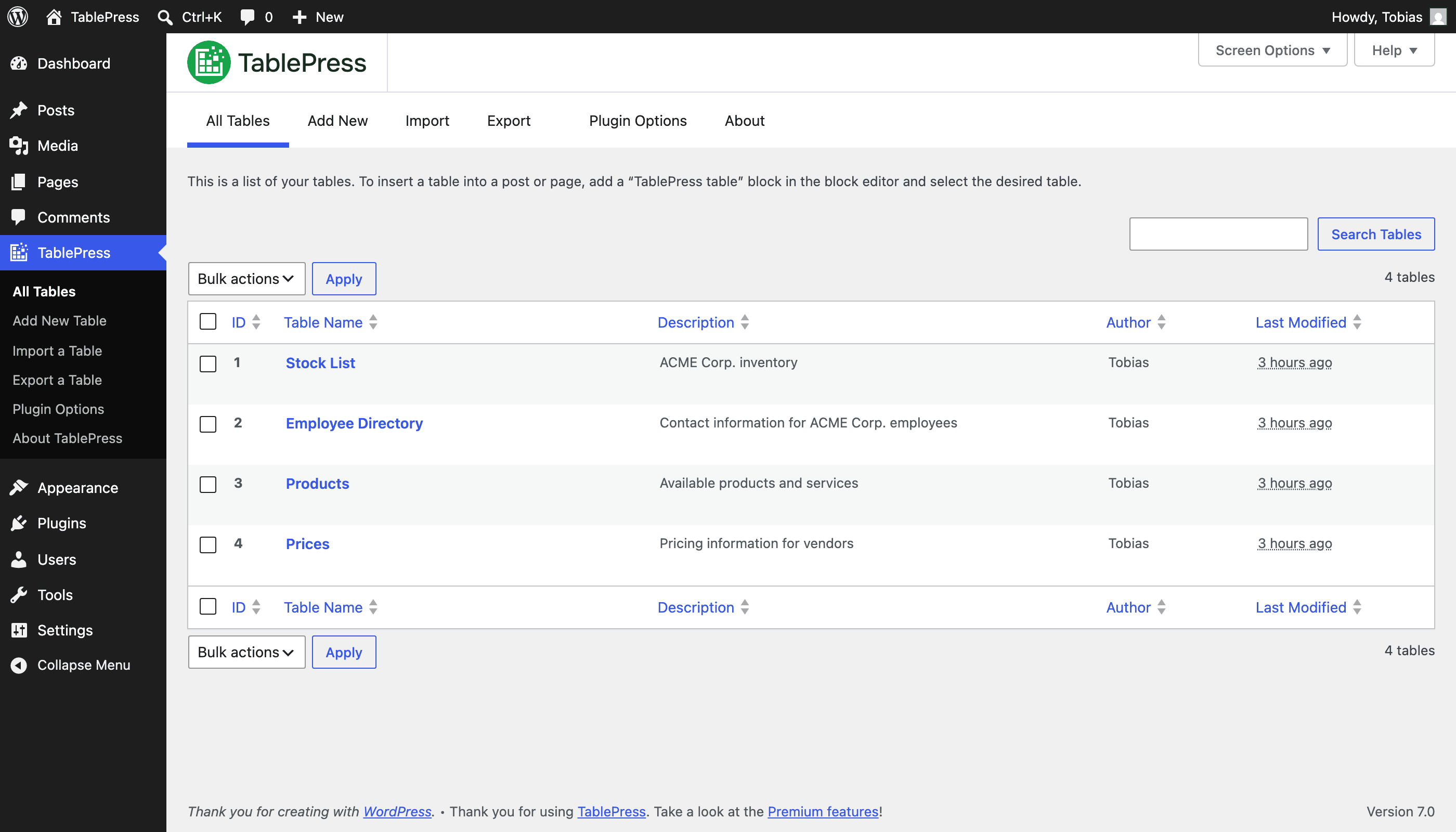
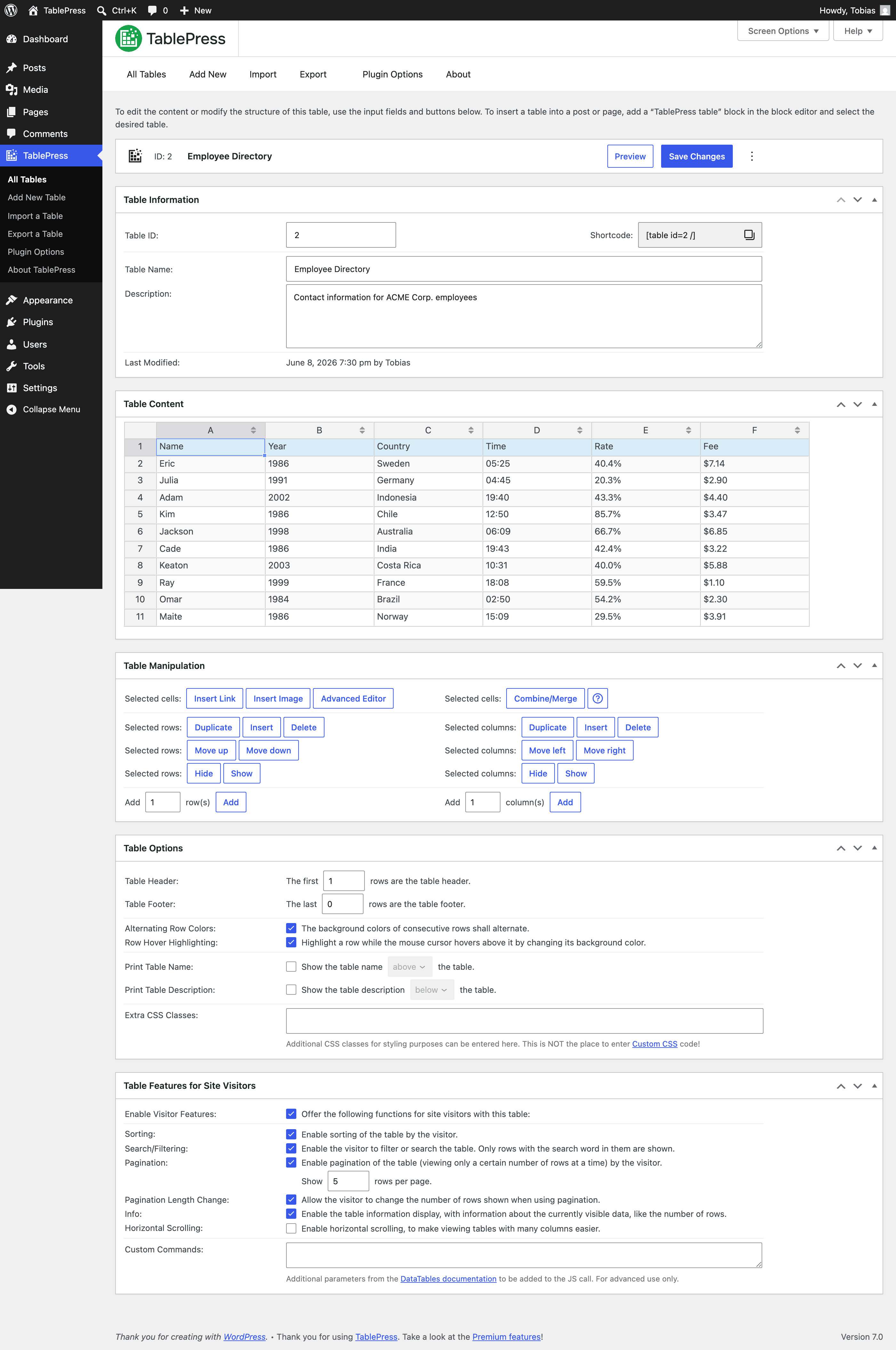
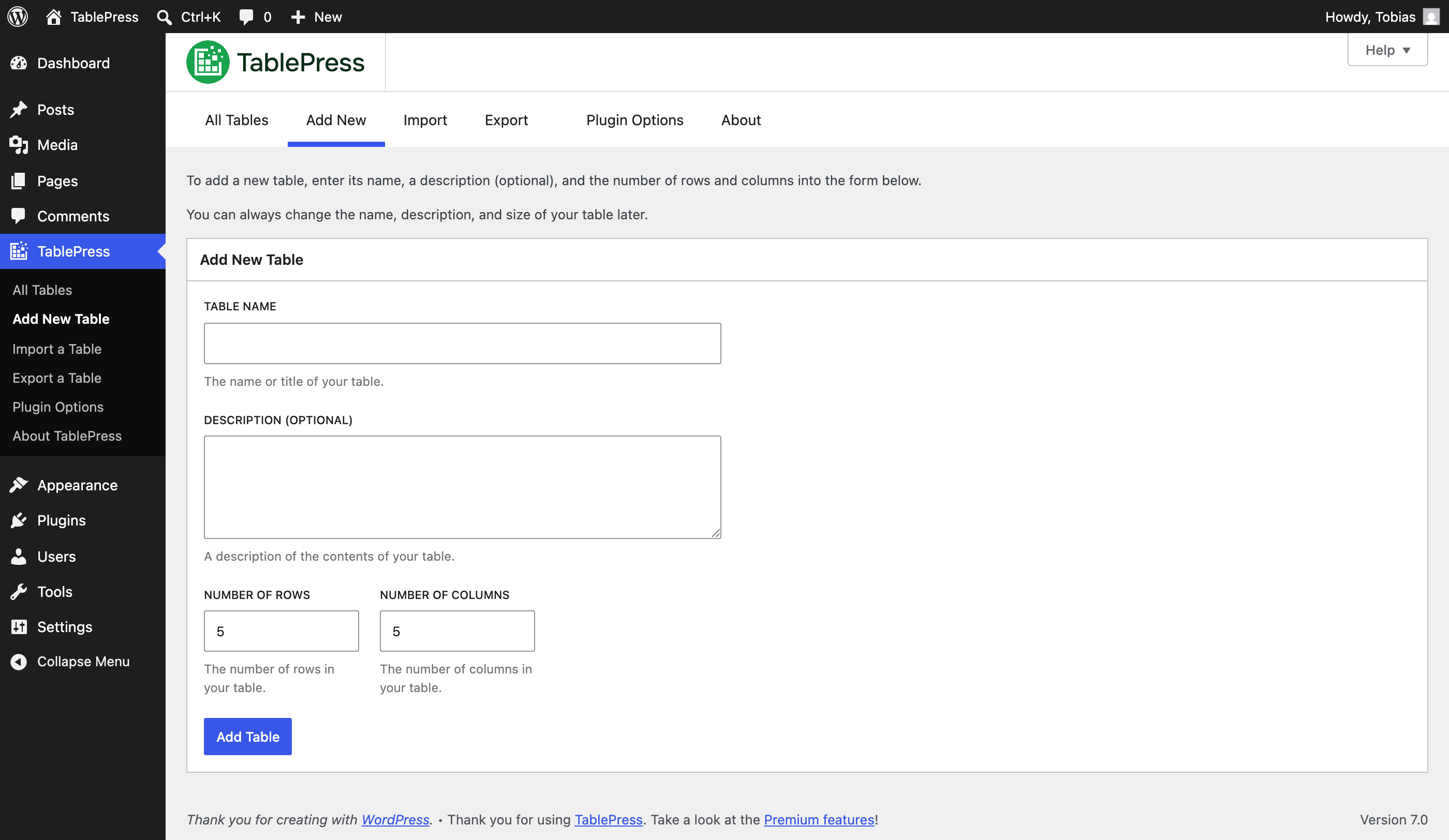
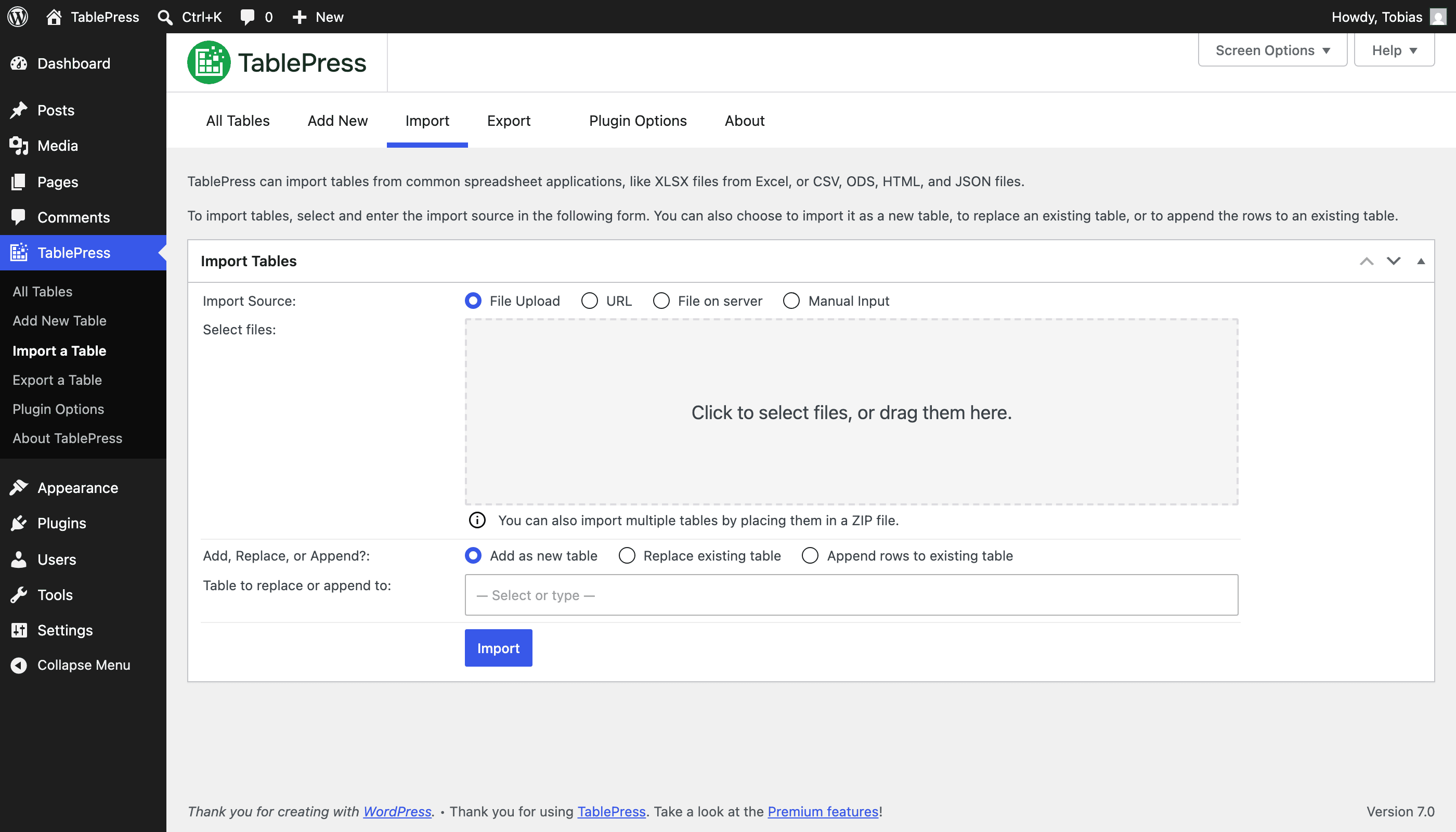
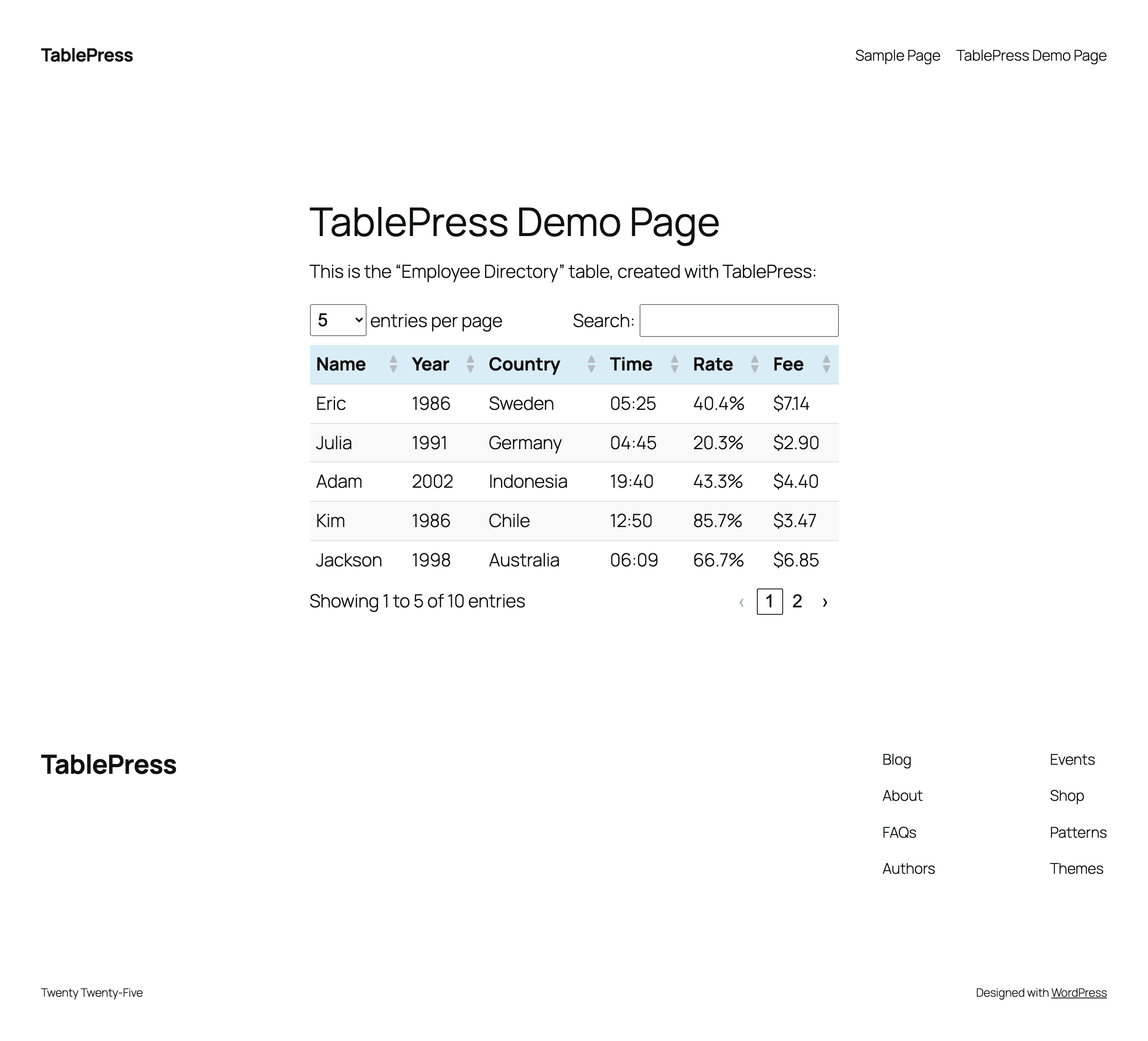
Frequently asked questions
What is TablePress?
TablePress is a WordPress plugin that allows you to embed beautiful and interactive tables into your website's posts and pages without writing code. It is the most popular and highest-rated WordPress table plugin.
How do I use TablePress?
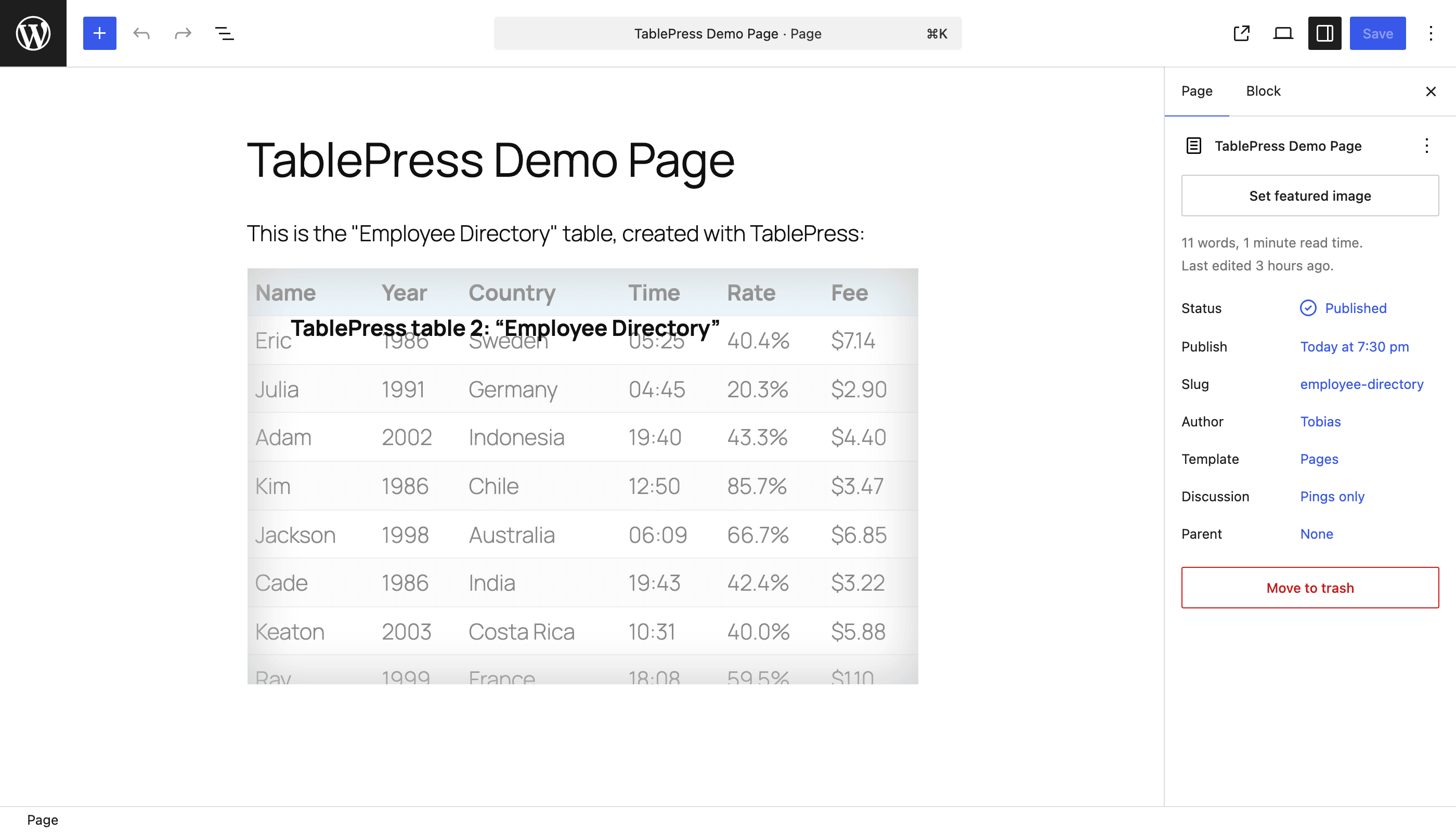
After installing the plugin, you can create and manage tables on the "TablePress" screen in the WordPress Dashboard. To insert a table, use the "TablePress table" block in the block editor, an Elementor widget, or Shortcodes.
What features does TablePress offer?
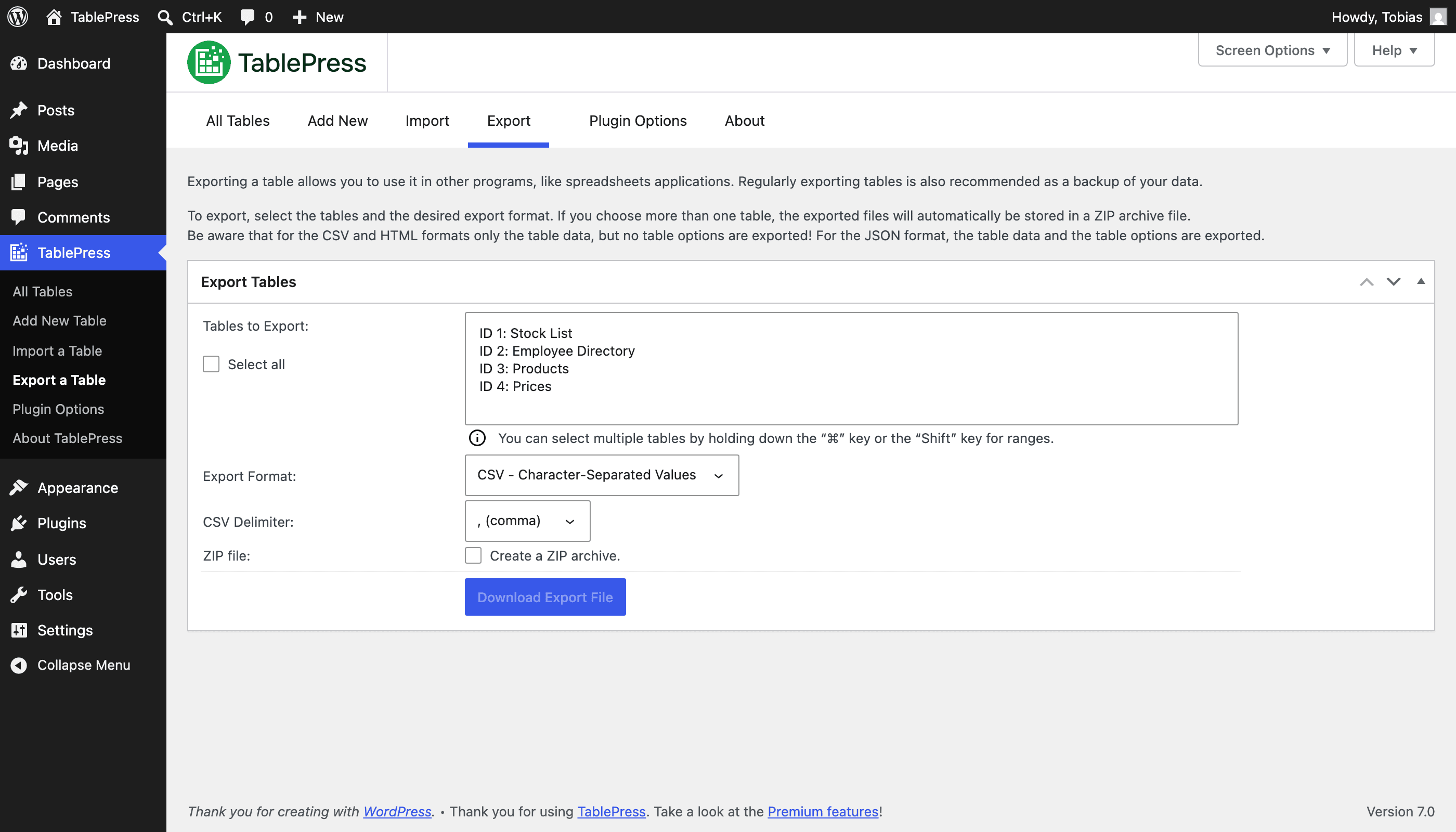
TablePress allows you to create, edit, and manage data tables with features like live sorting, pagination, and searching. You can use any type of data, insert images, links, and math formulas, and import/export tables from/to Excel, CSV, HTML, and JSON files or URLs.
Does TablePress offer premium features?
Yes, even more great features and priority email support are available with a Premium license plan of TablePress.
Where can I find more information or support for TablePress?
You can visit tablepress.org for more information, example tables, or to try TablePress on a free test site. Beginner-friendly step-by-step tutorials, guides, and how-tos are also available.
Changelog
Changes in recent versions are shown below. For earlier changes, please see the changelog history.
Version 3.1.3 (May 22, 2025)
- Security fix: Authenticated Stored XSS. Thanks to Asaf Mozes and the Wordfence team for following responsible disclosure policies when reporting this issue!
- Enhancement: Improve handling of multi-byte strings with special characters from non-Latin alphabets.
- “Automatic Periodic Table Import“ module: Prevent tables from losing their options by always loading other modules during an automatic import. (TablePress Max only.)
- Cleaned up and simplified code, for easier future maintenance, to follow WordPress Coding Standards, and to offer helpful inline documentation.
- Updated external libraries to benefit from enhancements and bug fixes.
Version 3.1.2 (April 29, 2025)
- “Responsive Tables“ module: Don’t require the “Search/Filtering“ feature to be activated in order to enable the “Collapse“ or “Modal“ modes. (TablePress Pro and Max only.)
- “Individual Column Filtering“ module: Fix the table column widths when the “Fixed Header“ or “Fixed Columns“ features are used. (TablePress Pro and Max only.)
- “Automatic Periodic Table Import“ module: Limit the number of revisions for automatically updated tables, to prevent database size and PHP memory issues. (TablePress Max only.)
- “Advanced Pagination Settings“ module: Prevents problems when sites use HTML code minification. (TablePress Pro and Max only.)
- Cleaned up and simplified code, for easier future maintenance, to follow WordPress Coding Standards, and to offer helpful inline documentation.
- Updated external libraries to benefit from enhancements and bug fixes.
Version 3.1.1 (April 1, 2025)
- The CSS code for styling individual table rows will now be applied again.
- Users of the Elementor page builder can now properly delete a “TablePress table“ widget again.
Version 3.1 (March 25, 2025)
TablePress 3.1 is a major feature, stability, maintenance, compatibility, and security update. Here are the highlights:
Improved Frontend Table Performance
- Users of the Elementor page builder plugin can now use a dedicated “TablePress table“ widget that makes embedding tables even easier!
- Showing tables in tabs or accordions will no longer break their size or add visual glitches!
- Tables and their interactivity features are more accessible for visitors with disabilities and users of assistive technologies, with improved labelling and easier-to-use keyboard navigation!
New Premium Feature Modules
- Email Notifications
- Get email notifications when certain actions are performed on tables!
Many New Features and Enhancements for Existing Premium Features
- Responsive Tables
- The styling and highlighting of rows and child rows when using the “Collapse“ mode has been improved to make it even easier to see which data belongs together!
- Advanced Pagination Settings
- Use a “Show more“ button instead of classical pagination for improved visitor engagement!
- Column Filter Dropdowns
- You can now turn on classical single-selection dropdown controls for a more solid user experience!
- Row Filtering
- A new syntax that understands complex logic expressions gives Row Filtering superpowers!
- Row Highlighting and Cell Highlighting
- Highlighting cells and rows is now possible with complex logic and math expressions, for even more control!
Behind the scenes
- Security fix: Authenticated Stored XSS (CVE-2025-2685). Thanks to SavPhill and the Wordfence team for following responsible disclosure policies when reporting this issue!
- Several minor bugs and inconsistencies have been fixed and improved!
- Cleaned up and simplified code, for easier future maintenance, to follow WordPress Coding Standards, and to offer helpful inline documentation.
- Updated external libraries to benefit from enhancements and bug fixes.
- Automated code compatibility checks and build tools simplify chores for easier development.
- Improved support for PHP 8.4.
Premium versions
- Even more great features for you and your site’s visitors and priority email support are available with a Premium license plan of TablePress. Go check them out!

