

Site Kit is a one-stop solution for WordPress users to use everything Google has to offer to make…
About WP-Memory-Usage
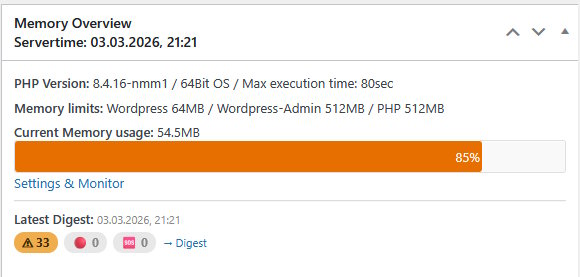
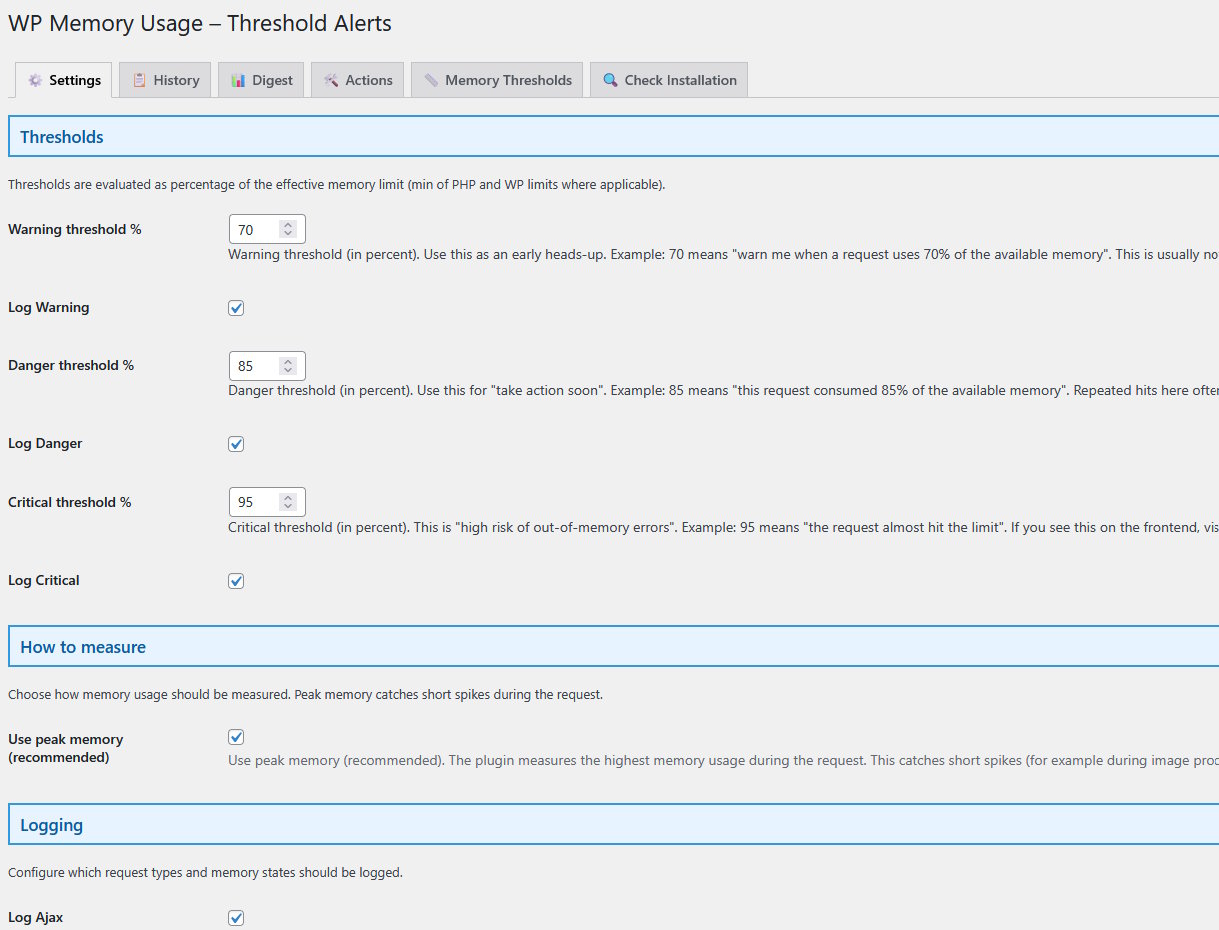
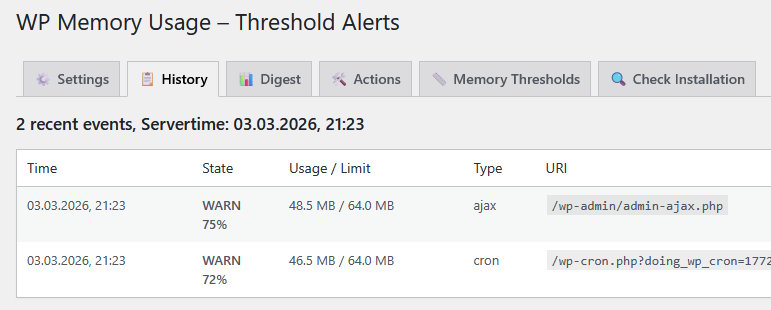
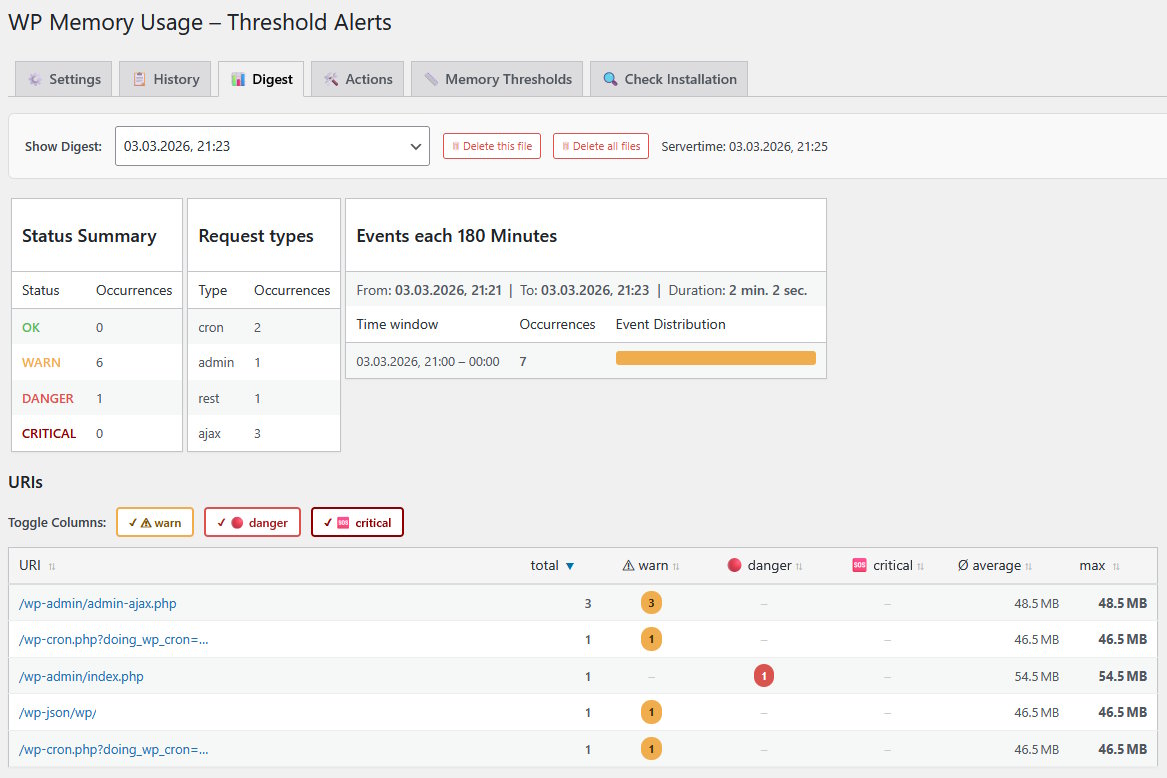
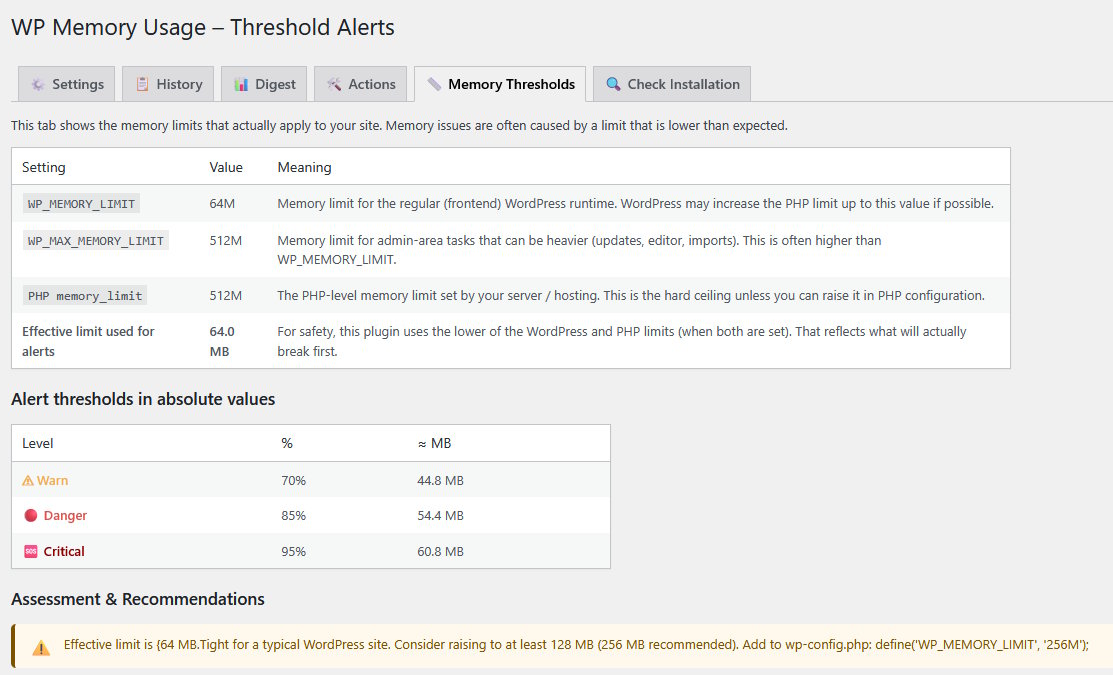
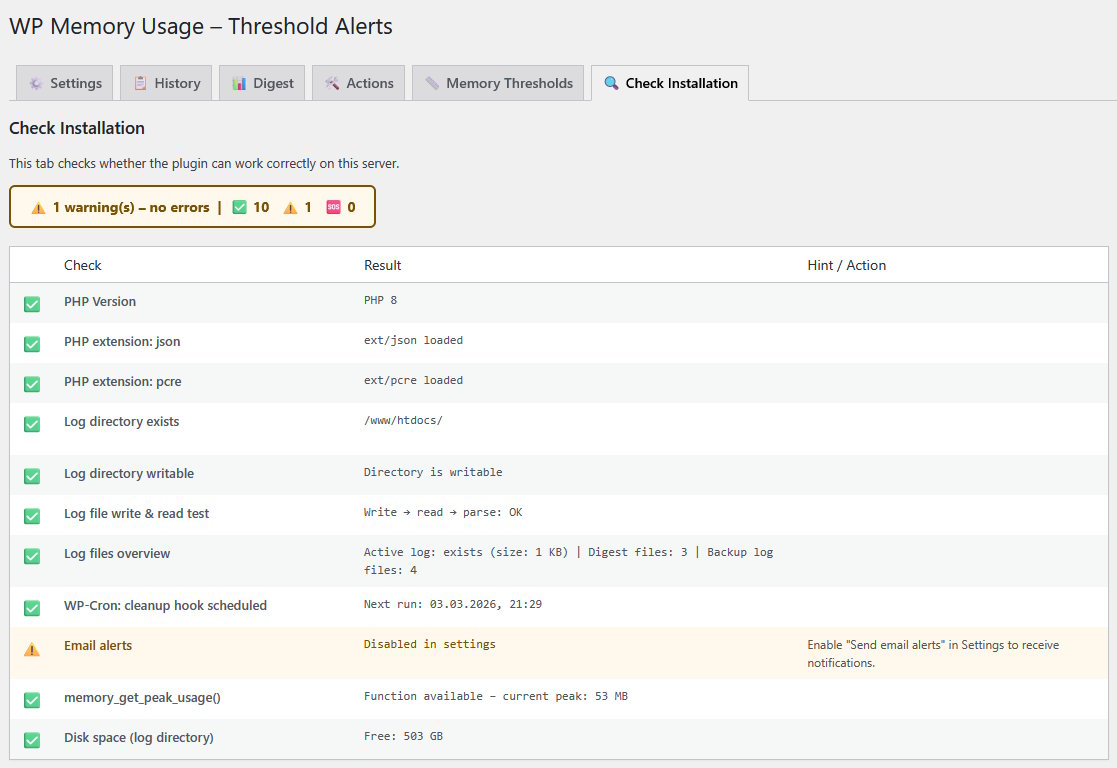
WP-Memory-Usage is a WordPress plugin that allows you to monitor and display memory usage on your site. It provides real-time memory usage information, allows for multiple measurements over time, and has a user-friendly interface. Monitoring memory usage is important for maintaining site performance and addressing issues before they become a problem.Screenshots

Frequently asked questions
What is the new feature in version 1.2.7?
Multiple Memory Measurement for checking the memory multiple times
What information is displayed in the dashboard and admin footer?
PHP version, memory limit, and current memory usage
What can you do with the displayed information?
Measure the requirements of your plugins and language files
Who is the current plugin owner?
berkux
When was the plugin transferred to berkux?
Jan 2 2022
Changelog
1.2.10
- Ok with WordPress 6.5.4
- PluginCheckPlugin Version 1.0.1 ok, except “trademarked_term”: “WP-Memory-Usage” and “wp-memory-usage” are today “restricted terms”. This Plugin entered the WordPress repositoryx in 2009, then those terms were ok.
- Changes to pass PluginCheckPlugin: Escaping output, gmdate() instead of date()
1.2.9
- BUGFIX: Fixed calculating “Average MB”, which could cause “PHP Deprecated” warning. Thank you @dimalifragis.
- Ok with WordPress 6.4.3 and 6.5-RC
1.2.8
- Fixed situation when WP_MEMORY_LIMIT or WP_MAX_MEMORY_LIMIT is not set, which gives a PHP-Warning when using PHP 8.X. Thank you @PowerMan
- Improve I18N Issues. Thank you @alexclassroom
1.2.7
- New feature “Multiple Memory Measurement”: Measure the memory multiple times by reloading the page. This gives us measuring points and an average value. With this you can better measure different settings, e. g. switch some plugins off to see the difference.
- If the PHP/WP-Memorylimit is defined as “1G” instead of “1024M” this gives valid output.
- Plugin ok with PHP 8.1
- Plugin ok with Worpdress 6.1.1
1.2.6
- Fixed translation bug
- New screenshots
- Plugin ok with Worpdress 5.9.3
1.2.5
- Plugin prepared for Translation, PO-File and de_DE-MO-File added
- WordPress-Multisite-Installations: Plugin now also in Network-Dashboard
- Plugin ok with Worpdress 5.8.3
1.2.4
- Reengineered: Used newer functions to measure memory etc.
- consider different WordPress- and PHP-Memorylimits
- New: German Translation
- New: Added display of IP-Adress and PHP-max-exec-time
1.2.3
- Plugin ok with PHP 7.2 and WordPress 5.8.2 (fixed some issues)

