

Site Kit is a one-stop solution for WordPress users to use everything Google has to offer to make…
About WP Map Block – Gutenberg Map Block for Google Map and OpenStreet Map
The WP Map Block plugin has merged with aBlocks, a comprehensive Gutenberg blocks builder for WordPress. With aBlocks, you can enjoy enhanced mapping options and a wide range of customizable blocks all within a single, powerful plugin. You can easily transfer from WP Map Block to aBlocks and retain your map settings while gaining access to new and advanced customization options.Screenshots

Frequently asked questions
What is WP Map Block?
WP Map Block is a plugin that allows you to add Google Maps or OpenStreet Maps to your WordPress site using the Gutenberg editor.
What are the features of WP Map Block?
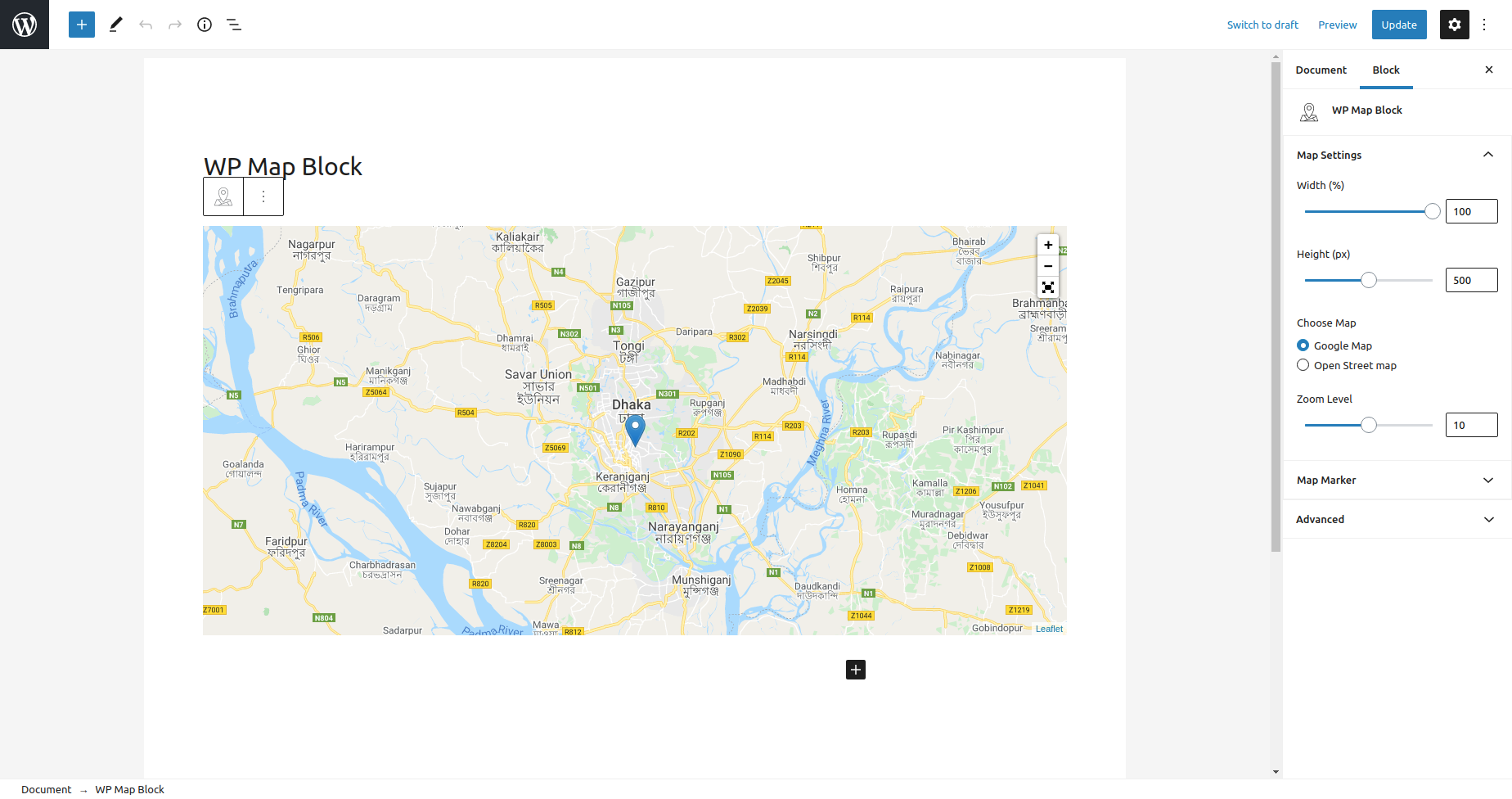
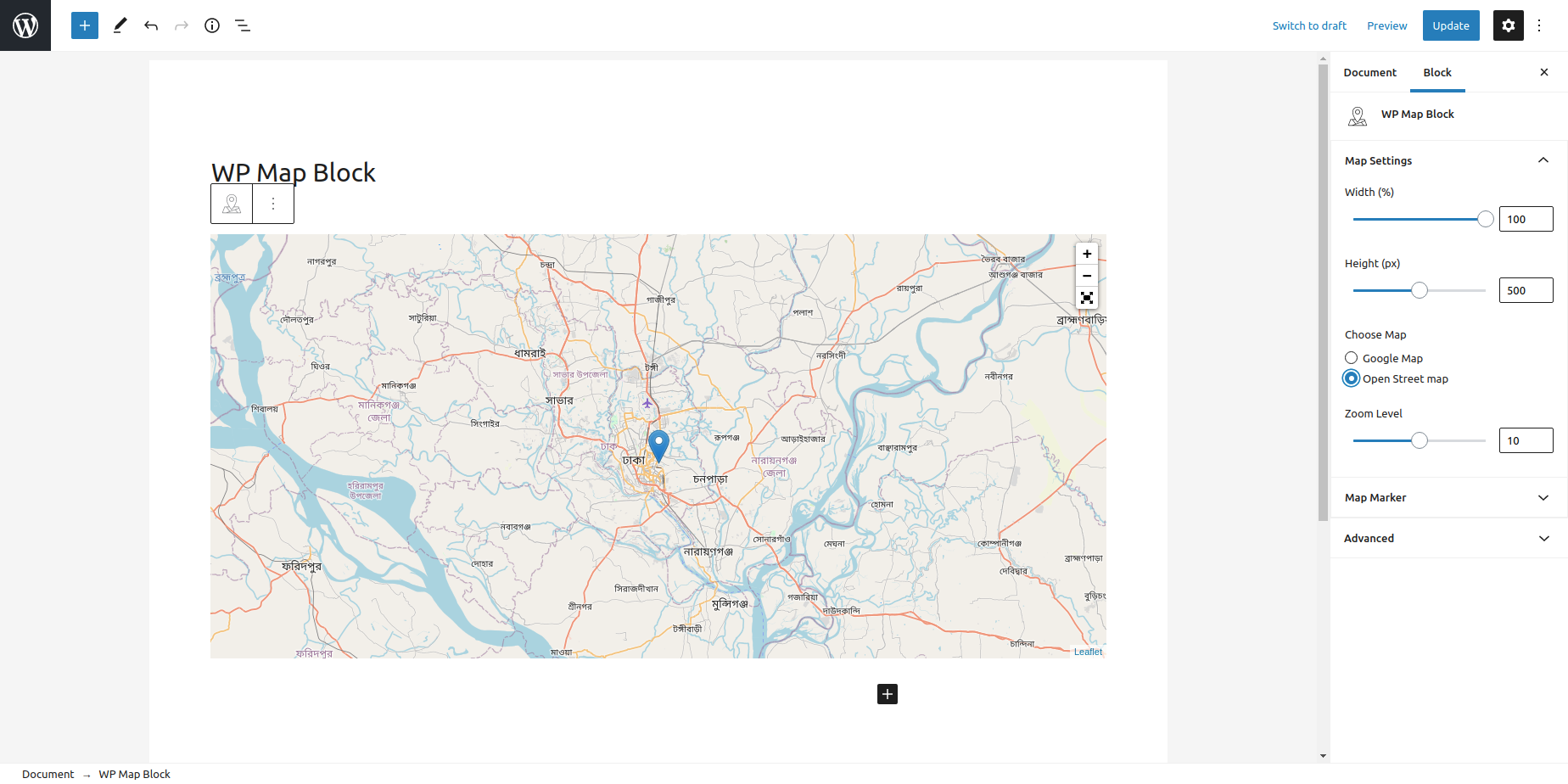
The features of WP Map Block include Google Maps, OpenStreet Maps, multiple markers, zoom control, full-screen map control, custom marker icon and popup, map width and height customization, latitude and longitude generator, setting any marker as the center position, marker builder, draggable marker, and no API key requirement.
How can I set the default Google Map on my site?
You can set the default Google Map on any page or post of your WordPress site by selecting the map block and placing it on the desired page.
What is OpenStreet Maps?
OpenStreet Maps is an open-source map where you can contribute to improving the quality of data on the map. It can be enabled and customized within your WordPress site using WP Map Block.
Can I add multiple markers on the map?
Yes, you can add additional markers on your map by customizing the settings. You can also set the title, content, and default position of each marker.
Changelog
2.0.0 – 2024-05-22
- Added: aBlocks Compatibility
1.4.10 – 2024-05-22
- Added: WP 6.5 Compatibility
- Fixed: Default Marker data not saved issue
1.4.9 – 2024-02-03
- Fixed: Plugin Conflict
1.4.8 – 2023-03-31
- Updated: Readme and Plugin Links updated
- Some minor Improvement
1.4.7 – 2023-03-31
- Added: WP 6.2 Compatibility
- Removed: JQuery
- Some minor Improvement
1.4.6 – 2023-01-01
- Some minor Improvement
1.4.5 – 2022-12-04
- Fixed: Mobile scrolling issue
- Fixed: Marker center position not keep saved if delete any marker
1.4.4 – 2022-11-07
- Fixed: Block Assets Loading Issue
1.4.3 – 2022-11-05
- Added: 6.1 Compatibility
- Added: Conditonality load assets
- Fixed: Editor Settings UI Improved
- Fixed: if delete all marker then break editor
1.4.2 – 2022-06-13
- Added: 6.0 Compatibility
1.4.1 – 2022-03-22
- Fixed: Translation Issue
1.4.0 – 2022-03-21
- Added: Draggable Marker Editor
- Updated: React Leaflet NPM Package Update
- Fixed: Real Time Map Center Position Not Working Issue
1.3.1 – 2022-02-16
- Added: 5.9 Compatibility
1.3.0 – 2021-10-29
- Added: Set any marker as center position
- Fixed: Popup content HTML Support issue
- Update: Update map height maximum value
1.2.5 – 2021-09-29
Added: Latitude and Longitude Generator from address
1.2.4 – 2021-09-29
- Added: Latitude and Longitude Generator from address
1.2.4 – 2021-08-24
- Some minor Improvement
1.2.3 – 2021-08-24
- Fixed: Data escaping issue fixing
1.2.2 – 2021-08-20
- Fixed: frontend scripts jquery dependancy related issue fixing
1.2.1 – 2021-08-08
- Fixed: Hotfix for unexpected semicolon from block.php
1.2 – 2021-08-07
- Added: Mouse Wheel Scroll Zoom ON/OFF Option
- Some minor Improvement
1.1.6 – 2021-07-23
- Update: WP 5.8 Compatibility
1.1.5 – 2021-03-21
- Update: WP 5.7 Compatibility
- Some minor Improvement
1.1.4 – 2021-01-30
- Fixed: Editor settings page arrow down icon issue
- Update: Editor settings map marker label click
- Some minor Improvement
1.1.3 – 2021-01-16
- Fixed: Map Server Side Render low resolution
- Fixed: Translation Issue
- Some minor Improvement
1.1.2 – 2021-01-14
- Some minor fix
1.1.1 – 2020-09-03
- Fixed: Translation Issue
- Some minor fix
1.1 – 2020-09-02
- Added: Custom marker icon
- Added: Full Screen Map Control
- Fixed: Remove some unncecessary code
- Some minor fix
1.0.1 – 2020-08-24
- Fixed: Popup content undefined issue
- Update: Map Default Settings Update
1.0 – 2020-08-23
- initial release

