

Site Kit is a one-stop solution for WordPress users to use everything Google has to offer to make…
About WP Maintenance
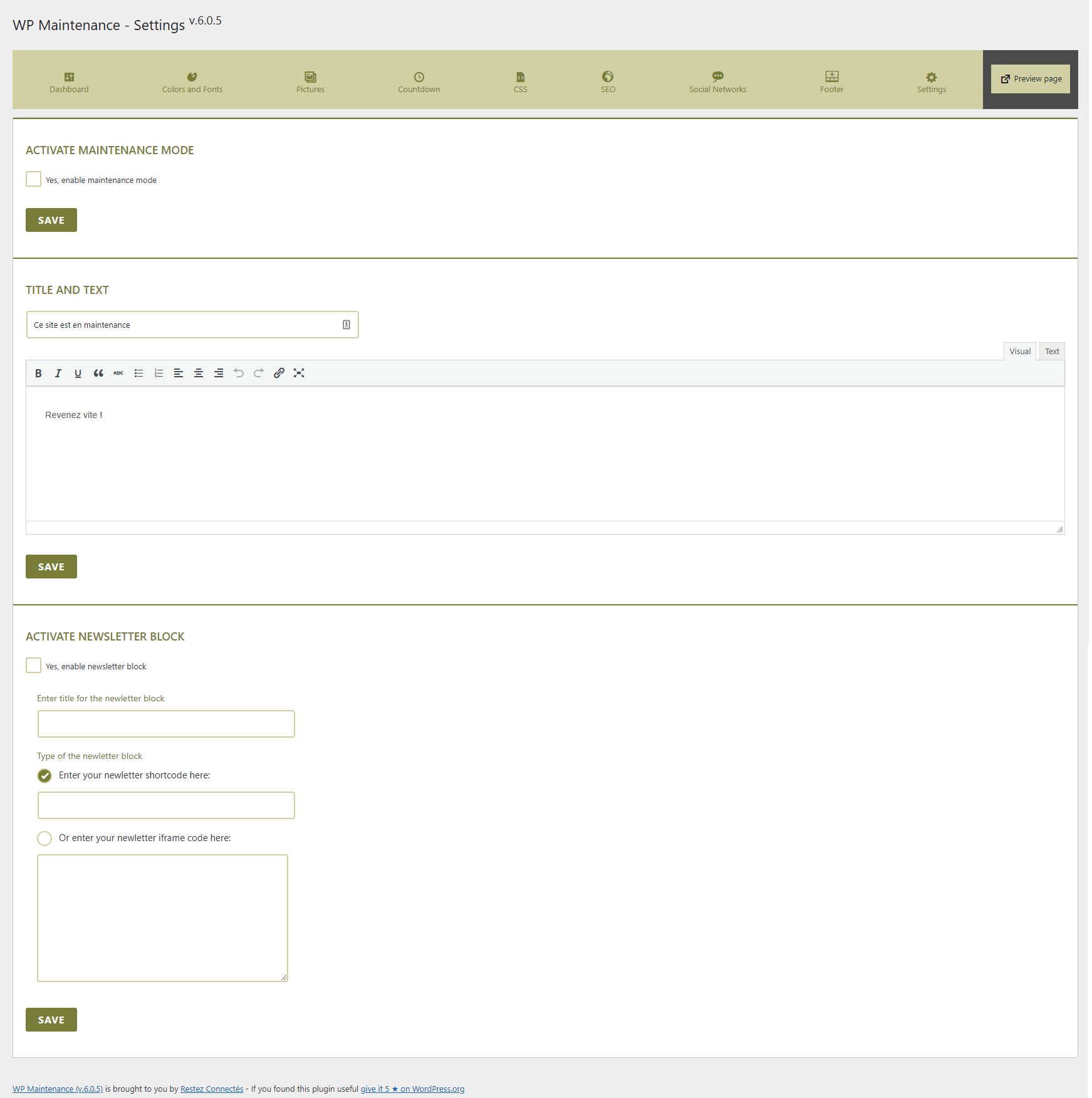
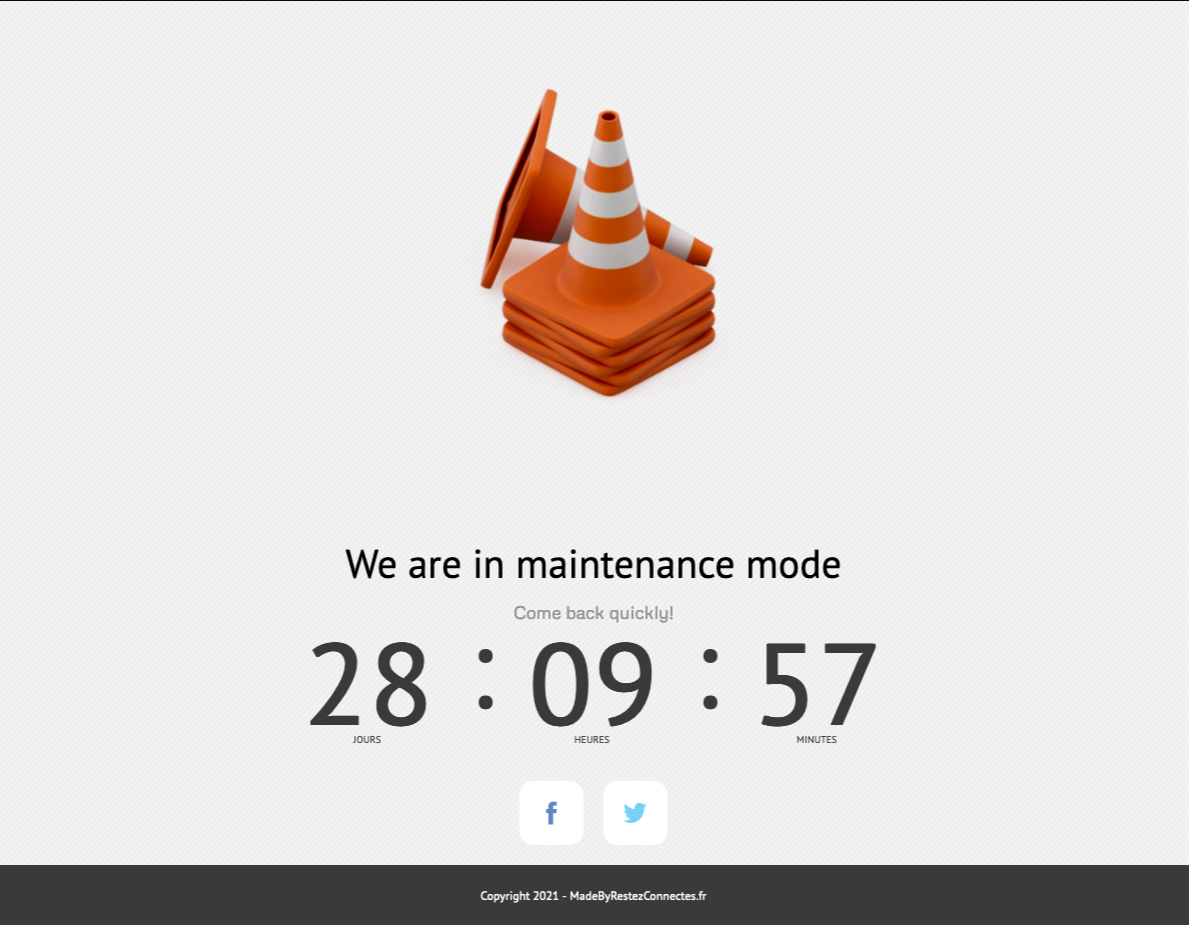
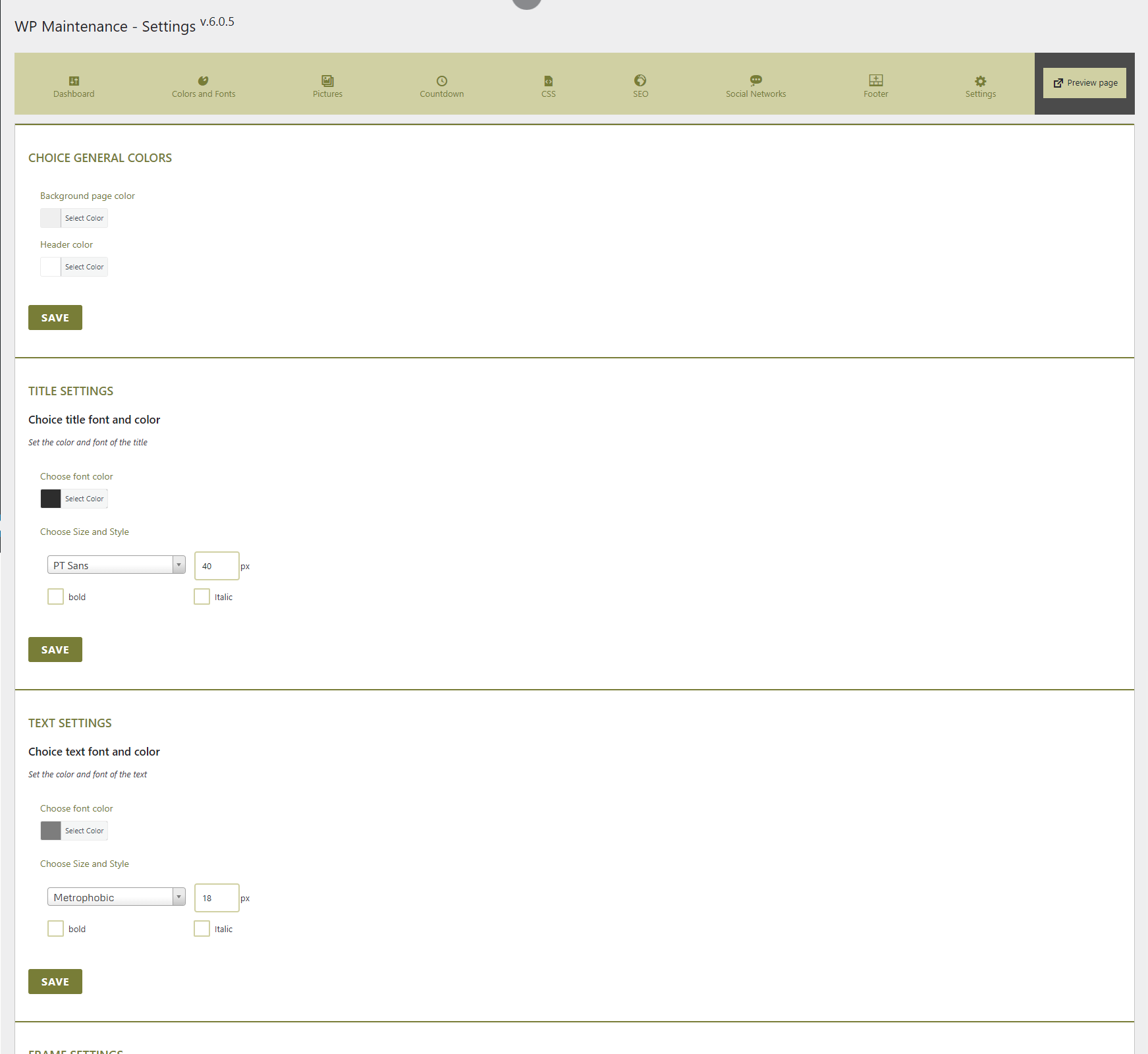
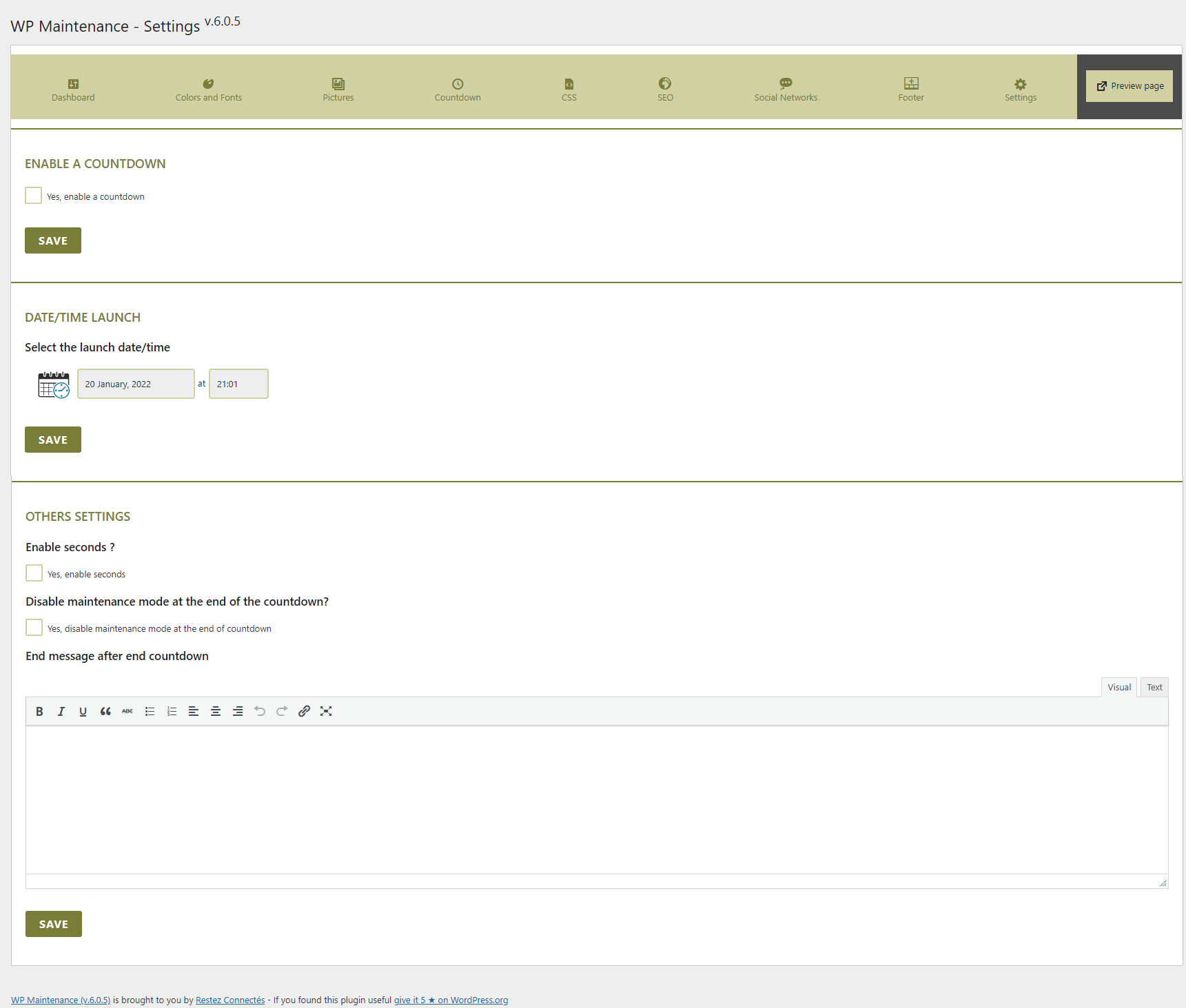
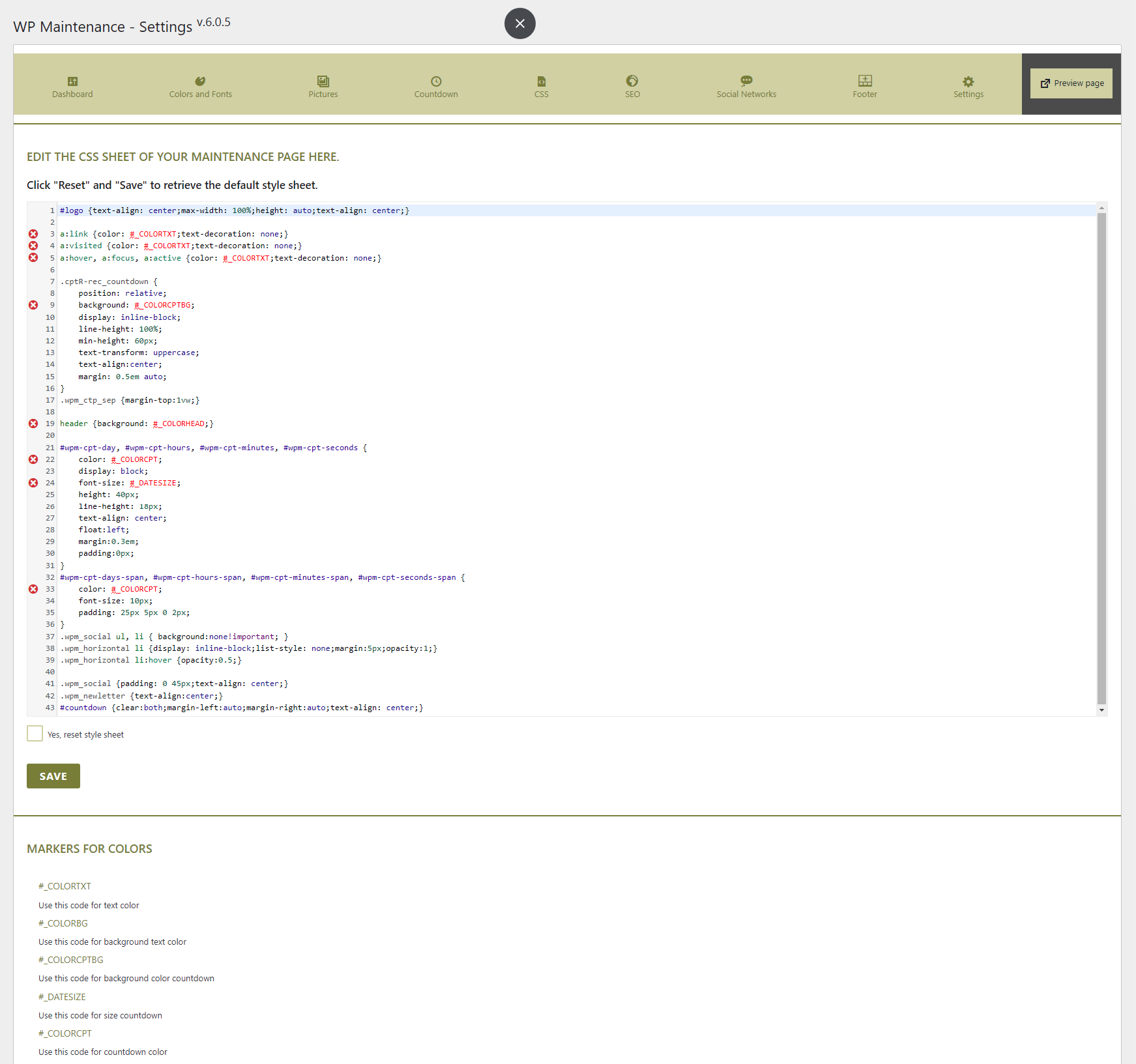
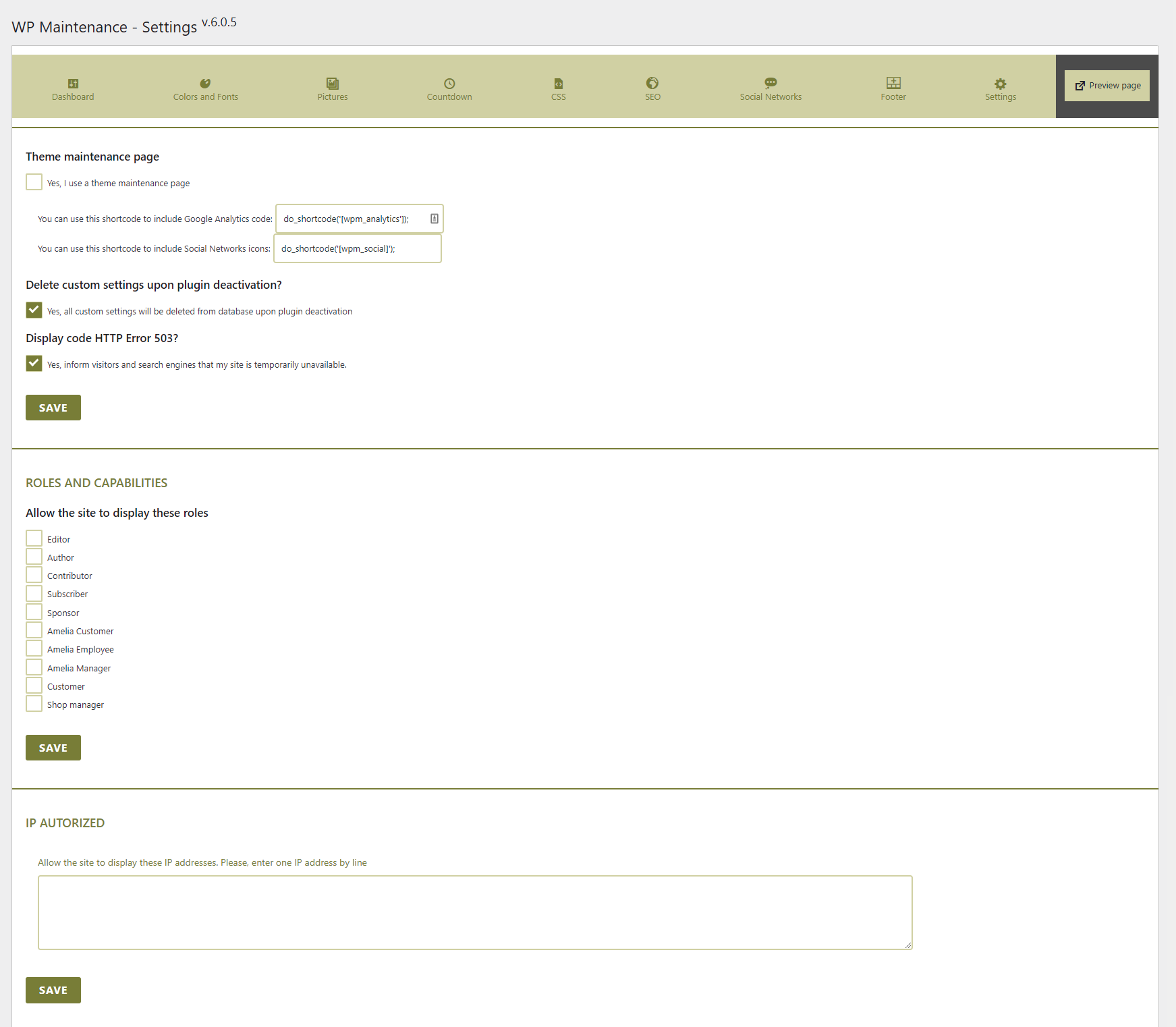
The WP Maintenance plugin allows you to customize a waiting page for your website while you do maintenance or launch it. You can personalize the page with colors, fonts, logo, background images, countdown, custom code, social networks, and more. It also allows you to restrict access by roles, pages, or IP addresses.Screenshots

Frequently asked questions
What does the WP Maintenance plugin do?
The WP Maintenance plugin allows you to put your website on a waiting page while you perform maintenance or prepare to launch your website. You can personalize this page with various customization options.
What customization options are available for the maintenance page?
You can choose text colors and fonts, upload a logo, and upload a background picture or pattern. It also includes a countdown timer and options for social networks.
Can I add custom code or shortcodes to the maintenance page?
Yes, the plugin supports a custom code header for analytics. You can also insert shortcodes for elements like newsletters or contact forms.
How can I control who sees the maintenance page?
You can choose access by user roles and capabilities, by specific page IDs, or by IP addresses. The plugin also allows you to enable a '503 Service temporarily unavailable' status.
Changelog
6.1.9.6
- Fixed bug pattern
- Fixed bug Header Code
- Fixed bug Import Settings
6.1.9.5
- Bug fixed sortable socials networks
- Adding Tiktok icon
6.1.9.4
- Adding hidden countdown option
- Change Twitter icon to X
6.1.9.3
- Fixed security issue
6.1.9.2
- Fixed bug Google Fonts
6.1.9.1
- Fixed bug Roles and Capabilities
6.1.9
- Fixed security issue
6.1.8
- Bug fixed for Disable REST API if not logged and maintenance no actived
6.1.7
- Adding for disabled for display admin bar option
- Disable REST API if not logged
6.1.6
- Optimized function for Google Fonts in stylesheet
6.1.5
- Reintroducing IP address option. Tested and sanitize IP addresses
- ID pages option. Tested ID pages if exist and sanitize it
6.1.4
- Remove IP address option for security
6.1.3
- Bug checkbox fixed
- Bug Social Networks
6.1.2
- Adding remove Google Fonts option
6.1.1
- Bug Header Code fixed
6.1.0
- Bug User Role autorized fixed
- Change Ip Addresses settings
6.0.9
- Bug IP autorized fixed
6.0.8
- Several security patches brought
- WARNING : somes parameters will be reinitilized, please check all
6.0.7
- Remove Slider option
- Several security patches brought
6.0.6
- Cross-Site Scripting (XSS) vulnerability fixed
- Bug fixed Social Icons
- Bugs minors resolved
6.0.5
- Changing theme
- Using native CodeMirror
6.0.4
- Adding Width and Height for image
6.0.3
- Bug fixed Error Notice
- Bugs minors resolved
6.0.2
- Bug fixed IP authorized
6.0.1
- Bug fixed Code Analytics
6.0.0
- New design
- This version is a major version and somes settings are changed. Check your settings after update.

