

Improve your WordPress SEO: Write better content and have a fully optimized WordPress site using the Yoast SEO…

About Price Based on Country for WooCommerce
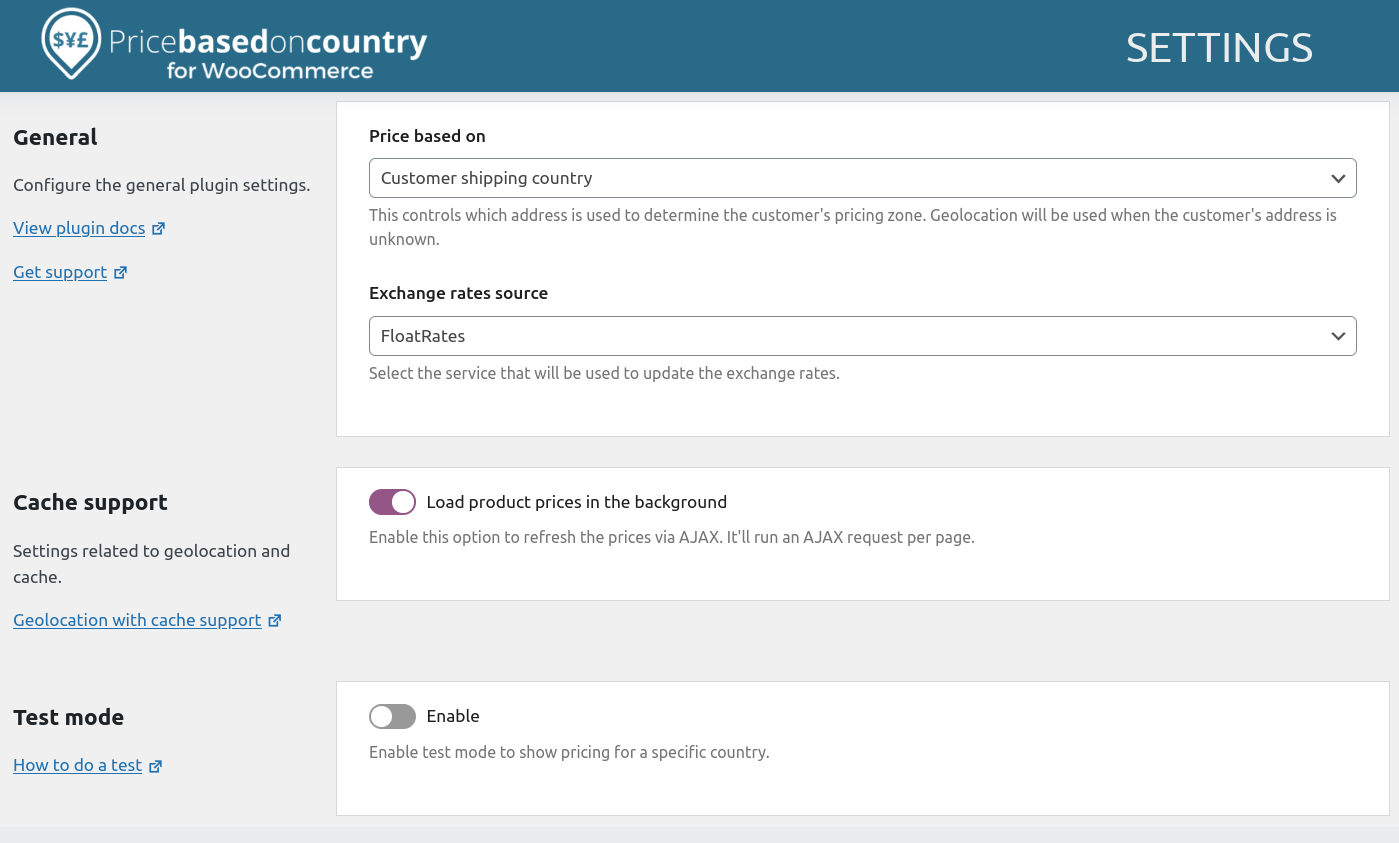
The Price Based on Country for WooCommerce plugin allows you to sell products in multiple currencies based on the country of the customer. It automatically detects the country of the website visitor and displays the currency and price you have set for that country. The plugin also offers a Pro addon with additional features such as guaranteed support, automatic updates of exchange rates, and compatibility with various WooCommerce extensions.Screenshots
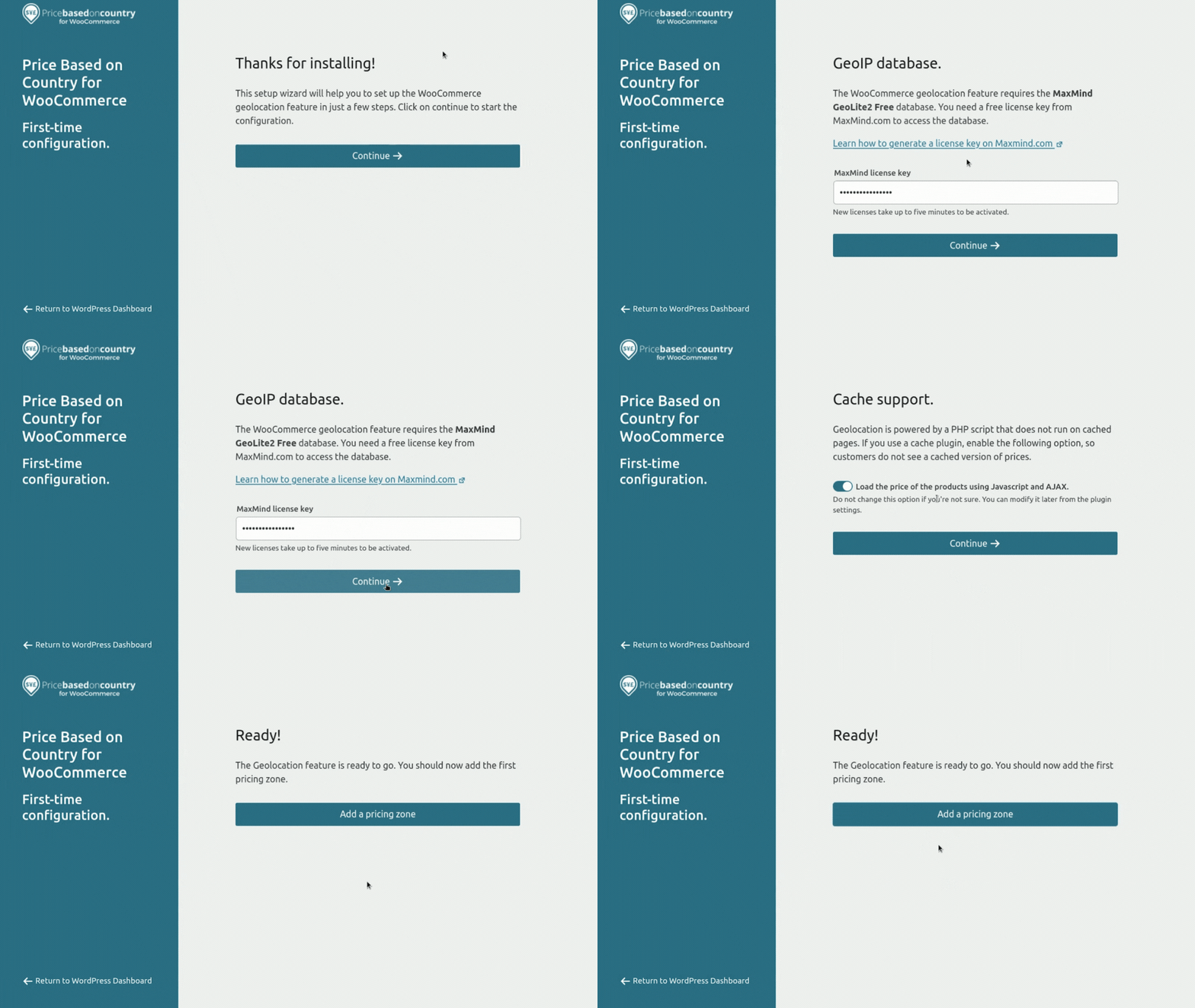
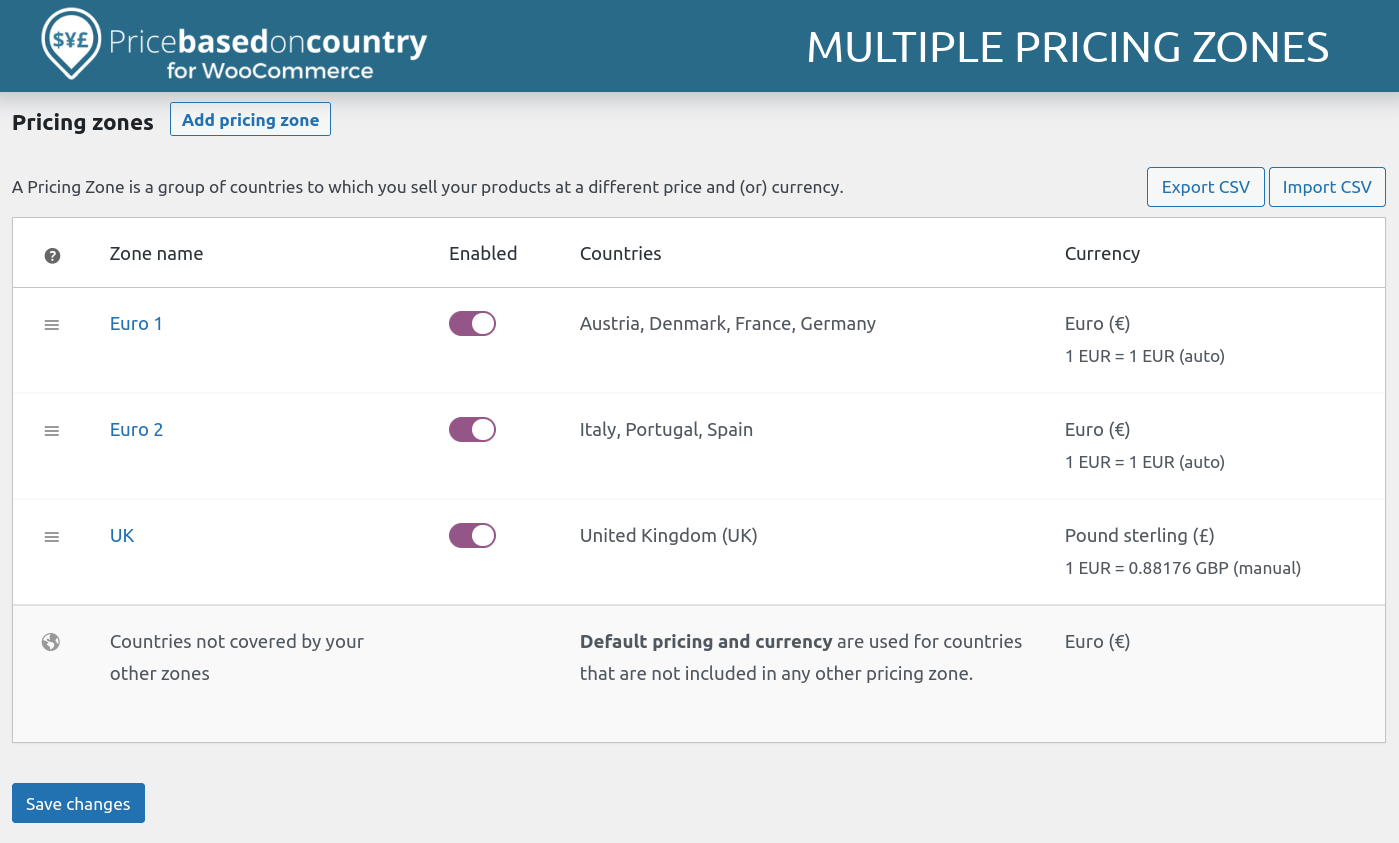
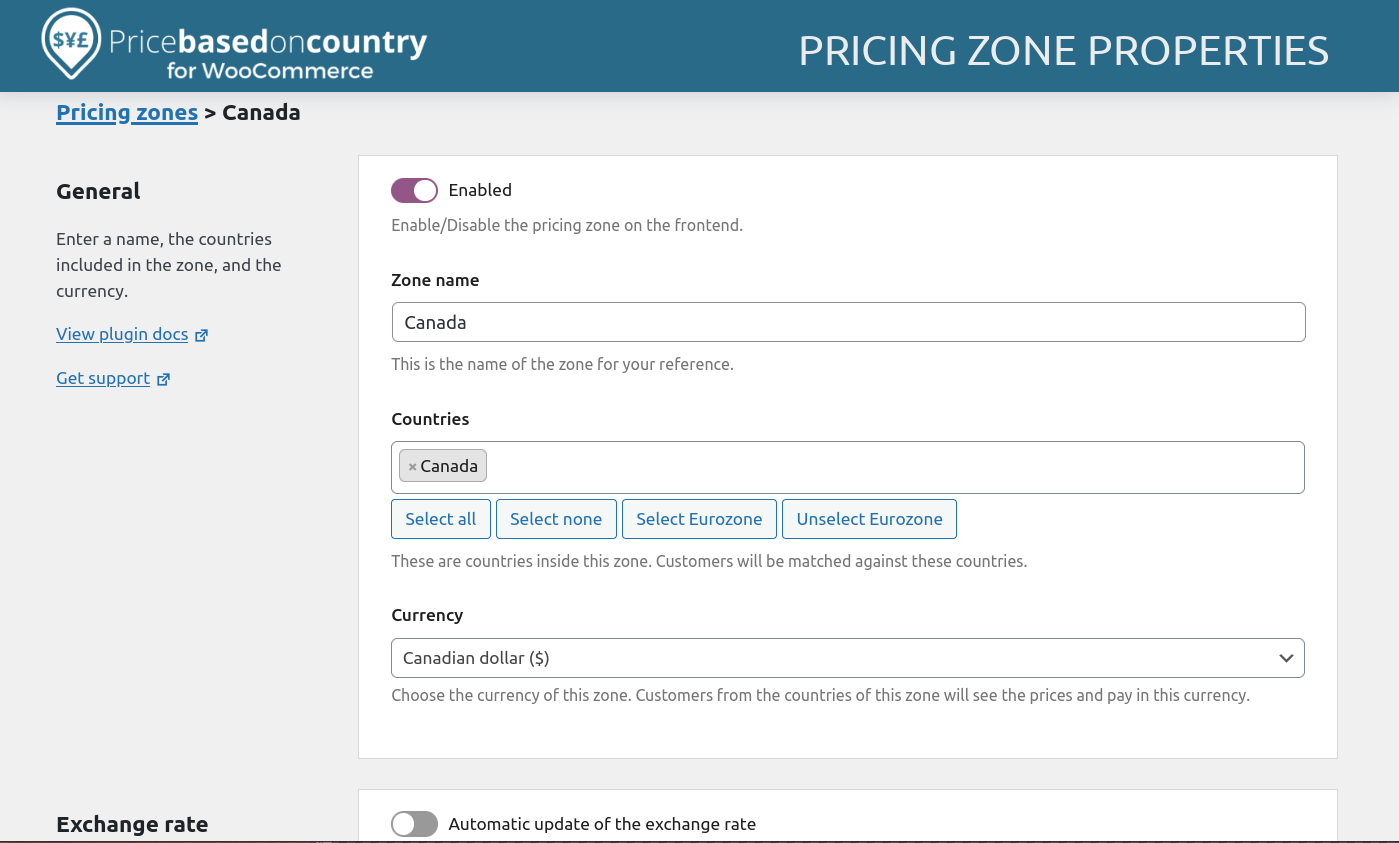
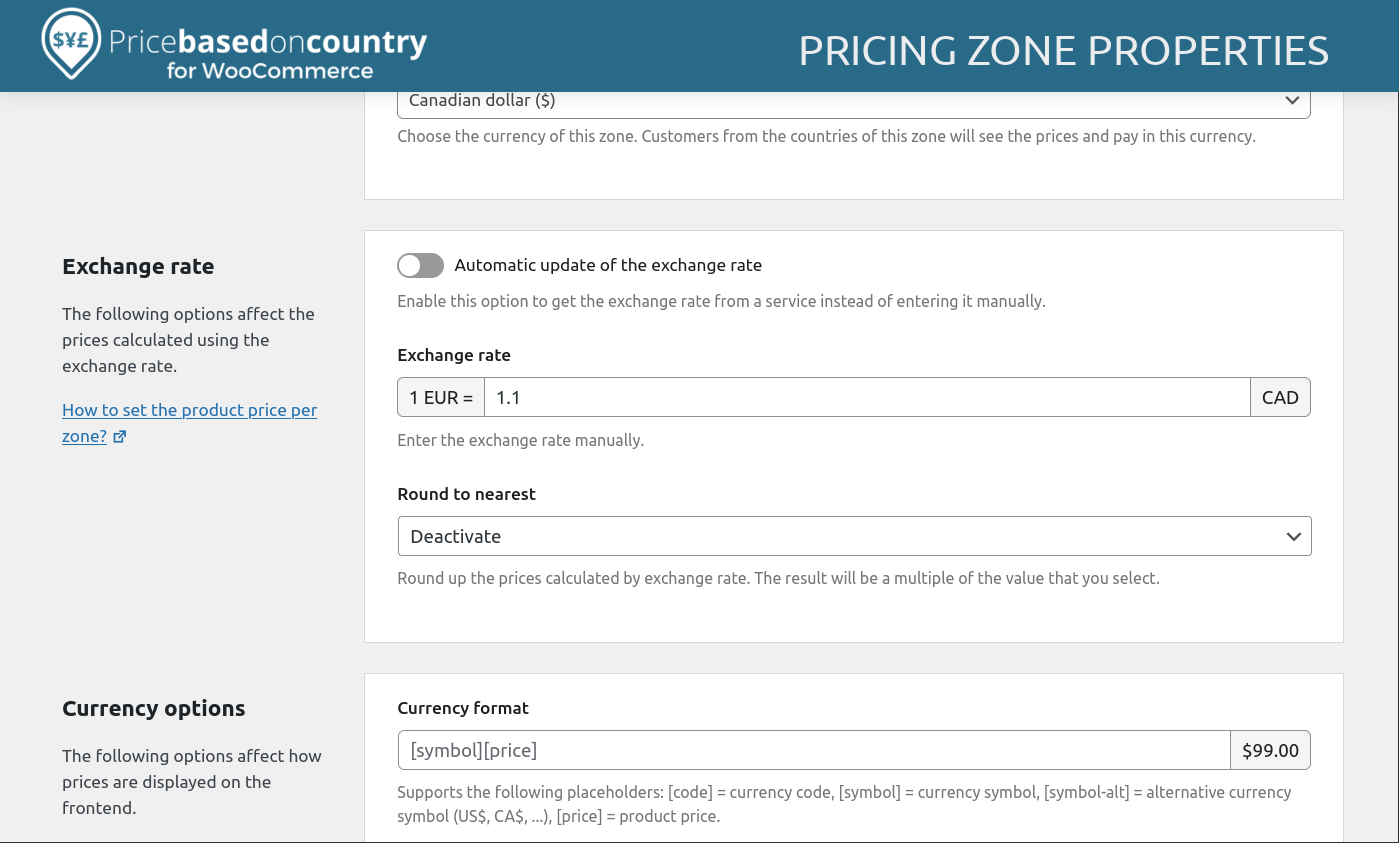
Frequently asked questions
What does Price Based on Country for WooCommerce do?
This plugin allows you to sell the same product in multiple currencies based on the country of the customer. It automatically detects the visitor's country using WooCommerce's geolocation feature and displays the appropriate currency and price.
How can I set product prices for different countries?
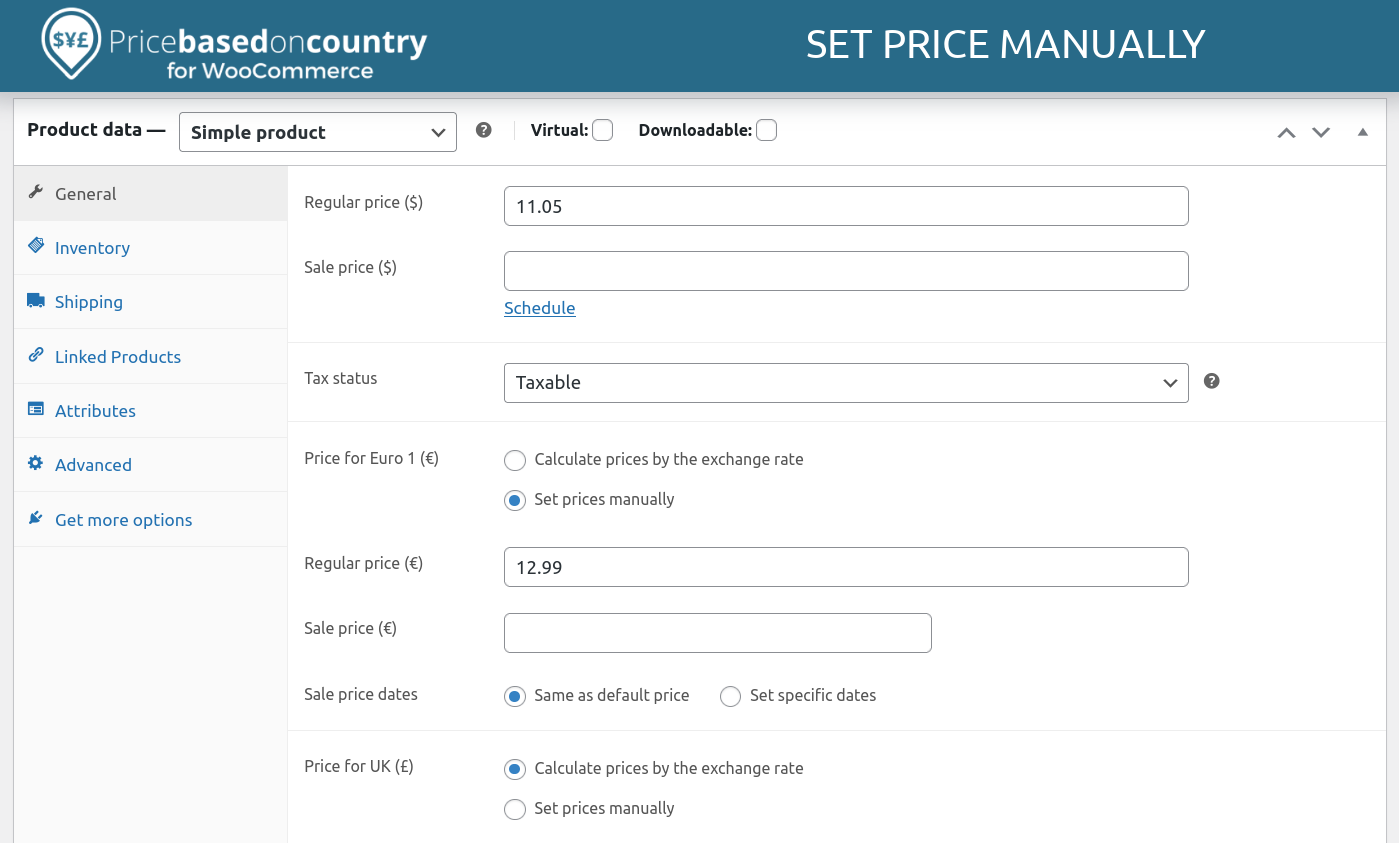
You have two options: calculate prices by applying an exchange rate, or set prices manually for each country.
Does the plugin support multicurrency payments?
Yes, you can sell and receive payments in different currencies, which can help reduce currency conversion costs.
Are there any advanced features available in a Pro version?
The Pro addon offers features like automatic exchange rate updates, an exchange rate fee, rounding options, and compatibility with various WooCommerce extensions such as Subscriptions, Product Bundles, and Product Add-ons.
Is there a way for customers to change their country on the website?
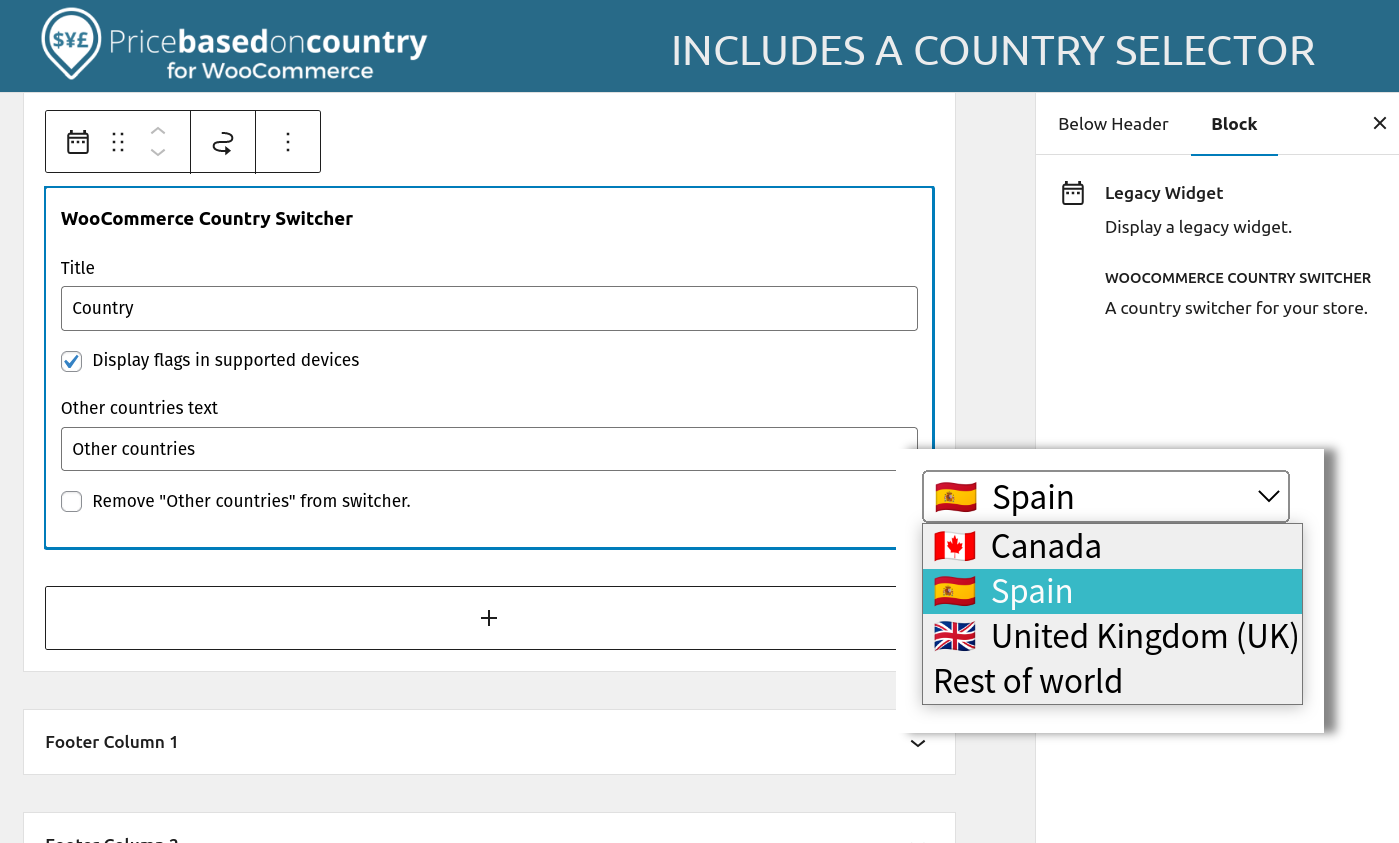
Yes, the extension includes a country switcher widget that allows your customers to change their country from the frontend of your website.
Changelog
3.4.13 (2025-01-16)
- Tweak: Function refactoring.
3.4.12 (2024-12-19)
- Added: Tested up WooCommerce 9.5+.
- Added: Tested up WordPress 6.7+.
- Fixed: Setting fields display as empty when the option value is zero.
3.4.11 (2024-11-12)
- Fixed: Double conversion issue since CartFlows 2.0.7.
- Fixed The save button is not enabled after turning off/on a pricing zone from the pricing zones table.
3.4.10 (2024-10-01)
- Added: Tested up WooCommerce 9.3+.
- Fixed: WooCommerce PayPal Payments 2.9.1 CANNOT_MIX_CURRENCIES error.
3.4.9 (2024-07-30)
- Added: Tested up WooCommerce 9.1+.
- Added: Tested up WordPress 6.6+.
3.4.8 (2024-07-14)
- Fixed: PHP Error with WooCommerce Stripe 8.5+.
3.4.7 (2024-06-27)
- Added: Tested up WooCommerce 9.0+.
- Added: Update compatibility with “Google Product Feed by Ademti Software”.
- Fixed: Compatibility issues with the UPE payment methods of “WooCommerce Stripe Payment Gateway By WooCommerce” plugin.
3.4.6 (2024-06-04)
- Added: Tested up WooCommerce 8.9+.
- Fixed: Compatibility issue with “Variation Swatches For WooCommerce PRO By Emran Ahmed”.
3.4.5 (2024-05-08)
- Added: Tested up WooCommerce 8.8+.
- Added: Support for the Elementor Pro “Taxonomy Filter” widget.
- Fixed: Minor bugs on the geolocation setup wizard.
3.4.4 (2024-03-13)
- Update: Revert the geolocation AJAX call to POST to prevent issues with Sucuri.
- Tweak: Check the “woocommerce_package_rates” filter parameter is an array to prevent PHP warnings.
3.4.2 (2023-12-18)
- Added: Tested up WordPress 8.4+.
- Fixed: Mini-cart total does not refresh after changing the country using the country/currency switcher.
- Fixed: Frontend prices are loaded for the “Facebook for WooCommerce” background process.
3.4.1 (2023-12-06)
- Update: Revert the price loading animation to “dots”.
3.4.0 (2023-11-30)
- Added: Tested up WordPress 8.3+.
- Added: Compatible with Flexible Shipping by Octolize plugin.
- Added: Replace the loading dots animation with a skeleton placeholder.
- Added: Exclude the AJAX geolocation JavaScript files from the “WP Rocket Delay JavaScript” feature.
- Added: Exclude the AJAX geolocation JavaScript files from the “Siteground Speed Optimizer Combine JavaScript” feature.
- Added: Exclude the AJAX geolocation JavaScript files from the “Jetpack Boost” concat JavaScript feature.
- Fixed: Elementor minicart issue: Cart is empty after adding items to the cart.
- Fixed: Error on settings page when a deprecated PRO version is installed.

