

Improve your WordPress SEO: Write better content and have a fully optimized WordPress site using the Yoast SEO…

About Checkout Field Editor (Checkout Manager) for WooCommerce
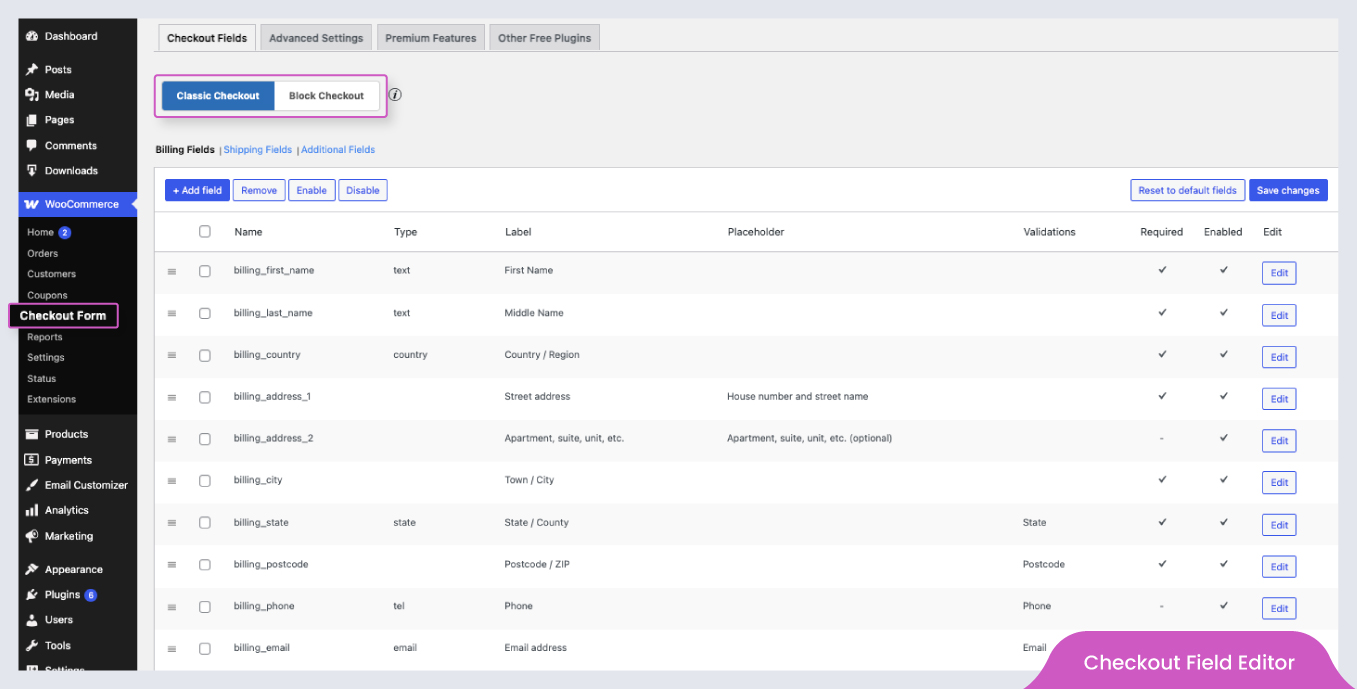
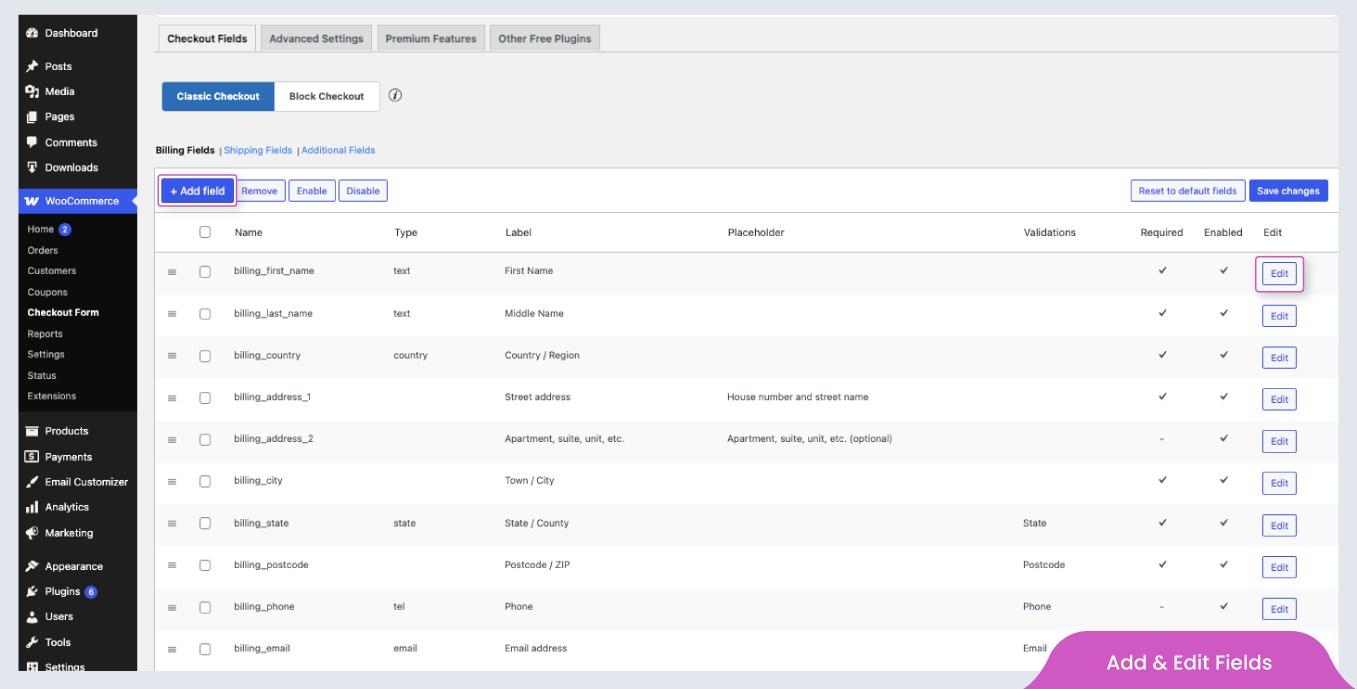
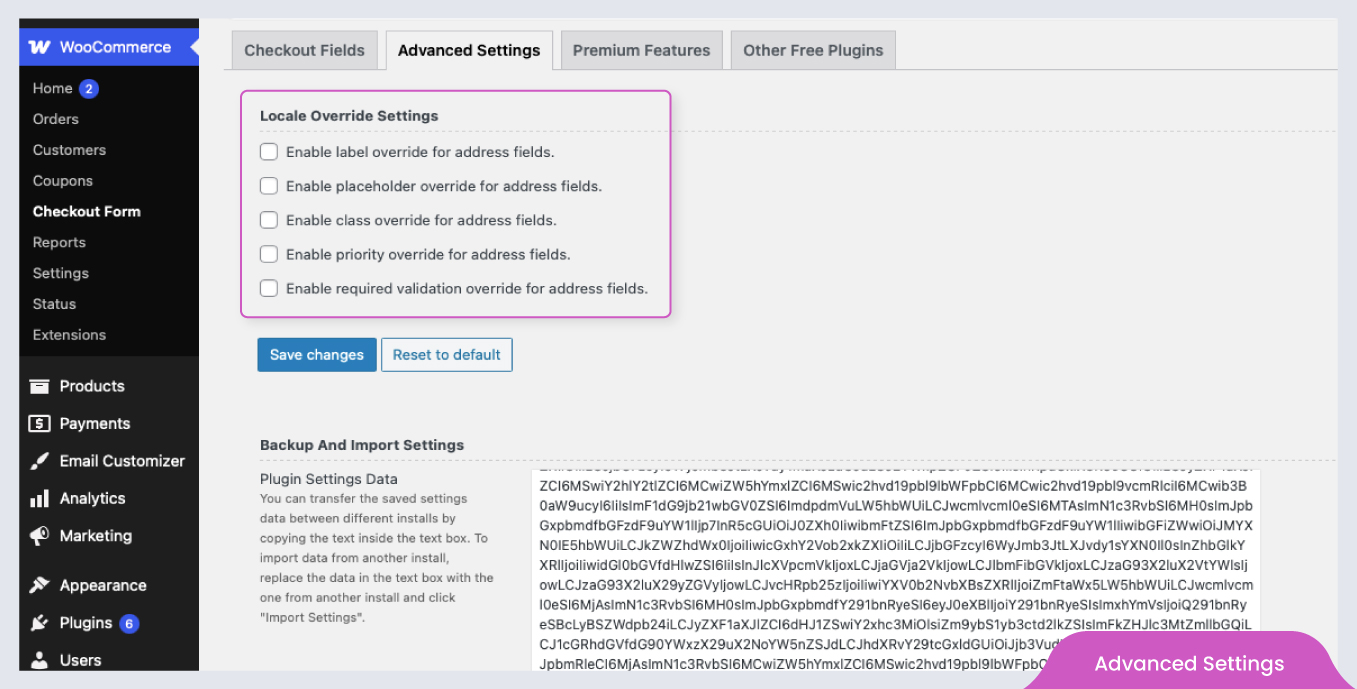
WooCommerce Checkout Field Editor allows you to customize your WooCommerce checkout fields, improving user experience and increasing conversions by adding, editing, and rearranging fields. The plugin offers a free version with essential features like adding field types, validating fields, and managing field visibility, while the premium version enhances customization further with additional field types, conditional display, custom validations, and more. ThemeHigh provides quick support and lightweight plugins, making the customization process smooth and enjoyable for over 2 million customers.Screenshots
Frequently asked questions
What is WooCommerce Checkout Field Editor?
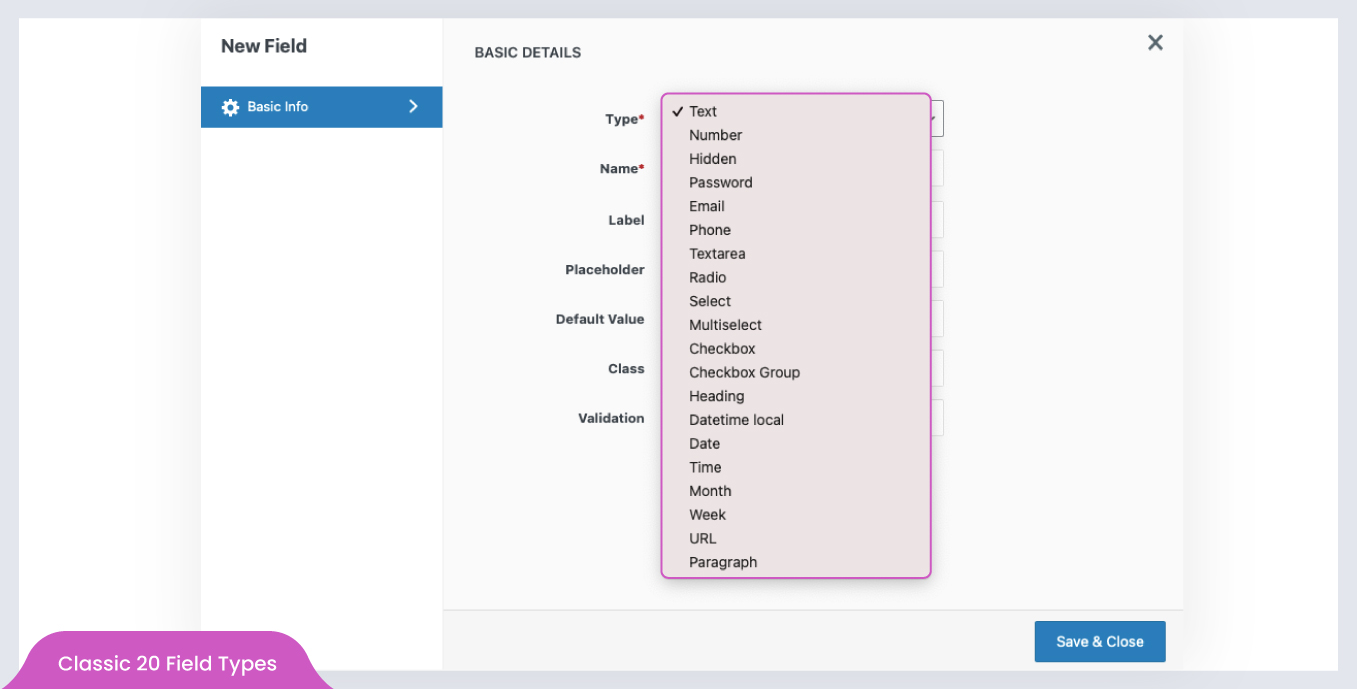
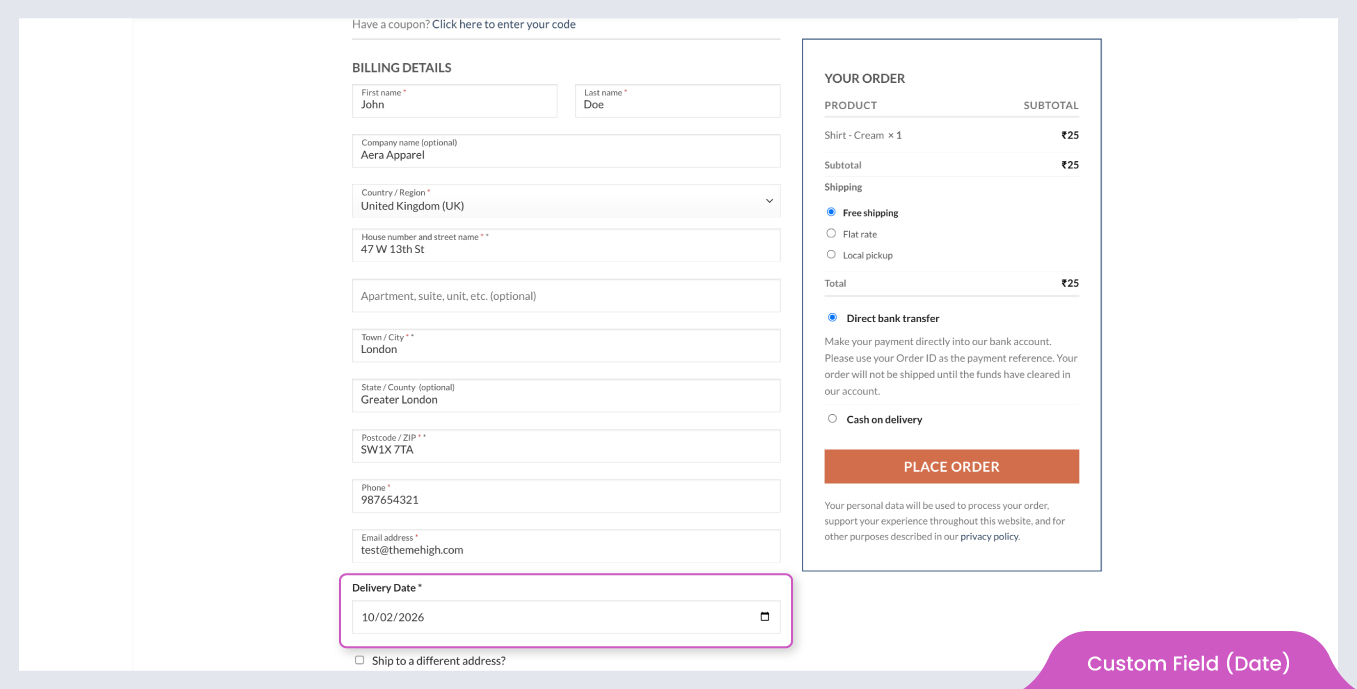
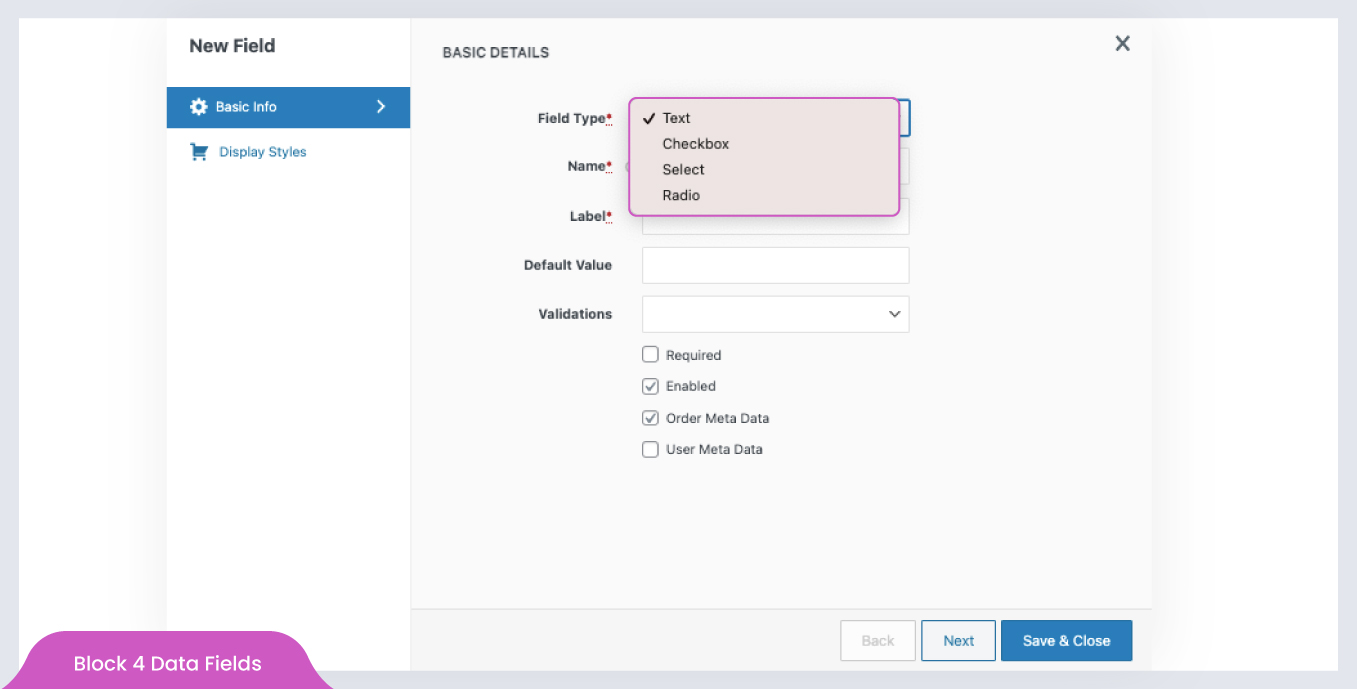
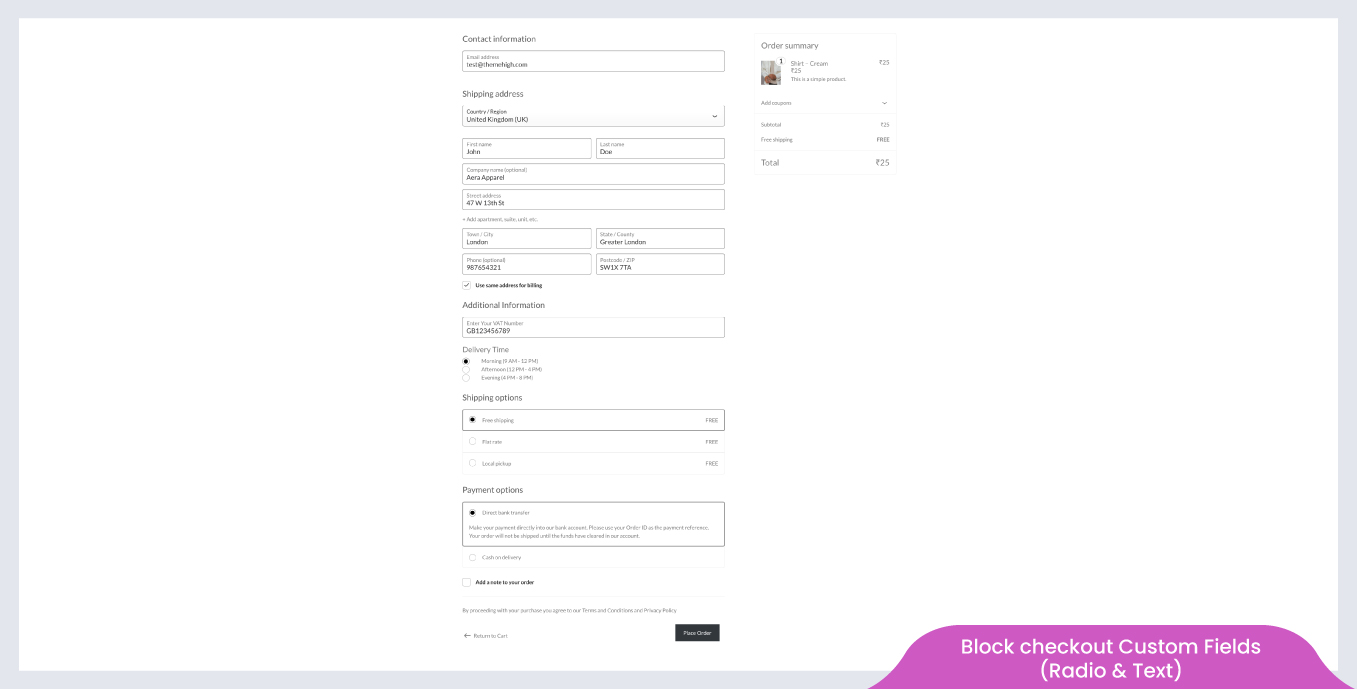
WooCommerce Checkout Field Editor (Checkout Manager) Plugin lets you add 20 different types of custom checkout fields to your Checkout page, blended with a simple and user-friendly interface.
What types of custom fields can be added using the plugin?
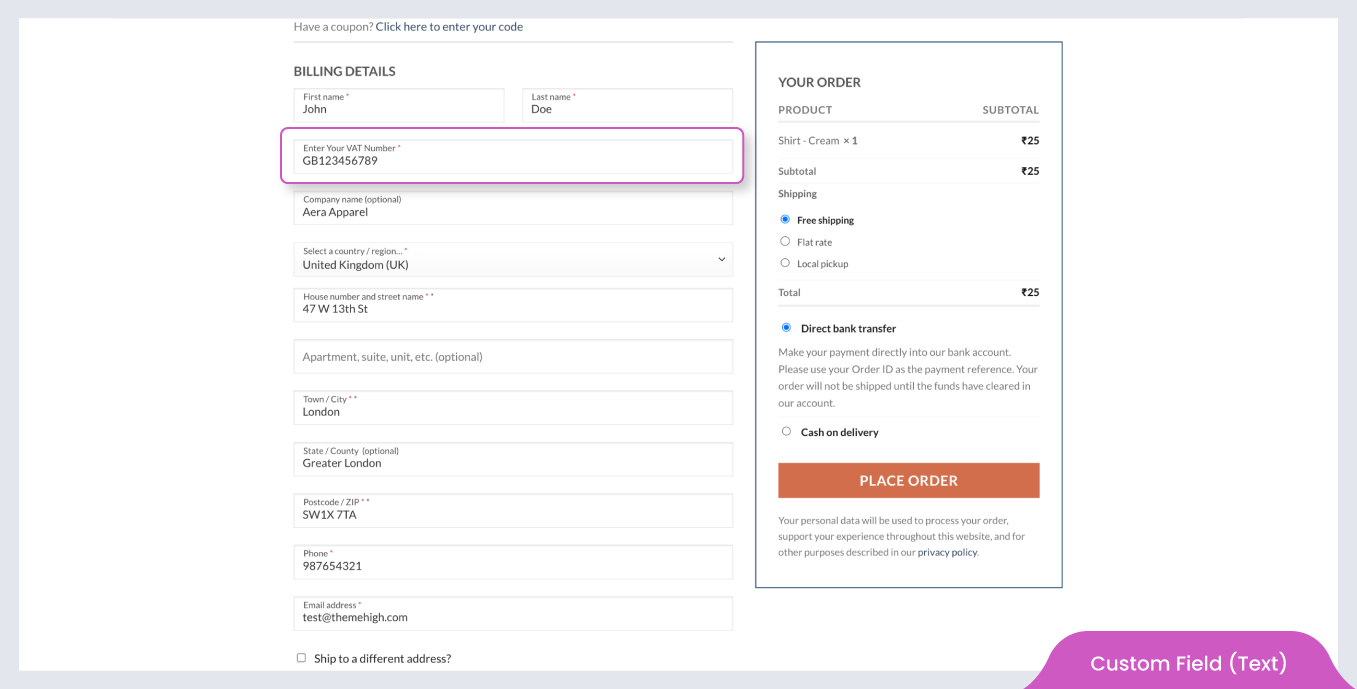
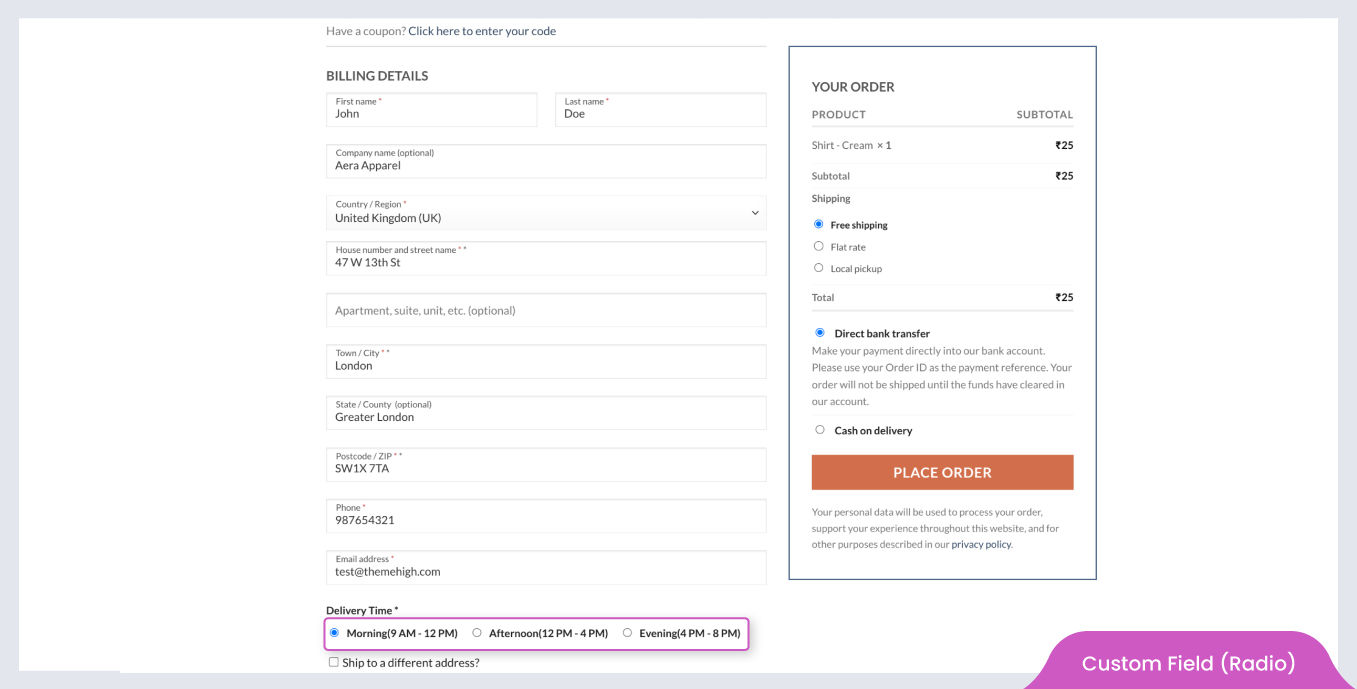
The plugin supports adding 20 different types of custom fields, including Text, Number, Hidden, Password, Email, Phone, Radio, Textarea, Select, Multi Select, Checkbox, Checkbox Group, Datetime local, Date, Month, Time, Week, URL, Heading, and Paragraph.
Can I edit or delete default fields using the plugin?
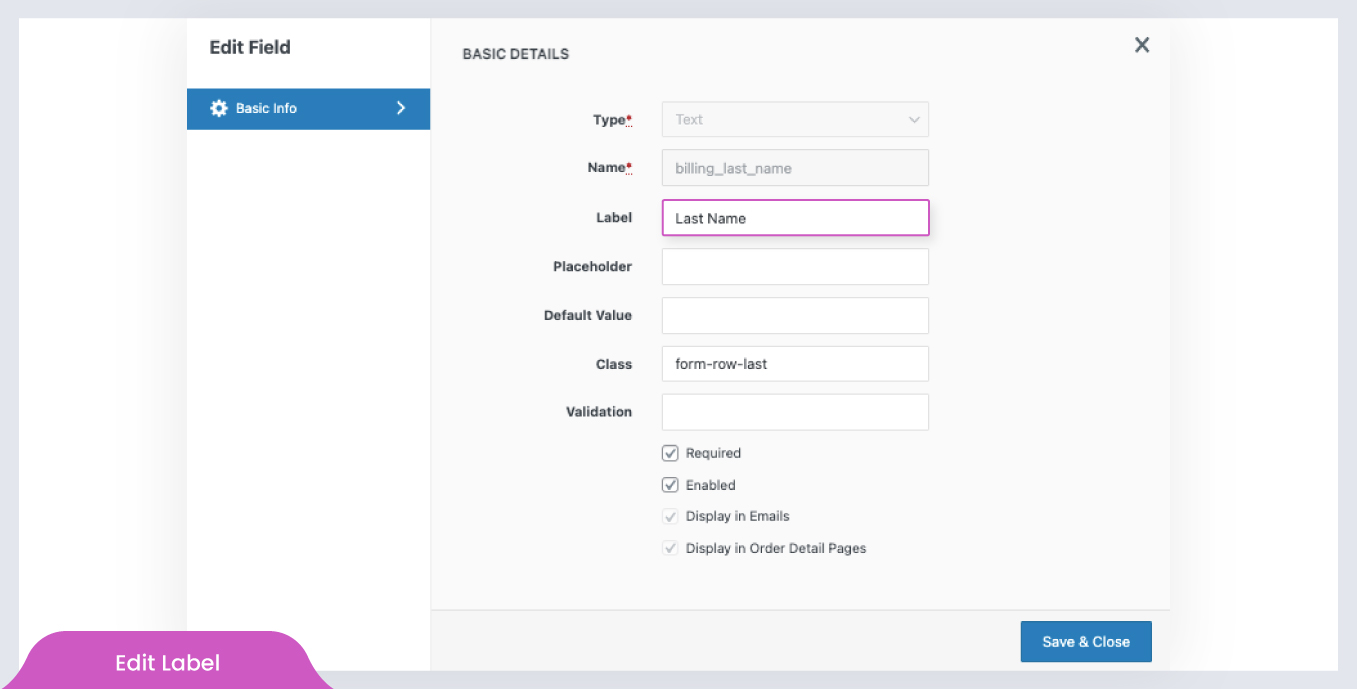
Yes, the plugin allows you to edit, hide, or delete the default checkout fields of your WooCommerce platform.
Can I rearrange the checkout fields?
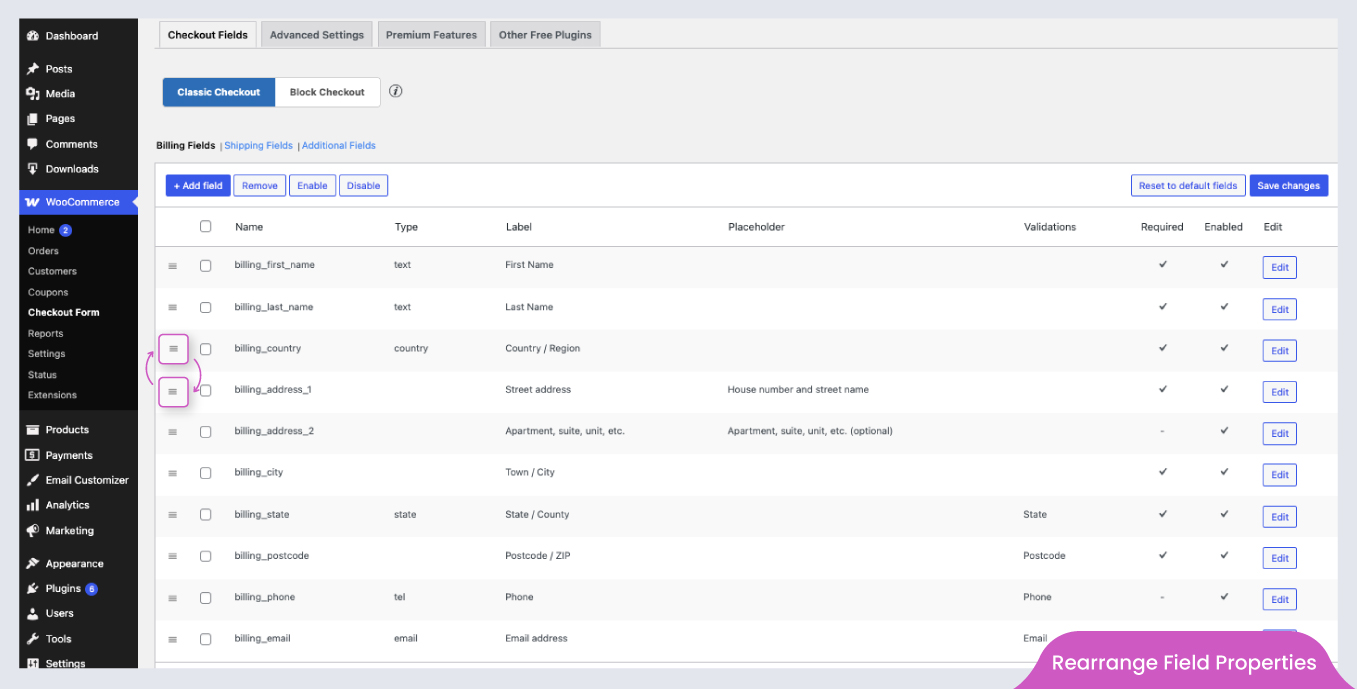
Yes, you can rearrange the checkout fields easily using the drag and drop options provided by the plugin.
Can I validate the checkout fields?
Yes, you can validate the custom checkout fields, including the default ones, using the Checkout Field Editor plugin.
Changelog
2.1.4
- Fixed shipping calculation issue when “Hide shipping costs until an address is entered” is enabled (WooCommerce 9.8+ compatibility).
- Added WooCommerce 9.8 compatibility.
- Added WordPress 6.8 compatibility.
2.1.3
- Improved the address fields functionality in the Checkout block.
- Added WooCommerce 9.7 compatibility.
2.1.2
- Added translation support for Checkout block.
- Optimized styles loading by limiting it to relevant block pages only.
- Added WooCommerce 9.6 compatibility.
2.1.1
- Added WooCommerce backward compatibility for versions below 8.7.
2.1.0
- Added options to add additional sections and custom checkout fields in the checkout block.
- Added email,phone and url custom validations.
- Added WooCommerce 9.5 compatibility.
2.0.6
- Fixed an issue where certain fields were not displaying on the order details page.
2.0.5
- Added WordPress 6.7 compatibility.
- Added WooCommerce 9.4 compatibility.
- Added new filter for remove object cache – (thwcfe_disable_settings_cache).

