

Enables the previous "classic" editor and the old-style Edit Post screen with TinyMCE, Meta Boxes, etc. Supports all…

About Unbounce Landing Pages
Unbounce's landing page plugin for WordPress allows marketers to create and publish fully customized landing pages on their WordPress websites. With features like easy page editing, A/B testing, and integrations with popular marketing tools, Unbounce makes it easy to launch and manage your landing pages. Try it for free for a month!Screenshots

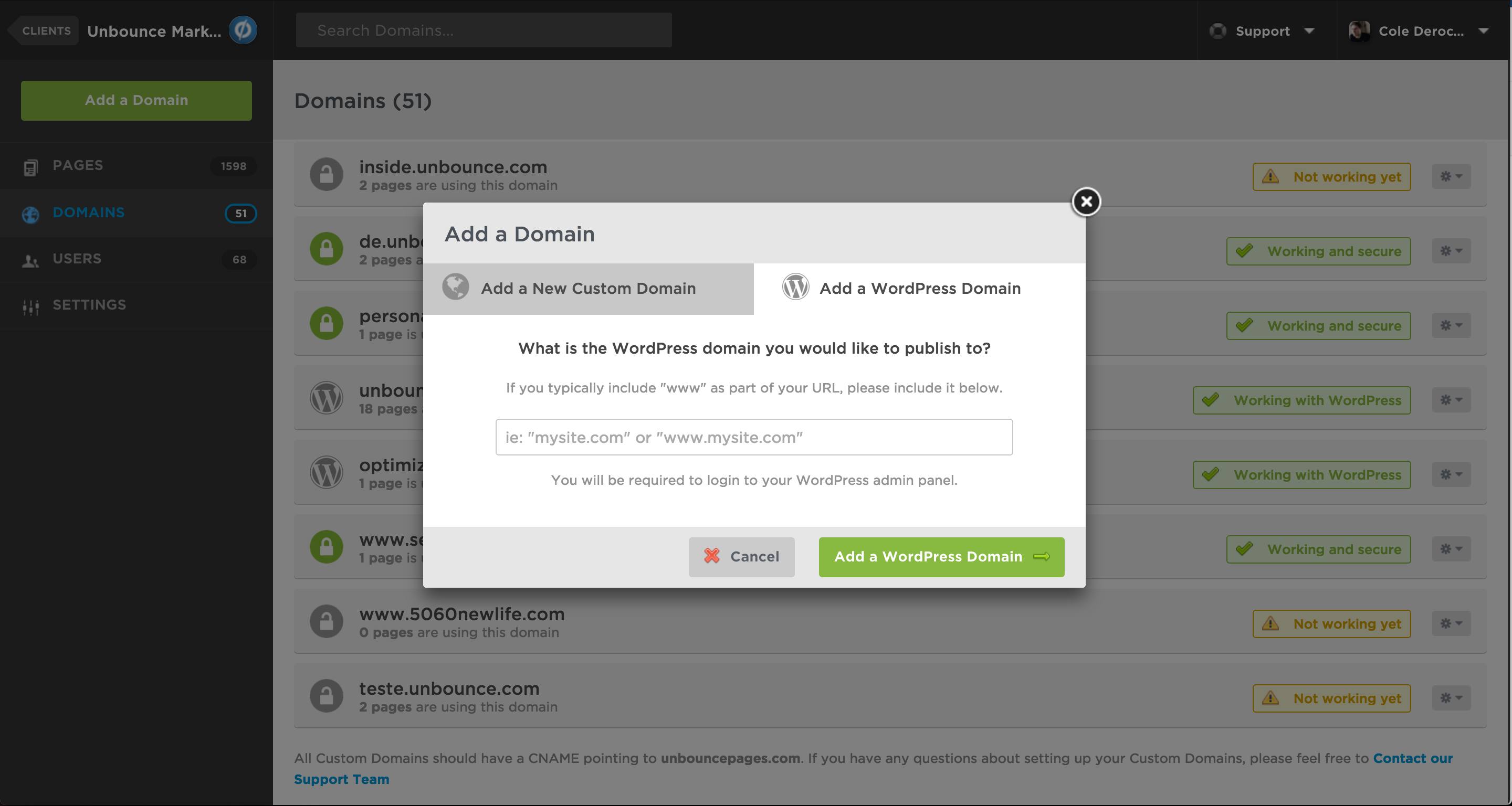
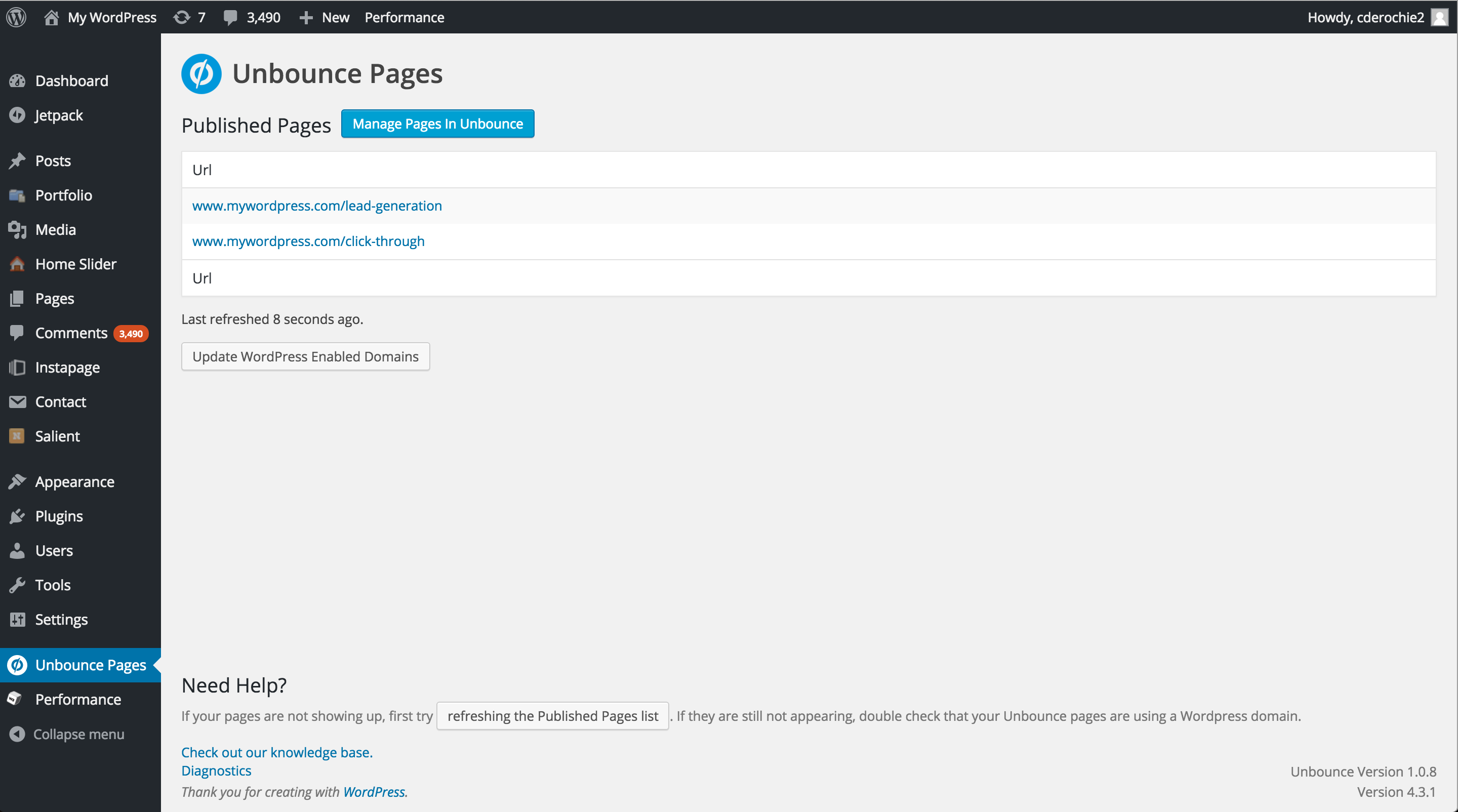
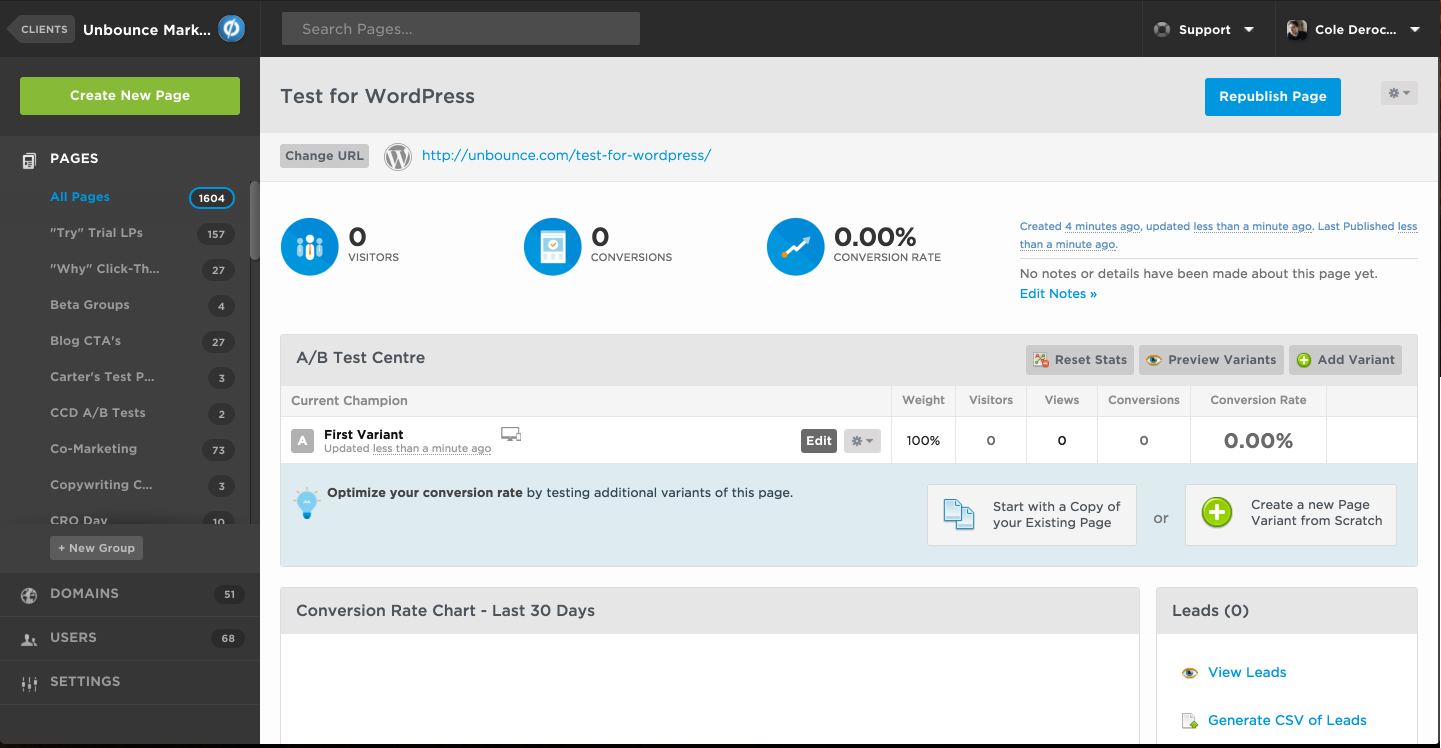
Frequently asked questions
What is the Unbounce Landing Pages plugin?
The Unbounce Landing Pages plugin for WordPress allows marketers to create fully customized landing pages and publish them to their existing WordPress sites. It enables publishing pages built in Unbounce directly to your WordPress domain. You can manage all your WordPress landing pages through the plugin's interface.
How does the Unbounce plugin work with WordPress?
You build your landing page in Unbounce, then publish it to WordPress using this plugin. The plugin allows you to manage your WordPress landing pages. Edits and updates made in Unbounce's page builder will automatically update on your WordPress site.
What features does Unbounce offer?
Unbounce offers a WYSIWYG builder for easy page editing and allows complete customizability of desktop and mobile layouts. It includes built-in A/B testing features and integrations with tools like MailChimp, Salesforce, and Hubspot. Users also get access to 80+ free templates.
Can I customize my landing pages to match my brand?
Yes, Unbounce allows you to customize your landing pages to match your brand perfectly. The WYSIWYG builder facilitates quick and easy page editing. You can also customize desktop and mobile layouts.
Changelog
1.1.3
- Tested with WP 6.7
1.1.2
- Eliminates PHP Warnings
1.1.1
- Changes to the way the plugin filters headers and cookies using a dynamic configuration.
- Tested with WP 6.4
1.1.0
- Changes the method used to communicate with Unbounce servers, which will improve the resilience of
your pages to denial-of-service attacks - Tested with WP 6.3
- Important: please upgrade to this version as soon as possible to benefit from these
improvements. All older versions are now unsupported and will stop working in the near future.
1.0.49
- Added setting to customize response headers forwarded from Unbounce
1.0.48
- Tested with WP 6.0
1.0.47
- Tested with WP 5.7
1.0.46
- Include some diagnostic information in request headers to help us diagnose issues
- Support for client side stats
1.0.45
- Documentation updates to reflect minimum PHP requirements (currently 7.2)
- Add support for PHP 7.2 and higher
- Tested with WP 5.4
1.0.44
- Documentation updates to reflect minimum PHP requirements (currently 5.3)
- Tested with WP 5.1
1.0.43
- Fixes an issue handling cookies
- Fixes an issue handling redirects
1.0.42
- Fixes an issue causing older versions of PHP to get a 404 when visiting pages
- Updated diagnostics and matching documentation to require PHP 5.6 or higher
1.0.41
- Fixed the issue in 1.0.39 that cause the API client ID to be defaulted to empty
1.0.40
- Effective reversal to 1.0.37 to address blocking issue to some customers
1.0.39
- Fixes an issue preventing new options from being created when upgrading the plugin
1.0.38
- Adds an option (ub-use-curl) to opt-out of using cURL as a proxying client, the alternative being wp_remote_request
1.0.37
- Better documentation and troubleshooting
- Tested with WP 5.0
1.0.36
- Improved testing instrumentation
1.0.35
- Update plugin requirements
1.0.34
- New diagnostics entry for SSL’s SNI Support on WordPress installations
1.0.33
- Improved support for PHP 7.1
1.0.32
- Fix support for PHP 5.3
1.0.31
- Un-released 1.0.30 (same as 1.0.29)
1.0.30
- Minor bug fix
1.0.29
- Minor bug fix
1.0.28
- Disables the Unbounce plugin when editing drafts as a logged in user.
1.0.27
- Add a custom header “X-Unbounce-Plugin: 1” to identify all pages served by the plugin to support cache invalidation.
1.0.26
- Minor fix
1.0.25
- Minor bug fix
1.0.24
- Improves support for installations using SSL
- is_ssl() has higher precedence for determining protocol of content to serve
1.0.23
- Add optional support for web servers with a load balancer or proxy that is on a different network
- This feature can be enabled with the ub-allow-public-address-x-forwarded-for option
- This feature may decrease the effectiveness of spam detection in some cases, and should only be enabled if absolutely necessary
1.0.22
- Add global UB_ENABLE_LOCAL_LOGGING to enable/disable debug logging of Unbounce Plugin
1.0.21
- Fixes some multi-site compatibility issues
1.0.20
- Revert changes in 1.0.19
1.0.19
- Minor bug fix
1.0.18
- Minor bug fix
1.0.17
- Fixes some multi-site compatibility issues
1.0.16
- Update compatibility information and changelog
1.0.15
- Added support for rounded corners, gradients, and transparency on IE 8
1.0.14
- Minor improvements
- Added support for viewing page variants directly (i.e. a.html, b.html, etc)
1.0.13
- Minor bug fix
1.0.11
- Add support for earlier versions of curl on WP installs (<7.30)
- Increased timeout for proxying pages
- Updated plugin description and diagnostics page
1.0.10
- Minor bug fix
1.0.9
- Minor bug fixes
1.0.6
- Fixed a bug with how checkbox values were being sent
1.0.4
- Add support for POSTS to landing page URLS
- Minor bug fixes
1.0.3
- Added a diagnostics page
1.0.2
- Fix bug with Unbounce accounts that have more than 50 domains
1.0.1
- Updated plugin description readme
1.0.0
- Bug fixes for authorization and caching issues.
- No longer in beta!
0.1.19
- This release introduces the requirement to authorize your installation with Unbounce. After installing
you will need to go “Unbounce Pages” in the admin section and click “Authorize With Unbounce.” You
will then be sent to Unbounce where you need to log in. You must log in as an Unbounce user that
has access to the Client that has the current domain in Unbounce, or you will need to authorize
again as an authorized user before the plugin will function. - Fixes compatibility issues with caching plugins such as ZenCache, W3 Total Cache, and WP Super Cache
0.1.1
- Initial release
