

Site Kit is a one-stop solution for WordPress users to use everything Google has to offer to make…

About Top 10 – WordPress Popular posts by WebberZone
Top 10 is a WordPress plugin that allows you to track page views and display popular posts on your website. It offers features such as widgets, shortcodes, thumbnail support, and the ability to exclude certain posts. There is also a Pro version available with advanced blocks, improved admin tools, and custom display options.Screenshots
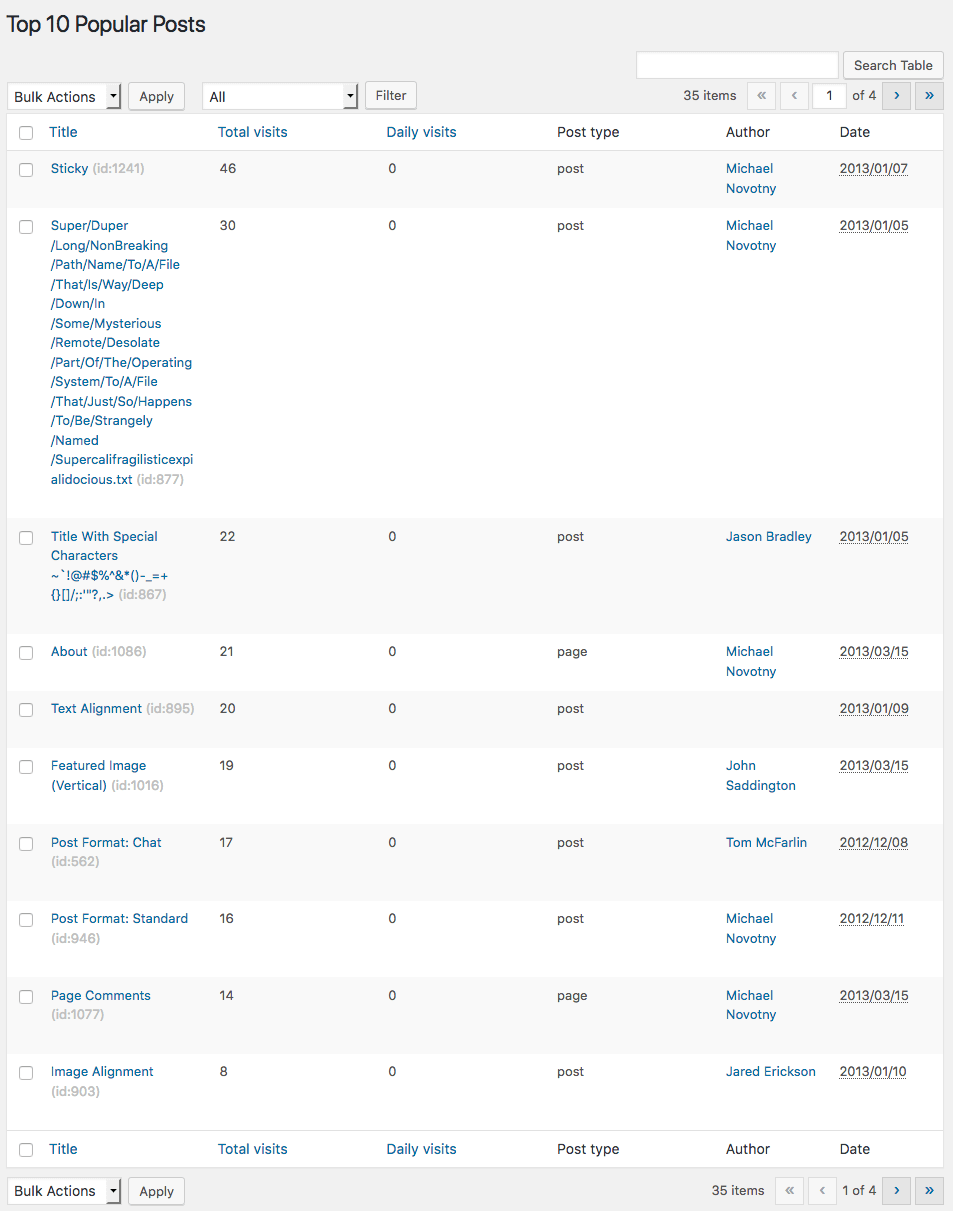

Frequently asked questions
Can this plugin be downloaded for free?
Yes, this plugin can be downloaded for free without any paid subscription from the official WordPress repository.
What does the Top 10 plugin do?
The Top 10 plugin counts the number of page views of your posts, pages, and custom post types. It can display the page view counts and your most popular posts.
What are the features of the Top 10 plugin?
The Top 10 plugin has features such as page counter, popular posts display, Gutenberg/Block Editor support, widget support, shortcodes, thumbnail support, exclusions, CSS styles, admin interface, export/import interface, compatibility with caching plugins, and extendable code.
Is the Top 10 plugin GDPR compliant?
Yes, the Top 10 plugin is GDPR compliant as it doesn't collect any personal data about your visitors by default.
Are there other plugins developed by WebberZone?
Yes, WebberZone has developed other plugins such as Contextual Related Posts, WebberZone Snippetz, Knowledge Base, Better Search, and Auto-Close.
Changelog
4.0.3
- Modifications:
- Support plugin dependencies tag.
- Updated Freemius SDK to v2.10.1.
- Optimized Numbered List format.
4.0.2
- Updated Freemius SDK to 2.9.0.
- Fixed: Set
widget_idif it is not set in the widget instance.
4.0.1
-
Modifications:
- Renamed filter to:
top_ten_posts_post_types. - Updated filter
tptn_query_args_beforeto be the queried object instead of just the post.
- Renamed filter to:
-
Bug fix:
- Fixed issue where admin columns setting didn’t work.
- Fixed: meta_query was not set.
4.0.0
Release post: https://webberzone.com/announcements/top-10-v4-0-0/
-
Features:
- Added a new REST API route (
counter) to fetch the post count for individual posts. - Introduced the Top 10 Post Count Block for displaying post counts.
- Added filters
top_ten_query_exclude_terms_include_parentsandtop_ten_query_include_terms_include_parentsto include parent terms in post queries. Pro users can enable this in settings. - New
get_tptn_short_circuitfilter to bypass the plugin’s output. - New filter
tptn_dashboard_setupto disable Top 10 widgets being displayed on the admin dashboard. - [Pro] New Top 10 Query Block for querying popular posts directly from the block or site editor.
- [Pro] Enhanced Top 10 Featured Image Block now supports multiple image sources.
- [Pro] Popular Posts block now includes:
- Buttons to save and clear default block settings.
- Auto-insertion of default and global settings attributes, with an option to disable this in the Posts List settings.
- [Pro] Added a new admin bar menu item to view daily, total, and overall post counts, access Top 10 admin pages, and clear the Top 10 cache.
- [Pro] Added
display_only_on_tax_idsparameter to restrict popular posts display to specific taxonomy terms. - [Pro] New Fast Tracker improves post view tracking speed. Select it from your settings page.
- [Pro] “Display columns on post types” setting to choose which post type screens display admin columns.
- [Pro] “Also show dashboard to” setting to select user roles that can view the dashboard screen.
- [Pro] New option added to the Edit Post meta box mapped to
include_cat_idsto include popular posts from specific categories only.
- Added a new REST API route (
-
Enhancements:
- Direct support for
WP_Queryiftop_ten_queryis used in query arguments. - Optimised media handler to reduce queries.
- New filter:
tptn_shortcode_defaultsfor default shortcode arguments. - Media Handler improvements:
- Added
use_site_iconandstyleparameters. get_image_html()now useswp_get_attachment_image()with a valid attachment ID.- Support for
decoding,loading, andfetchpriorityattributes. get_attachment_id_from_url()now strips size suffixes before locating the attachment ID.
- Added
- Updated top-10/popular-posts block to API version 3.
- Added
$more_link_textparameter forget_the_excerpt().
- Direct support for
For previous changelog entries, please refer to the separate changelog.txt file or Github Releases page

