

Improve your WordPress SEO: Write better content and have a fully optimized WordPress site using the Yoast SEO…
About Team – WordPress Team Members Showcase Plugin
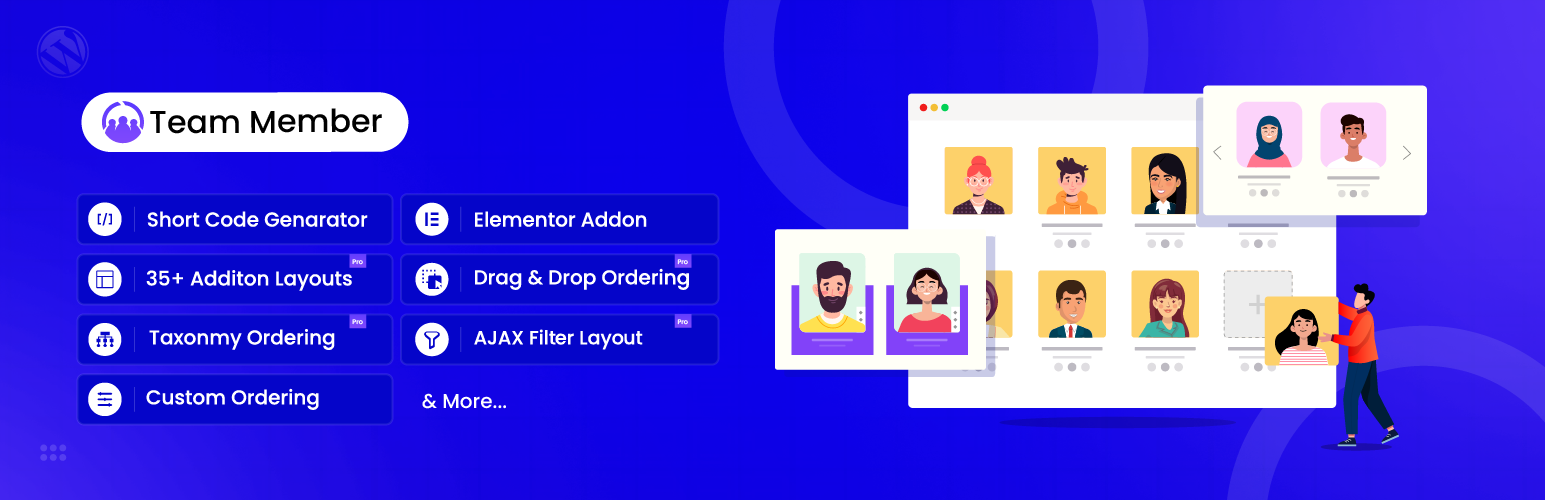
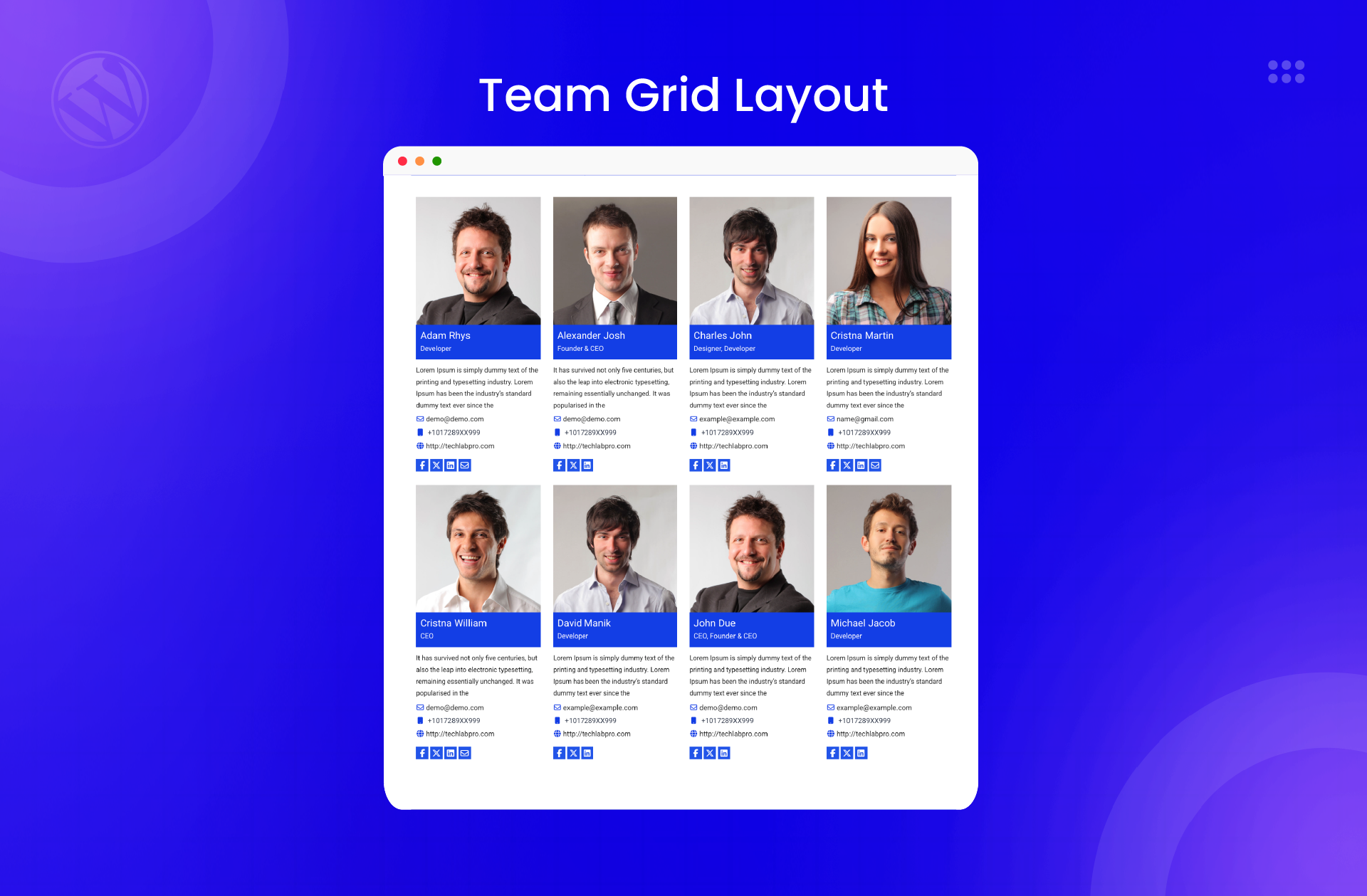
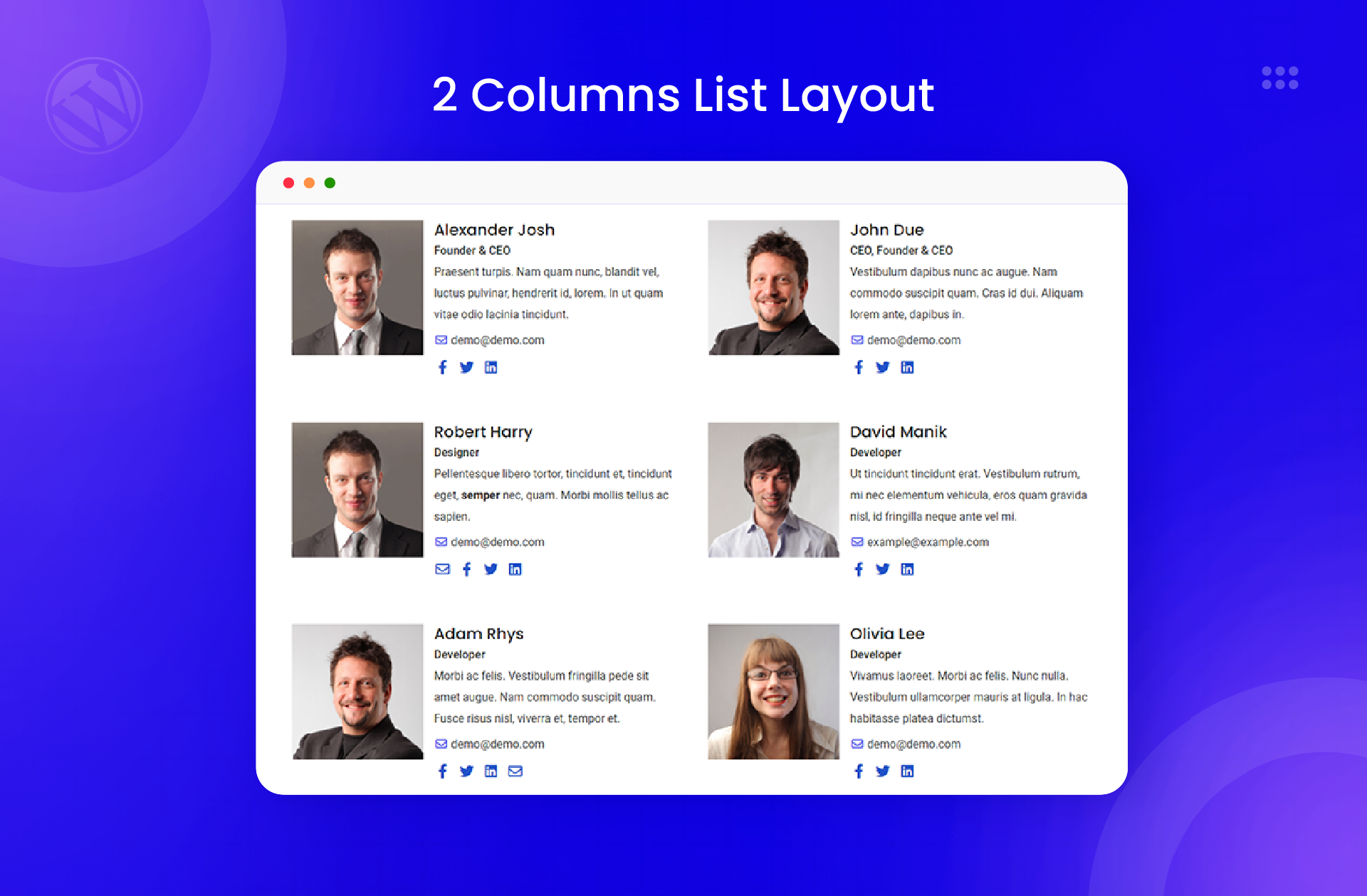
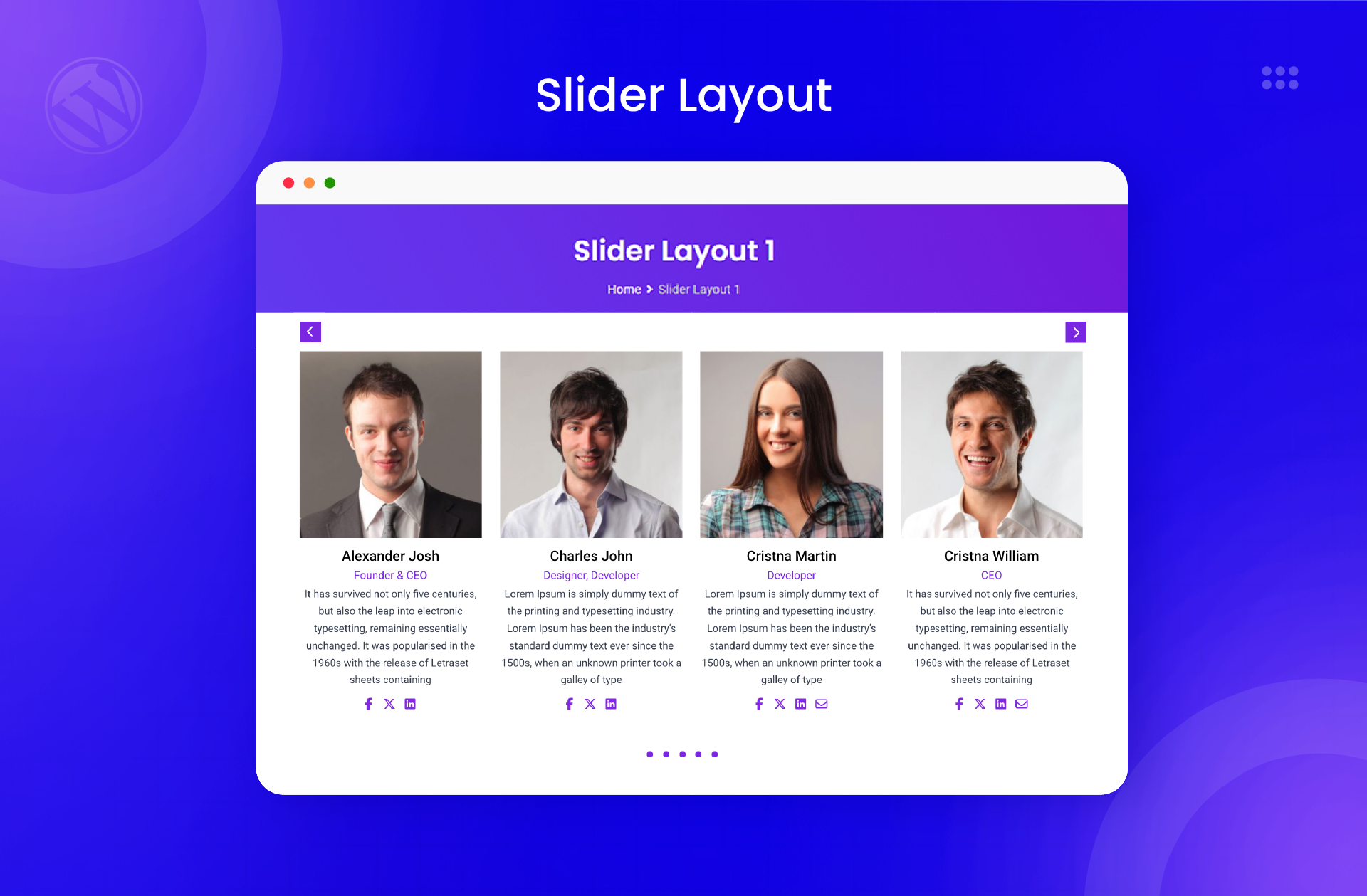
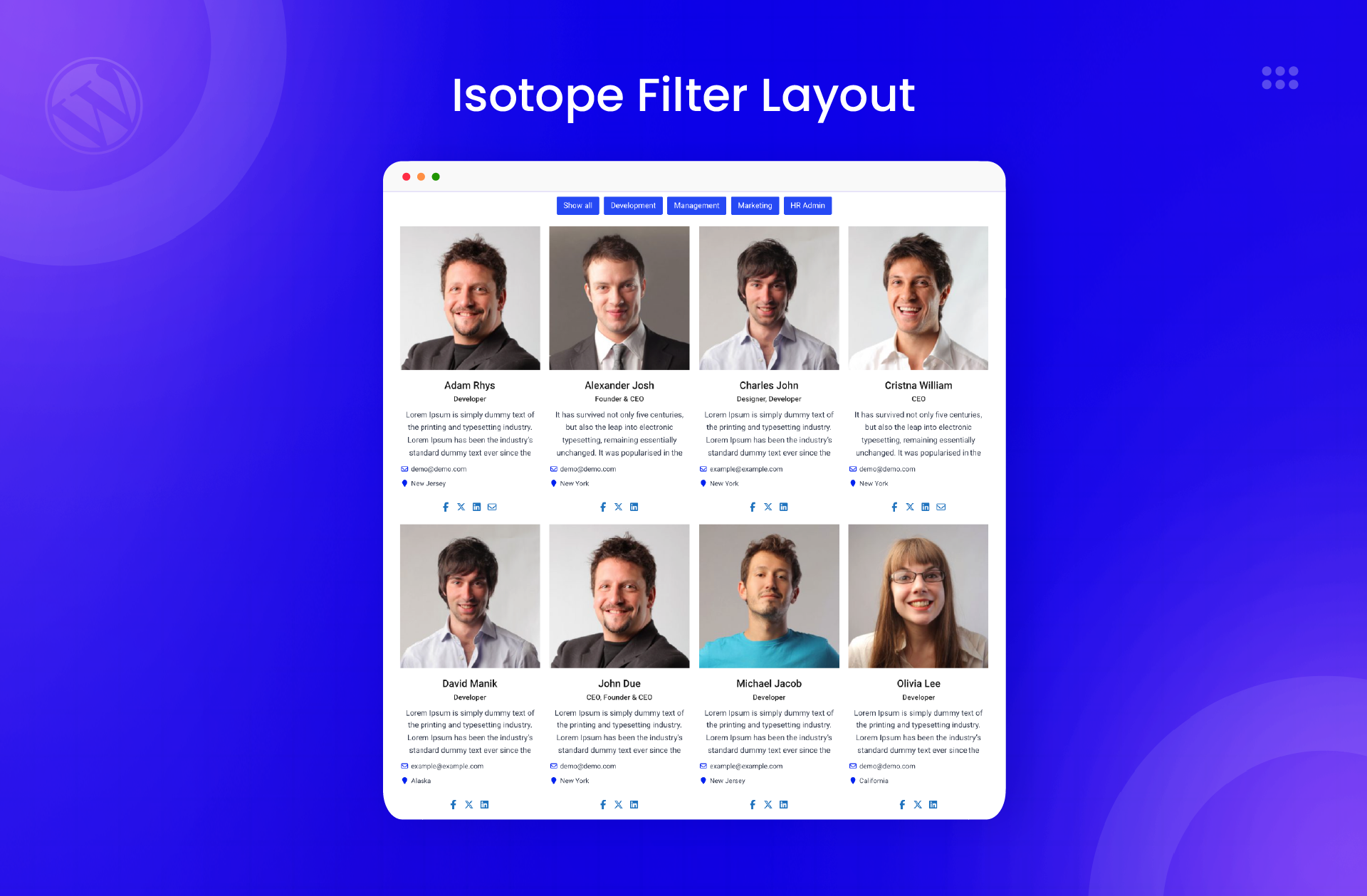
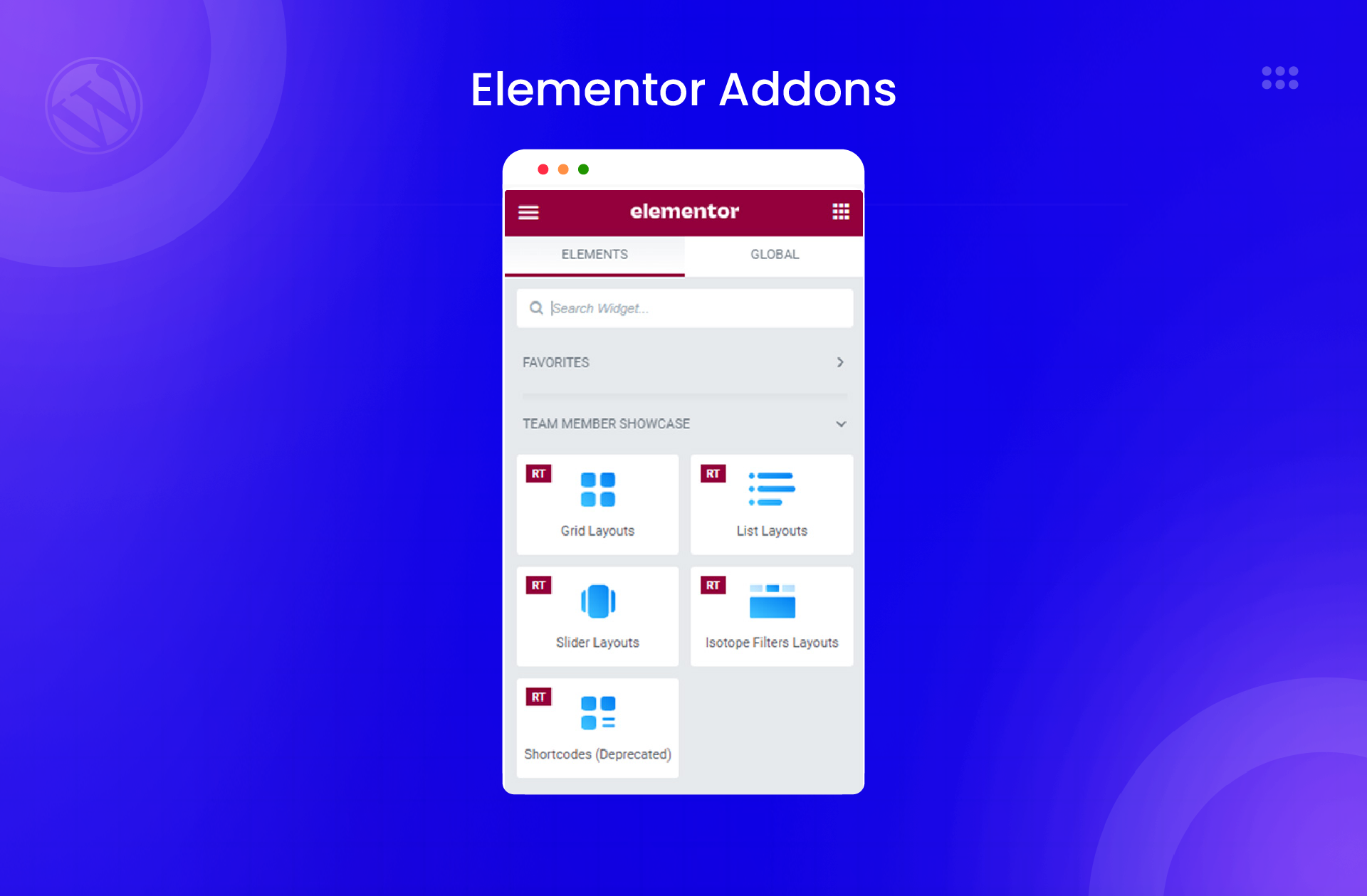
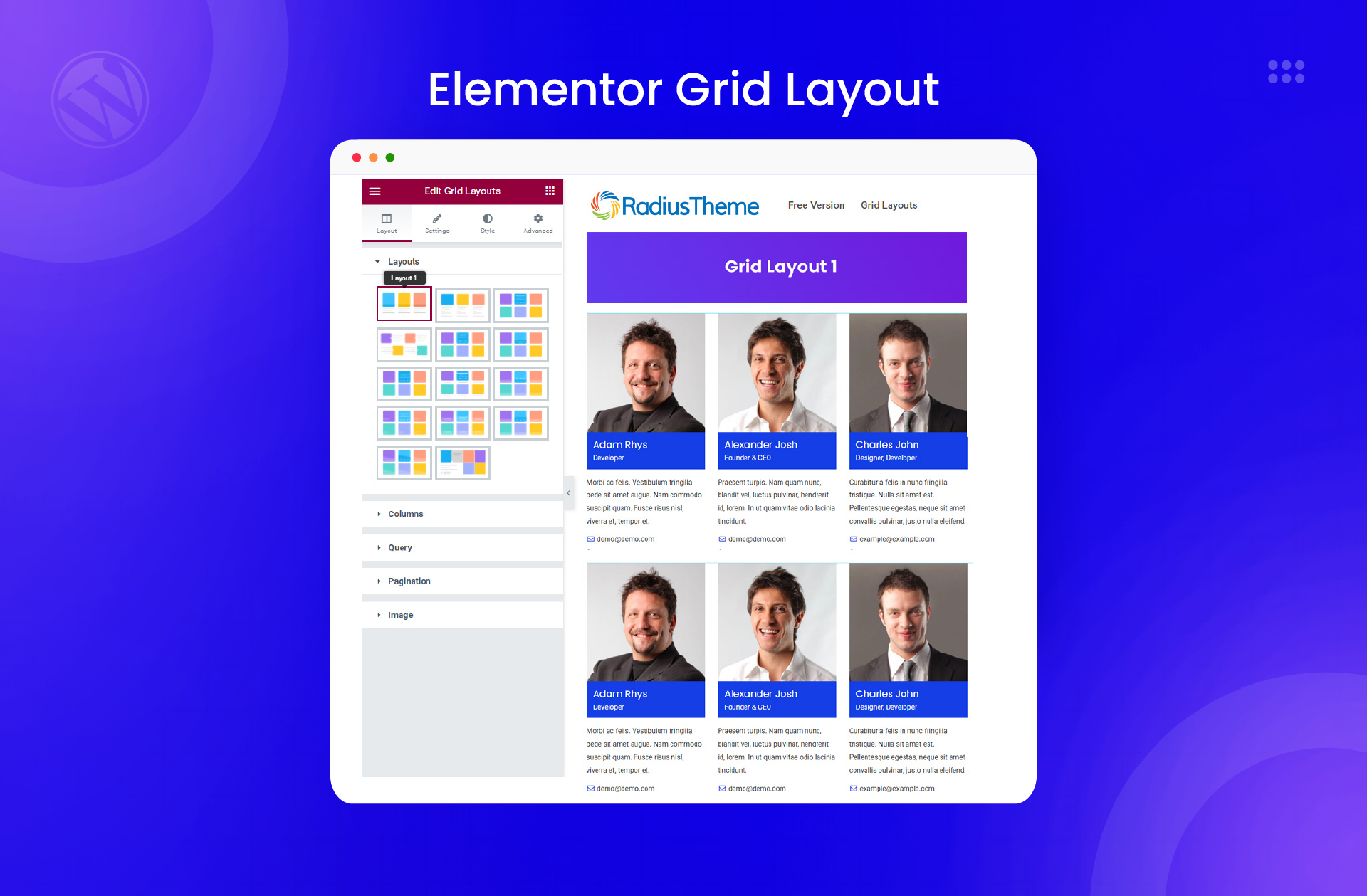
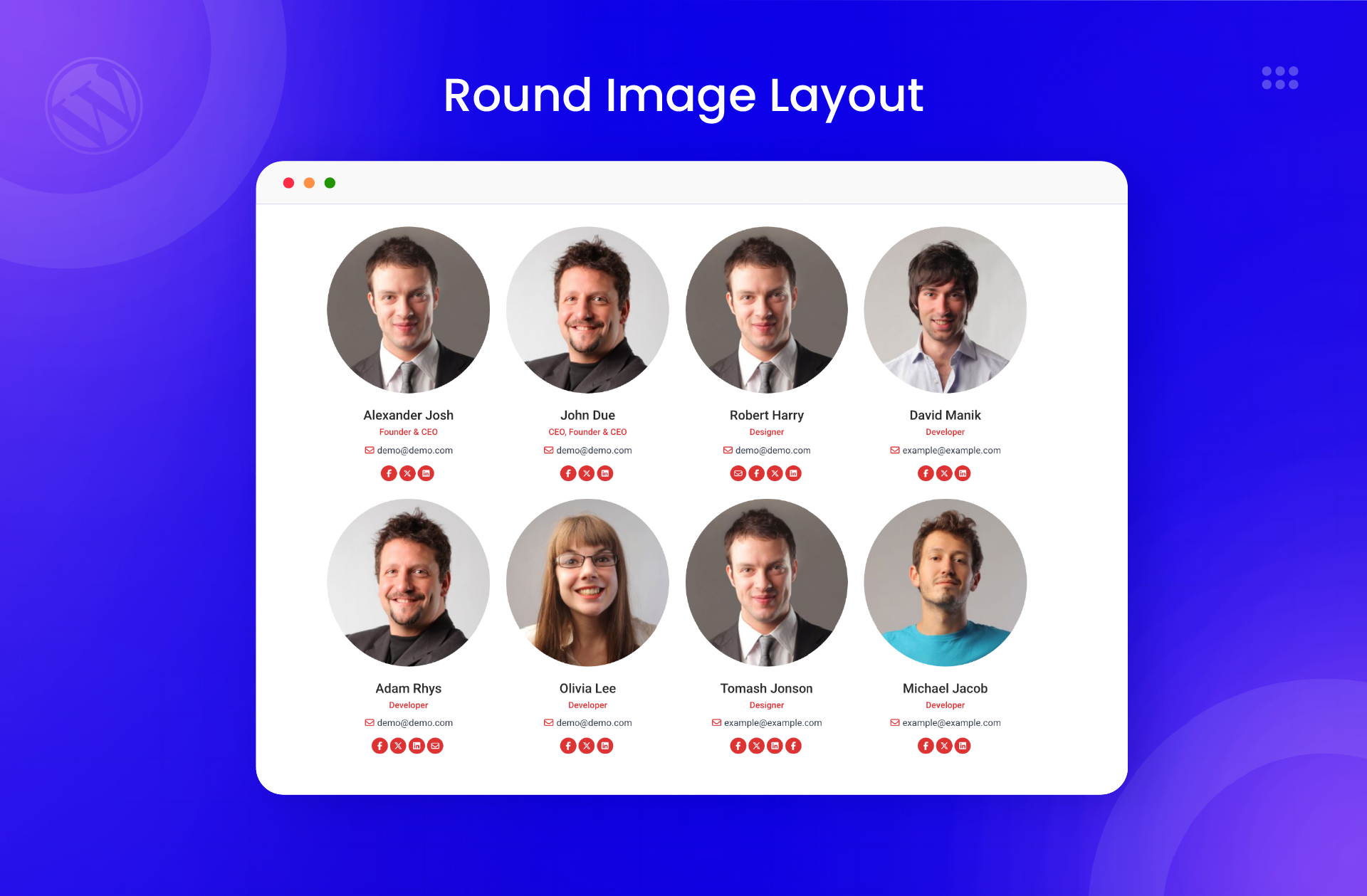
The Team plugin for WordPress allows you to display your team members on your website in various layouts, including grids and isotope. It is fully responsive and customizable, making it easy to showcase your team members in a visually appealing way. You can use shortcodes or the Elementor widget to display team member profiles with different views.Screenshots
Frequently asked questions
What is the best WordPress team plugin?
Team is the best WordPress team plugin that facilitates the best display of your team members on your site. It is 100% responsive and mobile friendly, which guarantees the best views across all devices. This team members WordPress plugin is user and developer-friendly, so it is easy to customize and use as you wish.
What layouts can I use to showcase my team members?
With the WordPress Team plugin, you can showcase your team members in various layouts, including grids and isotope. The plugin lets you create 5 different grid and isotope layouts. You can then choose whether you want the profile images of your team members to appear in square or rounded shapes.
What customization options does the team plugin offer?
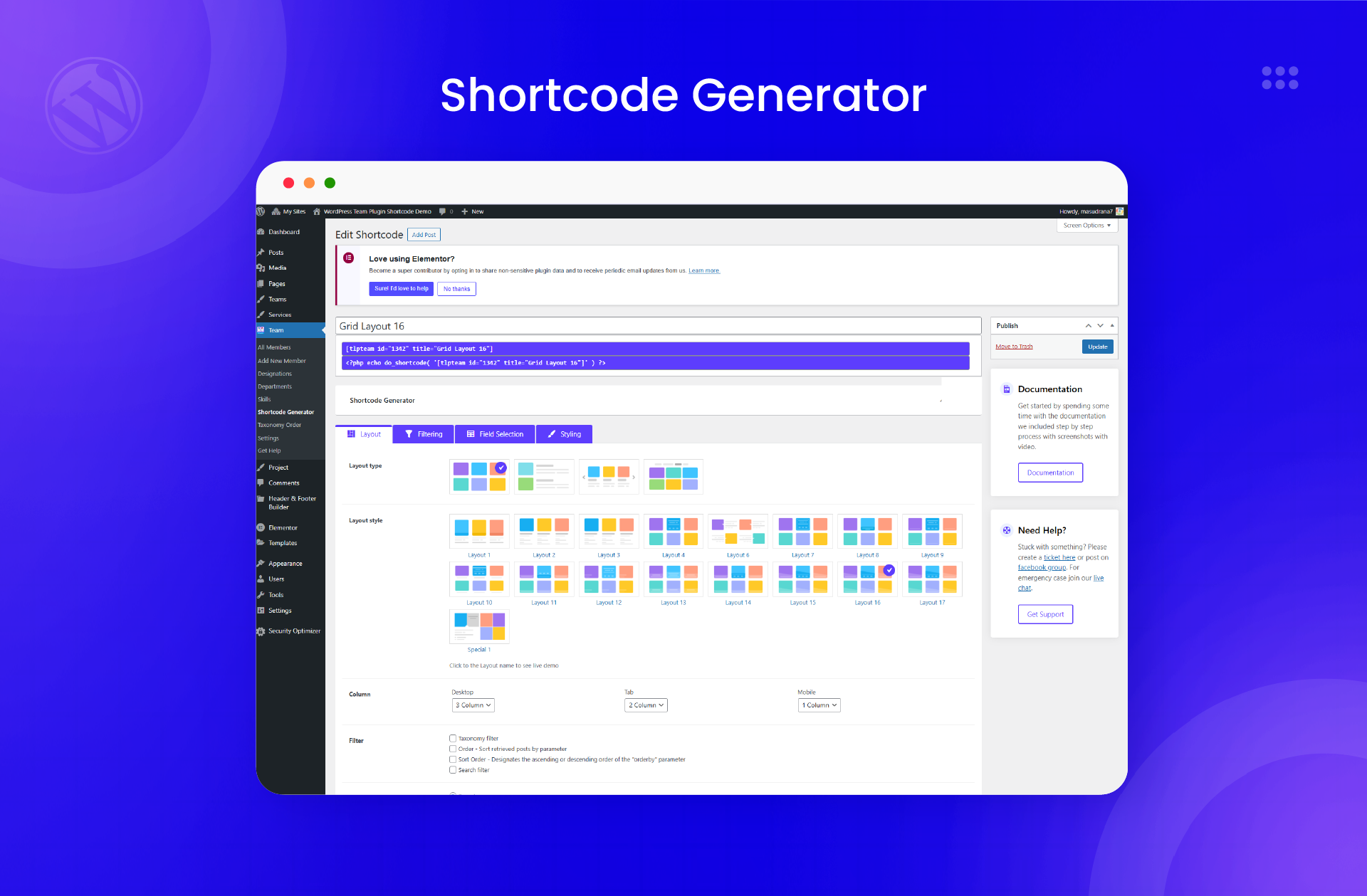
This Team members slider & showcase plugin makes the displays fully customizable, so you can create unique team showcases for your site. Its shortcode generator gives you an additional customization option and extra easy control over your layouts. You can use the plugin’s shortcode or Elementor widget to display team member profiles with grid, list, slider and isotope views.
How can I add team members using the admin end?
With this team showcase WordPress plugin, you can add your team members easily from the admin end. It offers a widget that has settings for the number of team members you want to display. This team builder plugin gives you control over all fields, including the members name, image, position, social links, short bios, and detailed bios.
What are the features of the Pro version of the Team Member Plugin?
The premium version of this team builder plugin comes with additional layouts, detail pages popup, grid filter, filter by department or designation, Ajax pagination, gray scale image, masonry grid, margin control, and gutter/padding control.
Changelog
5.0.0 ( January 13, 2025 )
- Fixed: User Security Issue.
4.4.9 ( January 01, 2025 )
- Added Style: Read More Button, Resume Button, Hire Me Button.
4.4.8 ( December 24, 2024 )
- Fixed: Color Issue Fixed, Update Fontawesome icon 6
4.4.7 ( December 05, 2024 )
- Fixed: Name Spelling
4.4.6 ( December 03, 2024 )
- Fixed: Escaping Data, Sanitize, Unslash, Layout Style.
4.4.5 ( November 21, 2024 )
- Fixed: text spilling.= 4.4.4 ( November 20, 2024 ) =
- Fixed: PHP Deprecated issue And Layout Style issue.
4.4.3 (October 29, 2024 )
- Fixed: Elementor grid widget designation color control issue.
4.4.2 (September 12, 2024 )
- Updated: Proper sanitization shortcode preview page.
4.4.1 (May 30, 2024 )
- Added: Read More button in shortcode
- Fixed: P.H.P Deprecated issue
4.3.9 (May 10, 2024 )
- Fixed: Smart popup dynamic css control issues
4.3.8 (April 16, 2024 )
- Updated: Proper sanitization and escaping for all files.
- Fixed: Some security bugs.
4.3.7 (November 20, 2023 )
- Added: WordPress Version 6.4.0 Compatible
4.3.6 (August 11, 2023 )
- Added: WordPress Version 6.3.0 Compatible
4.3.5 (July 10, 2023 )
- Fixed: Admin performance optimization
4.3.4 (June 24, 2023 )
- Fixed: Responsive css issue
4.3.3 (May 29, 2023 )
- Fixed: Shortcode Image Size Issue
4.3.2 (April 17, 2023 )
- Fixed: Some Css & Responsive issue.
4.3.1 (March 20, 2023 )
- Added: Css Fixed.
4.3.0 (March 16, 2023 )
- Added: 1 new social profile support (Github).
- Added: 1 new grid layout in shortcode and elementor.
4.2.0 (January 6, 2023 )
- Added: 3 new social profile support (Skype, Whatsapp & Telegram).
- Fixed: Some design issues.
4.1.10 (December 15, 2022 )
- Fixed: A security bug.
- Fixed: Some PHP errors.
4.1.9 (December 02, 2022 )
- Improved: Some styles.
4.1.8 (November 28, 2022 )
- Fixed: Shortcode not working within the Single Team content area.
- Fixed: Social Link Email issue.
4.1.7 (November 18, 2022 )
- Added: Compatibility with SiteOrigin Page Builder.
- Fixed: Some HTML Tags are not showing in the front end.
4.1.6 (October 13, 2022 )
- Fixed: Some errors with PHP 8.1 environment.
- Fixed: Target attribute was not working in external links.
4.1.5 (August 10, 2022 )
- Fixed: Parse error in the earlier PHP versions.
- Fixed: Embed form broken in single page.
4.1.4 (July 20, 2022 )
- Updated: Proper sanitization and escaping for all files.
4.1.3 (July 18, 2022 )
- Updated: Sanitization handling of $_GET/$_POST/$_REQUEST stack.
- Updated: All vendor libraries.
4.1.2 (July 15, 2022 )
- Updated: Proper sanitization and escaping for all files.
4.1.1 (June 02, 2022 )
- Fixed: Shortcode Pagination issue in Isotope view.
4.1.0 (May 16, 2022 )
- Added: Elementor Team Grid Layout widget.
- Added: Elementor Team List Layout widget.
- Added: Elementor Team Slider Layout widget.
- Added: Elementor Team Isotope Layout widget.
- Fixed: Taxonomy filter not showing properly in the shortcode.
- Fixed: All templates have been properly sanitized.
- Fixed: Some errors with PHP 8.0 environment.
- Fixed: Post filtering issue when multiple shortcodes are active.
4.0.3 (Mar 03, 2022 )
- Fixed: Ajax filter not working for unauthenticated users.
4.0.2 (Feb 28, 2022 )
- Fixed: Social Icons not showing due to legacy support.
- Added: A new social link item: Xing.
4.0.1 (Feb 23, 2022 )
- Fixed: Even grid issue on Isotope Layouts.
4.0.0 (Feb 16, 2022 )
- Improved: Major update in code quality.
- Updated: Replaced Owl & Slick Slider with Swiper Slider.
- Fixed: Grid height issue on Grid Layouts.
- Fixed: Featured image alt text issue.
3.0.5 (Jan 25, 2022 )
- Fixed: Team Member mobile and fax hyperlink.
- Added: Get Help Page Added.
- Added: Notice for Rating.
3.0.4 (November 23, 2021)
- Elementor Issue Fixed
- Issue Fixed for carousel
3.0.3 (November 23, 2021)
- Data migration notice hide for first time installation
- Data migration And Others Issue Fixing
- Css generator issue fix
- Single page content missing issue fix
3.0.2 (November 17, 2021)
- Data migration issue fix
3.0.1 (November 16, 2021)
- Data migration issue fix
3.0.0 (November 15, 2021)
- Improved: Major update in code quality
- Improved: Functional Issues
2.6.2
- Fix ShortCode style issue
2.6.1
- Fix carousel layout issue
2.6.0
- Add image size property
- Add WordPress 5.7 support
- Add dynamic css for ShortCode
2.5.5.2
- Add WordPress 5.6 support
2.5.5
- Fix serialized data issue
2.5.4
- Add WordPress 5.5 Compatibility
2.5.3
- Fix tag ending issue and compatible with WordPress 5.4
2.5.2
- Fix settings issue
2.5.1
- Fix single layout issue
2.5.0
- Add Shortcode layout preview
- Update admin UI Design
2.4.3
- Compatibility with wordpress Latest version
2.4.2
- WordPress 5.0 Compatibility
- Add GutenBurg Compatibility
2.4.1
- Add Elementor Compatibility
- Add shortcode wrapper class
2.4.0
- Add Include member only at shortcode
2.3
- Add Carousel slider
2.2.6
- Min height issue is fixed
2.2.4
- Instagram is added with social profile
2.2.3
- Replaced .row by .tlp-row
2.2.2
- Remove deprecated function
2.2.1
- Update widget
2.2
- New layout added
- Control to turn on/off the profile image
2.1
- WPML compatibility
1.9
- Add link with image
- Improve coding
1.8
- Fixed Javascript equal height issue
1.7
- Fix some console error
- Fix some php warning
1.5
- Private post is now visible by the admin
- Some jquery issue is fixed
1.4
- Add New Single page layout
- Fix the height problem on mobile
- Organize coding structure
- Remove unnecessary script
1.3
- Fix Grid height problem on mobile
- Update layout
- Fix some bug
- min height fixed
1.2
- Add new Sorting layout
- Fix some coding and layout bug
- And Extra setting for controlling color and detail link.
1.1
- Improve Responsive Layout.
- Added 2 more Layout.
- Widget Layout improve.
- Custom CSS option add.
- 2 more social icons added (youtube and google+)
1.0
- Initial load of the plugin.

