

Enables the previous "classic" editor and the old-style Edit Post screen with TinyMCE, Meta Boxes, etc. Supports all…
About WP Team – Best Team Members Showcase Plugin for WordPress
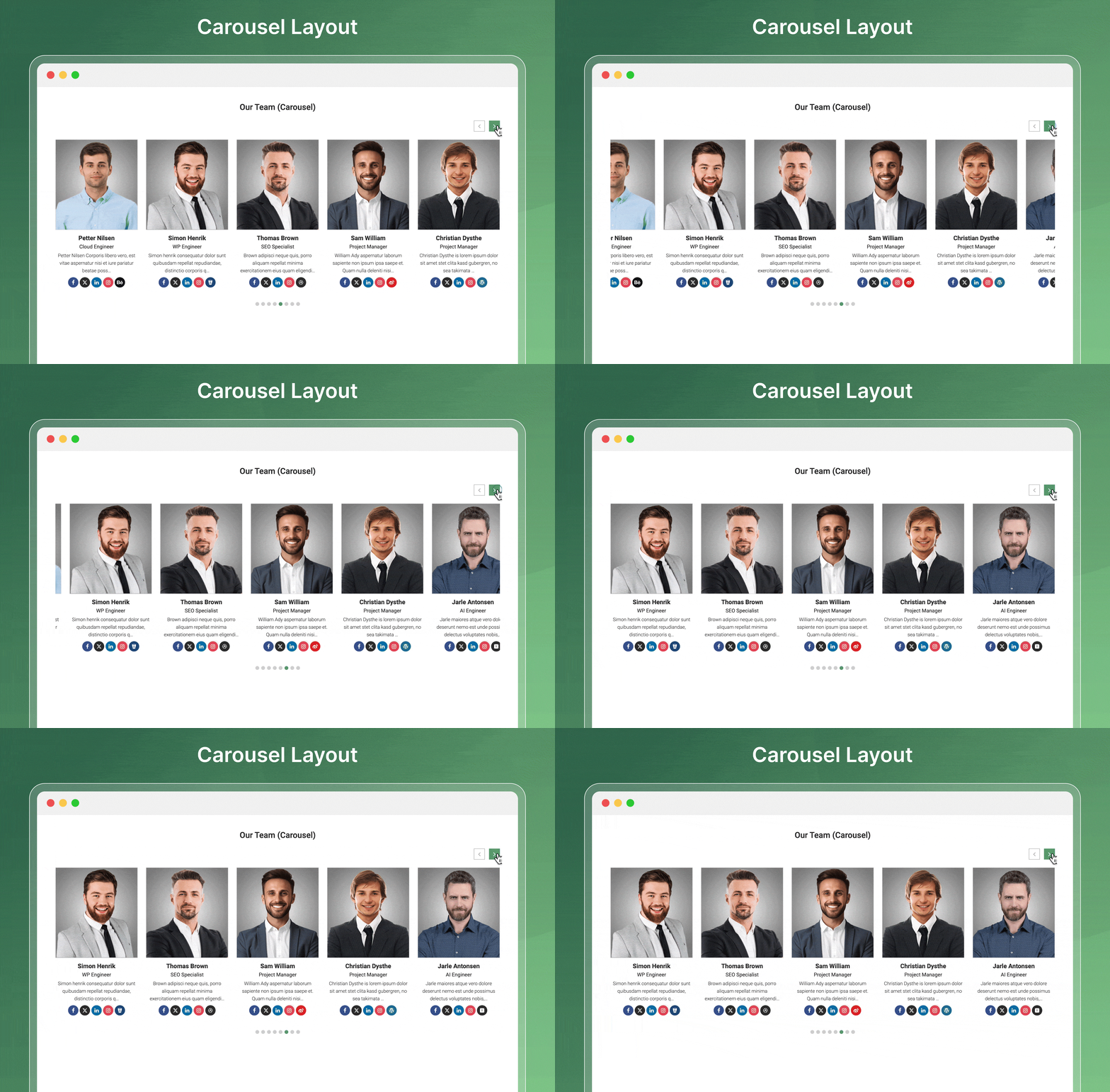
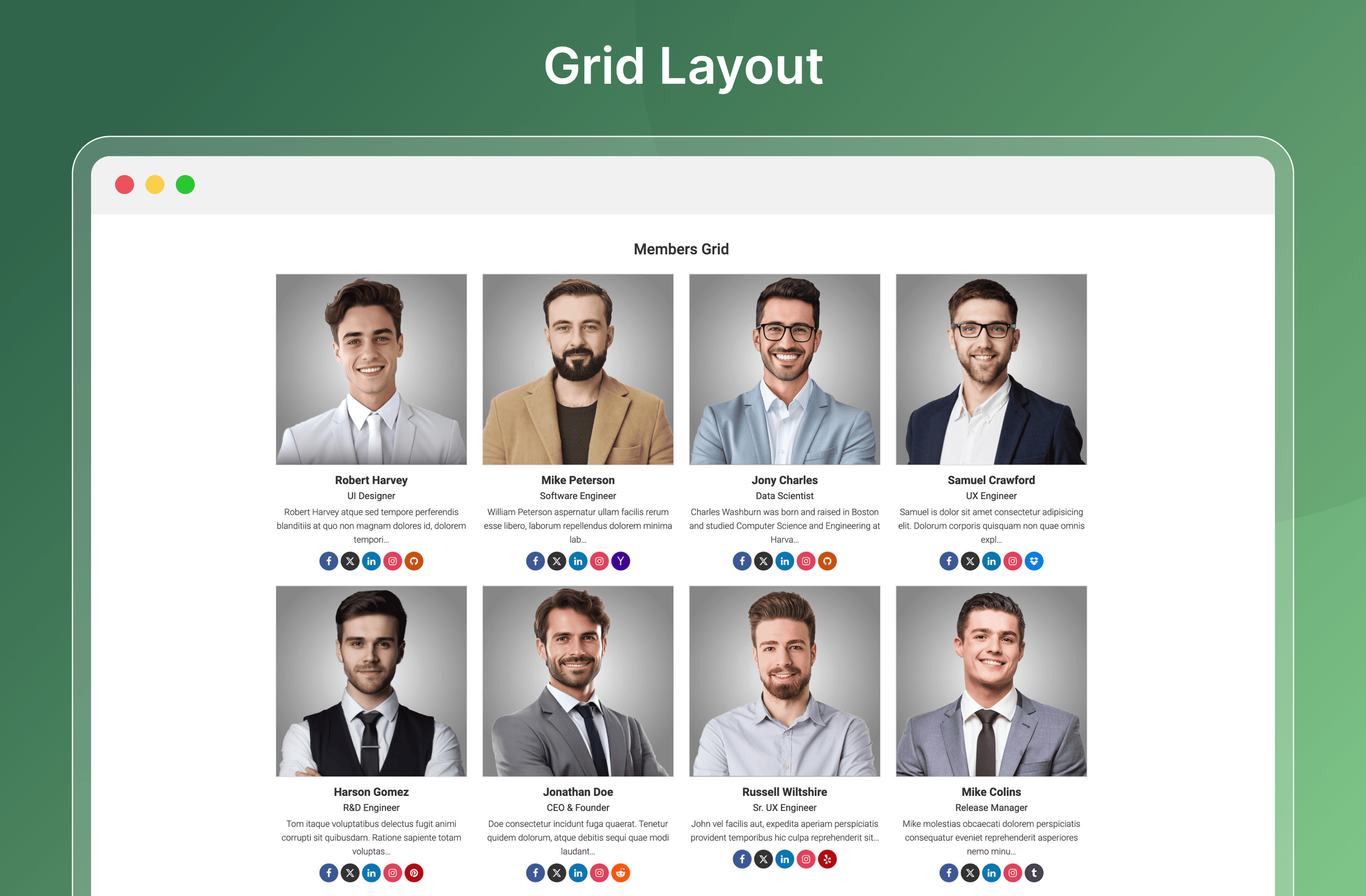
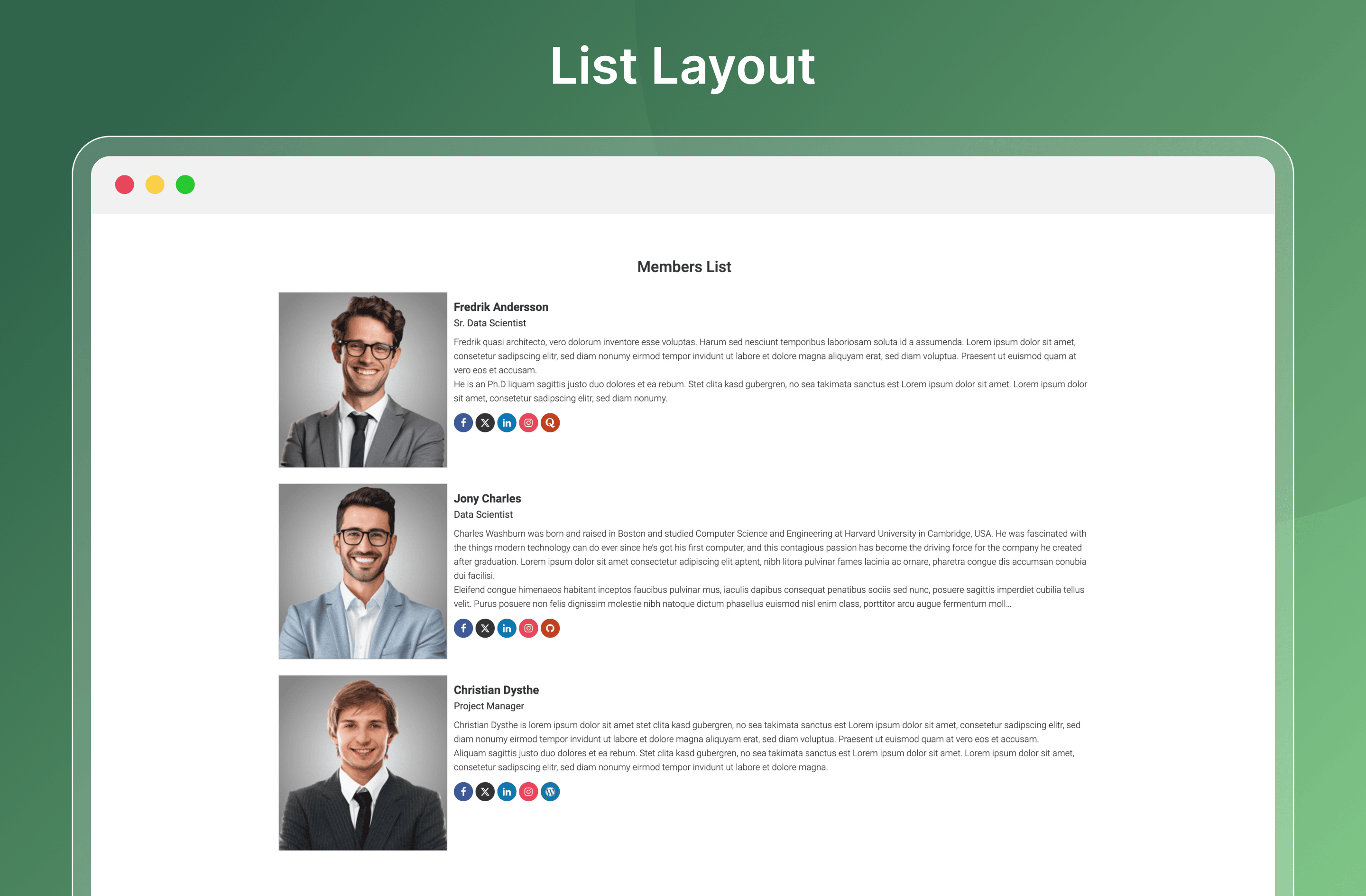
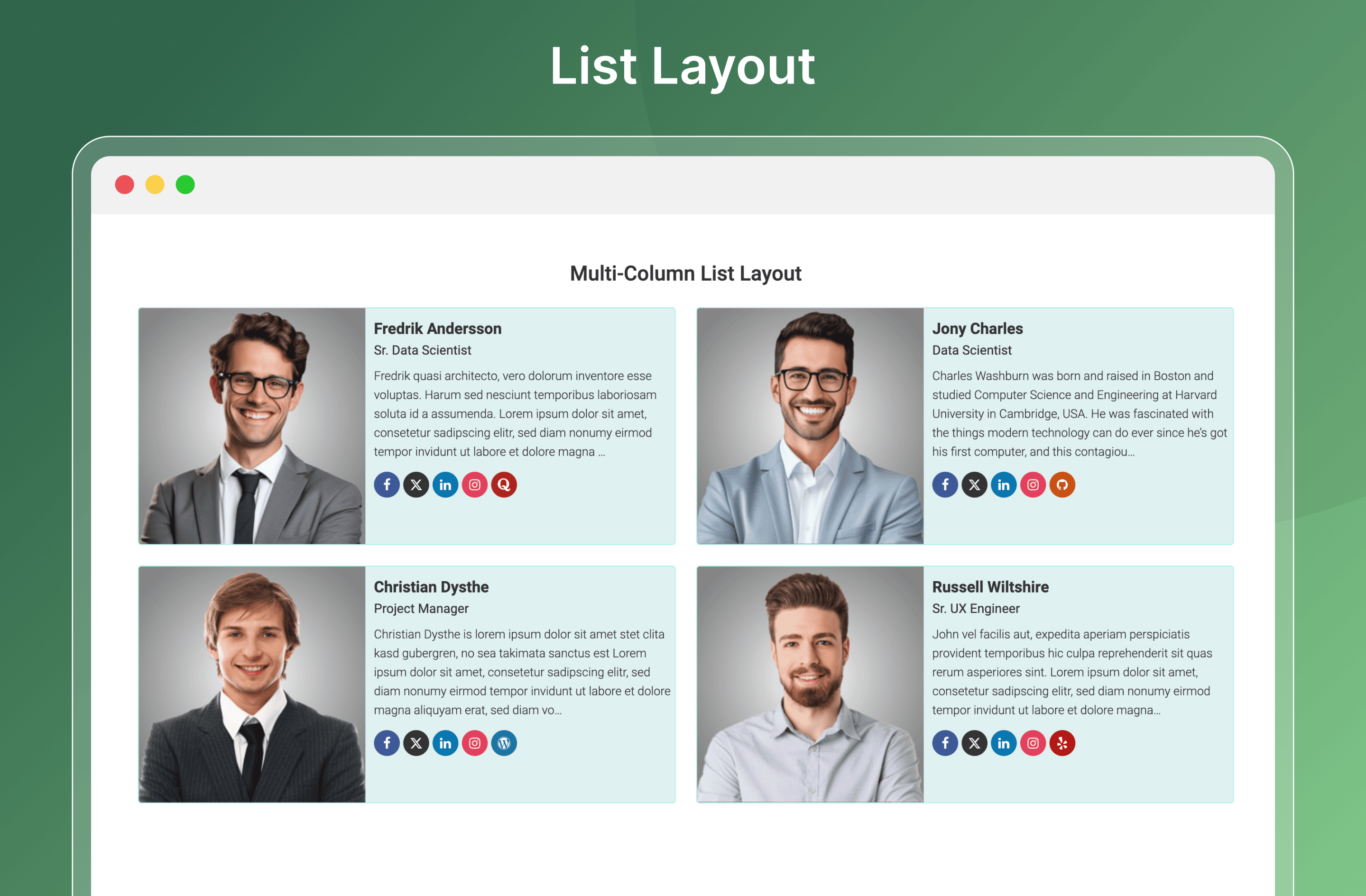
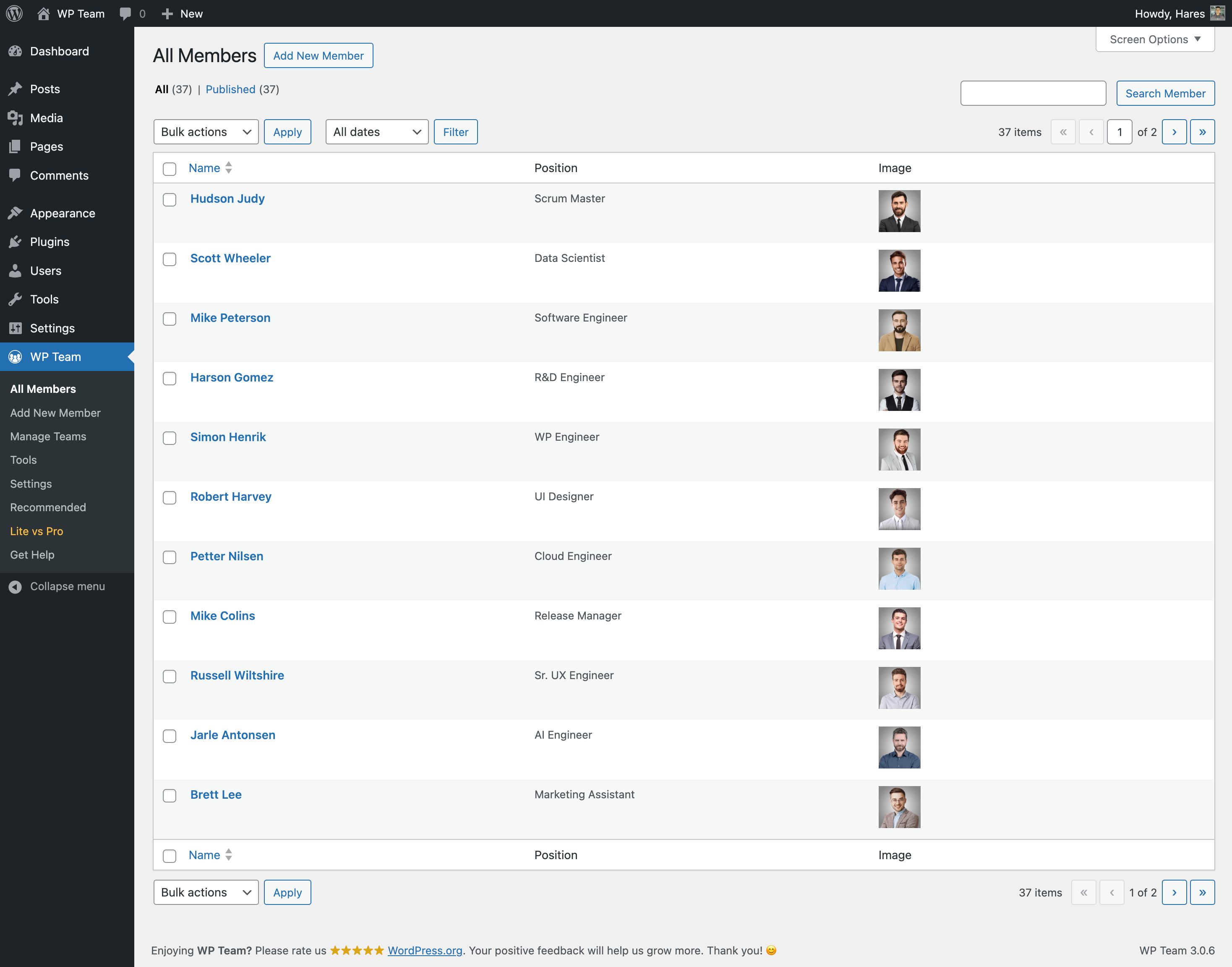
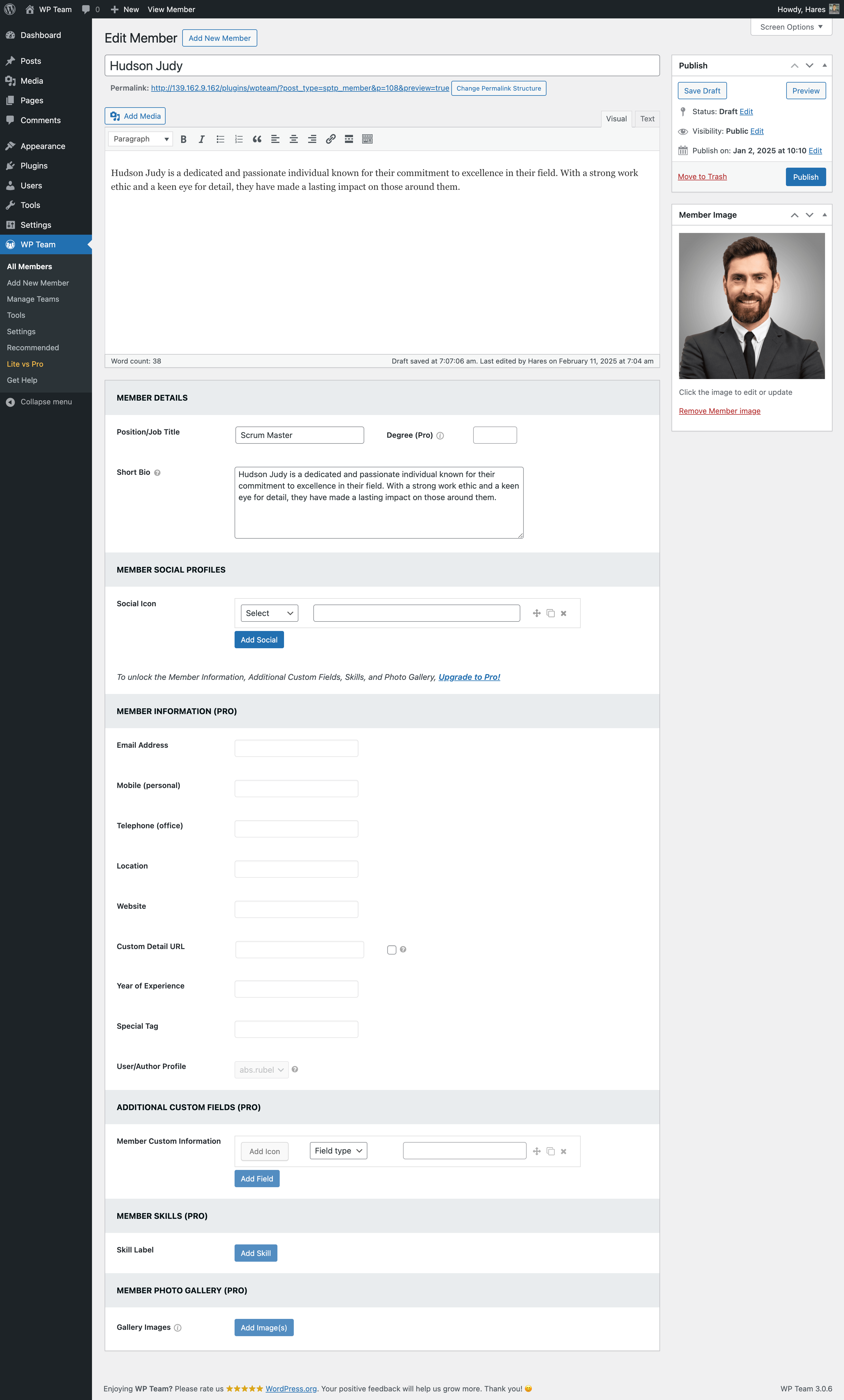
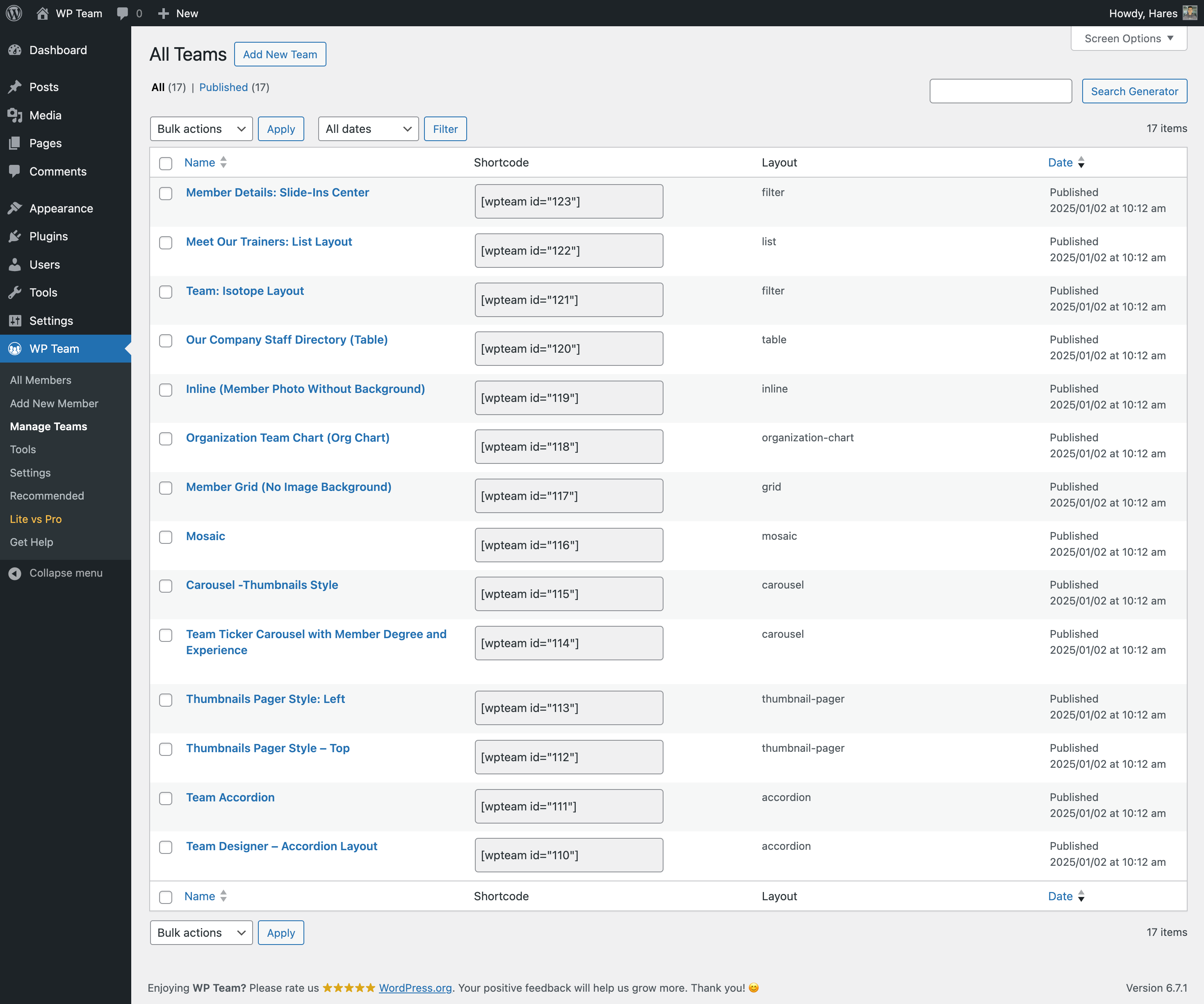
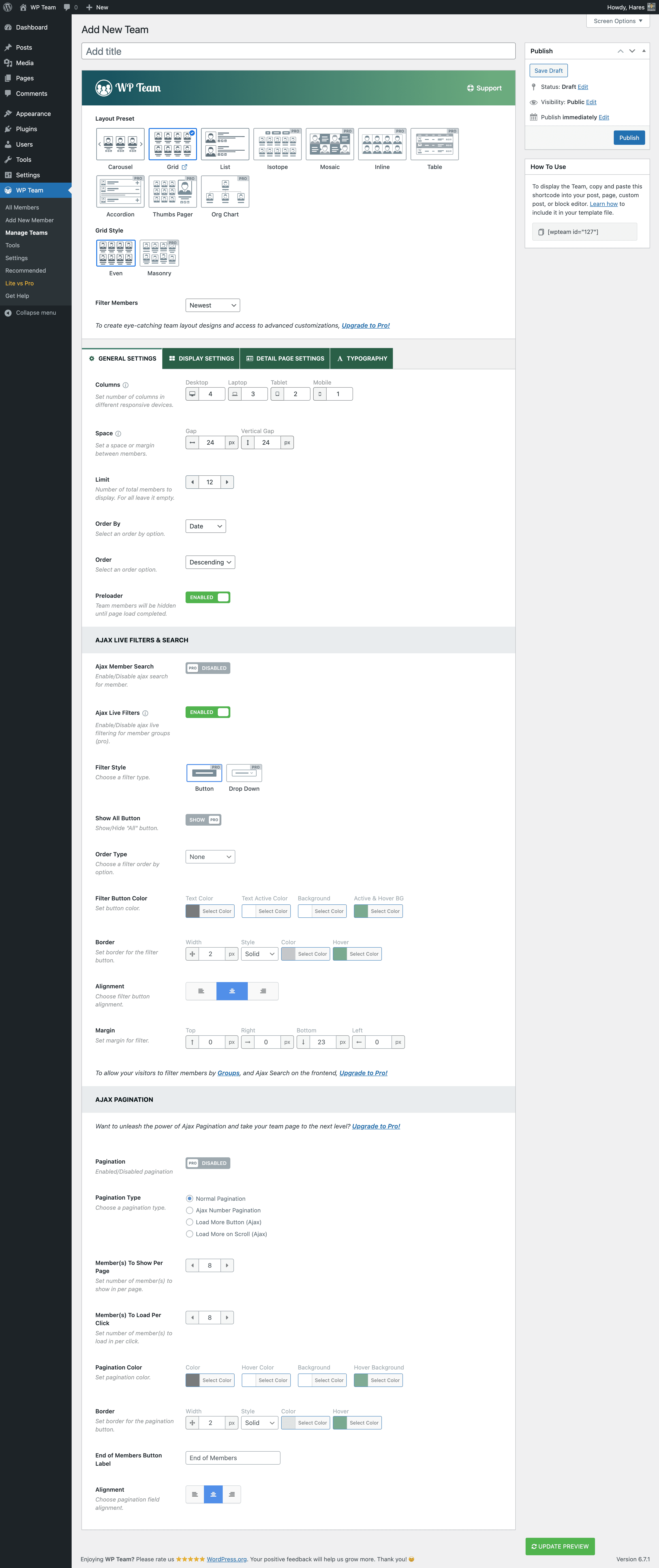
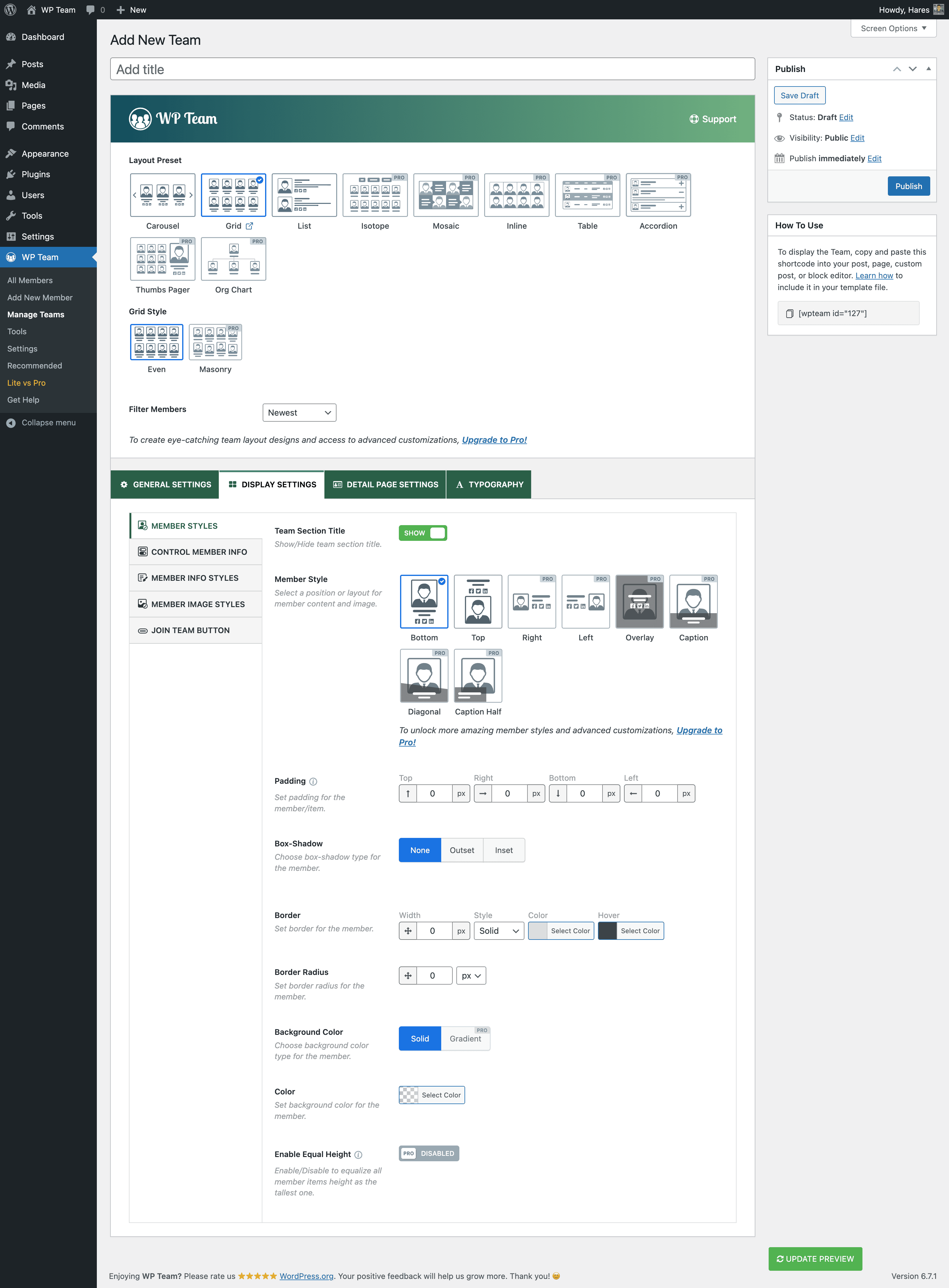
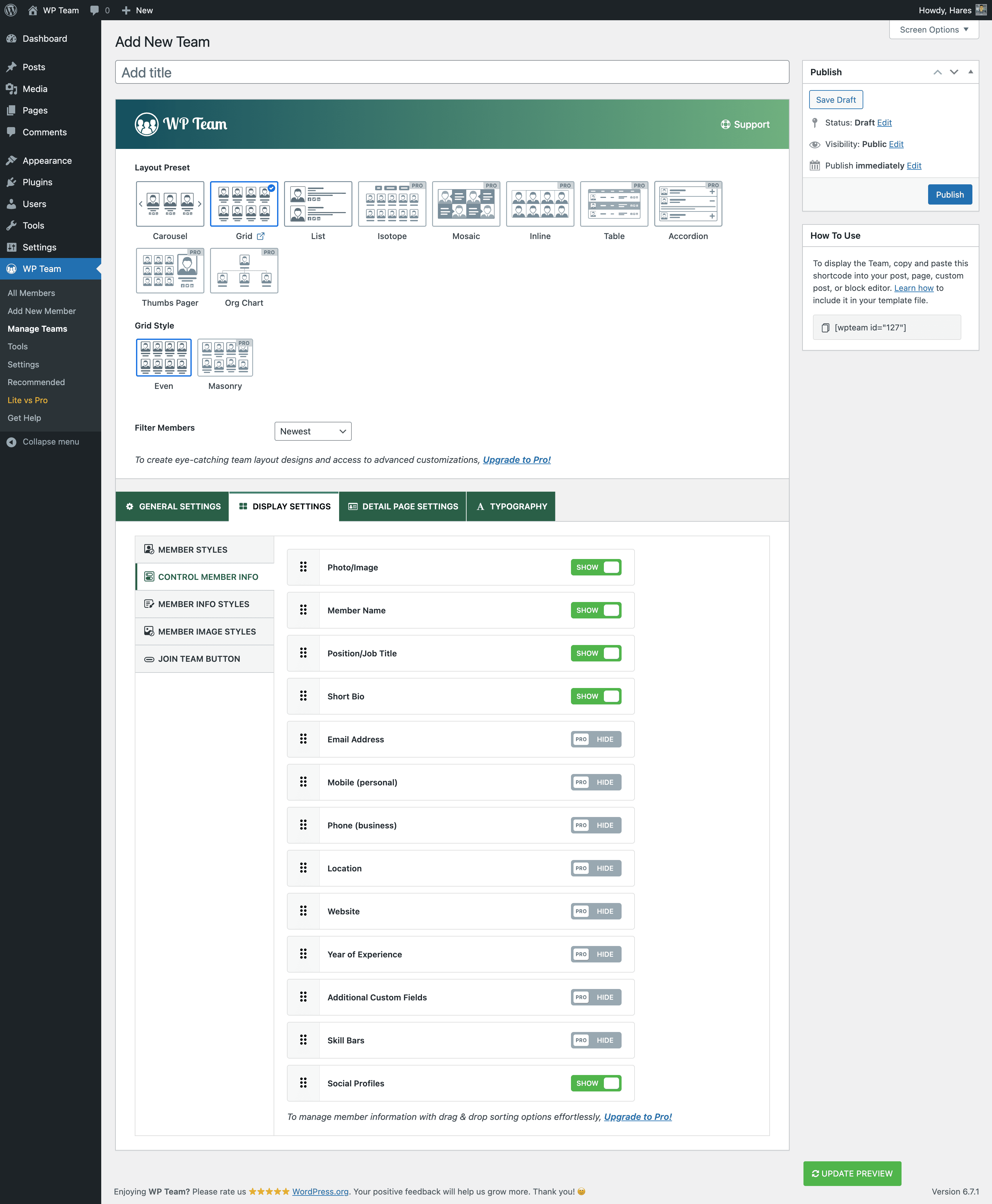
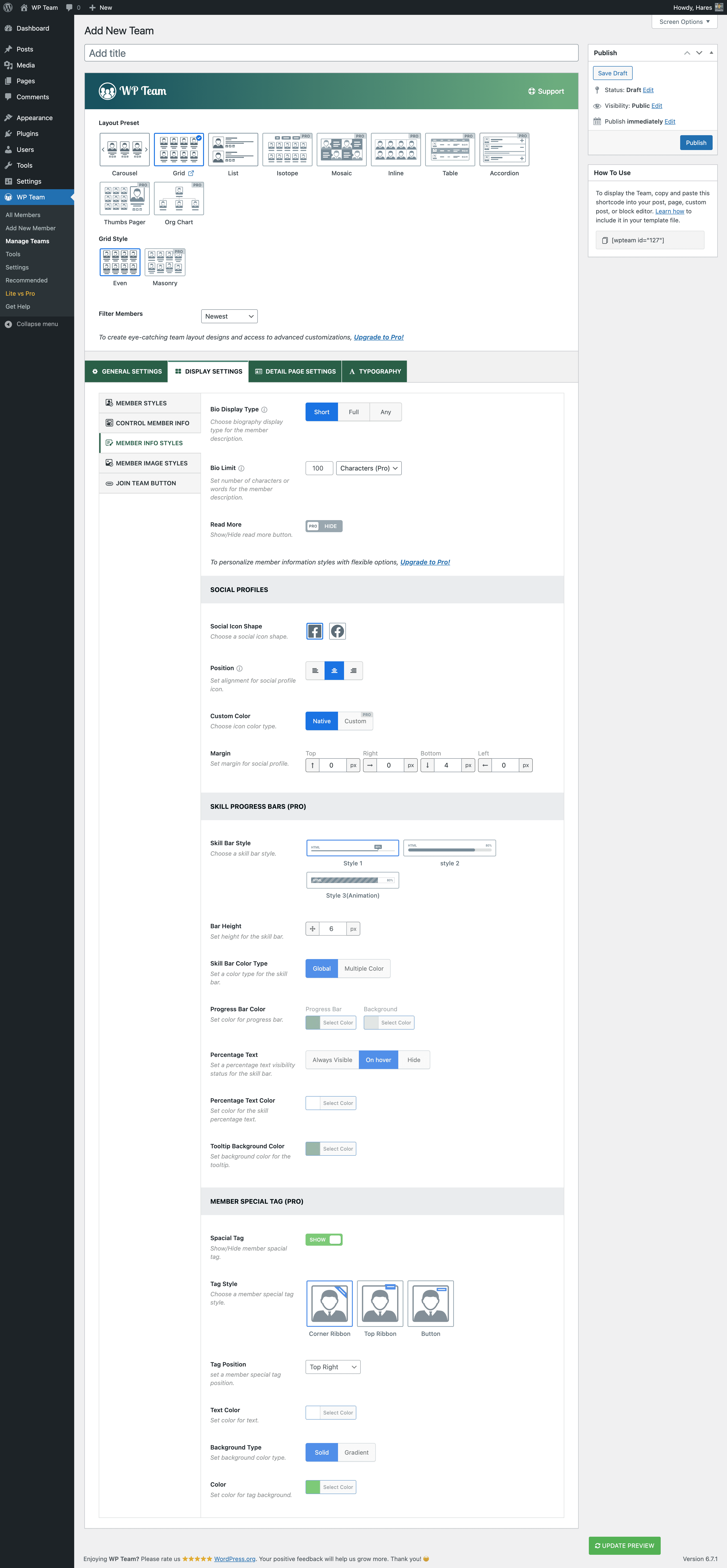
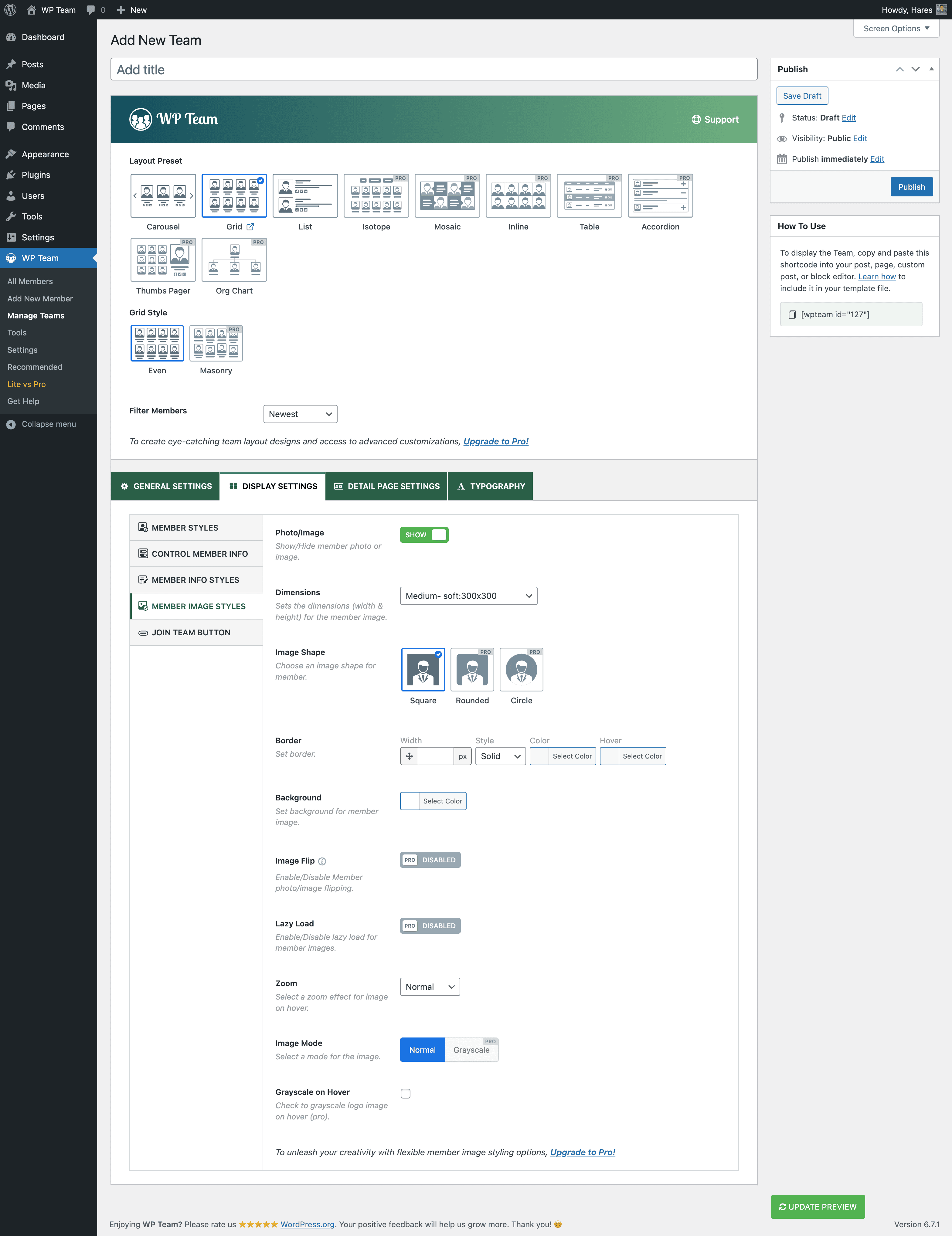
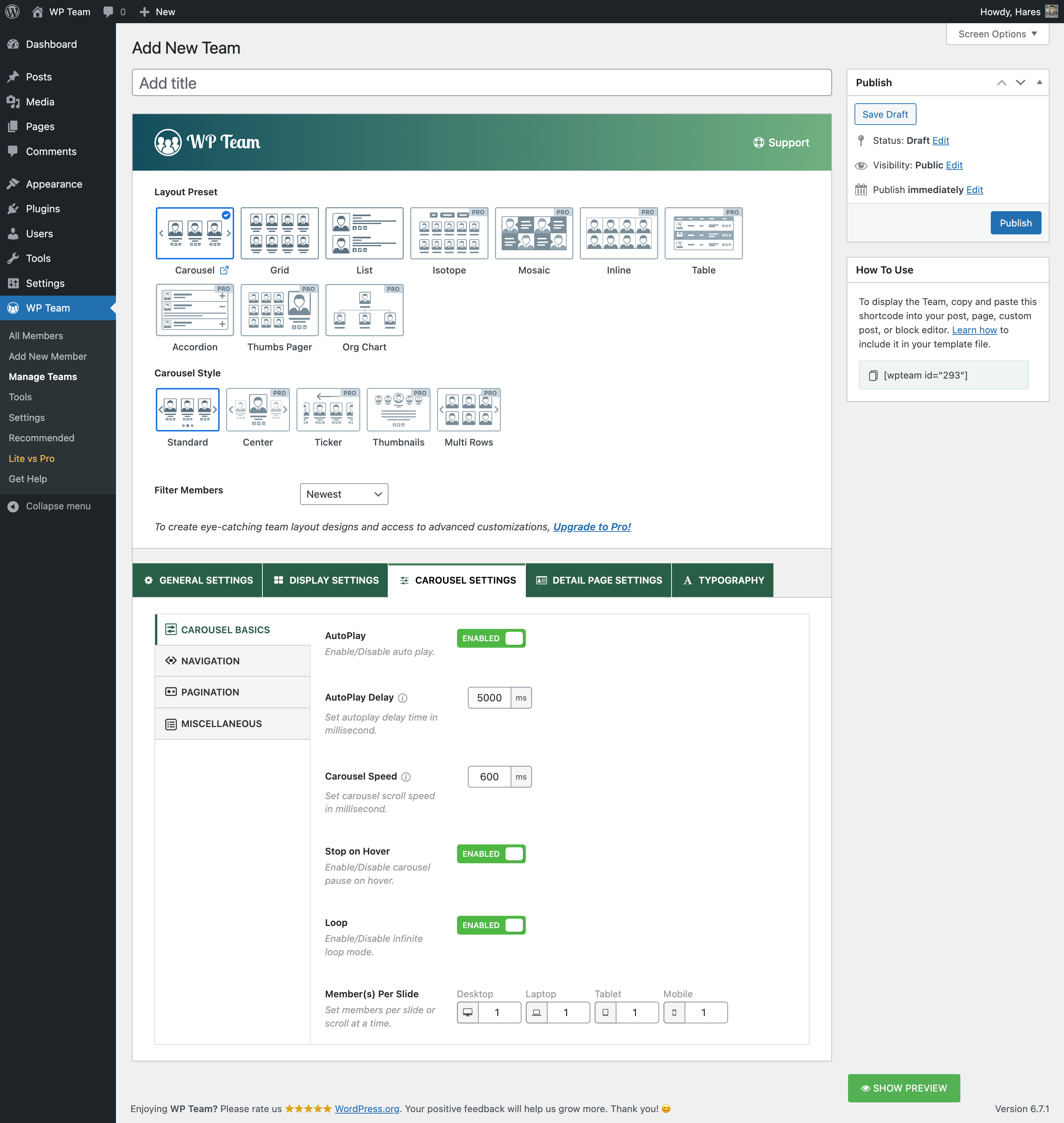
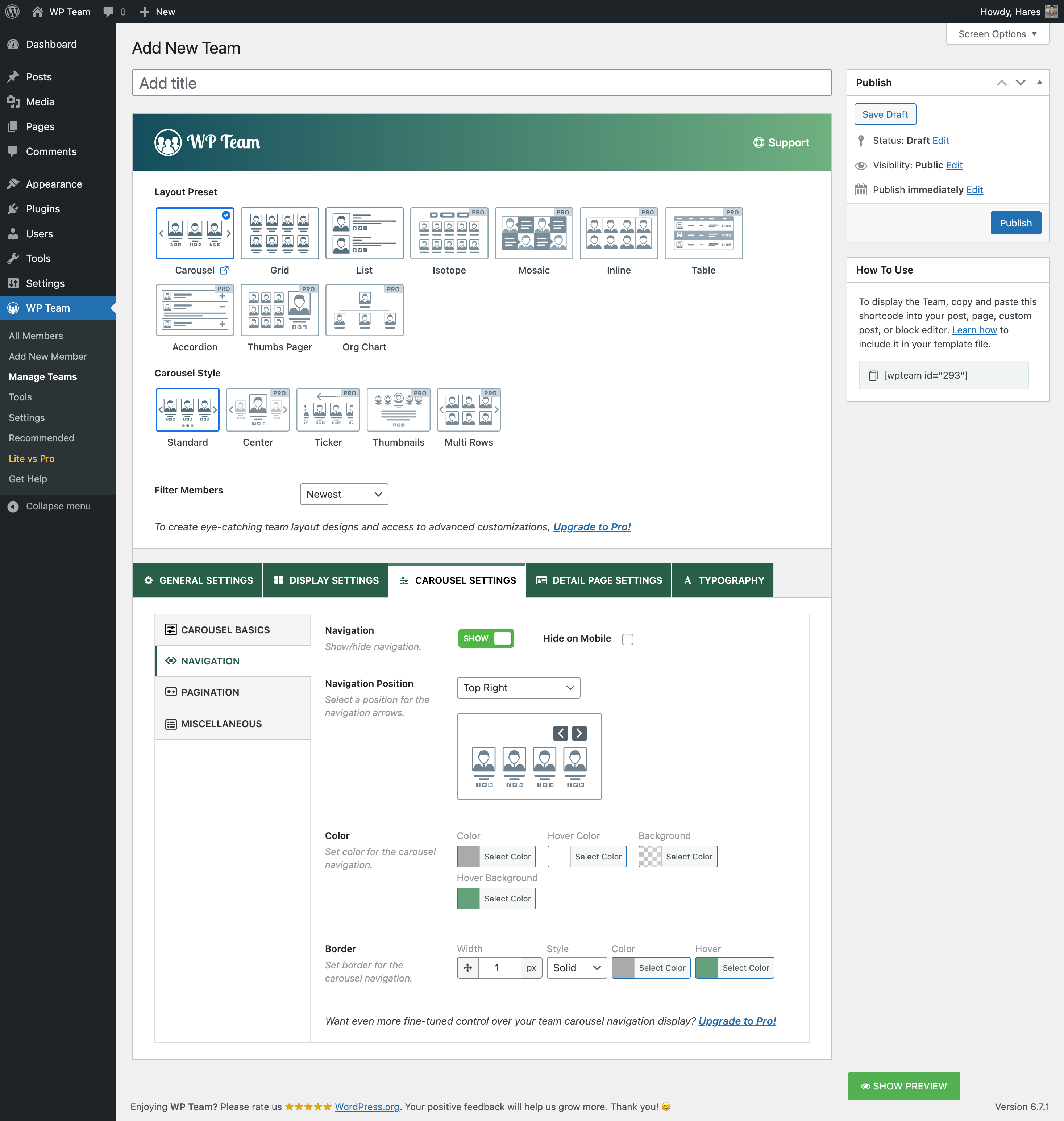
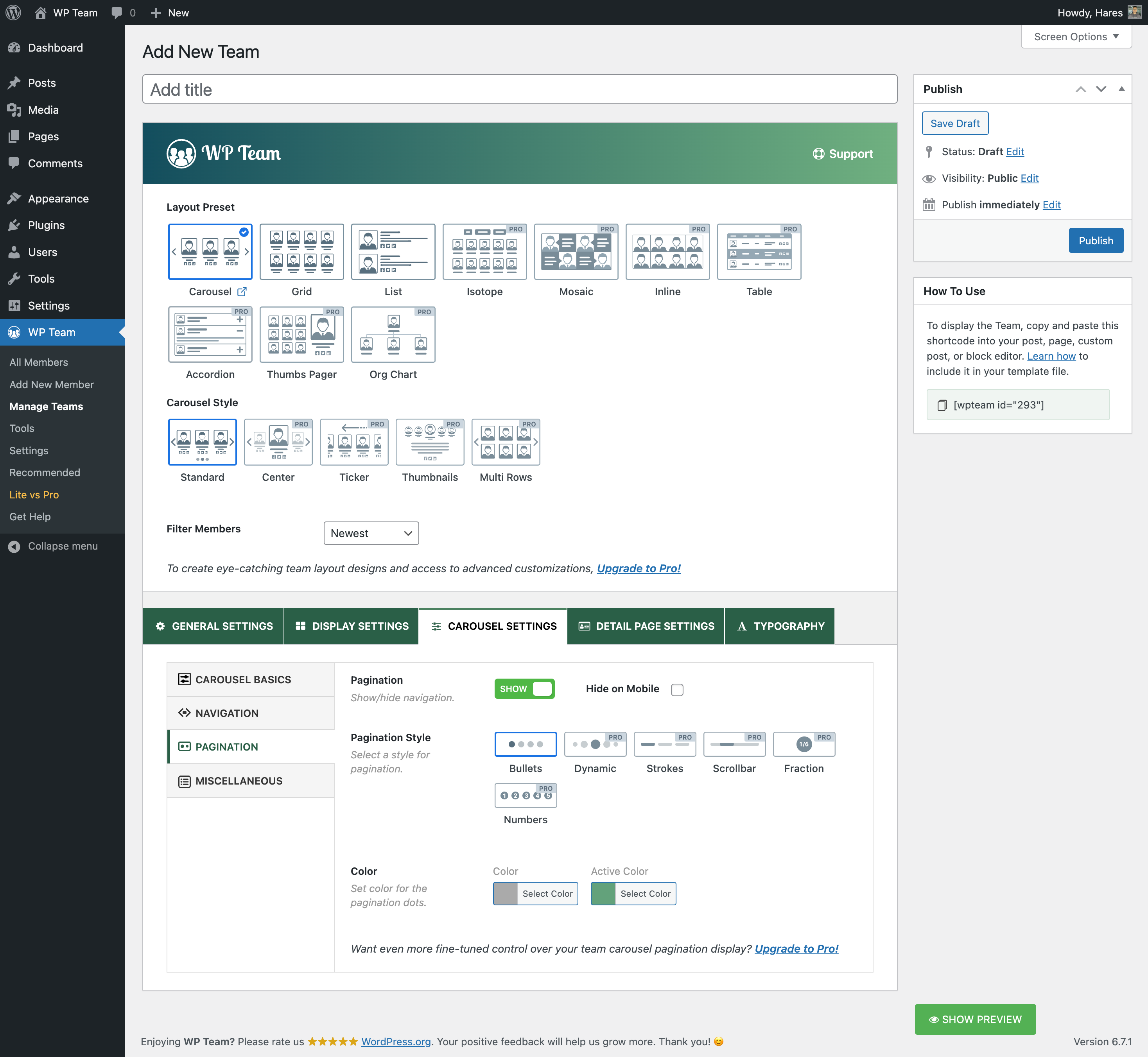
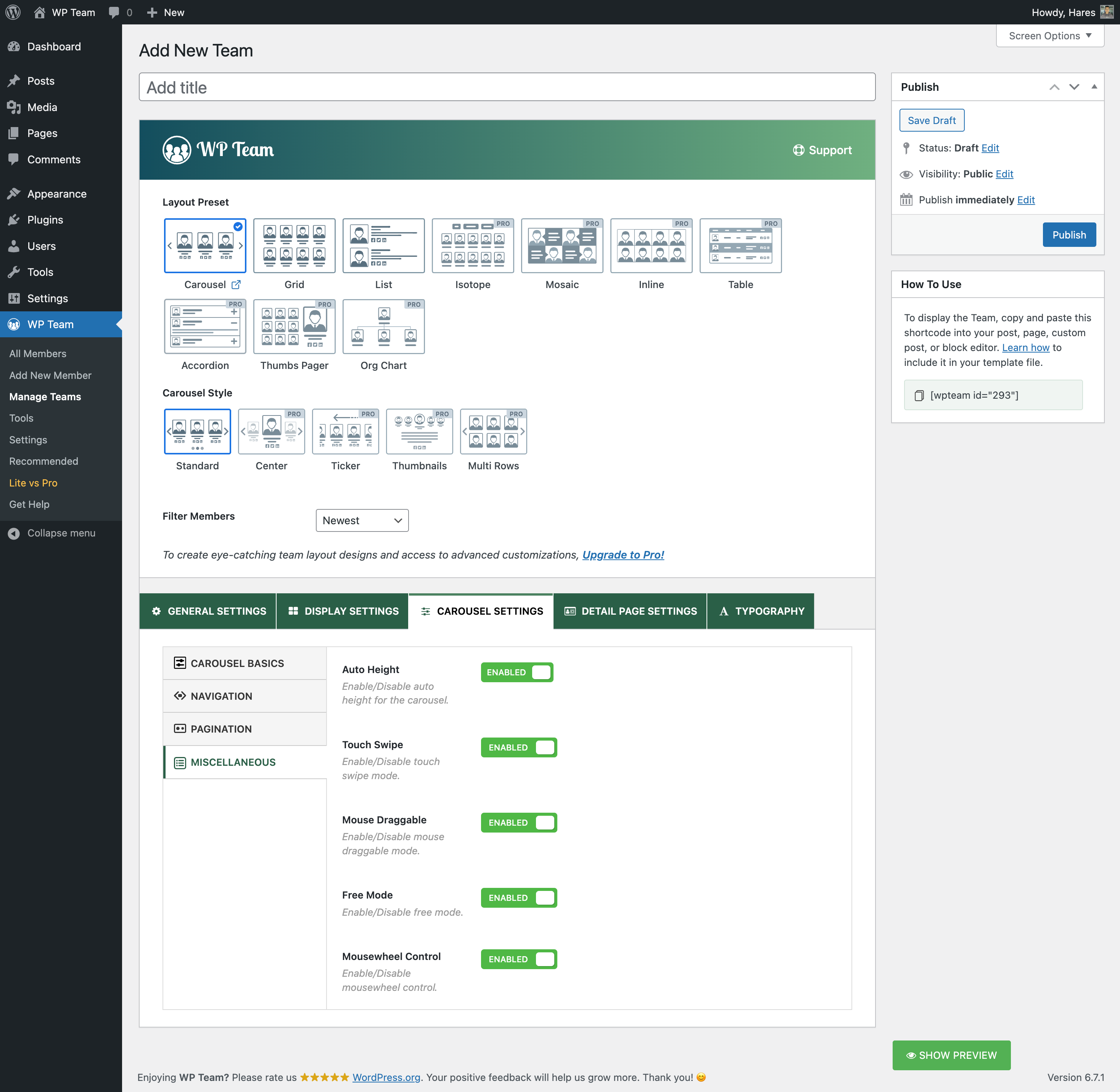
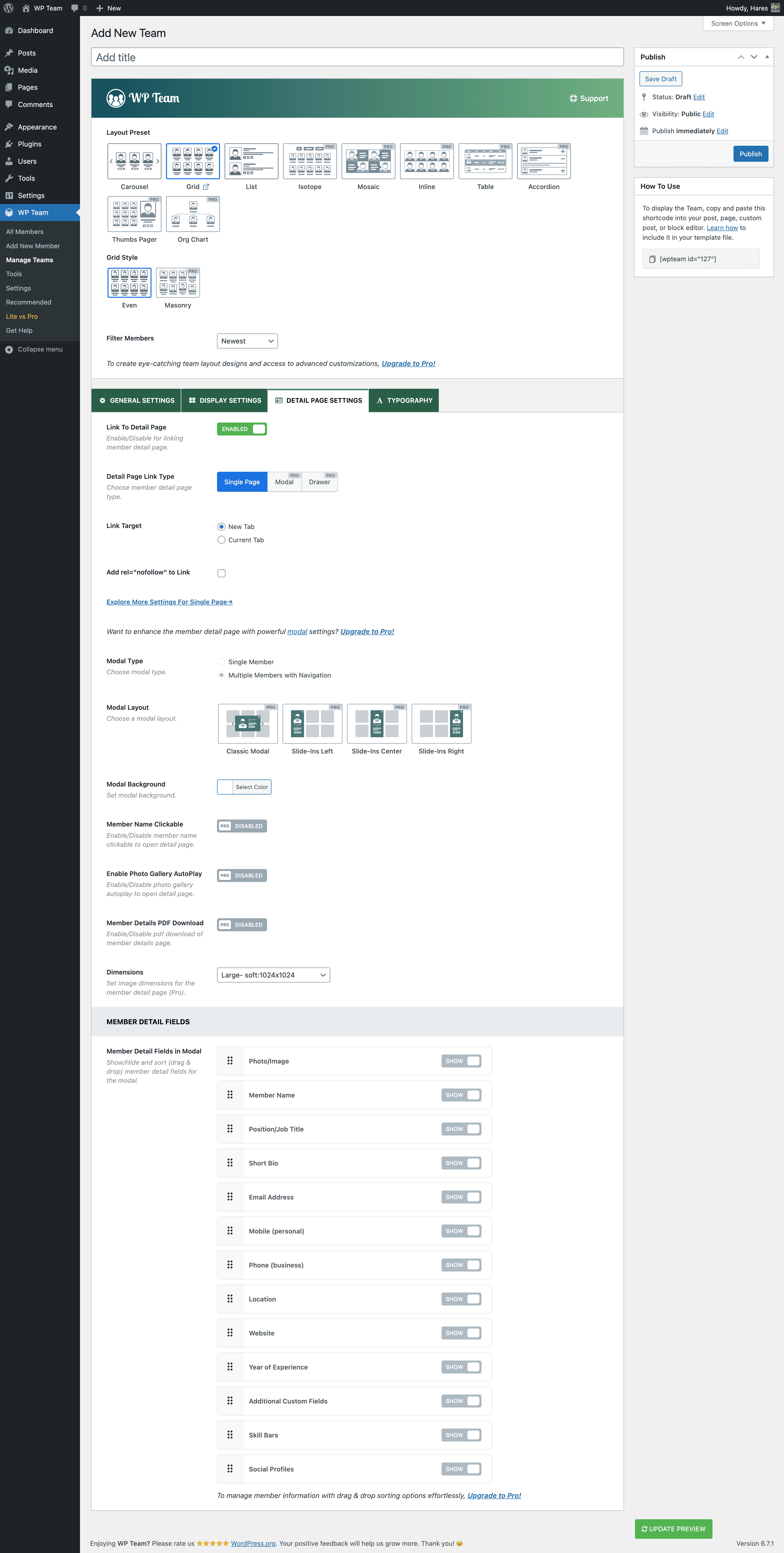
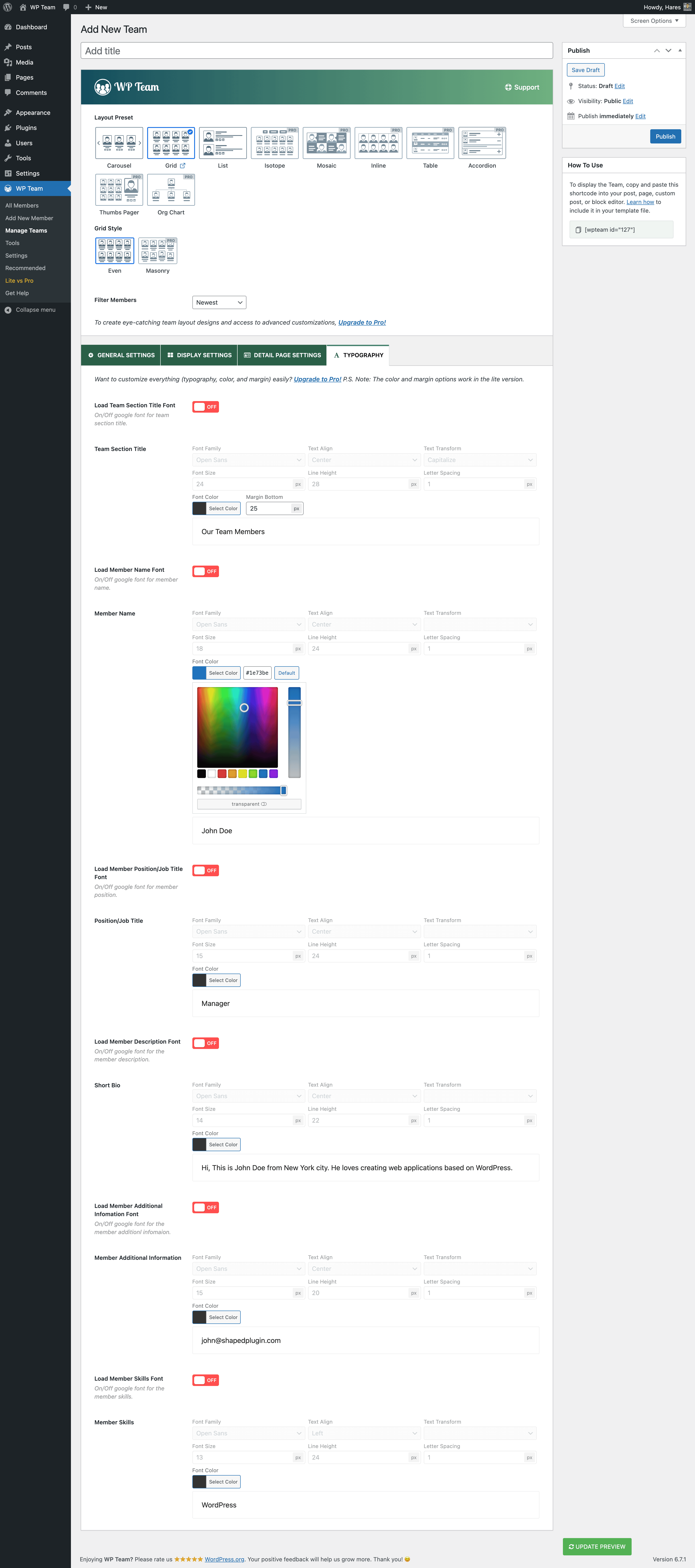
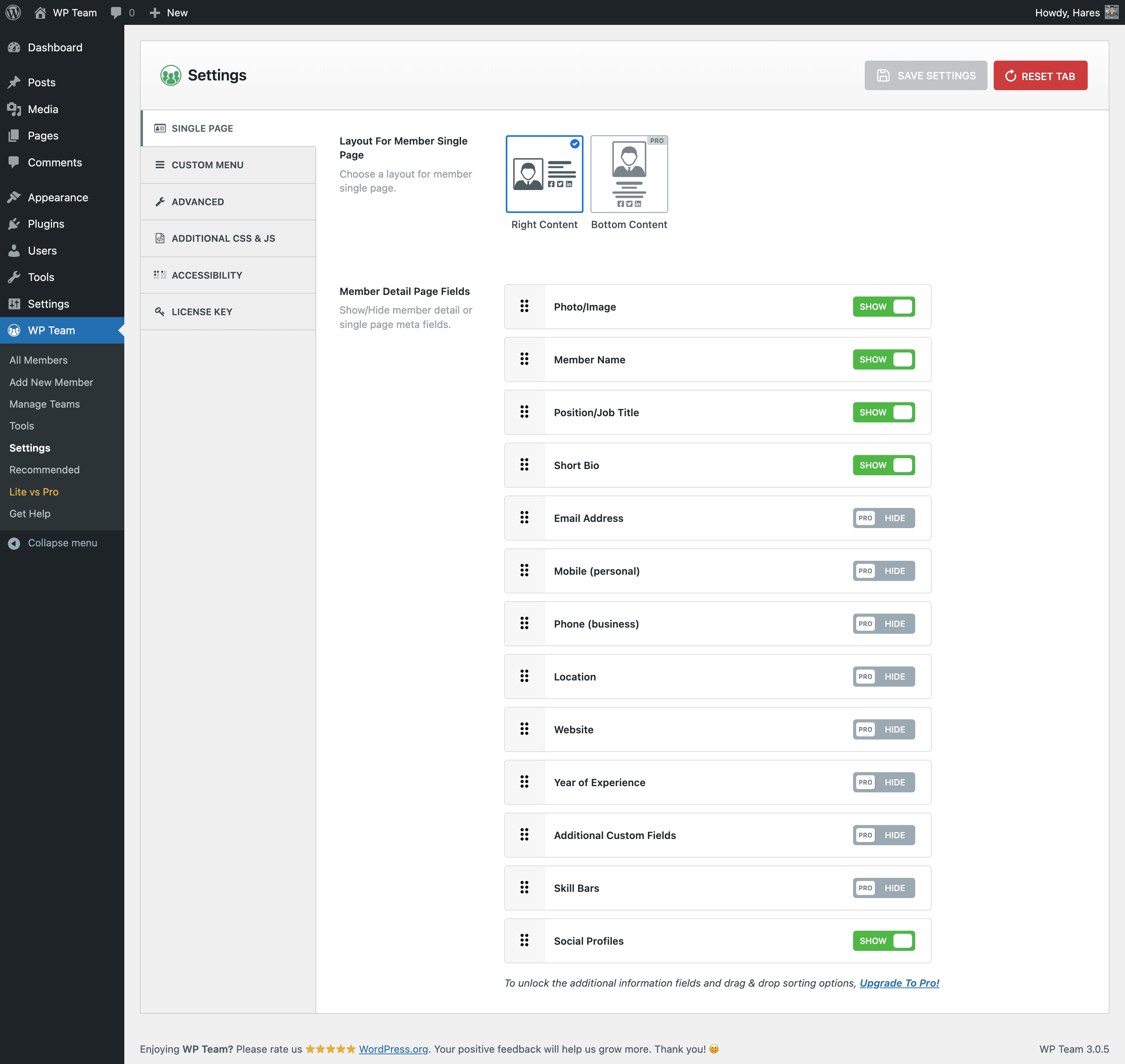
WP Team is a WordPress plugin that allows you to create and manage team member showcases on your website. It comes with 3 unique layouts and various styling options, making it easy to create a professional-looking team page. The plugin is fully responsive and compatible with the latest version of WordPress.Screenshots
Changelog
Version 3.0.6 – Feb 10, 2025
- Improved: The new Twitter icon has been added to the social media list.
- Fix: The 404 issue for the recommended plugin’s logo URL.
- Updated: The language (.pot) file.
- Tested: WordPress 6.7.1 compatibility.
Version 3.0.5 – Nov 21, 2024
- Fix: The plugin style issue for RTL sites.
3.0.4 – Nov 08, 2024
- Improved: The plugin backend options are enhanced.
- Improved: Remove unused code.
- Fix: There is an extra space issue when selecting a team in the gutenberg block.
- Fix: Some strings translation issue.
- Updated: The language (.pot) file.
- Removed: The shortcode list query was removed from the page where the team was not used.
- Tested: WordPress 6.7 compatibility.
3.0.3 – Aug 23, 2024
- Fix: Some strings translation issue.
- Updated: The language (.pot) file.
- Tested: WordPress 6.6.1 compatibility.
3.0.2 – Mar 27, 2024
- Fix: The warning was found when the plugin was activated via the WP-Cli command.
- Tested: WordPress 6.5 compatibility.
3.0.1 – Mar 20, 2024
- Fix: The Layout option dependency issue.
3.0.0 – Mar 11, 2024
- New: The Member Bio Display Type (Short/Full/Any) option.
- New: The Member Info Top Style option.
- New: The Member Padding option.
- New: The Box-Shadow of Member Card option.
- New: The Carousel Navigation and Pagination’s Hide in Mobile options.
- Improved: Plugin Backend and Frontend UI and UX improved and optimized hugely to make it more user-friendly.
- Improved: The ‘Team Generator’ menu is renamed to ‘Manage Teams’.
- Improved: The Member Style options are reorganized with Visual Interaction.
- Improved: The Image Settings Tab is moved inside the Display Settings Tab.
- Improved: The Options of Carousel Settings were reorganized by the Nested tab.
- Improved: The Team Section Title option moved to the Display Options tab.
- Improved: The Pagination options are moved to the bottom of the General Settings tab.
- Improved: The Grid/List/Carousel Style option moved after the Layout Preset option.
- Improved: The options on the plugin settings page are reorganized and optimized.
- Improved: The Options of Carousel Settings were reorganized by the Nested Tab.
- Improved: The Help Page has been redesigned to make it more user-friendly.
- Updated: The Language (.pot) file.
- Fix: Some strings were not translatable.
- Fix Some WPCS-related warnings.
- Tested: WordPress 6.4.3 compatibility.
2.2.19 – Nov 07, 2023
- Fix: Few PHPCS warnings found with PHP8.2.
- Tested: WordPress 6.4 compatibility.
2.2.18 – Aug 08, 2023
- Fix: The team slider does not show along with Elementor Pro v3.14.0 or greater.
- Updated: Minimum required version of WordPress for the plugin.
- Tested: WordPress 6.3 compatibility.
2.2.17 – Jun 21, 2023
- Fix: The Custom CSS does not work on the single member page.
- Fix: The compatibility issue with WordPress v4.7
- Tested: WordPress 6.2.2 compatibility.
2.2.16 – May 23, 2023
- Improved: The import feature.
- Fix: The Gutenberg Block preview shows only the preloader sometimes.
- Fix: Social media links add http protocol before the email.
- Fix: The Warnings found on the page if the used shortcode gets deleted.
2.2.15 – Mar 27, 2023
- New: A hook ‘sptp_member_name_tag_for_single_member_page’ to modify the member’s name tag on the single member page as per need.
- Improved: Moved the section title margin bottom option to the Typography Settings
- Fix: The Elementor block icon gets modified by other plugin icons.
2.2.14 – Feb 14, 2023
- New: The Space between members option.
- New: Some important social icons have been added to the social media option.
- Fix: The grid layout has extra margin-left and margin right.
2.2.13 – Feb 06, 2023
- Improved: The style of the single member page.
- Improved: SVG preloading icon has been added as a pre-loader image.
- Fix: The deprecated warning of the single member page when the block theme is used.
- Fix: The alignment of social icons does not work in the list layout.
2.2.12 – Dec 21, 2022
- Fix: Some minor style issues for the RTL site
- Fix: The navigation style broken issue in the RTL site of elementor page.
- Fix: Some social icon does not show in preview mode.
- Improved: Plugin security improved.
- Removed: The section title default font-family to load current theme style.
- Removed: The deprecated ‘team-free’ shortcode has been removed.
- Tested: WordPress 6.1.1 compatibility.
2.2.11 – Nov 16, 2022
- Improved: Load dynamic style according to the shortcode on the page.
- Fix: Dequeue Assets option does not work when the Elementor plugin is enabled.
- Tested: WordPress 6.1.1 compatibility.
2.2.10 – Oct 03, 2022
- Improved: The free mode feature of the carousel.
- Fix: Large image overlaps the text on the single-member page in twenty twenty-two theme.
2.2.9 – Aug 25, 2022
- Fix: Few deprecated JS warnings in plugin settings page.
2.2.8 – Jul 16, 2022
- Fix: CSS conflict with Beaver Builder.
2.2.7 – Jun 15, 2022
- Fix: The premium page warnings.
2.2.6 – May 17, 2022
- Tested: WordPress 6.0 compatibility.
- Fix: The option of background color for member image.
- Fix: Deprecated warning of WP Team Gutenberg Block.
- Fix: Some backend assets don’t load properly when the hosting directory is different.
- Updated: The Language (.pot) file.
2.2.5 – Apr 21, 2022
- Improved: The export-import functionality.
- Fix: Elementor addon deprecated warnings.
2.2.4 – Mar 10, 2022
- New: Filter hook ‘sp_wp_team_ui_permission’ added for User role permission.
- Fix: Compatibility issue for Gutenberg block with WP v4.9+ or less.
- Fix: WordPress 5.9 Gutenberg block compatibility issue.
- Fix: An undefined variable warning ($review) when Review Notice has been dismissed.
- Fix: The margin between bullet points of the carousel is large on the Elementor edit page.
- Fix: The member slug edit does not work on the team member page.
- Removed: The TinyMCE button of WP Team from the classic editor.
2.2.3 – Jan 26, 2022
- Tested: WordPress 5.9 compatibility.
2.2.2 – Jan 07, 2022
- New: Elementor addons added.
2.2.1 – Dec 09, 2021
- Fix: Error without team shortcode in Gutenberg block.
2.2.0 – Dec 08, 2021
- New: Gutenberg block.
2.1.8 – Nov 04, 2021
- Improved: Settings page “Save Changes” and “Reset Tab” button.
- Removed: “Reset All” button.
2.1.7 – Oct 14, 2021
- Improved: Backend settings.
- Fix: Several minor issues.
2.1.6 – Sep 06, 2021
- Improved: Plugin security.
2.1.5 – Aug 25, 2021
- New: Shortcode Live Preview option.
- Improved: Plugin codes.
2.1.4 – Aug 11, 2021
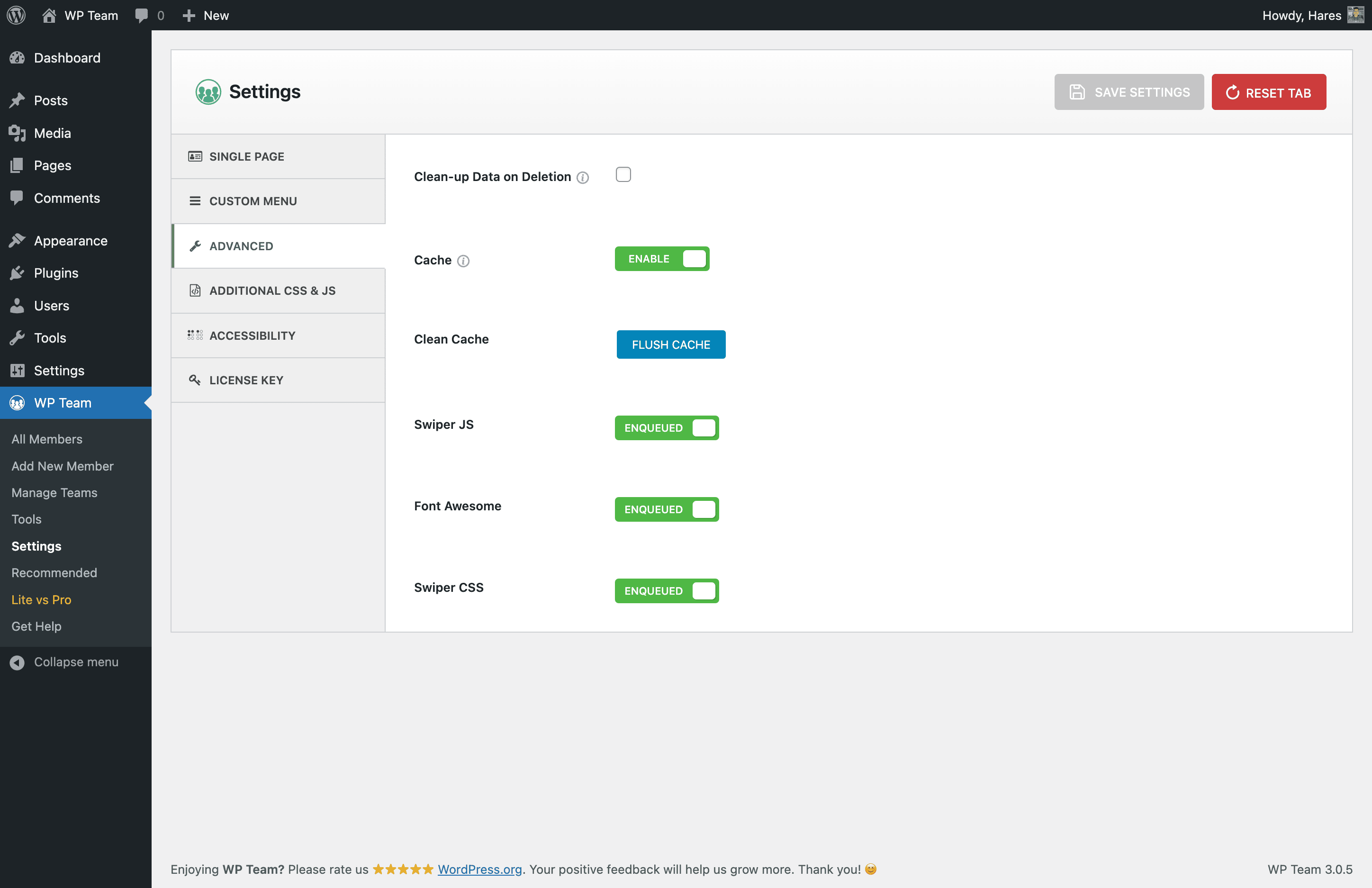
- New: Cache Enable/Disable button.
- New: Cache Delete button.
2.1.3 – Jul 08, 2021
- New: Free mode in team carousel.
- Fix: Member(s) per slide issue.
- Fix: Carouse item margin issue.
- Fix: Minor tweaking.
2.1.2 – Jun 10, 2021
- Fix: Missing method error.
2.1.1 – Jun 07, 2021
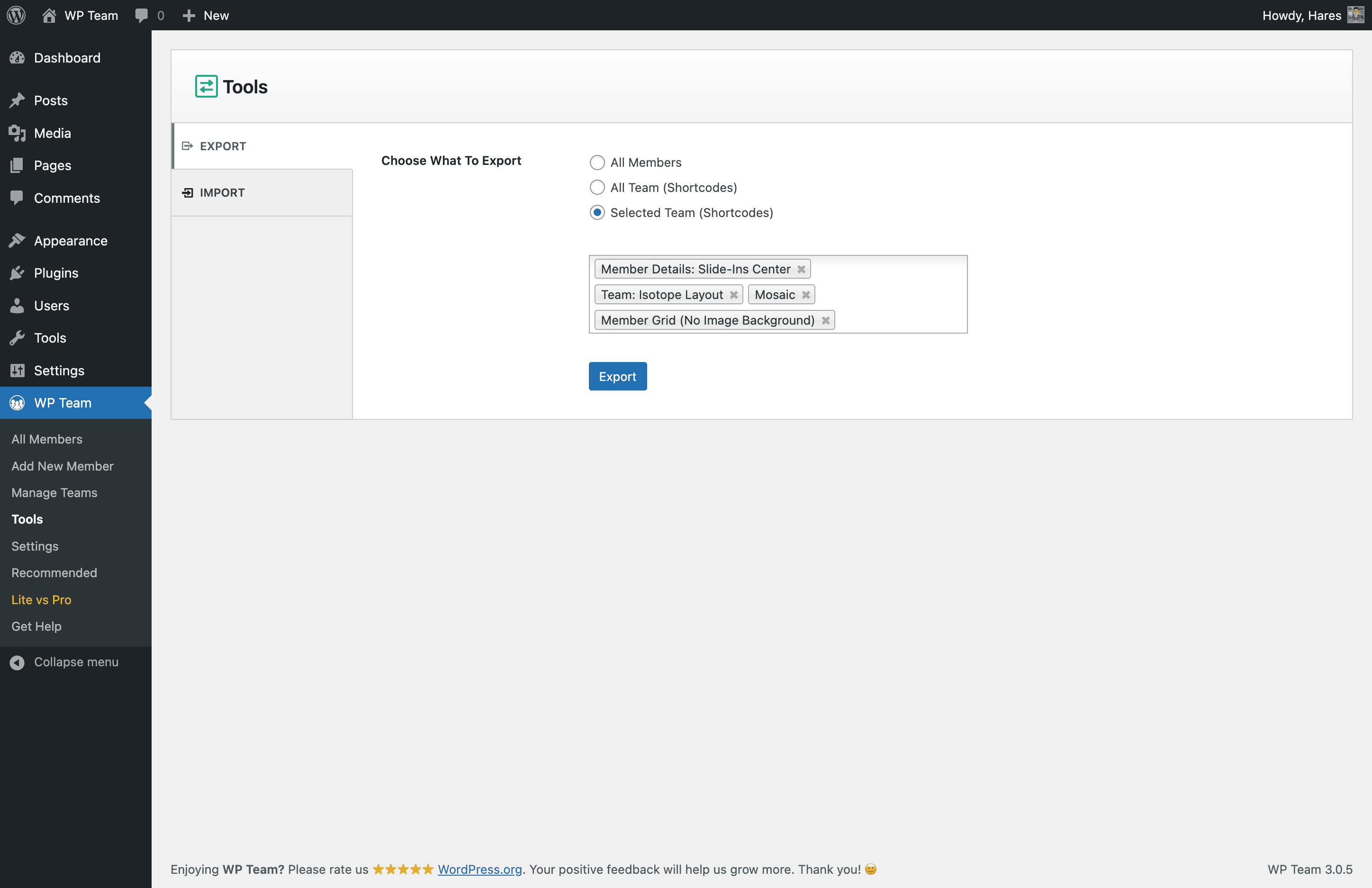
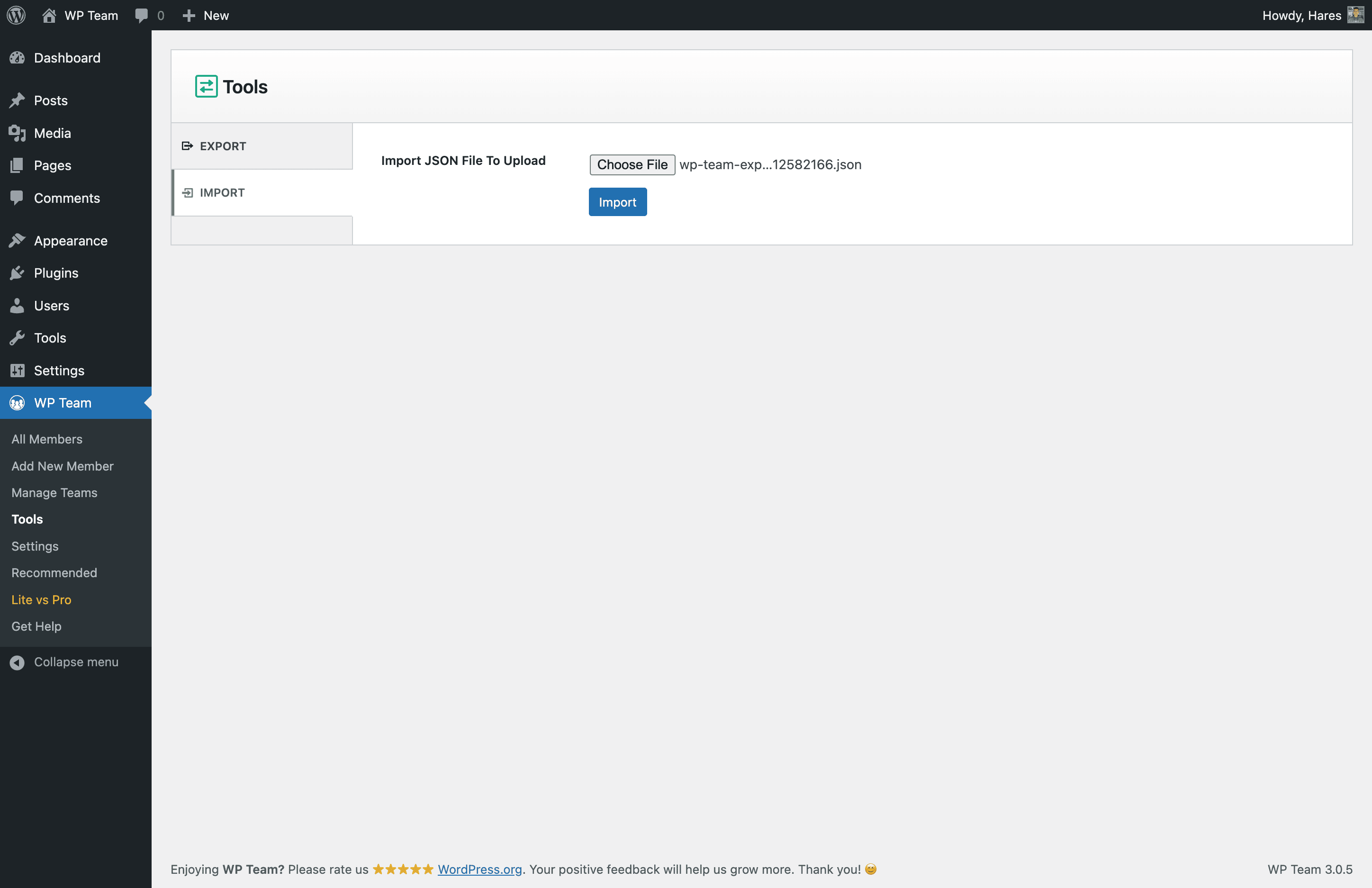
- New: Export and Import option.
- Fix: Order by date: ascending and descending do not work issue.
- Fix: Social icon spacing issue.
- Fix: Order by name doesn’t work issue.
- Improved: The plugin core styles and scripts conditionally loaded.
- Improved: Few minor tweaking.
- Improved: Settings page border color.
2.1.0 – May 26, 2021
- New: Template overriding system
- New: Show/hide member single page fields in settings page.
- New: SEO-friendly single page slug.
- Update: Plugin framework and whole codebase.
- Update: Plugin language file.
- Improved: Color accessibility for disabled people.
- Improved: Backend Settings panel.
2.0.13 – Apr 22, 2021
- Fix: Source map error issue.
2.0.12 – Apr 19, 2021
- Fix: Premium page responsive issue.
- Fix: Help Tooltip position and styling issue.
- Improved: Dynamic version added in admin scrips & styles.
2.0.11 – Mar 18, 2021
- Fix: Shortcode field responsive issue.
- Improved: Settings page.
- Improved: Help page.
- Tested: WordPress 5.7 compatibility.
2.0.10 – Feb 18, 2021
- New: nofollow relation option for detail page link.
- New: Shortcode copy onClick.
- Improved: Admin UI improved.
2.0.9 – Jan 08, 2021
- New: Mouse wheel scrolling for carousel.
- Improved: Admin setting improved.
2.0.8 – Dec 25, 2020
- New: Touch swipe option on carousel.
- New: Mouse drag option on carousel.
- Improved: Carousel scripts and styles.
- Fix: WordPress 5.6 compatible issue.
2.0.7 – Oct 13, 2020
- New: Member name got HTML support.
- Improved: Member image size option.
2.0.6 – Aug 18, 2020
- Fix: WordPress 5.5 compatible issue.
2.0.5 – Jun 08, 2020
- Fix: Word-break in short bio issue.
2.0.4 – Jan 24, 2020
- Fix: Top Navigation appears from bottom issue.
- Fix: Navigation border hover color issue.
2.0.3 – Jan 06, 2020
- Fix: Member border issue.
- Fix: Carouse autoplay issue.
- Fix: Member single page view issue.
- Fix: Section title margin issue.
- Fix: Margin between members issue on list view.
- Fix: Image zoom in effects issue.
- Fix: Border radius issue.
2.0.2 – Sep 27, 2019
- Fix: Class and Function naming conflict issue.
2.0.1 – Aug 30, 2019
- Fix: Plugins page overlay issue.
- Fix: Pro version activation error issue.
2.0.0 – Aug 29, 2019
- Improved: Admin dashboard UI.
- New: 3 Unique layouts.
- New: Member border, radius, and background color.
- New: Show/hide every element of a member.
- New: Social icon position, margin, and shapes.
- New: Available cropping sizes.
- New: Photo/Image border and background color.
- New: Image zoom In/Out effect.
- New: Detail page link.
- New: Detail page fields control.
- New: 10+ Carousel control.
- New: Preloader.
- New: Page builders supported.
- New: RTL supported.
- New: WPML ready.
- New: Native WordPress widget.
- New: Multisite supported.
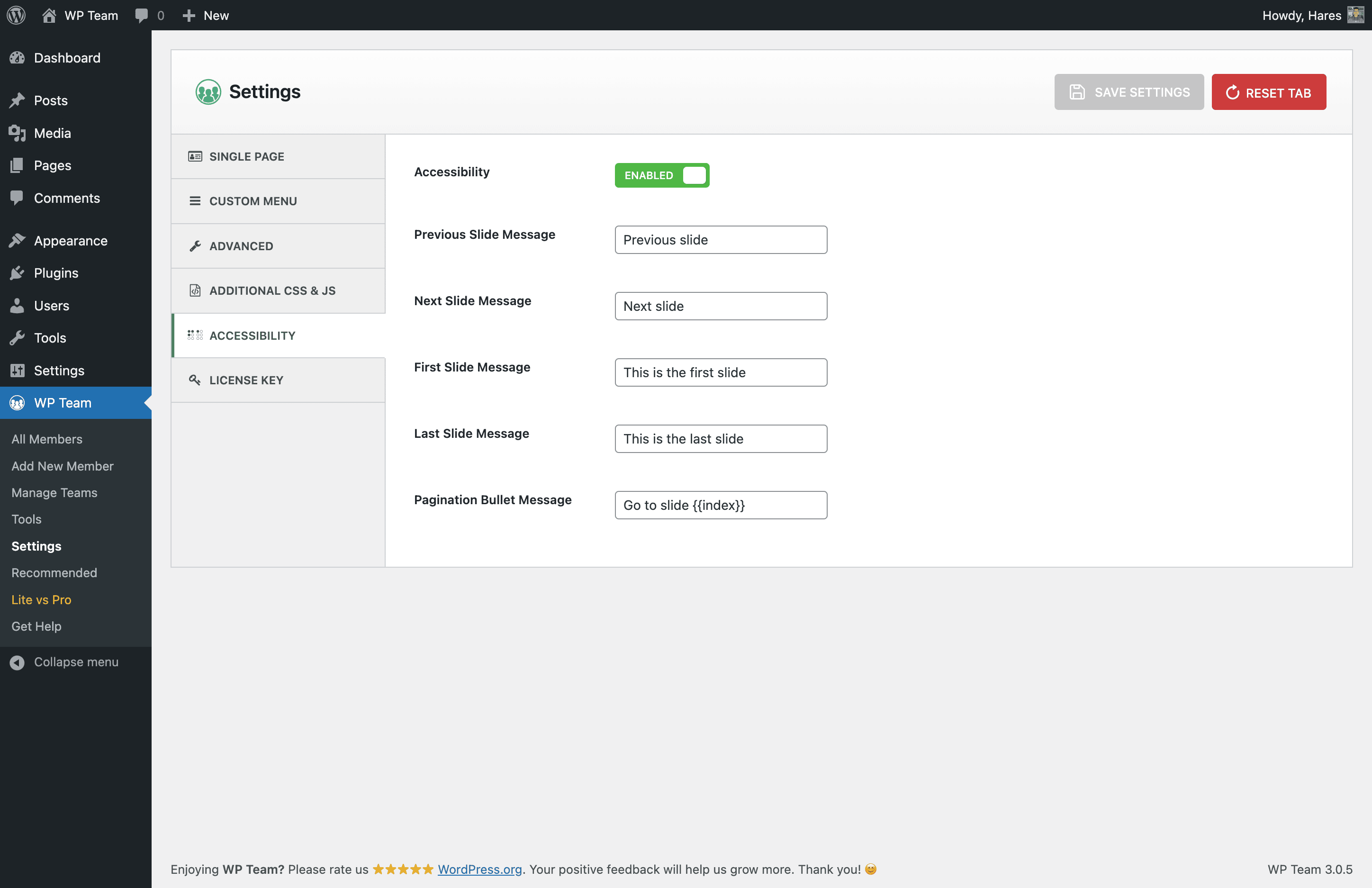
- New: Accessibility for disabled people.
- New: Custom CSS options.
- Fix: Other CSS tweakings.
1.0.5
- Fix: Fatal error issue.
1.0.4
- Fix: http & https mixed content issue.
1.0.3
- Preloader on team carousel.
1.0.2
- Backend text edited.
1.0.1
- Add shortcode generator.
- Add infinite loop.
- Auto Play on / off
- Pagination on / off
- Navigation on / off
1.0
- First Release
