Great plugin for editing records
By Anton_Th on August 5, 2024
I have to delete several hundreds of records (all containing 'acf'). A multi-row select option would already be enough for me to buy a premium version. Would be ideal for cleaning up databases.
Essential plugin for developers
By Ryan Novotny (RyanNovotny) on May 24, 2024
Almost should be part of WP core IMO
Simple and easy DB edits
By robertstaddon on May 17, 2024
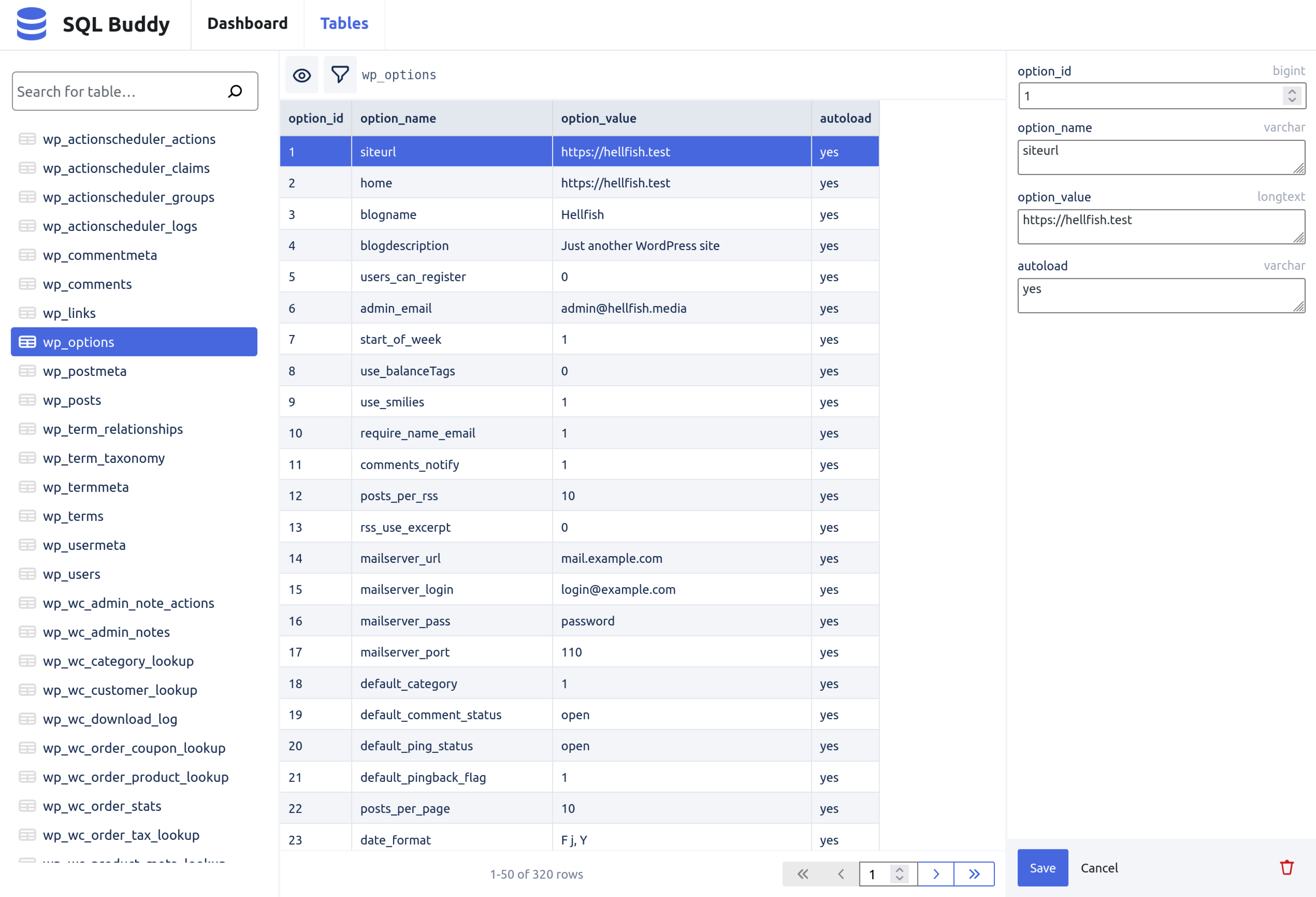
I was amazed at how simple and easy this plugin makes editing the database right from your WordPress admin area!
This was really needed, great!
By dimmez on April 16, 2024
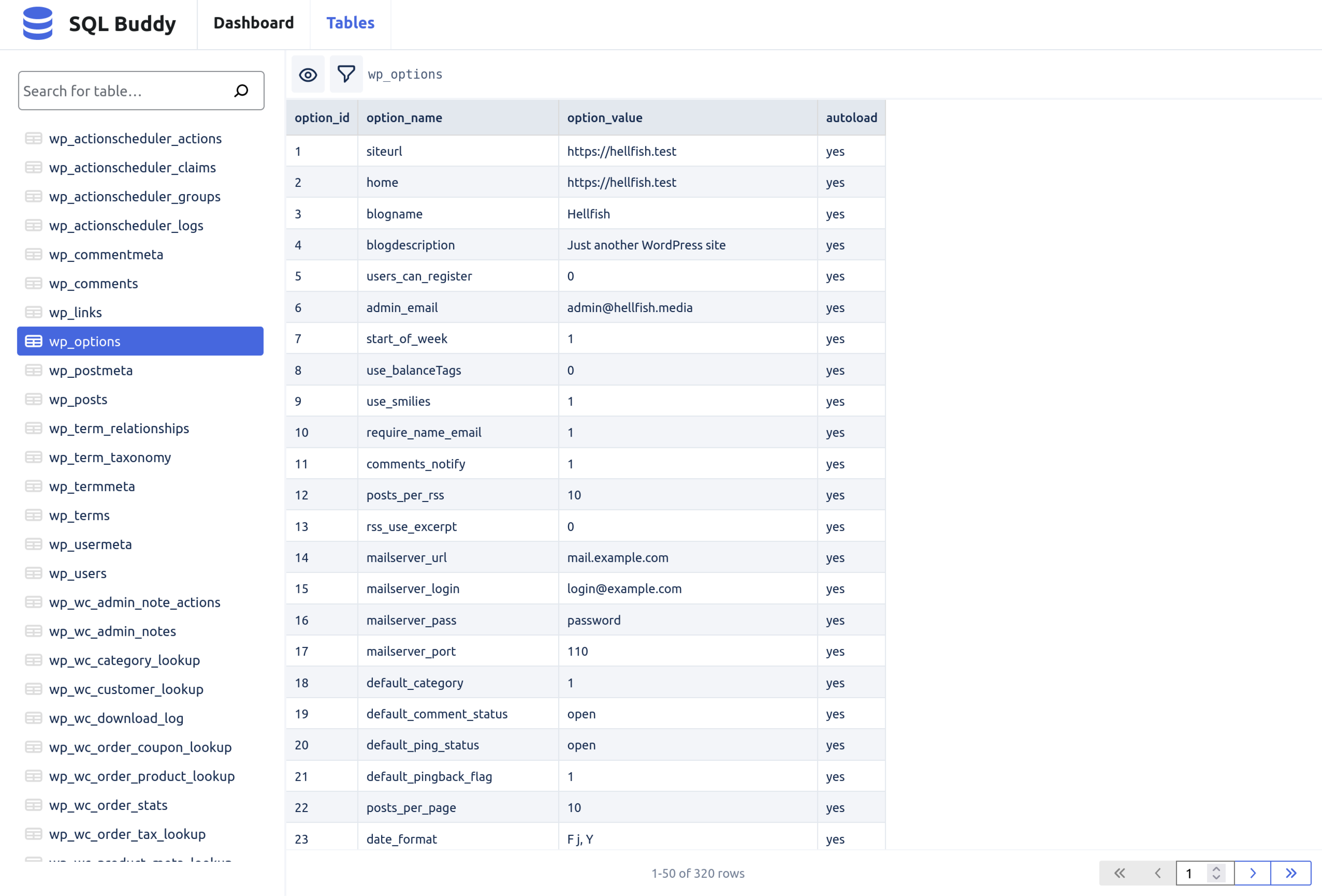
I was looking for something to correct the data in the options table from the admin panel. This is exactly what I need!
Cool plugin!
By Geert Bouckaert on February 23, 2024
Very nice, easy plugin.
Now, I don't have to switch to phpmyadmin anymore.
I wonder, would it be possible to also add the function to add records in a chosen table?
So convinient
By Pär Thernström (eskapism) on October 31, 2023
This is a very nice and easy to use tool that I install on my local dev sites. Especially useful when using Docker or similar because I can't keep track of all exposed MariaDB-ports...
Well done
By Finnwulf on October 12, 2023
Wonder why not making a pro version, its so good.
Here is a snippet I made, to add a couple features I needed 1. it adds a modal button so its easier to edit data and 2. it starts with a default filter (manually replace the wp_jet_cctin the code with your value). Absolutely untested.
Would be nice to be able to jump from one field to another by pressing arrows.
add_action('admin_footer', 'my_sql_buddy_script');
function my_sql_buddy_script() {
$current_screen = get_current_screen();
// Only run the script on the specific admin page
if ($current_screen->base === 'tools_page_sql-buddy-dashboard') {
?>
<style>
.modal {
display: none;
position: fixed;
top: 0;
left: 0;
width: 100%;
height: 100%;
background-color: rgba(0, 0, 0, 0.7);
z-index: 9999;
}
.modal-content {
position: relative;
margin: auto;
top: 50px;
width: 65%;
max-height: calc(100% - 100px);
overflow: auto;
background-color: white;
border: 2px solid #ccc;
padding: 20px;
}
</style>
<script type="text/javascript">
jQuery(document).ready(function($) {
let isModal = false;
const checkForDivs = () => {
const sideDrawerDiv = $('.SideDrawer__Drawer-sc-e94xql-0.bJHKLb');
const innerDiv = $('.inner');
if (sideDrawerDiv.length && innerDiv.length) {
if (sideDrawerDiv.find('button.open-modal').length === 0 && !isModal) {
addOpenButton(sideDrawerDiv);
}
}
};
const addOpenButton = (targetDiv) => {
const openButton = $('<button class="open-modal">Open Modal</button>');
openButton.click(openModal);
targetDiv.prepend(openButton);
};
const addCloseButton = (targetDiv) => {
const closeButton = $('<button>Close Modal</button>');
closeButton.click(closeModal);
targetDiv.prepend(closeButton);
};
const openModal = () => {
$('button.open-modal').remove();
$('body').append('<div class="modal"><div class="modal-content"></div></div>');
$('.modal-content').html($('.SideDrawer__Drawer-sc-e94xql-0.bJHKLb').html());
addCloseButton($('.modal-content'));
$('.modal').show();
$(document).on('keydown', handleEscape);
$('.modal').on('click', handleClickOutside);
isModal = true;
};
const closeModal = () => {
$('.modal').remove();
$(document).off('keydown', handleEscape);
isModal = false;
checkForDivs();
};
const handleEscape = (e) => {
if (e.key === 'Escape') {
closeModal();
}
};
const handleClickOutside = (e) => {
if ($(e.target).hasClass('modal')) {
closeModal();
}
};
const modalInterval = setInterval(checkForDivs, 500);
let interval;
const checkForInput = () => {
const inputElement = document.querySelector('input[type="text"][placeholder="Search for table…"]');
if (inputElement) {
console.log('Input element found.');
if (inputElement.value !== 'wp_jet_cct') {
let nativeInputValueSetter = Object.getOwnPropertyDescriptor(window.HTMLInputElement.prototype, "value").set;
nativeInputValueSetter.call(inputElement, 'wp_jet_cct');
let inputEvent = new Event('input', { bubbles: true });
inputElement.dispatchEvent(inputEvent);
console.log('Value set and React input event triggered.');
clearInterval(interval);
}
} else {
console.log('Input element not found.');
}
};
interval = setInterval(checkForInput, 500);
});
</script>
<?php
}
}
Simple and powerful
By Ben Meredith (ben.meredith@gmail.com) on October 3, 2022
Useful Right Out of the Box
By Andrew Ferguson (ajdferg) on September 15, 2022
Awesome!
By flowdee on May 31, 2022