
Site Kit is a one-stop solution for WordPress users to use everything Google has to offer to make…

About Social Icons Widget & Block by WPZOOM
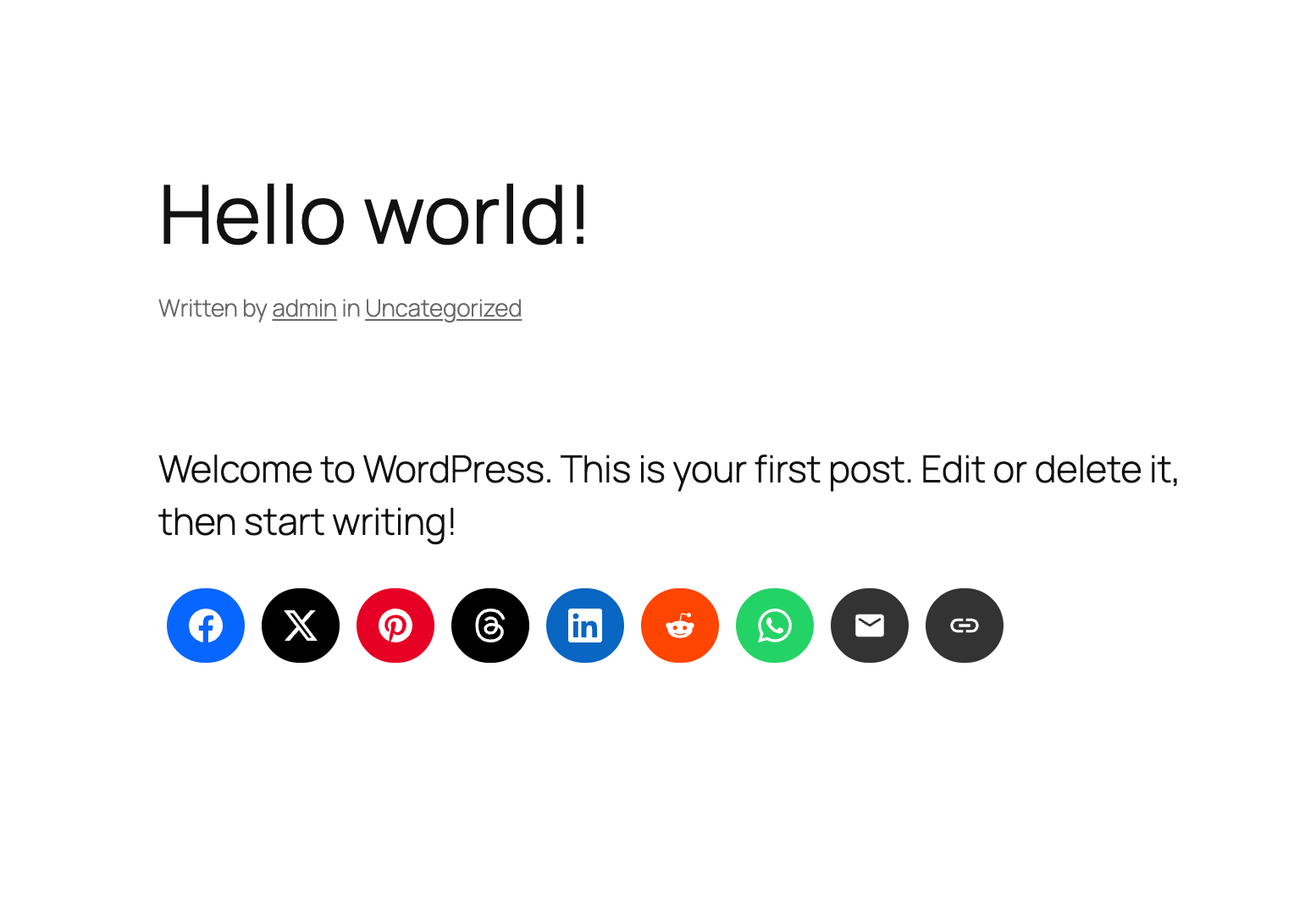
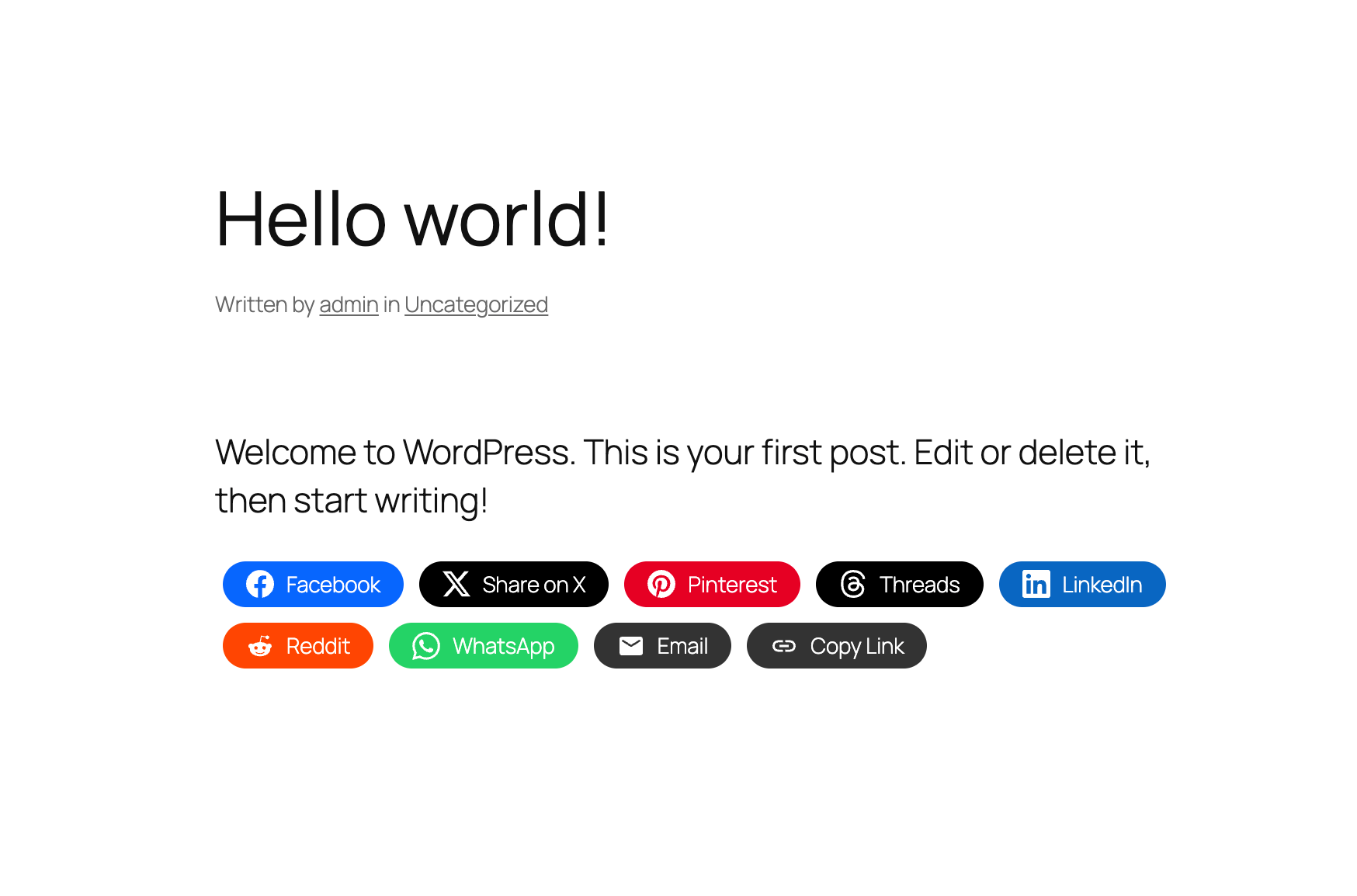
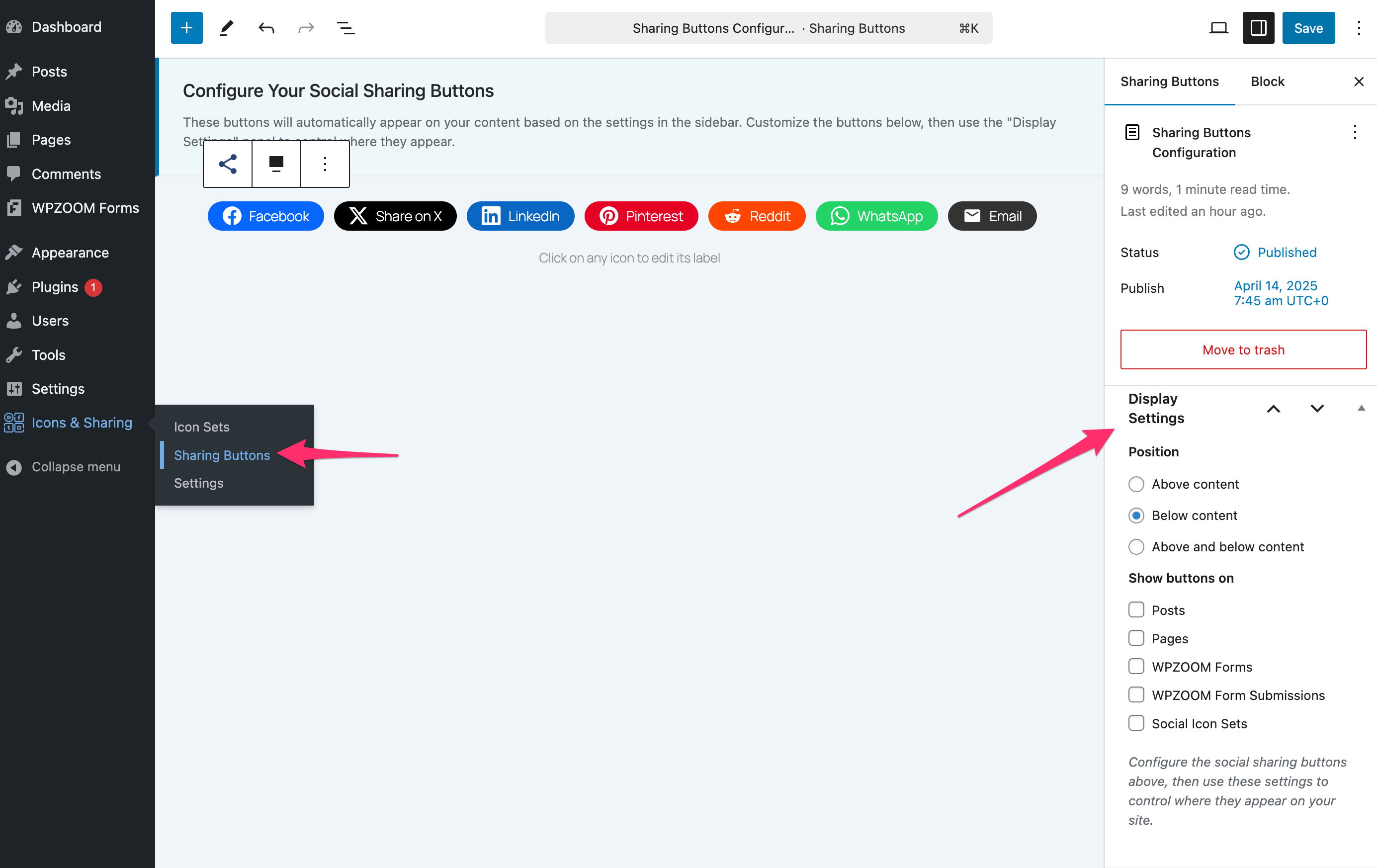
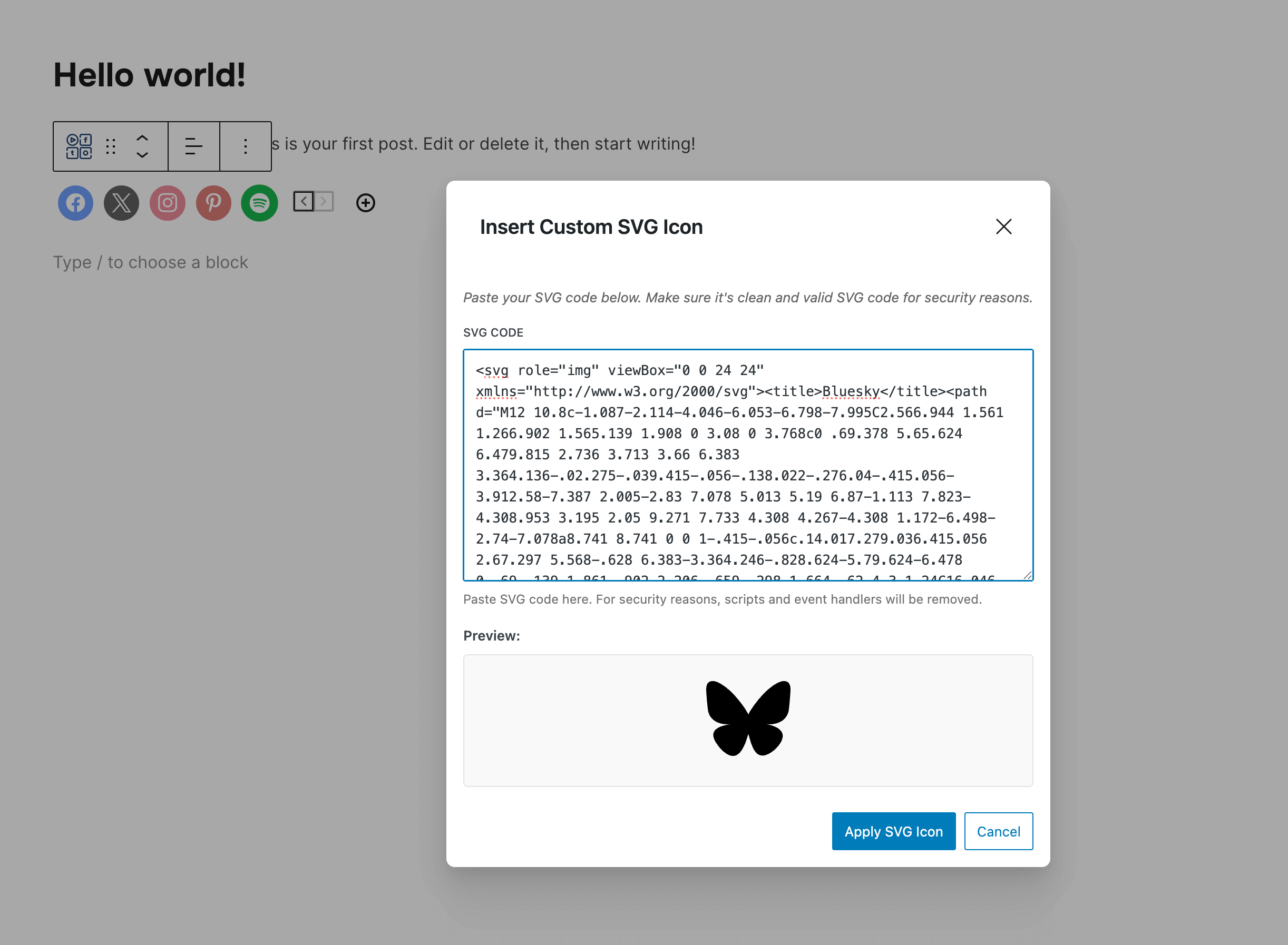
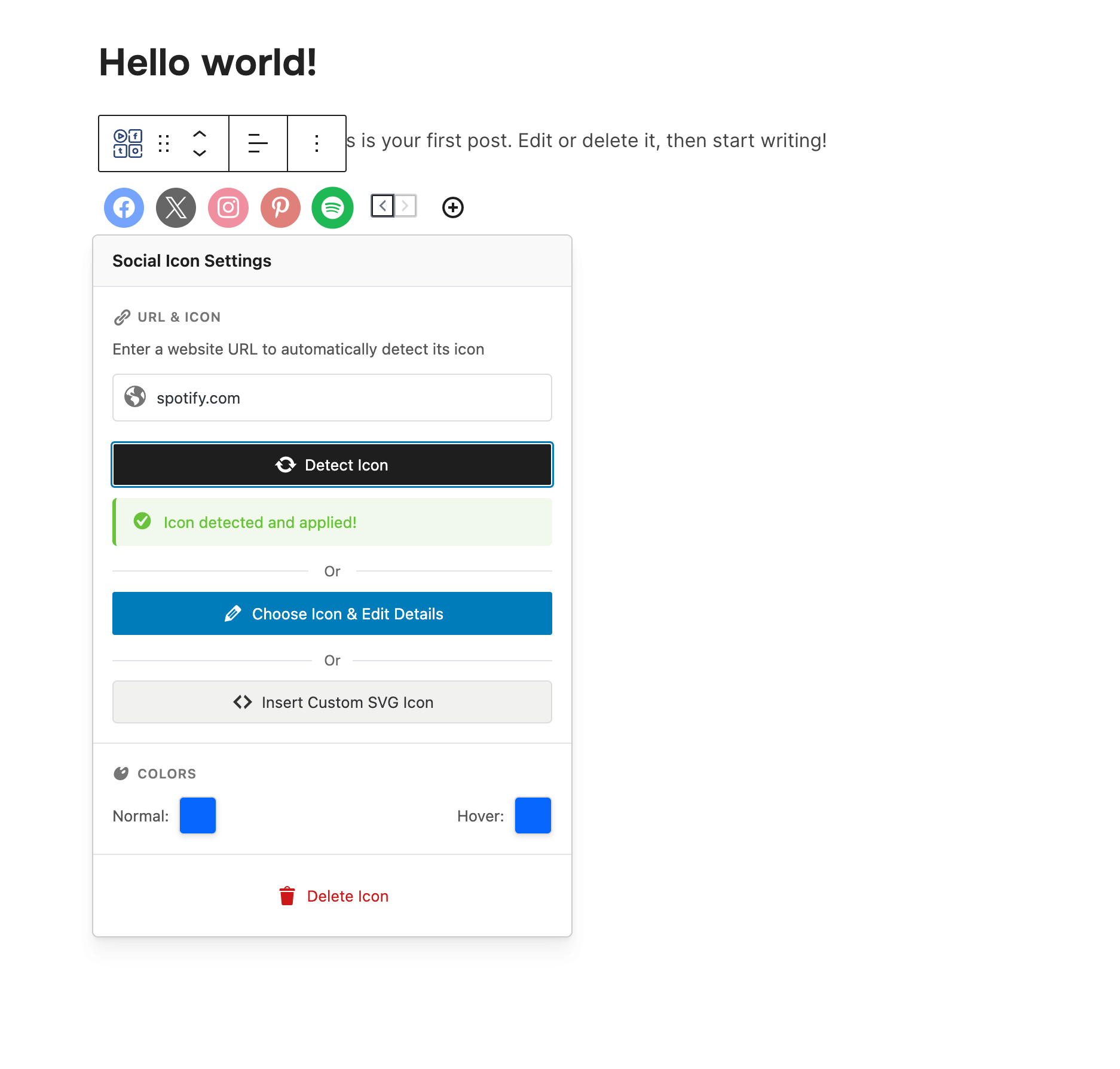
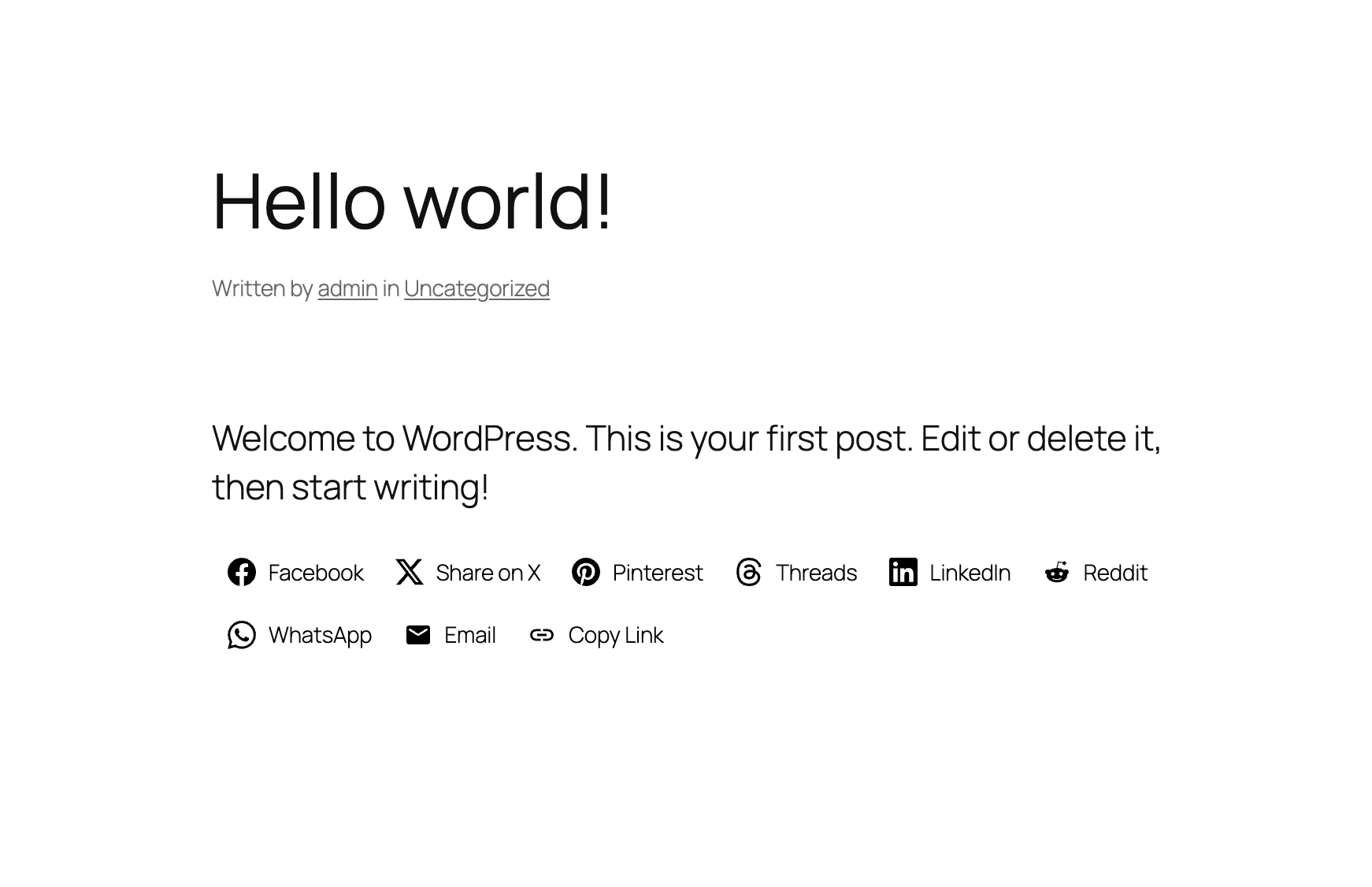
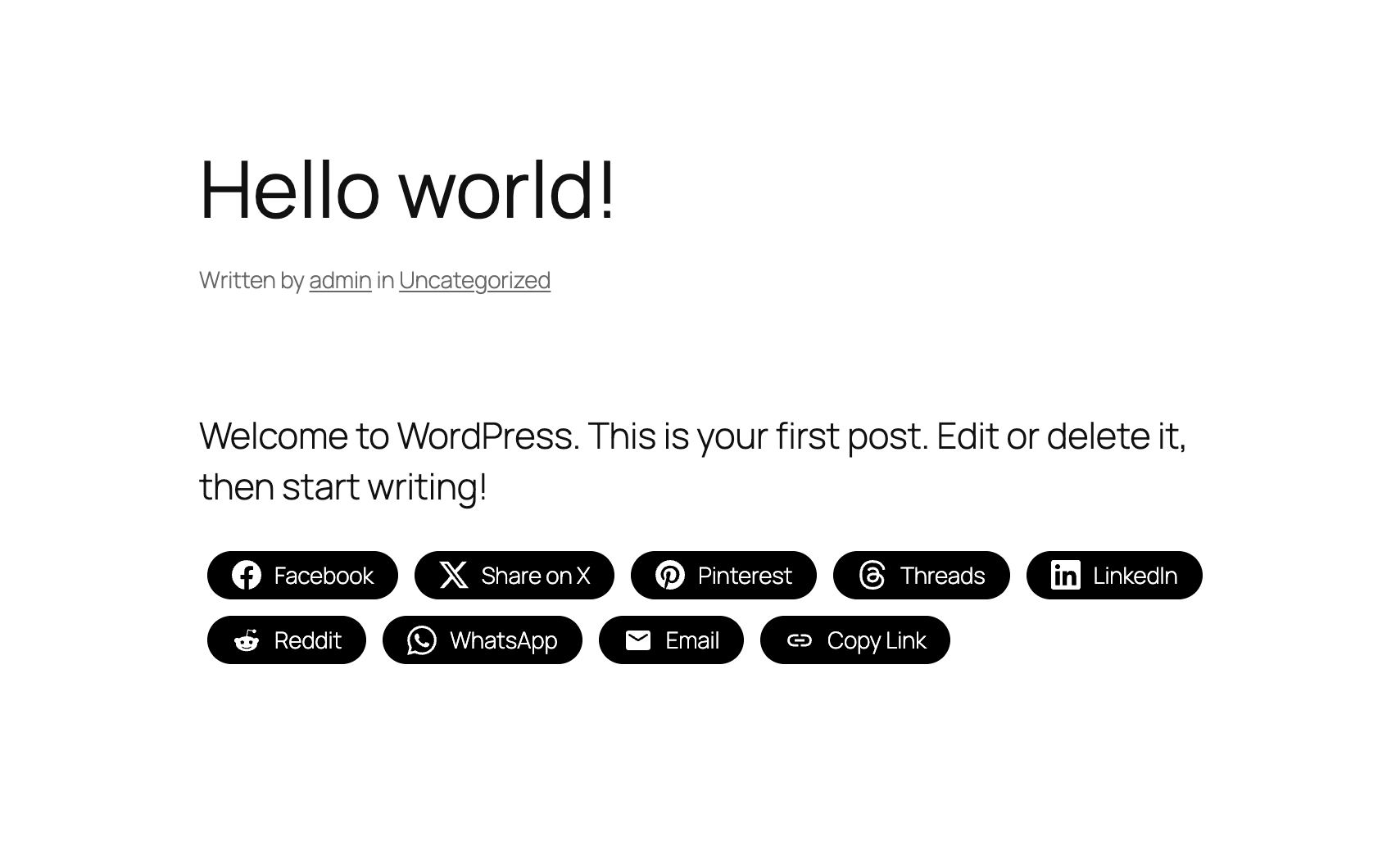
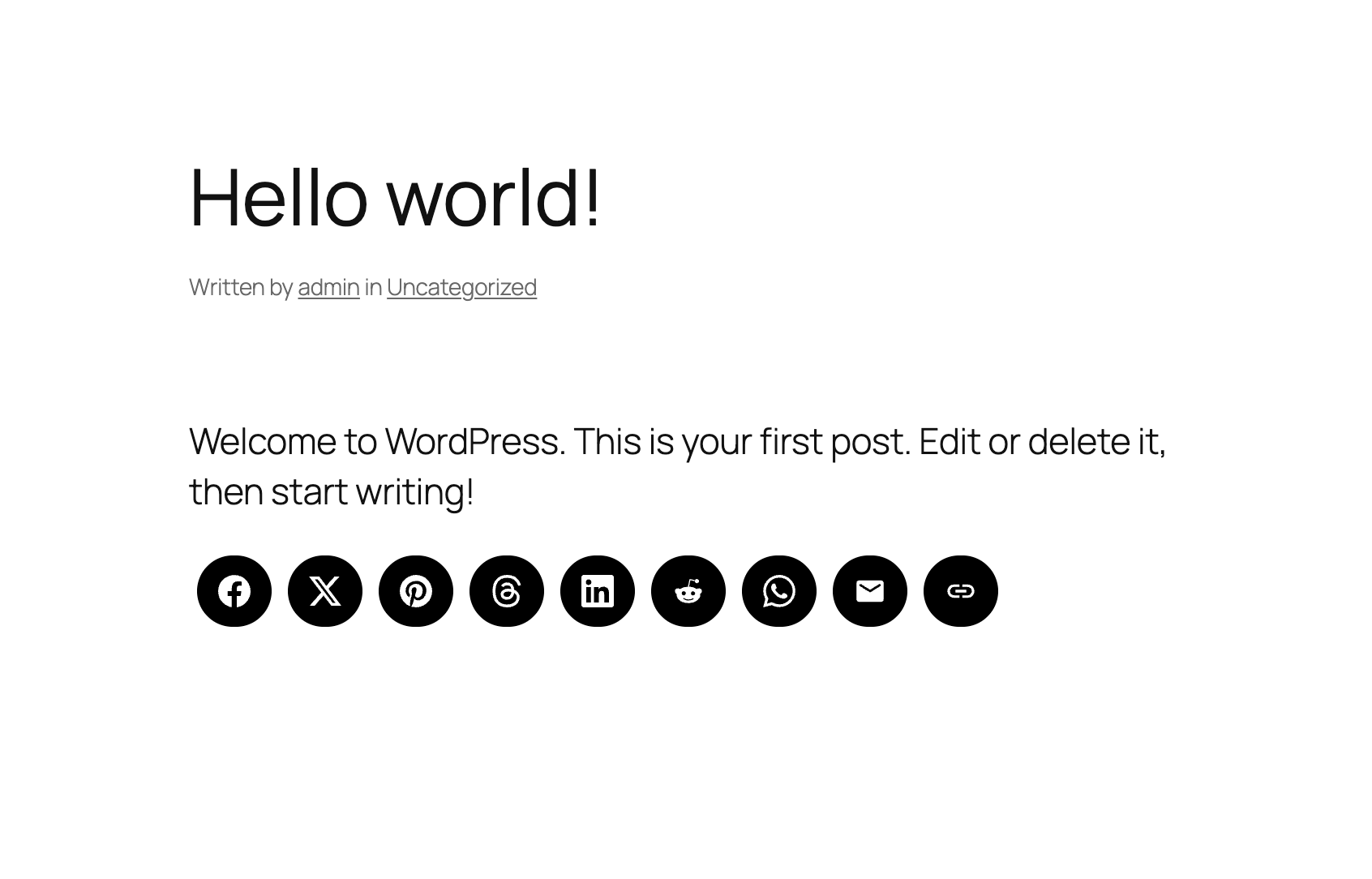
The Social Icons Widget & Block plugin allows you to easily add icons with links to your social media profiles on your website. It also includes various icon sets and allows you to customize the icons' appearance. The PRO version offers additional features like the ability to upload your own SVG icons and add icons to menus.Screenshots
Frequently asked questions
What does the Social Icons Widget & Block plugin do?
The Social Icons Widget & Block plugin helps you add icons with links to your social media profiles on your website. It supports more than 100 websites and includes various icon sets, allowing you to link to social media profiles or other content.
What new features were added in version 4.0.0?
Version 4.0.0 introduced a new Gutenberg Block and new icon styles within this block. It also added new customization options for icons, such as changing margin, padding, alignment, and roundness.
What new features were added in version 3.0.0?
Version 3.0.0 added a Global Color Picker to change the color of all icons and a new color picker to change the hover color on all icons. Icons are now also grouped into categories.
Where can I view a demo of the plugin?
You can view the widget live in all themes at WPZOOM. A demo is available to view.
Changelog
4.3.4
- Minor bug fixes
4.3.3
- New: Bluesky icon
4.3.2
- Minor bug fix
4.3.1
- Added a new Elementor widget to display icon sets created using this plugin
4.3.0
- Create Icon Sets and embed them anywhere with Shortcodes
- Minor bug fixes
4.2.18
- Fixed an issue with arial label escaping
4.2.17
- Fixed an issue with the values of some fields not being escaped
4.2.16
- Removed the pointer from the Widgets page
4.2.15
- Updates to the Twitter icon
4.2.14
- New icons: X (use x.com/username for the new Twitter icon), Matrix, Element
4.2.13
- New icons: Threads, Venmo, Wise, Revolut, Gutenberg, Gravatar, OpenAI, Midjourney, WeChat, Roblox, OnlyFans, Figma, Elementor, Shopify, Woo, Gumroad, Artgram, Cubebrush, Aristree, OpenSea

