

Improve your WordPress SEO: Write better content and have a fully optimized WordPress site using the Yoast SEO…
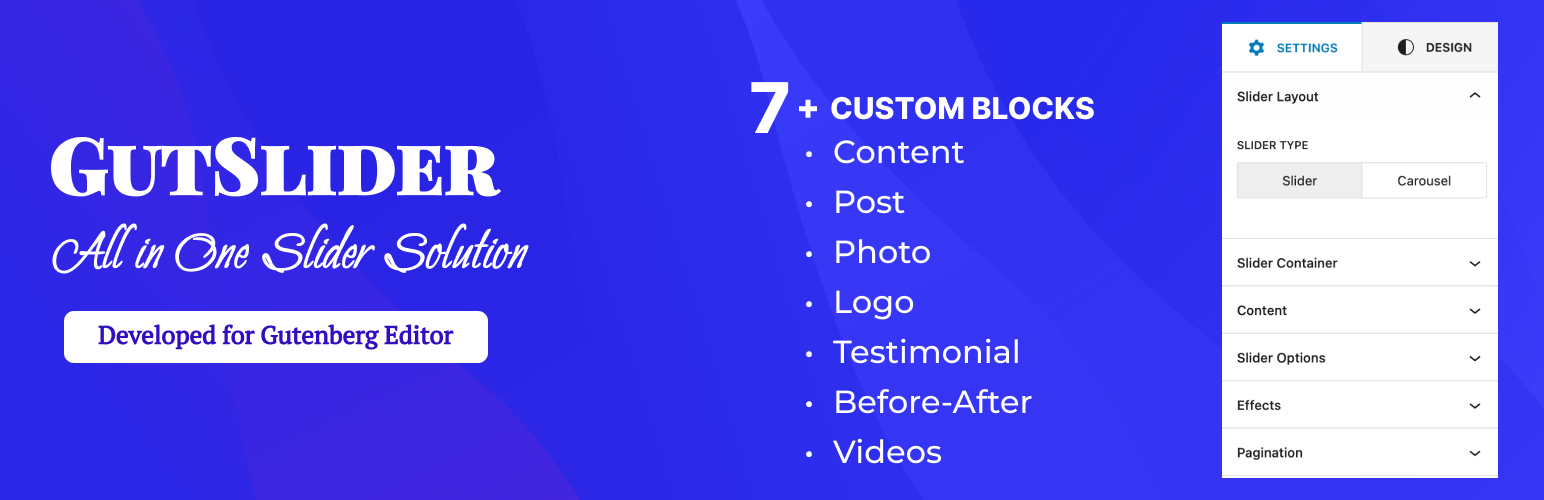
About GutSlider – All in One Block Slider for Gutenberg
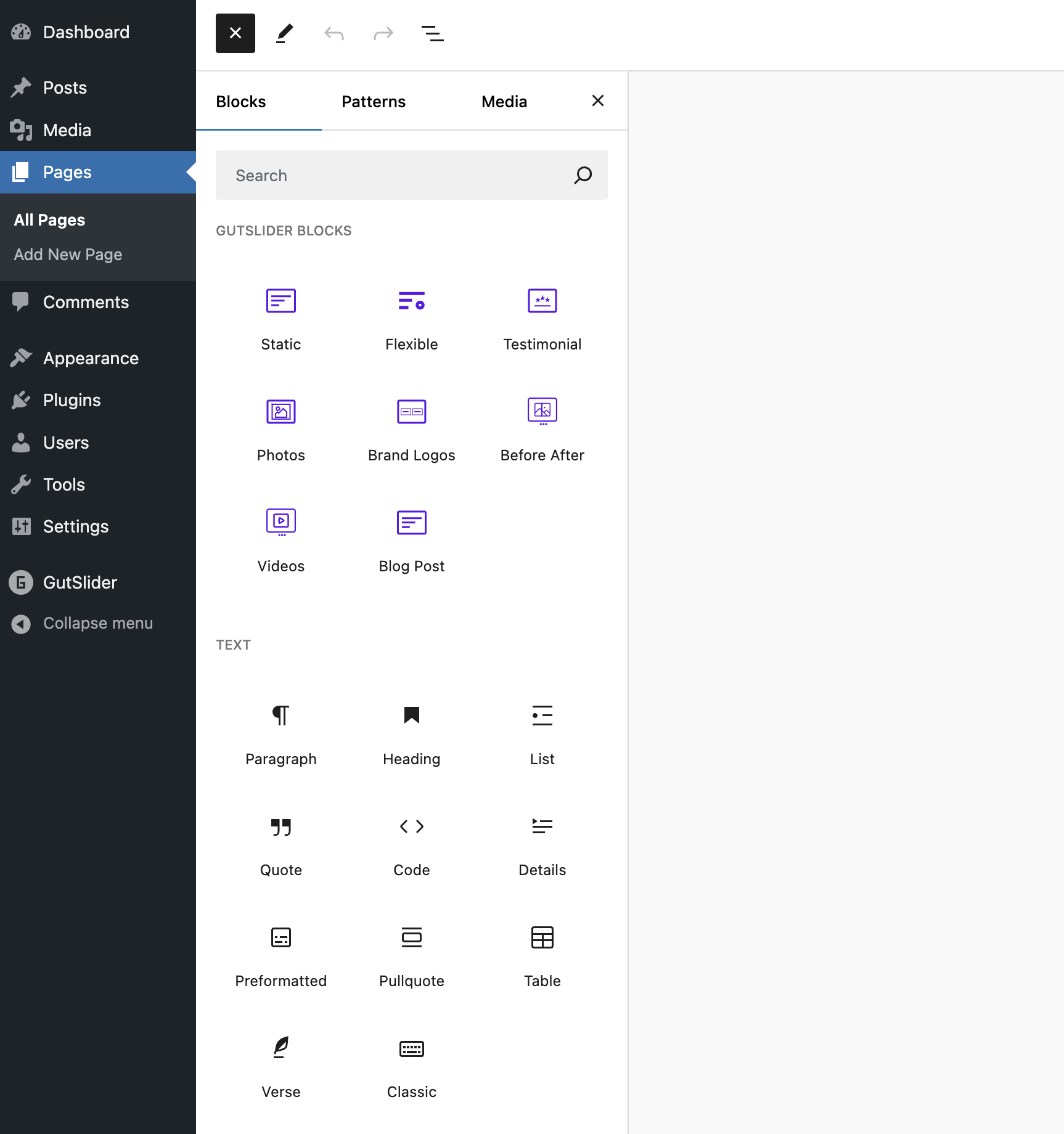
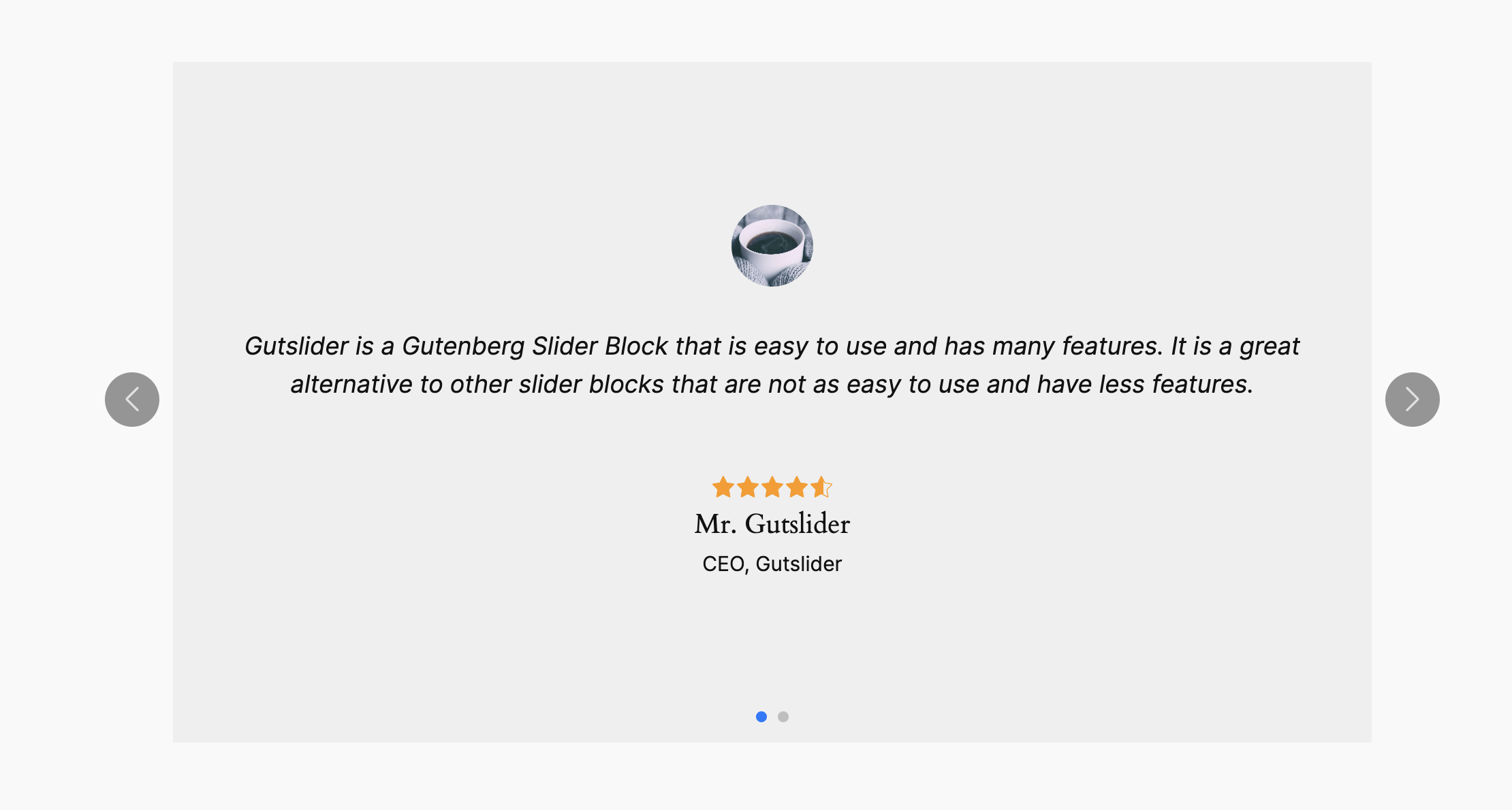
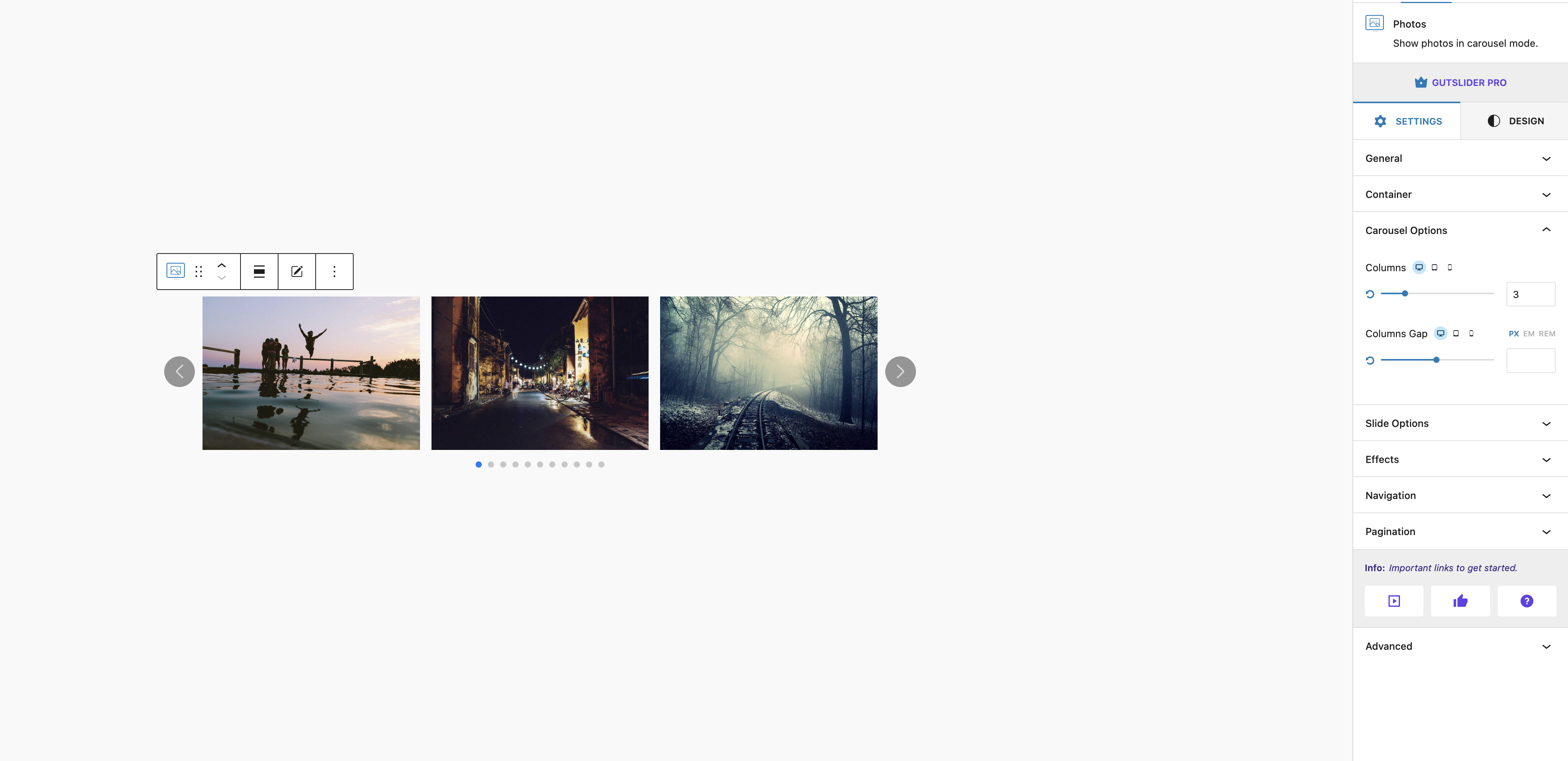
GutSlider is a plugin that allows you to easily create stunning sliders and carousels without any coding experience. It is lightweight and optimized for performance, with multiple slider and carousel options to choose from. You can customize the design and functionality of your sliders and carousels, and there are both free and pro versions available.Screenshots
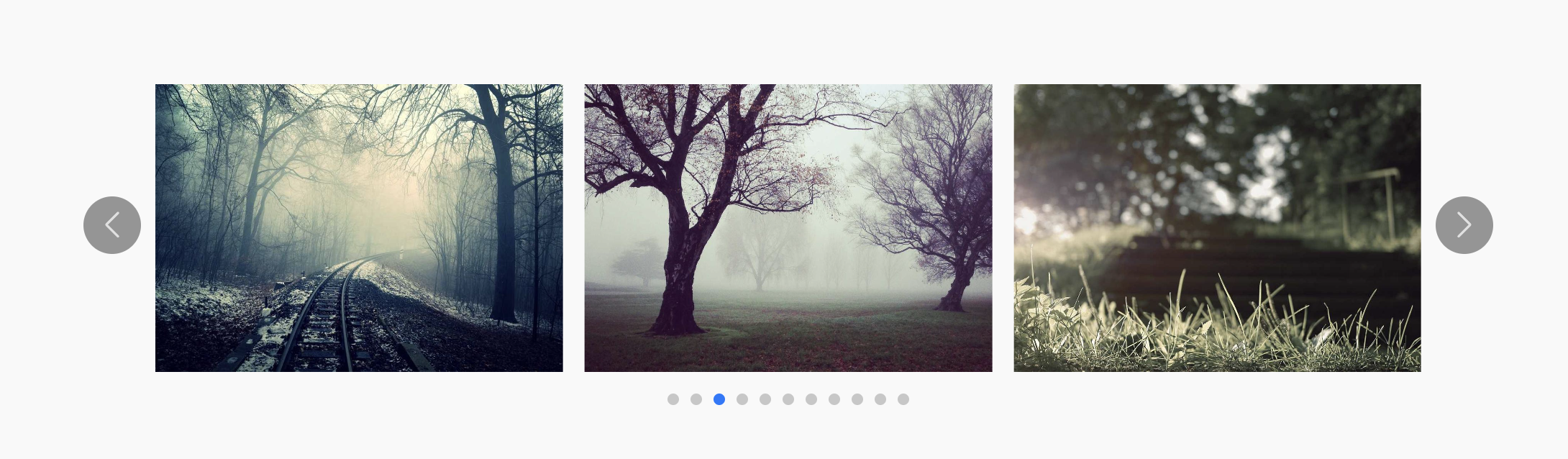

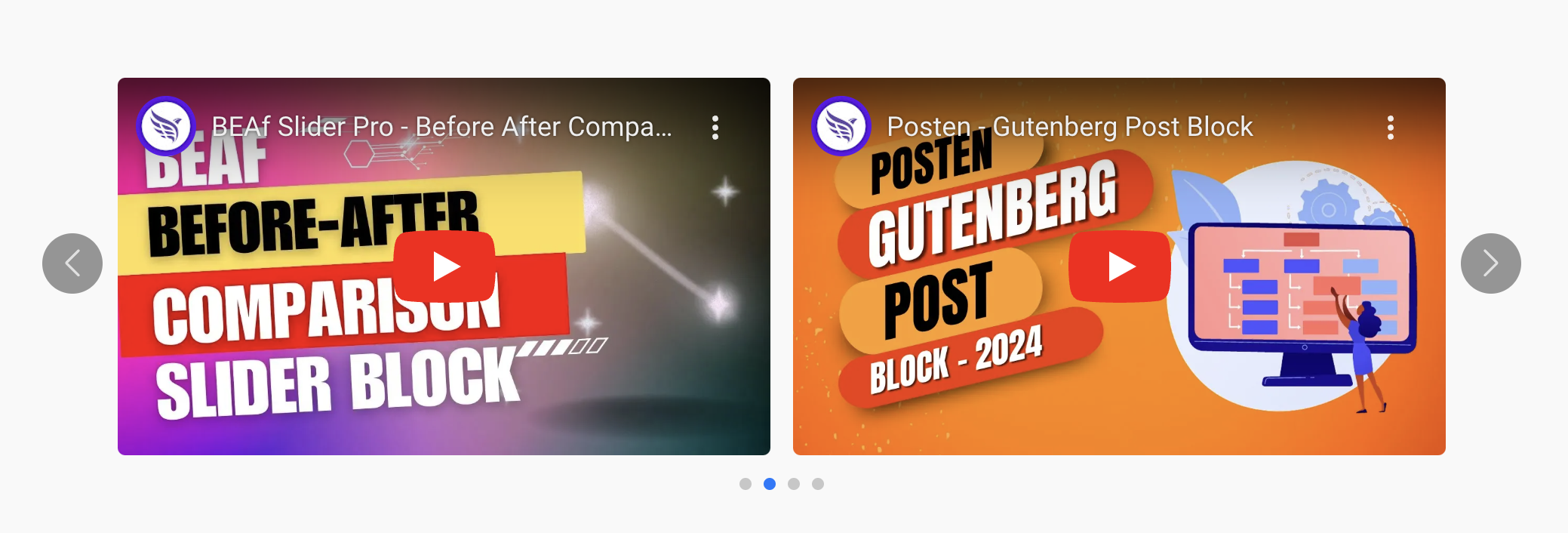
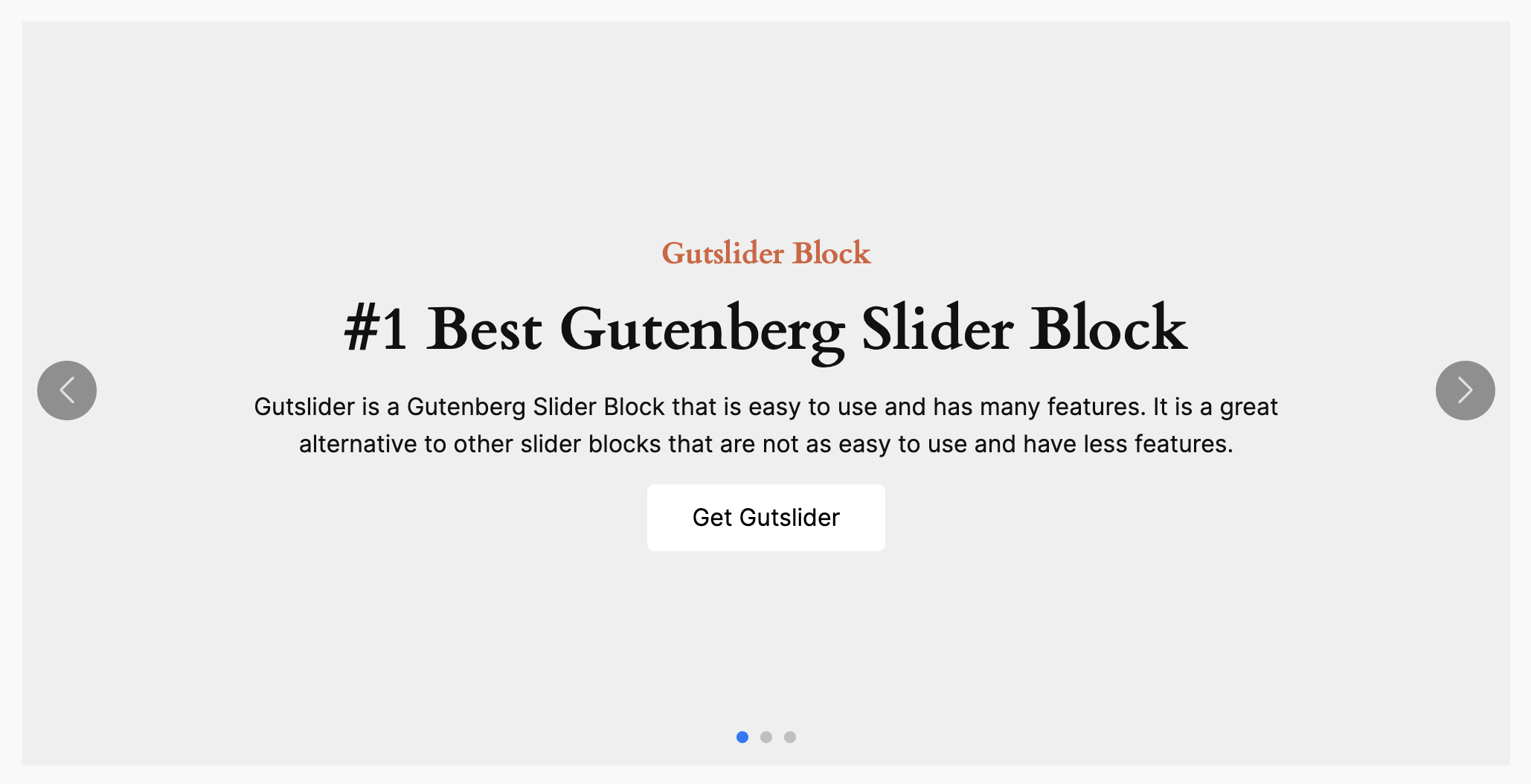
Changelog
2.9.8
- Fixed: REM/EM unit issue fixed
2.9.7
- Fixed: Testimonial block image width-height issue fixed
- Added: Added focus point option for testimonial block image
2.9.6
- Fixed: Global style console error
- Added: Testimonial photo inline position style
- Improved: Responsive view in editor
2.9.5
- Fixed: Static block undefined issue fixed
- Added: Focus point option added for blog post slider block
- Added: Carousel layout support is added for testimonial block
2.9.4
- Added: Image Focus point option is added static and testimonial blocks
- Improved: Codes are optimized for Alignment Control
2.9.3
- Info: Making compatible with GutSlider Pro v1.2.0
2.9.2
- Fixing: fixed slider not working issue on site editor.
- Fixing: swiper scripts loading issue fixed.
2.9.1
- Info: making compatible with GutSlider Pro v1.1.0
2.9.0
- Info: Stable Release for GutSlider Pro
2.8.2
- Add: Testimonial new preset added
2.8.0 + 2.8.1
- making ready for GutSlider Pro
2.7.9
- Added: Style option added for Static Slider Block
- Added: Navigation Gap added
2.7.8
- Added: Object fit option added for logos carousel block
2.7.7
- Fixed: Style files loading issue
- Fixed: Custom Navigation Responsive Style issue
2.7.6
- Fixed: Duplicating issue fixed
- Fixed: Delay scripts loading issue fixed
- Added: Horizontal Alignment, Navigation, Pagination margin settings added
- Improved: Code Quality, Simplify development process, Improve Performance
2.7.5
- Improved: Dynamic CSS generation
- Added: Blog Post Slider is back
- Optimized: Code Quality, Simplify development process, Improve Performance
2.7.4
- Fixed: Admin notice issue fixed
- Fixed: Carousel Column Gap
- Added: Translation Ready
- Improved: Code Quality, Simplify development process, Improve Performance
2.7.3
- Fixed: Security issue fixed
2.7.2
- Added: Quick Sidebar Setting open option added
2.7.1
- Fixed: Swiper issue fixed.
2.7.0
- Added: New Videos Carousel Block
- Updated: Slider Blocks logo updated
2.6.1
- Fixed: apiVersion issue fixed
- Fixed: before after slider block issue fixed
2.6.0
- Added: New Before After Slider Block
- Update: Code Quality
- Update: Blocks Icons
- Removed: Swiper Js loading settings
2.5.5
- Fixed: Typogrpahy loading issue fixed
- Fixed: Custom Icon issue fixed
2.5.4
- Added: Duplicating option for Fixed Content & Testimonial Slider blocks
- Added: Custom Transition Delay time
- Fixed: Custom Icon Size issue
- Fixed: Inner Content width issue
- Improved: Block Preview Image
2.5.3
- Fixed: Duplicating issue fixed
- Added: Defautl theme colors palette added
- Added: Custom preview image for blocks
- Improved: Short the block names
2.5.2
- Fixed: Table view issue fixed
- Fixed: Multiple fonts loading issue fixed
- Fixed: Minimum column for carousel set to 1
- Fixed: Default data issues for fixed content and testimonial sliders issues fixed
2.5.1
- Added: Button typography for fixed content slider
- Added: Logo carousel column number increase to 10
- Added: Logo carousel column gap increase to 200
- Fixed: Button transition issue fixed
2.5.0
- Added: New Logo Carousel Block
- Fixed: Initial Navigation Issue
- Fixed: Initial Pagination Issue
- Fixed: Font Loading Issue
2.4.0
- Added: New Photo Carousel Block
2.3.0
- Added: New Post Slider Block
- Added: New Post Carousel Block
- Updated: PHP Code Quality
2.2.2
- Fixed: Adding New Block Issue
- Fixed: Block Recovery Issue
- Fixed: Direct Editor Editing Issue
- Fixed: Navigation Icon Color Issue
- Fixed: Navigation Icon Size Issue
- Added: New Testimonial Slider Block
- Updated: Code Quality
- Updated: Performance
- Updated: Blocks’ Icons
2.2.1
- Fixed: Outer Navigation issue fixed
2.2.0
- Added: Complete Navigation Settings
- Added: New Navigation Styles
- Added: New Navigation Controls
- Added: Complete Pagination Settings
- Added: New Pagination Styles
- Added: New Pagination Controls
- Added: New Smart Admin Panel
- Added: Options to Enable/Disable Blocks
- Added: Option to enable/disable Swiper JS + CSS
- Improved: Code Quality
- Improved: Performance
2.1.0
- Added: New Carousel Block
- Added: New Slider Block
- Added: New Effects
- Added: New Settings
- Added: New Options for Navigation
- Added: New Controls
- Improved: Code Quality
-
Improved: Performance
-
Note: You will face a block recovery issue after updating to this version. You need to simply click on the “Attempt Block Recovery” button.
1.0.0
- Initial Release

