

Enables the previous "classic" editor and the old-style Edit Post screen with TinyMCE, Meta Boxes, etc. Supports all…
About Simple Divi Shortcode
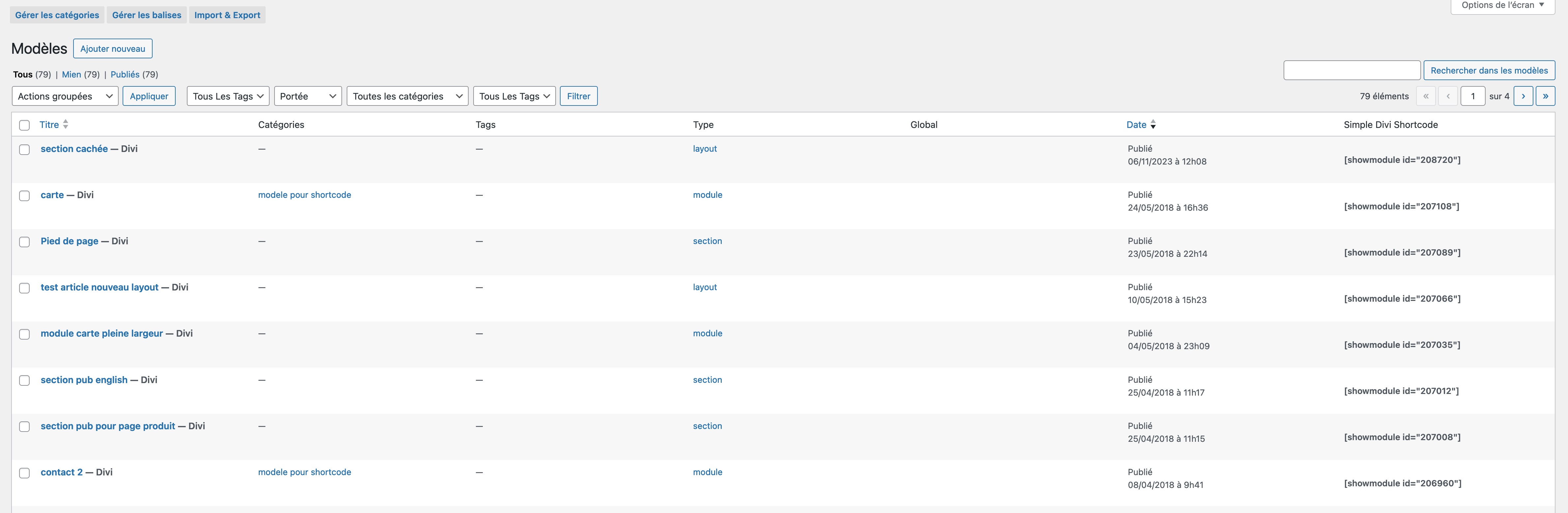
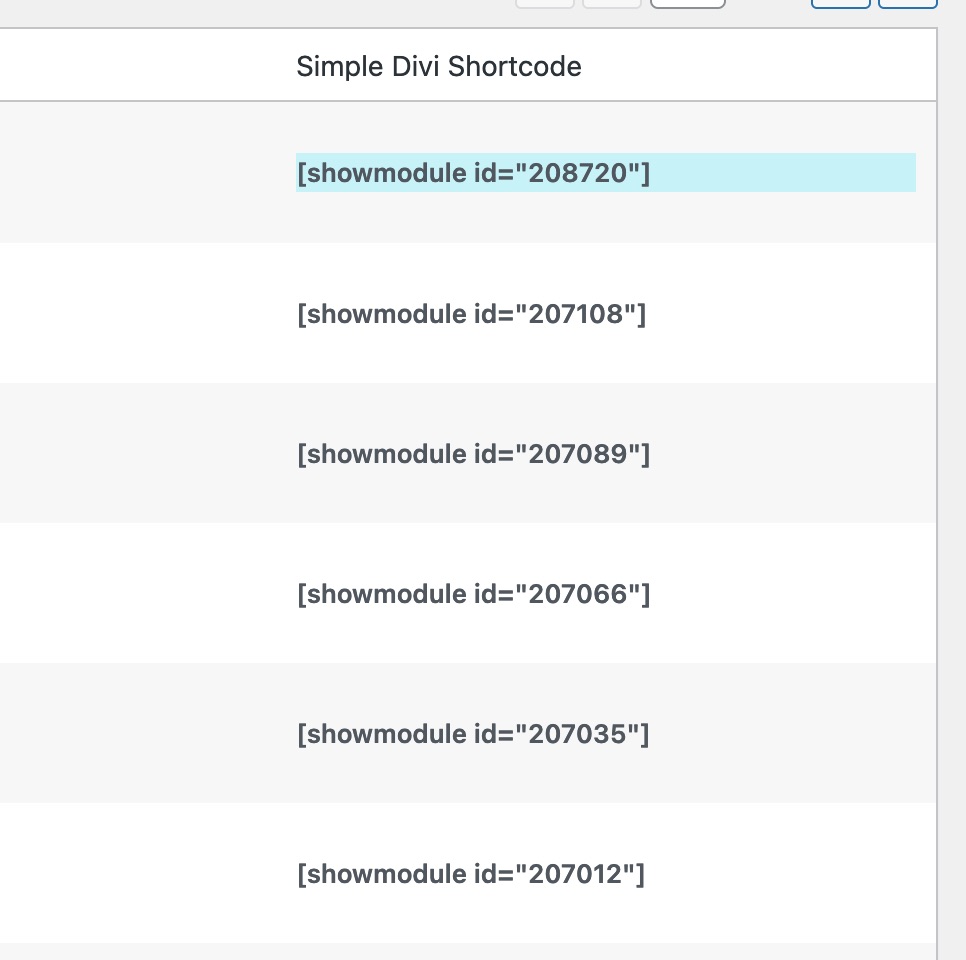
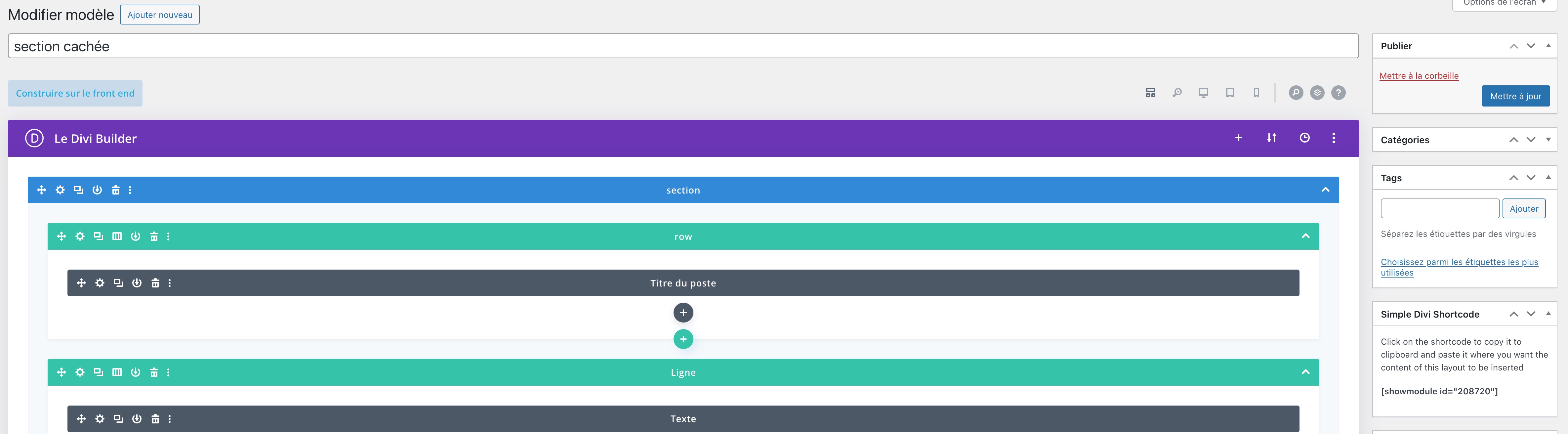
This tool allows you to easily embed any Divi Library item, such as a layout or module, into other modules or php templates using a shortcode. To use it, simply create a layout or module in the Divi Library, copy the shortcode, and insert it where you want the item to appear. It requires the DIVI or EXTRA theme or the Divi Builder plugin from Elegant Themes to work.Screenshots
Frequently asked questions
How do I embed a Divi Library item inside another module or template?
Using this tool you will be able to embed any Divi Library item inside another module content or inside a php template by using a simple shortcode.
How can I find the item ID of a Divi Library item?
The item ID can be found by navigating to the layout editor and looking at the URL. For example, the item ID for the URL 'https://mywebsite.com/wp-admin/post.php?post=866&action=edit' is 866. The ID is also available by hovering over the word Edit in the layout page.
How do I call a Divi Library item using a shortcode?
Once you get the item ID, just call it by using a shortcode [showmodule id='866']
Is there a tutorial on how to use this tool?
Yes, there is a tutorial explaining how to use it available at the following URL: 'https://www.creaweb2b.com/en/how-to-add-a-divi-section-or-module-inside-another-module/'
Is there a premium version of this plugin available?
Yes, a premium version of the plugin, offering some more functionality is available for purchase at the following URL: 'https://www.creaweb2b.com/en/plugins/simple-divi-shortcode-en/'
Changelog
- 0.9 – Initial release
- 1.0 – Updated deprecated extract attribute method
- 1.1 – Added Shortcode Colmumn inside Divi Library and Shortcode metabox inside Divi Builder
- 1.2 – Allow direct copy from column and metabox (Thanks to Pierre Sudarovich)
