Fix: Sidebar rendering issue where specifying “All Singulars from {{category}}” resulted in incorrect display of “{{category}} – Category” after saving.
1.1.7
Fix: Added compatibility with WordPress v5.7 for jQuery migration warnings on admin page.
1.1.6
Improvement: Hardened the security of plugin.
1.1.5
Fix: Security hardening.
1.1.4
Fix: Fixed compatibility with other plugins with respect to the admin notice.
1.1.3
New: Users can now share non-personal usage data to help us test and develop better products. ( https://store.brainstormforce.com/usage-tracking/?utm_source=wp_dashboard&utm_medium=general_settings&utm_campaign=usage_tracking )
1.1.2
Improvement: Hardened the security of plugin
Improvement: Compatibility with latest WordPress PHP_CodeSniffer rules
1.1.1
Fix: Fixes a fatal error on Sidebar list page.
1.1.0
New: Target rules appearing in Display Rules column for sidebars.
Improvement: White Label can be set from wp-config.php file.
1.0.2
Improvement: Update target rules with support for targeting all posts inside taxonomies and terms.
Fix: If a taxonomy is used for multiple post types, it was not displayed in target rules.
Fix: Load correct textdomain and allow the plugin to be translated from translate.W.org
1.0.1
White Label support added from the Astra Pro plugin.
Optimized target rules query to be even more lightweight.
It took jut a few moments to figure out how to use this plugin (just follow the instructions), but then it was very easy. And it allows us to personalize our site to a much greater degree than ever before. We use it most in conjunction with Product Filter by WBW plugin because we have many products and many categories--and as a customer navigates our site, we want certain filters to appear on ceratin pages. This Sidebar plugin made that super easy.
Hi there! I wanted to try this pluging after some reviews but to my unfortunate, the website where I installed this plugin is not opening after installation.
The theme I am using to develop my website came with sidebars but they were not dynamic. After testing about 3 sidebar plugins, I was about to give up, then I found this one. It was very easy to use and works perfectly. I would highly recommend this plugin if you are looking for an easy way of incorporating sidebars on your website.
Great idea for a plugin. It’s easy to use and does exactly what it says. The developer does however not respond to bug-reports in a professional way, so I wouldn’t rely on it for critical sites. It works well for testing purposes though.
This does not work very well for me. It has some major issues.
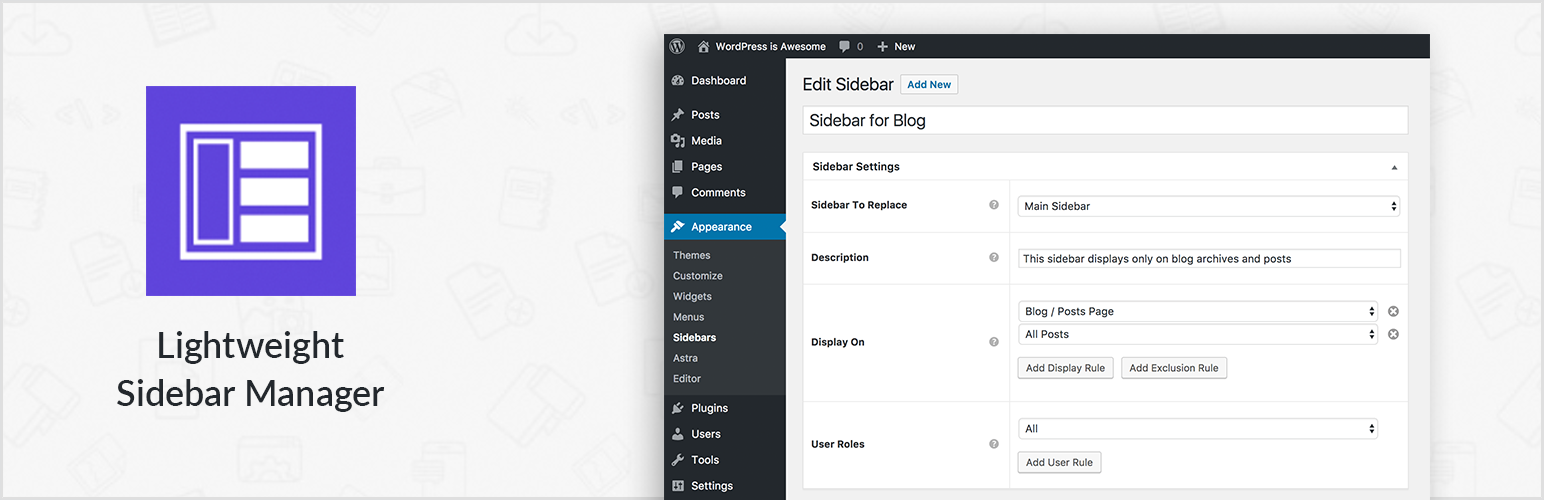
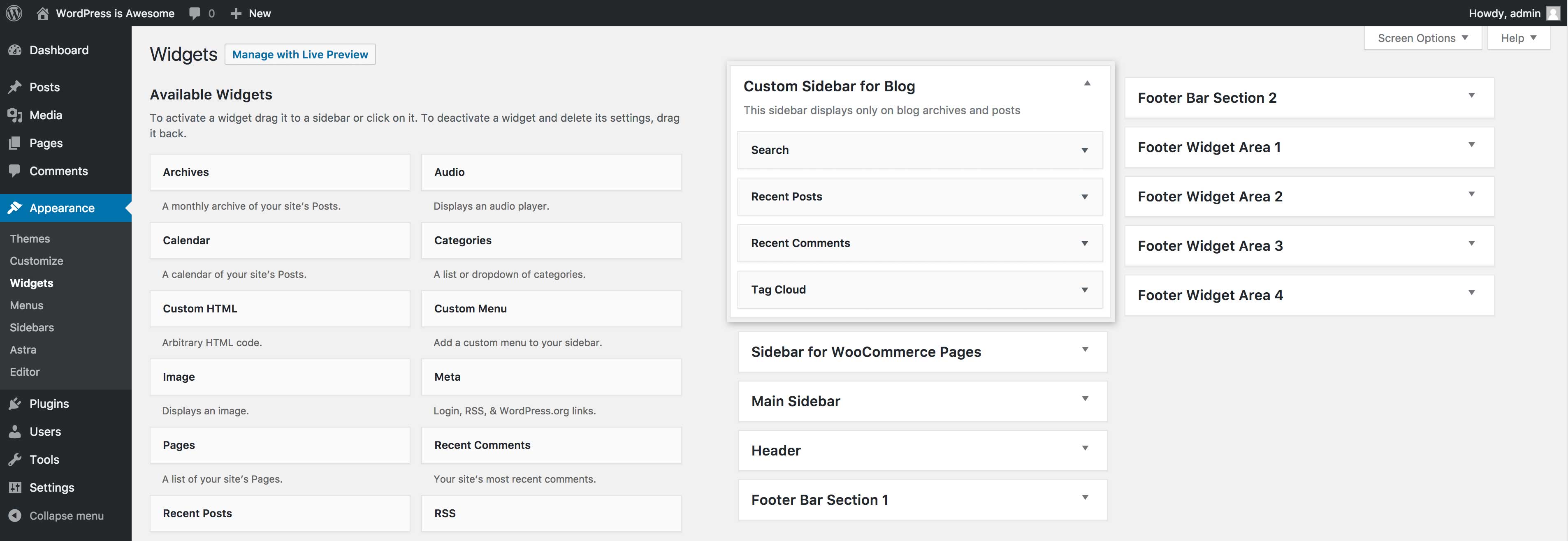
In order to set the sidebar for the pages/posts, you have to go to appearance > Astra options > sidebars. Then filter through four sets of options to get the sidebar where you want. For most people, this is not intuitive. It’s time-consuming and very confusing.
Ideally, you should just go to the page you want to edit and select the sidebar you want on the page.
Astra already has a settings area on the page where you can choose the location of the sidebar (left, right, none). It would make sense to then have some checkboxes below this to choose which sidebar you want to display on the page, instead of having to do it at appearance > Astra options > sidebars.
But I understood some people like having control over all their sidebars in one place. For them, this plugin may be helpful, but it does not have filters to set the sidebar according to a specific category.
The current process to set a custom sidebar is very confusing and time-consuming if you have a lot of pages/posts where you want to have different sidebars.
I would like to request the Brainstorm Force team to add an option in the Gutenberg editor section from where we can select the sidebar we want for specific pages/posts.
In this way, the plugin will be helpful for both types of people who want to have a master control to set sidebar at once and for the people, who want to set sidebar according to their pages/posts from the editor section itself.
This works just fine but for me it has one major issue. (I see this in a lot of themes as well.)
In order to set the sidebar for the page you have to go to appearance > astra options > sidebars. Then filter through four sets of options to get the sidebar where you want. For most people this is not intuitive. It's time consuming and confusing.
Ideally, you should just go to the page you want to edit and select the sidebar you want on the page.
Like I said, I see a lot of themes use this non-linear way of setting things up. Problem is, you end up having to go five different places to change the settings and design of your page.
Astra already has a settings area on the page where you can choose the location of the sidebar (left, right, none). It would make sense to then have some check boxes below this to choose which sidebar you want to display on the page, instead of having to do it at appearance > astra options > sidebars.
I guess some people like having control over all their sidebars in one place. But it makes it very difficult and time consuming when you are trying to design a page.
You can tell this was designed by a developer. A design surely would have made it easier. (nothing personal to developers... :)
I would give this a two-star rating because of the illogical way it is implemented. I just don't subscribe to this way of thinking. But since this is my personal preference and I realize some like having multiple control panels to design one page, then I guess I will give it another star.
Catch Themes Demo Import is a simple and easy-to-use demo importer WordPress plugin that allows you to import the theme demo data (design and content …