

Enables the previous "classic" editor and the old-style Edit Post screen with TinyMCE, Meta Boxes, etc. Supports all…

About Shortcoder — Create Shortcodes for Anything
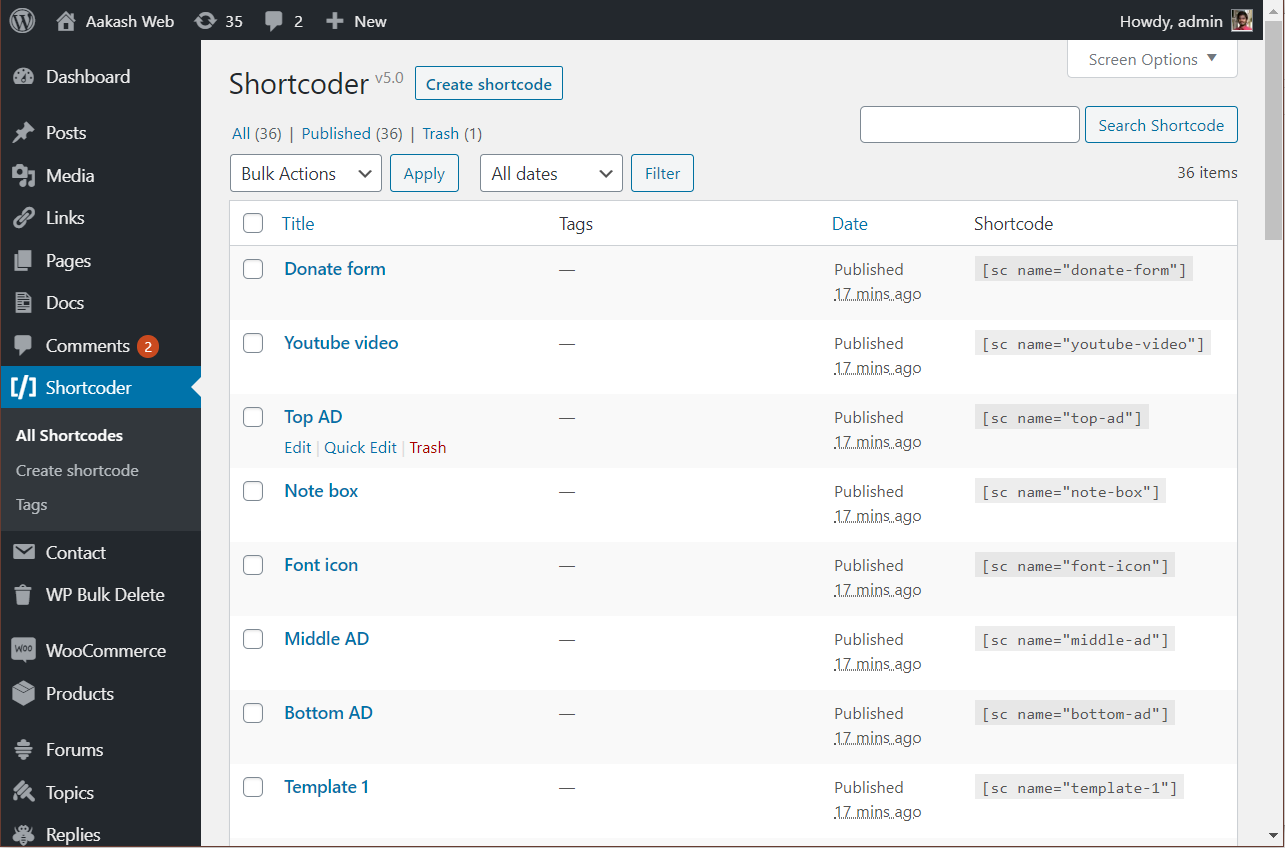
The Shortcoder plugin allows you to easily create custom shortcodes for HTML, JavaScript, CSS, and other code snippets. These shortcodes can be used in posts and pages, and the snippet will be replaced with the code in your content. The plugin also has additional features in the PRO version such as custom editors, revisions support, and the ability to search for posts and pages where a shortcode is used.Screenshots
Frequently asked questions
What is Shortcoder?
Shortcoder is a WordPress plugin that allows users to create custom shortcodes for HTML, JavaScript, CSS, and other code snippets. These shortcodes can then be used within posts, pages, and widgets.
How do I create a shortcode with Shortcoder?
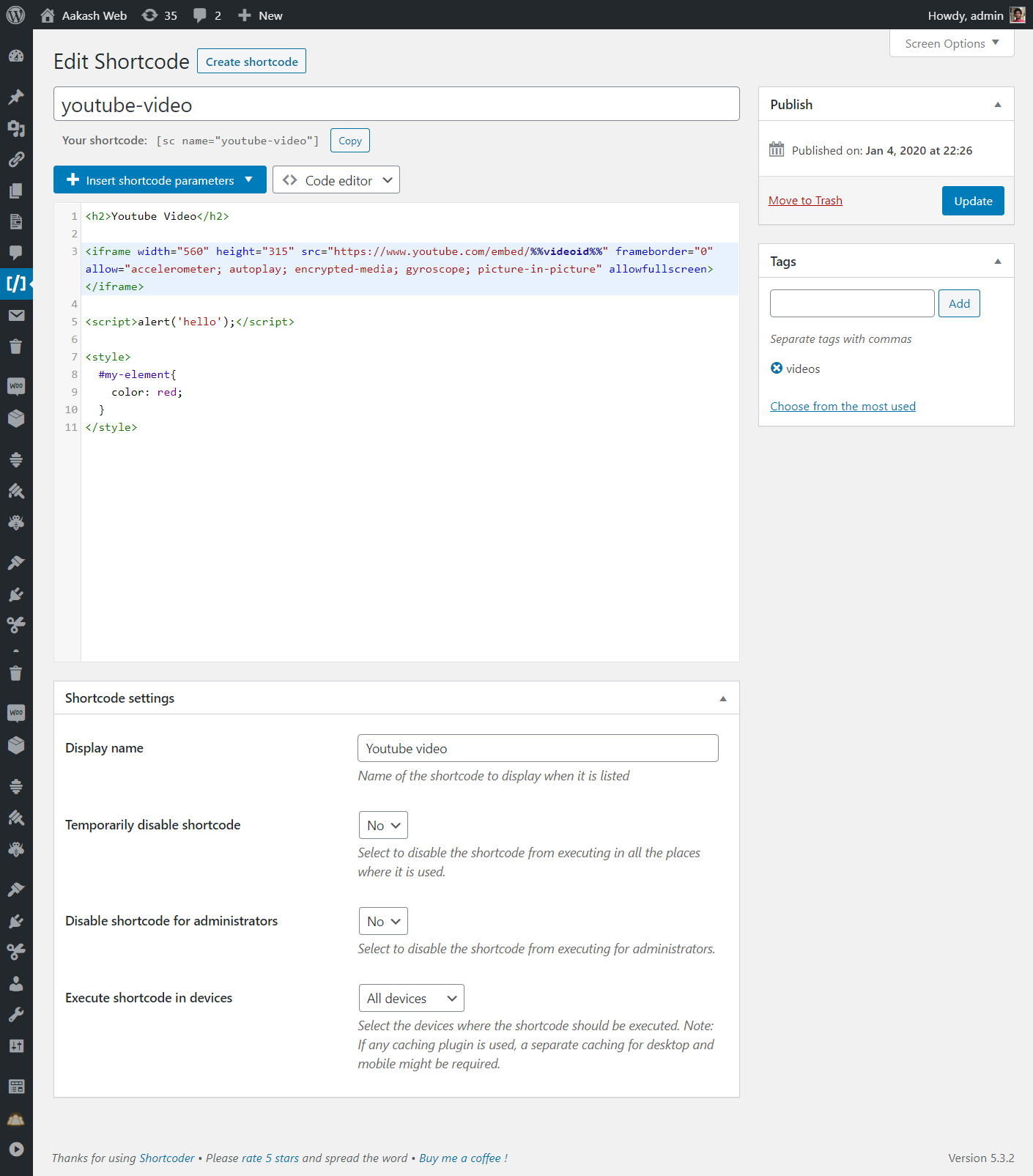
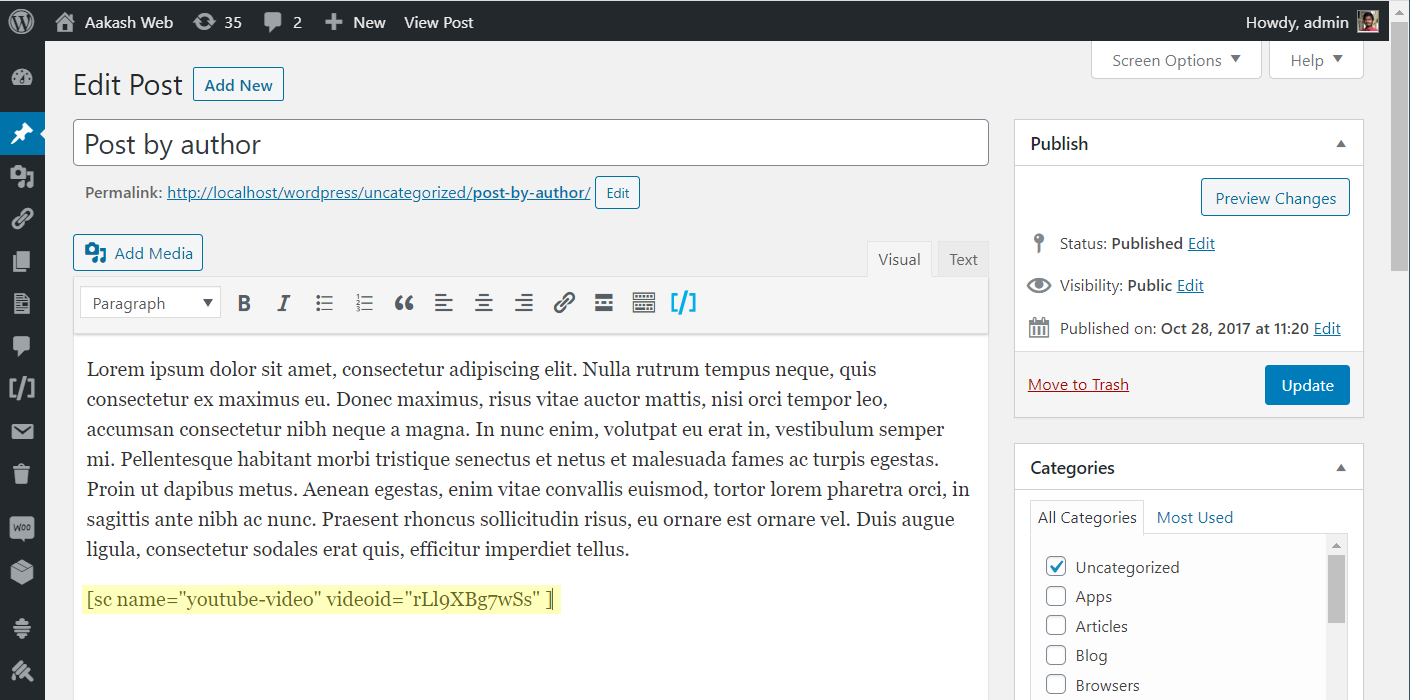
To create a shortcode, you give it a name, paste your HTML/JavaScript/CSS content, and save it. You can then insert the shortcode using its assigned name in your posts or pages.
Can I use custom parameters in my shortcodes?
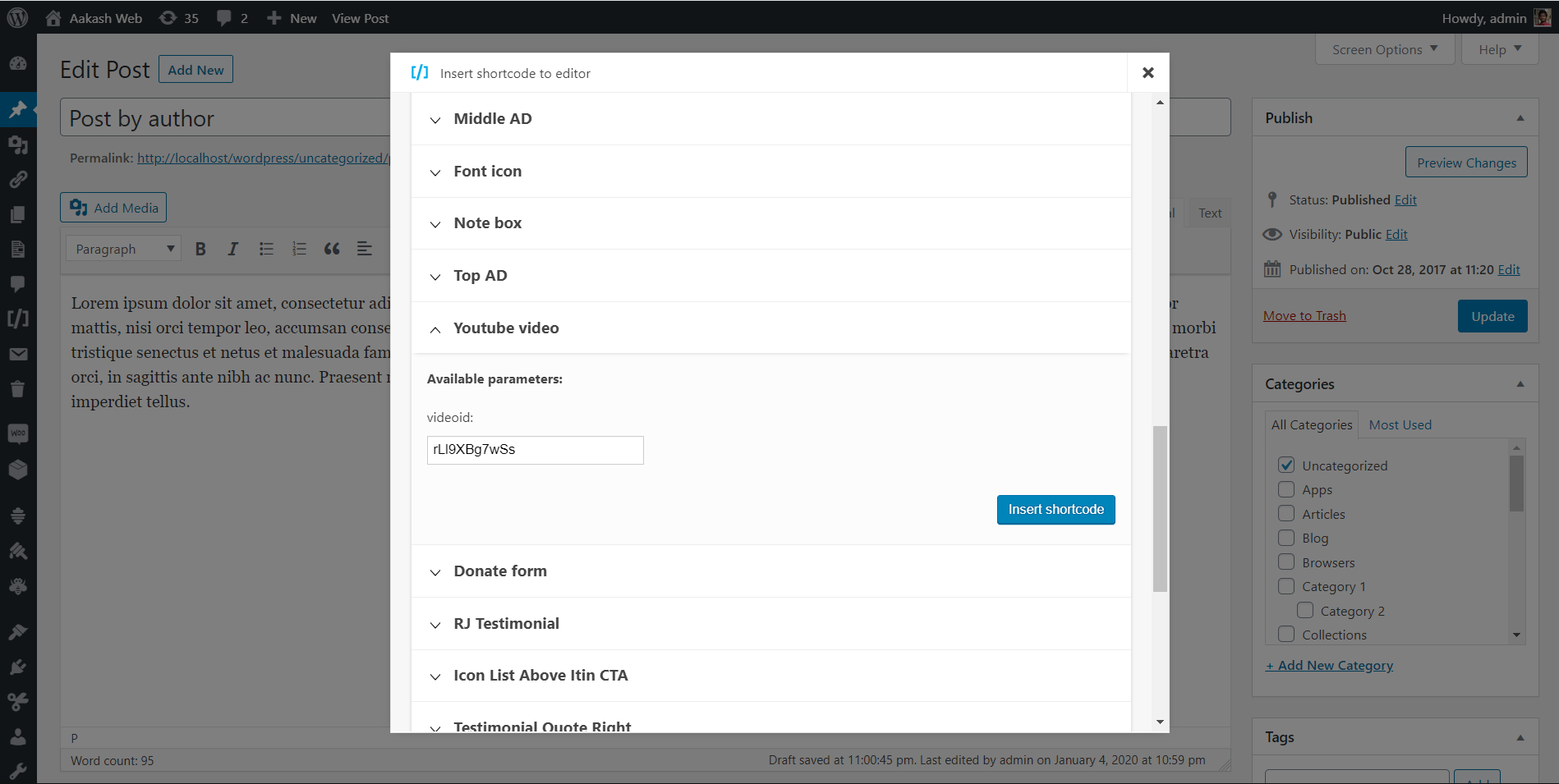
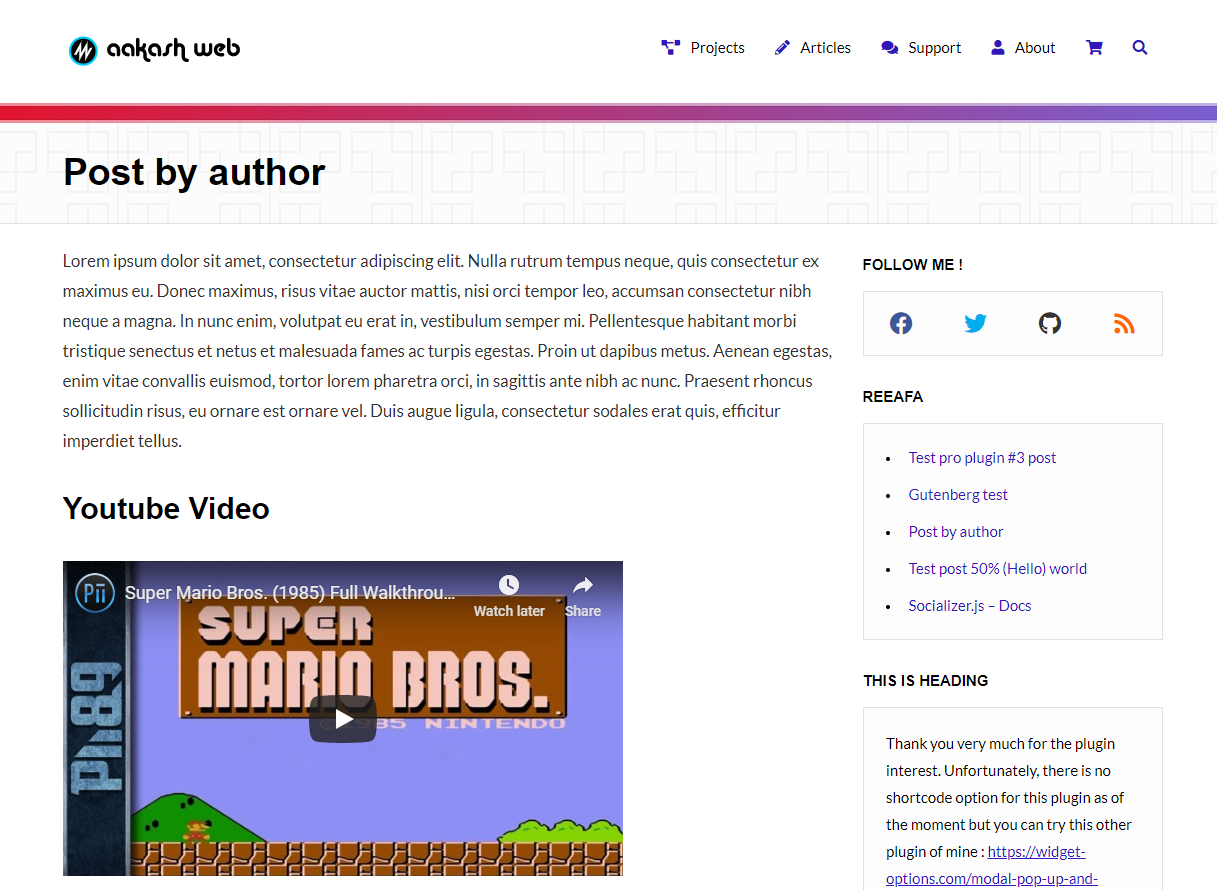
Yes, Shortcoder supports custom parameters within your shortcode content. You can define parameters like %%id%% and then set their values when using the shortcode, for example: [sc name="youtube" id="GrlRADfvjII"].
Does Shortcoder work with the block editor?
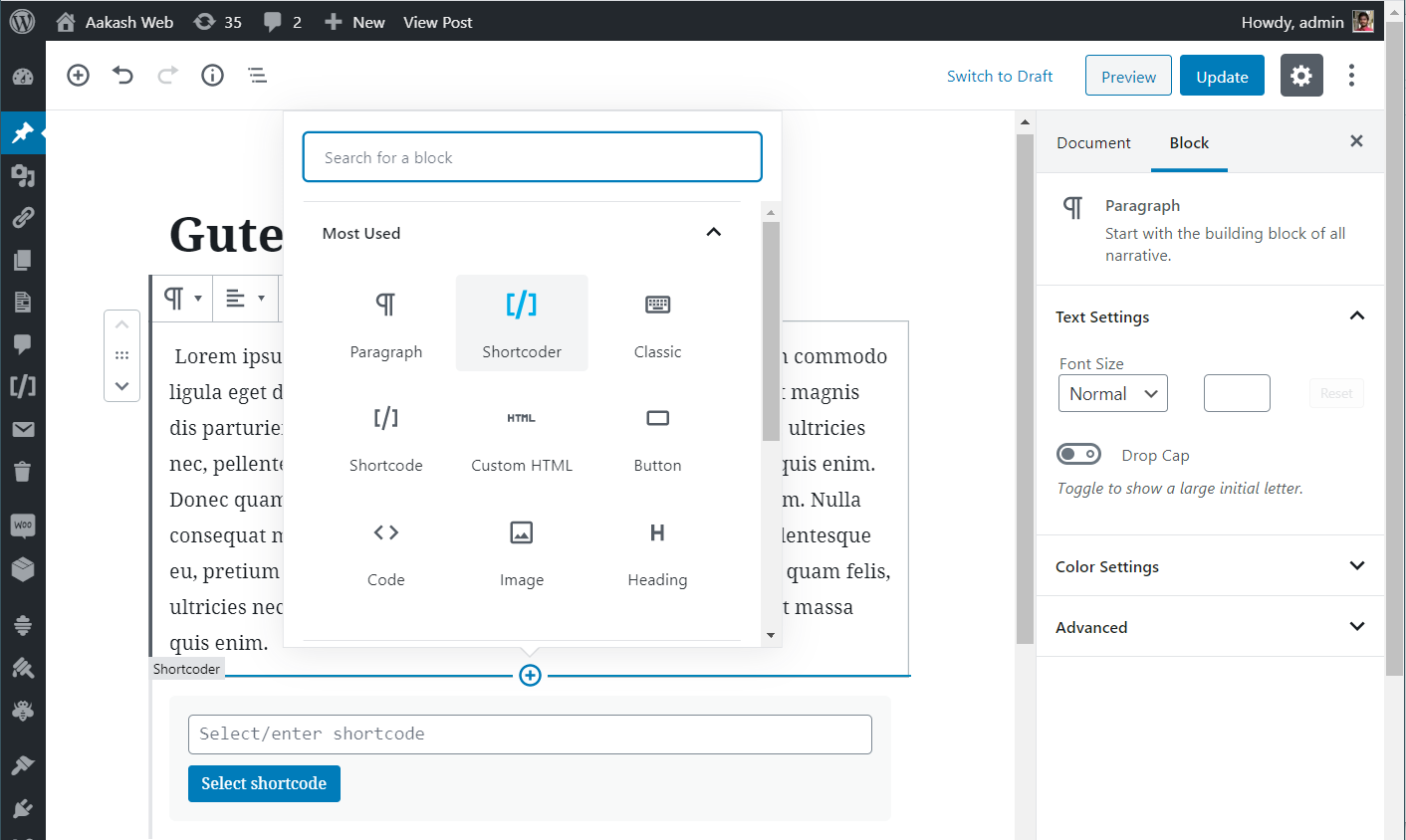
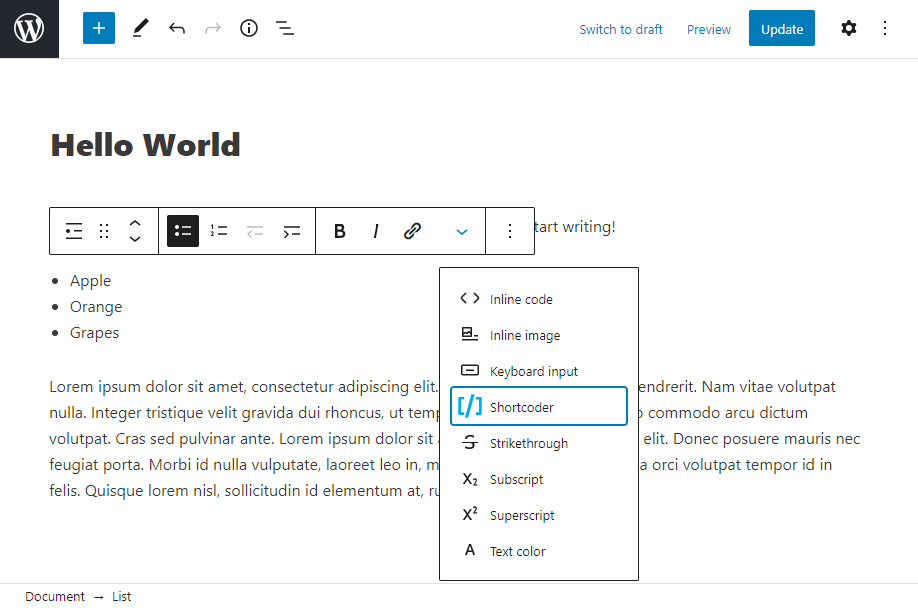
Yes, Shortcoder provides options to select and insert created shortcodes easily when working with the block editor, including a dedicated Shortcoder block and a toolbar button.
Changelog
6.4
- New: Option to set shortcode display name next to shortcode name.
- New: Option to execute WordPress block HTML in shortcode content.
- Fix: Shortcoder roles are registered when plugin is activated.
6.3.2
- Fix: Verify permissions while closing Shortcoder changelog.
6.3.1
- Fix: Admin ajax vulnerability with nonce.
6.3
- New: Set default value for the custom field parameters.
- New: Custom parameter default value is shown in the insert shortcode popup.
- Fix: Restrict access to admin-ajax calls.
- Fix: Some admin texts were missing translation.
- Fix: Removed the note in the insert popup for fully closed shortcode.
- Fix: Debug comment line now has the name of the shortcode.
6.2
- New: Option to show shortcode content in “All shortcodes” page.
- Fix: Some texts were not translated.
- Fix: Error in WP Bakery page builder while picking images.
6.1
- New: Enhancements to shortcode edit screen meta boxes.
- Fix: HTML is escaped in the editor sometimes.
- Fix: Support for WordPress 6.1
6.0
- New: PRO version is introduced.
- New: Prevent same shortcode nested loop.
- New: New actions and filters introduced.
- Fix: Post excerpt shortcode parameter now prints full post excerpt.
- Fix: Enhancements to input and output data sanitization.
5.8
- New: Option to set description for the shortcode.
- New: New actions and filters introduced.
- Fix: Minor admin UI enhancements.
5.7
- New: Reordered shortcode column in the “All shortcodes” page.
- New: Option to copy shortcode directly from “All shortcodes” page.
- New: Filter
sc_mod_contentto modify shortcode content before execution. - Fix: Shortcode won’t save if the email field in the feedback form has invalid value.
- Fix: Custom parameter with hyphen was not highlighted in code editor.
- Fix: Minor admin UI enhancements.
5.6
- New: Shortcodes available to copy/insert are now closed by default.
- Fix: Custom parameter value 0 is not displayed.
- Fix: Support for WordPress 5.8
5.5
- New: General settings page to configure default editor and shortcode content.
- New: Block to insert shortcode rewritten from scratch.
- New: Toolbar button to insert shortcodes inline.
- New: Shortcodes are now closed by default when inserted from editor.
- Fix: Custom fields parsing issue when they are placed next to each other.
- Fix: Enclosed content in block input now retains multi-line.
- Fix: Minor refinements to UI.
5.4
- New: Code editor is now loaded locally and not from cloudflare.
- New: Code editor now shows hints and highlights any syntax error.
- New: Hyphens can now be used in shortcode custom parameters.
- Fix: Handle scenario where shortcode attribute is received as a string sometimes.
- Fix: Notice where
wp_localize_scriptwas called incorrectly. - Fix: Handle scenario where HTML is passed as shortcode parameter.
- New: WordPress requirement changed from 4.4 to 4.9
5.3.4
- New: Tested with WordPress 5.6
- Fix: Handle warning with
trimwhile fetching page metadata at some pages.
5.3.3
- New: Support for
post slugas the new shortcode parameter under WordPress information. - New: Codemirror has been updated to latest version.
- Fix: Handle code editor loading issue when there is any collision.
- Fix: Handle input fields which have empty
idattribute. - Fix: Handle issue of
$postobject being undefined at some cases. - Fix: Renamed usages of
__class__to__CLASS__
5.3.2
- New: In code editor, shortcodes will be highlighted and code editor font size is slightly bigger.
5.3.1
- New: Code editor is now made the default editor.
- Fix: Minor changes to admin UI.
5.3
- New: Added support for underscores in custom parameters.
- New: Getting ready for internationalization of the plugin.
- Fix: Insert shortcode popup shows duplicate available parameters in case of same parameter with different case.
5.2.1
- Fix: Custom parameters being not replaced in some scenarios.
- Fix: Minor enhancement to insert custom parameter form.
5.2
- New: Default values can now be provided to custom parameters.
- Fix: Script tags, custom field placeholder and backslash being stripped after saving the shortcode sometimes.
- Fix: Rel attribute being modified for links.
- New: Added “Manage shortcodes” link to plugin list page for easy access after activation.
5.1
- New: Import/Export link added to the shortcoder list page.
- Fix:
empty()was throwing error at some places for users using PHP 5.5 below as function return value was passed to it. - Fix: Shortcoder QTTags button was loading in frontends.
- Fix: “Insert shortcode” popup was hidden behind in theme customizer page.
- Fix:
array_key_existsarray but bool given warning. - Fix: Hide comments metabox in shortcode edit page as it was shown in certain conditions.
5.0.4
- Fix:
scriptandstyletags stripped after 4.x upgrade. New migration will run in this version and shortcode content will now be fixed.
5.0.3
- Fix: Shortcode content is not escaped when code editor is used. This is requirement because
post_contentbehaves strangely when user has rich editing enabled.
5.0.2
- Fix: Shortcodes inside shortcode content not getting executed.
- Fix: Disable Gutenberg block for older not supported WordPress versions.
5.0.1
- Fix: Code editor escaping HTML characters.
- Fix:
get_current_screen()undefined. - Fix: Code editor breaks if there is any other plugin which loads codemirror.
- Fix:
tools.phpis not found.
5.0
- New: Brand new version. Plugin rewritten from scratch.
- New: Shortcoder block for the block editor.
4.4
- New: Insert shortcode automatically adds “closing tag” if the shortcode has enclosed content parameter.
- Fix: Codemirror has been updated to latest version.
4.3
- New: Edit shortcode name after creating.
- New: Post modified date parameter added.
- Fix: Date parameters now display in site language.
4.2
- Fix: Some plugins fail to fire onload JS event since it was overwritten by shortcoder.
- Fix: Javascript in insert shortcode popup not working in IE 11.
- Fix: Missing parenthesis while calling
is_year. - Fix: Widgets page not loading insert shortcode popup.
- Fix: Removed settings emoji icon from plugin actions list.
- Fix: Load latest version 5.42.0 of codemirror.
- Fix: Updated minimum required WordPress version.
4.1.9
- Fix: Minor UI refinements for better experience.
- Fix: Import error where some exported JSON files have 0 as EOF.
4.1.8
- New: Insert custom fields in shortcode content.
- Fix: Removed comments in shortcode output
4.1.7
- New: Categorize, search and filter shortcodes using “tags”.
- New: Last used shortcode editor will be saved along with shortcode.
- New: Enclosed shortcode content can now be used as shortcode parameter.
- New: Active line highlight has been enabled for code editor.
- Fix: Codemirror has been updated to latest version.
- Fix: Minor admin interface enhancements.
4.1.6
- New: Date variables can noe be added into shortcode content.
- Fix: Error “trying to get property of non-object” is handled.
4.1.5
- New: Bloginfo variables can now be added into shortcode content.
4.1.4
- New: Codemirror powered syntax highlighted shortcode content code editor (beta).
4.1.3
- Fix: Shortcode names with not-allowed characters cannot be edited/deleted.
- New: Shortcode imports made can now be fresh or overwritten.
- New: Only users with
manage_optionscapability will see “edit shortcode” option in insert window. - Fix: Import failure with UTF-8 characters.
- Fix: Case sensitive search in admin pages.
- Fix: Minor admin interface changes.
4.1.2
- New: Search box for shortcodes in admin page.
4.1.1
- Fix: HTTP 500 error because of syntax error in import module.
4.1
- New: Import/export feature for shortcodes.
- Fix: Visual editor is now disabled by default.
- Fix: Added instructions in admin page.
4.0.3
- New: Added feature to sort created shortcodes list.
- Fix: HTML errors in admin page
4.0.2
- Fix: Sometimes
get_current_screen()was called early in some setups.
4.0.1
- Fix: Servers with PHP version < 5.5 were facing HTTP 500 error because of misuse of PHP language construct in code.
4.0
- New: Plugin rewritten from scratch.
- New: Brand new administration page
- New: Shortcode visibility settings, show/hide in desktop/mobile devices
- New: Insert WordPress information into shortcode content.
- Fix: Insert shortcode window is not loading.
- Fix: Unable to delete the shortcodes
(Older change logs are removed from this list)
