

Improve your WordPress SEO: Write better content and have a fully optimized WordPress site using the Yoast SEO…

About WP Video Popup – WordPress Video Lightbox for YouTube & Vimeo
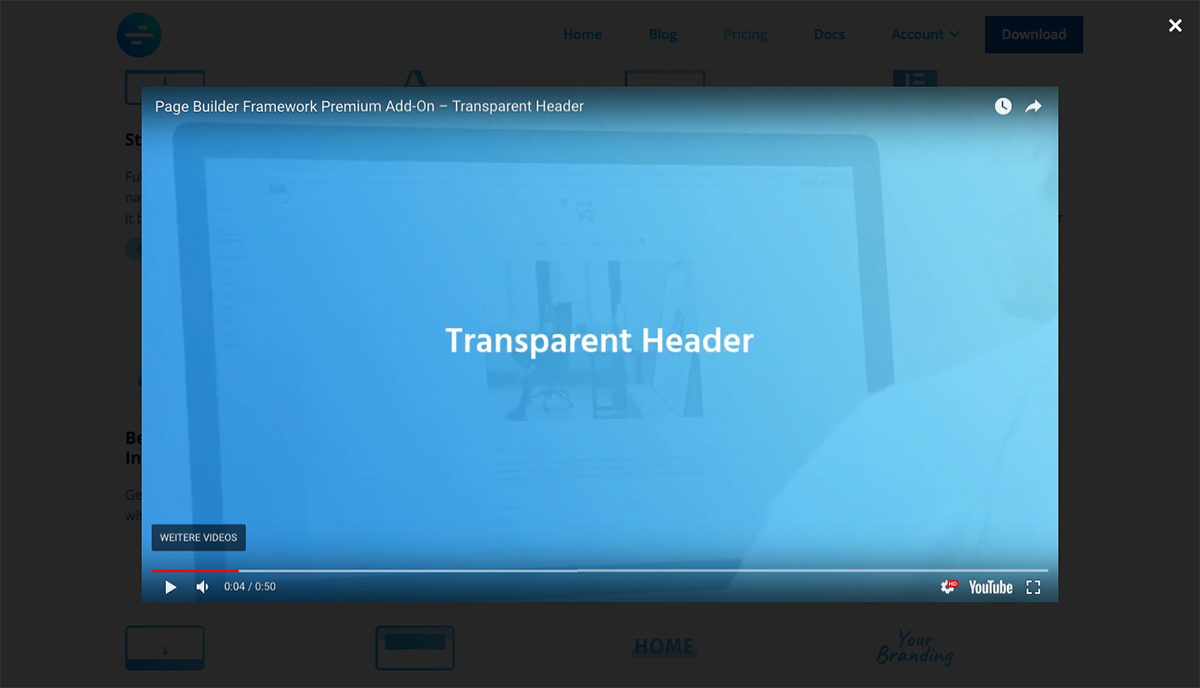
WP Video Popup is a plugin that allows you to add responsive YouTube, Rumble, or Vimeo video lightboxes to your WordPress site. It is optimized for performance, fully responsive, and GDPR compliant. You can customize the viewing experience with shortcode attributes, and there is a PRO version available with advanced features.Screenshots


Frequently asked questions
What types of videos can I embed with WP Video Popup?
WP Video Popup allows you to embed YouTube, Rumble, and Vimeo videos. It adds a responsive video lightbox to your website.
How does WP Video Popup help with website performance?
Videos are only loaded when users click to view them, which helps maintain fast page speeds. This prevents the videos from slowing down your site upon initial page load.
Is WP Video Popup GDPR compliant?
Yes, WP Video Popup is GDPR compliant. No video connections are made until the lightbox is triggered by the user.
How do I add a video popup to my WordPress site?
You can add a video popup using a simple shortcode like [wp-video-popup video="link-to-your-youtube-or-vimeo-video"]. You also need to add the CSS class 'wp-video-popup' to the element that should open the lightbox.
Changelog
2.10.1 August 27, 2024
- Tweak: Added support for Rumble video URLs, allowing users to provide the video URL directly instead of the embed URL
2.10 August 23, 2024
- New: Added support for Rumble videos
- Tested up to WordPress 6.6
2.9.7 May 10, 2024
- Tested up to WordPress 6.5
2.9.6 December 01, 2023
- Tested up to WordPress 6.4
2.9.5 April 17, 2023
- Tested up to WordPress 6.2
- Minor tweaks & improvements
2.9.4 November 11, 2022
- Tested up to WordPress 6.1
- Removed deprecated webkitallowfullscreen & mozallowfullscreen
2.9.3 July 01, 2022
- Tested up to WordPress 6.0
2.9.2 March 02, 2022
- Tested up to WordPress 5.9
- Updated plugin description
2.9.1 March 15, 2021
- Slight improvements to the settings page design
- Tested up to WordPress 5.7
2.9 February 23, 2021
- Refactored settings page design
2.8.1 December 04, 2020
- WordPress 5.6 compatibility
- Minor tweaks & improvements
2.8 June 17, 2020
- Maintenance release
2.7 October 15, 2019
- New: Added support for portrait videos (Vimeo). To declare a vertical Vimeo video, simply add the
portrait="1"parameter to your shortcode.
2.6 September 26, 2019
- Code improvements
2.5.1 September 16, 2019
- Fixed: Safari full-screen mode doesn’t work
2.5 August 27, 2019
- New: youtube-nocookie.com support
- Deprecated: vimeo=”1″ parameter to declare a Vimeo video. No longer required. We now check that for you in the background.
- Tweak: Improved backwards compatibility
- Overall code improvements
2.4 April 8, 2019
- Tweak: Added allow=”autoplay” parameter to iframe to allow autoplay in Chrome (thanks @owenmack)
- Fixed: A bug where URL parameters weren’t added properly using shortcode attributes
- Fixed: Vimeo video was not muted with mute=”1″
- Deprecated: hide-related shortcode attribute
2.3 December 12, 2018
- New: Shortcode attributes to add URL parameters (mute, hide-related, start)
- Tweak: Updated PAnD to the latest version
- Tested up to WordPress 5.0
2.2 September 23, 2018
- New: Filter to add attributes to the embed-URL
2.1 September 4, 2018
- New: Minor tweaks & improvements
2.0 August 25, 2018
- New: Shortcode has changed to [wp-video-popup video=”link-to-your-video”] for YouTube videos and [wp-video-popup vimeo=”1″ video=”link-to-your-video”] for vimeo videos
- New: Instead of the embed-URL, the direct YouTube/Vimeo video link can now be used in the shortcode
- Fixed: Nesting the shortcode causes other elements overlapping the lightbox
- 100% backwards compatibility
- Minor CSS tweaks and improvements
1.1.2 05/16/2017
- Removed admin notice
- Updated plugin description
1.1.1 05/20/2017
- New: Elementor support – by adding !important to the video iframe width and max-width attributes to prevent Elementor (and others) from overriding.
1.1 02-27-2017
- Stability & maintenance release
- New: Use ESC-key on your keyboard to close the popup
1.0.1
- Tweak: Increased z-index to make sure ryv-popup is on top
1.0
- Initial release

