
Site Kit is a one-stop solution for WordPress users to use everything Google has to offer to make…

About PWA for WP & AMP
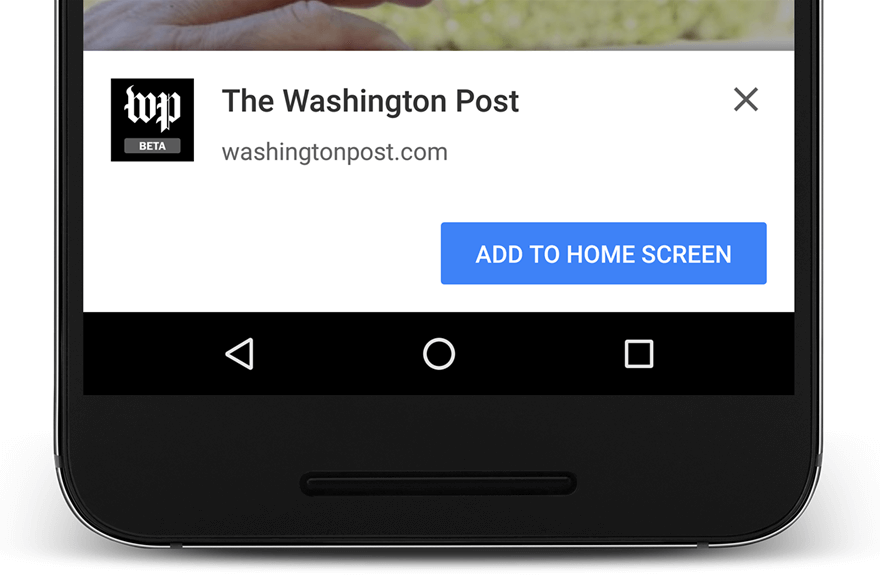
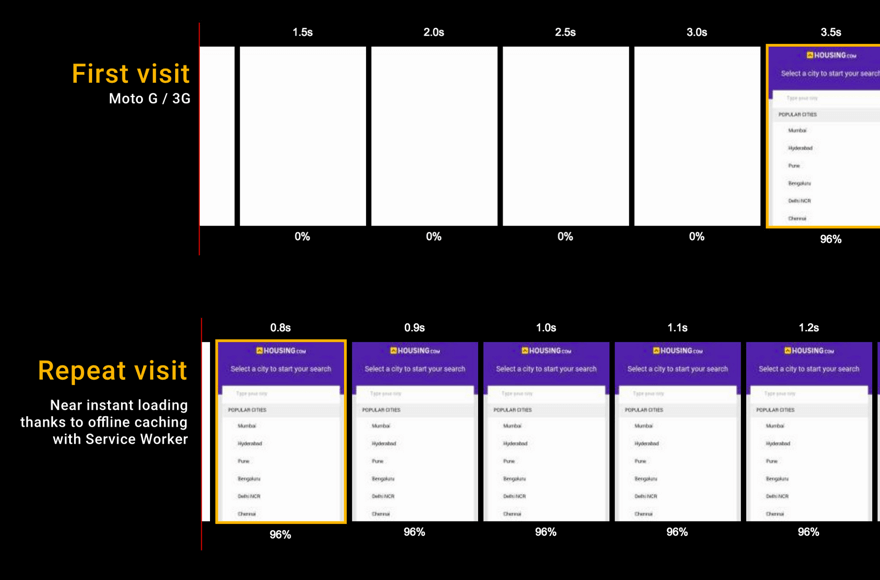
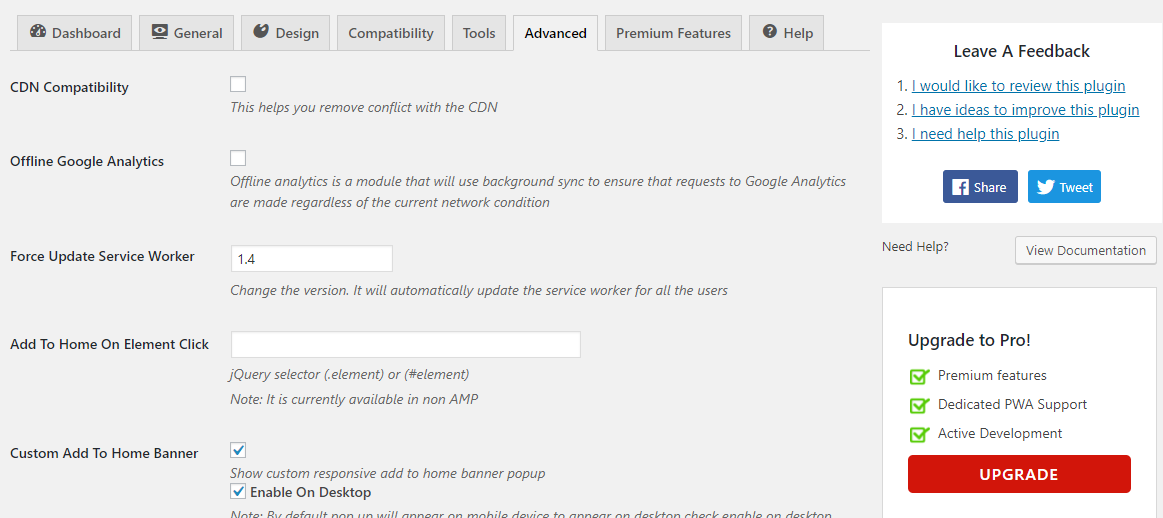
The PWA plugin for WordPress and AMP brings the power of Progressive Web Apps to your website, giving your audience an app-like experience with offline support. It includes features like AMP support, service worker for caching, app banners, offline support, full screen and splash screen, and more. Technical support is available through the forum and you can contribute to the plugin on Github.Screenshots
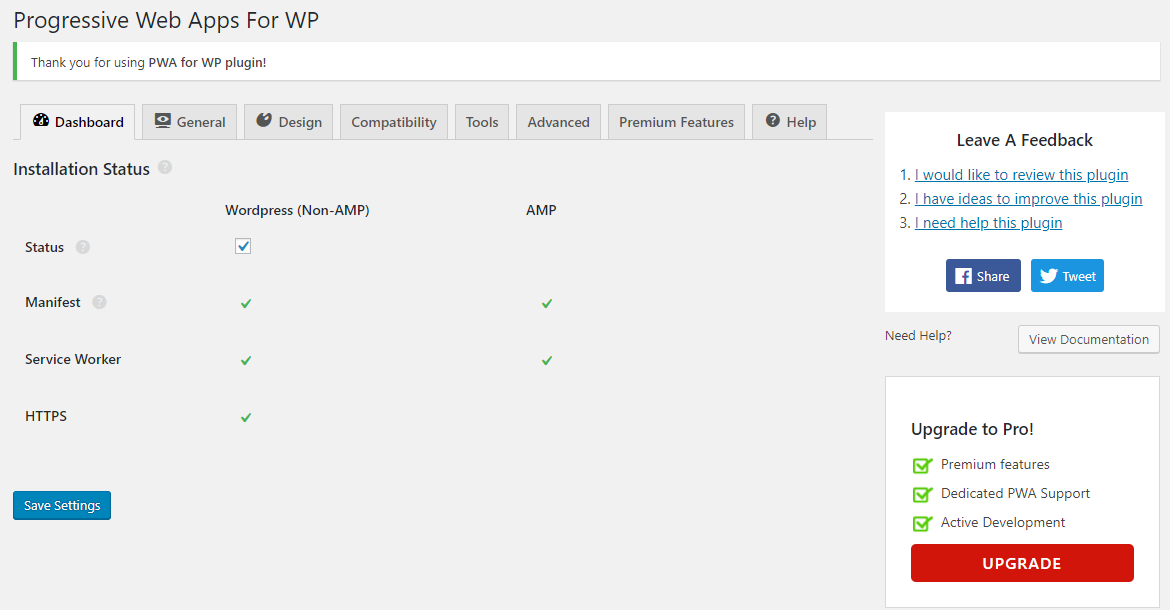
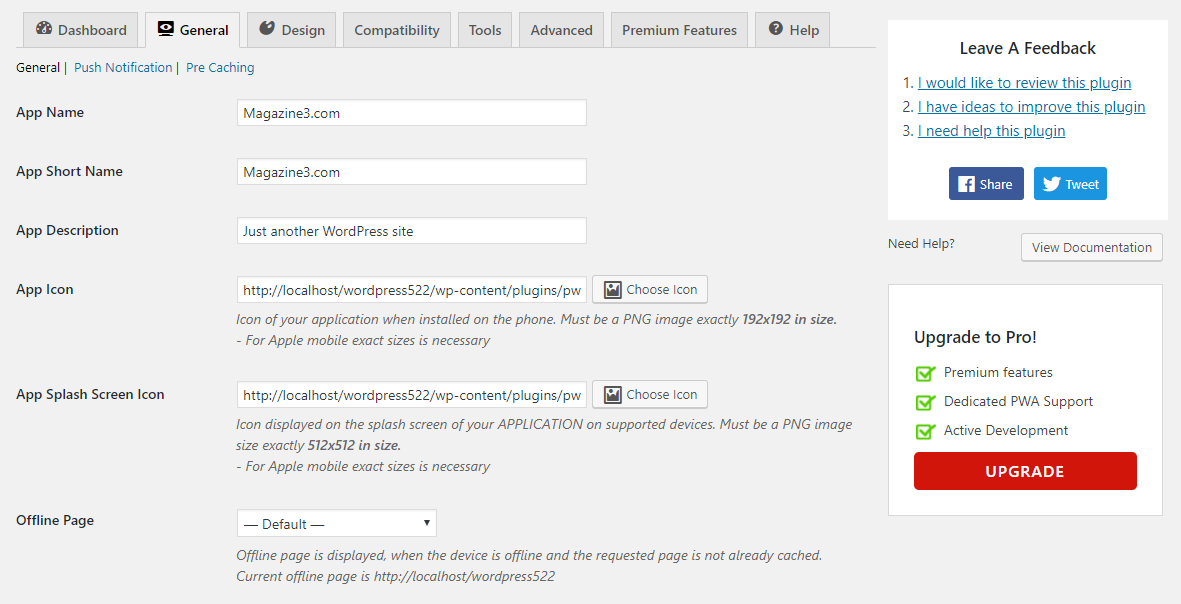

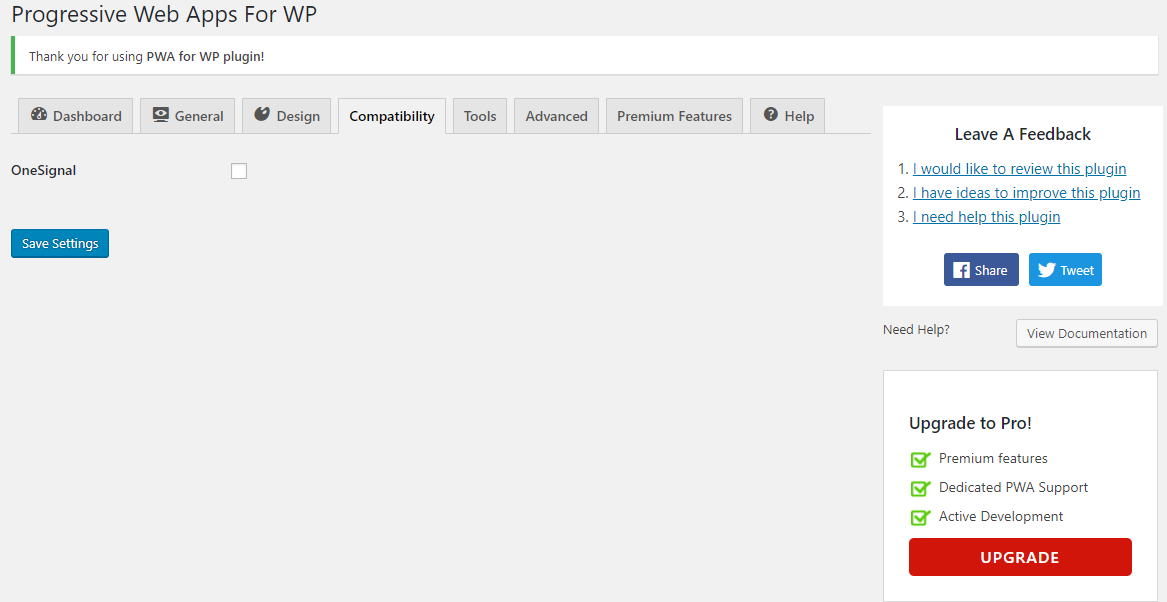
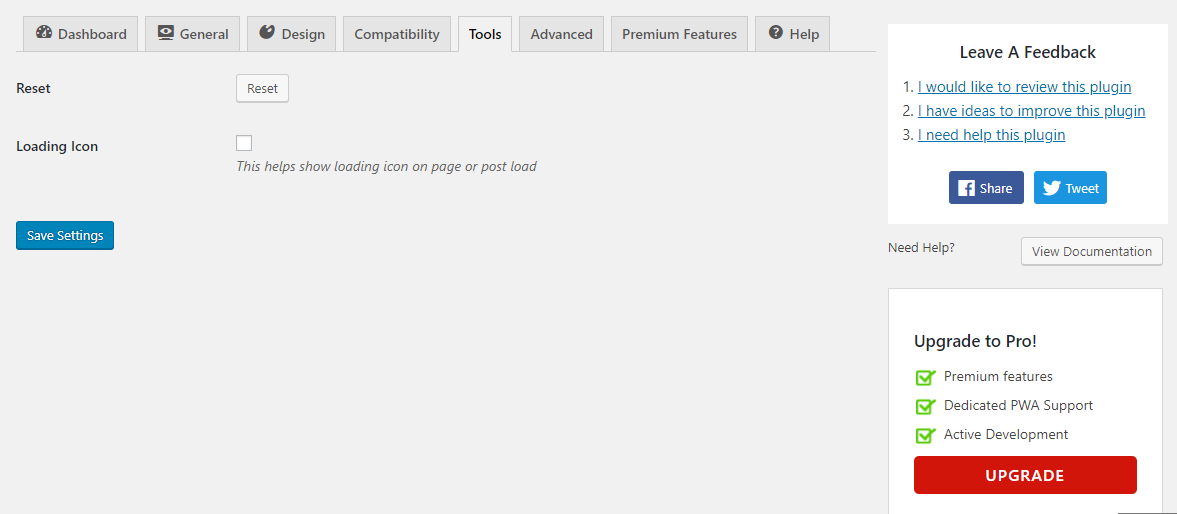
Frequently asked questions
What is the PWA plugin?
The PWA plugin brings the power of Progressive Web Apps to WordPress and AMP to enhance the user experience.
What are the features of the PWA plugin?
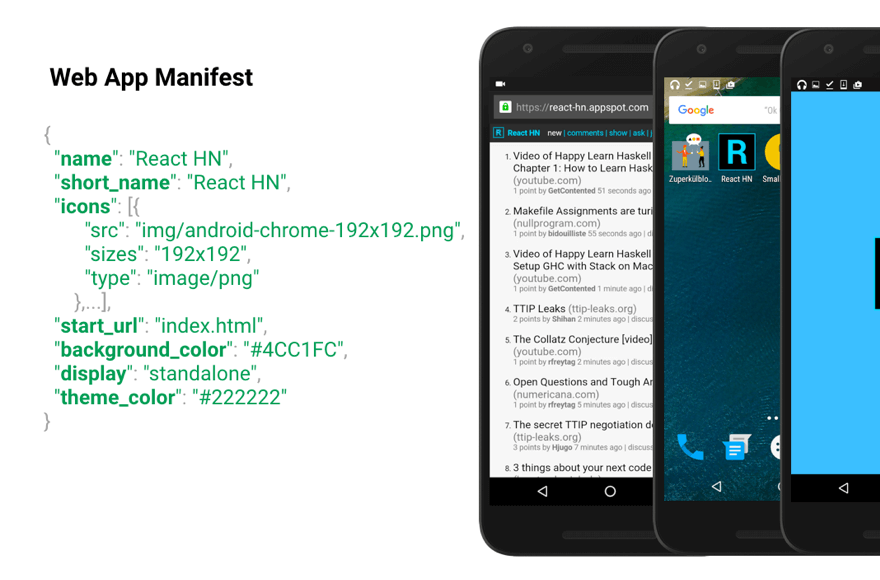
The features of the PWA plugin include AMP support, multi-site support, UTM tracking, OneSignal support, customizable start URL, caching strategy, service worker, app banners, web app manifest, offline support, full screen and splash screen, continuous development, and more.
How does the PWA plugin work?
The PWA plugin automatically installs a service worker that caches external objects to reduce requests and improve performance. It also adds app banners to the home screen, provides offline support, and offers a full-screen and splash screen experience.
Is technical support available for the PWA plugin?
Yes, technical support for the PWA plugin is provided in the forum. You can also contact the support team via email.
Can I contribute to the PWA plugin?
Yes, you can contribute to the PWA plugin on Github by viewing the repository and submitting feature requests or bug reports.
Changelog
1.7.76 (31 December 2024)
- Added : PWA to ios as a service (pro extension)#693
- Improvement : Make a feature to force load the “pwa-non-amp-install” specific parameter URL. #932
- Bug Fixed : Offline form feature not working in IOS. #937
- Improvement : Scroll Progress Bar is not showing when PWA display mode is fullscreen #943
- Bug Fixed : PWA not working when visibility condition is set but visibility option is disabled #938
- Compatibility : Need to add compatibility with Eform in offline forms #940
- Test : Test with WordPress version 6.7 #936
1.7.75 (28 October 2024)
- Improvement : Added an option to edit the text in the iOS QR code #926
- Improvement : Added an option to edit browser banner content. #934
- Bug Fixed : Extensions not activating #929
- Improvement : Added an option so that only the Steps to install the PWA on IOS should be visible directly without clicking on Install banner in CTA #922
- Bug Fixed : The feature Quick Action is not working #931
- Improvement : Minify JS files for production #933
1.7.74 (02 September 2024)
- Bug Fixed : The visibility option is not working for the CTA feature. #905
- Bug Fixed : App Icon is getting replaced by Splash screen Icon on some Android devices #923
- Improvement : Connect CTA with add to homescreen in chrome browser. #924
- Improvement : Update ‘Stable Tag’ in readme.md file #908
1.7.73 (13 August 2024)
- Bug Fixed : Warning appears in Call to Action extension. #915
- Bug Fixed : Fixed vulnerability issues discovered by Darius Sveikauskas.
- Compatibility : Tested with WordPress version 6.6 #914.
- Improvement : Code improvement.
1.7.72 (09 July 2024)
- Bug Fixed : The visibility option is not working for the CTA feature. #905
- Bug Fixed : Navigation bar extension conflict issue #910
- Bug Fixed : When we click on saving button on Nav bar data was not saved. #913
- Bug Fixed : Fixed vulnerability issues discovered by CleanTalk inc.
- Improvement : Code improvement.
1.7.71 (03 July 2024)
- Feature Added : Make an option to select form factor from the option #899
- Feature Added : Sharing Media in Progressive Web Apps in BuddyPress #1591
- Bug Fixed : Creation of dynamic property is deprecated #903
- Bug Fixed : Deprecation : $is_amp is defined before require parameter #911
- Bug Fixed : Offline form radio group validation not working #900
- Bug Fixed : Deprecation : $is_amp is defined before require parameter #911
1.7.70 (15 May 2024)
- Bug Fixed : Uncaught TypeError: fwrite(): Argument #1 ($stream) must be of type resource, bool given in #888
- Bug Fixed : Add to home on element click is not working when adding button via elementor #891
- Bug Fixed : While clicking the close button on the CTA banner it shows the pop-up to install #893
1.7.69.1 (09 May 2024)
- Bug Fixed : PWA: Activation Failed error with wordpress latest update. #886
1.7.69 (22 April 2024)
- Feature Added : added a new feature so that users can be able to upload their own images to use as an icon in the Navigation Bar #869
- Bug Fixed : Latest Version 1.7.67 Gives Warning: Undefined Variable $force_rememberme #878
Full changelog available at changelog.txt

