

Improve your WordPress SEO: Write better content and have a fully optimized WordPress site using the Yoast SEO…

About Product Input Fields for WooCommerce
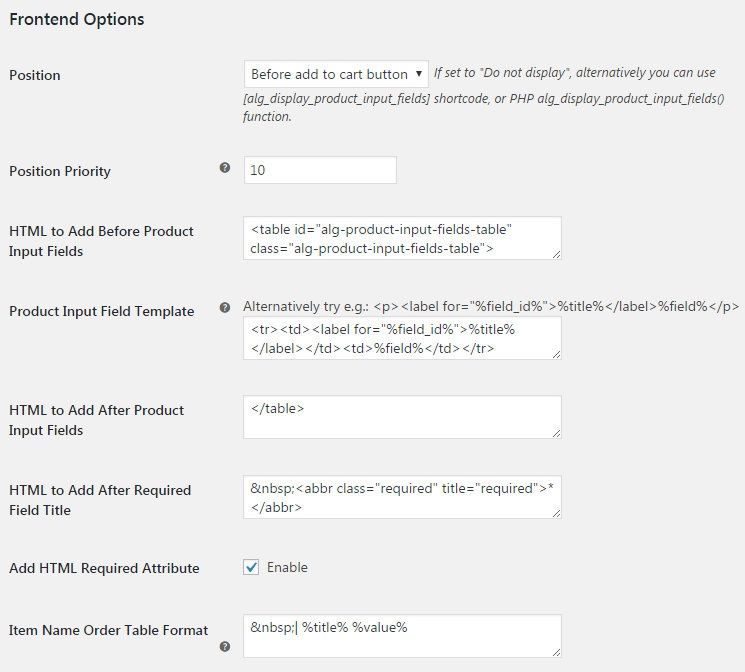
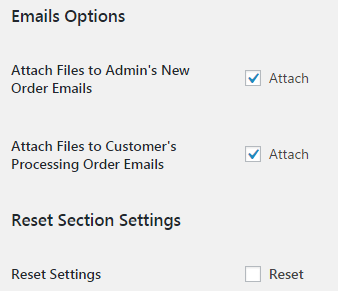
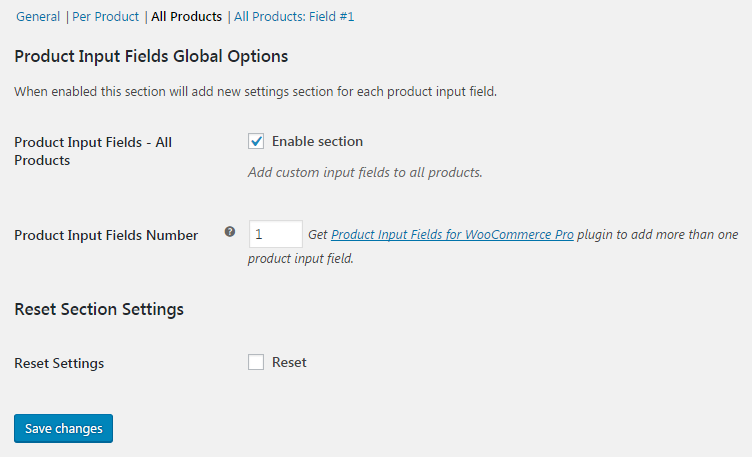
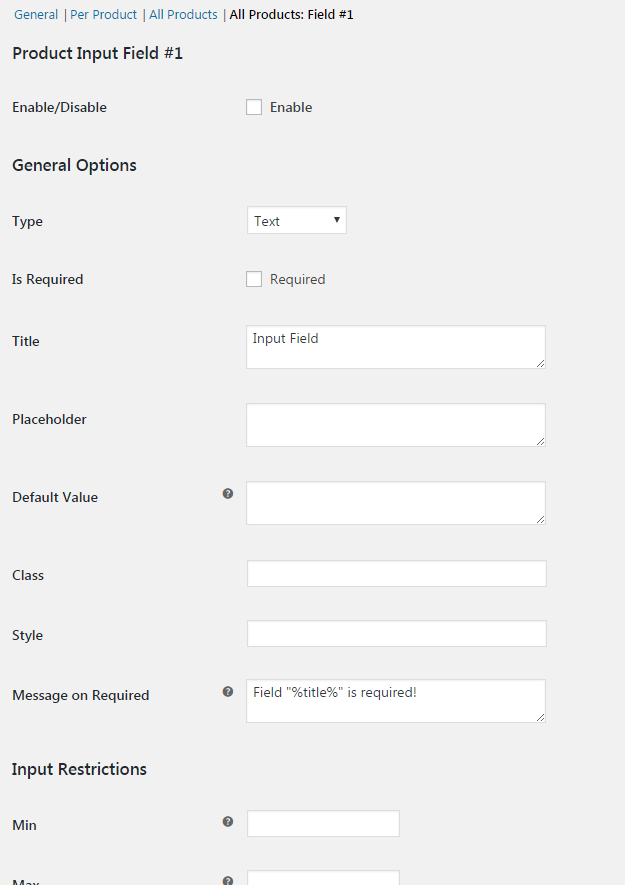
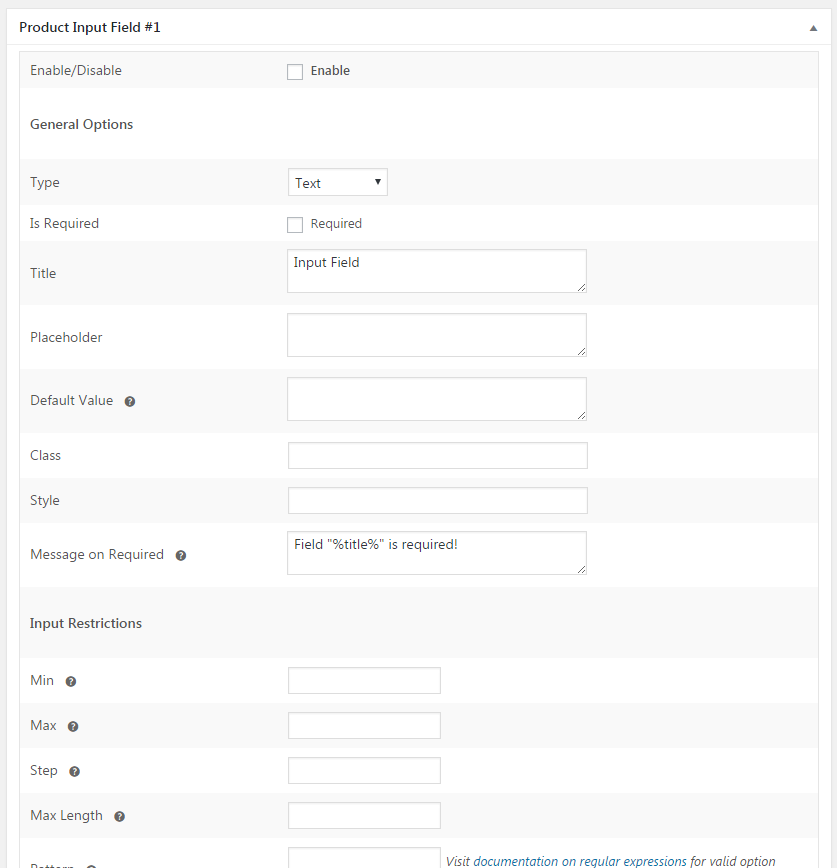
The Product Input Fields for WooCommerce plugin allows you to add custom input fields to your WooCommerce products, either globally or on a per-product basis. You can choose from a variety of field types and customize the options for each field. If you need to add more than two input fields to each product, you can upgrade to the Pro version of the plugin.Screenshots
Changelog
1.12.1 – 04/03/2025
- Fix – Security vulnerability: Implemented sanitize_file_name to prevent double extension attacks on file names.
1.12.0 – 04/02/2025
- Fix – Security vulnerability that allowed unauthenticated file uploads due to insufficient file type validation, preventing the upload of unauthorized files.
1.11.0 – 14/01/2025
- Fix – Issue where the “Reset Settings” button was not working on the settings page.
- Fix – Undefined warning for the $name variable on the cart and checkout pages.
- Fix – Resolved all PHPCS warnings and aligned the code with WordPress Coding Standards to enhance quality and maintainability.
1.10.0 – 23/11/2024
- Fix – Directory traversal vulnerability in the
handle_downloads()function by adding proper file path sanitization. - Fix – Translation loading was triggered too early, causing errors when changing the site language in WordPress 6.7.
- Tweak – Started loading the external resources(js, css) from the plugin itself instead of external URLs.
- Tweak – Removed the call to our tracking server to fetch the deactivation reasons and added them in the plugin itself.
1.9.0 – 22/10/2024
- Fix – Deactivation survey request was being sent even though ‘Skip & deactivate’ was selected while deactivating the plugin.
1.8.2 – 02/04/2024
- Tweak :- Update compatibility with WordPress 6.5.
- Tweak :- Update compatibility with WooCommerce 8.7.
1.8.1 – 20/02/2024
- Fix – Input fields data were not getting passed to the order after v1.8.0 update.
1.8.0 – 20/02/2024
- Fix – PHP deprecated error is coming in the log file.
- Fix – Change plugin description.
- Fix – F j, Y text is appears in the Date picker/ Weekpicker input field.
- Fix – Cross Site Request Forgery (CSRF) vulnerability.
1.7.0 – 26/12/2022
- Fix – Input fields data are not appear on woocommerce emails.
- Fix – Warnings errors from cart & checkout page.
- Fix – The selected Input field value does not appear on the Cart and Checkout block page.
1.6.0 – 22/08/2022
- Fix – Slow load time issue on the admin dashboard panel.
- Fix – Wrong text appear on product frontend when Date picker/ Weekpicker input field selected.
1.5.0 – 26/07/2023
- Enhancement – Introduced Deactivation survey feature.
- Enhancement – Introduced tracking plugin data feature.
- Fix – Weekpicker and Timepicker were not working on the product page due to a conflict with the Storefront theme.
- Fix – Using a quote inside the input field on the product page was displaying broken input HTML.
- Fix – The file upload field was not working when the Astra Pro plugin was active due to a hook from the plugin.
- Fix – With WC 7.8.0 or above input field values were displayed twice on the cart page.
- Fix – Issue with displaying the date inside the Date field when the format was saved as dd/mm/yy.
1.4.0 – 29/11/2022
- Enhancement – Introduced compatibility with WooCommerce High Performance Order Storage.
1.3.2 – 03/05/2022
- Fix – Input field data was not show in the XML file exported from Tools -> Export -> Orders.
- Fix – Date Picker and Time Picker JavaScript loads when not in use.
- Fix – Formatting is not proper for the input field when using Elementor and Astra theme.
1.3.1 – 21/09/2021
- Fix – Fatal error was coming with PHP 8. This is fixed now.
- Fix – Product input fields were getting displayed on the frontend even if the plugin setting was kept disabled and shortcode was added. This is fixed now.
- Fix – Numbers were not coming on the product page when the ‘Range’ type was selected. This is fixed now.
- Fix – Duplicate fields were coming on the frontend when the product input fields were shown using the shortcode and the input fields values were not getting passed to the cart. This is fixed now.
1.3.0 – 19/03/2021
- Fixed an issue of after clicking on the Order again button on My Account page, it shows the error of required fields.
- Fixed an issue of additional description is shown on all the products even after disabling the All products setting.
1.2.7 – 31/07/2020
- Added restrictions to a function from where files were being downloaded for input type File fields. We now check user roles & permissions before downloading the file.
- Fixed an issue related to Creta Theme.
1.2.6 – 19/03/2020
- Update compatibility changes with WooCommerce 4.0.0.
1.2.5 – 04/09/2019
- Changes in code to make the plugin compliant as per WPCS rules.
1.2.4 – 04/04/2019
- Enhancement – Plugin is made compatible with WPML. wpml-config.xml file is added to translate the All Products field labels using WPML.
1.2.3 – 19/02/2019
- Plugin URL updated due to handover of the plugins.
1.2.2 – 1/02/2019
- Author name updated due to handover of the plugin.
1.2.1 – 23/01/2019
- Dev – Plugin URI updated.
- Dev – Admin settings restyled and descriptions updated.
- Dev – Code clean up.
1.2.0 – 25/10/2018
- Add compatibility with Advanced Order Export For WooCommerce plugin
1.1.9 – 09/10/2018
- Display fields on PDF Invoices & Packing Slips plugin
1.1.8 – 19/09/2018
- Add ‘Load Datepicker Style’ option
- Add ‘Load Timepicker Style’ option
- Update Timepicker JS
- Turn off autocomplete on timepicker, datepicker and weekpicker
- Fix Datepicker, Timepicker and Weekpicker style
1.1.7 – 18/09/2018
- Add color input compatibility with Opera and Safari
1.1.6 – 17/09/2018
- Add color section on admin input fields options
- Add option to allow typing or pasting the color manually
- Update WC tested up to
1.1.5 – 10/08/2018
- Fix maxlength attribute on textarea
1.1.4 – 01/08/2018
- Check if order and input fields exist before trying to delete file uploads
- Improve help link for pattern attribute
- Improve input sanitizing
- Display multiple array value as comma separated string
- Fix PHP warnings
- Fix file uploading when using multiple file inputs
- Add “Smart Textarea” option, showing only the textarea excerpt on frontend and hovering it will make it display the full content
- Add ‘Textarea Auto Height’ option, making the textarea auto increase its height as users type
1.1.3 – 18/05/2018
- Add composer
- Add filter ‘alg_product_input_fields_options’ allowing changes on field options
- Add filter ‘alg_wc_pif_field_html’ allowing changes the field html
- Remove check for pro version
- Remove slashes from the values
1.1.2 – 18/04/2018
- Dev – “WC tested up to” added to plugin header.
1.1.1 – 30/10/2017
- Dev – WooCommerce v3.2 compatibility – Admin settings –
selecttype options fixed. - Dev – WooCommerce v3.0 compatibility – “woocommerce_add_order_item_meta hook uses out of date data structures and function is deprecated…” notice fixed.
- Fix –
add_product_input_fields_to_order_item_meta()– Checking if product input fields values exist (fixes notice in log). - Dev – Saving settings array as main class property.
1.1.0 – 15/06/2017
- Dev – WooCommerce 3.x.x compatibility –
output_custom_input_fields_in_admin_order()– Usingmeta_exists()andget_meta()functions to access order items meta data. - Dev – WooCommerce 3.x.x compatibility –
alg_get_frontend_product_input_fields()– Product ID (usingget_id()function instead of accessingidobject property directly). - Dev – Core –
add_files_to_email_attachments()– Additional validation added. - Tweak – Plugin link updated from https://coder.fm to https://wpcodefactory.com.
1.0.1 – 28/03/2017
- Dev – Language (POT) file added.
- Dev – readme.txt updated (screenshots added etc.).
- Tweak – http replaced with https in links to coder.fm.
1.0.0 – 28/03/2017
- Initial Release.

