

Enables the previous "classic" editor and the old-style Edit Post screen with TinyMCE, Meta Boxes, etc. Supports all…

About No Gutenberg – Disable Gutenberg Blocks Editor and FSE Global Styles
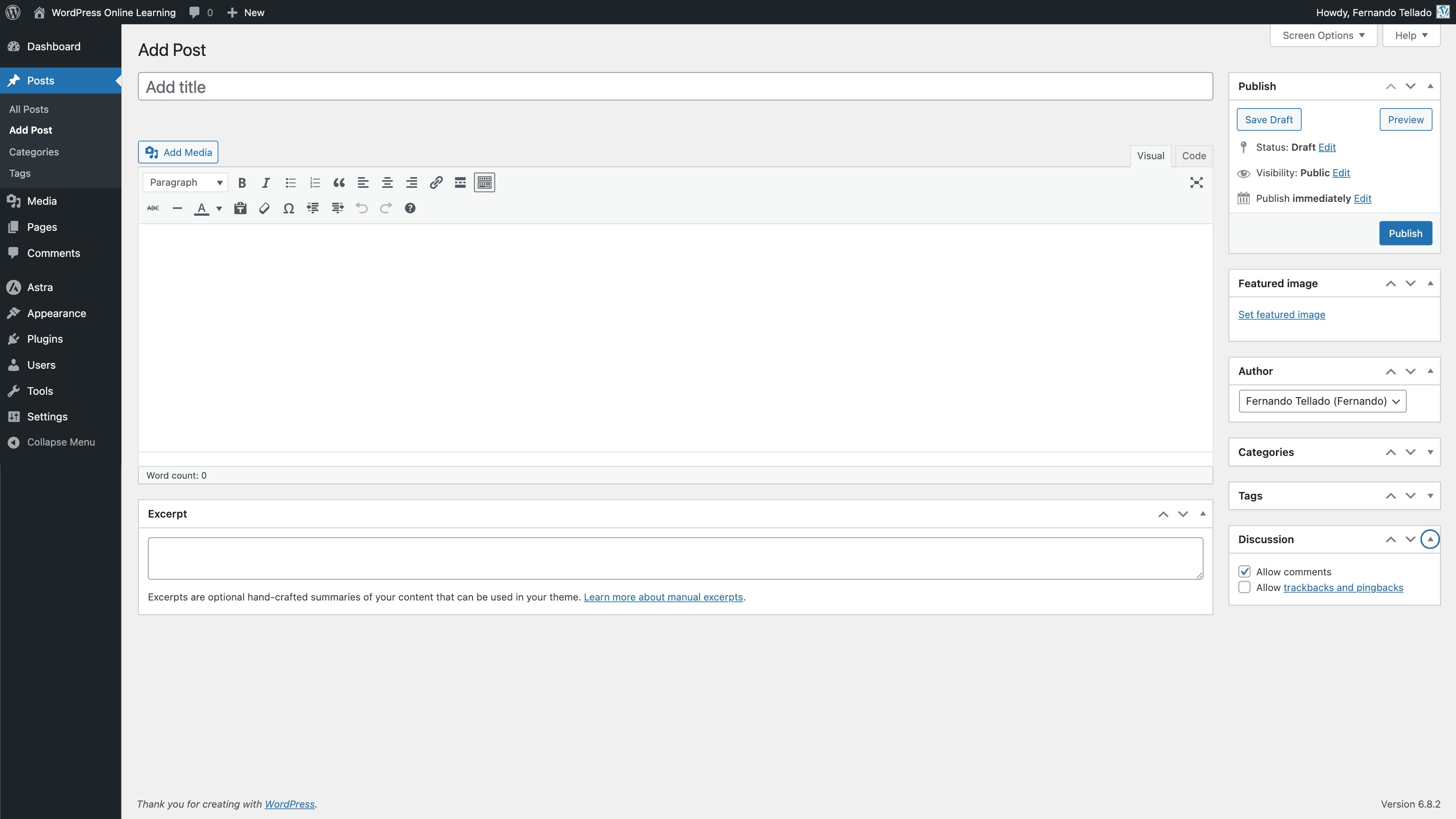
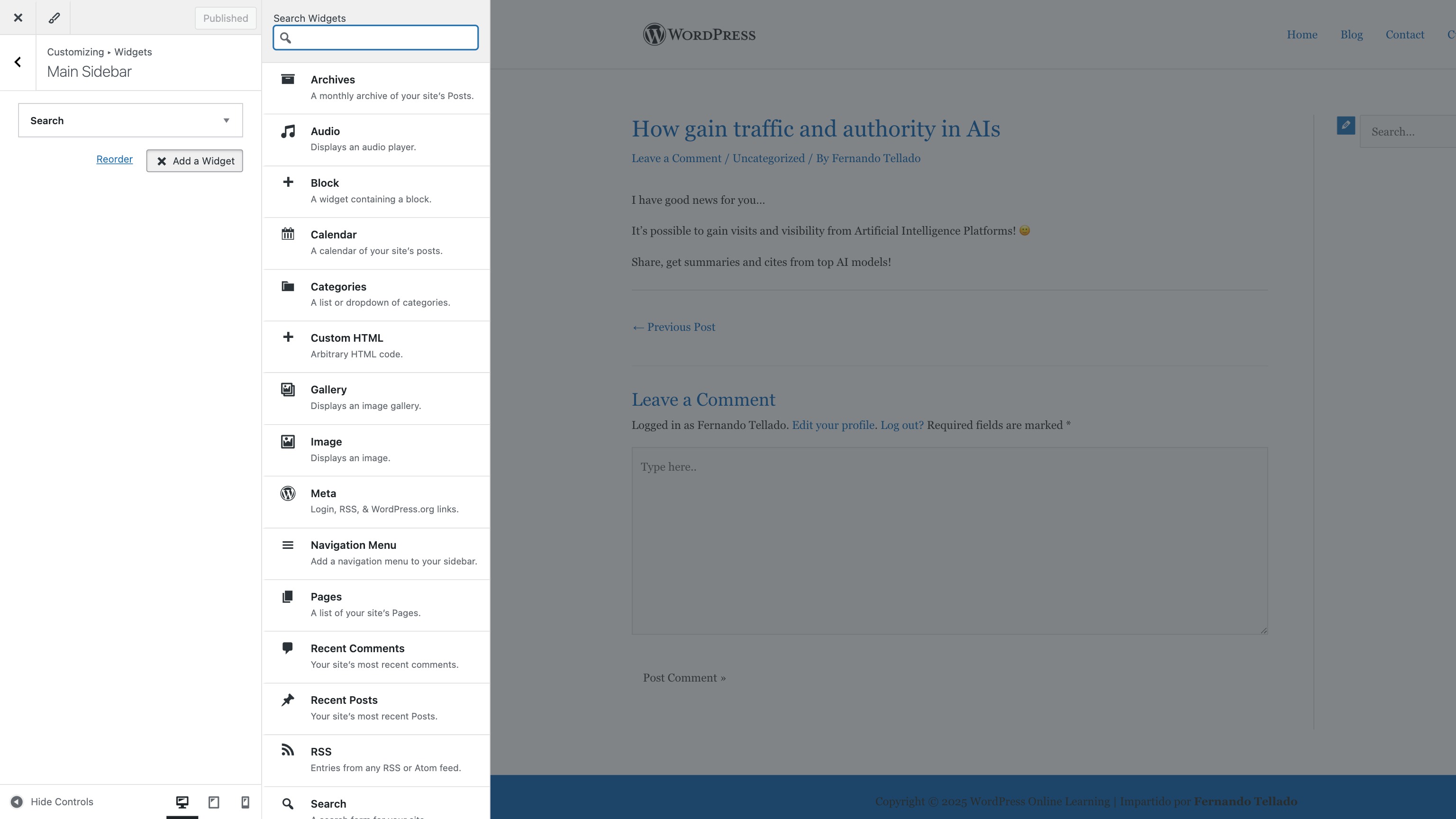
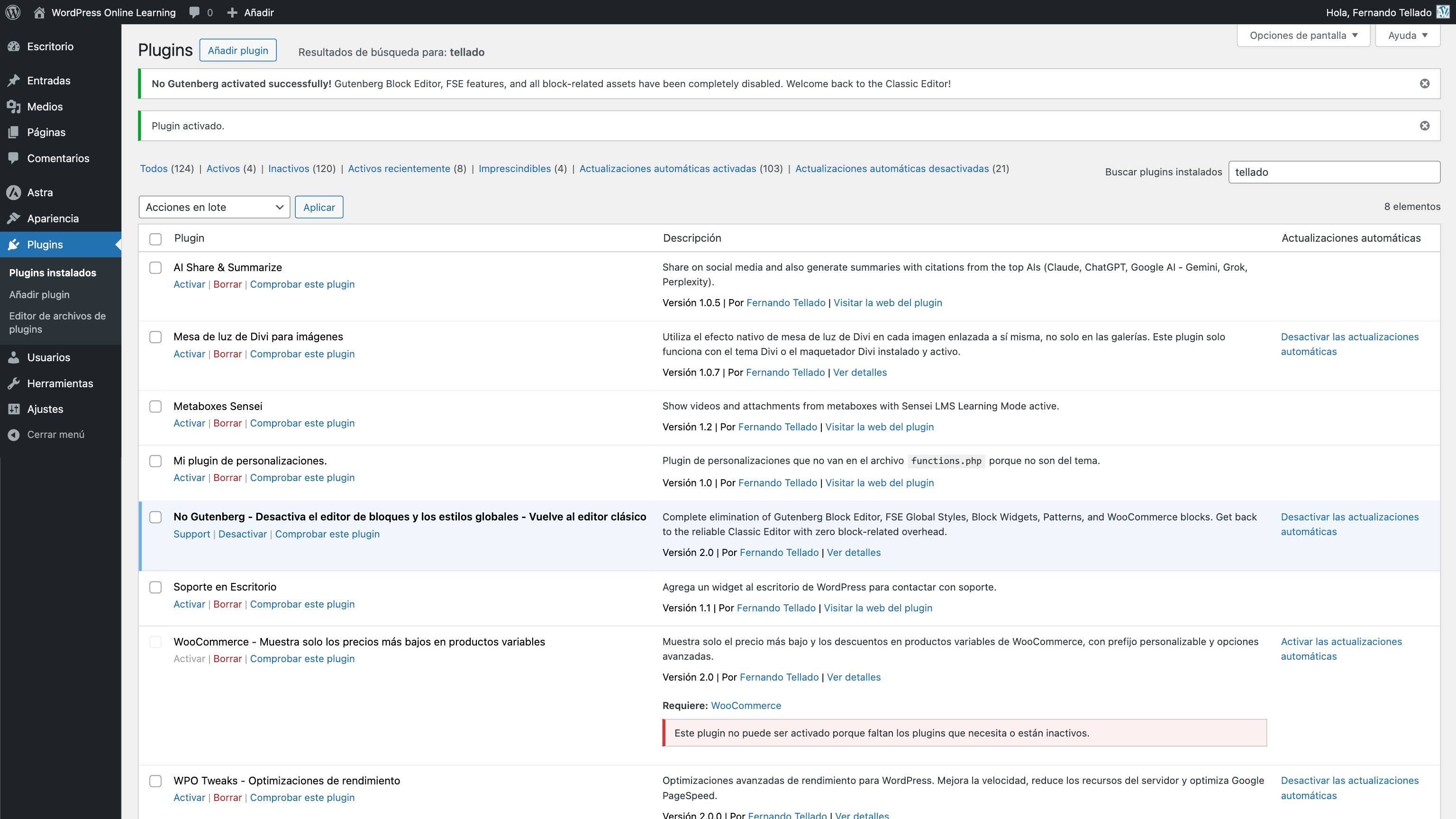
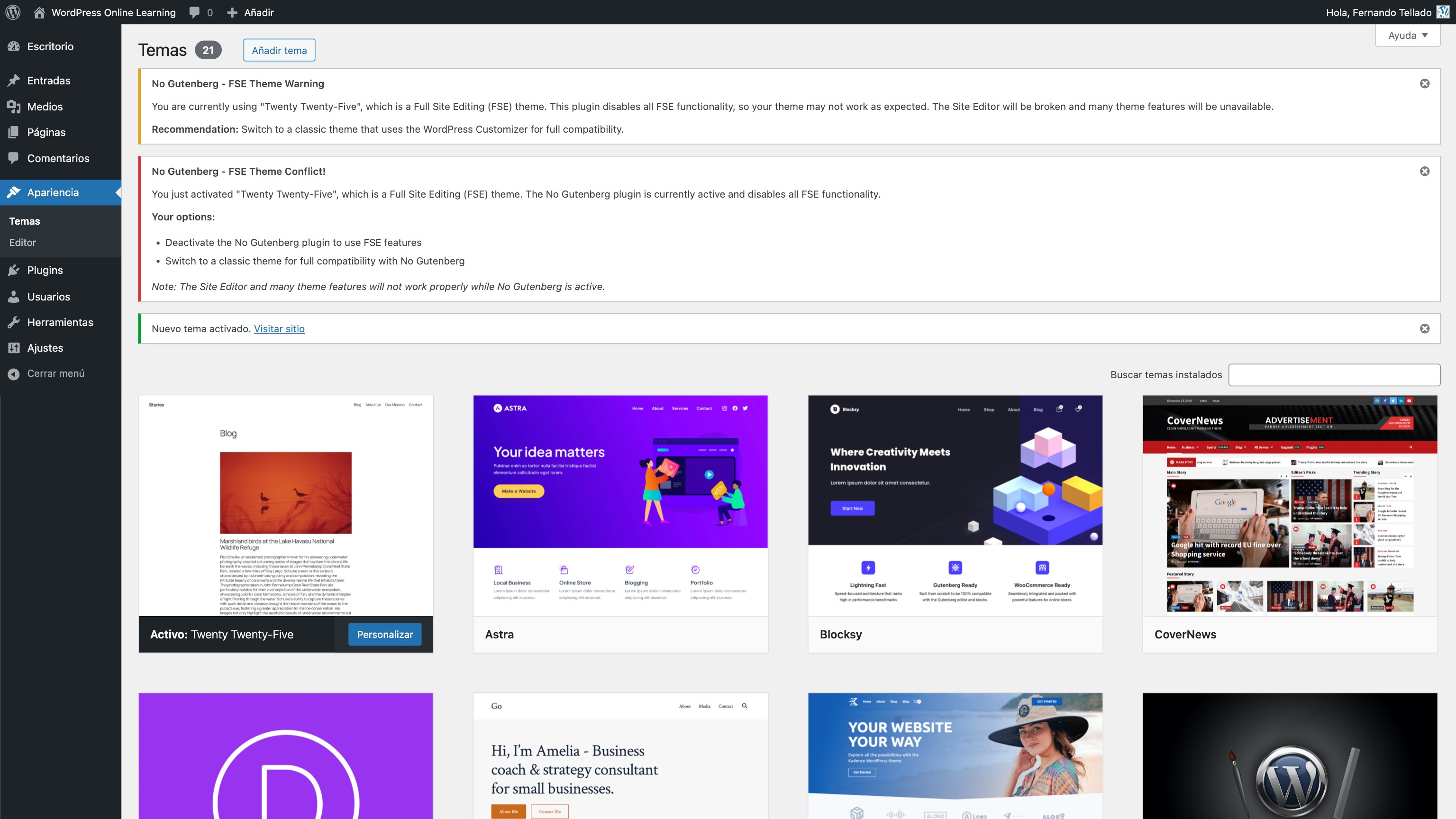
This plugin disables the Gutenberg Block Editor and Full Site Editing Global Styles in WordPress 5.x, allowing you to continue using the Classic Editor. It also disables the "Try Gutenberg" callout Dashboard widget. Simply install and activate the plugin before updating to WordPress 5.x to use the Classic Editor.Screenshots
Frequently asked questions
What does this plugin do?
This plugin disables the Gutenberg Block Editor and the Full Site Editing (FSE) Global Styles. It also shows and uses the WordPress Classic Editor by default. Additionally, it disables the WP 4.9.8 "Try Gutenberg" callout Dashboard widget.
How do I use this plugin?
Simply install and activate the plugin. There are no options to configure.
What are the requirements for this plugin?
This plugin requires WordPress 4.9 or greater (with the Gutenberg Plugin installed and activated for testing purposes) or WordPress 5.0 or greater. It also requires PHP 5.6 or greater.
Changelog
1.1.0
- Fix Fatal Error with prior version
1.0.9
- Tested up to WordPress 6.7.1
1.0.8
- Tested up to WordPress 6.6.2
1.0.7
- Tested up to WordPress 6.4
1.0.6
- Tested up to WordPress 6.2
1.0.5
- Tested up to WordPress 6.1
1.0.4
- Tested up to WordPress 6.0.2
1.0.3
- Tested up to WordPress 6.0
1.0.2
- Added the action to remove the FSE Global Styles
1.0.12
- Tested up to WordPress 5.9
1.0.11
- Tested up to WordPress 5.8
1.0.10
- Tested up to WordPress 5.6
1.0.9
- Tested up to WordPress 5.5.1
1.0.8
- Tested up to WordPress 5.5
1.0.7
- Tested up to WordPress 5.4.1
1.0.6
- Tested up to WordPress 5.4
1.0.5
- Tested up to WordPress 5.3.2
1.0.5
- Tested up to WordPress 5.3 (And it works!)
1.0.4
- Tested up to WordPress 5.2.2
1.0.3
- Tested up to WordPress 5.2
1.0.2
- Tested up to WordPress 5.1
1.0.1
- Better and simply readme file
1.0.0
- Now it works great with all Gutenberg Block Editor versions (plugin and core)
- New conditional filters added to check Gutenberg version before apply the proper function to disable the Block Editor.
0.9.2
- Tested up to WordPress 5.0 tag added
0.9.1
- Function added to disable the “Try Gutenberg” callout Dashboard widget introduced in WP 4.9.8
0.9
- Initial release, and hopefully latest
