

Improve your WordPress SEO: Write better content and have a fully optimized WordPress site using the Yoast SEO…
About Modal Window – create popup modal window
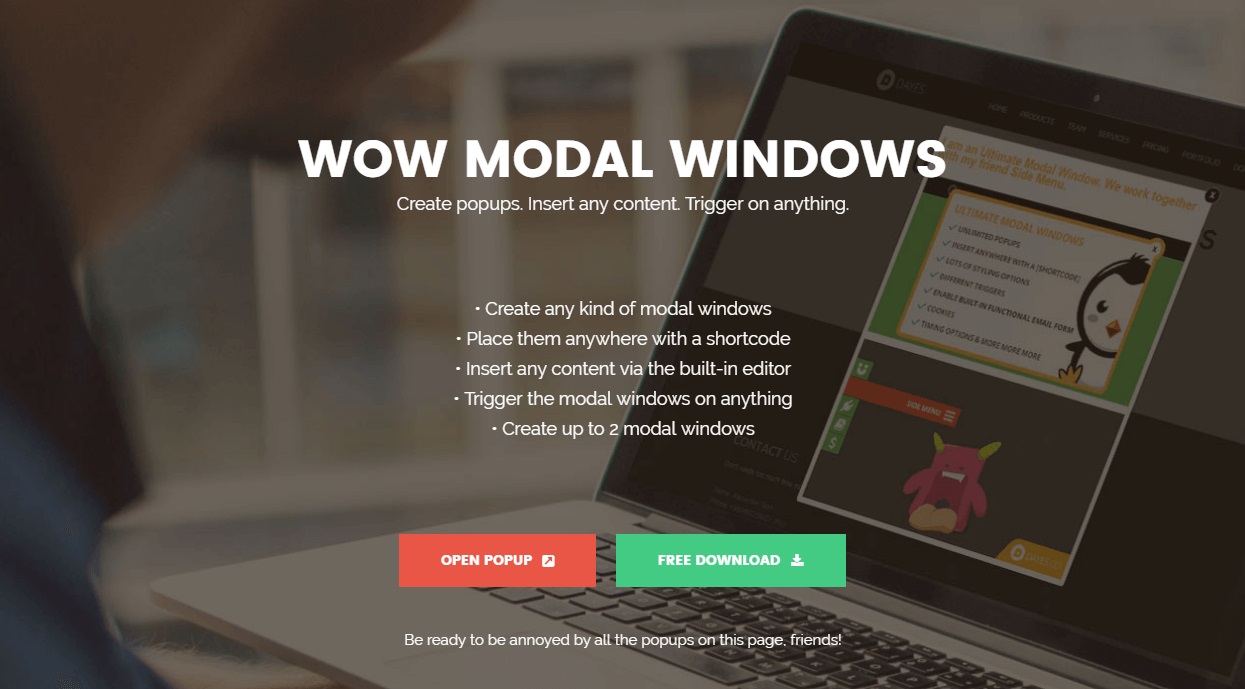
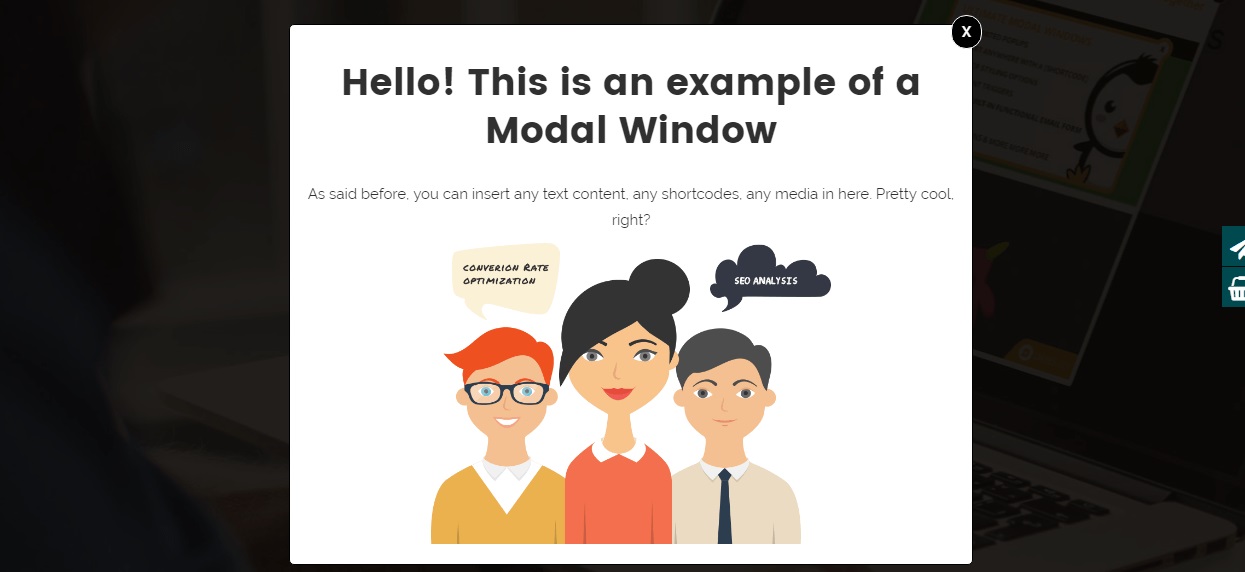
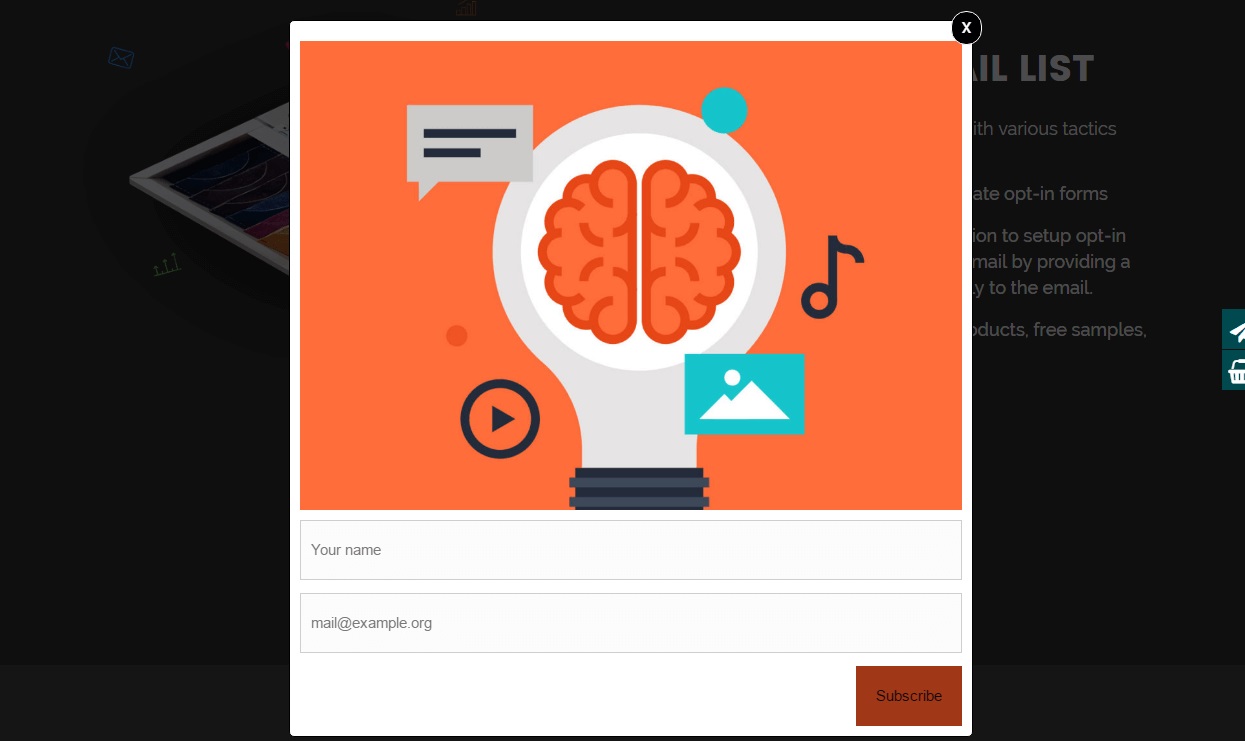
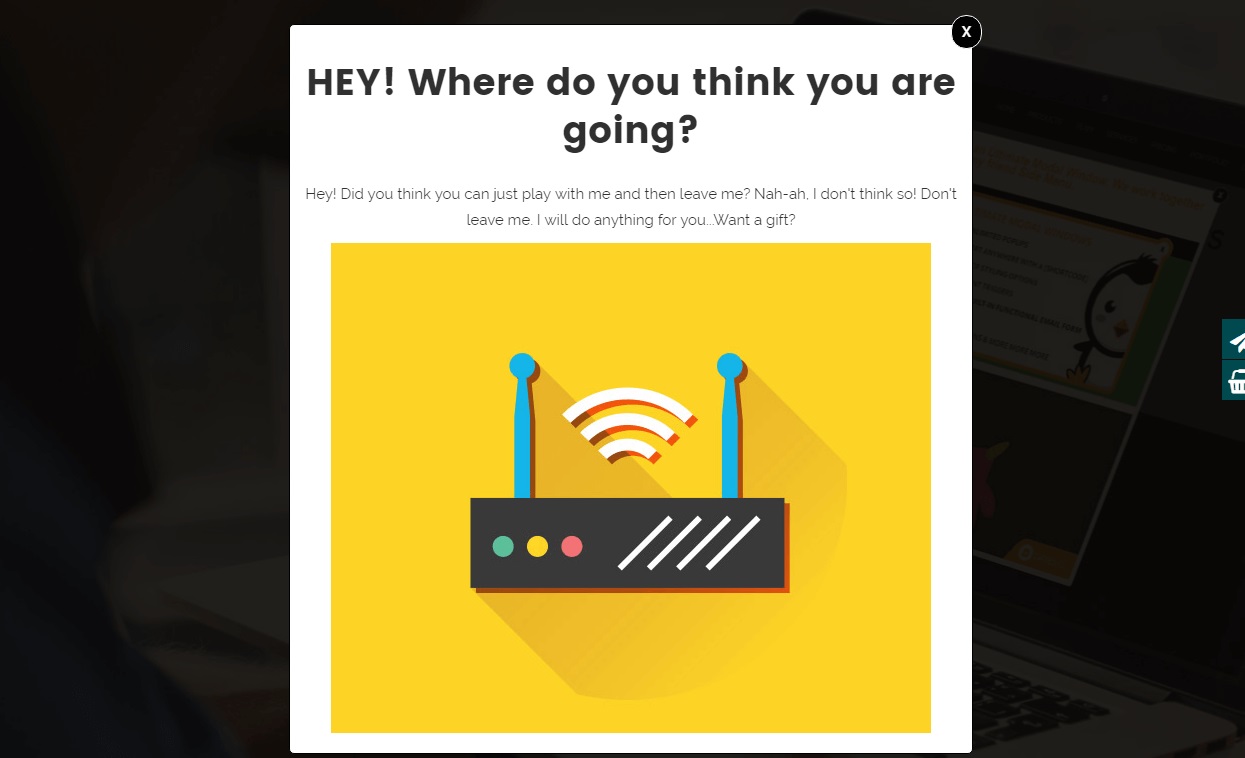
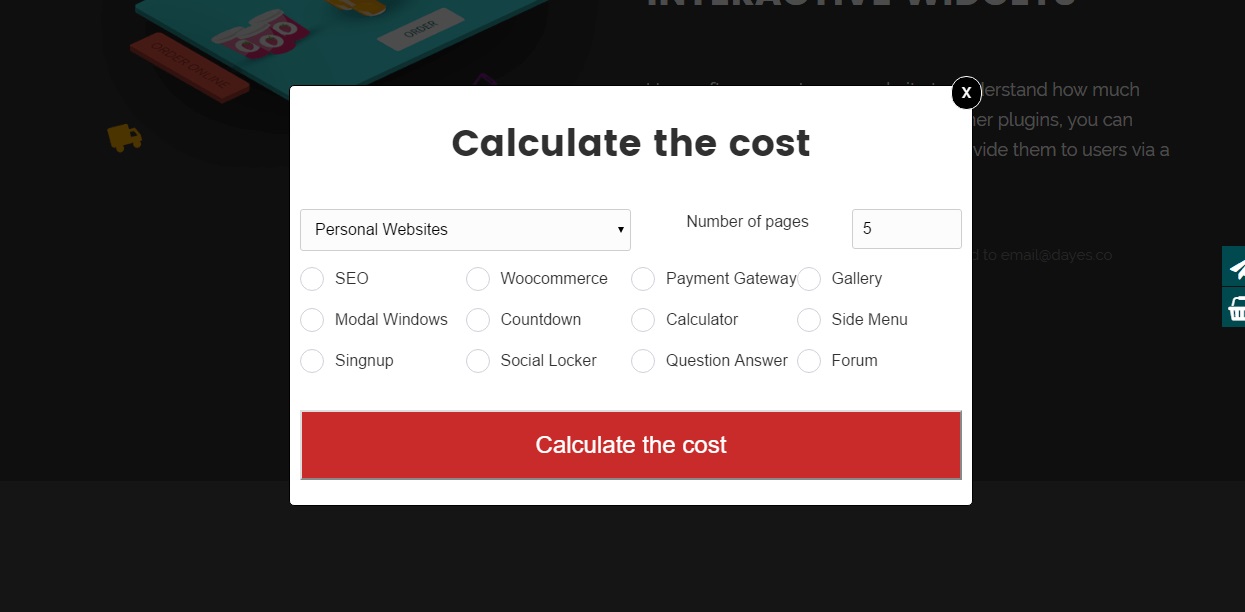
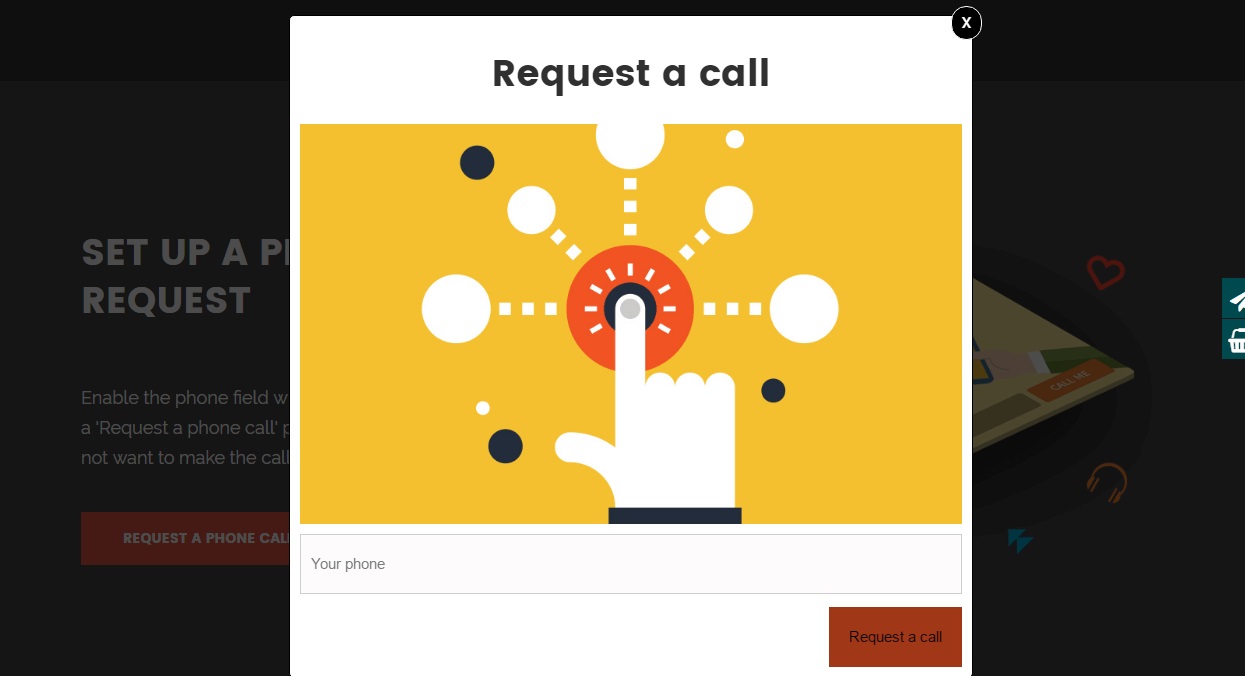
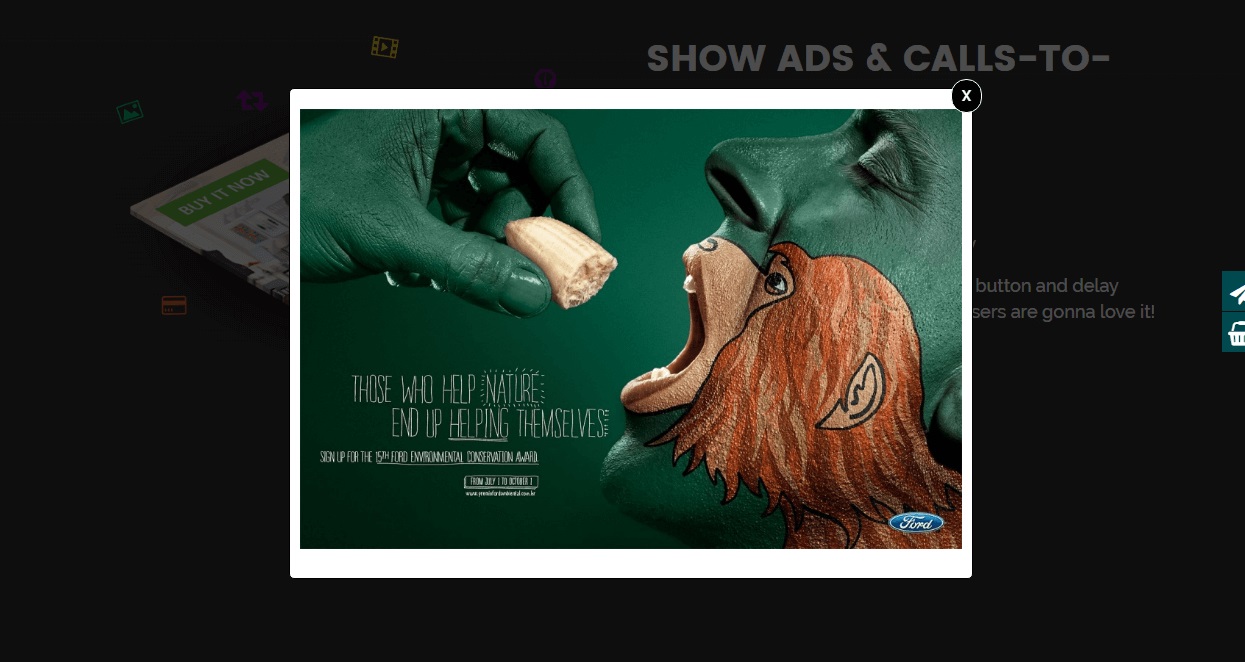
The free WordPress popup plugin "Modal Window" allows you to create informative popups on your website. You can add text, media, forms, and more, and customize the behavior of the windows based on user actions. There is also a Pro version available with additional features.Screenshots
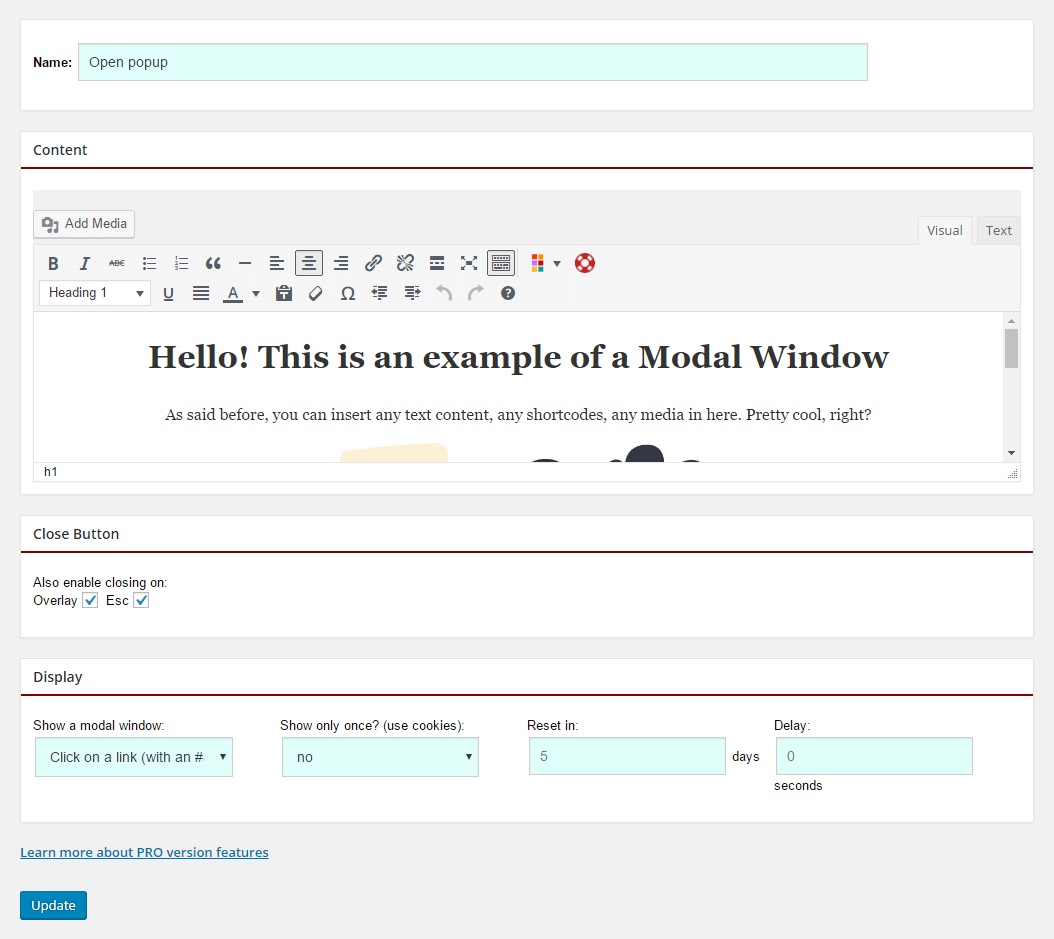
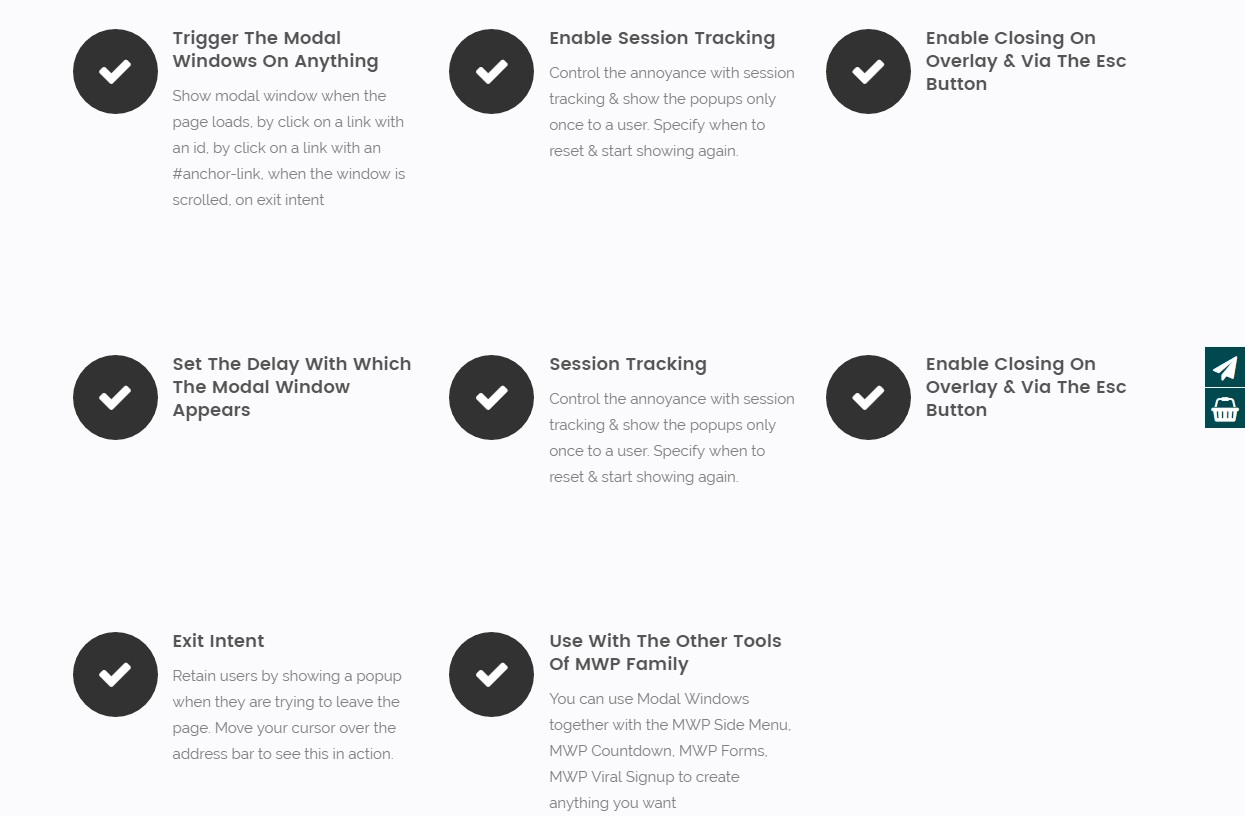
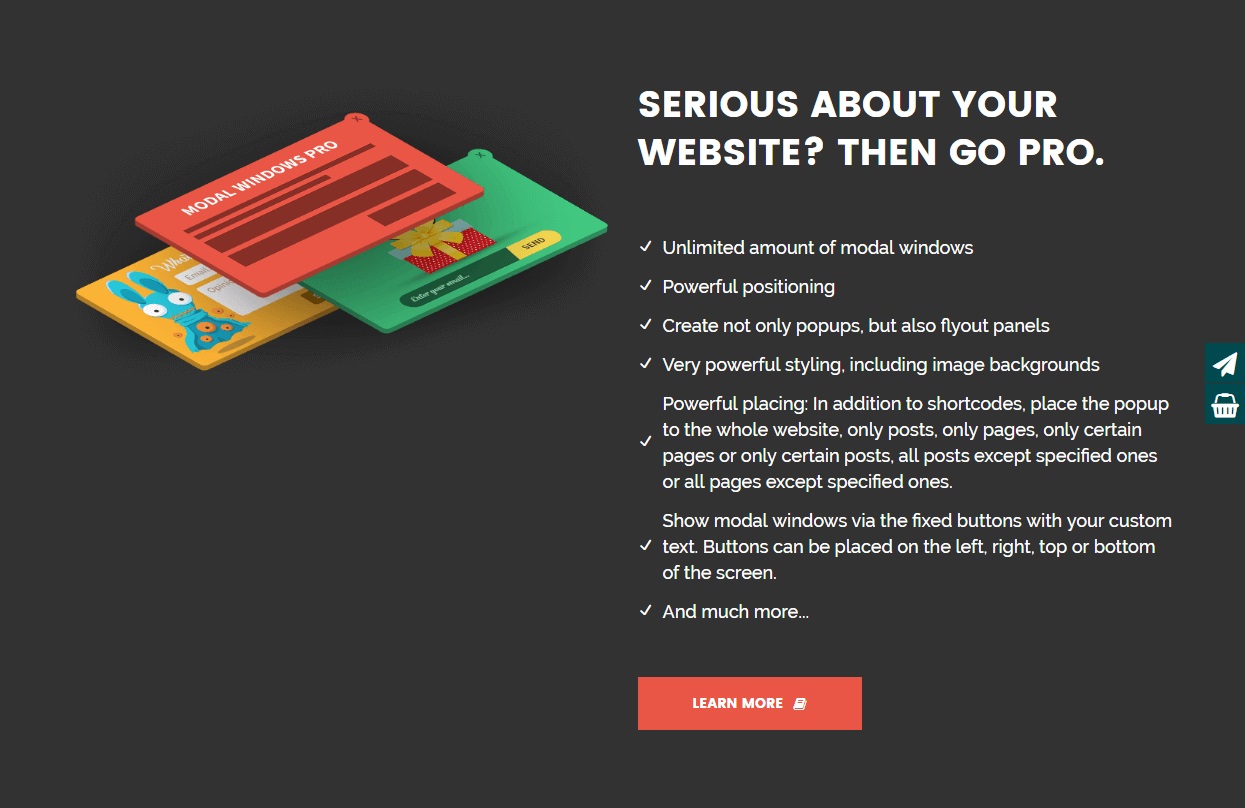
Frequently asked questions
What is the "Modal Window" plugin?
The "Modal Window" is a free WordPress popup plugin that allows you to create informative popups and modal windows. You can add text, media, and shortcodes of forms to these windows.
What content can I put in a modal window?
You can insert text, images, videos, and other content types within your modal windows. It also supports adding shortcodes of forms.
How can I trigger a modal window to open?
You can choose from various triggers to open modal windows, including click, auto, hover, exit, and scroll events.
Can I style the modal windows?
Yes, you can apply basic styling to your modal windows to match your site's design. You can also set the position of your modal windows on the screen.
Does the plugin support animations?
Yes, the plugin utilizes simple fade animation to enhance the appearance of your modal windows.
Changelog
6.2
- Added: attribute aria-live to notify screen readers of the popup’s sudden appearance.
- Implemented: WCAG compliance improvements for the modal window.
6.1.6
- Fixed: shortcode ‘iframeBox’
6.1.5
- Fixed: Nonce verification logic for improved security.
6.1.4
- Updated: UI elements
- Updated: FontAwesome Icon 6.7.1
6.1.3
- Added: fullscreen option for shortcode video.
- Fixed: option ‘Show once’.
6.1.2
- Fixed: main icon in the admin menu.
- Fixed: minor bugs
- Update: translate file
- Fixed: save the form in modal window content
6.1.1
- Fixed: minor bugs with escaping
6.1
- Added: Control the display of the plugin in the dashboard based on users’ roles
6.0.6
- Fixed: Side options of the modal window.
6.0.5
- Added: Loading Lazy to iframes
6.0.4
- Updated: FontAwesome Icon to version 6.6
- Fixed: Escaping the shortcode for icon
- Fixed: font family for fonticonpicker
6.0.2
- Fixed: Mobile rules were not functioning correctly.
6.0.1
- Fixed: download script ModalWindow
6.0
- Added: Title: add colors and font settings.
- Added: Close Button: add colors and font settings.
- Added: Shadow Style.
- Added: Scrollbar Style – Customize the scrollbar for the modal window if the content is longer, allowing for a more consistent and visually appealing user experience.
- Added: Floating Button: icon for button.
- Added: Tag, link, and button ‘Duplicate’ in the modal window option.
- Added: Open modal window content in HTML Editor.
- Changed: Live modal window preview.
- Improvement: Refreshed Interface – Revamped the plugin’s dashboard page style for a more intuitive and user-friendly experience.
- Fixed: Diligently addressed minor bugs to ensure a flawless plugin experience.
5.3.10
- Fixed: minor bug with nonce
5.3.9
- Fixed: shortcode for icon
5.3.8
- Fixed: path to the plugin class files
5.3.7
- Fixed: dynamic property for PHP 8.2
5.3.6
- Fixed: issue in escaping shortcode attributes
5.3.5
- Fixed: minor bug in wow-plugin
5.3.4
- Fixed: scroll on mobile devices
5.3.3
- Fixed: button ‘Shortcode’ for popup content
5.3.2
- Fixed: minor bugs
5.3.1
- Fixed: scroll modal content in mobile devices
5.3
- Added: shortcode for CLose Button
- Added: shortcode for video
- Added: shortcode for iframe
- Fixed: minor bug with delete the modal window
5.2.3
- Fixed: save emoji in modal window content
- Fixed: minor bug
5.2.2
- Fixed: minor bug on main plugin page
5.2.1
- Fixed: minor bug
5.2
- Added: option Export/Import
- Fixed: minor bugs
5.1.1
- Fixed: demo url
5.1
- Updated: Font Awesome Icons to version 5.14
- Fixed: minor bugs
5.0.6
- Fixed: check, if jQuery is ready
5.0.5
- Fixed: fix conflict with Divi theme
5.0.4
- Fixed: save to database
5.0.3
- Fixed: fix conflict with form plugins
5.0.2
- Fixed: Mobile Rules
5.0
- Added: Live Preview Builder
- Added: Test mode
- Added: Activate/Deactvate the modal window
- Changed: Admin style
- Optimized: scripts and styles
4.0.3
Fixed: link to the Settings
4.0.2
Fixed: option ‘Show only once’
4.0.1
Fixed: using old shortcode
4.0
- Added: Options for modal window style: z-index, position, overlay, top location, border style, content font-size
- Added: Title of the modal window
- Added: Icon generation
- Added: Shortcodes for columns
- Added: Screen width control for different devices
- Added: Pot file for translate
- Changed: Admin style
- Changed: Database of the plugin
3.2.2
- Fixes: Gutenberg Shortcode
3.2.1
- Deleted: quantity constraint
3.2
- Added: Function for showing modal windows on all posts and pages
3.1.2
- Fixed: Showing a modal window when scrolled
3.1.1
- Fixed: Save a modal window
3.1
- Added: Support page
3.0
- Added: show a modal window on hover
- Changed: Admin style
- Fixed: General style
2.5
- Fixed: Open a modal window, when the window is scrolled
- Fixed: Open a modal window, when the user tries to leave the page.
2.4
- Fixed: Working with cookies
- Fixed: Saving to the database.
2.3.4
- Added: FAQ.
- Fixed: code.
2.3.3
- Fix: Show a modal window with cookies.
2.3.2
- Fix: Modal Window style.
- Fix: Admin style.
2.3.1
- Fix: Admin style.
2.3
- Add: Button for call a modal window.
- Add: Mobile style settings.
- Change: Image of close button.
- Change: The admin style of modal window.
2.2.1
- Fix: close a modal window on mobile
2.2
- Fix: Style. The width of the modal window as a percentage
- Fix: Verifying access to the folder ‘asset’.
- Fix: Optimized code.
2.1.2
- Fixed script (click on link)
2.1.1
- Fixed include modal windows
2.1
- Fixed show modal window
2.0
- Add new options
- Fixed code
- Change style
1.3
- Fixed code
- Change style
1.2.1
- Edited contacts
1.2
- Fixed display a modal window
1.1
- Fixed display a modal window
- Add option closing modal window
1.0
- Initial release

