

Enables the previous "classic" editor and the old-style Edit Post screen with TinyMCE, Meta Boxes, etc. Supports all…
About Meks Flexible Shortcodes
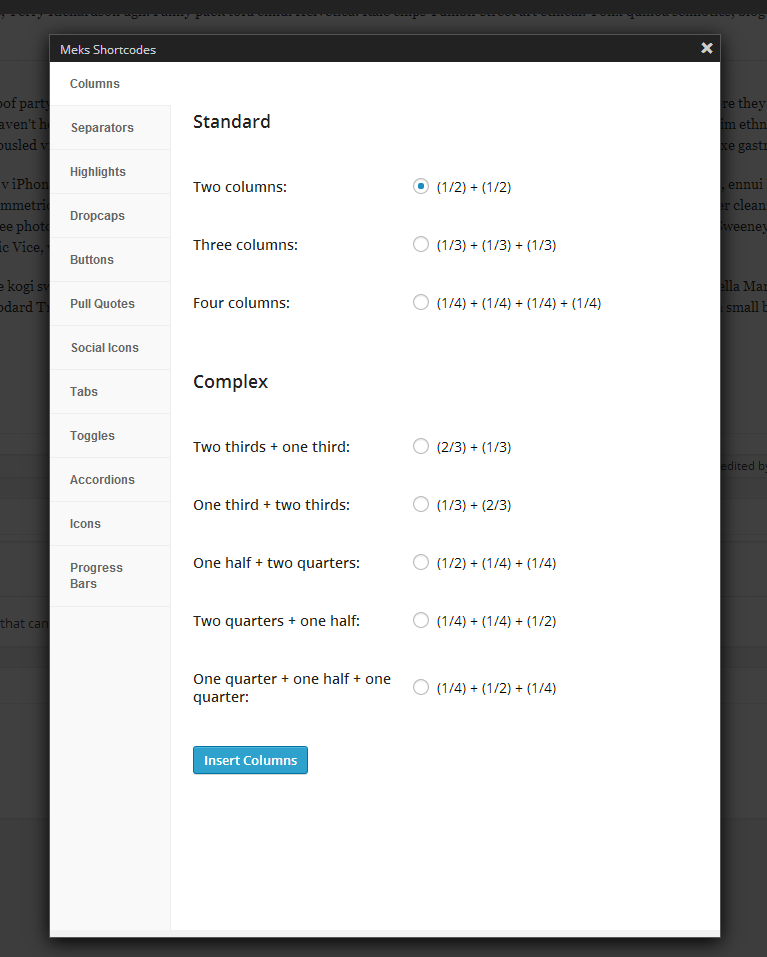
Meks Shortcodes is a plugin that allows you to easily add various elements to your post or page content, such as columns, buttons, icons, social icons, highlights, dropcaps, separators, progress bars, pull quotes, tabs, toggles, and accordions. The plugin provides styling options for each shortcode, making it compatible with any theme. You can see live examples of the shortcodes on the Gridlove theme demo website.Screenshots

Frequently asked questions
What is Meks Flexible Shortcodes?
Meks Flexible Shortcodes is a WordPress plugin that allows you to add various elements to your post/page content using shortcodes. It provides a user-friendly interface for inserting these shortcodes.
What kind of elements can I add with this plugin?
You can add elements such as Columns, Buttons, Icons, Social Icons, Highlights, Dropcaps, Separators, Progress Bars, Pull Quotes, Tabs, Toggles, and Accordions.
Can I customize the appearance of the shortcodes?
Yes, several smart styling options are provided for each shortcode tag, allowing them to fit any theme style and design.
Who created this plugin?
This plugin is created by Meks.
How can I see a live example of the plugin?
You can see a live example of Meks Flexible Shortcodes on the Gridlove theme demo website.
Changelog
1.3.6
- WP 6.3 compatibility tested
- Patched a minor security issue
1.3.5
- Fixed: Conflict with UpDraft plugin popup interface
- Improved: A couple of security tweaks and improvements
1.3.4
- Fixed: PHP 8 notice
1.3.3
- Improved: jQuery load event
- Fixed: Updraft plus CSS conflicts
1.3.2
- Added: Notification for Meks plugins
1.3.1
- Improved: Shortcodes UI now uses new modal pop-up which resolves several styling issues on smaller resolutions in admin panel
- Fixed: Some FontAwesome Icons not rendered properly
- Fixed: SimpleLine Icons not being displayed in some special cases
- Fixed: Some minor CSS tweaks
1.3
- Fixed: Shortcodes button in visual editor not displaying in some cases (i.e. when wp-content is located in some different folder)
1.2.9
- Added “nofollow” attribute option for buttons
- Font Awesome updated to the latest version with many new icons
1.2.8
- Full compatibility with WordPress 4.3
1.2.7
- Added new social icons : Sina Weibo, Tencent Weibo, Me2Day, Twitch, Soundcloud, iTunes and vKontakte
1.2.6
- Improved: Slide up to accordion title if active accordion content is not entirely visible
1.2.5
- Fixed: Font awesome icons updated to latest version
1.2.4
- Fixed: Shortcodes UI icon didn’t appear for Author users in visual editor
1.2.3
- Couple of small CSS and responsive fixes and improvements
1.2.2
- Added new icons : Xing, Vine, 500px, Spotify
1.2.1
- Minor CSS improvements for some shortcode elements
1.2.0
- Added another set of icons (Simple Line Icons)
1.1.1
- Fixed shortcodes UI button look in WP 3.9
1.1
- Added translation files (en_US)
- Fixed CSS admin UI conflicts with some themes
1.0.2
- Fixed blank separator shortcode
1.0.1
- Fixed shortcode button in visual editor
1.0
- Initial release
