

Improve your WordPress SEO: Write better content and have a fully optimized WordPress site using the Yoast SEO…

About Media Deduper
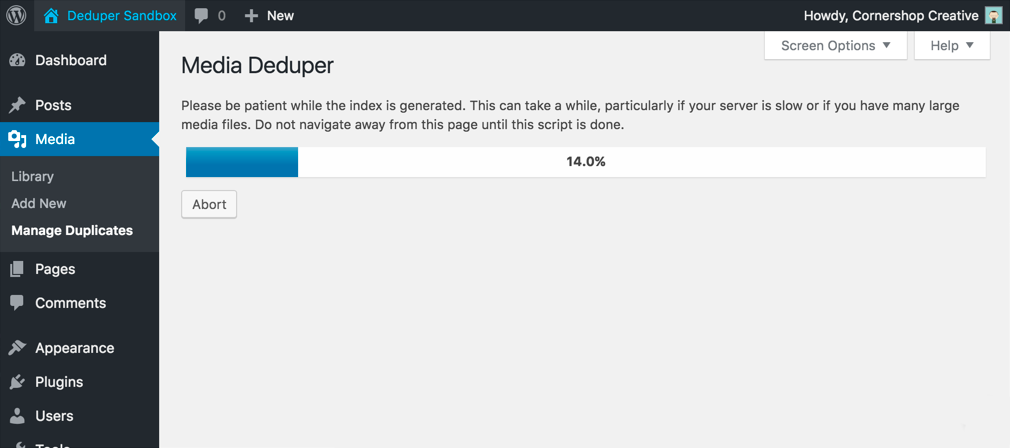
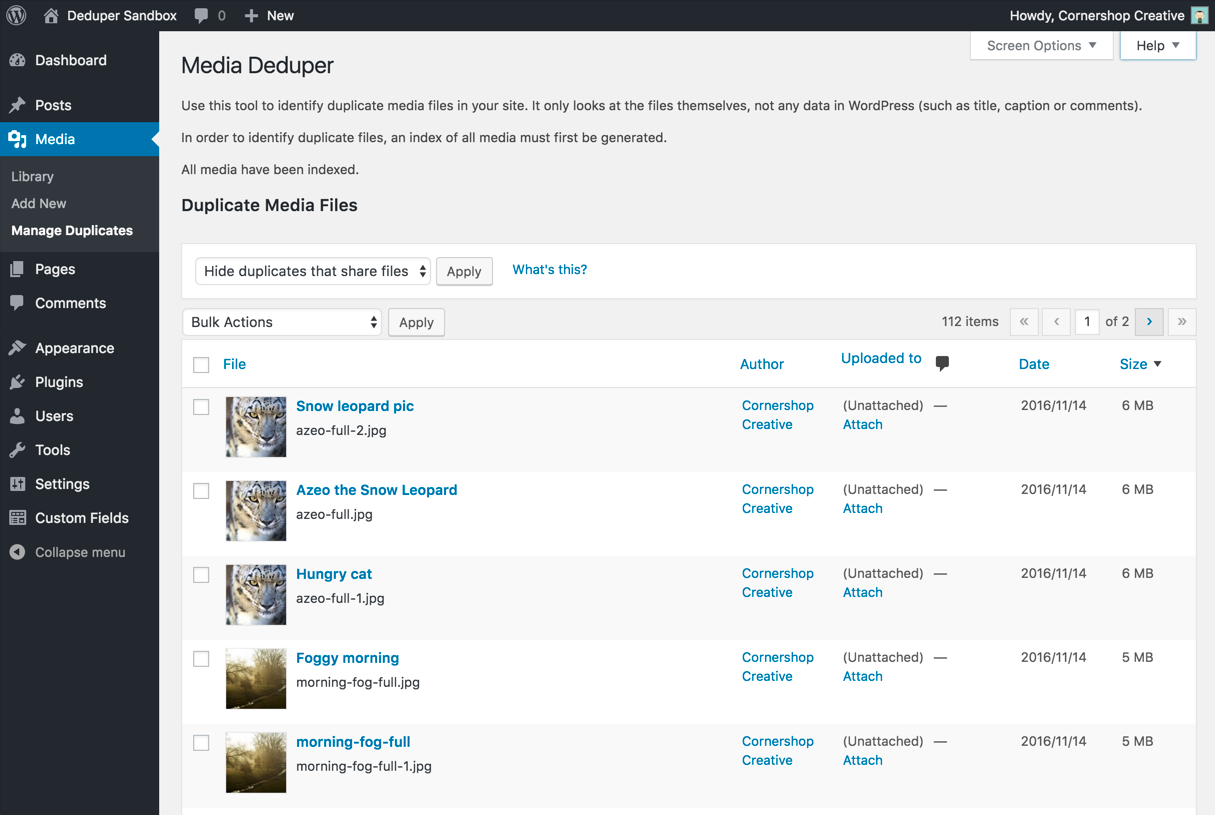
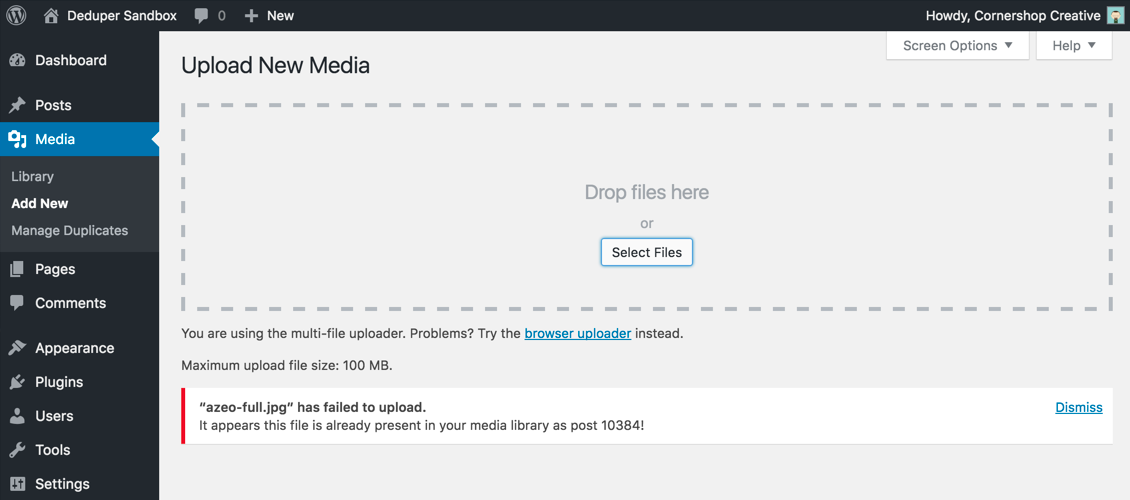
Media Deduper is a WordPress plugin that helps you find and remove duplicate images and attachments from your media library. It provides a "Manage Duplicates" option where you can easily delete duplicate files, and also prevents new duplicates from being added. However, it's important to use the plugin with caution and back up your data, as it may result in permanent data loss.Screenshots
Changelog
1.5.9
- Fixed PHP warnings that could appear on the Debug Info screen if other plugins altered the
active_pluginsoption or the output of theget_plugins()function. - Fixed a deprecation from WP Core (“WP_Scripts::localize was called incorrectly”).
1.5.8
- Fixed deprecation warnings (“Creation of dynamic property…”) that appeared under PHP 8.0+.
- Fixed a deprecation from WP Core (“WP_List_Table::__set(): The property
is_trashis not declared.”).
1.5.7
- Enhancement: instead of warning about Smart Deletion each time a Smart Delete operation is performed, Media Deduper will now only warn before the first operation. Users can now Smart Delete multiple pages’ worth of items on the Manage Duplicates screen without repeatedly clicking through the Smart Delete warning.
- Fixed a bug that caused multiple copies of the warning message to appear when smart deleting items on the Manage Duplicates screen, when running on WordPress 5.7 and up.
- Fixed a bug that could, under rare circumstances, cause fatal errors on the Manage Duplicates screen.
- The “Block Duplicate Uploads” feature has been removed for the time being due to incompatibilities with the Block Editor.
1.5.6
- Addressed two issues with the warning message that appears when HTTP basic authentication is detected: the ‘Check Again’ link is no longer broken, and the message now goes away when WP Cron HTTP Auth is properly configured.
1.5.5
- Addressed a rare fatal error with trying to handle a WP_Error as an array in mdd_basic_auth_check().
1.5.4
- Enhancement: Now MDD tries to identify when a site is behind an http auth login that interfere’s with wp-cron and MDD’s ability to index media.
- Enhancement: Now only loading MDD scripts and styles on admin pages where they’re required.
1.5.3
- You can now search duplicate media from the Manage Duplicates screen using the “Search duplicate items” search box.
- An issue that could cause PHP errors to appear on the Media Deduper plugin settings screen has been fixed. This issue did not affect other pages or admin screens.
1.5.2
- Fix an issue that could cause a performance hit or MySQL bottleneck on sites with large numbers of posts during initial activation, or when upgrading from 1.4.2 or earlier to 1.5.0 or 1.5.1
1.5.1
- Fix missing files in initial release of version 1.5.0, which could cause fatal errors
1.5.0
- Media Deduper now indexes attachments asynchronously, meaning you don’t have to keep the browser open while it indexes your media library.
1.4.2
- Media Deduper now fully supports the media trash feature (a.k.a. the MEDIA_TRASH constant; see this post for more information). As of Media Deduper 1.4.2, if the media trash feature is enabled:
- The Manage Duplicates screen will list (and allow the user to delete or Smart Delete) both trashed and non-trashed attachment posts. Previously, only non-trashed attachments were listed on this screen, which caused confusing behavior if, for instance, a site’s media library contained two copies of an image, but one was in the Trash.
- If a user attempts to upload a media file that already exists in the media library, but the existing copy of the file is in the Trash, the user will no longer be prevented from uploading the new copy.
- Bugfix: The “Attach” or “Detach” links in the list table on the Manage Duplicates screen are now working again, after they stopped working in a previous version of the plugin.
1.4.1
- Tweaks to messages about Pro: display on fewer pages, don’t display to users who don’t have permission to install new plugins, change wording slightly for clarity.
1.4.0
- “Delete Preserving Featured” has been renamed to “Smart Delete”.
- Smart Delete logic has been changed so it will never delete the last copy of a media item. Previously, Delete Preserving Featured would only save the last copy of a file if it or one of its duplicates was used as a featured image somewhere on the site.
- By default, the list of duplicates is now sorted by size (largest first), and secondarily by date (newest first).
- Media Deduper will now warn users before executing a Smart Delete operation, so you have a chance to cancel if you change your mind.
- We’ve added information about the newly released Media Deduper Pro.
- If your site is running PHP 5.2 or earlier, Media Deduper will now deactivate itself instead of causing errors.
- Bugfix: The second bulk action menu, at the bottom of the list of duplicates, was not behaving correctly under some circumstances. This has been fixed.
- Bugfix: Prior versions of Media Deduper could potentially have affected how other plugins’ screen options were saved. This issue would only have affected plugins that did unusual things (e.g. data validation logic) on the
set-screen-optionhook, and we haven’t run into this issue in the wild, but now it’s fixed anyway.
1.3.2
- Bugfix: Fixing an issue that caused bulk actions (Delete Permanently, Delete Preserving Featured) to not work correctly on some versions of WordPress.
- When a media file is changed (using the built-in WP image editor or the Enable Media Replace plugin, for instance), the plugin will now re-check whether the updated file is a duplicate of another file in the media library.
- Minor code cleanup.
1.3.1
- Bugfix: Fixing an issue that caused attachments to be listed as “duplicates” even after all identical attachments had been deleted.
1.3
- Refactoring PHP to take advantage of WP 4.7’s new hooks for handling bulk actions.
- Minor improvements to ‘success’ messages displayed after a bulk action has been performed on a set of duplicate attachments.
- When uninstalled, the plugin will now delete the ‘mdd_size’ meta field that it adds to attachments. Previously it would only delete the ‘mdd_hash’ field.
- Minor code cleanup.
- Bugfix: Fixing an issue that caused the columns on the Manage Duplicates screen (File, Author, etc.) to not actually be sortable.
- Bugfix: Ensuring that the ‘size’ column added to the main media library (in list view only) is styled properly & sortable.
1.2.2
- Bugfix: The bugfix in 1.2.1 introduced a problem with performing smart deletions, so it’s been rewritten. Deduper and the normal Media Library should both work as expected now.
1.2.1
- Bugfix: Eliminating behavior where bulk-deleting media from the media library would redirect user to Deduper admin page after performing deletion.
1.2.0
- Adding sharing tools to help encourage spreading Media Deduper love!
- Refactoring CSS into standalone CSS file.
- Refactoring JS into standalone JS file.
- Bugfix: Altering notification message shown when indexing is manually aborted to indicate that indexing is not yet complete.
1.1.1
- Fixing a bug that would list all media as duplicates if all duplicates share a media file
1.1.0
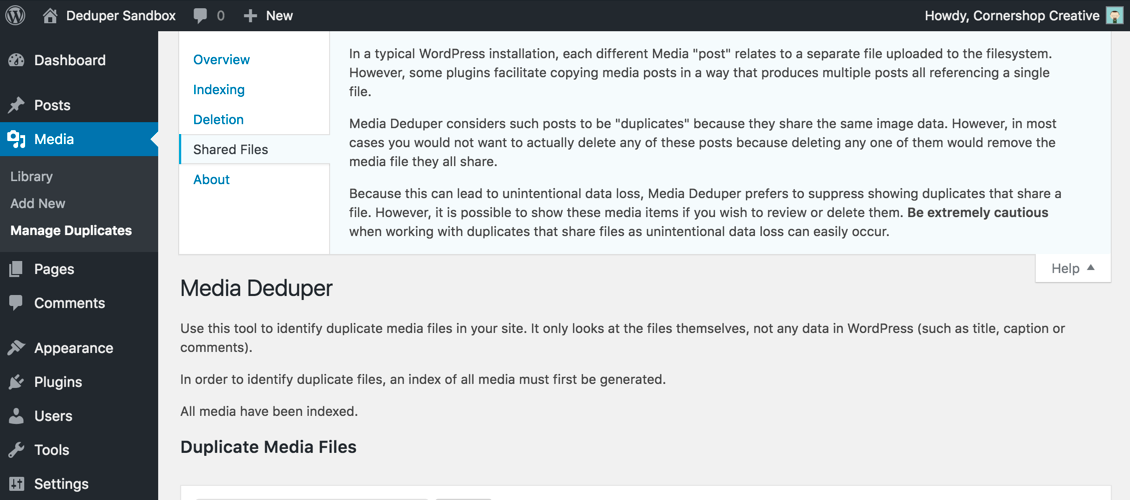
- Implemented a check to differentiate posts that are duplicates because they actually share a single media file, and updated the UI to allow for controlling the display of these posts.
- Fixed a notice-level error for undefined $_GET variable
1.0.3
- Fixed a bug with “Are you sure you want to do this?” appearing due to overly-aggressive referrer checking
1.0.2
- Fixed a bug manifesting when bulk-deleting no items or running HHVM/PHP7
1.0.1
- Fixed a bug where Media Deduper didn’t want to be uninstalled
- Fixed a bug where bulk deletion didn’t always work
- Fixed a minor notice-level PHP error
1.0.0
- Implemented the ‘Delete Preserving Featured’ option to prevent inadvertently wiping out media assets in use as post thumbnails
- Enhanced indexing to include the file size
- Added a sortable ‘filesize’ column to the duplicates table that leverages the aforementioned size data
- Refined screen option to control number of media posts shown per page
- Included a new help tab to provide more information regarding the plugin, indexing, and deletion
- Various bugfixes, including one that broke bulk deletion
0.9.3
- Implementing Screen Options tab to control number of items displayed. This is a precursor to some other UI enhancements (hopefully).
0.9.2
- Misc cleanup
0.9.1
- Rewriting SQL query for finding duplicates to be massively more performant. Props to user gizmomol for the rewrite!
0.9
- Initial public release.

