

Improve your WordPress SEO: Write better content and have a fully optimized WordPress site using the Yoast SEO…

About Media Cleaner: Clean your WordPress!
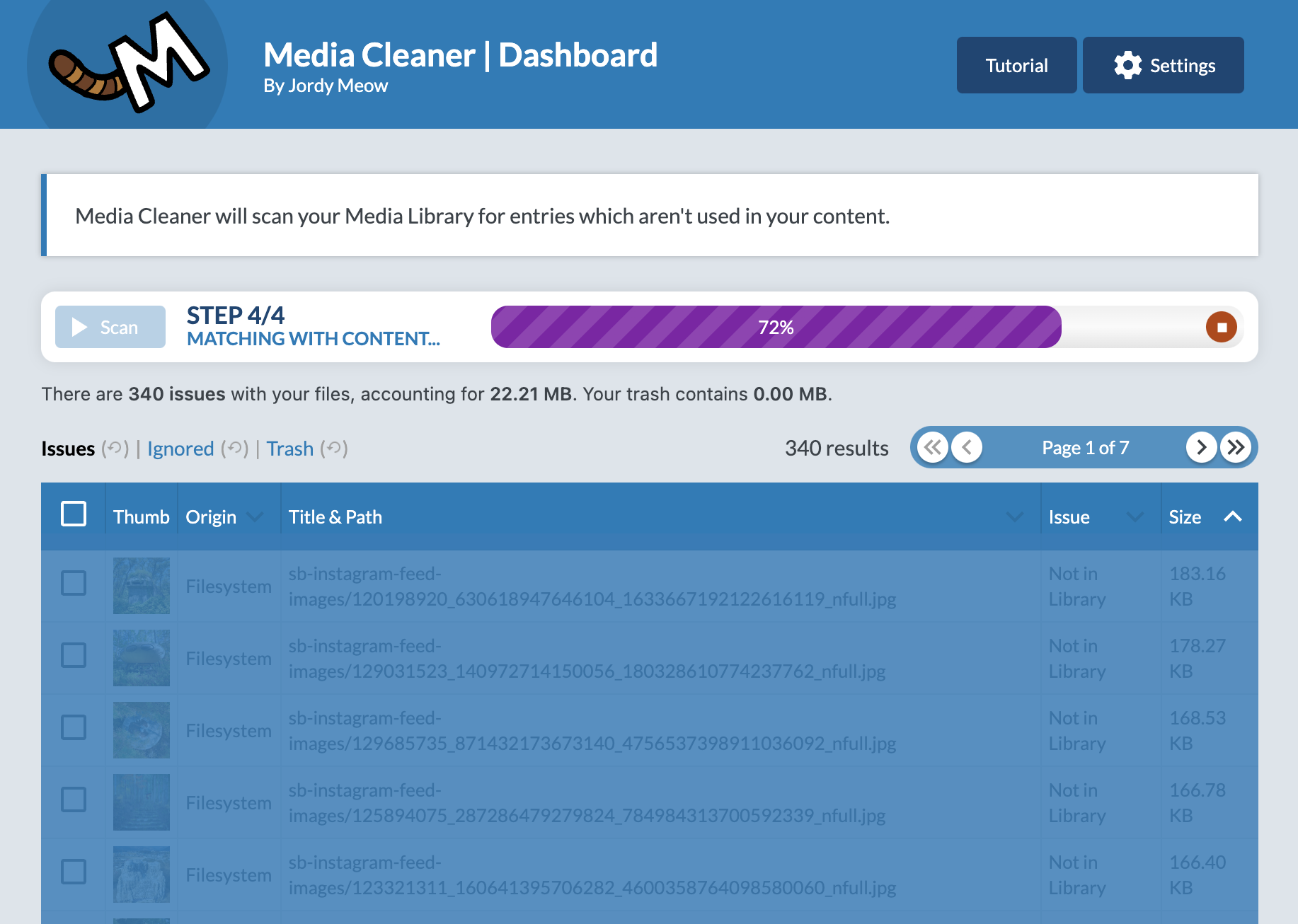
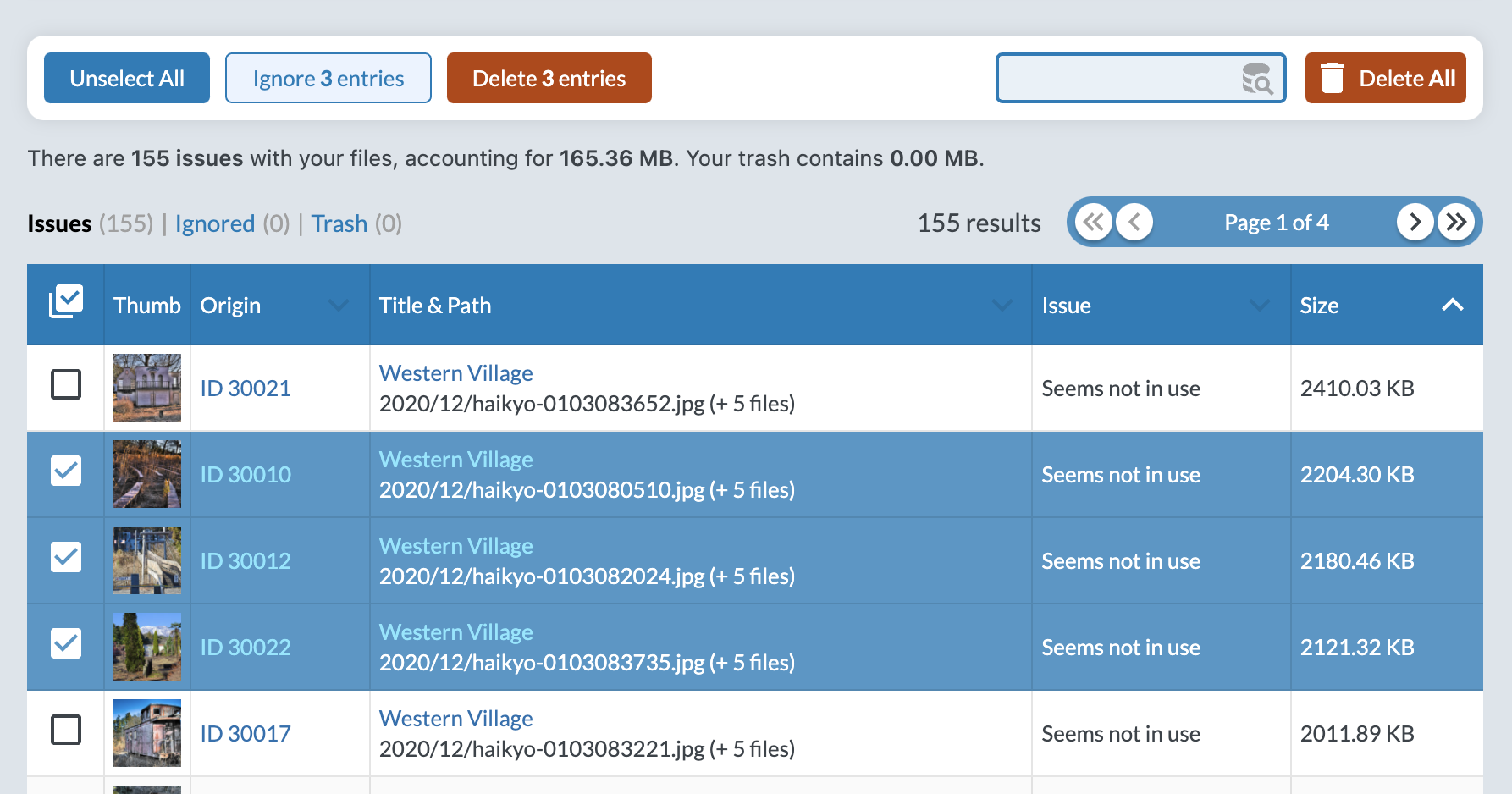
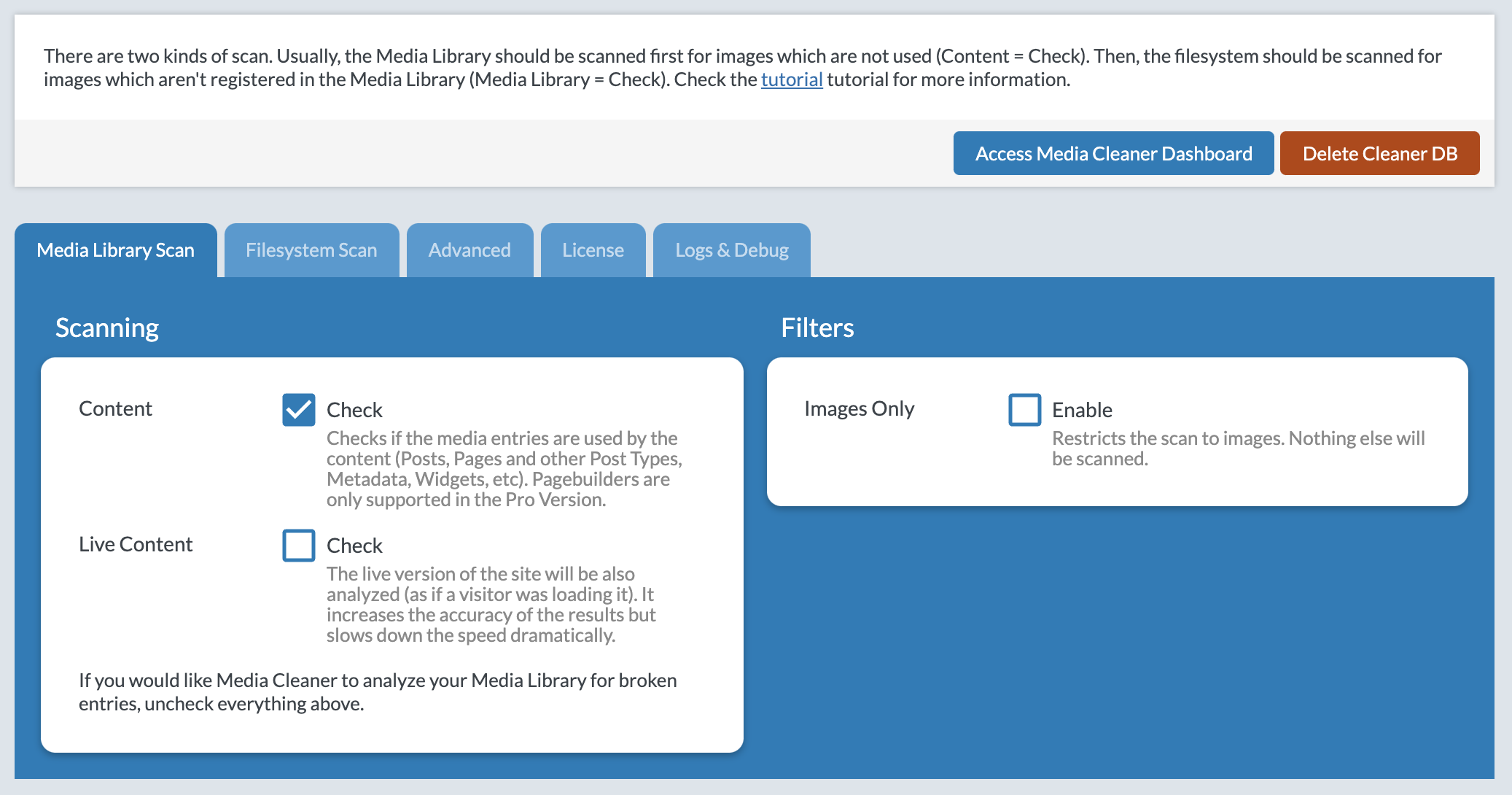
Media Cleaner is a plugin for WordPress that helps you clean up your media library by deleting unused files and fixing broken entries. It has a preview feature so you can confirm changes before deleting anything, and it also has smart analysis to ensure compatibility with specific plugins and themes. The Pro version of the plugin offers additional features like filesystem analysis, extra support for complex plugins, live site scan, and WP-CLI support.Screenshots
Frequently asked questions
What is Media Cleaner?
Media Cleaner is a WordPress plugin that helps clean up your media library by deleting unused media entries and files, and fixing broken entries. It includes an internal trash feature for reviewing changes before permanent deletion. The plugin uses smart analysis to ensure compatibility with specific plugins and themes.
What are the compatibility features of Media Cleaner?
Media Cleaner is compatible with all media types, including retina and WebP versions. It has been tested with the latest WordPress versions, Gutenberg, and various themes. It also supports WooCommerce.
What additional features does the Pro version of Media Cleaner offer?
Media Cleaner Pro includes Filesystem Analysis, which scans your physical /uploads directory and matches it against the Media Library. It also offers extra support for complex plugins like ACF, Metabox, Divi Builder, and Elementor. The Pro version also features Live Site Scan.
Changelog
6.8.6 (2025/02/17)
- Add: Added a SAFE tag to Foo Gallery full sizes to mark certain media as in use.
- Update: Moved SAFE tag logic from JavaScript to PHP for better efficiency.
- Fix: Corrected featured image thumbnails and improved SAFE tag detection.
- Update: Improved UI by replacing the timer component with a countdown version.
- Update: Added an error modal with auto-retry functionality for better user experience.
- Update: Reworked compatibility for Avada builder.
6.8.5 (2024/12/25)
- Fix: HTML needs to be well-decoded before being sent to DOMDocument.
- Fix: Avoid an issue related to logos.
- Info: Merry Christmas and Happy New Year! ??
6.8.4 (2024/12/06)
- Add: Support for Spectra.
- Add: Support for Tutor LMS.
- Add: Support for Foo Gallery.
- Info: We are working hard on Media Cleaner. If you want to share some love, write a simple and nice review here. Thank you so much! ?
6.8.3 (2024/11/27)
- Fix: MetaBox parser was not working properly.
- Fix: The free version of Media Cleaner was not properly displaying the incompatible plugins.
6.8.2 (2024/11/14)
- Update: Enhanced the UI in many little ways.
- Update: Don’t show the thumbnails for non-image files.
- Fix: Better parser for Avada.
6.8.1 (2024/11/04)
- Add: Check for empty path in repair mode.
- Add: Introduction tutorial.
6.8.0 (2024/10/17)
- Fix: Search in References (Cleaner Dashboard).
6.7.9 (2024/09/24)
- Update: Internal improvements to avoid some errors with low-quality servers such as OVH, GoDaddy, etc.
6.7.8 (2024/08/01)
- Fix: Elementor parser was not working properly.
- Add: Video Block support.
6.7.7 (2024/06/28)
- Fix: Warnings with ACF.
- Fix: Base folder for the Filesystem Scan.
- Update: Cleaned the UI a bit more.
6.7.6 (2024/06/05)
- Update: Better References section.
- Add: Support for Bricks Builder.
- Update: Refreshed the UI, updated to the latest common librairies.
6.7.5 (2024/05/24)
- Fix: Logging system.
6.7.4 (2024/04/27)
- Update: Updated description for OB cleaning to enhance clarity.
- Add: Support for Breakdance Builder, extending compatibility.
- Update: Added shortcode checking for Oxygen Builder.
- Fix: Updated readme file to comply with the latest WordPress guidelines.
6.7.3 (2024/03/01)
- Update: Better translations.
- Update: Safer logs system.
6.7.2 (2024/02/02)
- Add: “Create Batch” feature for Filesystem scans, streamlining the scanning process.
- Add: “Delete Permanently” option in trash tab for targeted item management.
- Add: Tooltip for repair mode to enhance user understanding and interaction.
- Fix: Option to disable OB Cleaning.
- Fix: Corrected dashboard media link functionality for subdirectories.
- Fix: Resolved issues with backslash replacement on multiple occurrences for more accurate processing.
6.7.0 (2024/01/13)
- Add: New ‘check-live’ argument for WP-CLI.
- Add: Import and Export of the settings.
6.6.9 (2023/12/05)
- Add: Expert Mode for advanced users.
6.6.8 (2023/11/18)
- Add: Support for ACF File Field based on IDs.
- Add: Repair Mode for Filesystem Scan (use this carefully, still in beta).
- Update: Much better “References” section in the Dashboard, with additional filters.
- Update: Various additional enhancements, maybe you’ll notice! ?
- Add: Support for Academy LMS.
6.6.7 (2023/09/21)
- Update: Enhanced the get_references_for_post_id function.
- Update: Code cleaning.
6.6.6 (2023/09/14)
- Add: The get_reference_for_media_id and get_references_for_post_id functions are now accessible through the global $wpmc_core variable. Those functions will return where a specific media entry is used, or which media entries are used in a specific post.
6.6.5 (2023/07/25)
- Update: Better checkboxes.
- Update: Link to the posts in the References section.
- Add: Support for Mailpoet.
6.6.4 (2023/05/30)
- Update: Improved the UI and its elements.
6.6.3 (2023/04/09)
- Add: New filter to see the found references. This will improve a lot.
- Fix: Tiny fixes, retrieved the main dashboard, and lighter bundles.
- Info: The new version of WordPress (6.2) came with what is seemingly a bug with the $wpdb->prepare. There are workaround, and I fixed an issue I was aware of. If you find any others, please kindly report it here.
6.6.0 (2023/02/21)
Fix: Avoid certain errors related to ACF and fields which were created with former versions.
6.5.8 (2023/02/09) =
* Update: Slightly cleaner UI (and it will get better and better).
* Update: Better support for Avada.
6.5.7 (2023/02/01)
- Fix: Little issue with the nekoFetch.
- Add: Timer on the Scan button.
6.5.6 (2023/01/30)
- Update: Optimization and better handling of Divi.
6.5.5 (2023/01/09)
- Add: Support for Uncode Theme.
- Add: Reset settings button.
- Update: Smaller package, better performance.

