

Site Kit is a one-stop solution for WordPress users to use everything Google has to offer to make…
About LWS Optimize
The LWS Optimize plugin is designed to improve the loading times of your WordPress website by implementing various optimizations such as caching, media optimization, and file minification. It is compatible with any web host and offers front-end optimizations, media optimizations, and caching options. The plugin is pre-installed on LWS web hosting plans.Screenshots
Frequently asked questions
What does LWS Optimize do?
LWS Optimize helps boost your website's loading times through tools like caching, media optimization, and file minification and concatenation. It was developed by LWS to improve WordPress website performance regardless of the web host you choose.
What front-end optimizations does LWS Optimize offer?
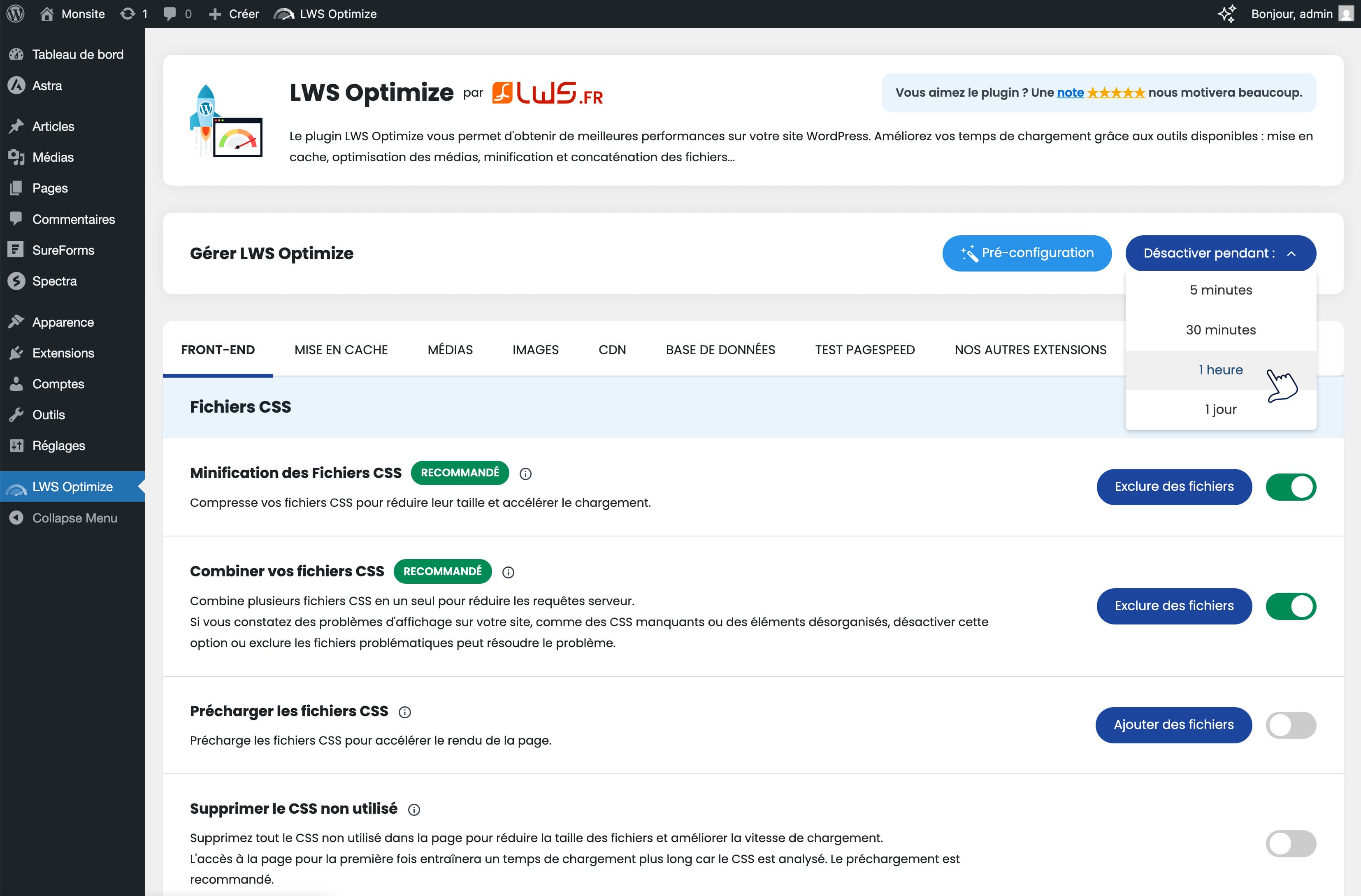
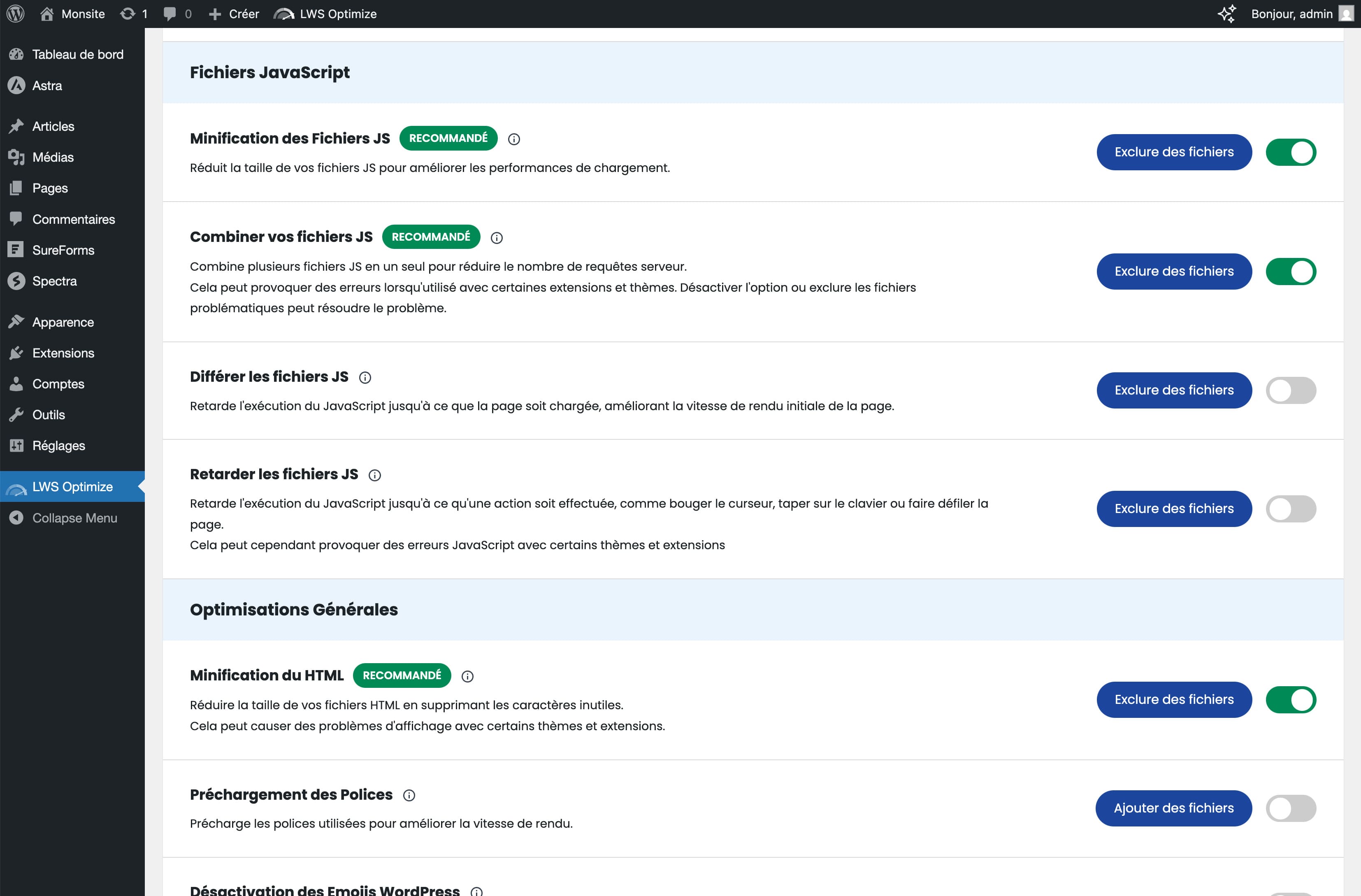
LWS Optimize allows you to minify and combine CSS and JS files, preload CSS files, postpone JS loading, minify HTML files, disable WordPress emoji support, and remove unnecessary requests.
How does LWS Optimize handle media optimization?
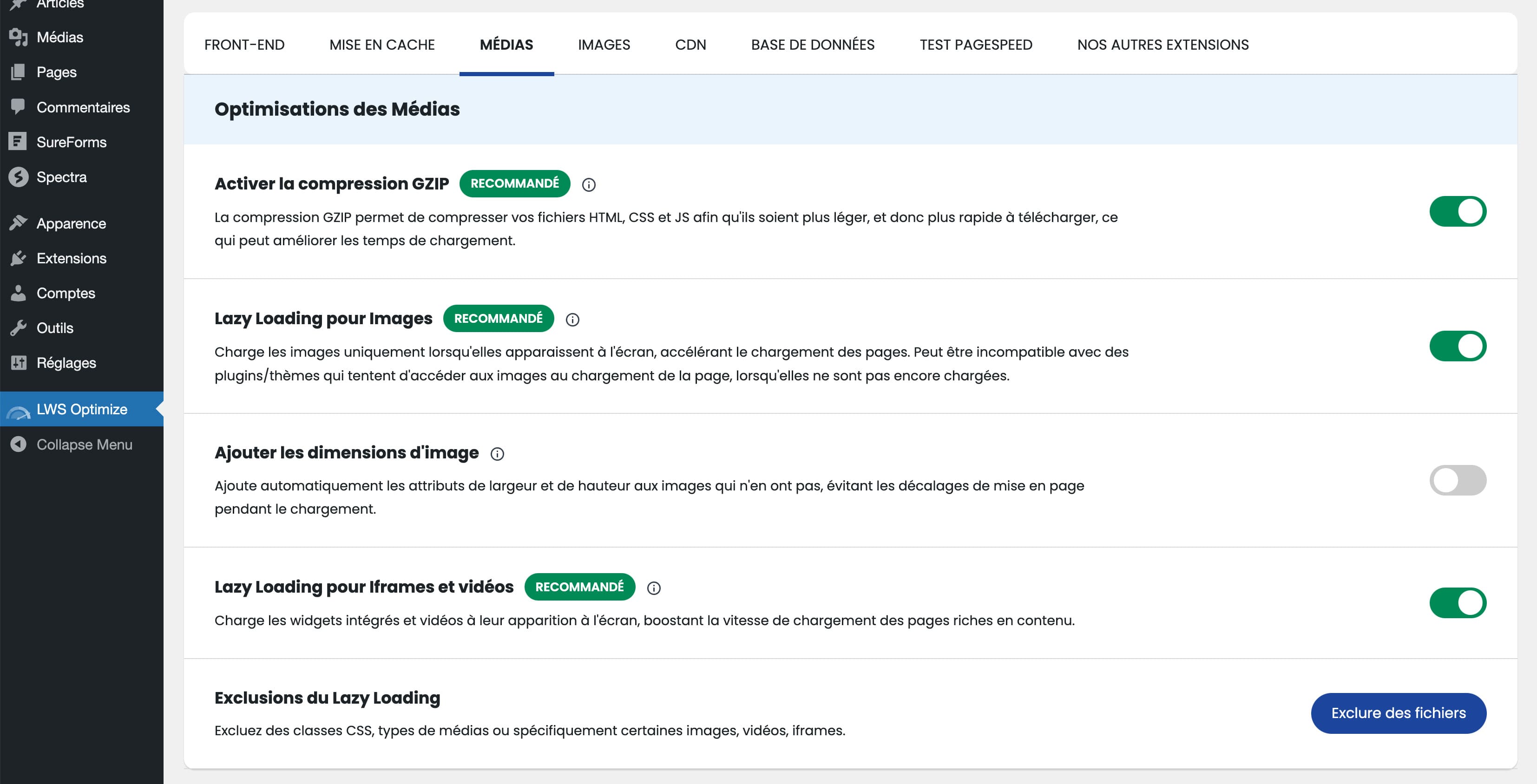
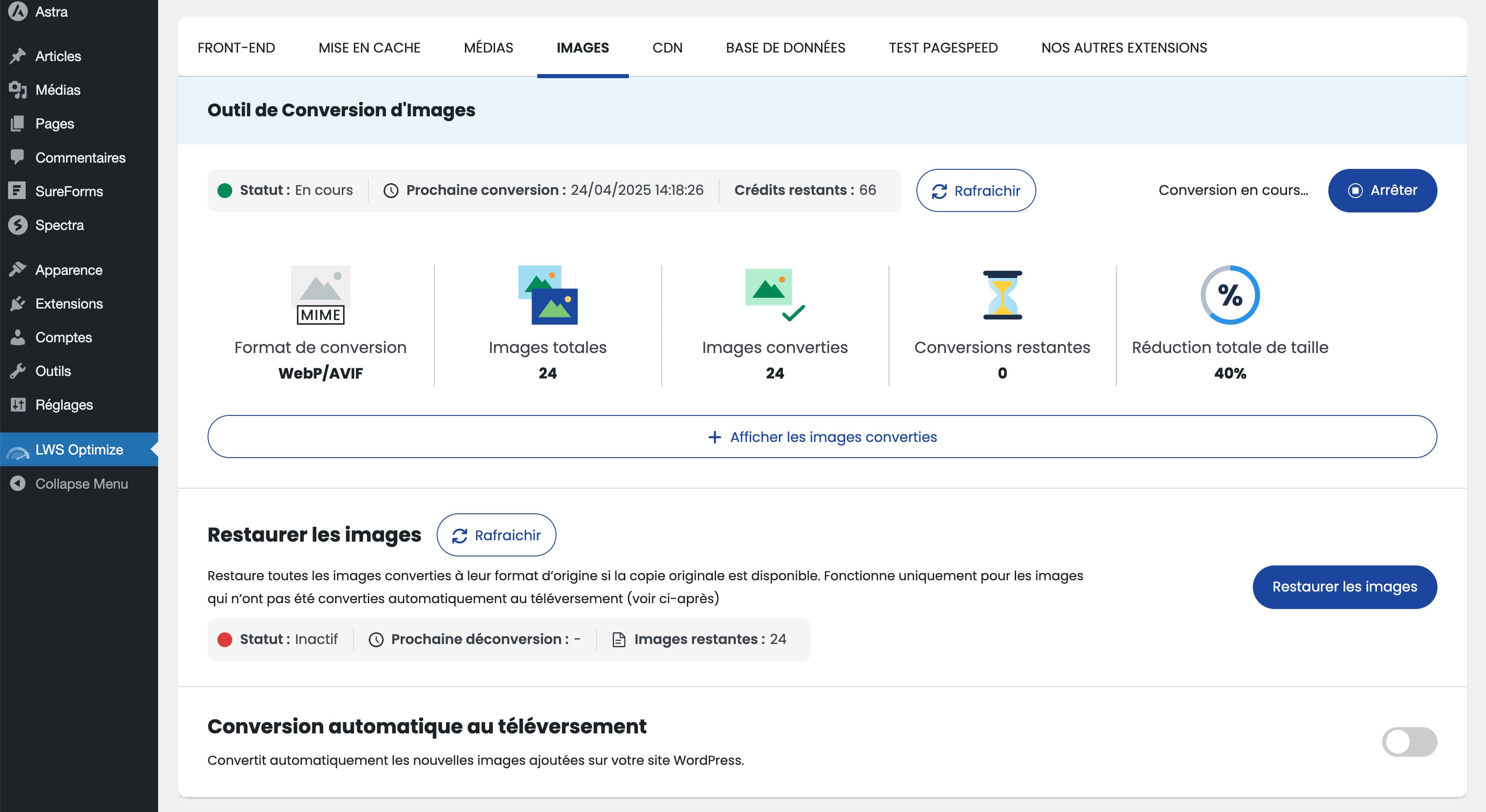
The plugin can compress images, convert them to WEBP format, reduce maximum image size, and control lazy loading for images and iframes. It also offers options for preloading audio and video elements.
What caching features are available in LWS Optimize?
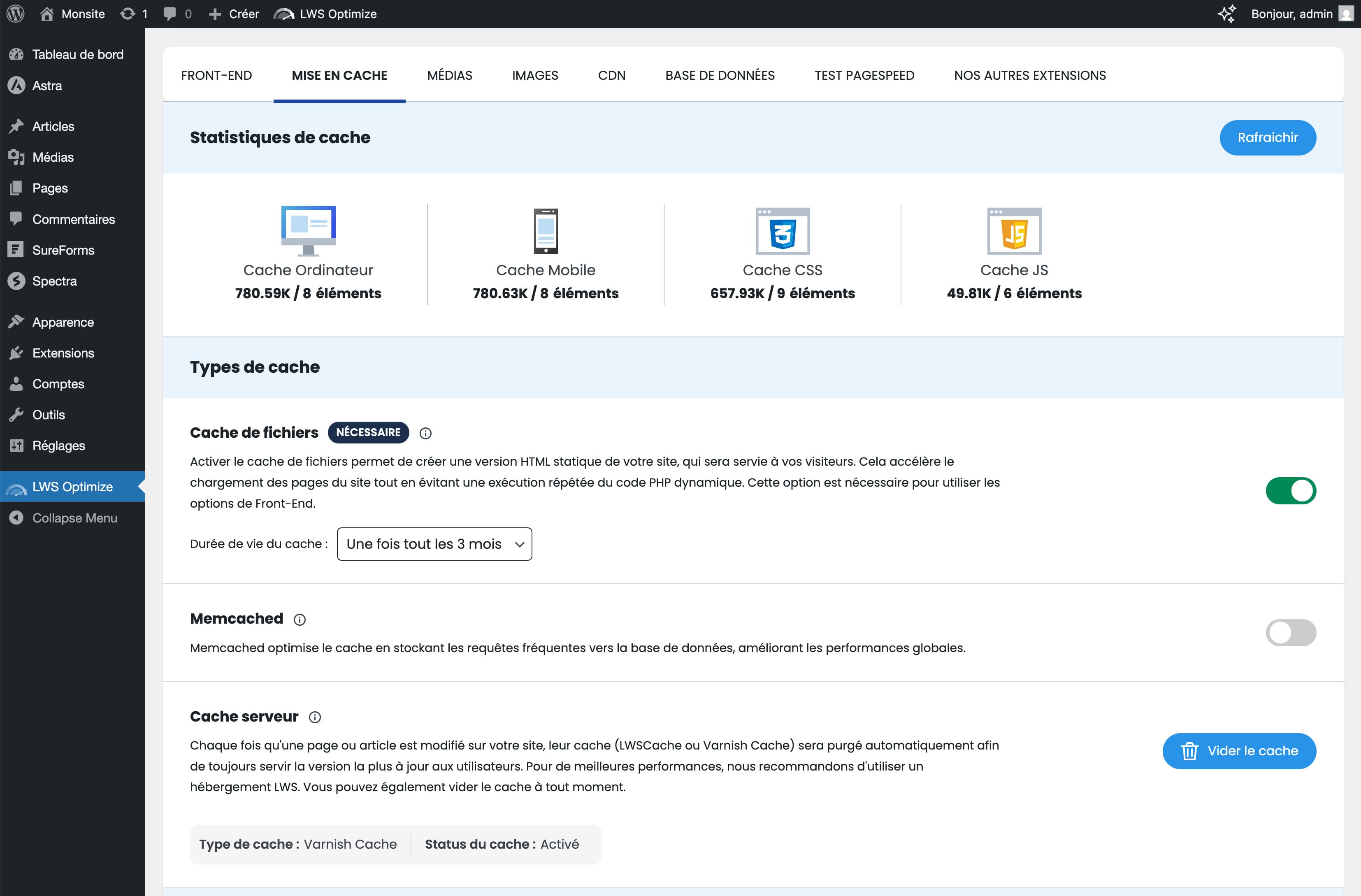
LWS Optimize allows you to enable or disable file caching and Memcached.
Is LWS Optimize pre-installed with any LWS web hosting?
Yes, this plugin is pre-installed when ordering LWS WordPress hosting, Classic shared web hosting, and cPanel hosting.
Changelog
3.2.3
- Fixed issue where black screen on cache deletion would not take the whole page
- Fixed issue where clicking the topbar-menu would not redirect to the plugin settings but instead clear cache
- .htaccess caching will be deactivated whenever Optimize stops (due to other plugins, notably)
- Fixed dynamic page caching, which would always cache pages, no matter what
- Fixed URLs exclusion which would not save entered URLs
3.2.2.3
- Fix Warning when trying to modify an inaccessible .htaccess
- Fix bug where preloading would never stop if some of the URLs to preload were unavailable (404, 500, …)
3.2.2.2
- Added documentation
- Minor bug fix
3.2.2.1
- Minor interface update
- Rewording of some options
- Fix potential issues with the preloading not working on some websites
3.2.2
- Now using .htaccess for managing cache and redirections, resulting in better performances
- More strict caching, refusing to cache empty pages and pages with code != 200
- Bug fixes
- More options
3.2.1.5
- Fixed issue where cache would not get created if SSL plugins were on
3.2.1.4
- Better compatibility with Varnish/LiteSpeed for the dynamic cache
- Changed default state of the plugin to “OFF”
- Actions on (de)activation fixed
- Added expiration headers
- fix preload counter not being accurate
- fixed pre-load cron stopping
- added a way to manage dynamic pages (with parameters such as ?param=1)
3.2.1.3
- Fix minor issues with image convertion
3.2.1.2
- Fixed image conversion gained size
- Removed AVIF as it caused too many issues
- Minor changes to the Images tab
- Tab order rearranged
- Few bug fixes
3.2.1.1
- Updated the way images are changed on your website to make it less prone to bugs and easily deactivable by removing the plugin
- Fixed bugs
- Added mobile cache preloading
3.2.1
- New design for the “Images” page
- Bugfixes for the image conversion, especially the autoconvert and restoration
- Fixed mobile cache not getting created on cPanel with Varnish
- Better warnings when your website cannot use Image Conversion
- Updated for WordPress 6.7
3.2.0.6
- Few bug fixes
- Varnish can now be deleted
- Cache is now deleted more often when doing actions on the plugin
3.2.0.4
- Optimizations of the plugin to be more reactive
- Fix issue where CSS optimizations would not ignore fonts, deactivating them
- Fix issue with lazy-loading where images would not load up
- Some websites had an incorrect counter for preloaded pages that has now been fixed
- Caching stats should be more accurate
3.2.0.3
- Readded Memcached
- Fixed an issue with the database weekly maintenance where an SQL request could potentially remove all “pages” elements from the DB
- Minor CSS ameliorations
3.2
- Image convertion greatly improved and changed to BETA
- Lazy-loading changed : now an active solution greatly improving performances
- Some change to the mobile cache, now activated by default
- Fixed issue with the GZIP deactivating
- Improved notification popup to take less space and be less intruive
- Code optimization
- Bug fixes
3.1.7.6
- Show stats for image convertion
- Fix revert convertion that was not working
- Added button to refresh data (preload, convertion)
3.1.7.4
- Update to the image convertion system
3.1.7.2
- Fixed issue with ImageOptimization already declared
- Fixed issue with preloading not preloading every pages
- Fixed issue with warning showing up on the admin
3.1.7.1
- Fixed issue where converting images would do it 10 per 10 no matter what
- Fixed issue with undefined properties if auto-convert has never been activated
- Fixed issue where auto-convert would always be considered activated
3.1.7
- Cache stats fixed and should now consume less resources
- Added the possibility to convert images to the format of your choice between WebP, AVIF, PNG and JPEG
- Fixed some issues
3.1.6.4
- Autopurge has been fixed and now works as intended
- The cache stats has been temporarily deactivated as it caused issues with a high volume of filecache
3.1.6.2
- Fixed issue where Memcached file (object-cache) would be added even though Memcached is not on the server
- Tuned the optimization to get more performances
3.1.6.1
- Missing image added back
- CDN documentation updated
- Fixed CSS not loading properly on some website
3.1.6
- Design change for the parameters
- Fixed an issue where emptying cache from the adminbar on the site would not work
3.1.5
- Added documentations for most of the options of the plugin
- Fixed missing translations
- Fixed texts
- Fixed issue where configuration would get erased when changin to a different pre-configuration
3.1.4
- Changed preloading (CSS/fonts) ; only preload given URLs instead of everything
- Upgraded the emoji support deactivation
- Now alert you if you use Cloudflare but do not have the integration activated
- Fixed an issue with CDN Integration where cache wouldn’t get cleared
3.1.3
- Fixed a visual bug with PageSpeed’s Device Select
- Limited to 1 test/3 minutes for PageSpeed. Google keeps your last test result in cache for a few minutes,
retrying a test in this time window will only return the same values. - Added disclaimer for PageSpeed tests
- Fixed an issue where modifying Database options would erase configuration
- Fixed an issue where auto-configuration the plugin would erase the PageSpeed history
3.1.2
- Can now pre-configurate the plugin directly
- Fixed issues with URLs containing queries other than ?ver and ?v
- Added a button to refresh the cache stats without reloading
- Cache stats now better calculated to fixed issue where amount of JS/CSS was overamplified
- Fixed issue with autopurge with WooCommerce where the cache would get deleted each page refresh
3.1.1
- Fixed issue where URLs with parameters (?XX=) different than ?ver or ?v would not be processed and cause bugs
3.1.0
- Fixed issues with the “Front-End” optimisations creating bugs
- Changed librairies and removed unused ones
- Fixed bad localizations
3.0
- New cache system
- CSS/JS minification/combination updated
- Cache stats now with CSS and JS
2.1.1
- Fixed “is_plugin_active not found” Fatal Error
2.1
- Cache updated
- Memcached can once again be activated
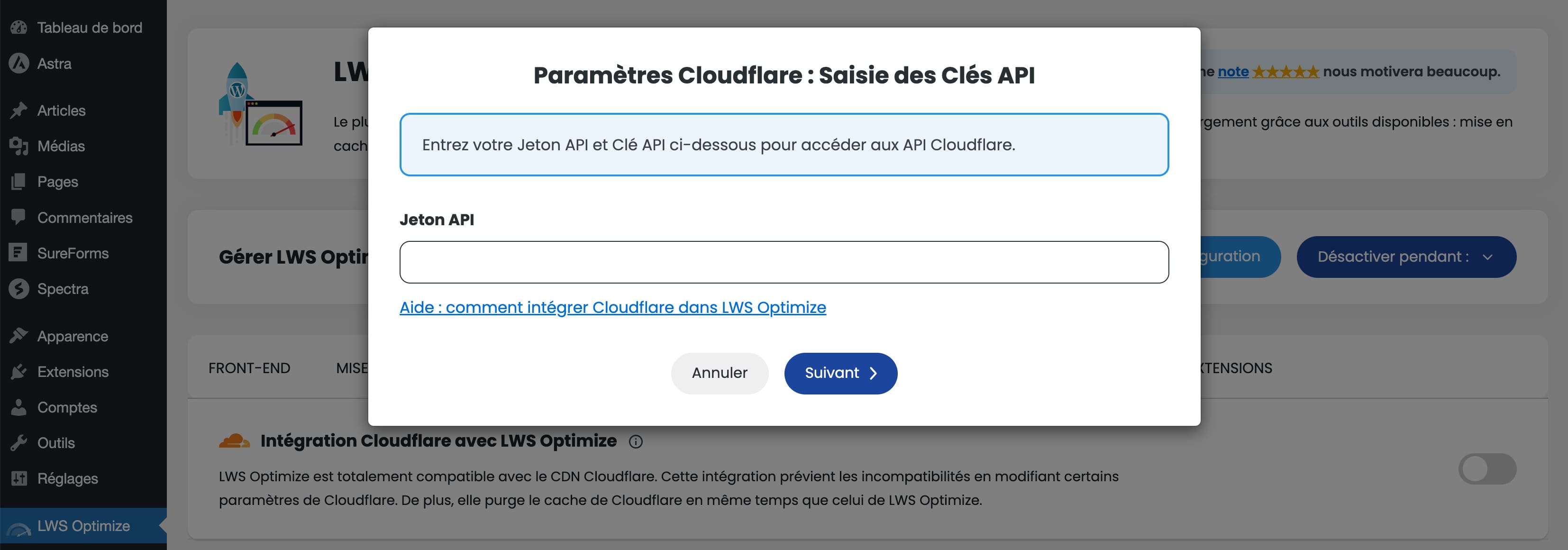
- New Cloudflare integration, to manage CF cache
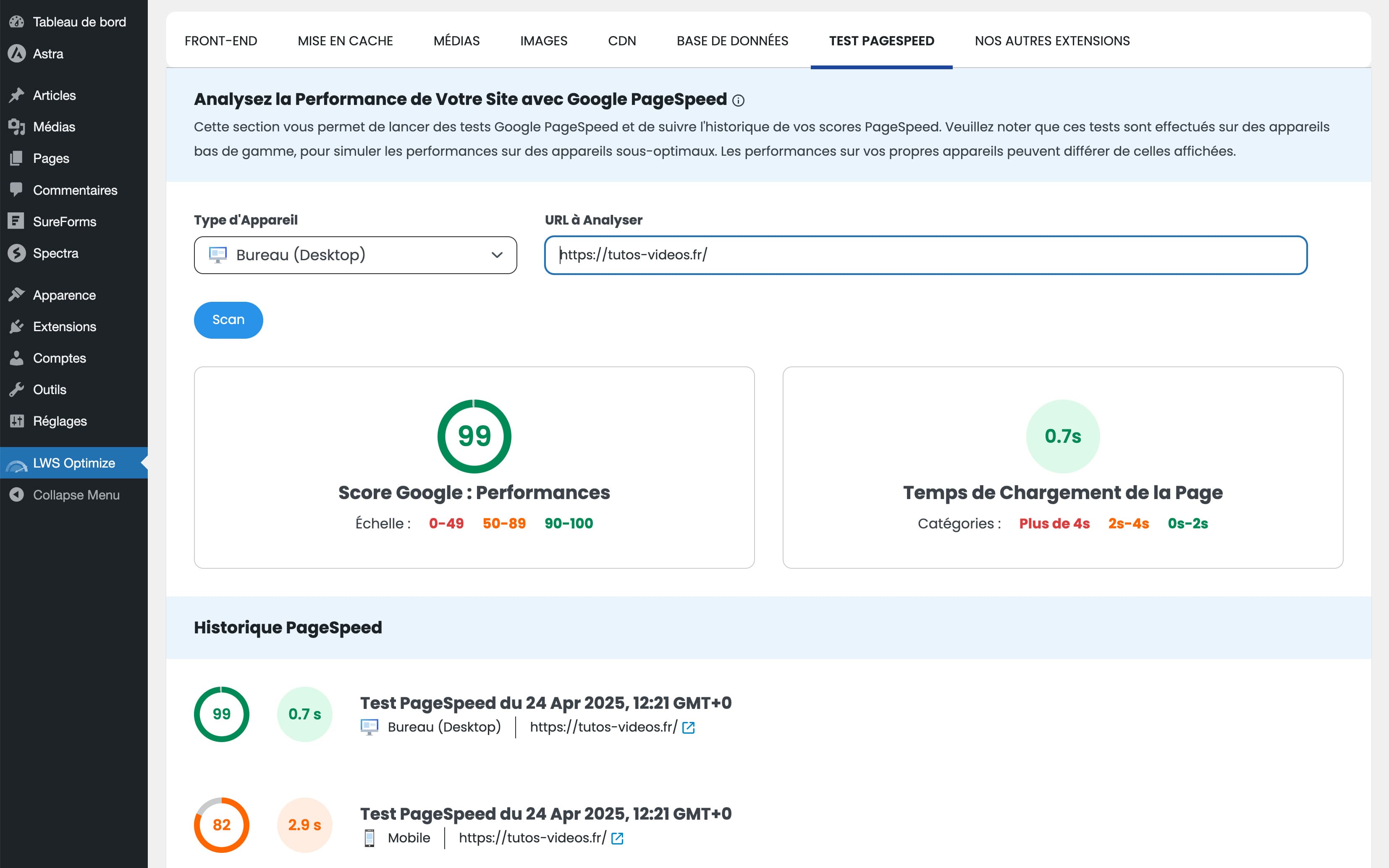
- New way of checking your website performances with PageSpeed
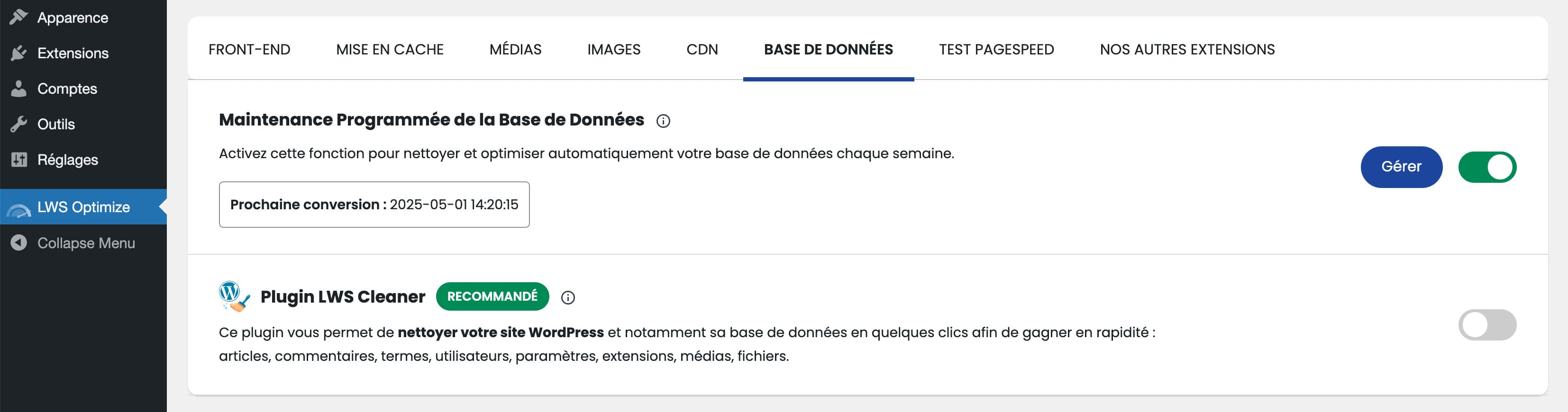
- New weekly database optimisation
2.0
- New design for the plugin
- Front-End and Medias tabs have been entirely modified and fixed
- Lots of bugs have been fixed, performances gain while using our plugins have been increased
1.9.1
- Small fix with WPCLI
1.9
- Optimised the CSS/JS minifier ; now minify and combine at the same time with better performances gains
- Fixed bugs when minifying CSS, when remvoing Lazy Load globally and when using Memcached
- Memcached has been added back. Now the SALT used is generated automatically instead of manually
- Removed a few options that did no help with performances and caused issues (e.g. : JPG-ification)
- Updated the webp converter, it should now work more reliably
1.8.6
*Removed Memcached for now. Cause site to break.
1.8.5
- Fixed fatal error when minifying certain types of CSS
- Fixed issues with preloading CSS
1.8
- Compatibility check added
- Can now deactivate the plugin
- Some corrections to the actions
1.7
- Fixes to the CSS/JS concatenation, it should now works better
- Minor bugs fixes
1.6.5
- Can ask for reviews
- Minor bugs fixed
1.6
- Fixing a problem where non-authorized users could access the options page
1.5
- Fixing security issue
- Another change to the button to make it easier to understand => now slider
- Some bugs fixed
- More security measures added
1.2
- Important bug corrected concerning the lazy loading
- WordPress crash when trying to deactivate lazy loading corrected
- Clarified some button to better show their function
1.1
- Bug corrected for the HTML Minification, making it unusable
- Made it easier to apply modification in the first tab
- Clarifications added on some elements in the media tab
1.0
- Plugin created and published

