
Improve your WordPress SEO: Write better content and have a fully optimized WordPress site using the Yoast SEO…
About Latest Posts Block Lite – A Collection of Beautiful WordPress Posts Gutenberg Blocks
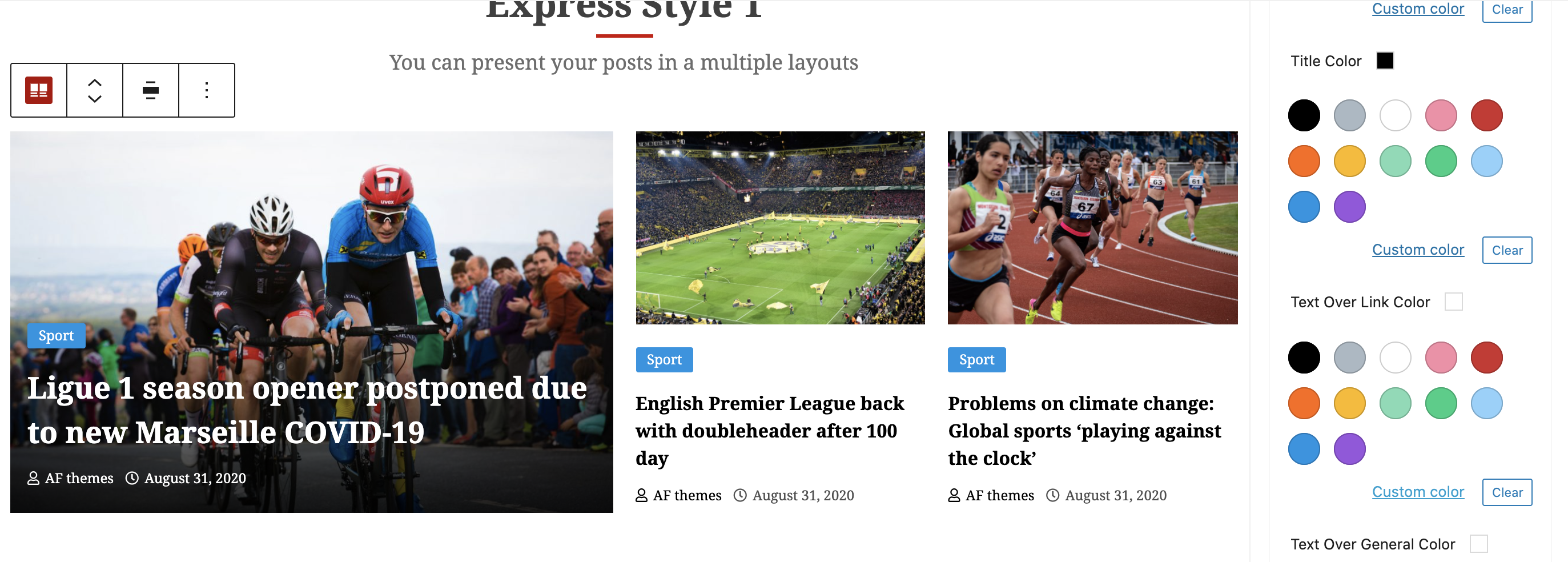
Latest Posts Block Lite is a collection of Gutenberg blocks for WordPress that allows you to design stunning layouts for your blog posts. With various layout options, query controls, and customization settings, you can create a visually appealing and user-friendly posts section. The free version offers basic controls, while the premium version provides additional outstanding controls for a more advanced design.Screenshots


Frequently asked questions
What is Latest Posts Block Lite?
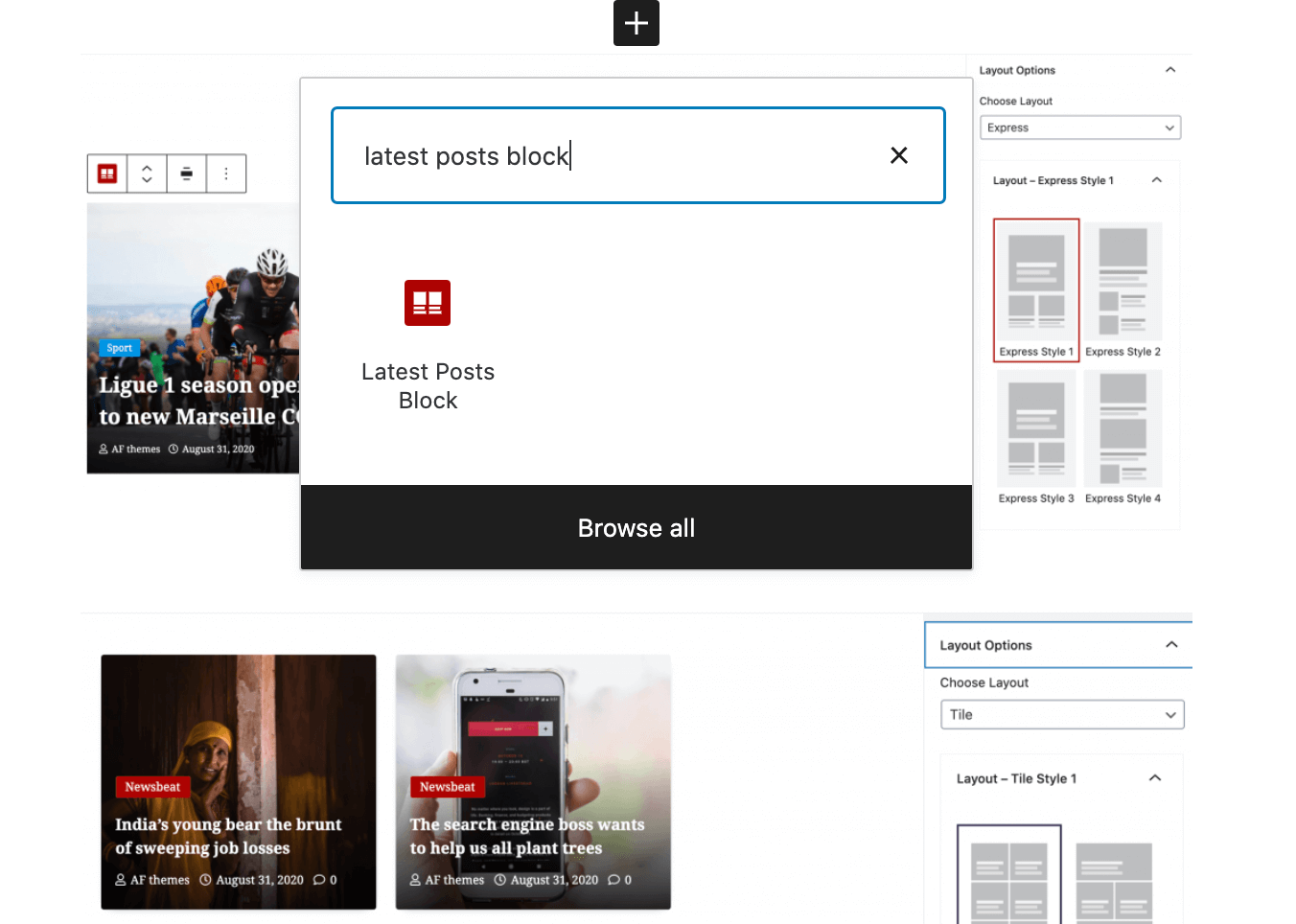
Latest Posts Block Lite is a WordPress plugin that provides a collection of Gutenberg blocks for displaying posts in various layouts such as grid, list, full, express, and tile.
What layout options are available?
The plugin offers grid, list, full, express, and tile layouts. Each layout has 6 different looks to enhance the display of your content.
Can I control the display of post content?
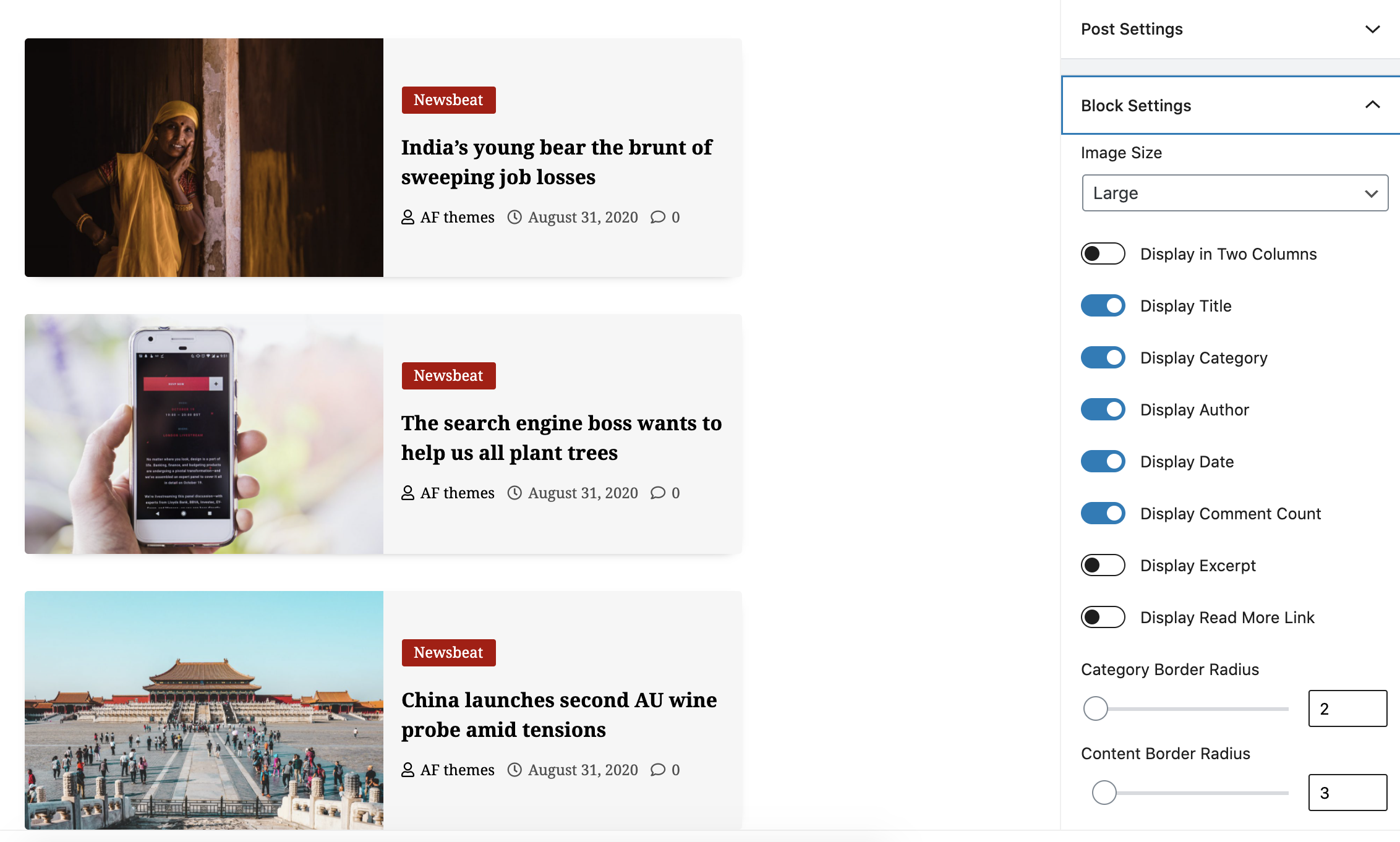
Yes, you can use Block Options to select image sizes, columns, title, category, and other meta items. There are also Content Order Options to separate individual posts blocks with pre-defined content layouts.
What customization options are included for appearance?
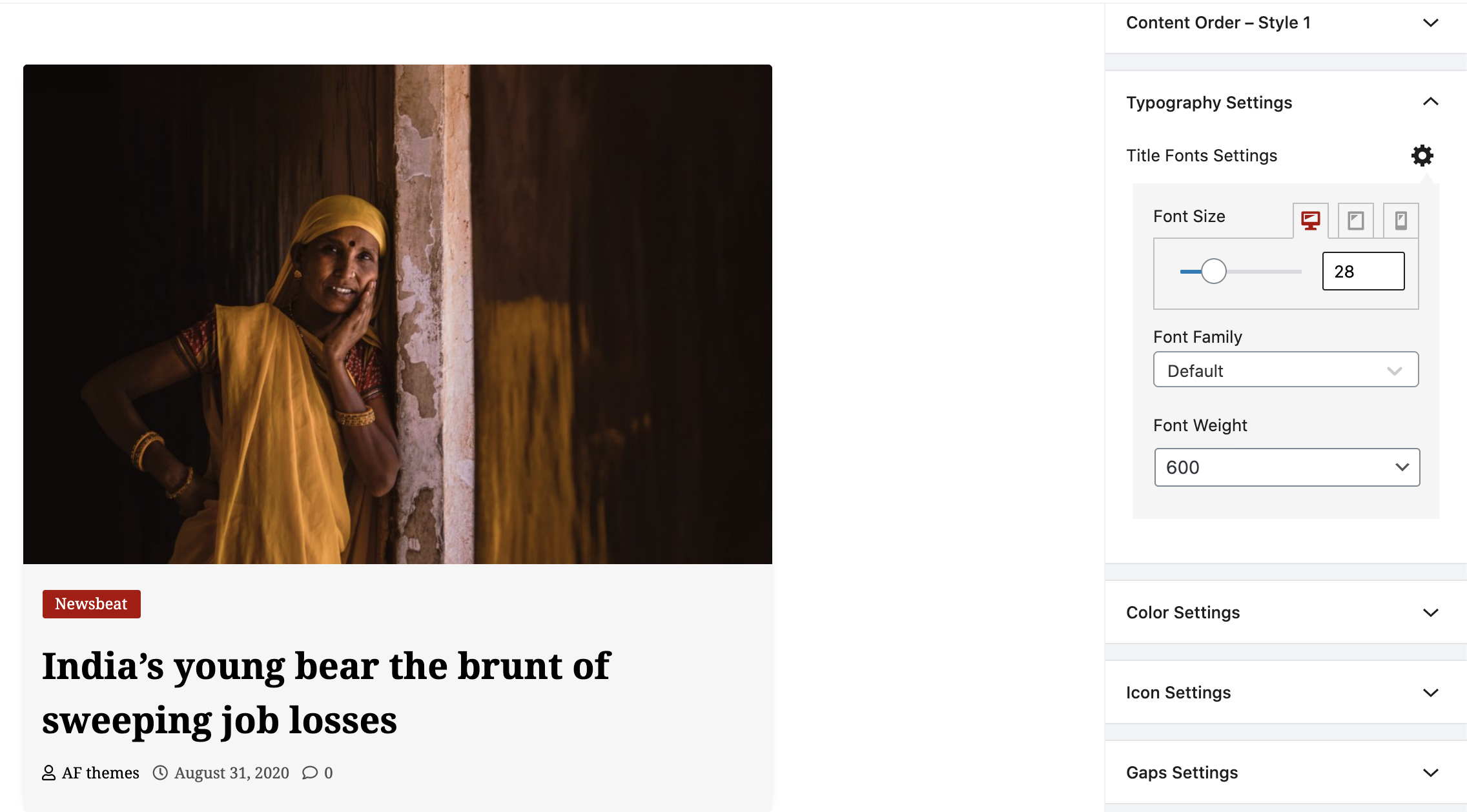
The plugin provides Typography Settings for font family, weight, and size across different devices. It also includes unlimited Color Options for titles, links, and general elements, as well as Icon Settings for Author, Date, and Comment Count.
How can I filter and order posts?
Posts Query Controls allow for predefined query filters and ordering of posts based on date and name.
Changelog
1.1.0
- WordPress 6.5 Compatibility Check
1.0.6
- WordPress 6.2 Compatibility Check
1.0.5
- WordPress 6.1.1 Compatibility Check
1.0.4
- WordPress 5.8 Compatibility Check
1.0.3
- WordPress 5.7 Compatibility Check
1.0.2
- Screenshots Updated
1.0.1
- Deatils Updated
1.0.0
- Initial Release

