

Site Kit is a one-stop solution for WordPress users to use everything Google has to offer to make…
About 3D FlipBook – PDF Flipbook WordPress
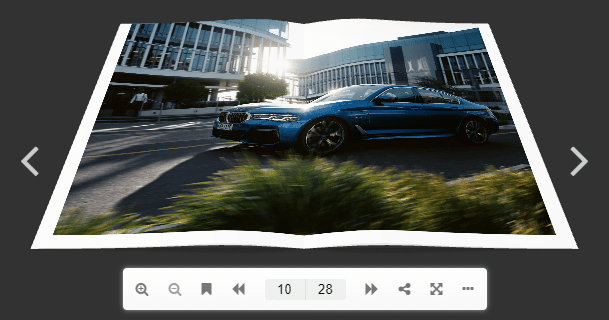
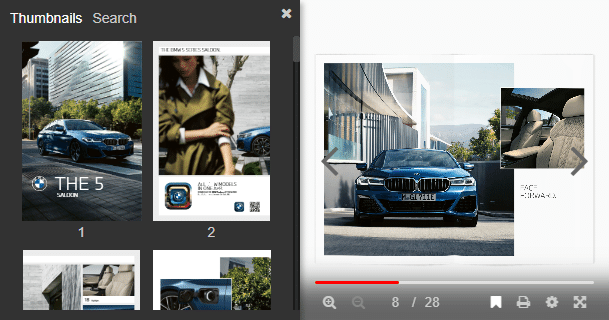
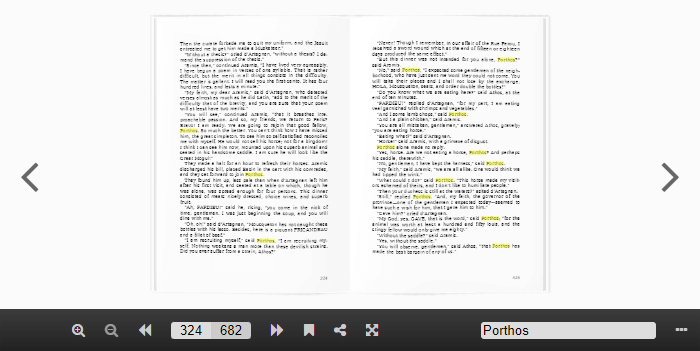
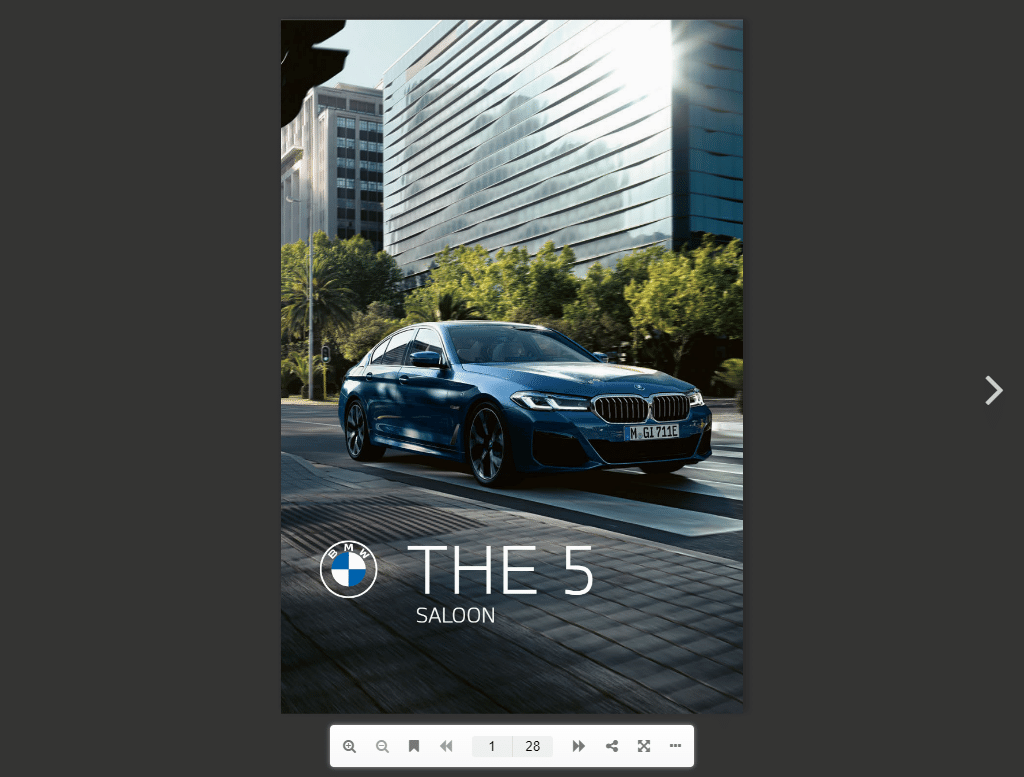
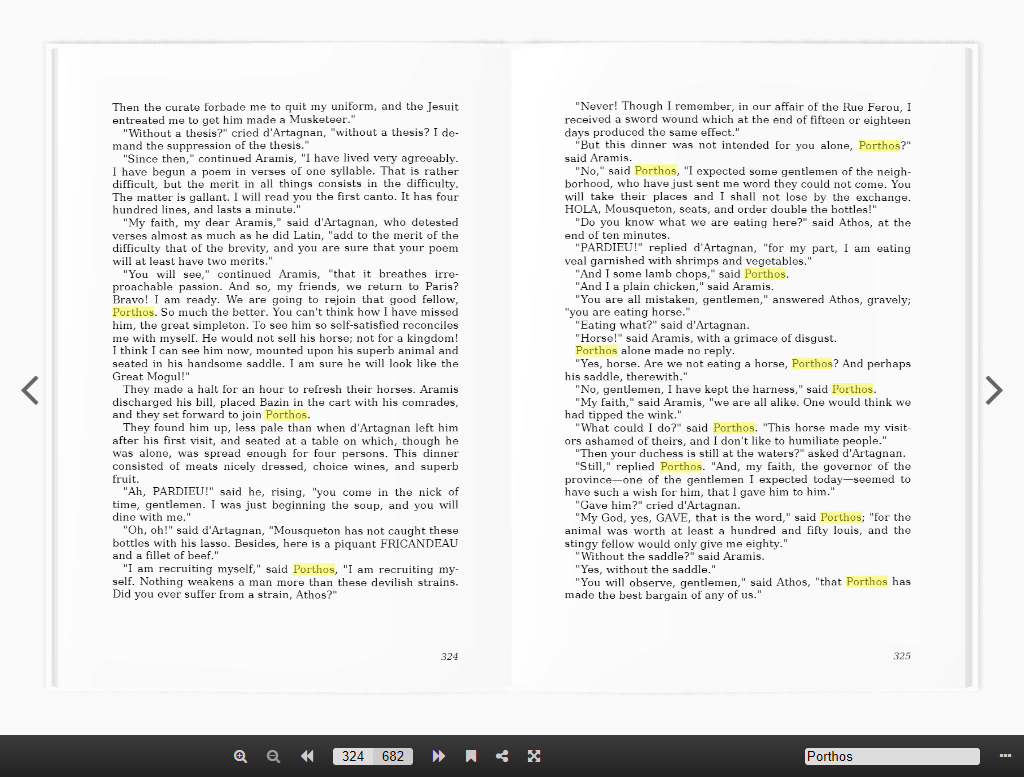
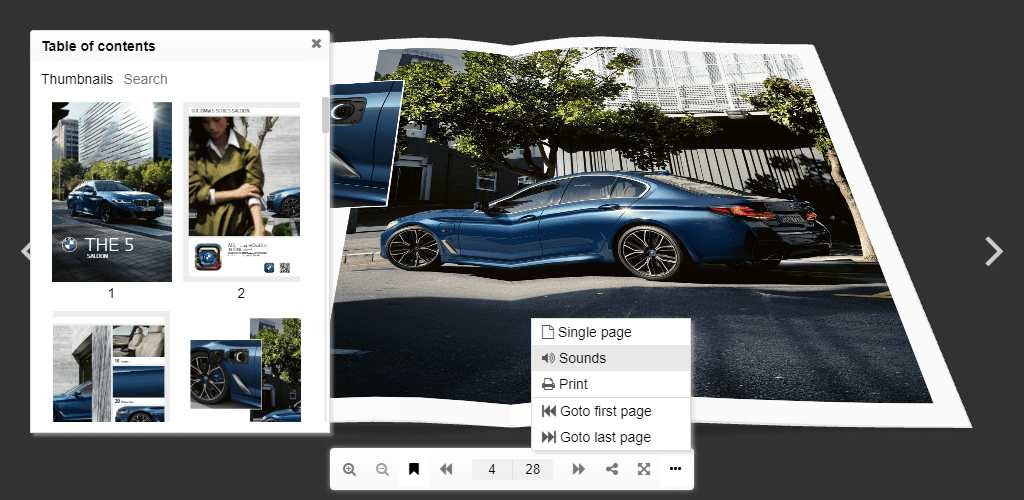
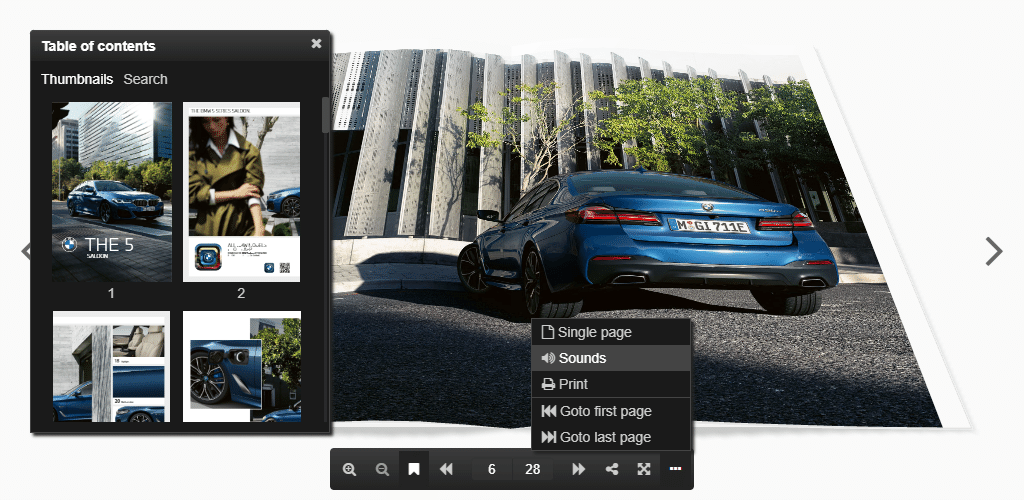
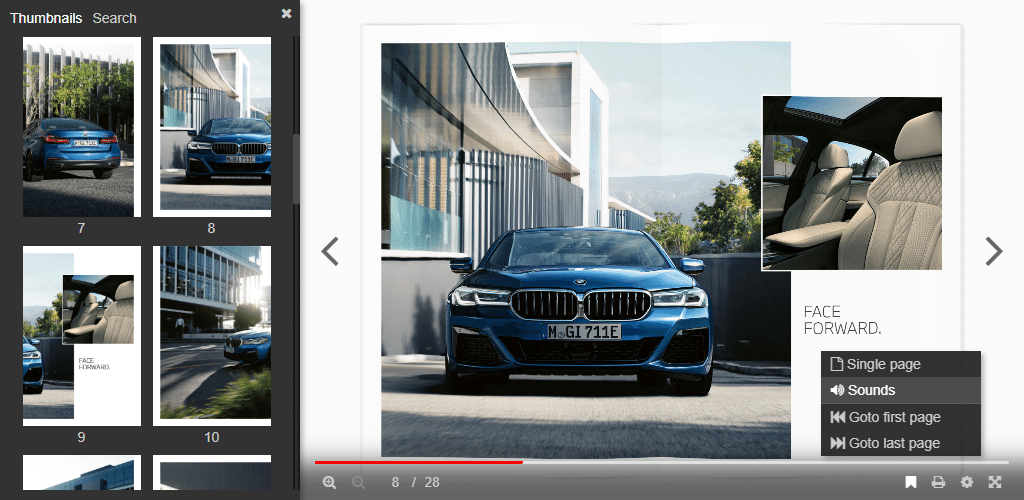
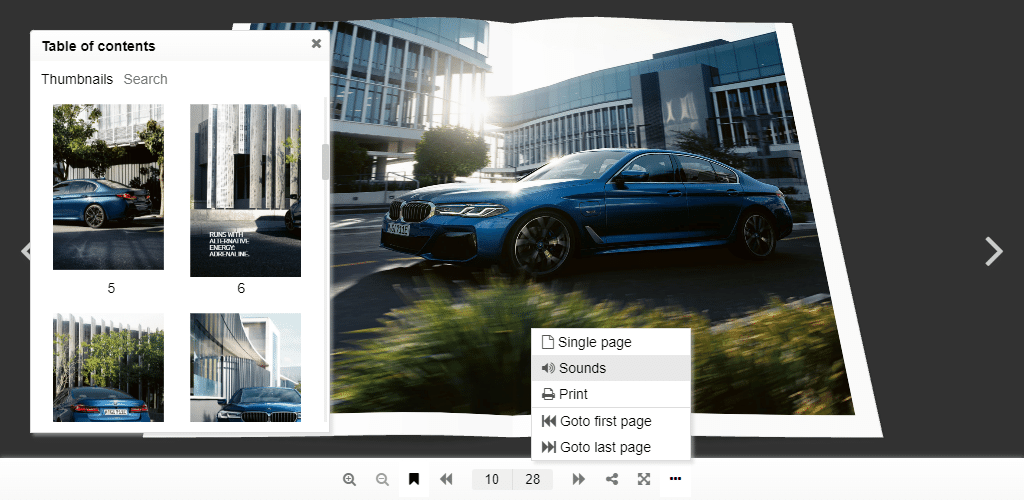
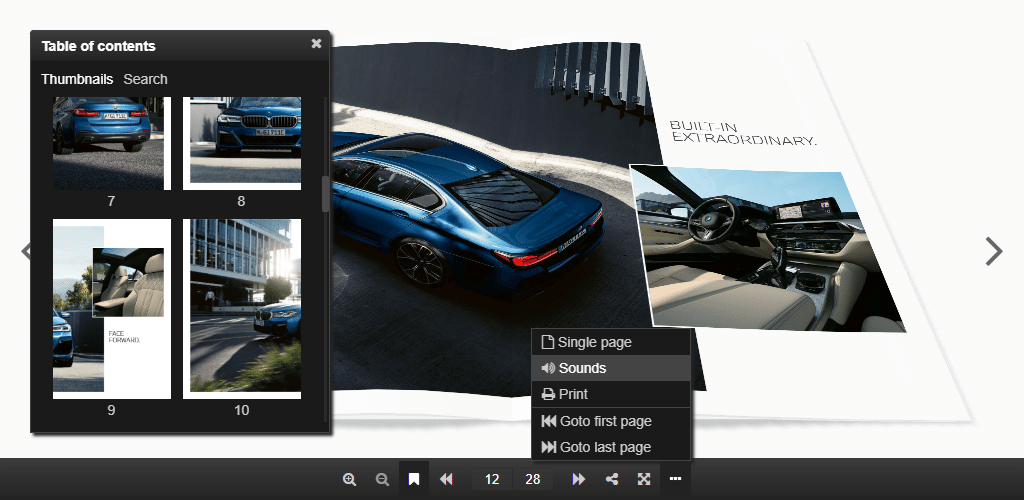
3D FlipBook is a versatile plugin that allows you to create interactive flipbooks from PDFs, images, and HTML. It offers a range of customization options and features, including visual page editing, Google Analytics tracking, flipbook styles, and more. Users have praised the plugin for its user-friendly interface and impressive results.Screenshots







Frequently asked questions
What is 3D FlipBook?
3D FlipBook allows you to build image flipbook, PDF flipbook, HTML flipbook, and portfolio flipbook without any limits in pages or file size. It turns your PDF into a realistic 3D flipbook.
What can I use 3D FlipBook for?
You can use 3D FlipBook for demonstration magazines, books, cards, brochures, booklets, and much more.
What are the variations of 3D FlipBook?
3D FlipBook provides PDF Flipbook, Image Flipbook, and HTML Flipbook variations.
What are the main features of 3D FlipBook?
The main features of 3D FlipBook include visual page editor, Google Analytics tracking, flipbook styles, auto resolution, support for double pages PDFs, and more.
What do users say about 3D FlipBook?
Users have given 3D FlipBook positive reviews, praising its ease of use, excellent results, and complete features.
Changelog
1.16.15
- Added normalization of url protocol for client locale loader
1.16.14
- Fixed Wordfence Security warning
1.16.13
- Fixed fullScreen background urls
1.16.12
- Fixed book overlapping with toolbar
- Removed extra margin when the toolbar is hidden
- Fixed wrong current page when pages are turning
- Fixed displaying unprocessed books
1.16.11
- Fixed issue with WooCommerce
1.16.10
- Fixed incompatibility with a SEO plugin
1.16.9
- Fixed jQuery.get is not a function
1.16.8
- Improved page with plugin loading speed
- Fixed gray boxes instead of shadows in Safari
1.16.7
- Fixed Notice: Function _load_textdomain_just_in_time was called incorrectly
1.16.6
- Disabled mouse wheel zoom for inline mode
1.16.5
- Updated THREEJS to fix CVE-2020-28496
1.16.4
- Fixed rendering stuck when search hits are displayed
1.16.3
- Support PDFs in format w, 2w, …, 2w, where w is page width
- Fix errors like “Cannot read properties of null (reading ‘plugin’)”
1.16.2
- Single PDFJS initialization
- Fix css layers position for Safari
- Stretch / center source images, pdf pages, htmls on book pages
1.16.1
- New Single Page mode – it displays only one page
- Added PDF search button on the toolbar
- Added hits highlighting for search results
- Clear hits when query is empty
- Center page image instead of stretching
- Using CSS classes to trigger 3D FlipBook lightbox activation
- Added function to set all pages interactive
- Fixed content security policy – 3D FlipBook did not appear in Safari
- Fixed CSS layers order in RTL mode
- Added the word “of” indicating the page number in the search status results in POT file
- Added Goto first page and Goto last page in POT file
1.15.8
- Added stable FDFJS for old browsers
1.15.7
- Filter HTML and JS when DISALLOW_UNFILTERED_HTML === true
1.15.6
- PDFJS was updated to 4.3.136
1.15.5
- Protection from javascript: protocol in urls
1.15.4
- Escaping bookmark titles
1.15.3
- Filtering unsecured content (css layers, ready function) from users less then editor
1.15.2
- Reverted iframe initialisation changes – loading issue on Android internal browser
1.15.1
- Allowed editing PDF URL in Flipbook editor
- Lightbox refactoring
- Flipbook editor styles optimization
- Two new predefined flipbook styles
1.15.0
- Visual page editor: AdSense, Audio, HTML, Link, iFrame, Image, Video, YouTube
- Skin: updated design, added fade effect
- Book background: color, image, CSS style
- PDF links highlighting
- Book 3d lighting options
- Book gallery: mobile layout and center alignment
- New commands: Goto first/last page
- Order by last modified imported from media gallery files
- Max book depth, limit for book thickness that recalculates cover and page depth
- WP multisite: creating table for book pages
- Fixed issues in PDF printing
1.14.0
- Book templates
- Custom bookmarks
- Auto play
- Custom slug for plugin default page
- WebP images
- Improved displaying loading animation from skin
1.13.2
- Optimized PDF rendering, especially when zoom is changing
1.13.0
- Real colors
- Book shadow
- Toolbar shadow
- Improved quality on mobile devices
- Fixed rendering artifact: a line between pages
- Fixed double tap on links
- Added creation in hidden elements
- Extra paddings for zoomed view
- Auto resolution: added min and max resolution
- Binder zero thickness
- Book thumbnail: using image from media gallery instead of it’s thumbnail
- Inline size calculation on mobiles the same as on desktops
- Plugin settings: thumbnail height option
- Plugin settings: Google Analytics
1.12.5
- Resolved issue with squares instead of buttons in Safari
1.12.4
- Initializing plugin from plugins_loaded
1.12.3
- Short links were removed
1.12.2
- Fixed mouse events issue for CSS layers
1.12.1
- Added nonce field to avoid CSRF attack
- Removed unused code
1.12.0
- Added new asymmetrical flip animation
- Fixed graphic artifacts between pages
- Arrow keys were binded on book pages turning
- Added web page scrolling when user swipe book pages
- Added web page scrolling by mouse wheel when book zoom is not available
- Updated PDFJS library to 2.5.207
- Fixed XSS issue
1.11.5
- Logo was removed
- THREEJS was updated to 104 rev for Safari 15 compatibility
1.11.3
- Using react library from WordPress js includes if it is defined otherwise register react 17.0.2 from the plugin folder (actual for old WordPress)
1.11.2
- Using react library from WordPress js includes
1.11.1
- Share link and social buttons
1.10.27
- Font loading patch for Safari (buttons disappearing fixed)
1.10.26
- Supporting Unicode in filenames
1.10.25
- Order for importing pages
1.10.24
- The same scale for all pages
- Toolbar moved below the book
1.10.23
- Skins refactoring
- Book option: interactive corners
1.10.22
- Option in settings: where to initialize the plugin
- Function FB3D_CLIENT_LOCALE.render() for manual rendering unrendered plugin instances (after Ajax)
- Encoding plugin data
1.10.21
- ReactJS library was updated to 17.0.2
1.10.20
- Pro version auto updates
- Book editor details are wrapped in iframe to avoid conflicts with other plugins
1.10.19
-
Added query parameter: [3d-flip-book mode=”thumbnail-lightbox” query='{“orderby”: “date”, “order”: “ASC”}’ cols=”3″ tax=””][/3d-flip-book],
see all options: https://developer.wordpress.org/reference/classes/wp_query/
1.10.18
- Insert dialog / shortcode generator: styles for fullscreen mode: height, background color, background image
1.10.17
- Advanced options switch
- For mobile devices plugin height = 0.9*screen height
- Single page mode is active by default for mobile devices
1.10.16
- Error messages
- Hidden controls while loading
- Supporting 1, 2 and 3 pages books – no blank pages
1.10.15
- Auto updating permalinks after activation
1.10.14
- b64 encoding for template data
- Up to 5% page width difference in doubled pages PDFs
1.10.13
- New pdfjsLib 2.5.207
- Fixed a bug in doubled pages PDFs navigation
1.10.12
- Preloading font for toolbar buttons
- Control settings for disabling Print and Download in narrow view mode
1.10.11
- CSS class fb3d-fix-title to fix title in thumbnail mode
1.10.10
- Auto launch lightbox using a CSS class or the book name as URL hash: http://example.com/page-with-book/#book1/5, where book1 is CSS class or the book name, 5 – page number
1.10.9
- Google Analytics
- CSS class fb3d-auto-launch to auto launch lightbox after page loading
- CSS class fb3d-activate-fullscreen to launch fullscreen instead of lightbox
1.10.5
- CSS layer helper classes: play-on-shown, pause-on-hide, go-to-page, youtube
1.10.4
- New thumbnail style
- Button style
- New lightbox style
1.10.3
- Removed white line on the left side of a closed book
1.10.2
- Saving auto generated thumbnails on the disk for for fast loading on the client side
- Default lightbox that you can choose in the plugin settings
- User friendly pages rendering queue
1.10.1
- Simplified book properties
- Added predefined book styles
- Smooth page landing
1.9.29
- FullScreen emulation for iPhone
1.9.28
- Added error messages for flipbook editor
- Fixed zoom gesture for touchscreen devices
- Detecting mobile mode by screen diagonal
1.9.27
- Performance improvement – much faster initial loading
- Helpful links
- Limited height for automated widget size computation: height = min(90vh, 0.75*width)
- Added CSS class ‘fb3d-default-page’ for customization plugin default page
1.9.26
- Removed toolbar transparency
1.9.25
- Changed plugin logotype
- Review reminder
- Fixed a bug in PDF rendering
1.9.23
- Disappearing page CSS Layer properties (CSS, HTML, JS) was fixed
1.9.22
- New PDFJS 2.3.200
1.9.21
- New pages predicting algorithm
1.9.20
- Performance optimization – disabled 3D rendering for idle
1.9.19
- Fixed disappearing on Android devices – Updated THREE JS library
1.9.18
- Fixed the bug: “Failed to initialize plugin: 3dfbInsert”
1.9.17
- Fixed disappearing edit details
1.9.16
- Fixed error in classic blocks – insert dialog
1.9.15
- JavaScript ready function
- Editing PDF url
1.9.12
- Fixed an admin side styles issue
1.9.11
- Fixed the zero size bug in FireFox
- Fixed a bug with links in doubled page PDFs
1.9.10
- Fixed a bug in hits highlighting
- Fixed a bug in CSS Layers
1.9.9
- Narrow View
1.9.8
- Fixed the loading PDF issue in Edge
1.9.7
- Updated PDFJS lib – faster loading for PDFs
1.9.6
- Links in IE11/Edge
- Interactive corners for Mac
1.9.5
- Fixed the iOS iframe resizing issue (wrong alignment)
1.9.4
- Fixed the bug with disappearing the download button
1.9.3
- Changed the PDF range chunk size – faster PDF loading
1.9
- Auto resolution
- Double pages PDFs
- IE11 Fulscreen
1.8.2
- Fixed bug in loading languages from global directory
1.8
- 3D FlipBook categories
1.7.6
- Shortcode generator
1.7
- RTL mode
- Default template option in General Settings
1.6
- CSS Layers
- Languages
1.5
- PDF search
1.4
- Thumbnails
- Flip sounds
- Deep linking
1.3
- PDF bookmarks
- Printing
- Single page mode
- Control customization
- Fit view command
- Controllable script for templates
1.2
- PDF links
- Mobile-Friendly
- Flipping sheet animation style
- Loading animation and progress
1.1
- Smart pan mode
- Skins
- Flipping covers together with other pages
1.0
- Realistic view
- Natural behaviour
- Flixible page corners
- User behaviour prediction system
- HTML, PDF, images as sources
- User friendly
- High perfomance
- Lightbox effect
- Interactive
- Responsive
- Easy to use
- Well documented

