

Improve your WordPress SEO: Write better content and have a fully optimized WordPress site using the Yoast SEO…
About Html5 Audio Player – Audio Player for WordPress
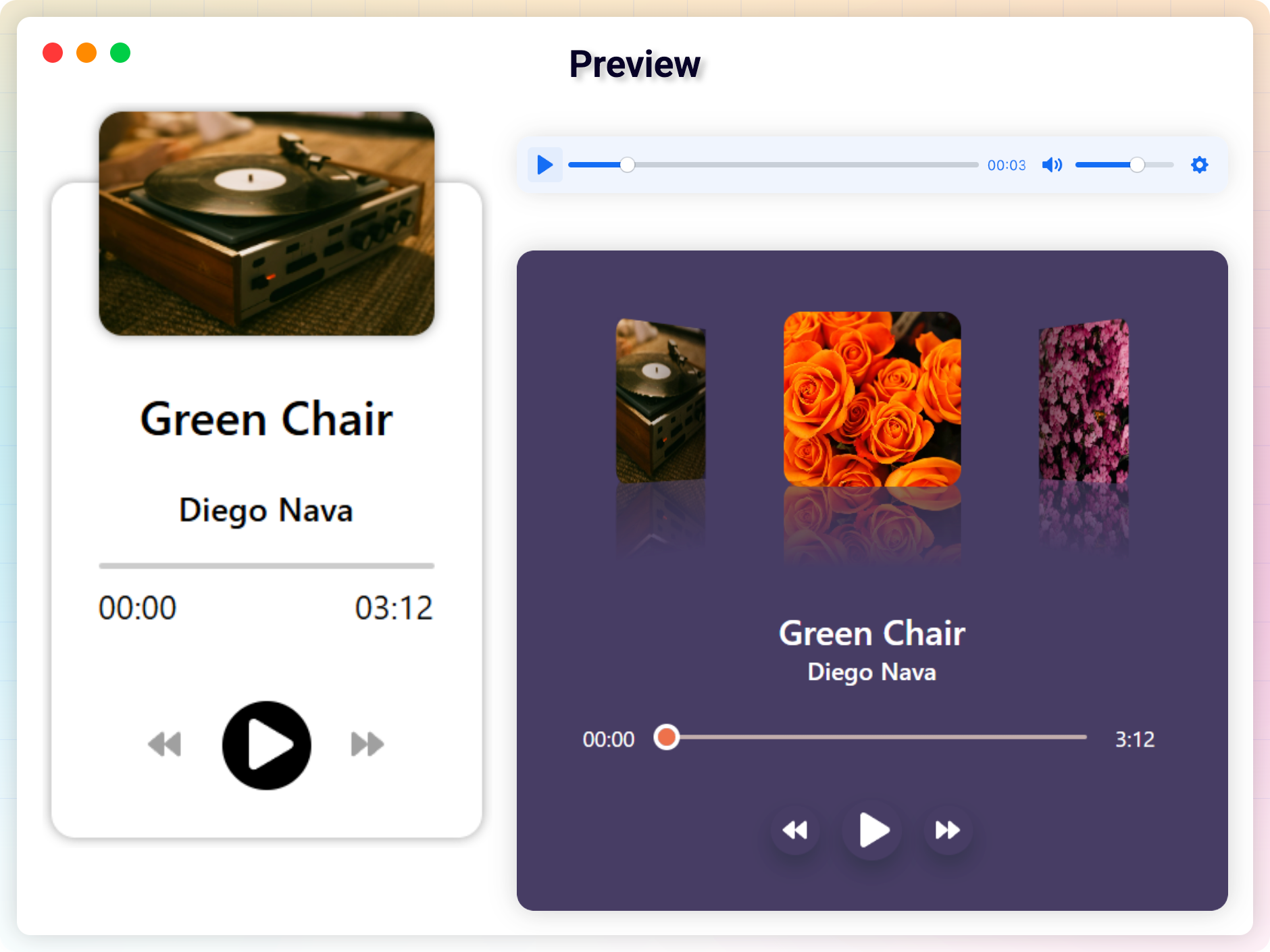
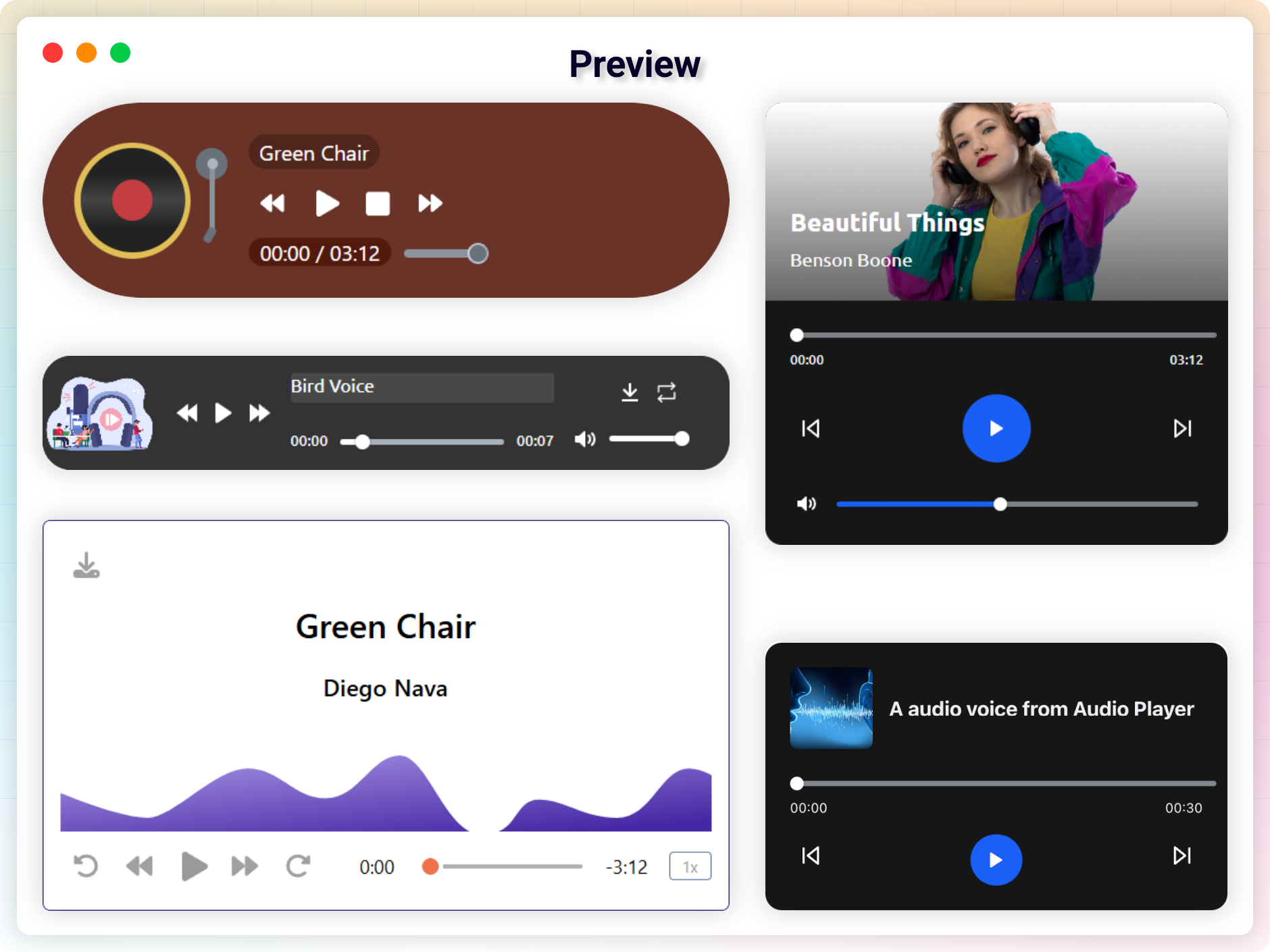
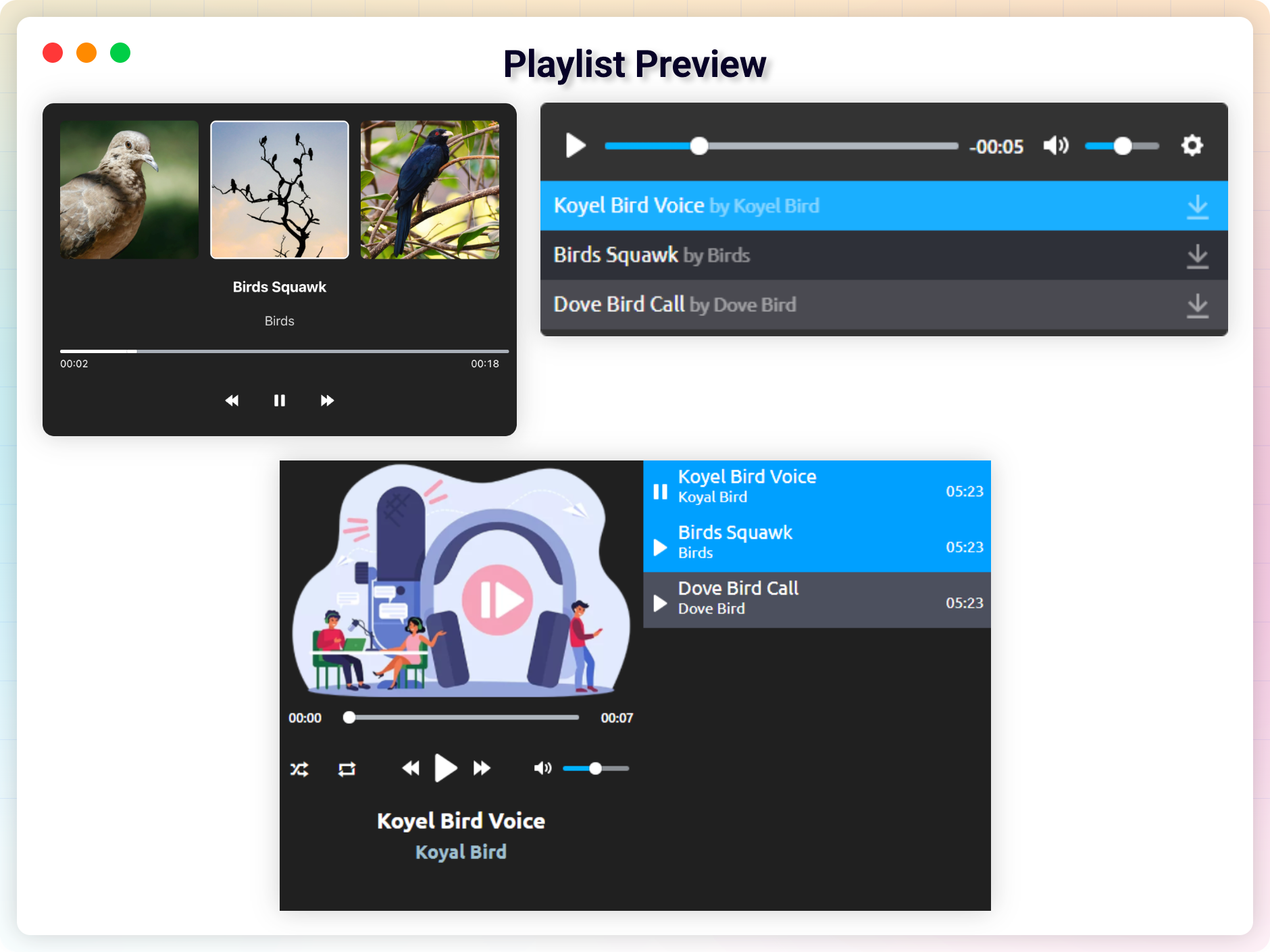
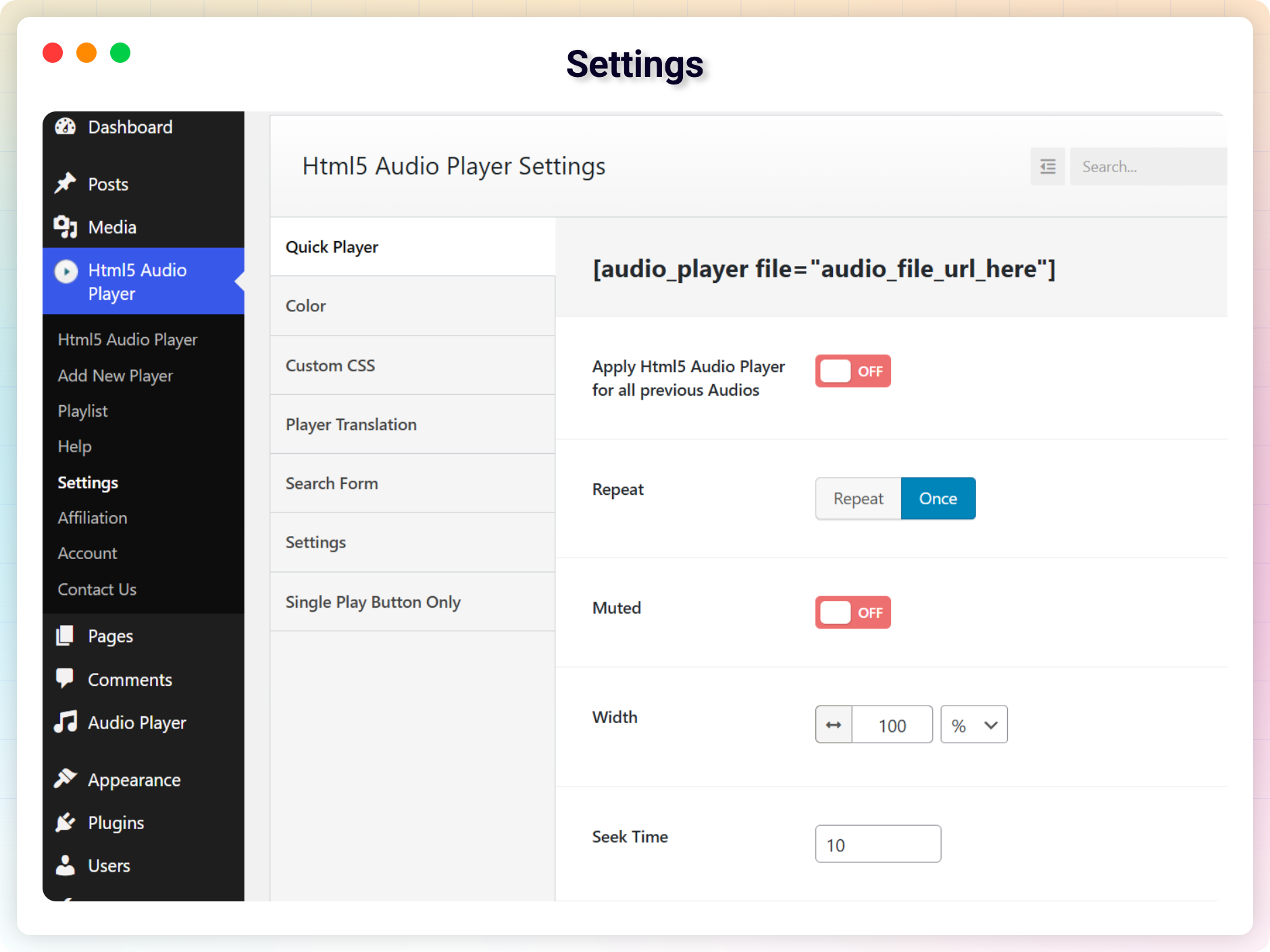
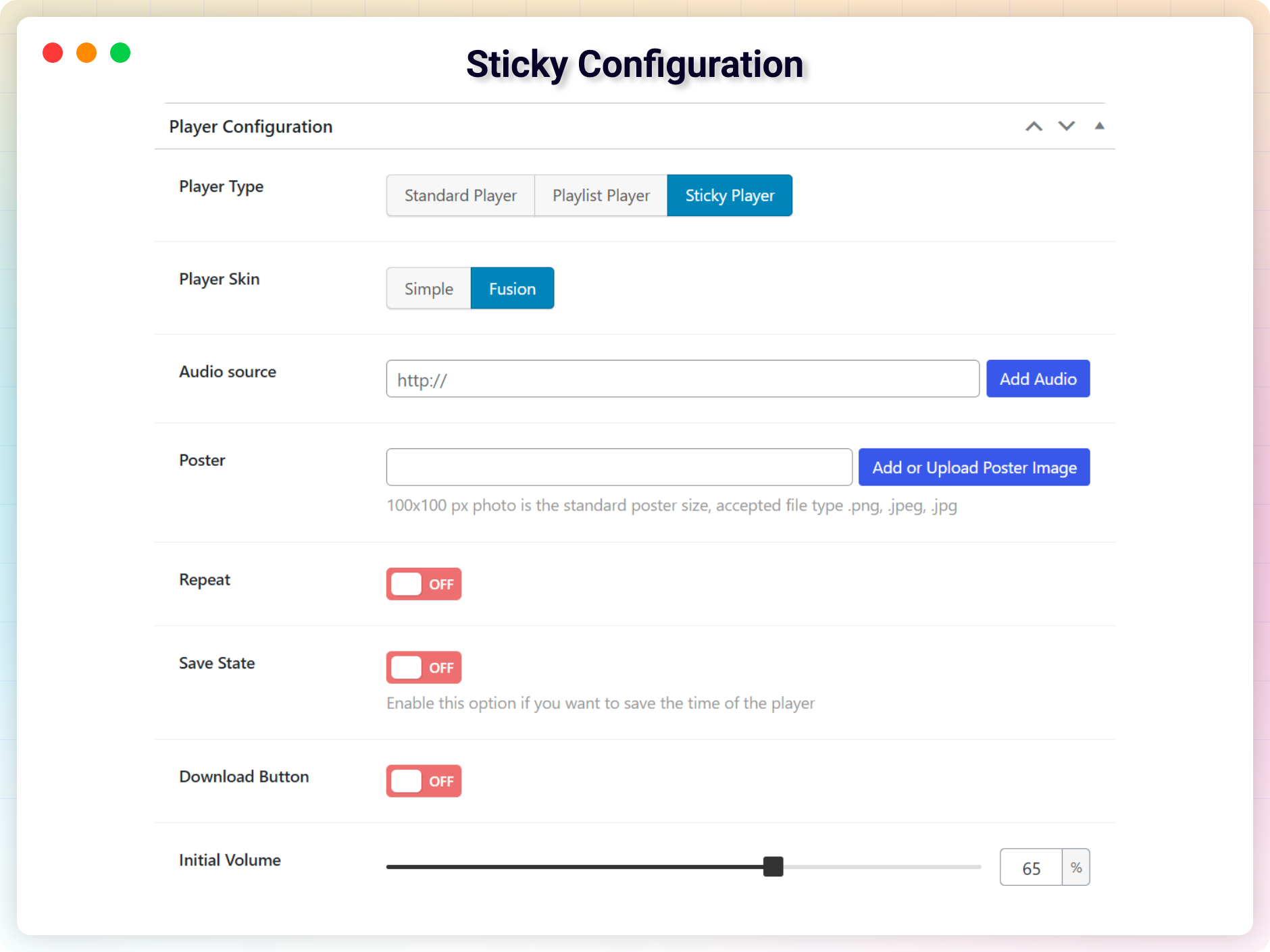
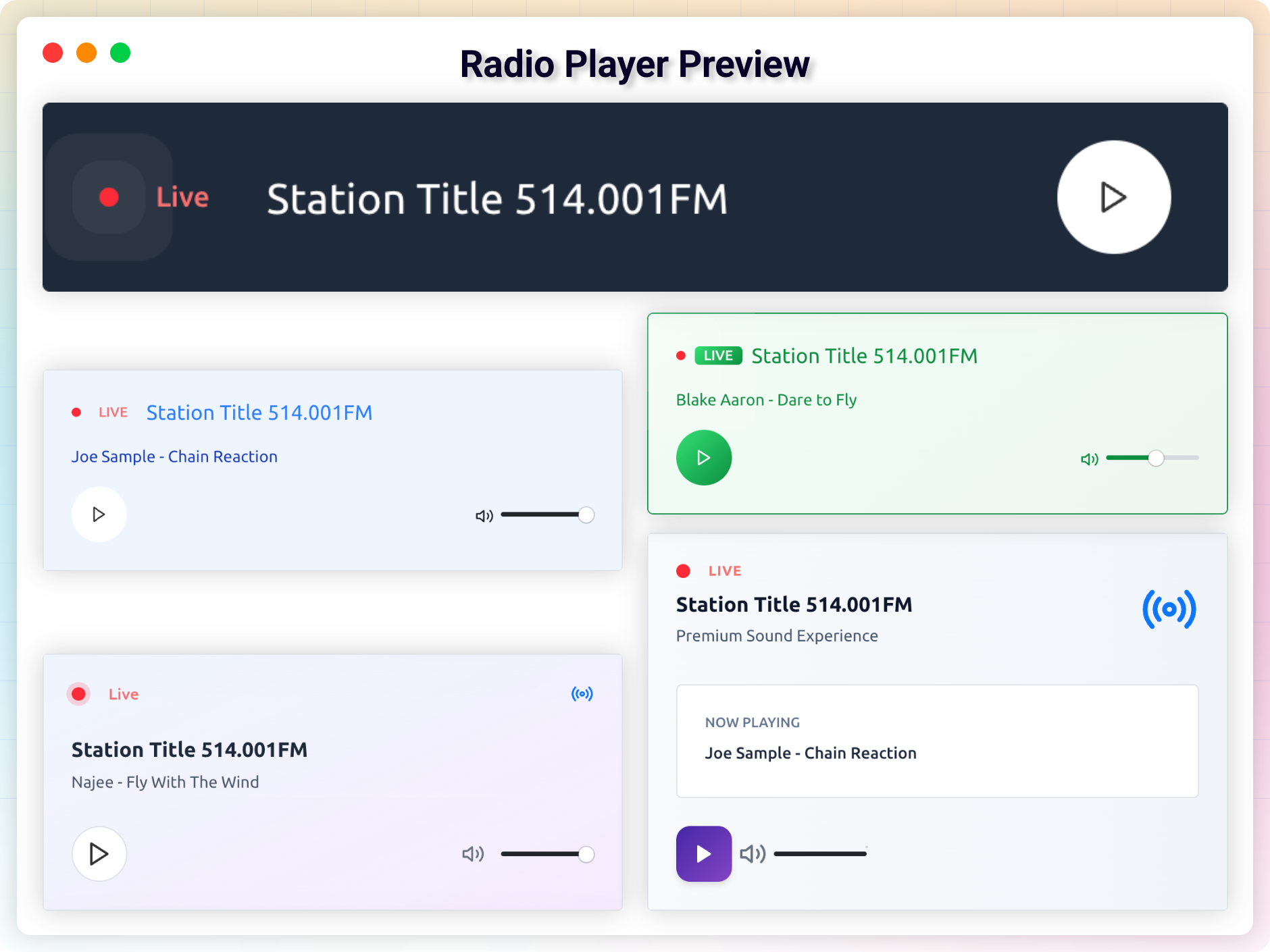
This WordPress plugin allows you to easily play and embed audio files in your posts, pages, and widgets. It is fully customizable and works on all devices, with options such as autoplay, color-changing, and hiding/showing buttons. The pro version offers additional features like changing preload options, hiding ads, and controlling audio speed.Screenshots
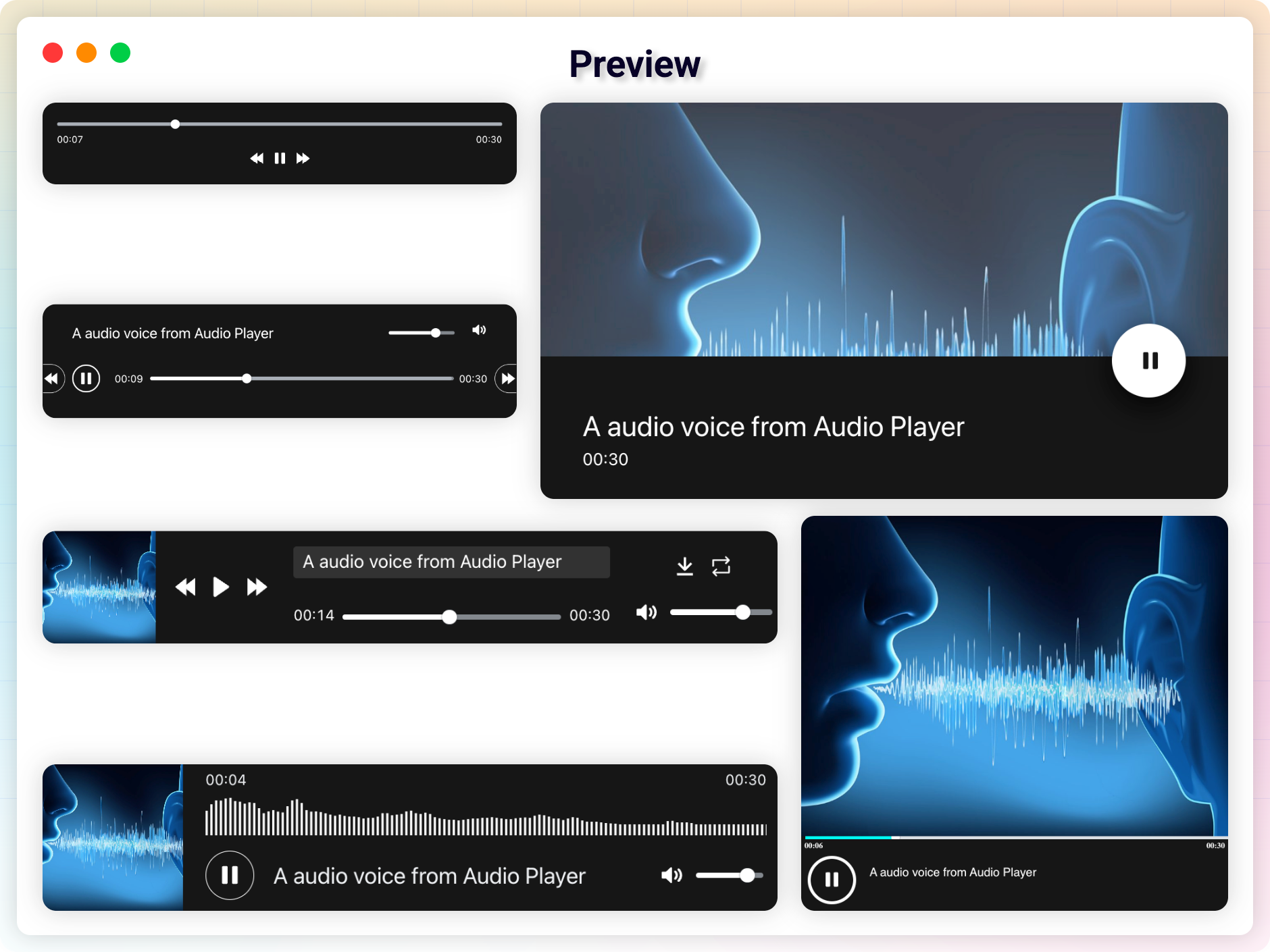
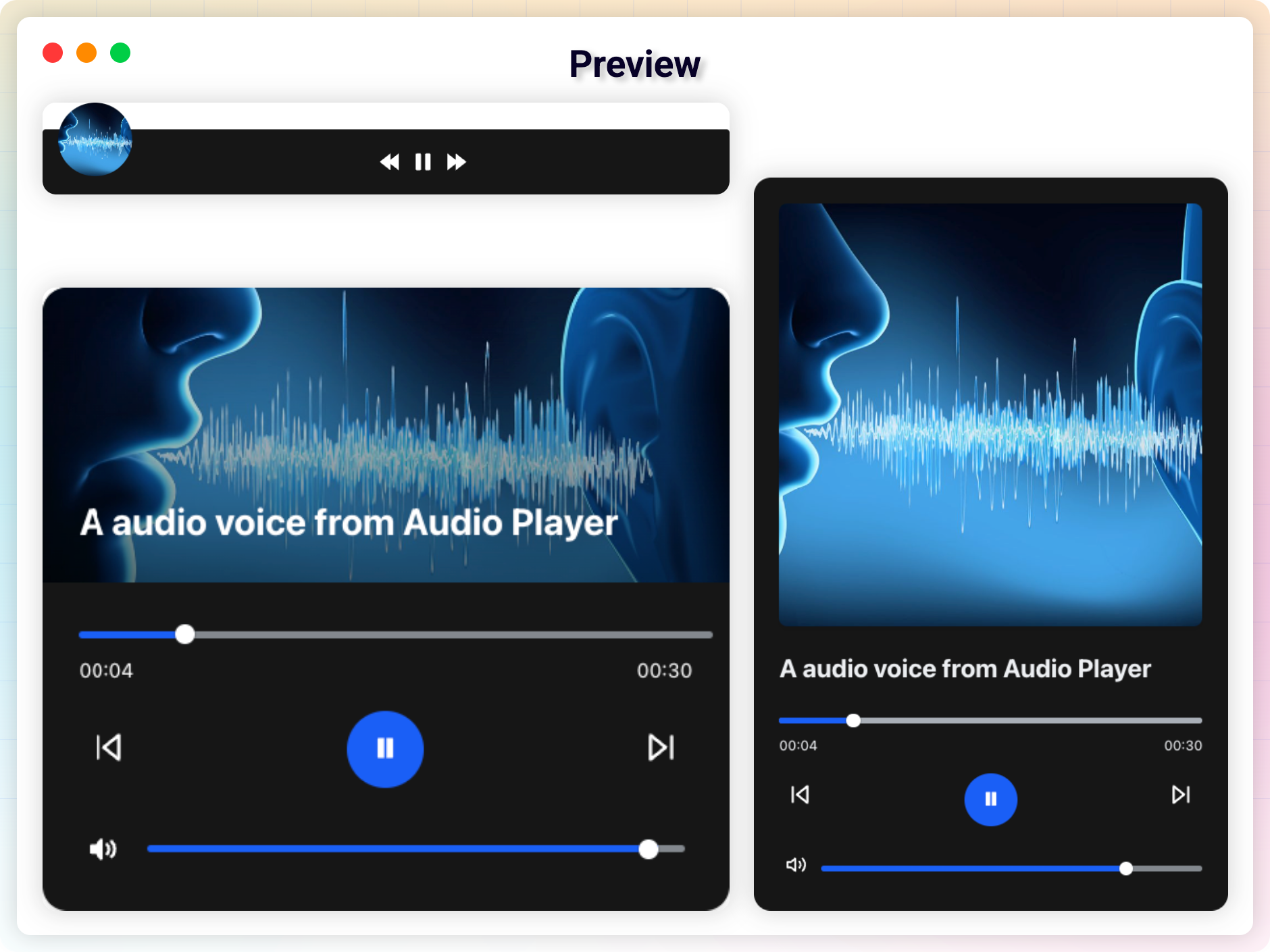
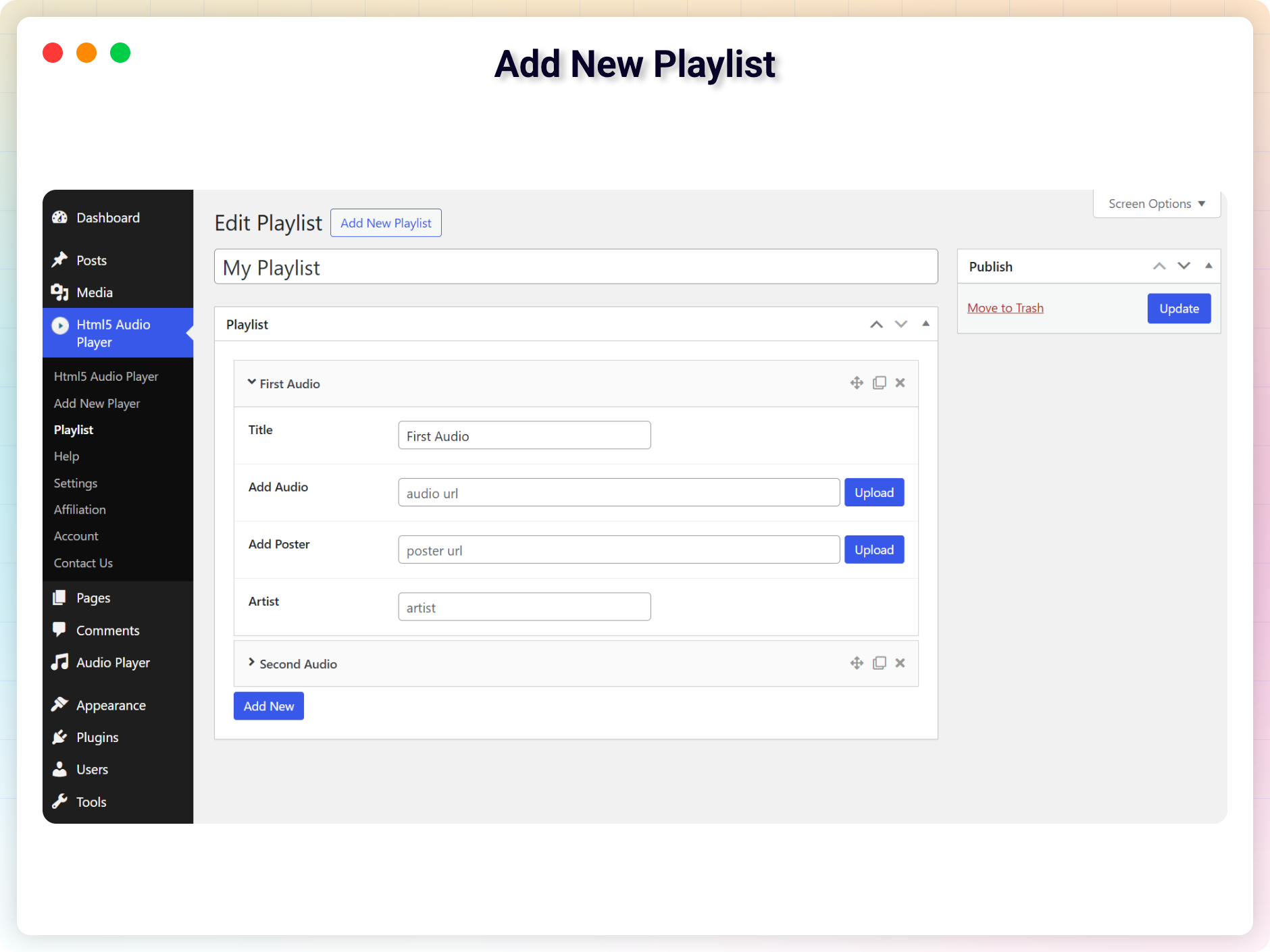
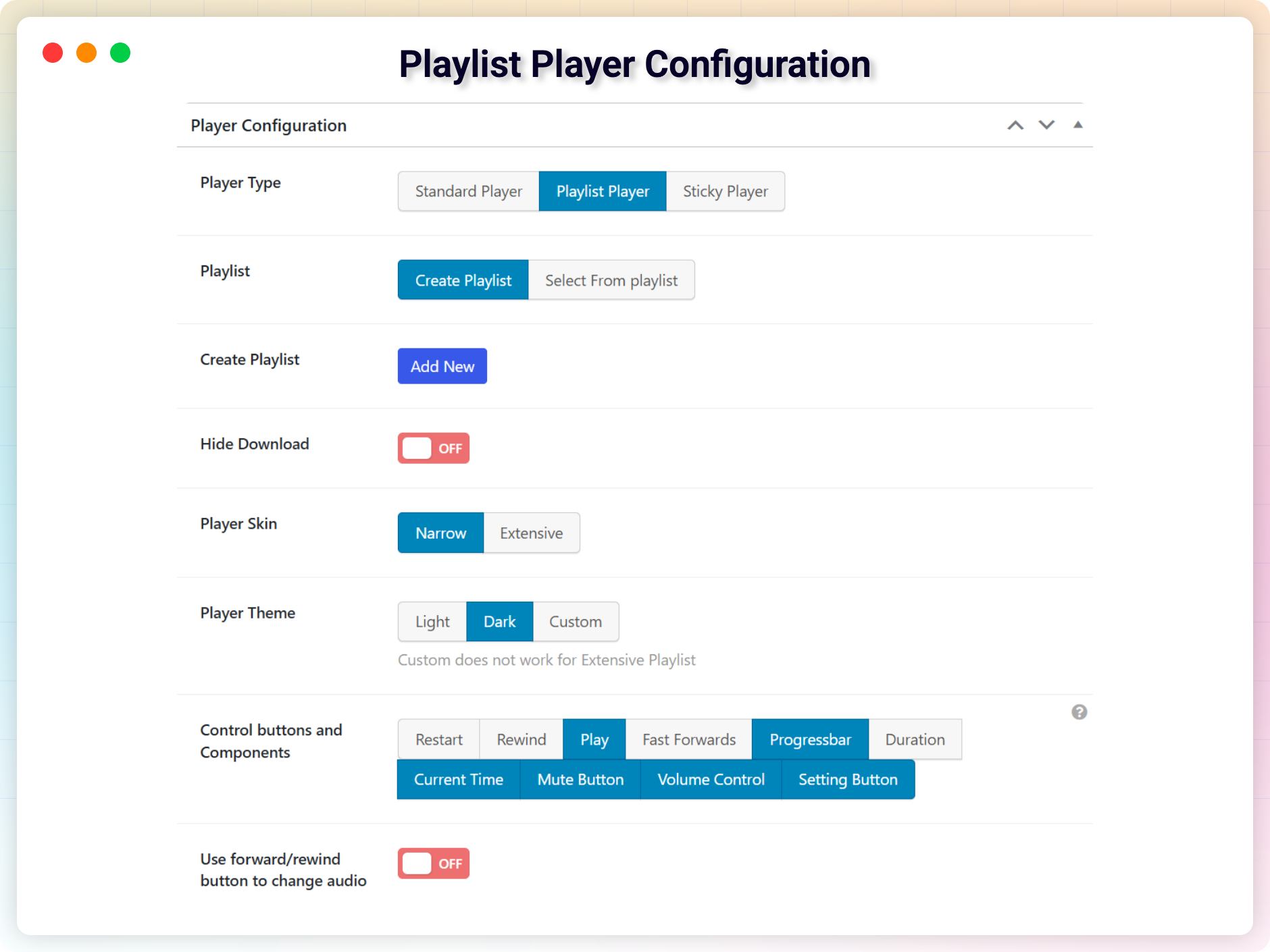
Frequently asked questions
How to use the audio player?
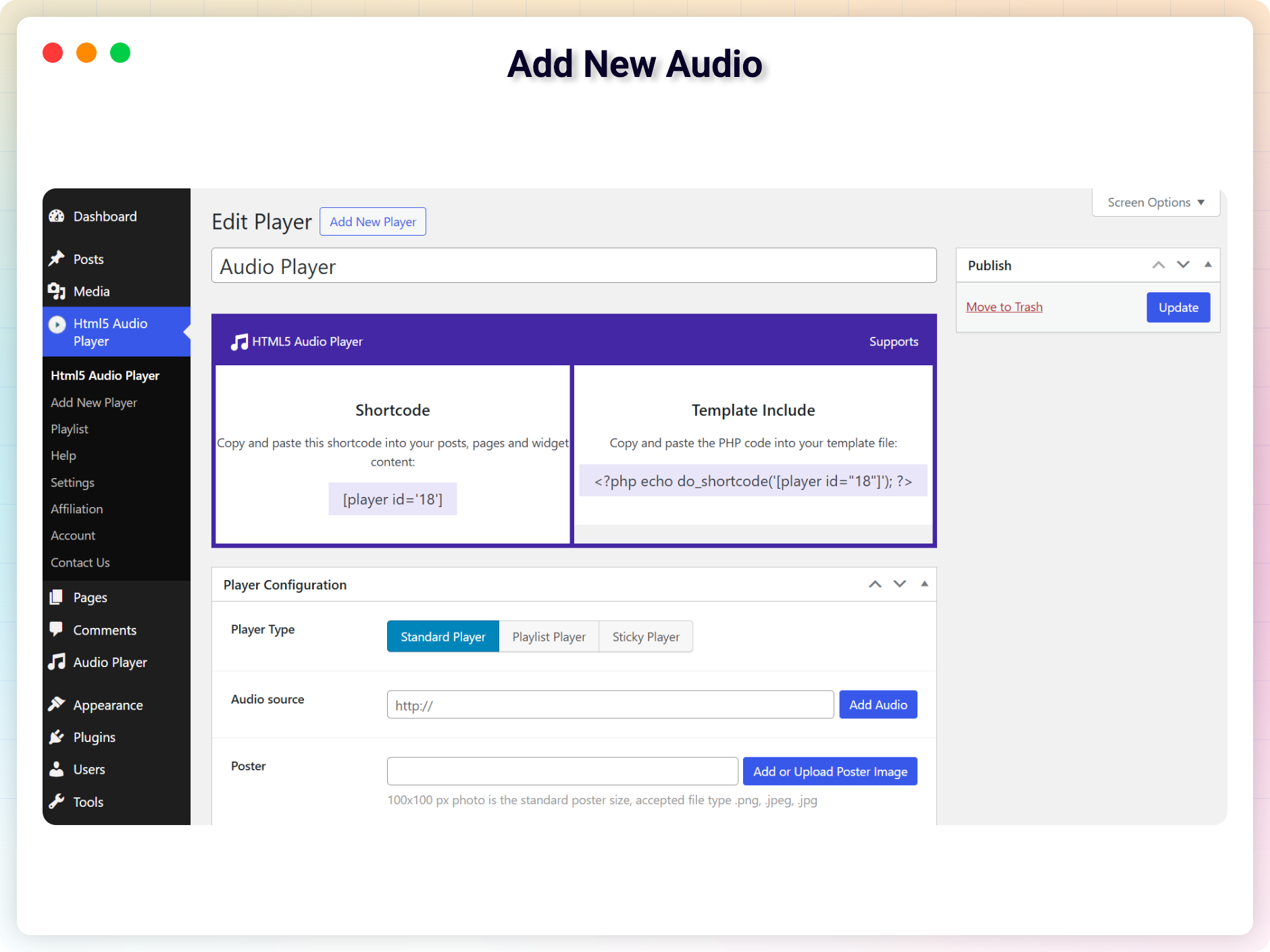
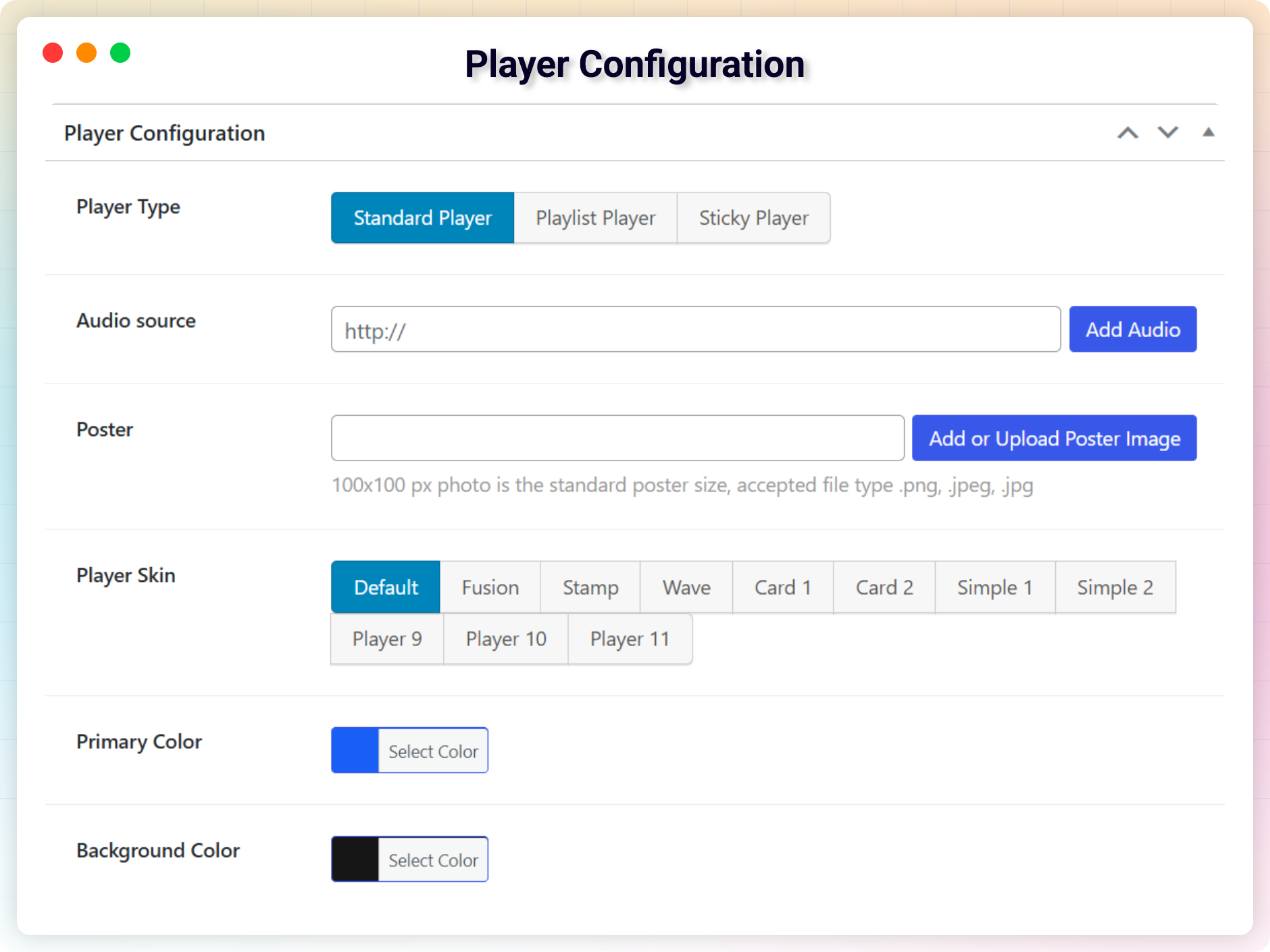
After installation, you can see a sidebar menu in the dashboard called 'Html5 Audio Player'. Add one or more players from there. You will get Shortcode for every player on the player list. Copy the Shortcode for the player you want to publish. Paste the shortcode in post, page, widget areas to publish them. If you want to publish a player in a template file, use the shortcode there. Enjoy!
What are the features of the audio player?
The features of the audio player include: embedding audio player in the post, page, widget area, and theme templates; compact size to save webpage space; support for playing inline; customizable controls; shortcode driven for more power; easy to use for all users; HTML5 compatible for playing on iOS devices; works on all major browsers; responsive design; suitable for podcasting and selling audio files; autoplay option available; ability to specify both mp3 and ogg versions of audio files; and lightweight.
What are the features of the Pro version?
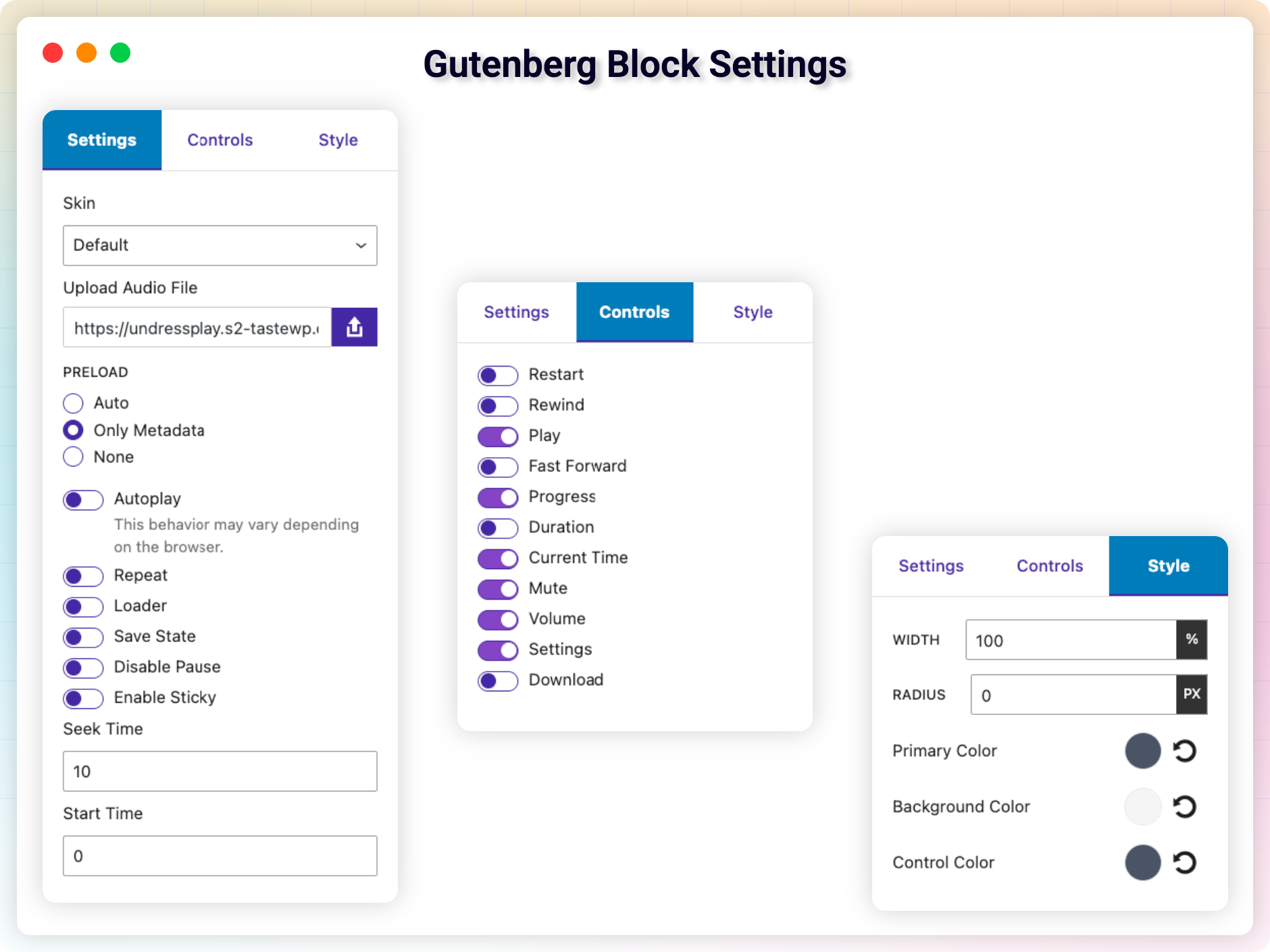
The Pro version features include: color changing options; fast forward and rewind button; options to change preload settings and increase page load speed; no ads; options to hide/show restart, download, play, progress bar, audio duration, mute, volume control, and settings buttons; control of audio speed; player with single play button.
How do I use the audio player in Gutenberg?
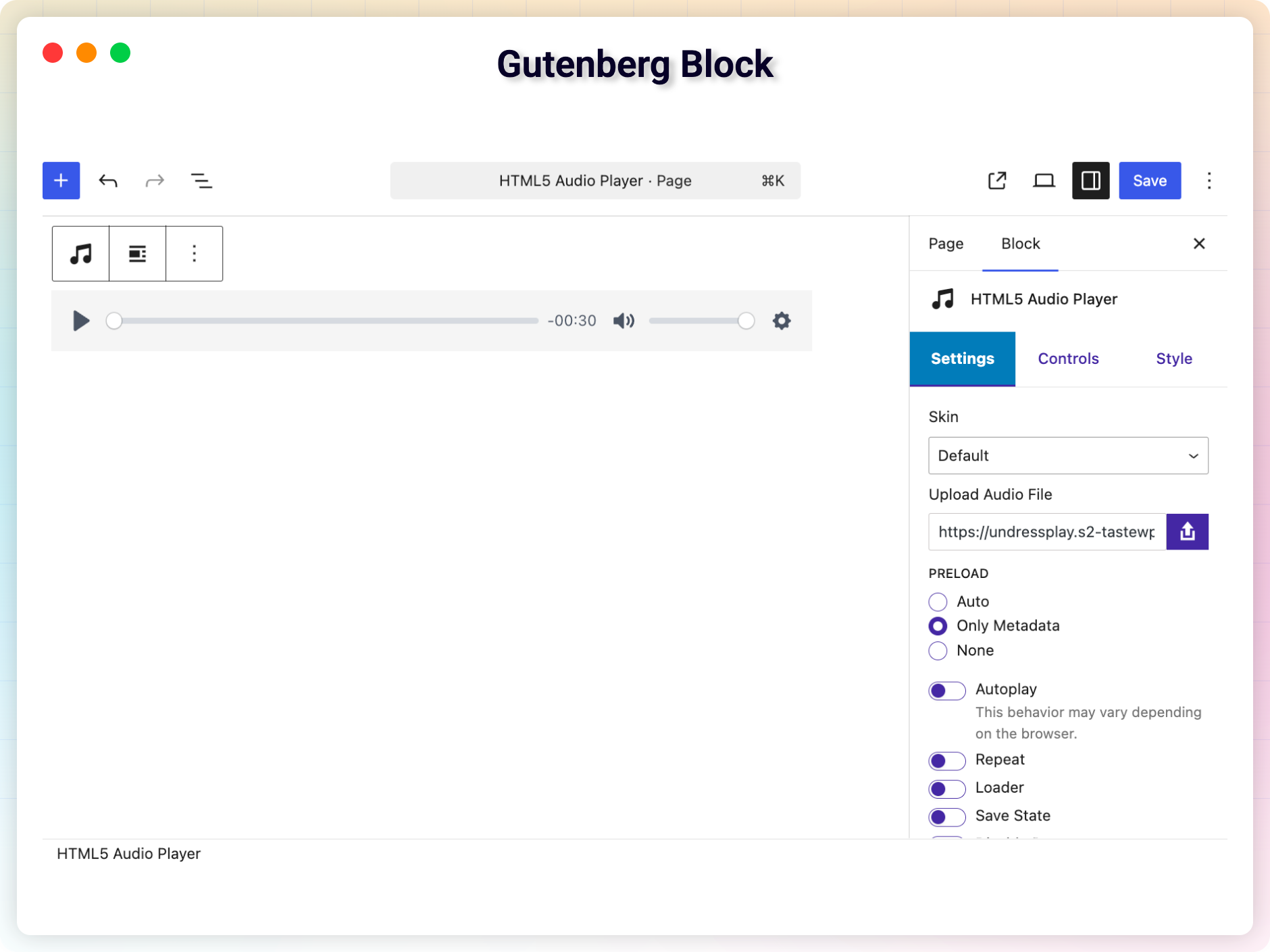
To use the audio player in Gutenberg, follow these steps: 1. Go to your WordPress Admin interface and open a post or page editor. 2. Click the plus button in the top left corner or in the body of the post/page. 3. Search or see in the Common Block Category and select Html5 Audio Player. 4. Click the icon to add it. 5. Select a player. 6. Publish and enjoy!
How can I provide feedback on the plugin?
If you liked the plugin or have any feedback or feature requests, you can send an email to [email protected].
Changelog
2.2.28 – 27 Jan, 2025
- Update: Update Freemius WordPress SDK
2.2.27 – 20 Dec, 2024
- Fixed: Elementor Can’t Edit (Undefined Elementor Color Schema)
2.2.26 – 26 Nov, 2024
- Fixed: Undefined array key “primary”
2.2.25 – 18 Aug, 2024
- Fixed: High Memory Usage
- Fixed: Preset color does apply on Gutenberg blocks
2.2.24 – 25 June, 2024
- Fixed: Patchstack Vulnerability
2.2.23 – 15 May, 2024
- Fixed: Double player issue
2.2.22 – 9 May, 2024
- Feature: Enable/Disable Loader
- Fixed: audio doesn’t play old (before 2018) iOS devices.
- Feature: Set start time (premium)
2.2.19 – 3 Feb, 2024
- Fixed: m4a issue in safari
2.2.18 – 27 Jan, 2024
- Feature: Quick Player / New Shortcode Added
- Fixed: Deprecated: Creation of dynamic property
2.2.17 – 4 Dec, 2023
- Fixed: File does not exist
2.2.16 – 22 Nov, 2023
- Fixed: default player not working
2.2.14 – 25 Sep, 2023
- Fixed: call to undefined function str_contains
2.2.13 – 20 Sep, 2023
- Fixed: Deprecated error from Codester
2.2.12 – 18 Sep, 2023
- Option to set initial volume in Elementor addon
2.1.10
- Elementor Addons Added
- Gutenberg Block Added
2.1.5
- solve audio player duration stuck issue
1.3
- Enabled Direct file download with the original file name.
- Fix a minor issue
- Improved performance
1.2
- Add support for Gutenberg Block
1.1
- fix player position issue
- Change player skin to modern one.
- improved performance
1.0
- Initial Release

