

Improve your WordPress SEO: Write better content and have a fully optimized WordPress site using the Yoast SEO…
About Gutenverse Form – Contact Form Builder, Booking, Reservation, Subscribe for Block Editor
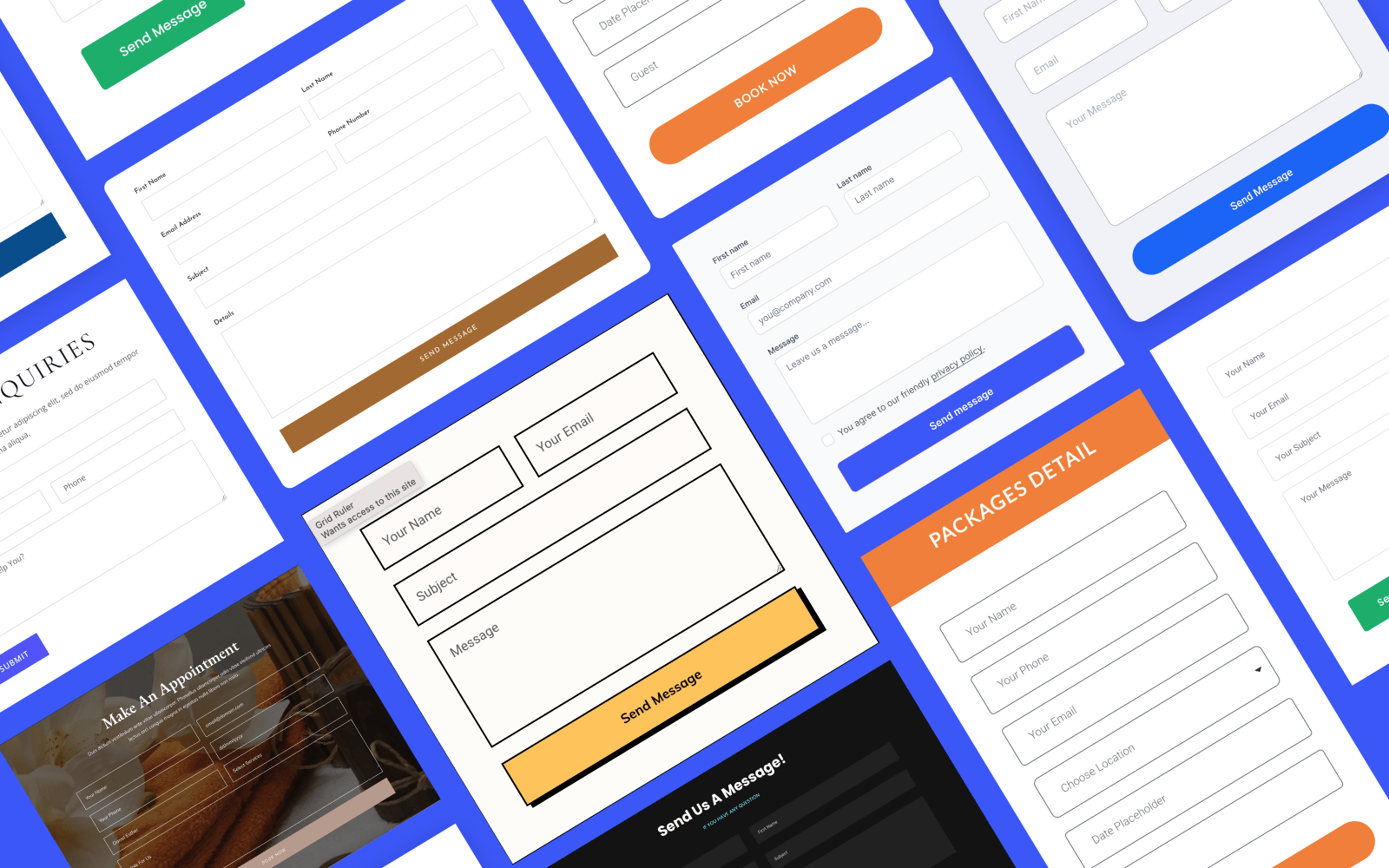
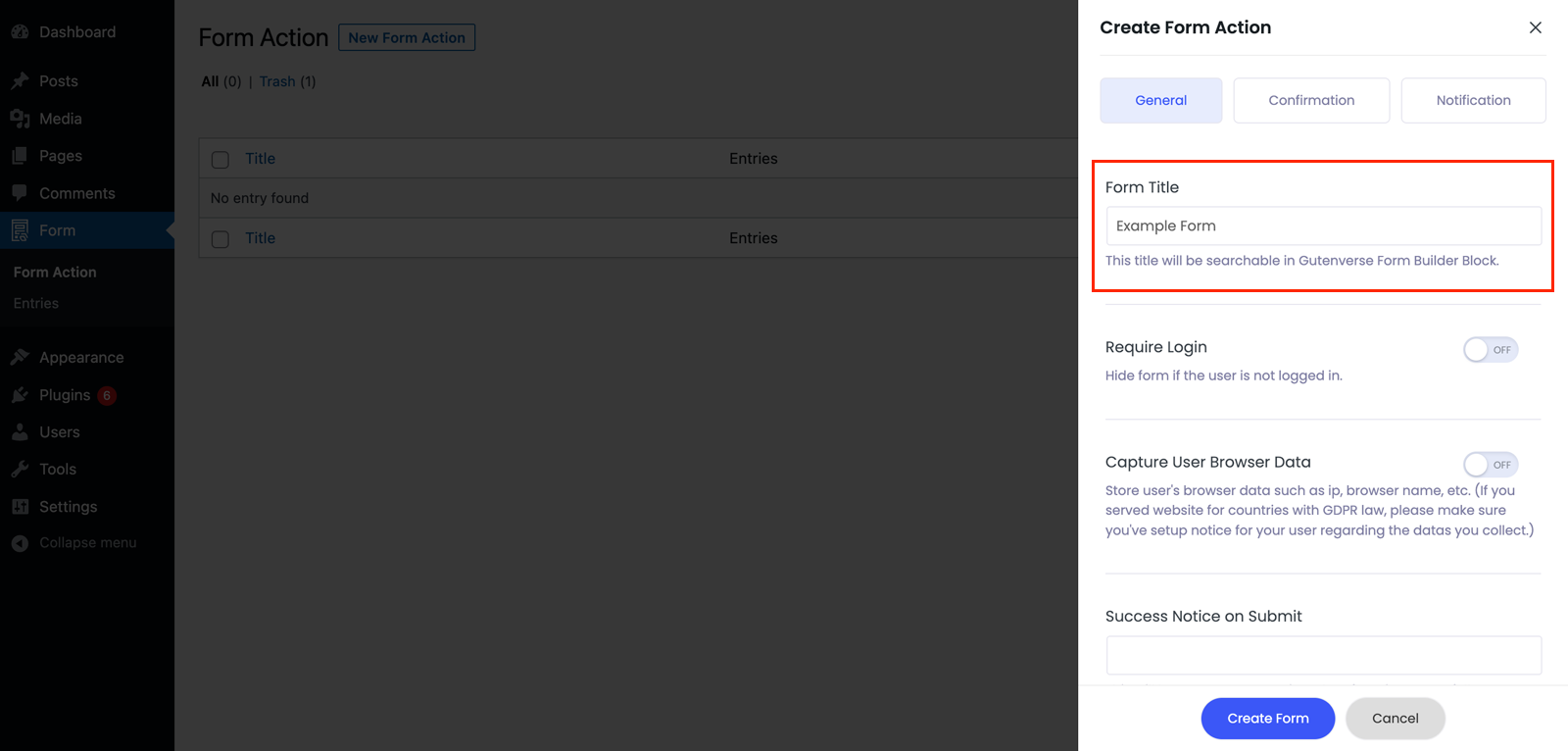
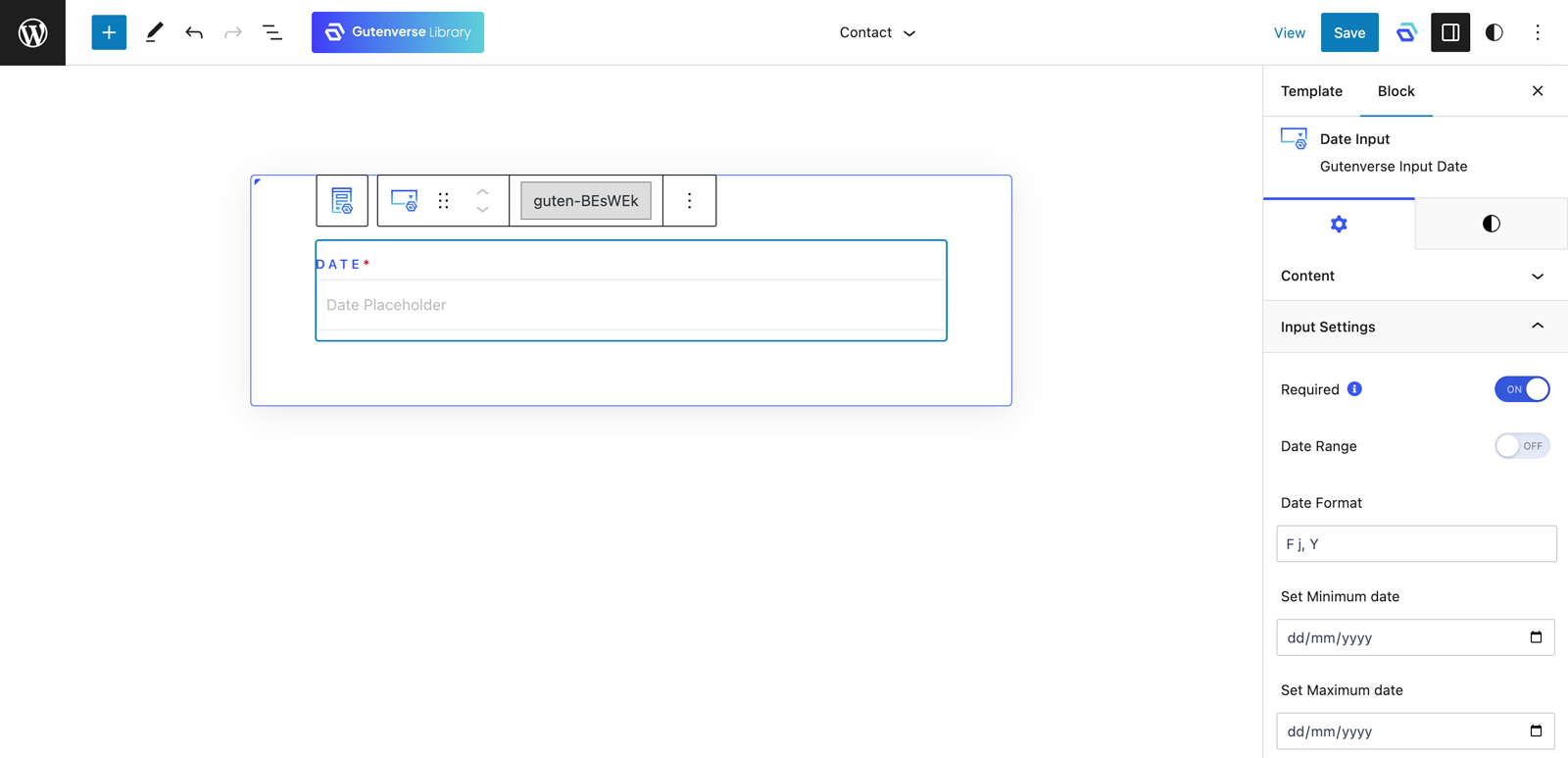
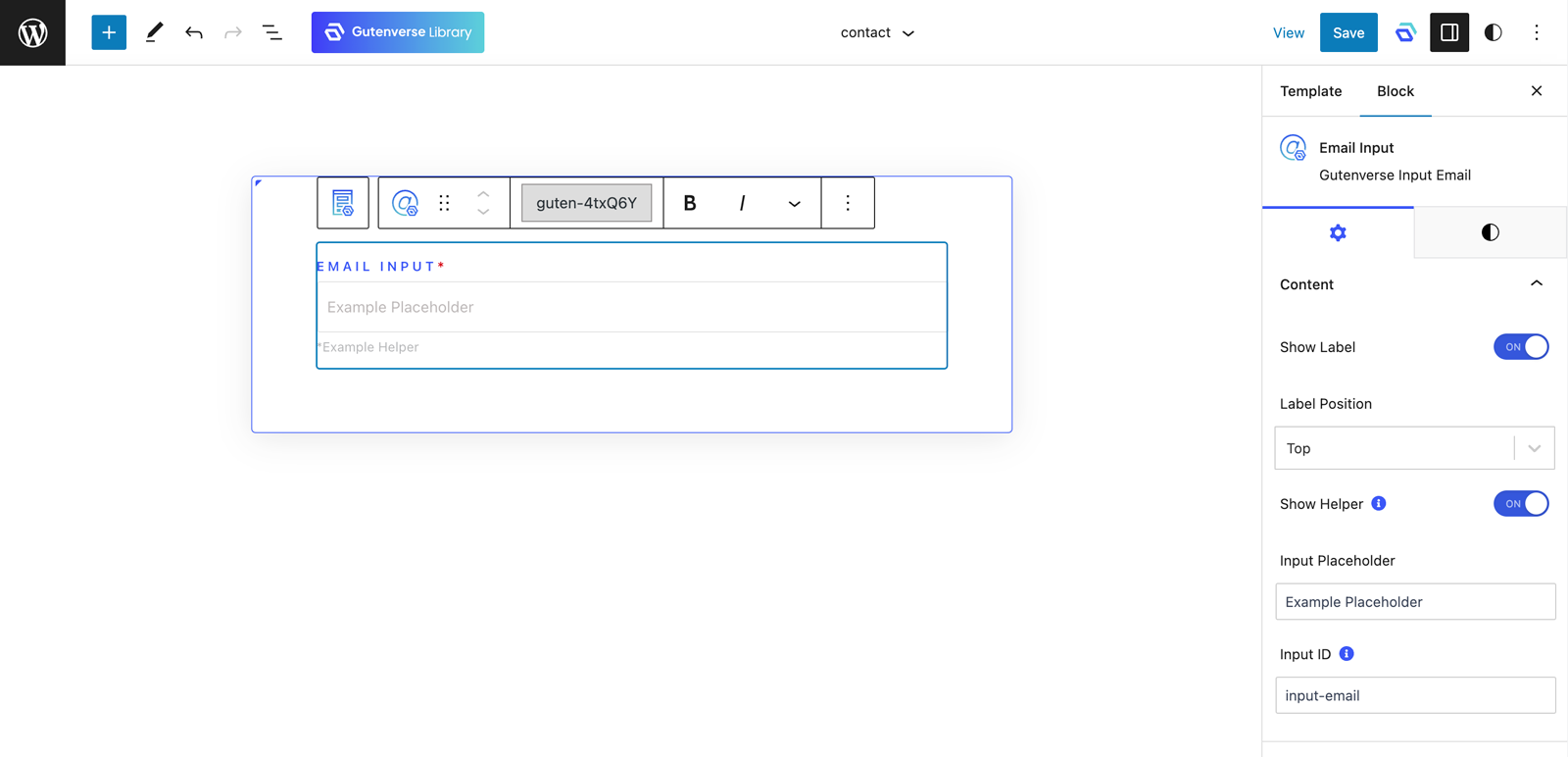
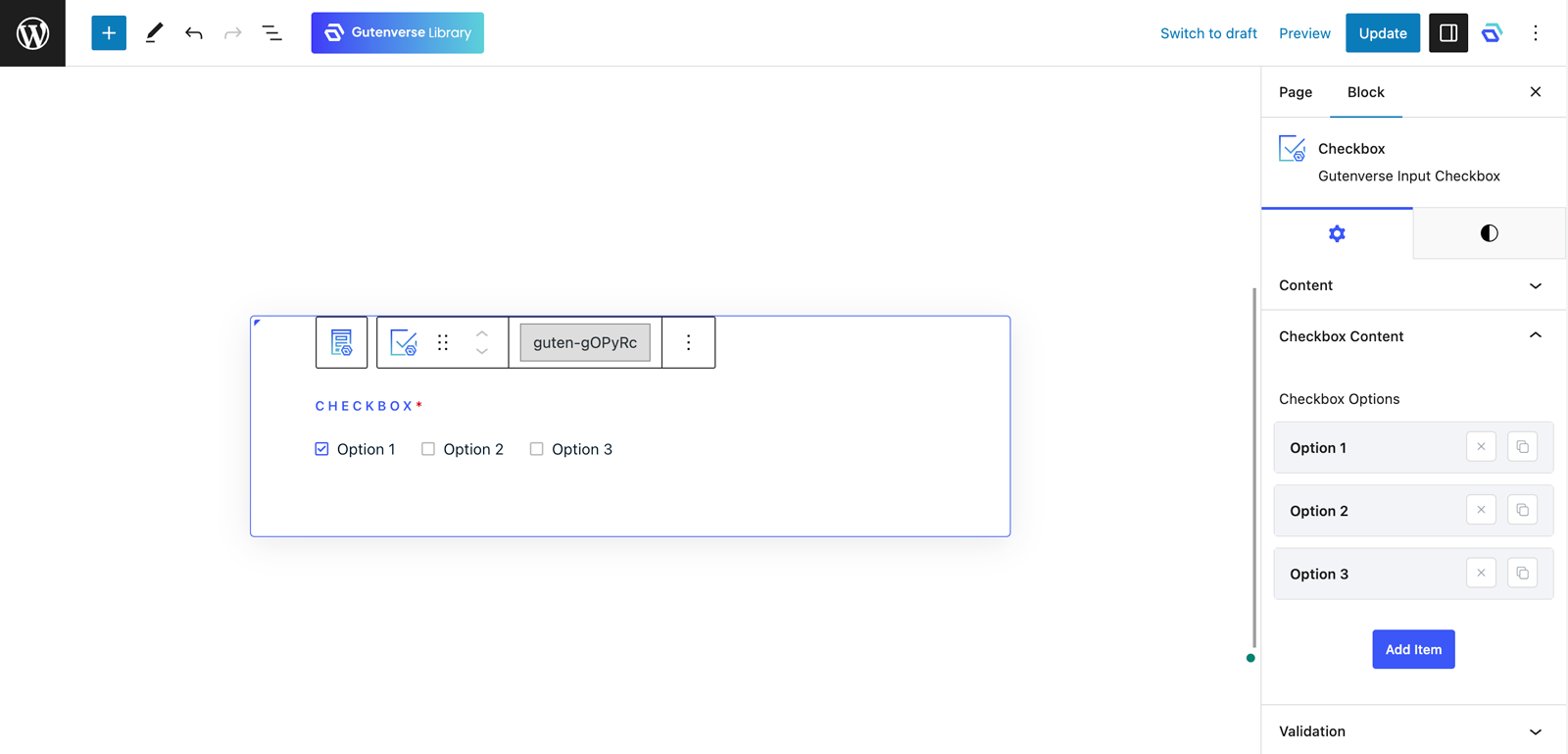
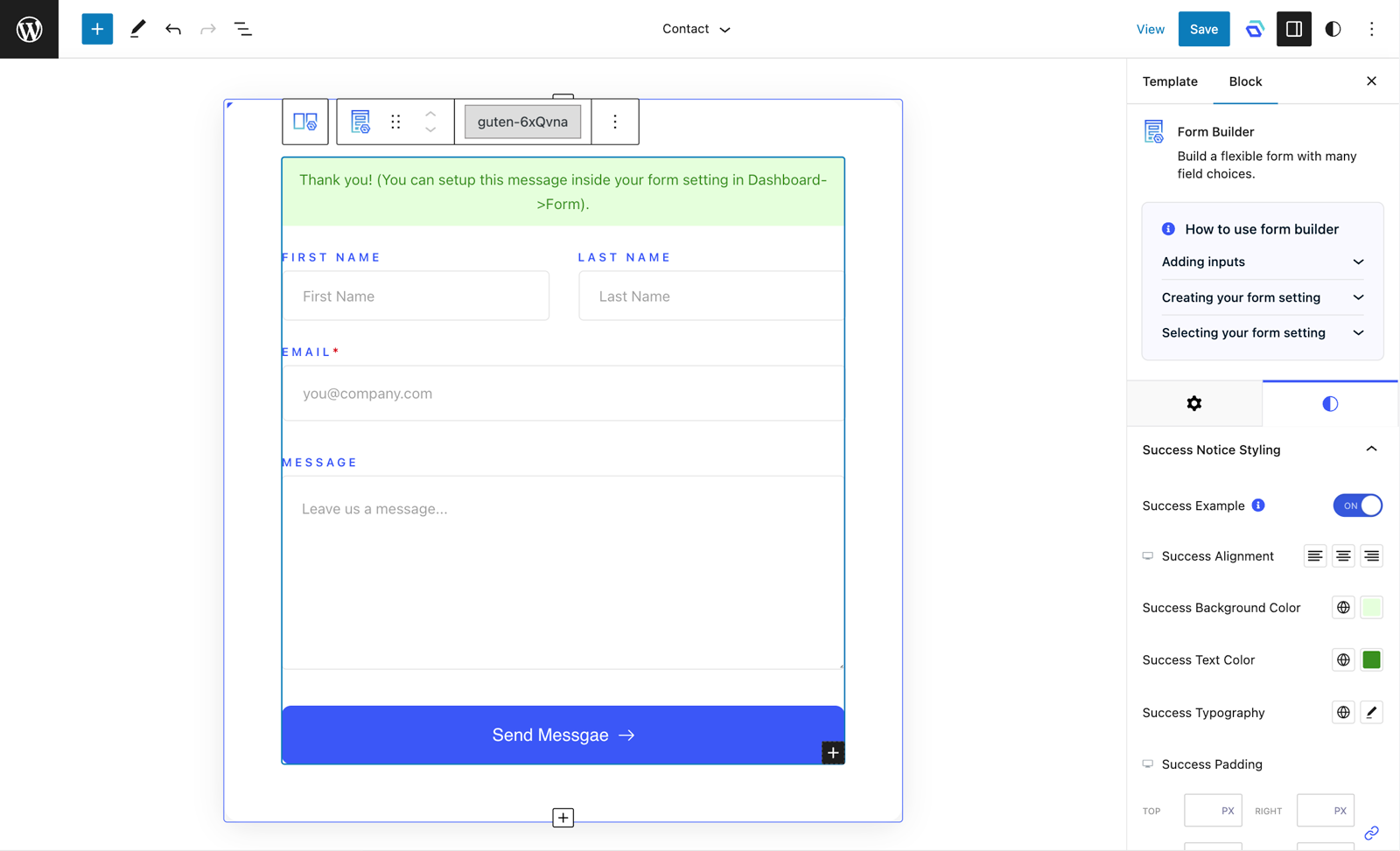
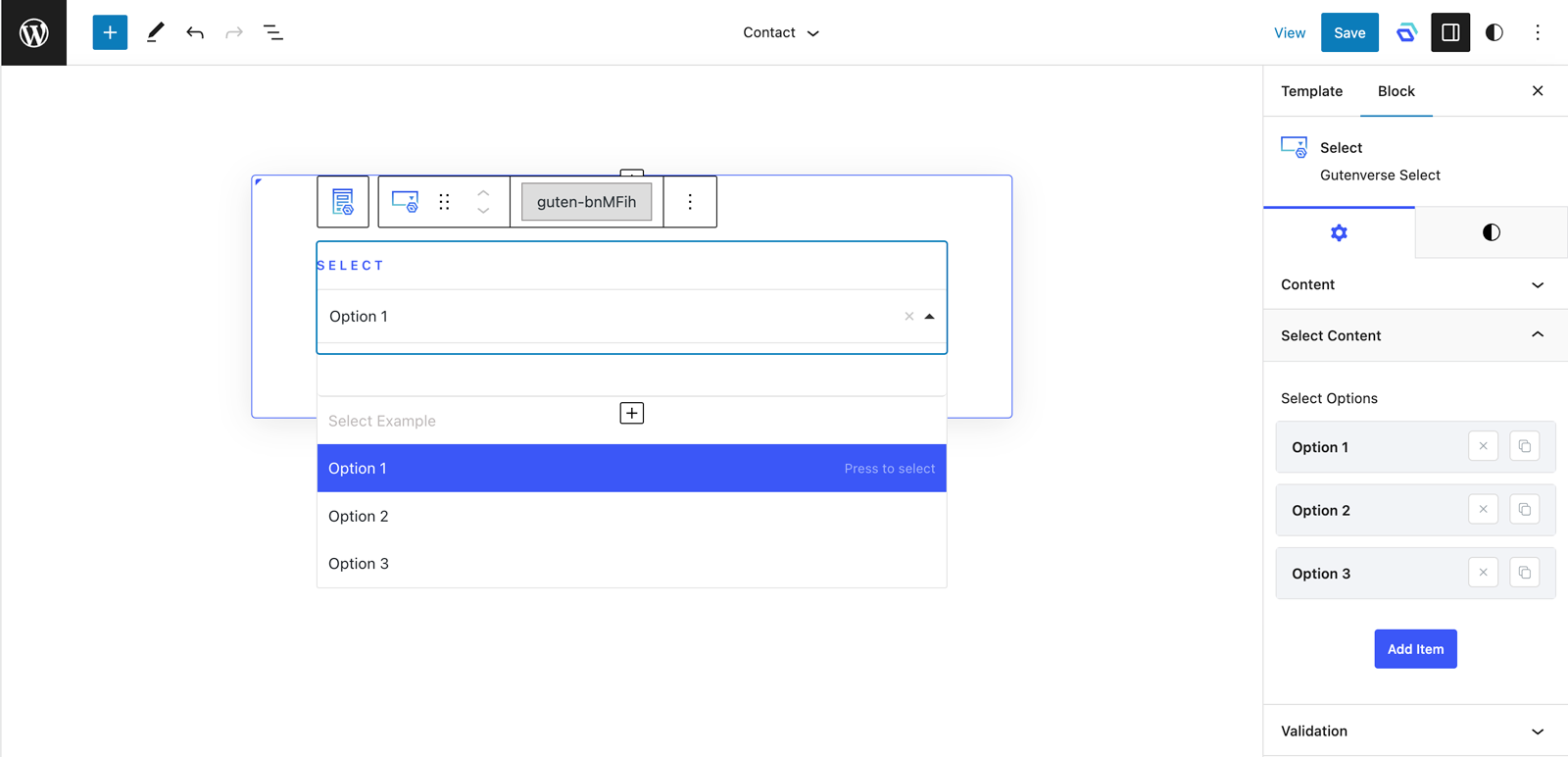
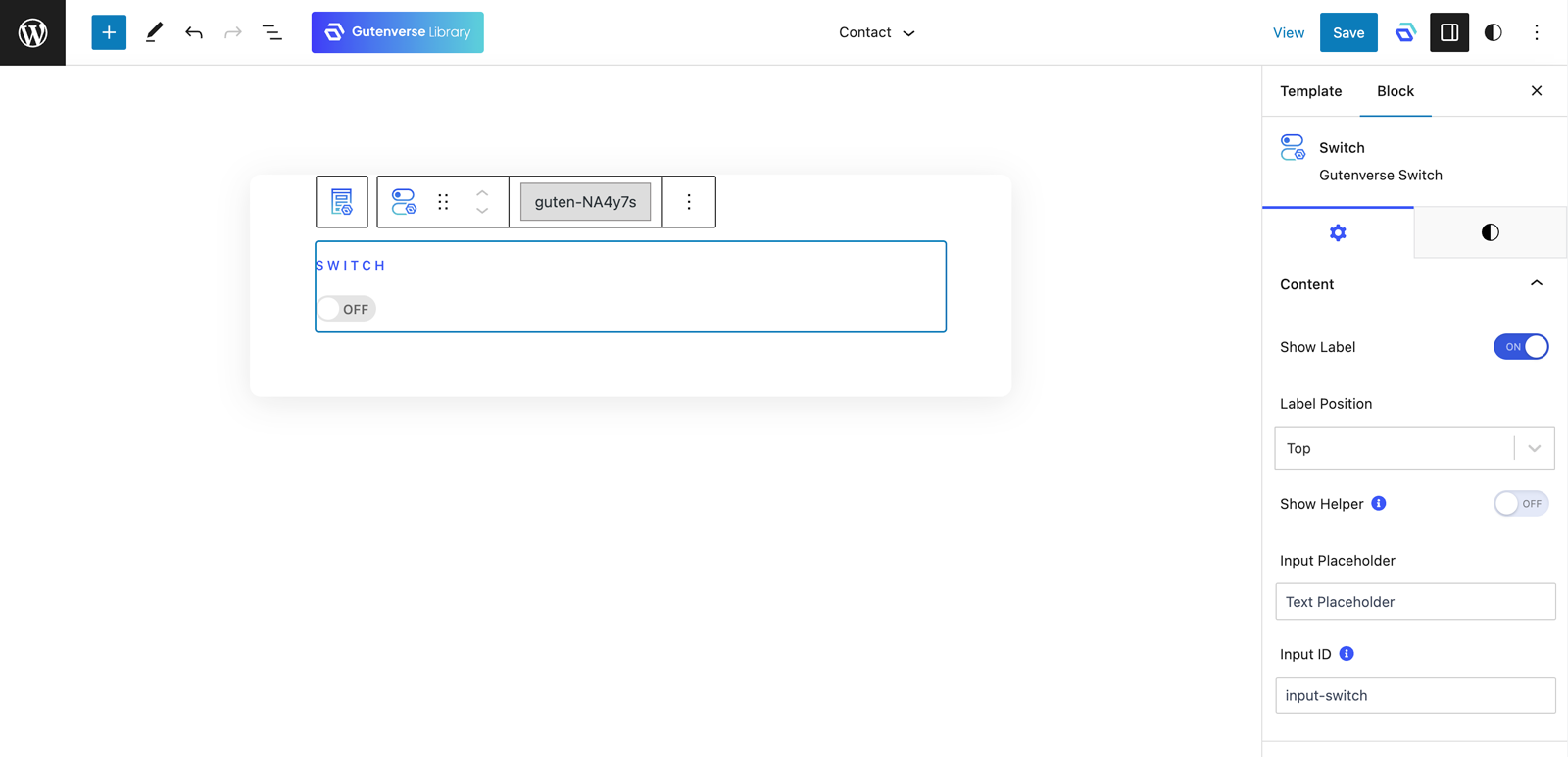
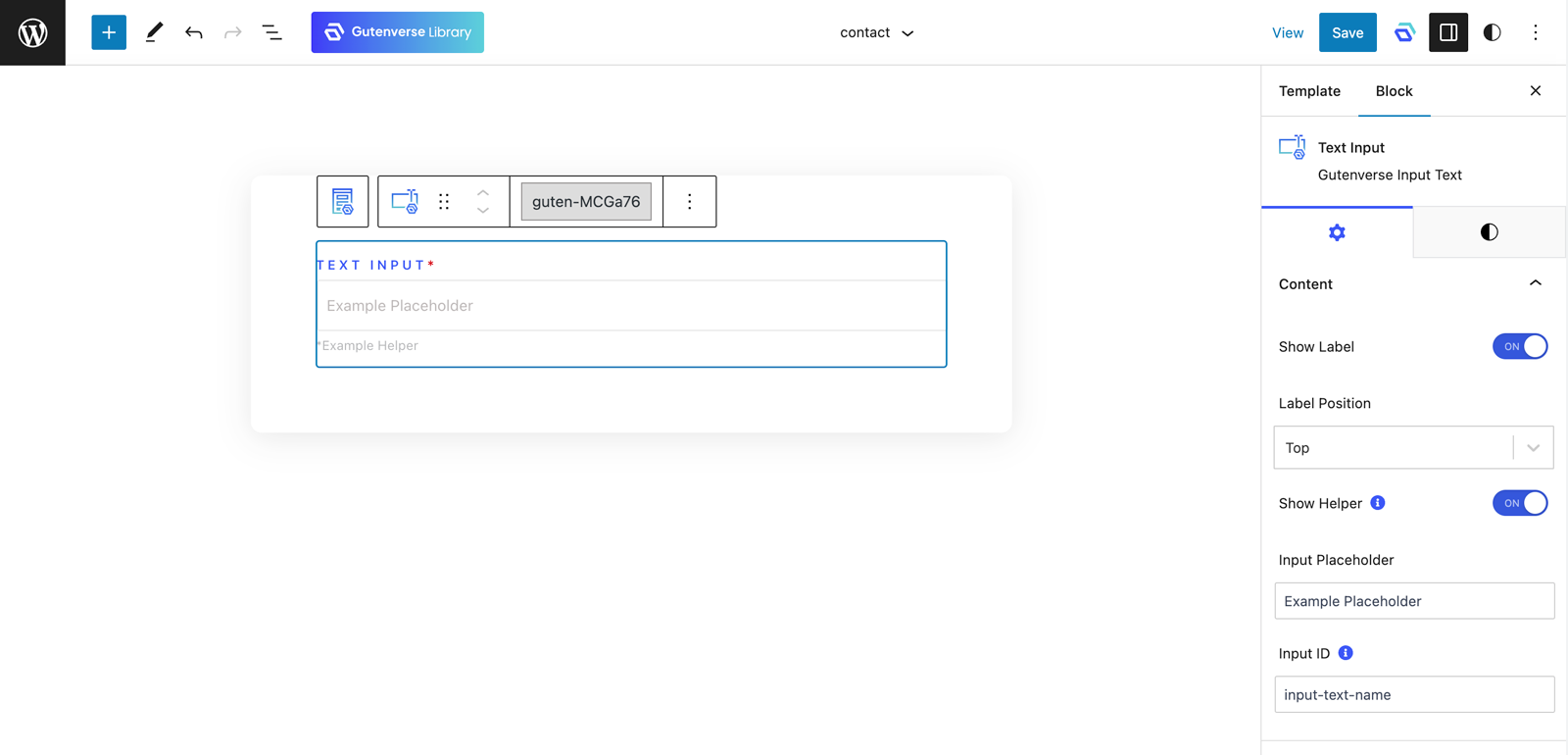
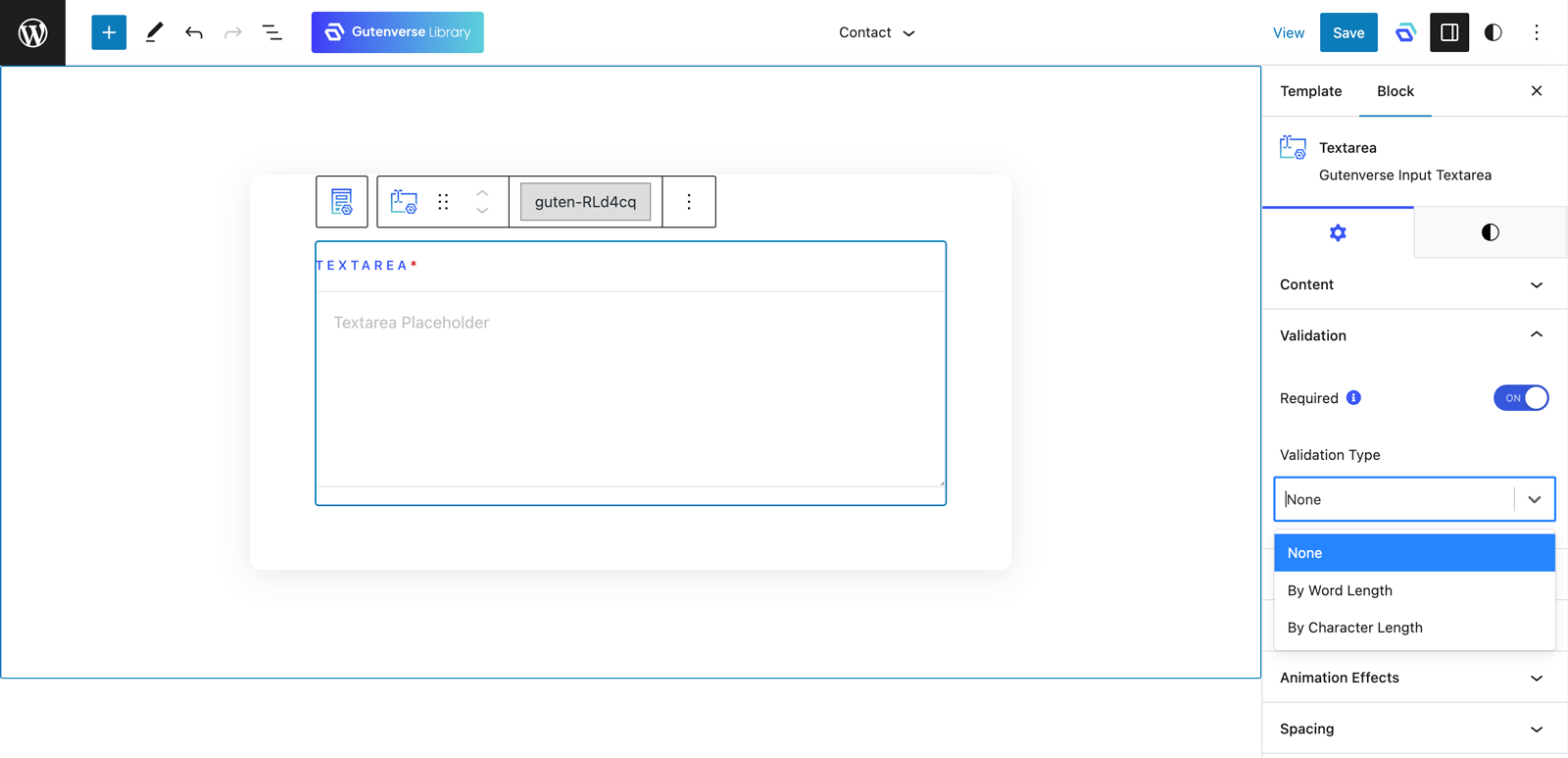
Gutenverse Form is a plugin that enhances the Gutenberg Block Editor for creating forms on your WordPress website. It offers over 15 free form blocks, advanced styling options, and responsive editing for a seamless user experience. You can also explore the Gutenverse Theme collection for pre-designed layouts that integrate seamlessly with Gutenverse Form.Screenshots


Frequently asked questions
What is Gutenverse Form?
Gutenverse Form is a lightweight WordPress plugin that enhances the Gutenberg Block Editor and WordPress Full Site Editor. It allows users to create various forms, including contact, booking, and reservation forms.
What features does Gutenverse Form offer?
Gutenverse Form provides over 15 free form block elements, animation effects, display management options, and advanced styling capabilities. It also supports multi-step forms, conditional logic, and payment integration.
Is Gutenverse Form compatible with other WordPress themes?
Gutenverse Form is fully compatible with the Gutenberg Block Editor and Site Editor. It integrates seamlessly with a dedicated WordPress theme that comes with pre-designed layouts and flexible settings.
Does Gutenverse Form offer a PRO version?
Yes, users can unlock additional features needed to create their website with Gutenverse PRO. The plugin aims to boost productivity and offers responsive form editing.
How does Gutenverse Form impact website performance?
Gutenverse Form optimizes code flow for a faster and smoother form creation process, resulting in a lighter website. It is designed for high-speed performance, claiming loading speeds twice as fast as other form builders.
Changelog
1.1.9
New & Improvements
- improve typing experience in rich-text blocks
Bug Fixes
- fix transform scaleX hover
1.1.8
New & Improvements
- add background slide in section
Bug Fixes
- fix column horizontal and vertical alignment responsive in editor
1.1.7
Bug Fixes
- fix issue with text based blocks
1.1.6
Improvements
- update Google Font list
- add featured image as background
- include padding style to chevron down icon in select
Bug Fixes
- fix issue when adding column on section with empty column
- fix refreshing style function
- fix library plugin requirement in multisite
1.1.5
Bug Fixes
- Fix sticky & vertical align issue on wrapped column 100%
1.1.4
Improvements
- Improve Blocks Loading inside editor
- Add option in dashboard to enable/disable lazy load blocks in editor
Bug Fixes
- Fix sticky & vertical align issue
1.1.3
New
- Add new GDPR input block
Bug Fixes
- Fix animation effect on frontend
- Fix section vertical-align when column position stretch
- Fix section “fixed background” responsive on frontend
1.1.2
Improvements
- Improve banner experience
1.1.1
Improvements
- Improve banner experience
1.1.0
Bug Fixes
- Fix warning issue related to global fonts when certain values are empty
1.0.9
Bug Fixes
- Fix appearance menu for some themes
1.0.8
Bug Fixes
- Fix issue with scrolling when url has no anchor tag
- Fix issue with opening link in flexible wrapper
1.0.7
Bug Fix
- Fix issue with system status on sites using WP Engine
1.0.6
Improvements
- Update core version
1.0.5
Improvements
- Improve blocks loading inside editor
1.0.4
Bug Fixes
- Fix issue if there is no form action assigned
1.0.3
Improvements
- Fix issue if form builder is inside pattern
1.0.2
Improvements
- Add better phone pattern
Bug Fixes
- Fix issue with default number pattern
1.0.1
Improvements
- Update core framework
Bug Fixes
- Fix form builder notice styling
- Fix issue with form builder in template part
- Fix exported form CSV for entry layout is broken in some cases
- Fix issue with styling on frontend
1.0.0
New
- Add new ability to copy styles between blocks
- Add new block: Flexible Wrapper block
0.6.0
- Fix compatibility with WordPress version 6.6
0.5.1
- Initial Release

