

Enables the previous "classic" editor and the old-style Edit Post screen with TinyMCE, Meta Boxes, etc. Supports all…
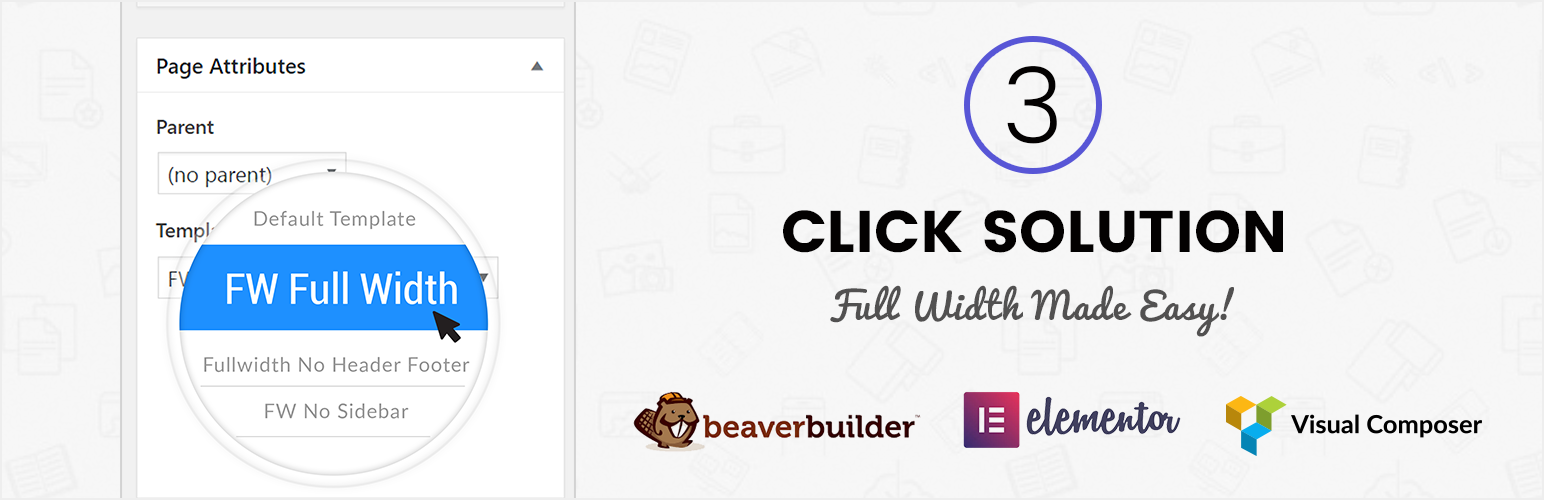
About Fullwidth Templates for Any Theme & Page Builder
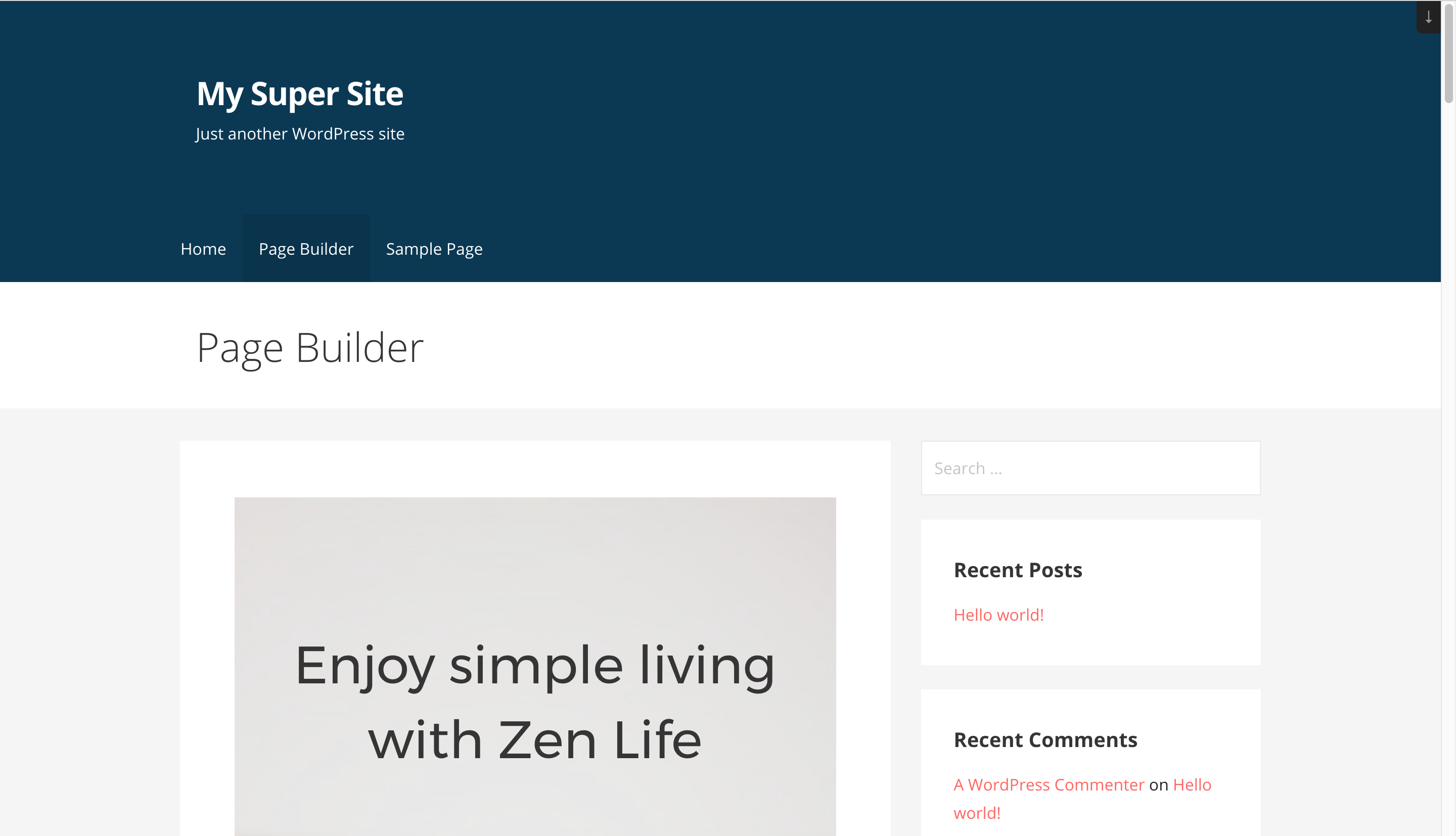
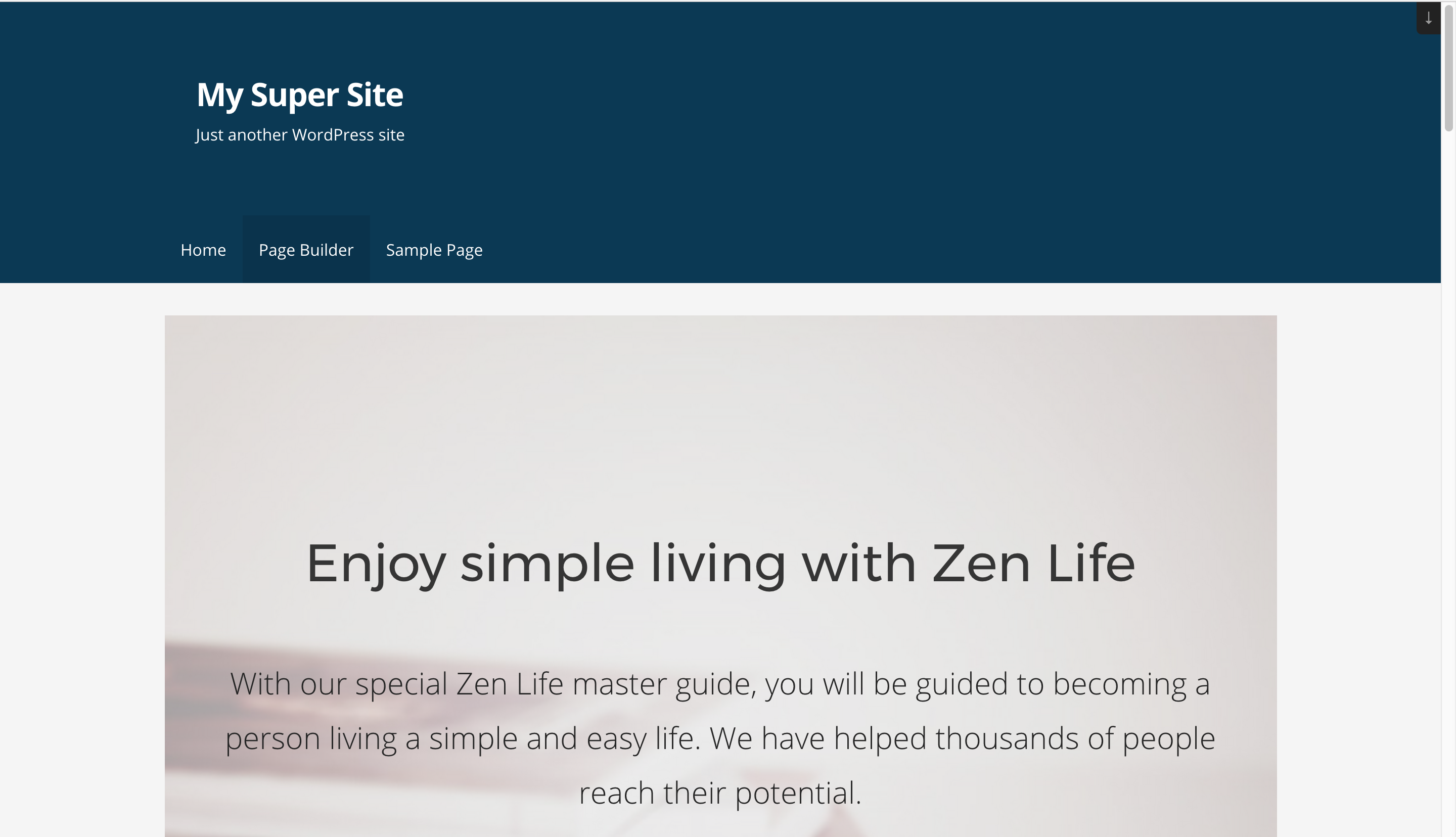
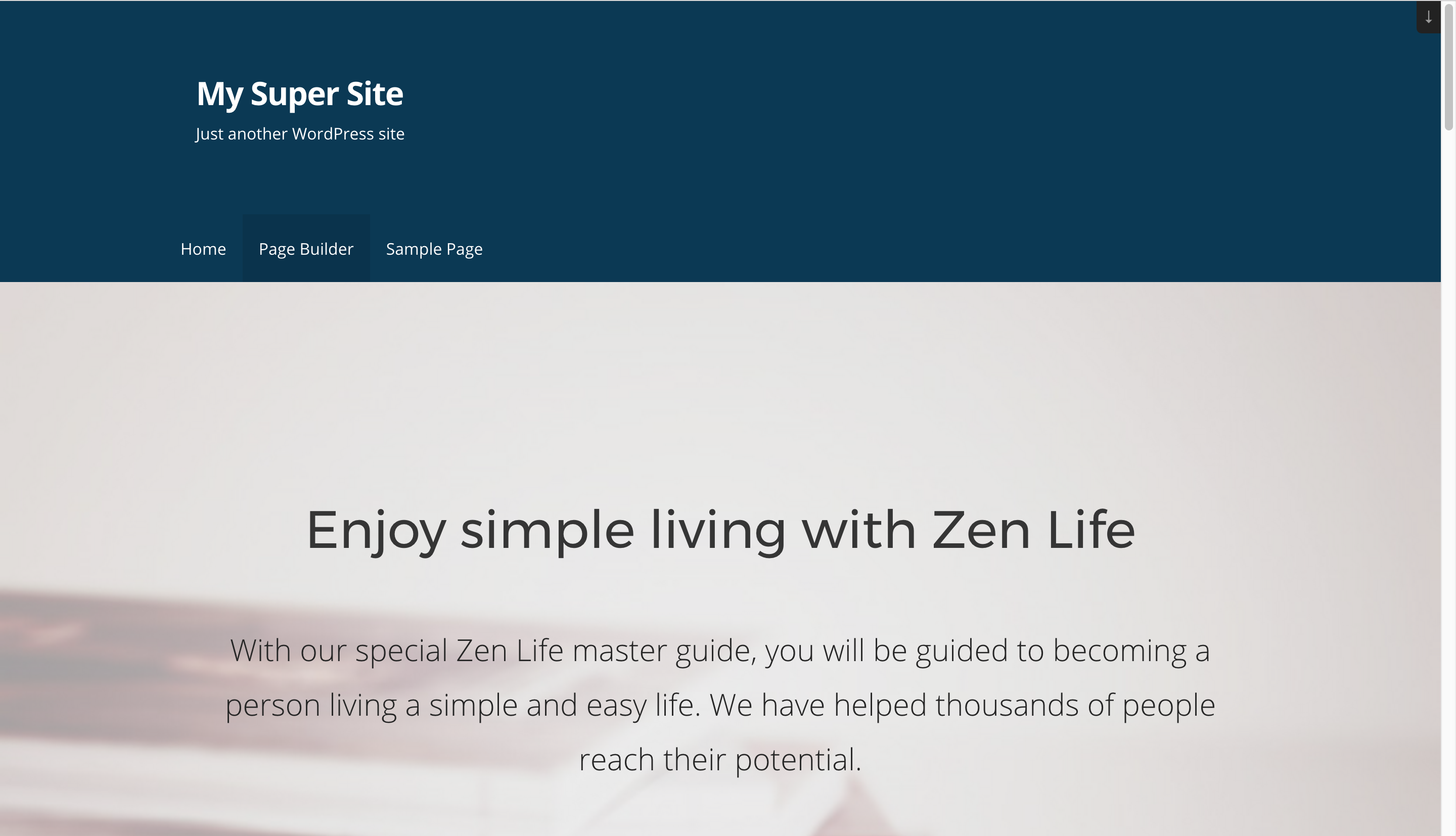
This plugin adds full width page templates to your website, allowing you to design beautiful layouts with page builders like Beaver Builder or Elementor. It offers three template options: a blank template without header or footer for landing pages, a full width template that stretches the layout to full width, and a no sidebar template. The plugin is supported and actively developed, and works with popular themes like Genesis Framework, Primer Theme, and Twenty Sixteen.Screenshots


Frequently asked questions
Does your theme offer full width page templates?
Yes, this plugin adds Fullwidth Page Templates to overcome the limitations of themes that do not offer full width page templates.
What are the benefits of using the Full Width Template?
The Full Width Template removes the sidebar, page title, and comments, and stretches the layout to full width. This is ideal if you're using a Page Builder.
What is the Blank Template used for?
The Blank Template removes the header, footer, sidebar, comments, and title, leaving you with a plain canvas. It is perfect for landing pages where you need complete control over your layout.
What is the No Sidebar Template used for?
The No Sidebar Template just removes the sidebar, while the rest of the layout and styling remains intact. It is perfect if your theme does not have a No Sidebar option.
Is the plugin compatible with all themes?
The plugin works on most themes, but there might be some themes where it does not work due to layout structure. If you encounter any issues, you can open an issue on GitHub or send a pull request to add compatibility with your theme.
Changelog
1.1.1
- Fix: Fixed compatibility with other plugins with respect to the admin notice.
1.1.0
- New: Users can now share non-personal usage data to help us test and develop better products. ( Know More )
1.0.3
- Make the plugin translation compatible.
1.0.2
- Prevent direct access to php files.
- Prevent direct access to directories.
- i18n: Load plugin translations.
- i18n: Use translation function for text strings.
1.0.1
- New: Support for storefront theme.
- New: Support Custom Post types created by plugin Custom Post Type UI.
1.0.0
- Initial Release
